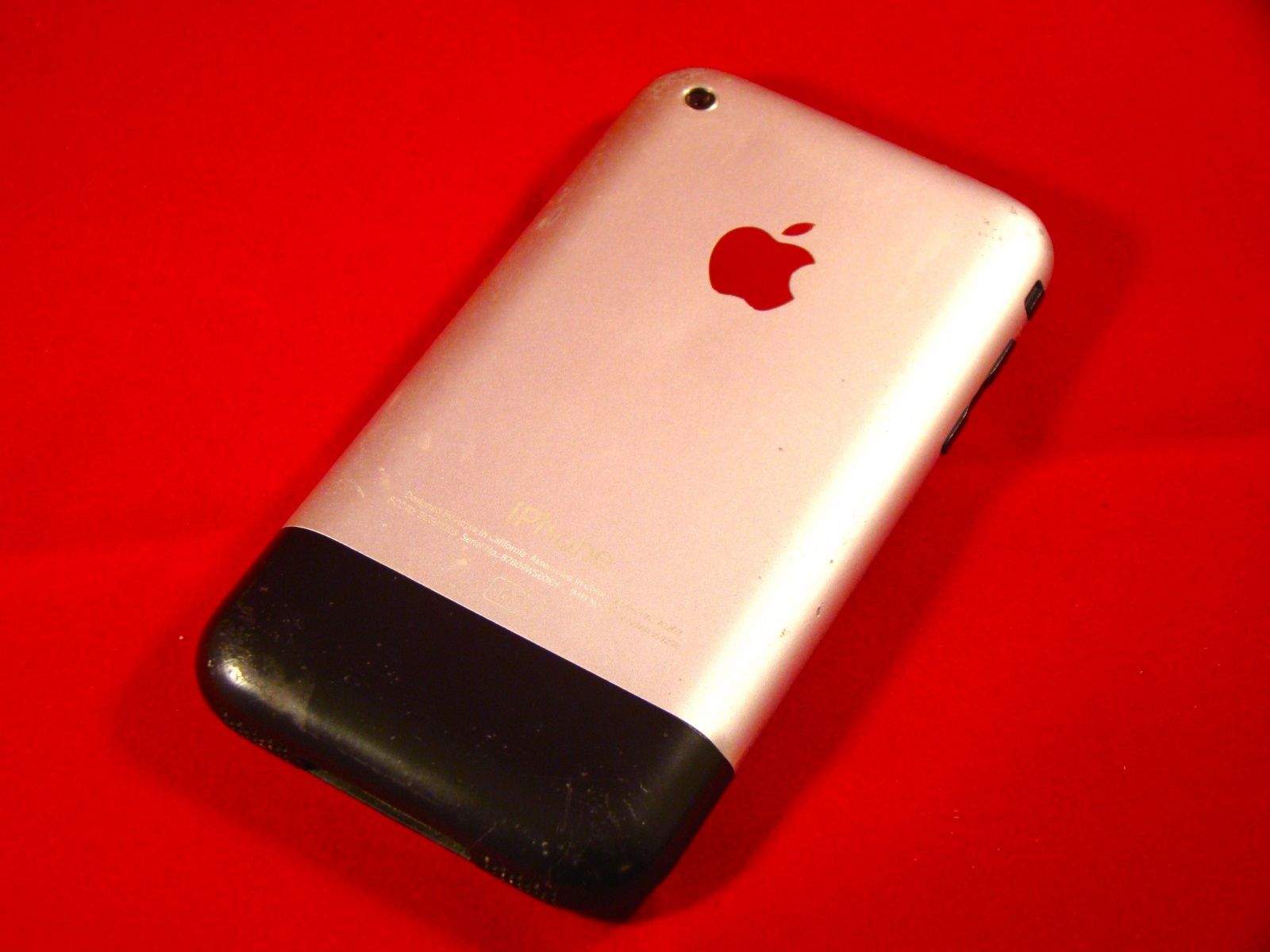
If you’re like me, you’ve got a junk bin full of old technology. It’s just the way we’re made; there’s nothing better than sifting through the detritus of technology that you loved.
I’ve traded in my iPhone for the last five generations, from the iPhone 3G to the iPhone 5, or passed them along to my kids or significant others. The first generation iPhone, however, was something special, so I kept it.
As I was looking for ways to let my daughter listen to music at night without the temptation (or networked connection) of her more modern mobile phone, I chanced upon this lovely little rounded gadget from 2007 in the plastic bin I lovingly refer to as my Dead Technology Museum.
I figured I’d add some music to the thing, and that would be that. But the more time I spent messing around with it, I realized that I could make it into a pretty great little device; even though it pales in comparison with the iPhone 6, there’s still plenty of use in this baby.
Here are seven things, then, that you can do with your own old iPhone to make it just a bit more useful, whether it’s an original iPhone or an even more modern model. If you’re looking for inspiration, check out these old iPhone uses.
Play that funky music, iPhone
The most obvious thing to do with an old iPhone is to load music onto it. If you’ve got iTunes set up with a bunch of MP3s already, that makes this super easy.
Simply connect your old iPhone to your Mac with a 30-pin USB cable, which you can grab for six bucks over on Amazon if you’ve lost yours. Your Mac, even a brand new one with OS X Yosemite on it, will sync with the iPhone. You can drag and drop any music from iTunes to the iPhone icon itself, or just click the little Sync Music checkbox in the iPod tab over on the left (which will show up when you connect the iPhone).
I’ve got a bunch of music my daughter likes, so this was a simple solution. Now she’s got eight hours of tunes to fall asleep to. Unfortunately, the iPhone’s Bluetooth wasn’t able to sync to the speakers we have in the house, so we had to use an audio cable to connect the device to her little boom box. It’s possible that older speakers will work; you’ll have to try a few to make sure.
Time has come today
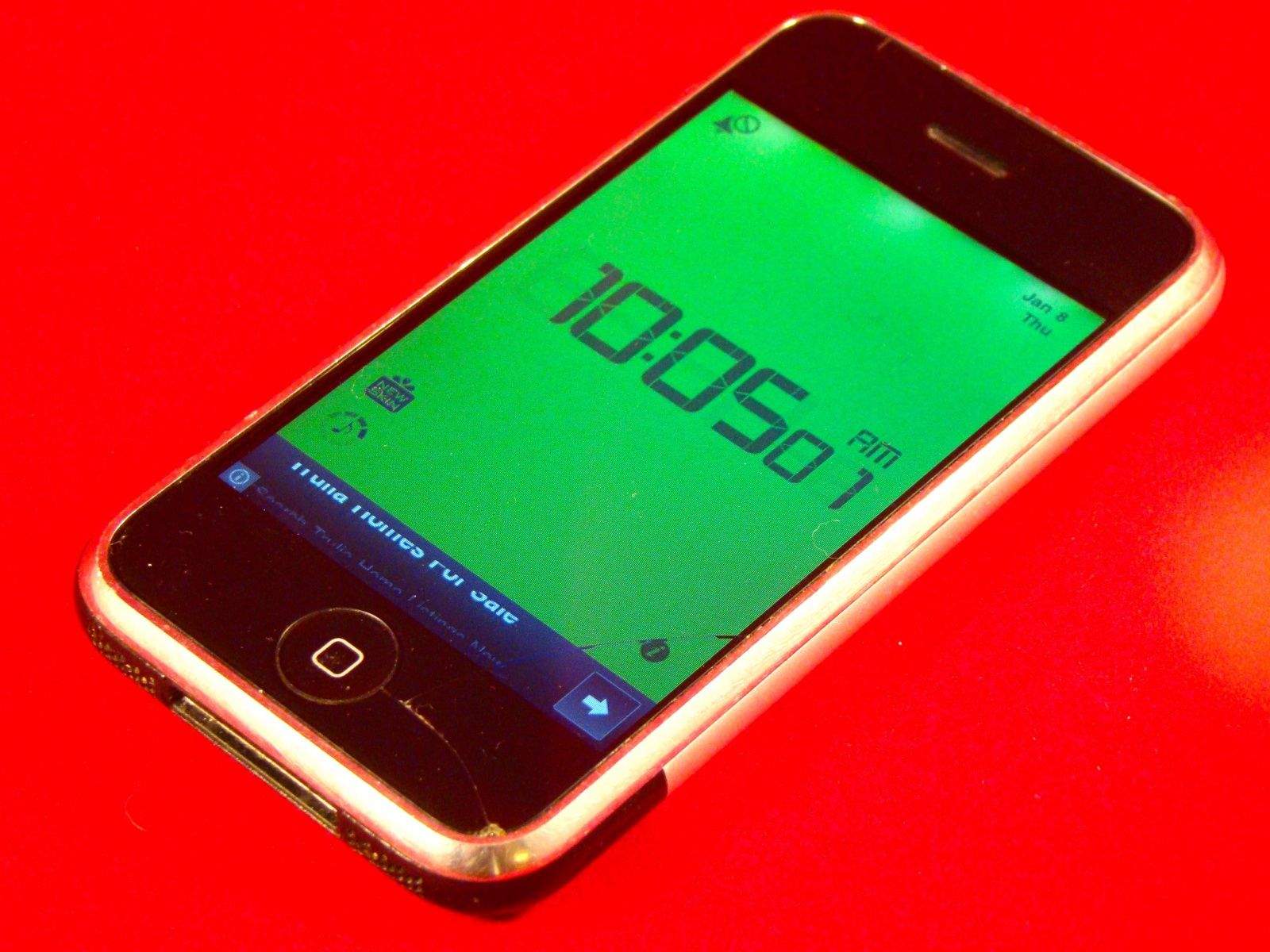
Photo: Rob LeFebvre/Cult of Mac
Another fairly simple way to breathe new life into that older device is to use it as an alarm clock. You can use the built-in Clock app that comes on the iPhone to set an alarm, but that’s way too basic; we wanted an app with a few more features.
The alarm app that I found to work on iOS 3.1.3 is Alarm Clock Plus Free. Not only does it work on this old iPhone, but it’s free, as you can tell from the title. It has two different clock faces, a bright green and more night-friendly blue, and it’s simple to set and use.
Now my daughter can wake up to the various alarm clock sounds, like Birds, Clarinet, or Music Box, among many others. If you pay $1.99 you can even have the alarm play songs from the iPod app, something the built in clock in iOS can’t do.
Reading is fundamental
My daughter loves to both read and listen to books. I figured grabbing a couple of apps to do just that would make this old iPhone just that much more appealing to her.
Audiobook Player – 2300 Free Audiobooks contains a ton of public-domain and royalty free audiobooks that you can download from within the app itself. It’s a great way to listen to classic books like Alice’s Adventures in Wonderland, or 20,000 Leagues Under the Sea.
For the written word, there’s Reader Classics and Reader Lite, the former with four classic books you can check out while the latter will let you bring in your own books, and even check them out from some public library systems. If those don’t satisfy your needs, consider searching google with site:itunes.apple.com/us/ "requires ios 2.0|2.1|2.2|3.0|3.1” “ebook” to find the e-book reader the works best for you.
Keep playing those iPhone games
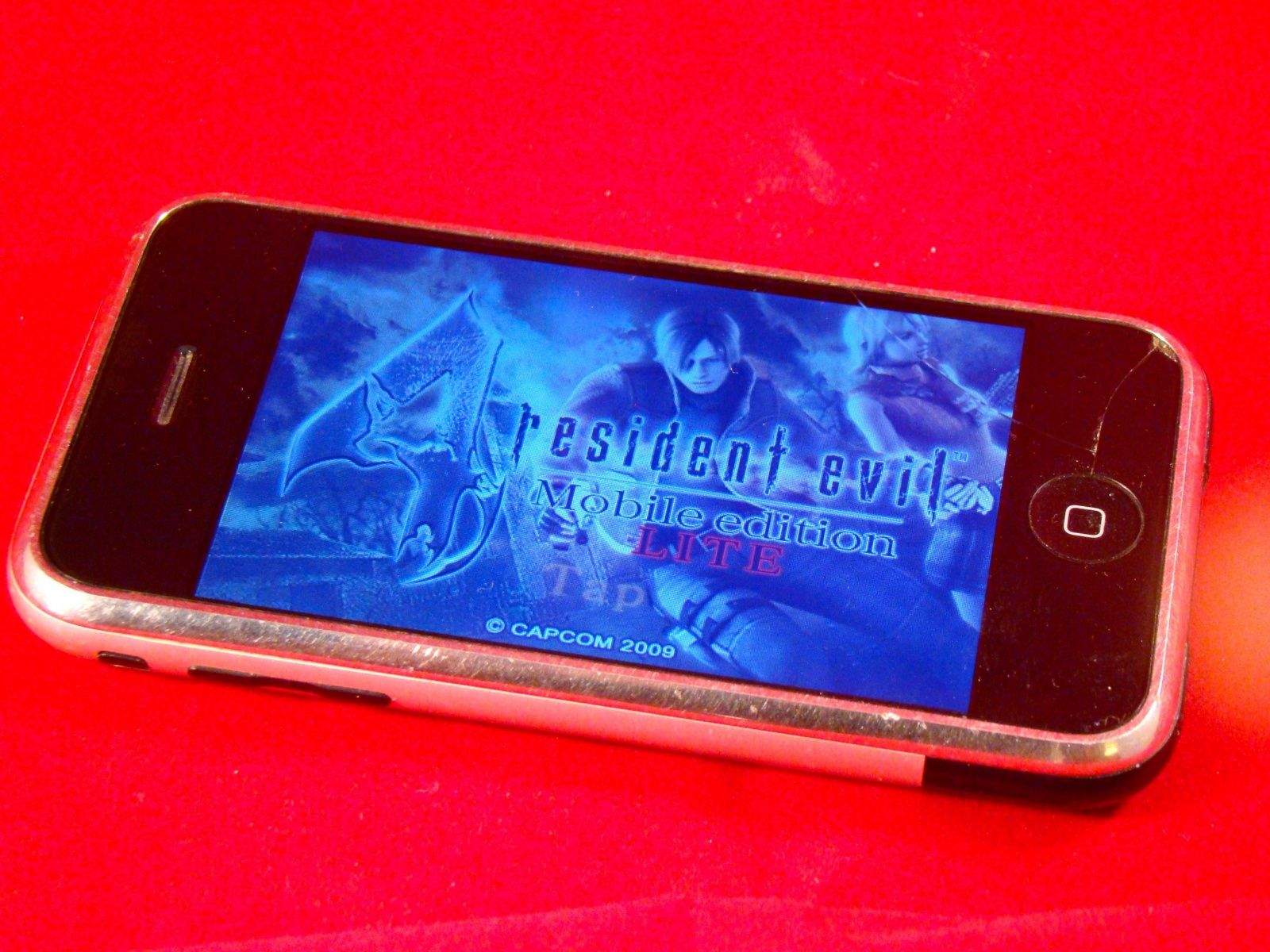
I was really surprised when I started looking around for games to play. There were quite a few that work with iOS 3.1.3, and not just the crummy ones. Sure, there’s a host of casual compilation games that still have earlier iOS support, but there are also some darn decent titles as well. You can grab Resident Evil 4 Lite, Zombie Road Rage, and even Backflip’s Army of Darkness Defense game, which plays exceptionally well on this slower CPU iPhone. All of these games are free, and some still offer in-app purchases.
Let’s all go to the movies
You can of course sync any iTunes movies or TV shows to your older iPhone, and that’s just what I did for my daughter’s device. If streaming is your thing, though, you’re pretty much out of luck, as Netflix requires iOS 7.0. There is a promising older app called StreamToMe that says it will stream media from your Mac, provided that you run a server app there. Give it a try if you’re desperate to watch movies in that way.
Take me to the river
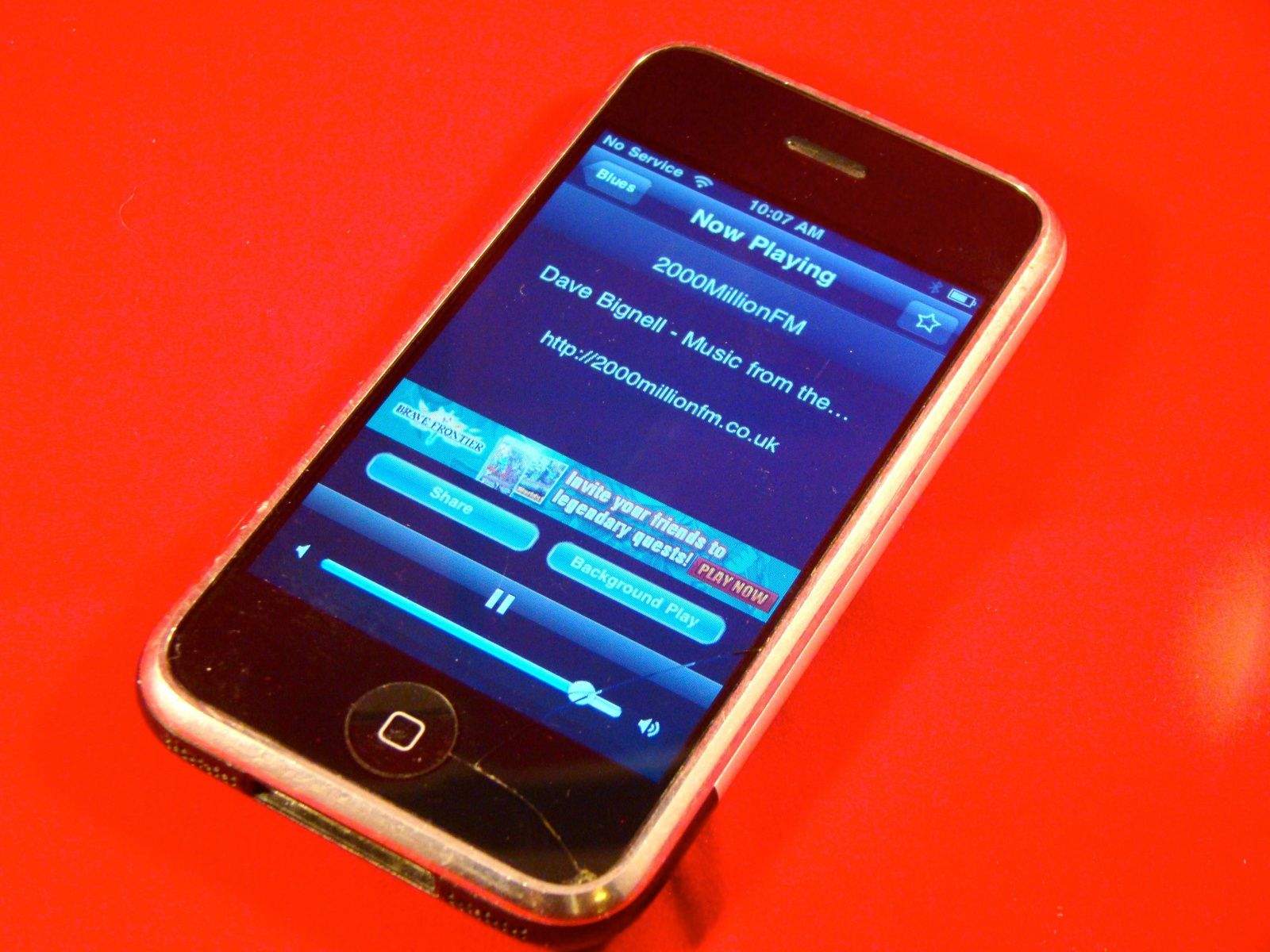
Streaming audio is a possibility, too, though not with Pandora, Rdio, or Spotify. If you want to listen to more than 10,000 radio stations on your old iPhone, check out Radio Lite, an app that includes the Shoutcast network so you can grab a music or talk radio stream from just about anywhere.
Searching for greatness
So how do you find all these apps that work with an older operating system? You could just tap through the App Store on the iPhone and try to install ones you want, but most of them will tell you that they require a newer iOS than the one you’re running. That’s frustrating on the slower models; the Search screen in iOS 3.1.3 takes a while to load each time you look for a new app.
The easiest way to find apps is with a Google search. Use the following search string to find apps that require older iOS versions:
site:itunes.apple.com/us/ "requires ios 2.0|2.1|2.2|3.0|3.1”
This will search the iTunes website for the US App Store for any app that has the text within quotation marks in the description field. You can skip any of the iOS versions that you don’t want to search for, too.
If you want to search for a specific category, like games, you can add that to the string, as well, like this:
site:itunes.apple.com/us/ “requires ios 2.0|2.1|2.2|3.0|3.1” “game”
Bottom line, your old iPhone — even the original 2007 model — still has a lot of life in it. Whether you’re trying to get your kiddo a decent media device or just want to resurrect your own old device, I hope you have fun putting it all together. I sure had a blast getting my old iPhone together for my daughter, and ended up wondering if there were other devices I could refurb like this. Stay tuned!

Rob LeFebvre is an Anchorage, Alaska-based writer and editor who has contributed to various tech, gaming and iOS sites, including 148Apps, Creative Screenwriting, Shelf-Awareness, VentureBeat, and Paste Magazine. Feel free to find Rob on Twitter @roblef, and send him a cookie once in a while; he’ll really appreciate it.


28 responses to “7 useful ways to resurrect your old iPhone from the junk drawer”
Jailbreak and install a Gameboy emulator. Hours of fun right there.
and … surprise .. You can use old iPhone as a phone ;)
People still use these things as phones???
My best use of 3 old iPhones, remote speakers throughout the house with airplay
Have done this when I have parties, it’s great. Waltz around the house while controlling the music. Requests anyone?
Dedicated TV remote
Was thinking the same.
I would imagine that the battery would barely hold a charge after 7 years.
So far, the battery is doing pretty well. I’ve messed around with apps, played a couple of games, and let it sit unplugged for a day, and it’s still about 90%.
Um… I thought the newest Apple gadget made the old ones obsolete.
And that is exactly the point of this post. :P
I’d like a way to use it as an external hard drive.
Jailbreak it and install OpenSSH.
An old iPhone can be used as surveillance camera. I found that pretty interesting and and there are already apps out there, which give You the possibility. I don’t use it, because I read the terms of these services. After that I had privacy concerns. But beside privacy problems, I find the surveillance cam option is a very, very cool idea!
You can install iOS 7 onto an original iPhone using Whited007 software.
Even if it’s possible, iOS 7 would run too slow to be usable.
Its isn’t the native iOS 7, its modded software developed by the Whited00r team. Runs nicely on my original iPhone.
That’s not iOS 7 then. It’s essentially the same thing as Android with those iOS 7 themes. Even if it works, apps that require certain iOS versions are usually coded to only work with the hardware that that iOS version actually supports. Even if you can get it installed, it’s going to run hella slow on that ancient processor. More recent games just aren’t going to work.
I’ll forgive your ignorance, as you clearly have no clue what you are talking about. Let me spell it out, again. It IS iOS, not android, android can’t run on Apple devices. It has been modified to run on older devices which don’t use the verification process and it has been modded to mimic iOS 7. Perhaps go to their web page if you want an explanation, and as I clearly stated in my previous comment which you either missed or ignored, it runs nicely. Anything else I can shoot down in flames for you?
I’ll forgive your lack of reading comprehension, as I never said it was Android.
Apps that are expecting the newer hardware will NOT run well. Running iOS 7 isn’t a big deal; running the apps that require it is. Perhaps you should try to actually understand my comment before vomiting your ignorance all over this page.
Perhaps you shouldn’t presume things you don’t understand. Your stupidity is only overshadowed by your ignorance. Have a nice day. You’ve been edjemicated.
I’m glad you recognize your own stupidity, since the only person your comment applies to is you. Try again, moron.
Hey your mom called. She’s missing a still born. You better tell her you survived. Just.
And…..there goes your credibility. Right out the door with that mom joke. Thanks for playing, dimwit. You can go back to bullying the other 5th graders now.
I don’t know why they develop it for older pre-A4 models and have nothing for the faster (compared to those older models) iPod Touch 4G
If it’s in great/mint condition, it might be worth keeping in a safe place in hopes of appreciation in price in the future, much like the iPod Classic
My iPhone5 still works with GPS so I use it instead of my 6+ to go running with. Still quite accurate with Strava!
even older ipods?