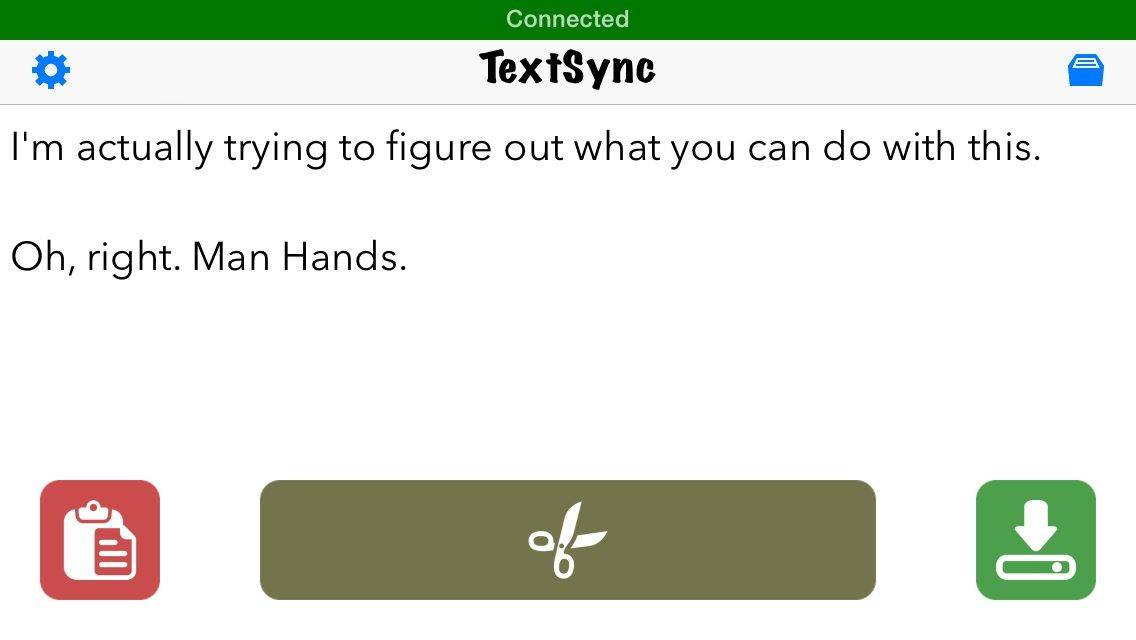
TextSync is kind of a confusing app, and it took me a while to figure out what the point was. It lets you link your computer and your iPhone or iPad over Wi-Fi so that whatever you type on the big screen appears on the smaller one. You can then copy that text to paste elsewhere or save it as a note.
But what’s the point? Well, it’s a good workaround if you don’t want to spring for a Bluetooth keyboard, and it’s handy for these really long and tedious iMessages that I send all the time.
They’re epic, people. Blue boxes for days.
Source:TextSync – Free | Notable Group

Evan Killham is a freelance writer who lives in Nebraska and isn’t interested in football, so he has plenty of time to play and think about video games. He has written for Bitmob and GamesBeat and sometimes, he even goes outside. But not too often because he’s heard there are bees out there. Occasionally, companies send free units for review. Evan subscribes to Cult of Mac’s Reviews Policy and also does not keep the items he receives for possible coverage.


4 responses to “TextSync makes your computer a giant iPhone keyboard”
I use Apples’ Notes app on my iMac /Mavericks to do just that same very thing. Why use anything else?
Oh and use Notes on my iPad/iphone for the reverse process. Done
1Keyboard in the Mac App Store is much easier. 1Keyboard lets you use your Mac keyboard to type on your iPhone, iPad, android and even Apple TV. It can also paste the Mac clipboard to another device. And best of all, it’s 1 click.
Uhh, if you’re sending an iMessage, why not just use Messages on your Mac? It accomplishes this without needing extra software or connecting to your phone. Even if you’re sending a standard SMS, type it on your Mac and iMessage it to yourself so you can copy it to the person you want to send it to. No need to install anything extra.