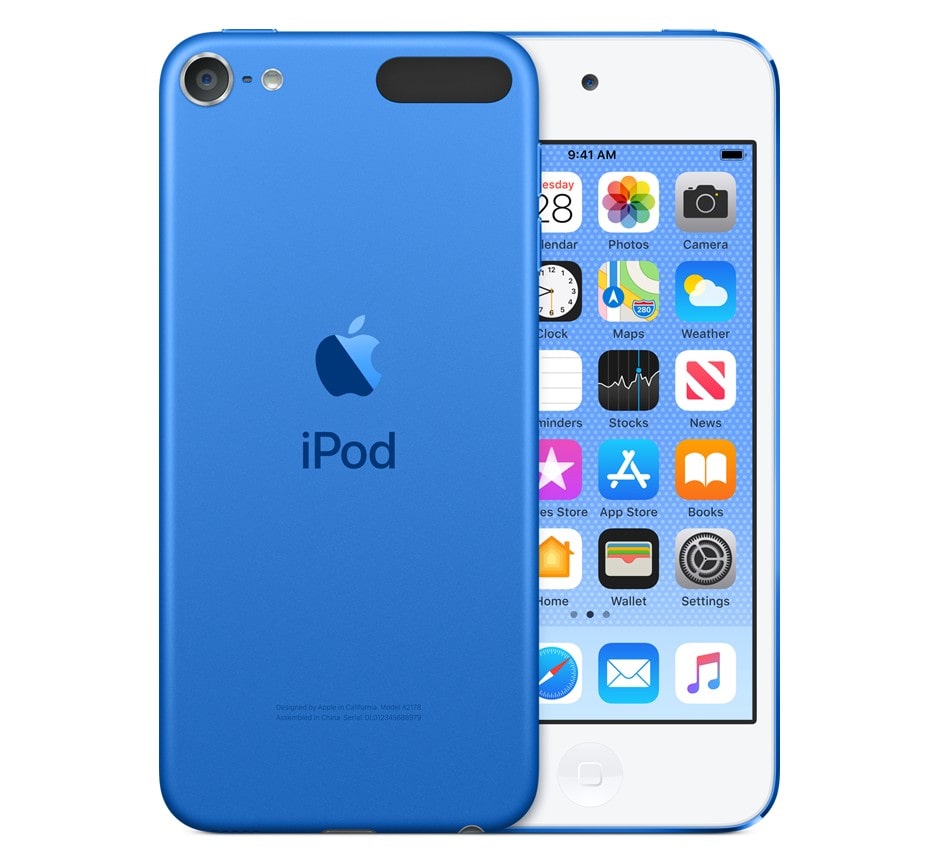
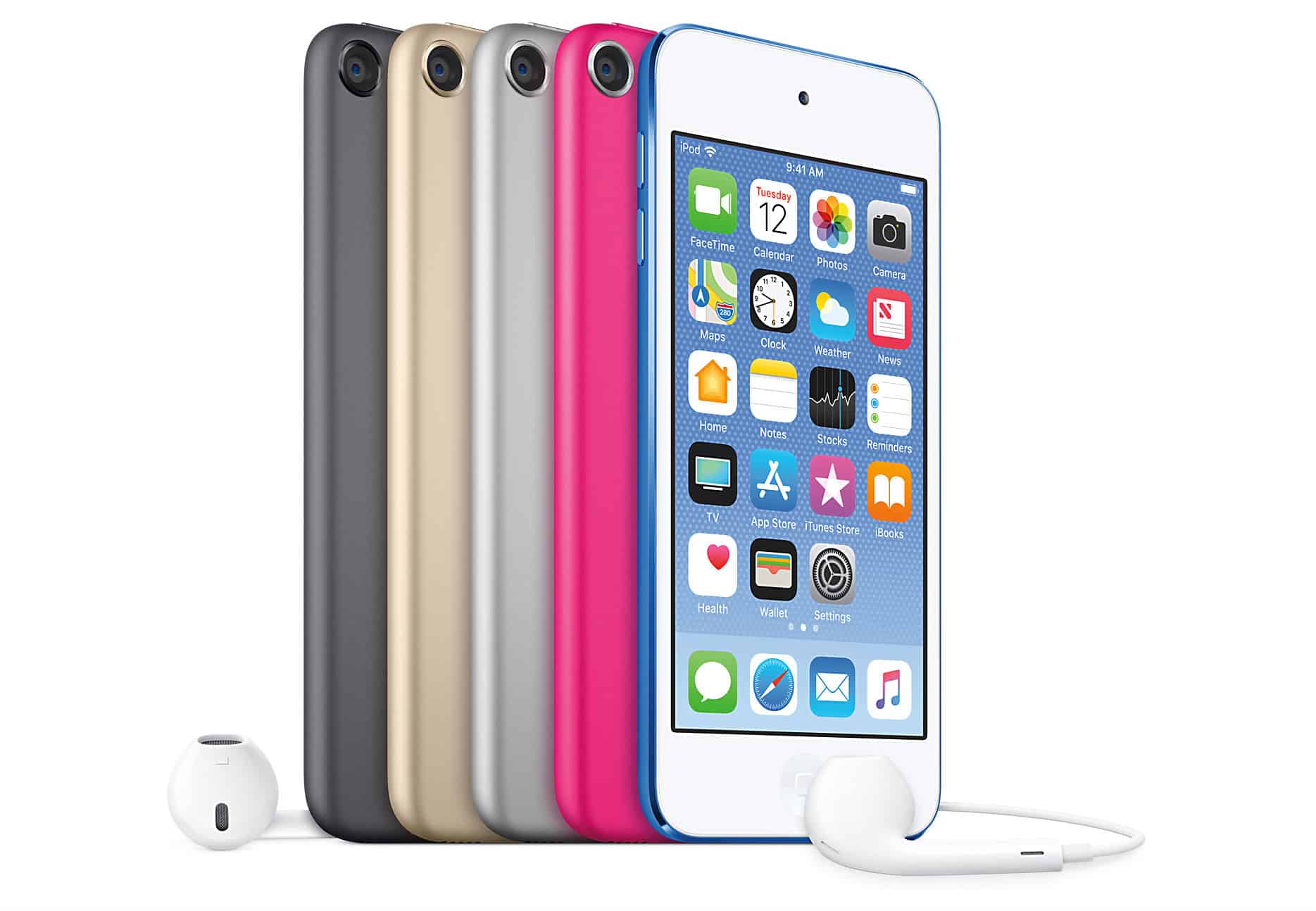
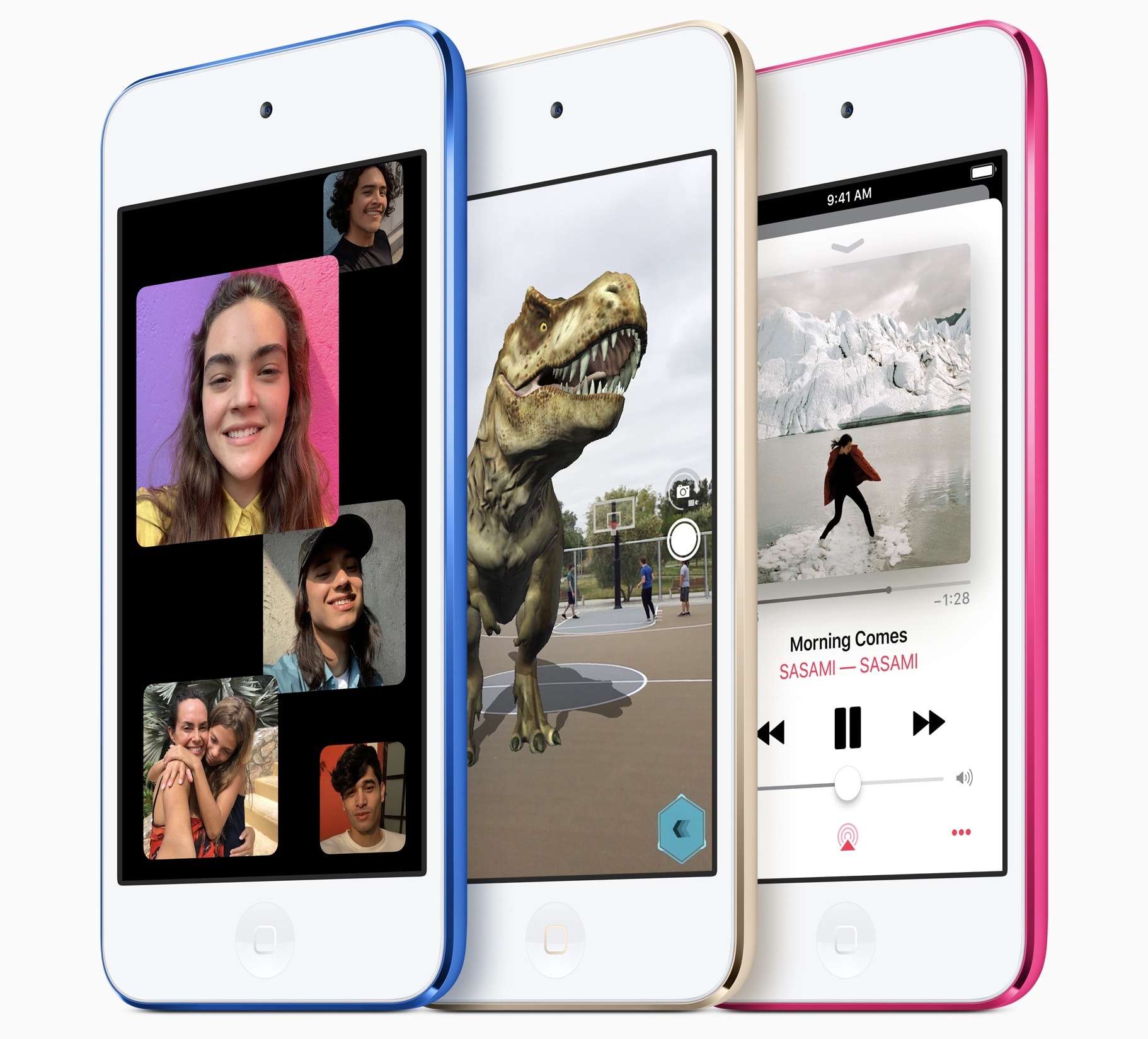
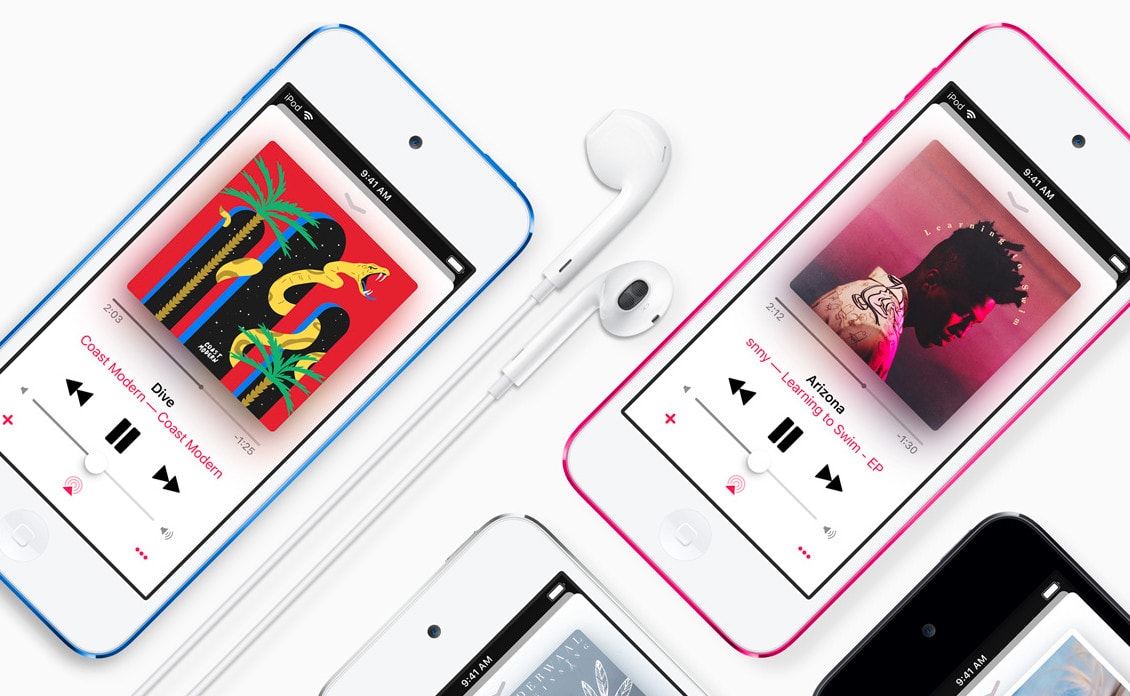
The sixth-gen iPod touch packed big improvements into its incredibly slender case. Photo: Apple
July 15, 2015: Apple introduces the sixth-gen iPod touch, attempting to prove that there’s still a place for the humble music player in the crazy, crazy world of iPhones and Apple Watches.
Apple calls the device “the best iPod touch yet” in a press release, and touts “a new lineup of colors for all iPod models, including space gray, silver, gold, pink and blue.”
Earlier this week, Apple announced that it is discontinuing the iPod touch for good. Now, you can no longer get your hands on one, at least not directly from the company, as it has completely exhausted its iPod touch inventory for its online store.
However, some retailers still have limited quantities in stock.
Apple's discontinued iPod touch is getting harder to find for sale. Photo: Apple
Only one day after Cupertino discontinued the iPod touch, its last dedicated portable music player, some configurations are already sold out in the Apple Store. Others remain for sale “while supplies last,” as Apple said of its fast-dwindling stock.
It’s the end of an era — Apple has stopped making the once-iconic iPod. The little music player helped save Apple, and made the company a powerhouse in the music industry, but its day is over.
The last model is the iPod touch, which “will be available while supplies last,” Apple said Tuesday in a press release.
Install iOS 12.5.5 on your older iPhone to protect it from the Pegasus spyware. Photo: Андрей Сидоренко/Pixabay/Cult of Mac
iPhone models that can’t install iOS 14 or iOS 15 can still get protection from the infamous Pegasus spyware thanks to iOS 12.5.5. Apple released this update Thursday for devices as old as the iPhone 5s to close a security hole in active use by hackers.
The same update can also be installed on older iPad and iPod touch models.
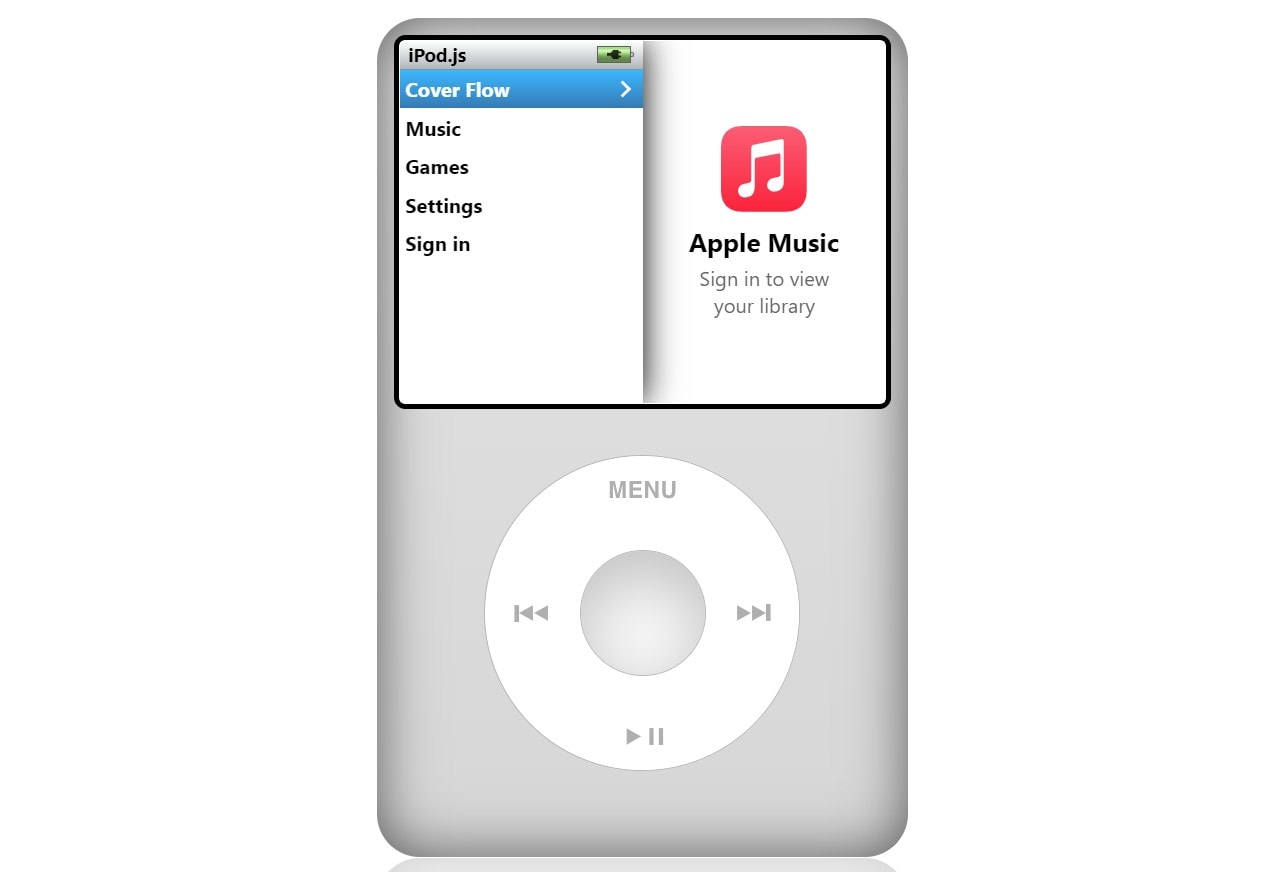
Tanner Villarete's free music player web app simulates the iPod Classic click wheel. Photo: Tanner Villarete
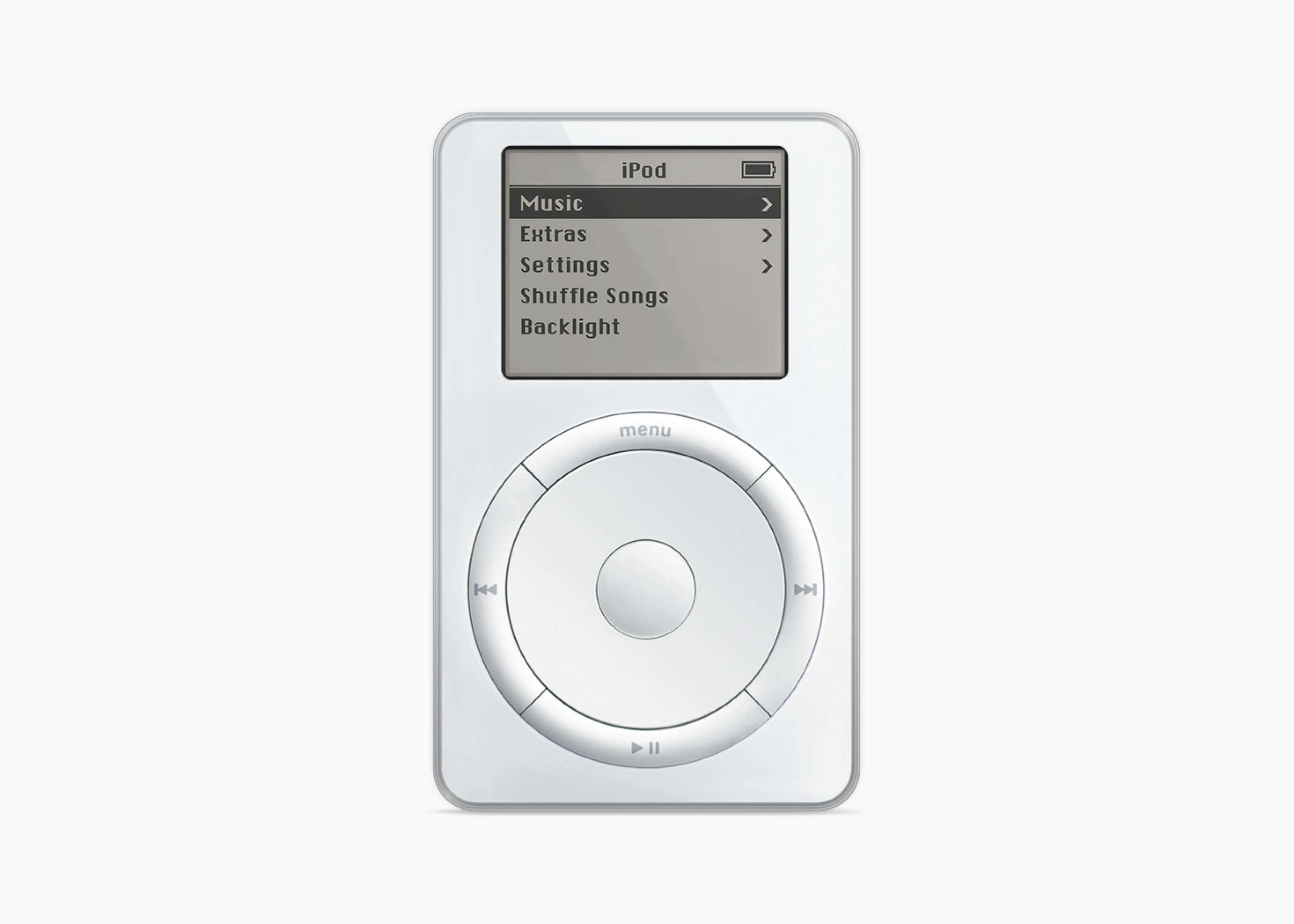
The iPod’s iconic click wheel had a good run, launching in 2004 with the iPod mini. It joined the fourth-generation iPod’s design later that year. It even auditioned in the odd product concept over the years. Finally, in 2014, the company phased it out with the iPod Classic.
But nothing great is gone forever, as a free new web music player app shows.
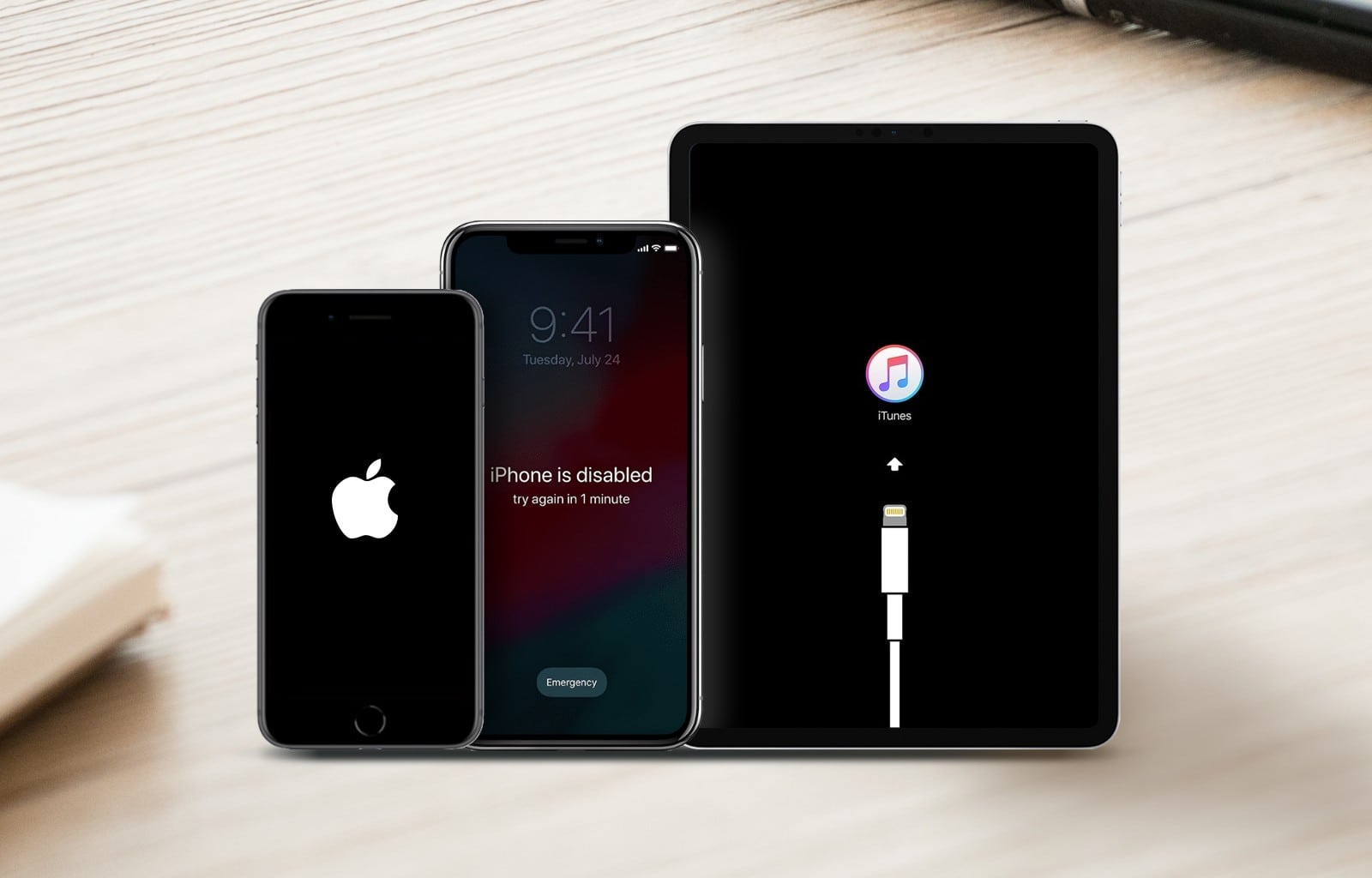
UnlockGo: For when you're locked out of your iPhone, iPad or iPod touch. Image: iToolab
This device access feature is brought to you by iToolab UnlockGo.
Anybody can get locked out of their iPhone, iPad or iPod touch. It’s not a good feeling. Fortunately, if you run into trouble with your device screen passcode on an Apple device, iToolab UnlockGo can bypass it.
Perhaps you forgot your Apple ID password. Or your device is disabled. Or maybe you bought a second-hand device with another Apple ID logged in.
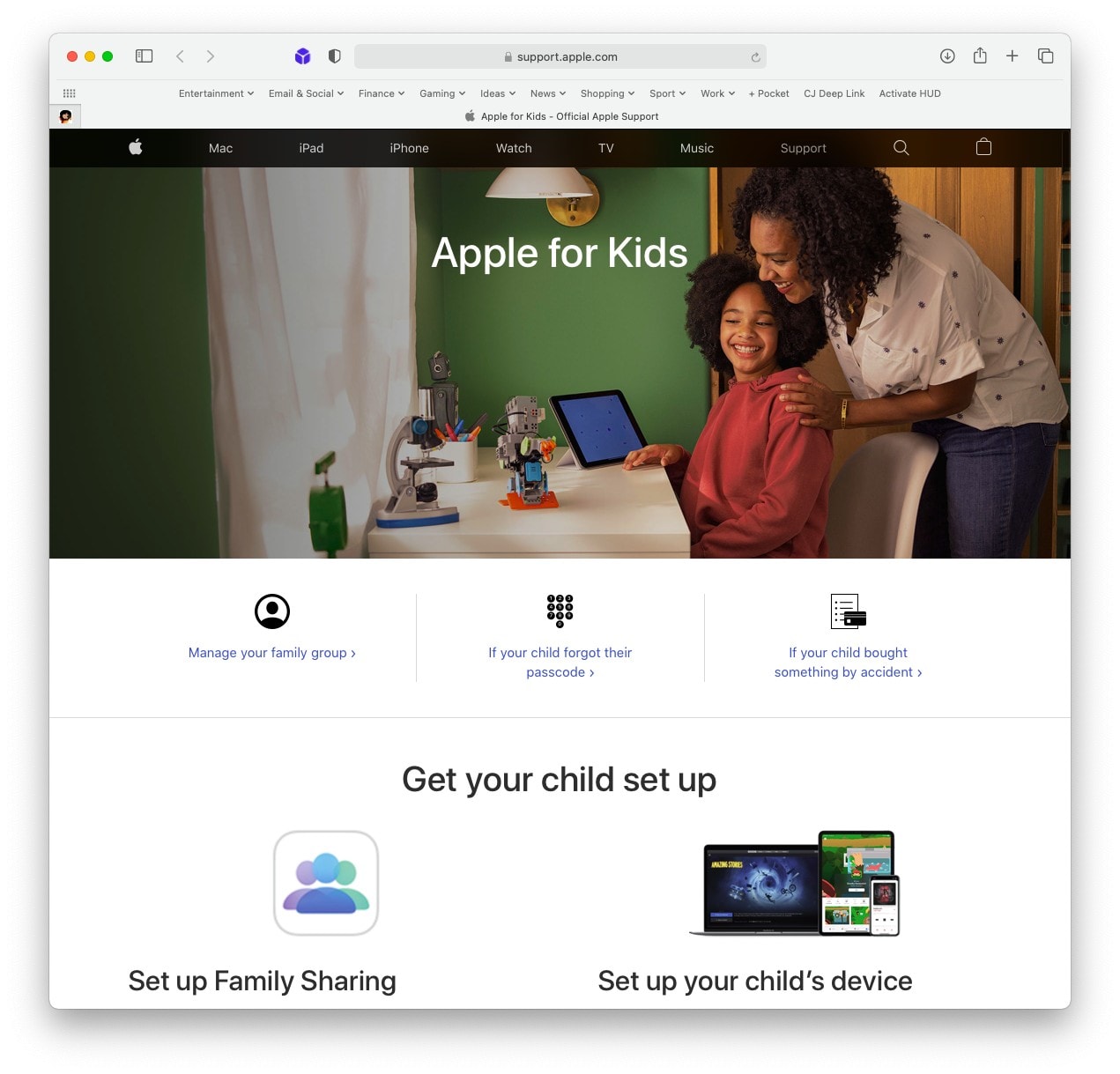
A one-stop shop for support. Screenshot: Cult of Mac
The new “Apple for Kids” online portal, rolled out on Thursday, makes it easier for parents and guardians to manage iPhones, iPads, and other Apple devices used by children. The hub includes useful links that will help with everything from initial setup to reversing accidental purchases.
Pick up a brand-new sixth-generation iPod touch at its lowest price yet, thanks to big discounts from Woot. You can pick up a 32GB model for just $139.99 — its lowest price yet — for a limited time.
iMobie AnyFix can address scores of system problems that might plague your Apple device. Photo: iMobie
This iOS repair post is presented by iMobie AnyFix.
Apple hardware enthusiasts enjoy a lot of problem-free usage. That’s one of the reasons we love our gadgets. But occasionally things go wrong. When faced with a disabled device, the first instinct may be to seek professional repair help, or to hurl the thing at a wall. The good news is, neither action may be necessary. A tool like iMobie AnyFix can remedy more than 130 system issues with iPhones, iPads, iPods and Apple TVs — with just a few clicks (and zero tech skills).
Keep kids entertained during lockdown with Apple’s newest iPod touch. Woot is blowing out refurbished seventh-generation units for just $164.99 for a limited time. Bag one today before they sell out!
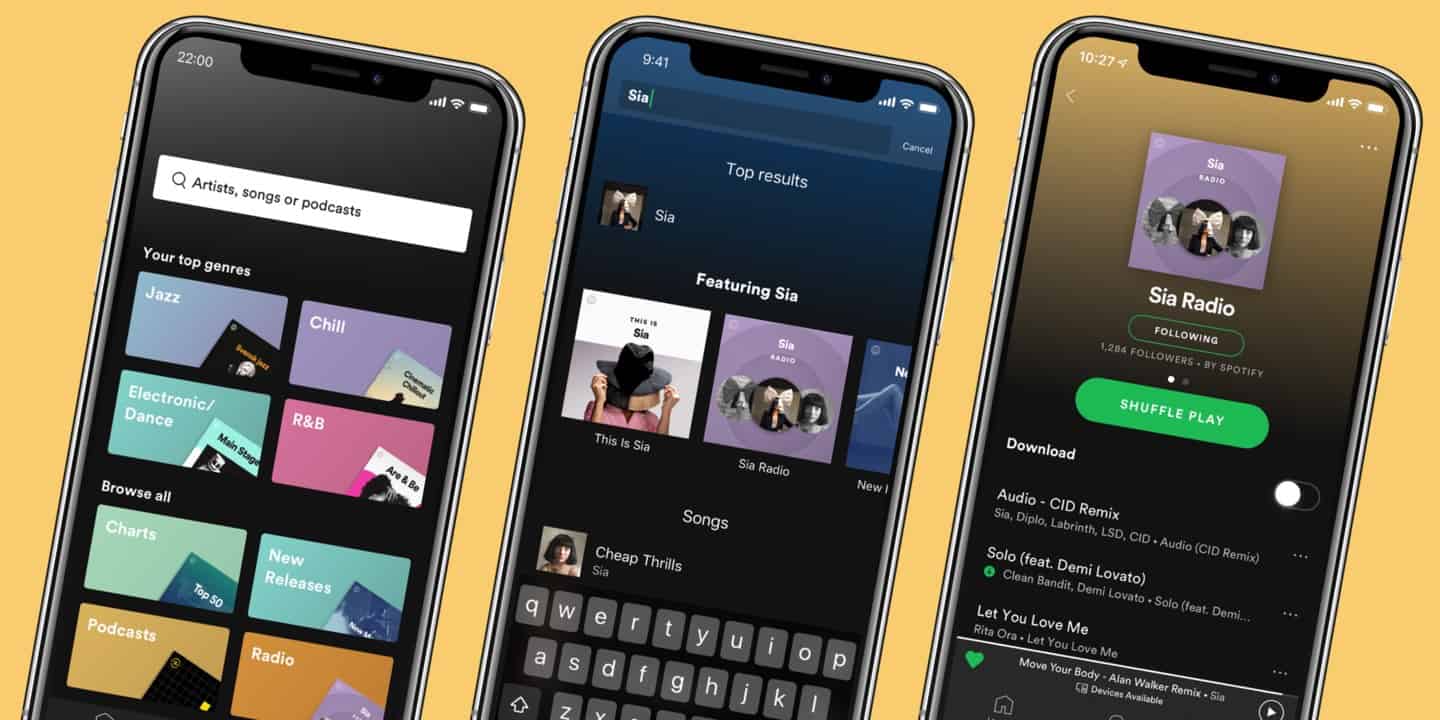
Spotify just pushed out a big update for iPhone. Photo: Spotify
Spotify is rolling out some big UI changes as part of its latest update for its iOS app.
The new UI tweaks bring a more streamlined experience to Apple Music’s biggest rival, including a universal ‘Shuffle Play’ button that combines the app’s two most-pressed icons into one button.
Apple devices are now even more useful in schools. Photo: Apple
Apple School Manager now gives developers the ability to distribute custom apps to schools for the first time.
The change will allow app-makers to better meet the individual needs of educational institutions, Apple said. It paves the way for new software that offers specific functionality for certain organizations.
But don't worry — Apple still has plans for Touch ID. Photo: Apple
Apple doesn’t plan to completely kill Touch ID anytime soon, according to Greg Joswiak, Apple’s VP of product marketing.
In a recent interview discussing the progress of Face ID, Joswiak championed Touch ID on the iPhone 5s as the first mainstream biometric security system. Even though Face ID is being added to more devices, Joswiak hinted Touch ID will still be hanging around for a while.
While not a literal crystal ball for seeing the future, the EEC database gets close when it comes to Apple products. Photo: Jennifer Hubacher/Pexels CC
Multiple new MacBook, Apple Watch, iPod touch and iPhone models are coming this fall, according to a database that’s so far been very accurate about upcoming products. It belongs to the Eurasian Economic Commission, which become a gold mine for information on Apple computers that are right around the corner.
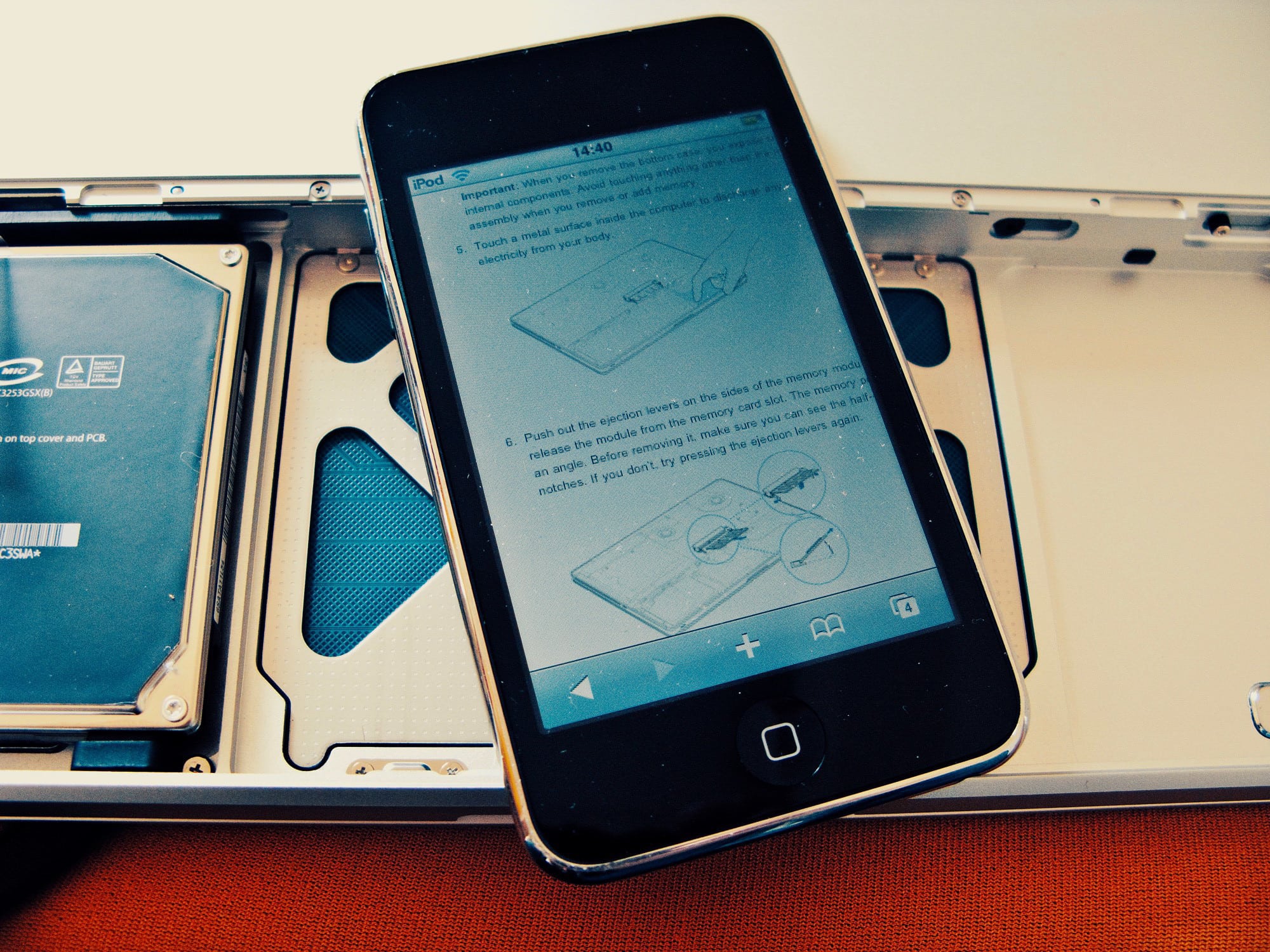
It's a repair manual! The iPod touch can be anything. Photo: Charlie Sorrel/Cult of Mac
The iPod touch exists to be used by waiters, warehouse staff, delivery persons, and anyone else whose employer wants them to use an iOS device as a handheld on-the-job computer. That’s why it just got an update, and it’s probably why it hasn’t — and never will — change size or shape. It is a utility computer. Making it an all-screen, buttonless iPhone-lite is pointless. Adding Touch ID is equally useless when it is used by multiple people.
But that doesn’t mean it isn’t also a great device for everyone else. If you need a utility iOS computer, then you should buy it. Musicians are one great example of potential users. Let’s see why the iPod Touch is still great.
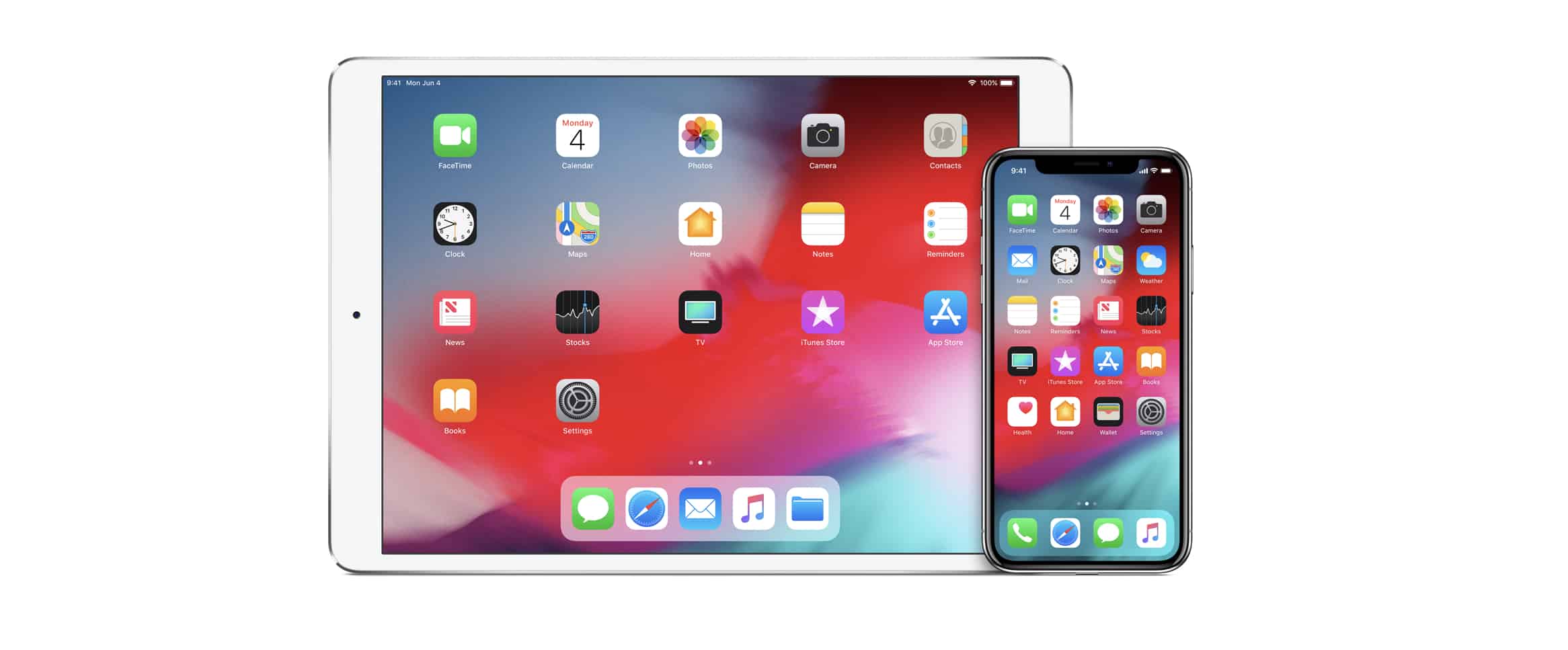
The new iPod touch looks just like the old one. Photo: Apple
Apple just surprised us with a new iPod touch that promises to be its fastest yet.
Powered by a speedy A10 Fusion processor, it’s built for gaming and immersive augmented reality experiences on the go. It’s also affordable, with prices starting at just $199.
The only problem is it looks just like the old iPod touch.
This week’s rollout of updated Apple hardware may not be over yet. A refreshed iPod touch could be the next device to hit the Online Store. It has been almost four years since Apple introduced the most recent model.
This week on The CultCast: a totally new 16” MacBook Pro; a new 6K cinema display; new Mac Pro; new AirPods; new iPads and iPhones; even a new iPod Touch… according to a new report, Apple’s about to make huge updates to their ENTIRE product line. This could be one of the best hardware releases in years.
Our thanks to Squarespace for supporting this episode. Easily create a beautiful website all by yourself, at Squarespace.com/cultcast. Use offer code CultCast at checkout to get 10% off your first purchase of a website or domain..
From new iPhones and major Macs to a refreshed iPod touch, this could be a great year for Apple hardware! Photo: Ed Hardy/Cult of Mac
2018 was a great year for Apple devices, but 2019 could be even better, if a new report is to be believed. Issued over the weekend by noted Apple analyst Ming-Chi Kuo, his research note runs down some of his hardware expectations for the coming year.
From redesigned MacBooks to Apple’s best-ever desktop display, this could be a year to remember. Heck, there’s even a new iPod in the cards, according to Kuo!
You can safely FaceTime with friends again. Photo: Apple
Apple’s fix for the huge FaceTime flaw that allowed people to eavesdrop on other iPhone and iPad users is finally here.
iOS 12.1.4 was released to the public this morning, bringing a crucial fix for the bug found by a 14-year-old boy who tried to contact Apple for 10 days before the company eventually clued in on the huge flaw.
You might not be stuck with Safari for much longer. Photo: Ste Smith/Cult of Mac
Apple plans to limit Safari’s access to the accelerometer and gyroscope inside your iOS device in an upcoming software update.
iOS 12.2 will prevent websites from having access to motion data by default, rendering certain content unusable — even on Apple’s own website. Users will be able to change this inside Safari’s settings, however.
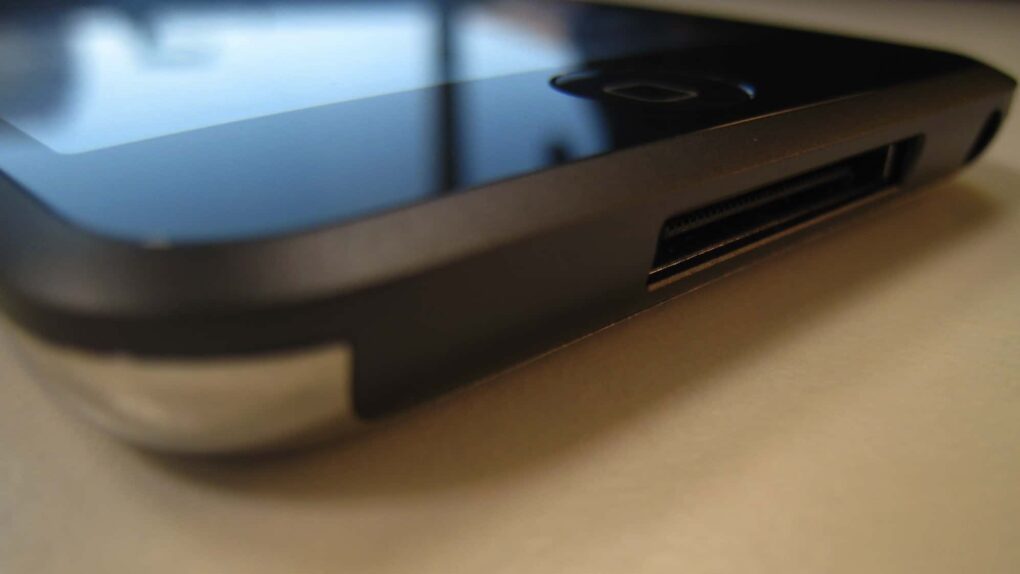
 May 30, 2013: Apple marks the sale of the 100 millionth iPod touch by launching a new, stripped-down model with a budget price of $229.
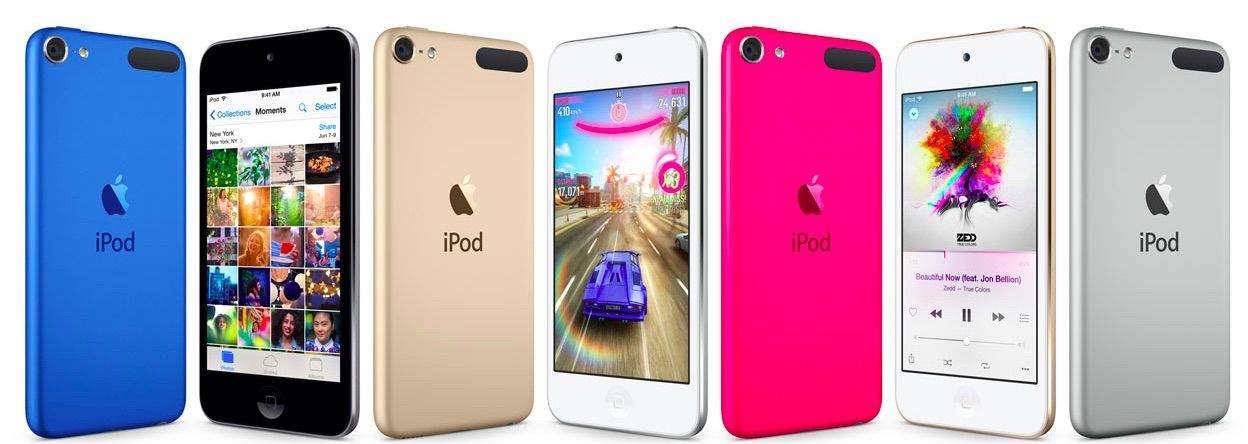
 July 15, 2015: Apple introduces the sixth-gen iPod touch, attempting to prove that there’s still a place for the humble music player in the crazy, crazy world of iPhones and Apple Watches.