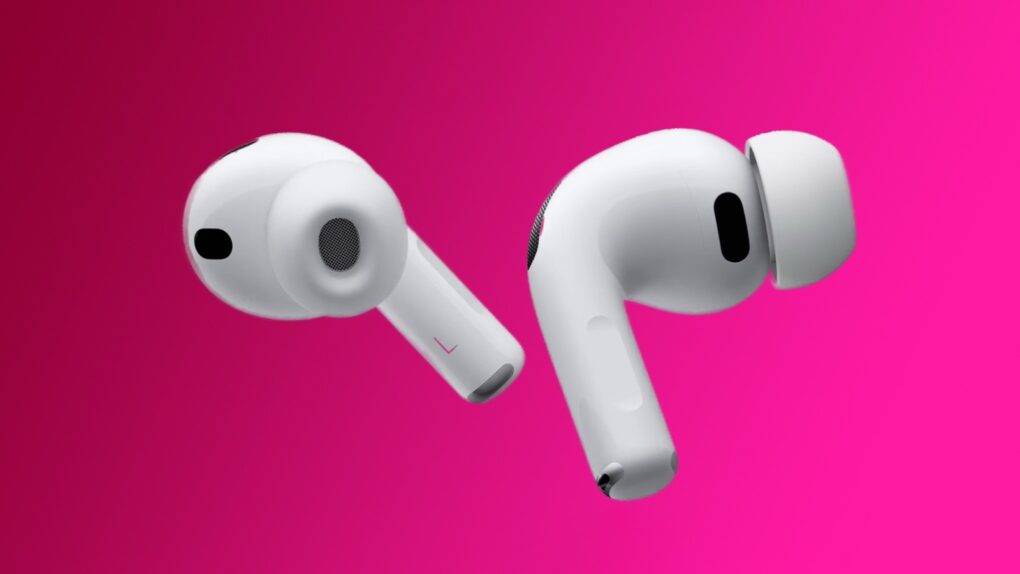
4th gen AirPods Pro could have new cameras that see around the user. Photo: Apple
AirPods Pro 4 might include an unprecedented feature for wireless earbuds, accordingto a new leak: built-in cameras capable of seeing the environment around the wearer.
Special cameras mounted on Formula One cars capture intense racing action in F1: The Movie. Photo: Apple TV+
When director Joseph Kosinski and cinematographer Claudio Miranda set out to film the upcoming Apple Original film F1: The Movie, they faced a unique challenge. How could they capture authentic point-of-view racing footage from inside Formula One cars without compromising the vehicles’ precise engineering specifications? The solution required Apple to build something that never existed before — a custom camera module using iPhone components that could withstand the extreme conditions of professional racing, according to new report. And so were born custom iPhone cameras in F1.
★★★★☆
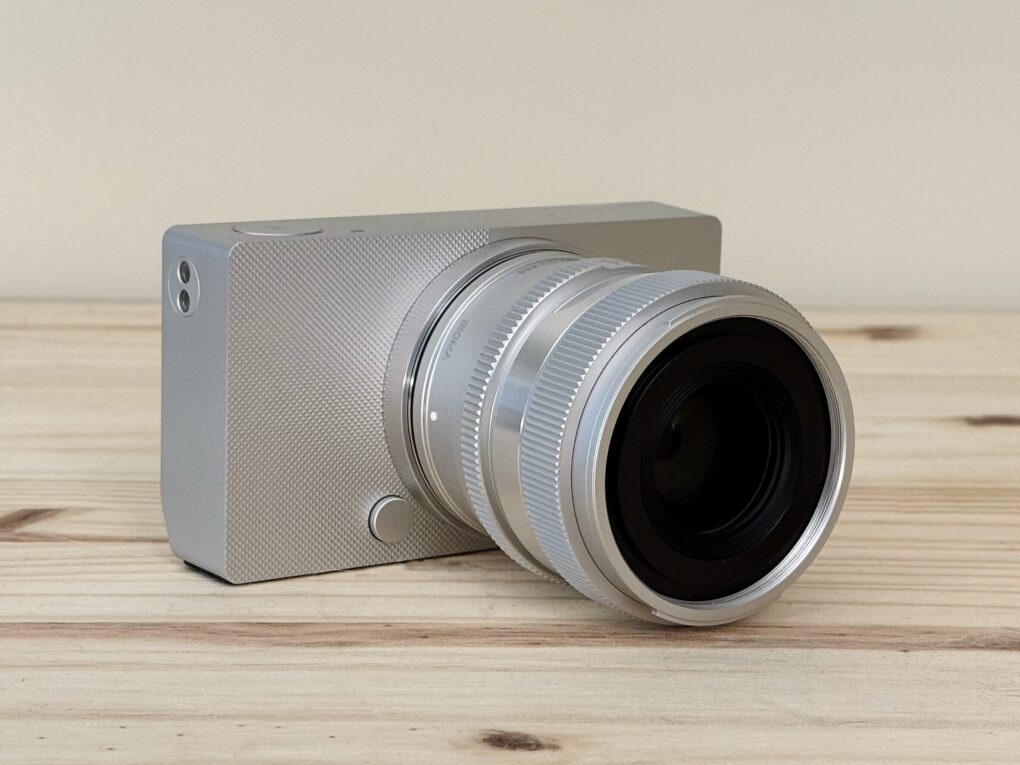
It’s a stunning camera. Photo: D. Griffin Jones/Cult of Mac
The Sigma BF is a beautifully designed camera unlike any other. While testing it for this review, I found the full-frame camera to be as easy to pick up as a point-and-shoot. It’s a pleasure to use — a love letter to minimalism, precision and the pure joy of old-school photography.
With an aluminum unibody worthy of Jony Ive and a stripped-down interface that favors elegance over excess, this full-frame mirrorless marvel feels less like gear and more like art itself.
What it lacks in cutting-edge features, this gorgeous $1,999 camera more than makes up for with soul. And for Apple lovers, photo fans and design purists, that might be all that matters.
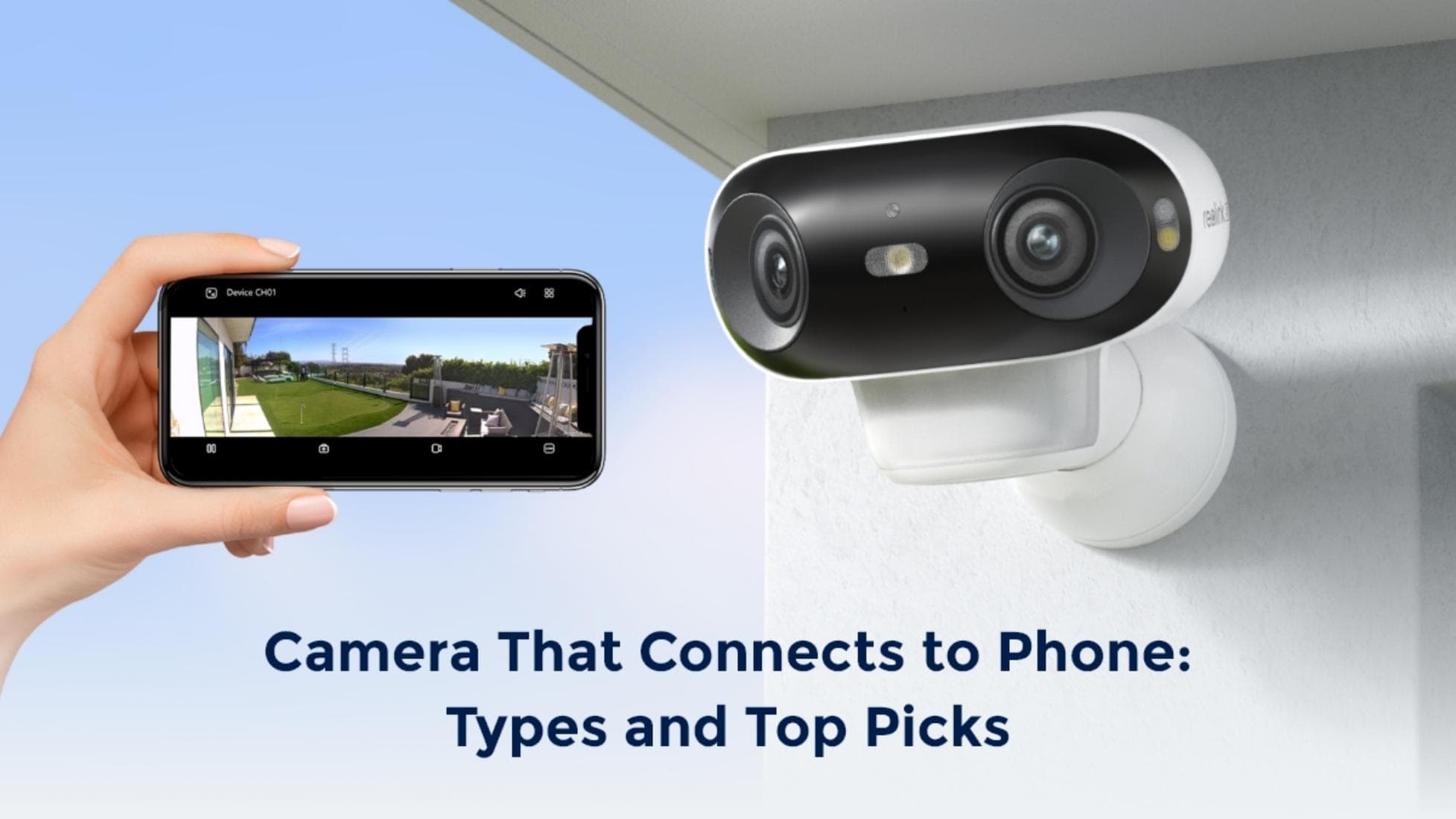
With a camera that connects to your iPhone or other smartphone, you can keep tabs on your home or business. Photo: Reolink
Cameras that beam still images and video to iPhones and other smartphones make it easy to keep tabs on your home or business from anywhere. Security cams, video doorbells and other types of cameras can connect to your phone, letting you view live footage 24/7.
SPONSORED
This post is brought to you by Reolink.
In this article, we’ll describe different types of security cameras that connect to your phone and recommend the best ones you can buy in 2024.
They’re the perfect tech companion for hikers, hunters or anyone who likes to get the most out of their journey. Just in time for the holidays, they’re now priced down to only $89.97 (regularly $199) through December 17!
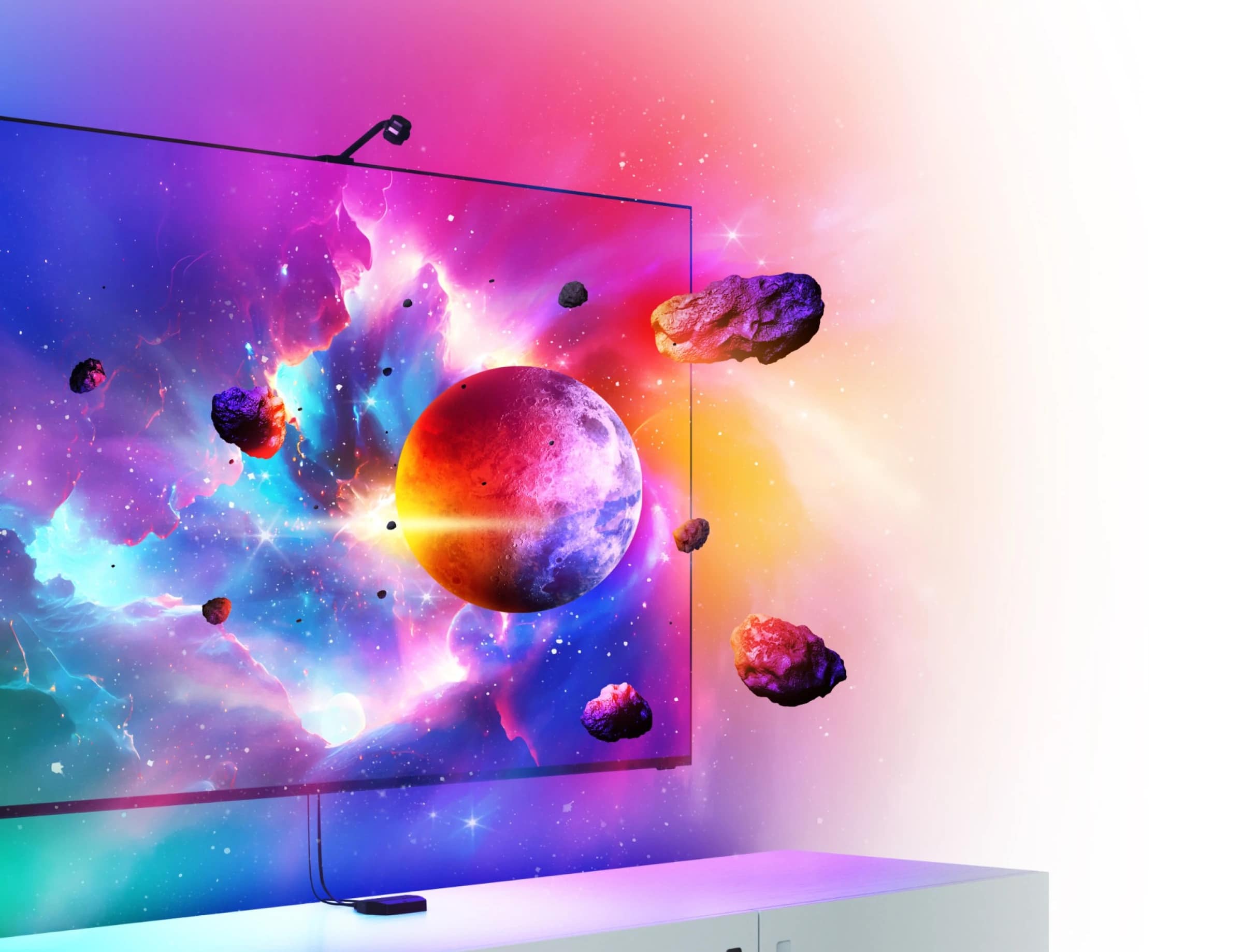
It may be described as "4D," but don't expect stuff to actually burst out of your screen. Photo: Nanoleaf
Nanoleaf says its new 4D Screen Mirror Camera and Lightstrip Kit will “take your entertainment experience beyond the screen.” And now you can finally preorder the hardware, which the company unveiled at CES in January.
Once it ships, you get a big light strip to set up behind your TV. The camera lights it up with colors reflecting what’s on the screen. And you can mix in other Nanoleaf smart lights, too.
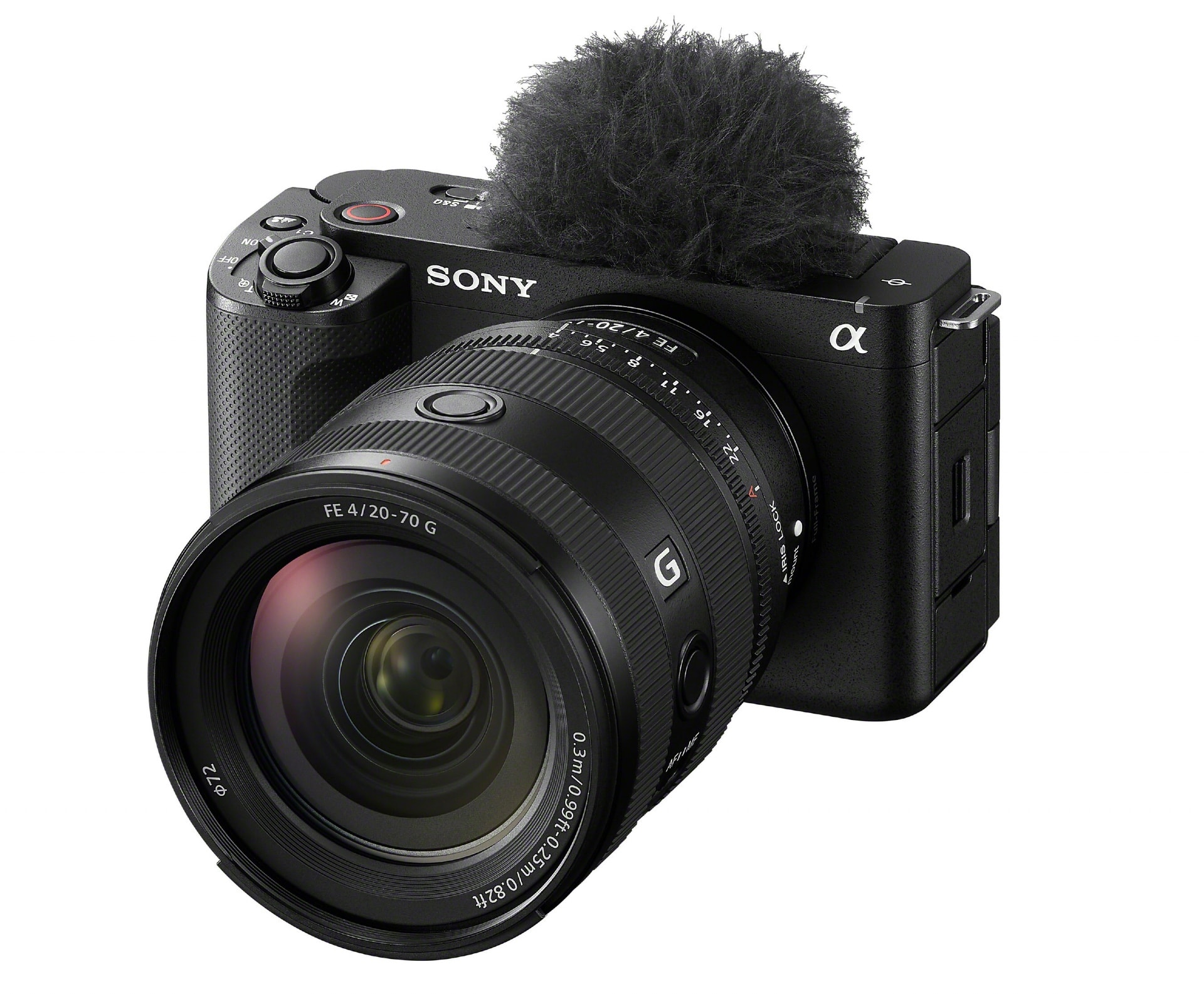
The new Sony ZV-E1 is designed for vloggers and other content creators. Photo: Sony Electronics
Sony Electronics unveiled its new full-frame 12MP ZV-E1 camera Wednesday. It takes its place at or near the top of the company’s growing ZV lineup of cameras for vloggers and other content creators.
At $2,200 it’s not cheap — a big step up from the company’s roughly $750 cameras for content creators — for but it could a key to making amateur content look professional.
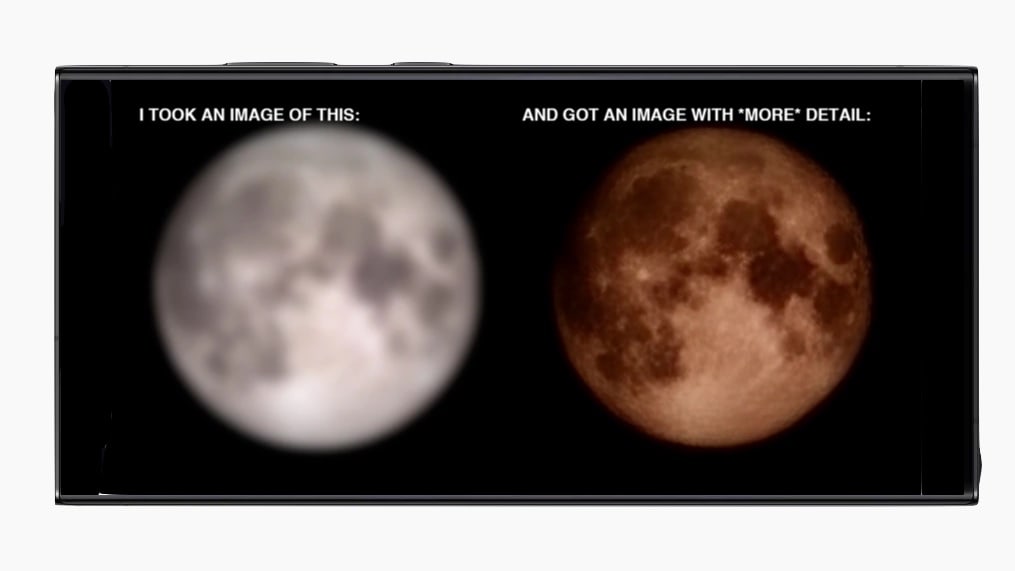
Moon pictures taken with a Samsung Galaxy Ultra are supposedly too good to be true. Image: ibreakphotos/Reddit/CultofMac
The beautiful images of the moon taken with a recent high-end Samsung Galaxy are apparently faked. A Reddit user took a picture of a low-resolution moon picture and got a high-res picture.
In other words, Galaxy Ultra cameras aren’t as powerful as people claim.
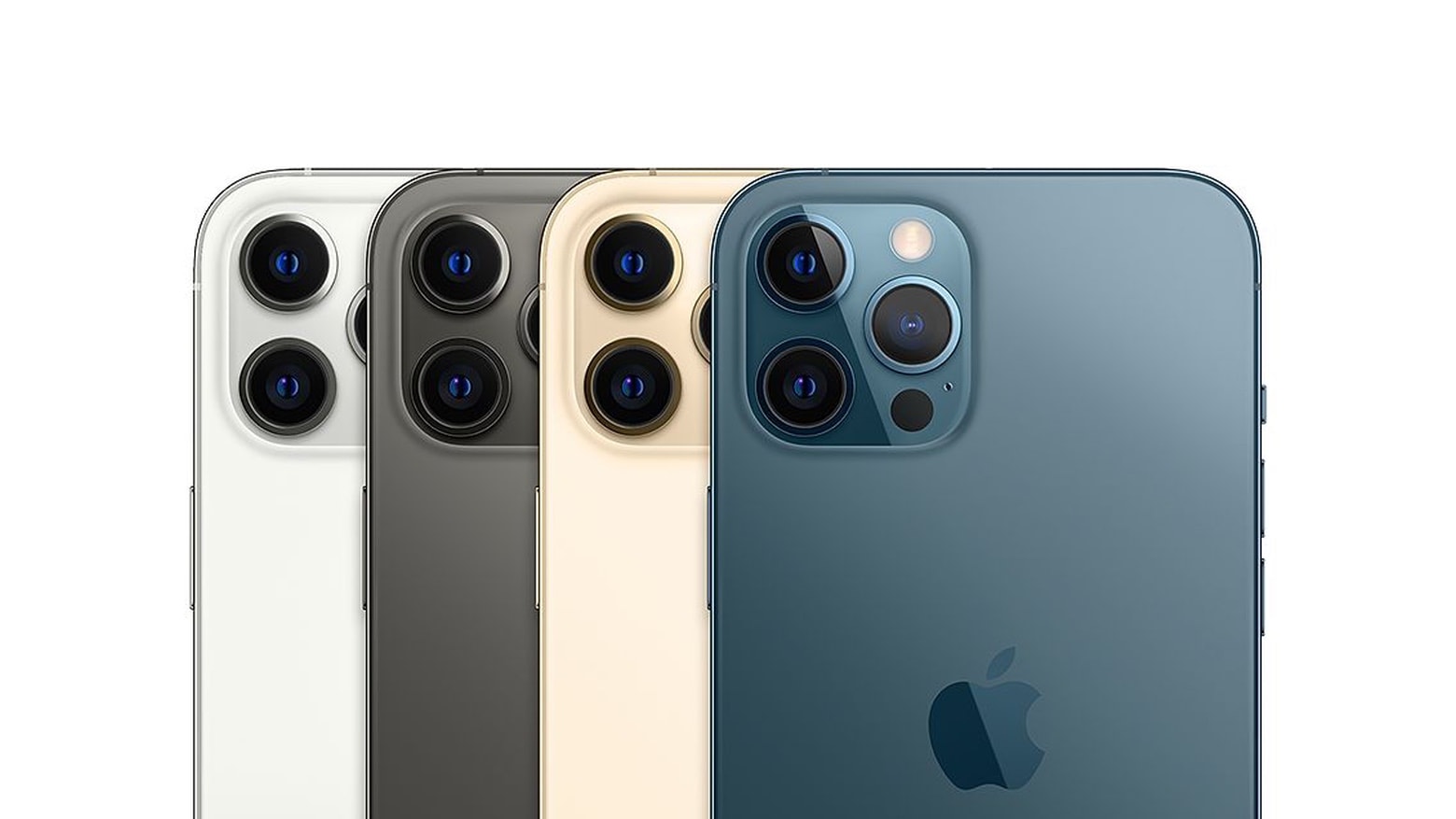
A radical change on the camera could allow the iPhone 15 Pro to take significantly better telephoto pictures than its predecessors. Photo: Apple
The telephoto lens in the iPhone 15 Pro will get a noticeable jump in image quality if a series of leaks about a periscope lens turn out to be accurate.
The change should also shink the thickness of the camera hump.
What's small, not-too-pricey and perfect for geeks over the holidays? The ideal stocking stuffer. Photo: Cult of Mac Deals
The holiday season is fast-unfolding, and Christmas will be here before Hermey the elf from the classic Rudolph the Red-Nosed Reindeer can say “Well, sir, someday I’d like to be a dentist.”
So it’s time to act fast if you want to get a gadget-y gift for the techie or geek in your life in time for deliveries by December 25. Check out some cool ideas below.
They’re all small enough to fit in a stocking; prices range from a cheap $20 to a few hundred bucks (for those very special stockings). And there’s plenty more good stuff in the Cult of Mac Store.
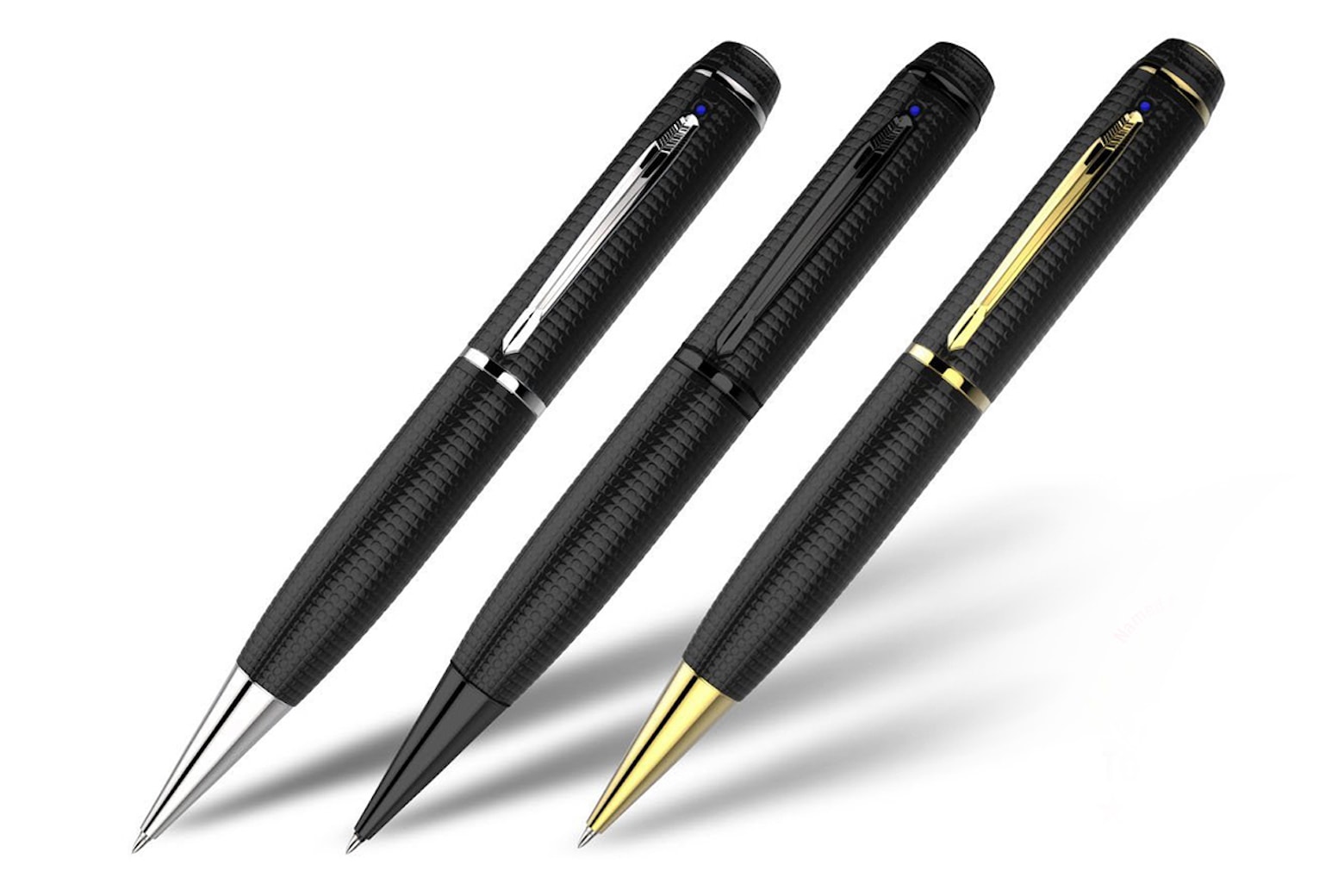
This spy pen is primed for some covert action. Photo: Cult of Mac Deals
Feel like going full 007? The iSpyPen Pro is a covert camera with 128GB of storage and a long-lasting battery — and yet it still looks and works like a regular pen.
Grab this stealth camera in silver or black for up to 19% off, and prep yourself for your next big undercover adventure.
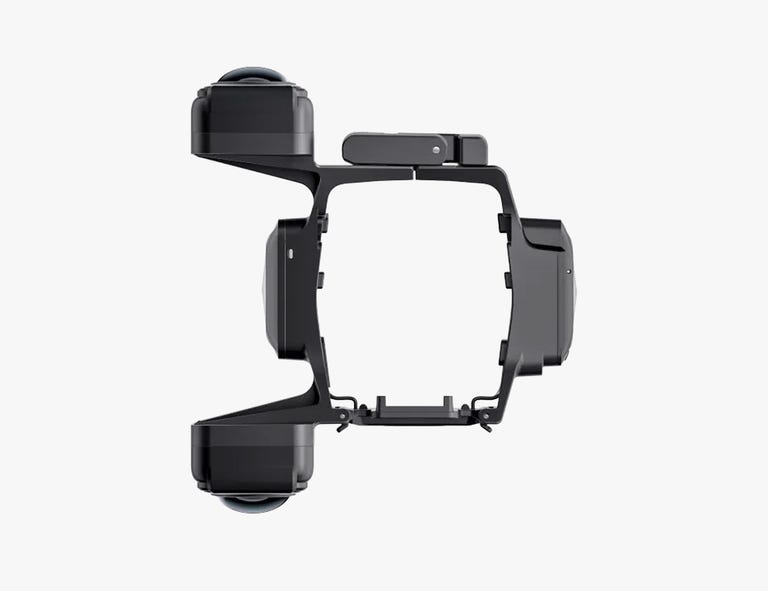
The Insta360 Sphere camera works with two DJI Mavic drones, keeping them out of the shot. Photo: Insta360
An issue amateur drone pilots face taking photos or shooting footage is that the drone itself often shows up in the shot. Then, if they want to make that aerial photography perfect, they — or someone they pay — has to edit the drone out afterwards.
Insta360 said Tuesday it solved that problem with it’s new Sphere, a 360-degree camera specially designed to keep the drone “invisible.”
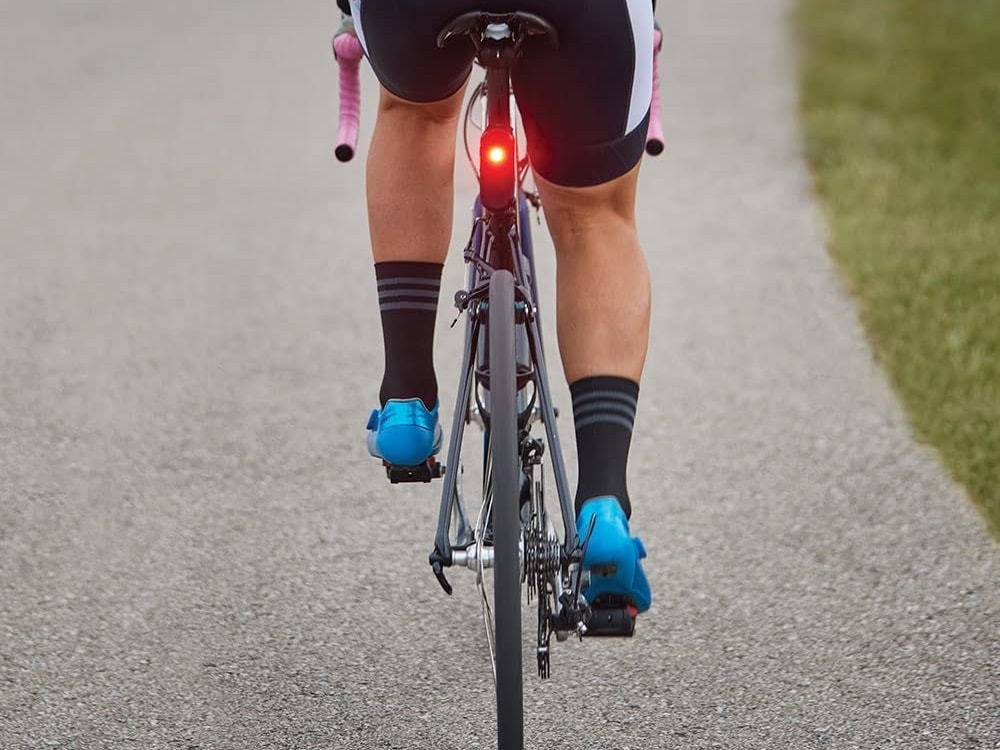
Apparently that light can be seen from a mile away in daylight. Photo: Garmin
The road can be a dangerous place for cyclists, so it’s a good thing Garmin launched a new taillight Wednesday that has a high-def camera and radar. It will record everything going on behind you while you’re on your bicycle. And its radar can alert you to approaching vehicles.
Using the new Garmin Varia RCT715 Radar Camera Tail Light, you can download all footage to your iPhone, iPad or iPod touch via the Varia app. That could come in mighty handy if you’re in a crash and need to prove what happened.
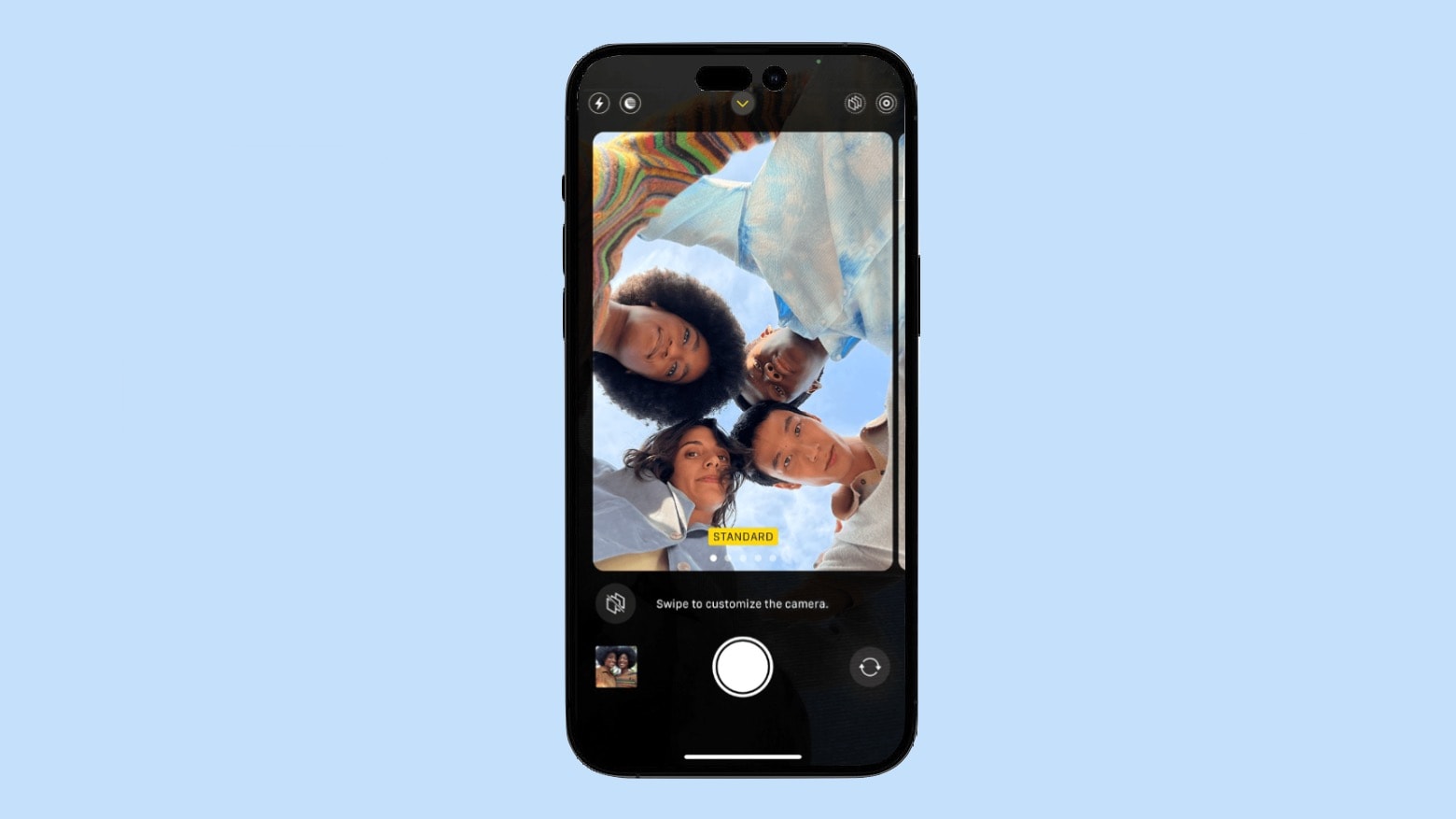
The front-facing camera in the iPhone 14 might get a significant upgrade. Photo: Ed Hardy/Cult of Mac
The iPhone 14 will have an autofocus front-facing camera, if a reliable source is correct. Previous iOS handsets used a fixed-focus selfie cam instead.
In addition, the front camera will allegedly have a lower f-stop. Both changes will help make the iPhone 14 a better option for narcissists.
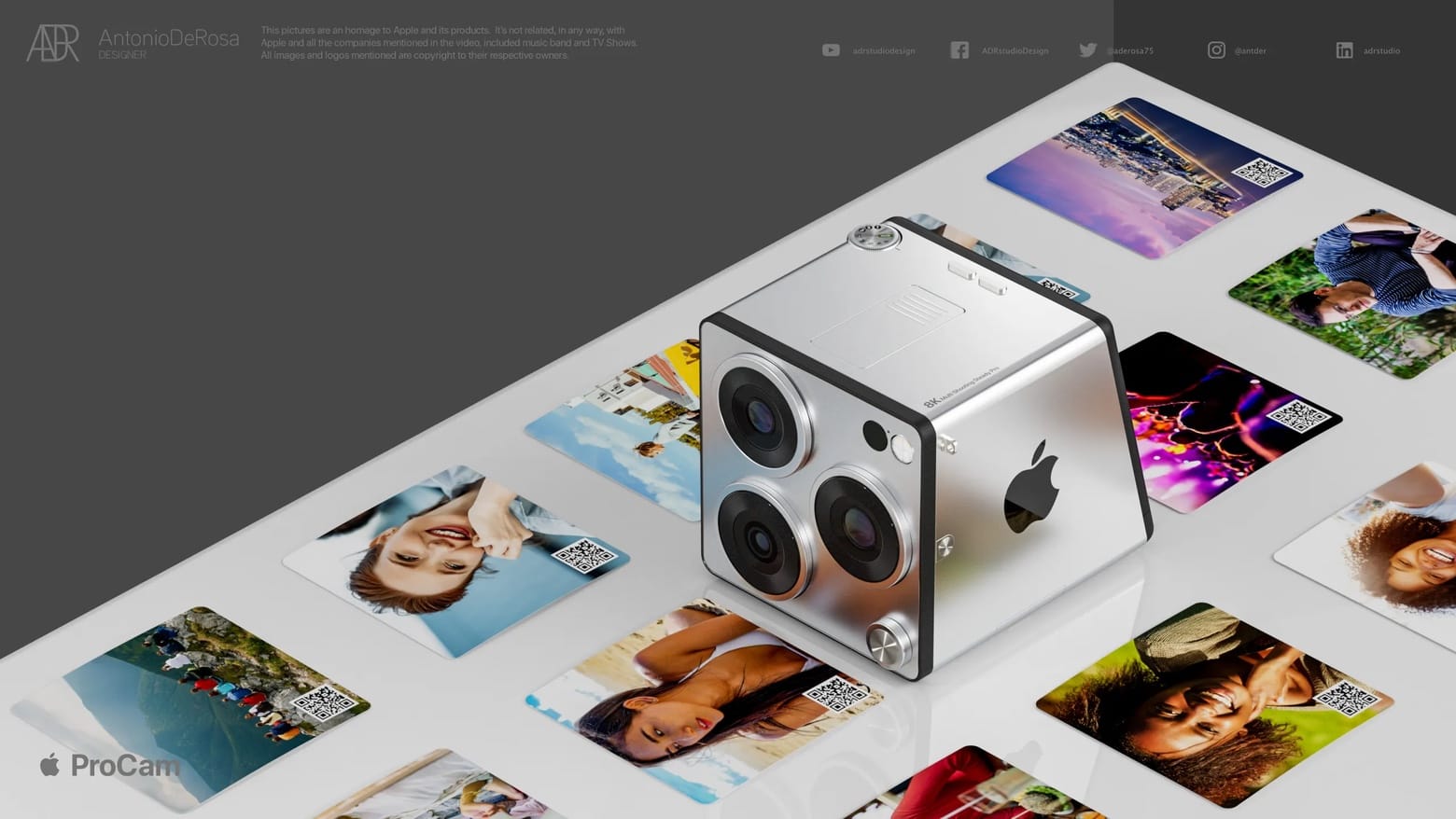
The proposed Apple ProCam harks back to a product launched in the 1990s. Photo: Antonio De Rosa/ADR Studio
A concept designer explored the possibility of an Apple stand-alone camera for professionals. The Apple ProCam is loaded with features, like 8K support and a built-in picture printer.
All this raises the question, is this a product that makes sense for Apple to make?
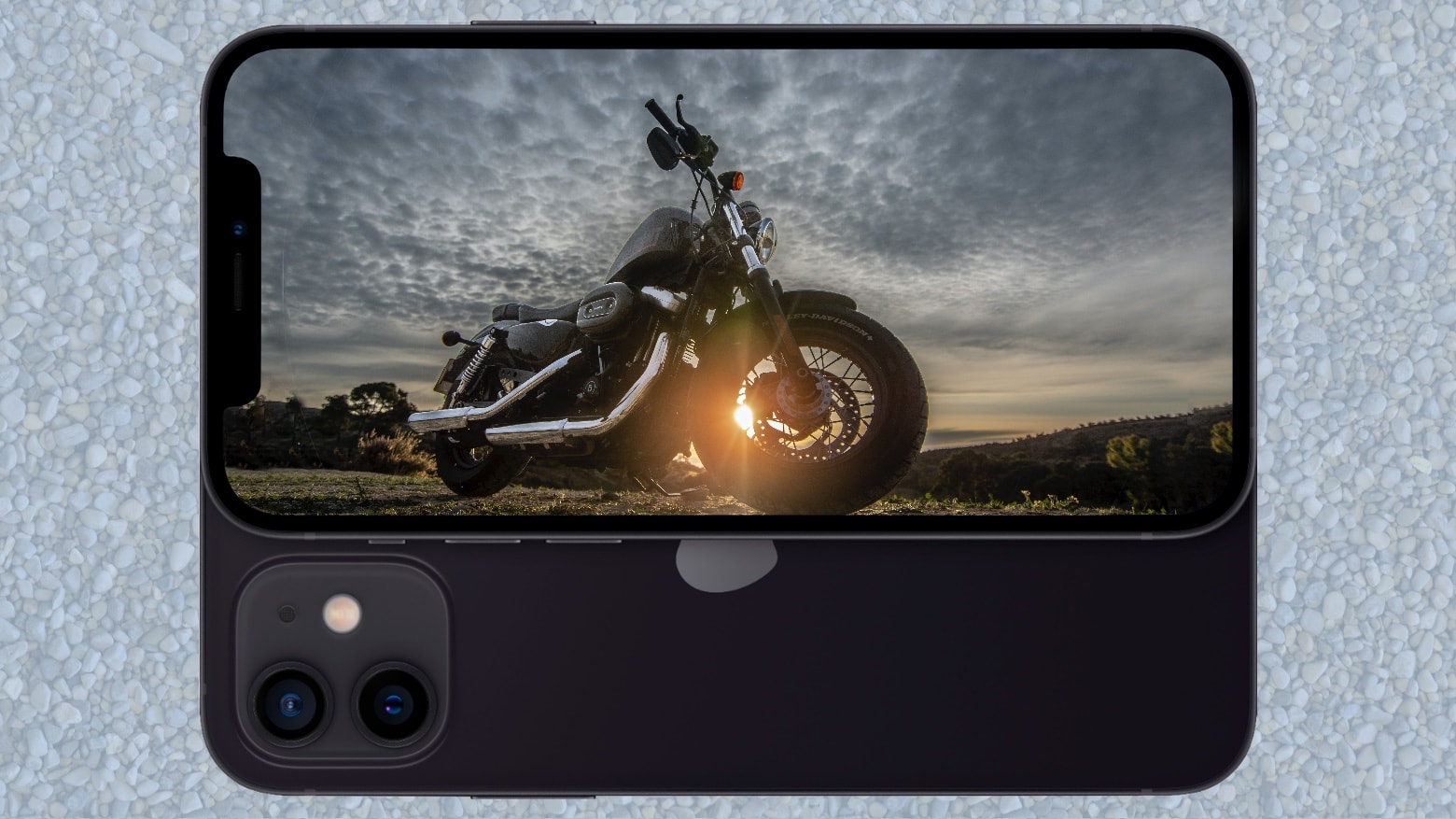
Harleys and iPhones don’t always mix well. Photo: Javier Aguilera/Pexels
Motorcycle riders, if you’ve noticed that your iPhone pictures have been getting worse, it’s not your imagination. Apple warned that long-term exposure to “high amplitude vibrations” can damage the camera in your iPhone.
And the situation isn’t much better with scooters.
The just-announced Samsung Galaxy Z Fold 3 is one of the first handsets with an under-screen camera. It’s cutting edge but the camera is so obvious it demonstrates why the tech is not ready to go mainstream.
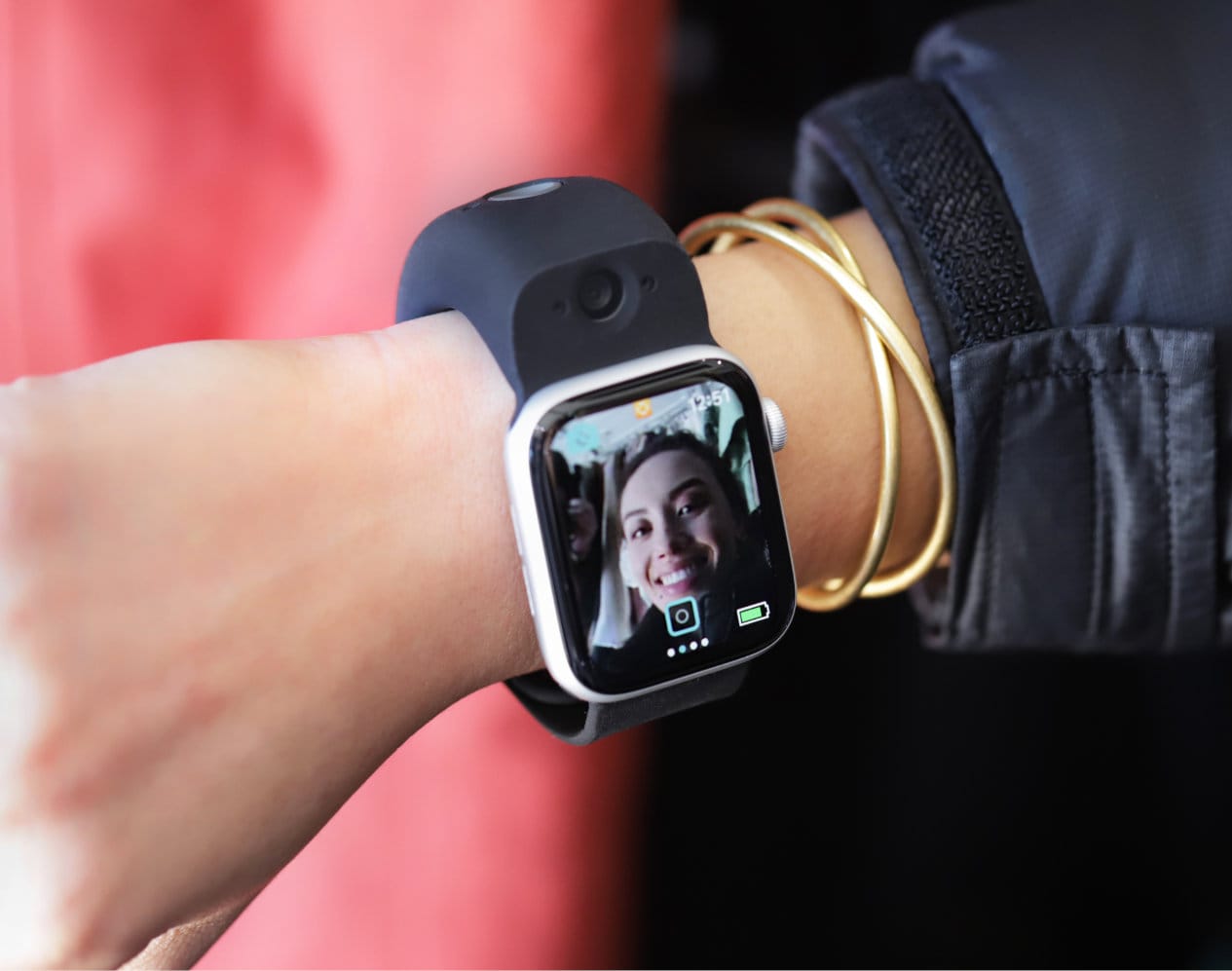
Wristcam gives your Apple Watch dual cameras and live video messaging. Photo: Wristcam
This post is brought to you in collaboration with our friends at Wristcam.
Dick Tracy comics gave its tough-guy detective a two-way-radio wristwatch in the 1940s, presaging today’s Apple Watch and other smartwatches. Now Wristcam is turning your Apple Watch into a walkie-talkie-style communicator.
Wristcam, the first (and only) smart-band camera for Apple Watch to receive the “Made for Apple Watch” designation, today announces its live video messaging capability is available on the App Store. And Cult of Mac readers can get a special discount on this unique Apple Watch accessory now through July 30, 2021. Just use our link to get $30 off a Wristcam.
Some astounding closeup images should make you stop laughing at iPad photography. Photo: Ed Hardy/Cult of Mac
Professional photog/developer Sebastiaan de With accidentally discovered that the rear-facing camera in the 2021 iPad Pro can focus on objects very close to the lens. This allows the tablet to capture close-up images not possible with an iPhone.
Cult of Mac did a bit of experimenting and confirmed the results.
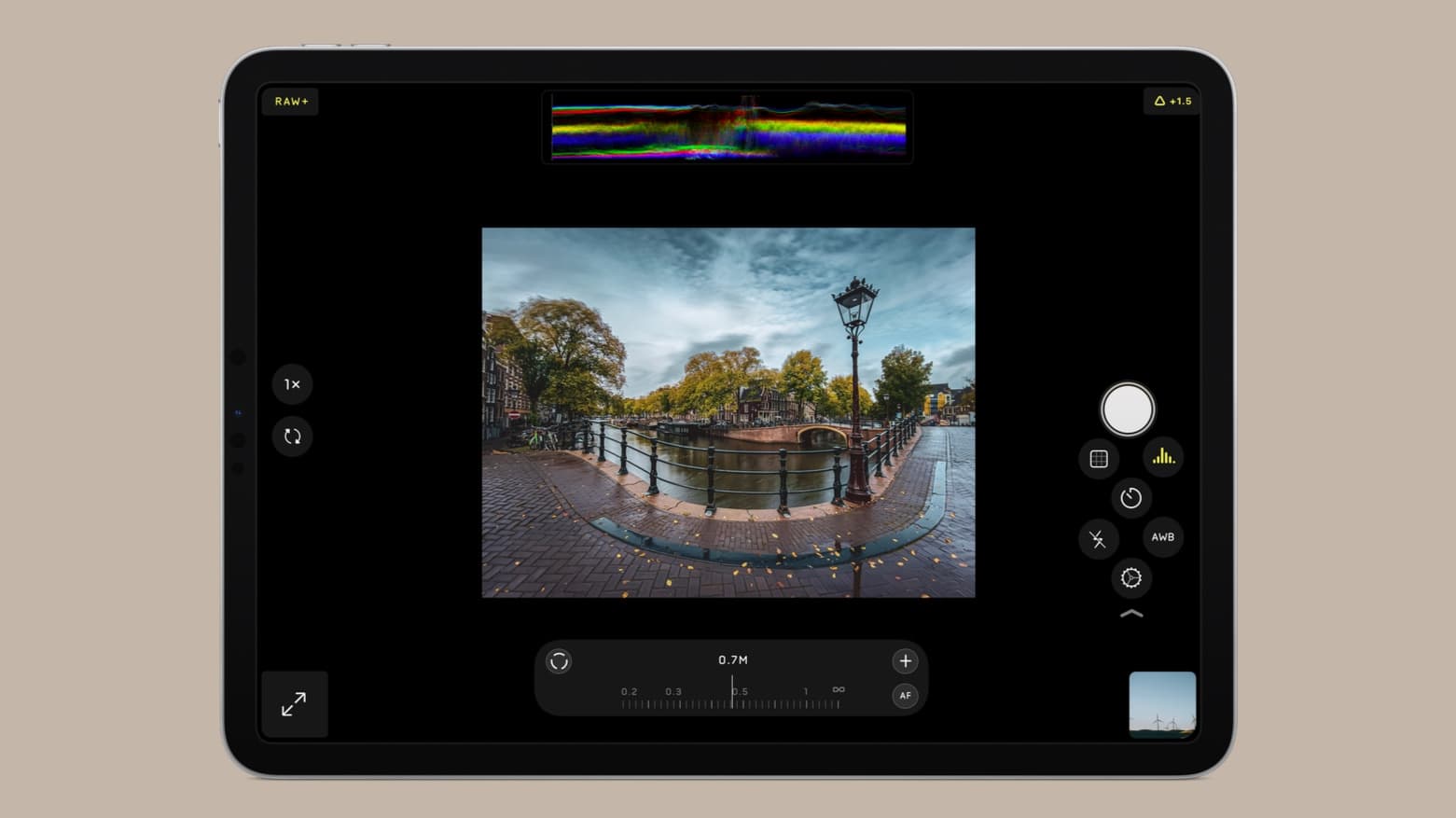
Halide for iPad is ready to break the bias against tablet photography. Photo: Lux
Halide isn’t just for iPhone any more — the alternative camera application gained iPad support on Tuesday. Lux promises its latest release is, “packed with all the powerful features of Halide for iPhone and a few special ones for better photography on big screens.”
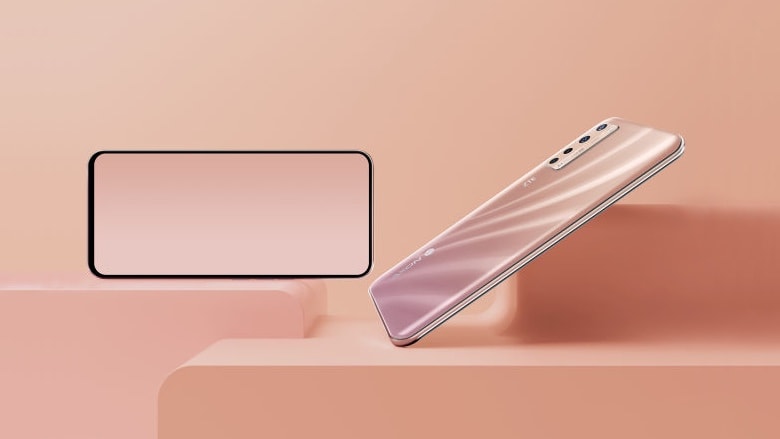
The under-display camera in the ZTE Axon 20 5G could signal the eventual end of the iPhone notch. Photo: ZTE
ZTE got the honor on Tuesday of unveiling the world’s first phone with an under-display camera. The Axon 20 5G doesn’t need a notch like the iPhone, nor Samsung’s unsightly hole-punch camera. It can take selfies right through the screen.
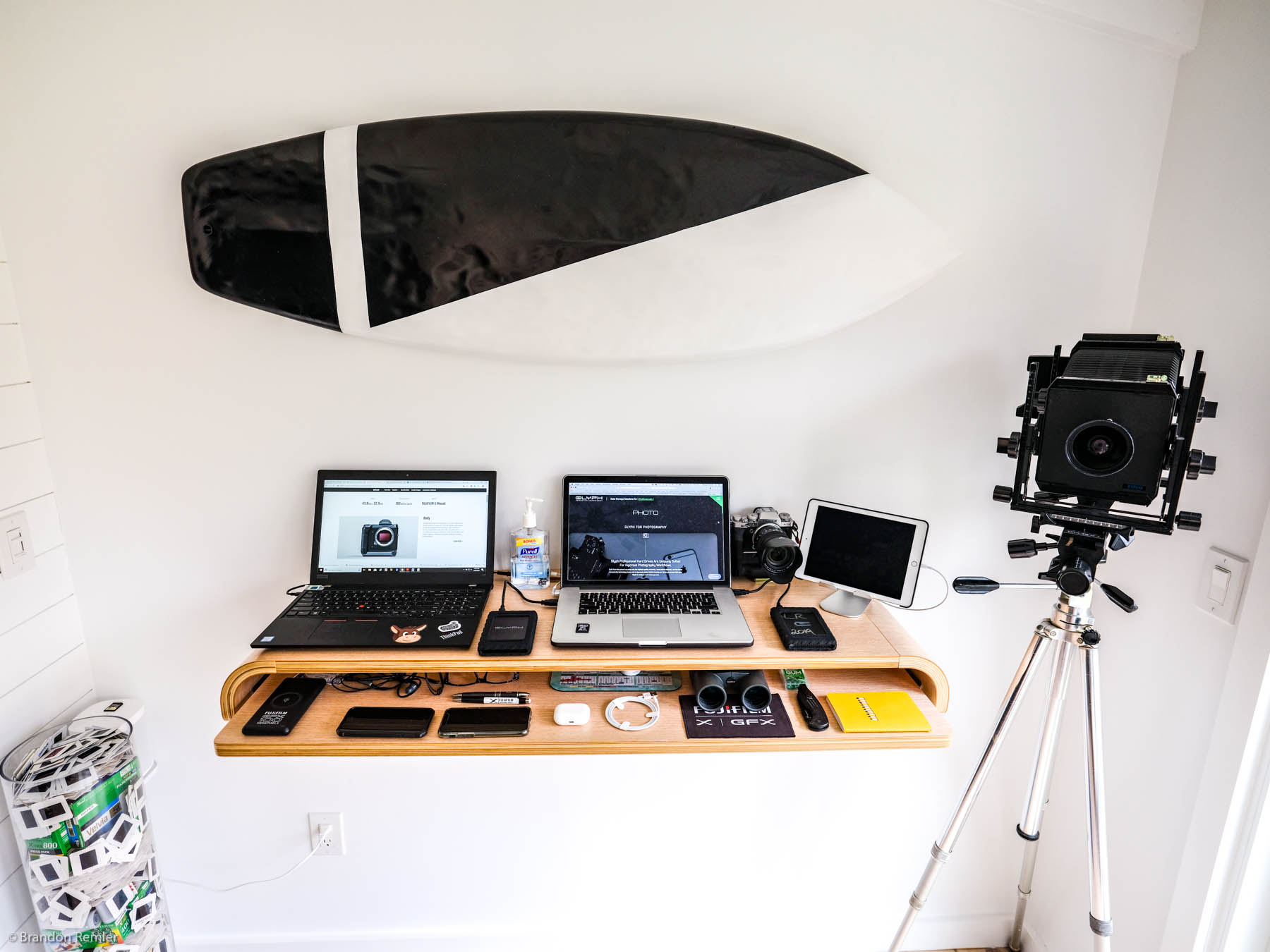
This camera-centric setup is easy on the eyes. Photo: Brandon Remler
This standup setup is definitely ready for its close-up. Artfully outfitted by Fujifilm North America salesman Brandon Remler, it sports a pair of laptops. But the real focus falls on Remler’s array of cameras, both film and digital.
“I do primarily use digital,” Remler told Cult of Mac in an email. “I did film for 20 years and it has a great feel and experience. Now moved on to Fujifilm GFX system. Gfx100 or Gfx50 — as well as our other Fujifilm x series (have one of everything so it’s not fair ;-).”
The new iPhone will boast a new 'high-end' camera, says reliable Apple analyst. Screenshot: ConceptsiPhone
The makers of the “high-end” camera lens arrays used in the iPhone 12 will reportedly start shipping them in mid-July, says reliable Apple analyst Ming-Chi Kuo in a research note published Friday.
Kuo doesn’t deal exactly what these new lenses consist of. However, he has previously suggested that the iPhone 12 will feature seven-element lenses that will offer superior image quality to the iPhone 11 and 11 Pro due to increased light transmission rate.
The iPhone SE can take a 2D image and make it into a Portrait Mode picture with the bokeh effect. Photo: Apple
The 2020 iPhone SE is the first Apple smartphone to offer Portrait Mode photos created entirely with software techniques rather than hardware. That’s not true of any previous iOS device, not even the one you think it is.
Lux Optics, maker of Halide, examined how Apple’s new budget phone adds the bokeh effect to 2D pictures.
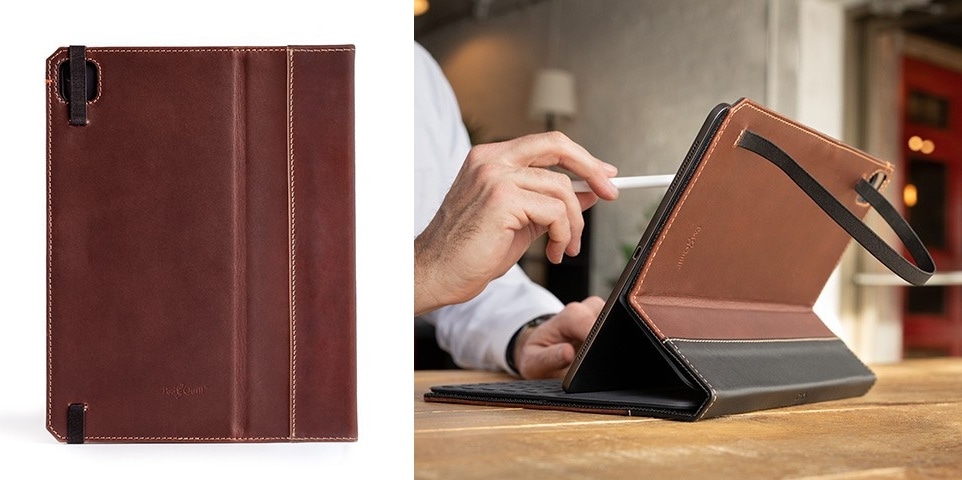
This Pad & Quill leather folio is ready when/if Apple builds more lenses into the next iPad Pro’s rear-facing cameras. Photo: Pad & Quill
A well-known accessory maker unveiled a case that’s apparently designed for a 2020 iPad Pro with a dual- or even triple-lens camera like the ones in the iPhone 11 series. There’s no such tablet, but rumors say one is coming soon.