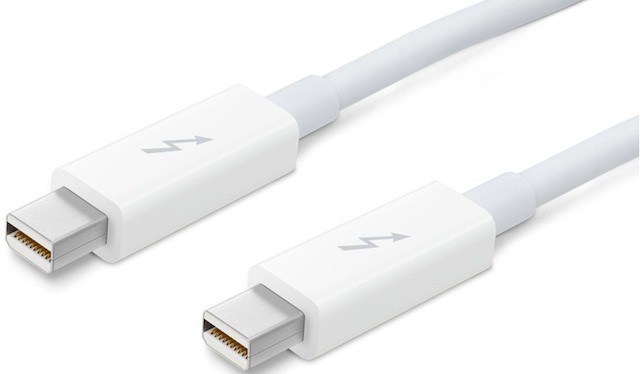
If you are planning on using Target Disk Mode to boot your Mac equipped with Thunderbolt ports you’ll need Apple’s special Thunderbolt cable in order for it to work. This is required even when connecting two Macs or a Mac to an external Thunderbolt equipped disk drive.
Once you are set up with the proper equipment, OS and firmware updates, and the Thunderbolt cable you are ready to go. You can check out this document for generic information about Target Disk Mode on your Mac. Although this document details Target Disk Mode for Firewire the same steps work for Thunderbolt.

David W. Martin has more than 20 years of experience in the industry as a programmer, systems and business analyst, author, and consultant. David has written for CNET’s iPhoneatlas.com, MacLife.com, CultofMac.com, BYTE.com and recently for aNewDoman.net. He comes to Cult of Mac’s website with deep knowledge and passion for the all things Apple. Follow David on Twitter @david_w_martin or see what he’s up to now at davidwmartin.com.

