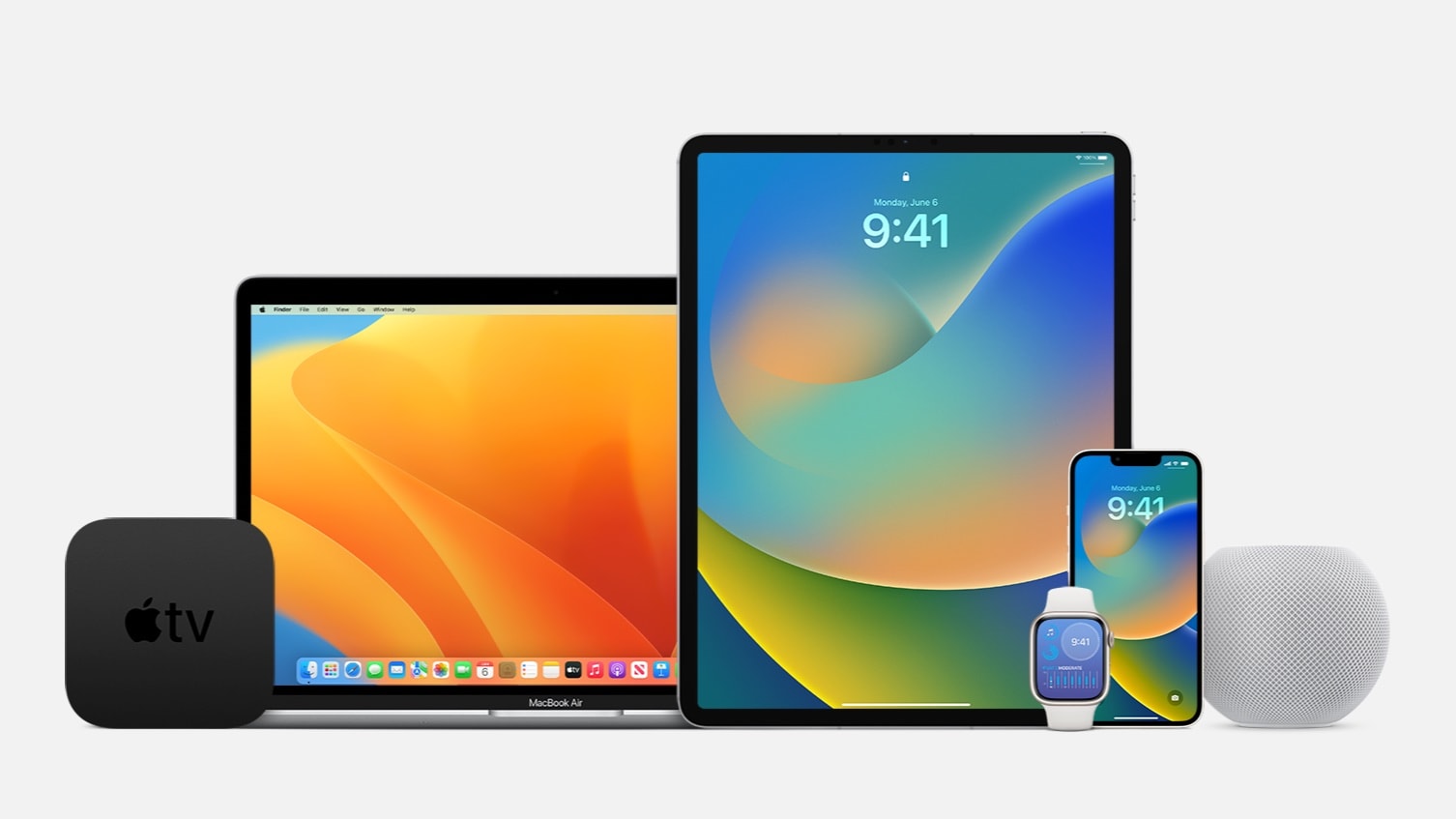
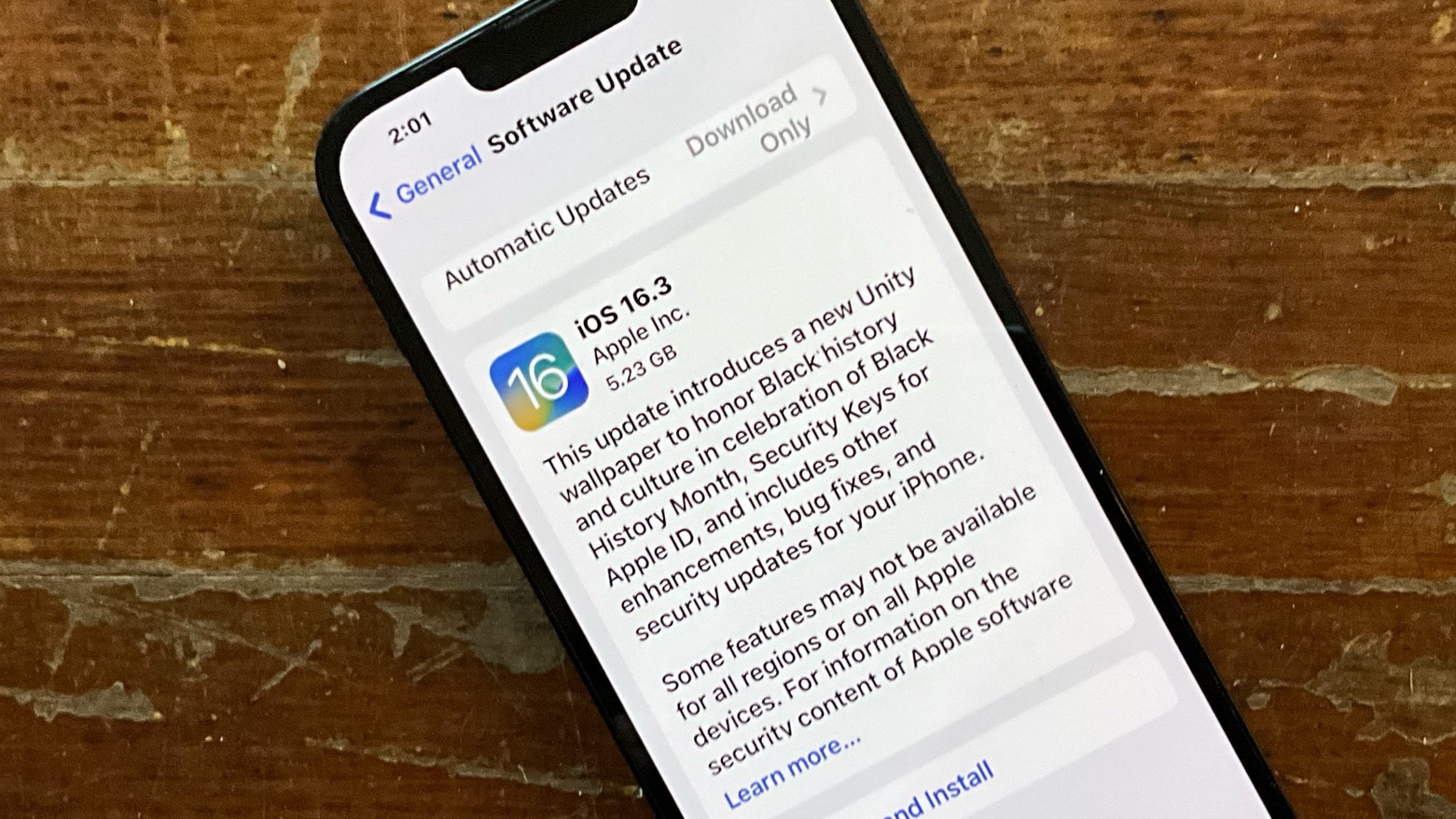
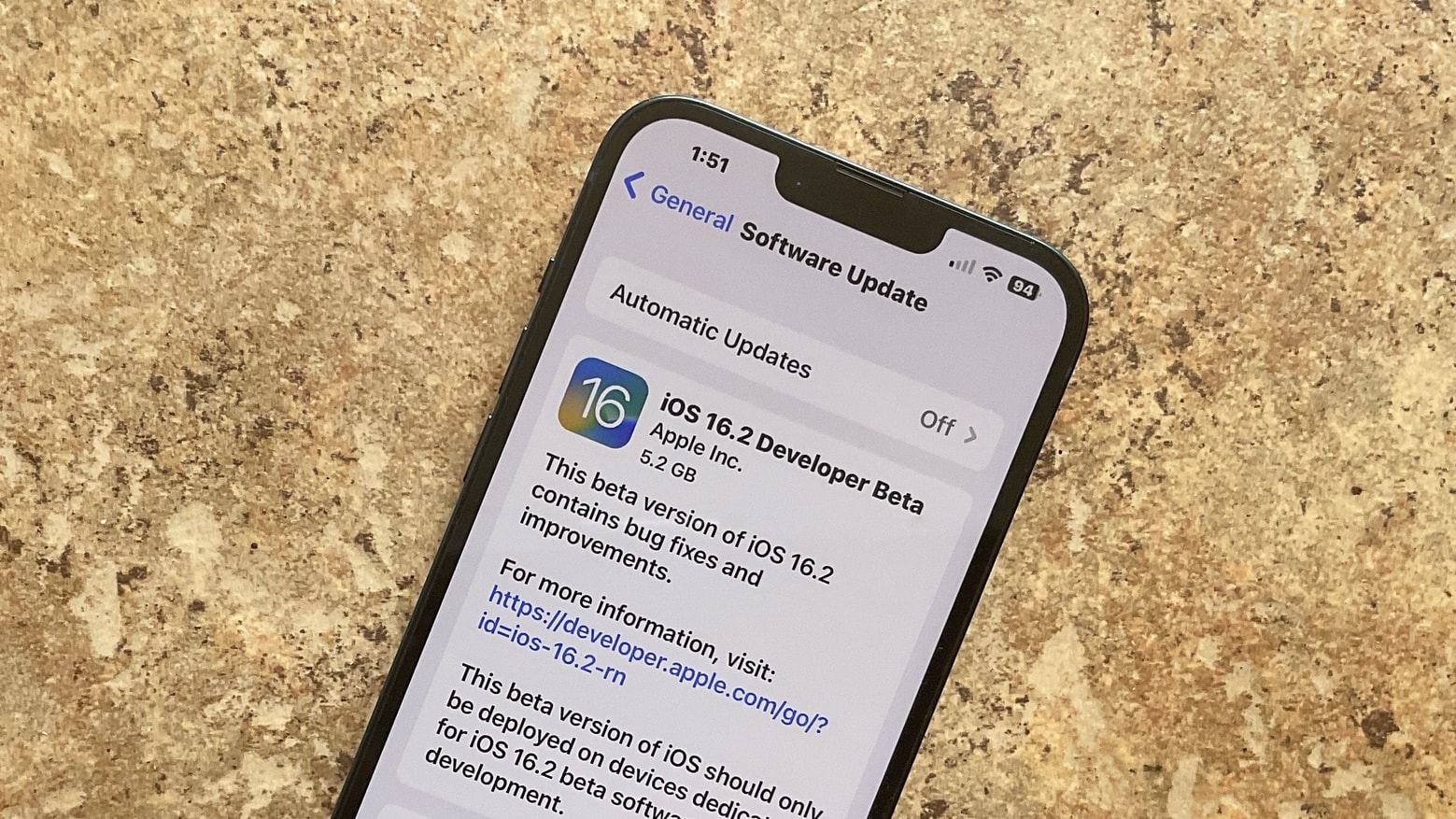
Apple is already looking ahead to iOS 16.5 and macOS Ventura 13.4. Photo: Ed Hardy/Cult of Mac
Apple seeded the initial betas of iOS 16.5 and macOS Ventura 13.4 to the general public on Thursday. Developers were given access on Tuesday. Beta testing began almost immediately after the public release of the previous versions.
iPadOS 16.5 beta 1, watchOS 9.5 beta 1 and tvOS 16.5 beta 1 are also available to the public and to devs.
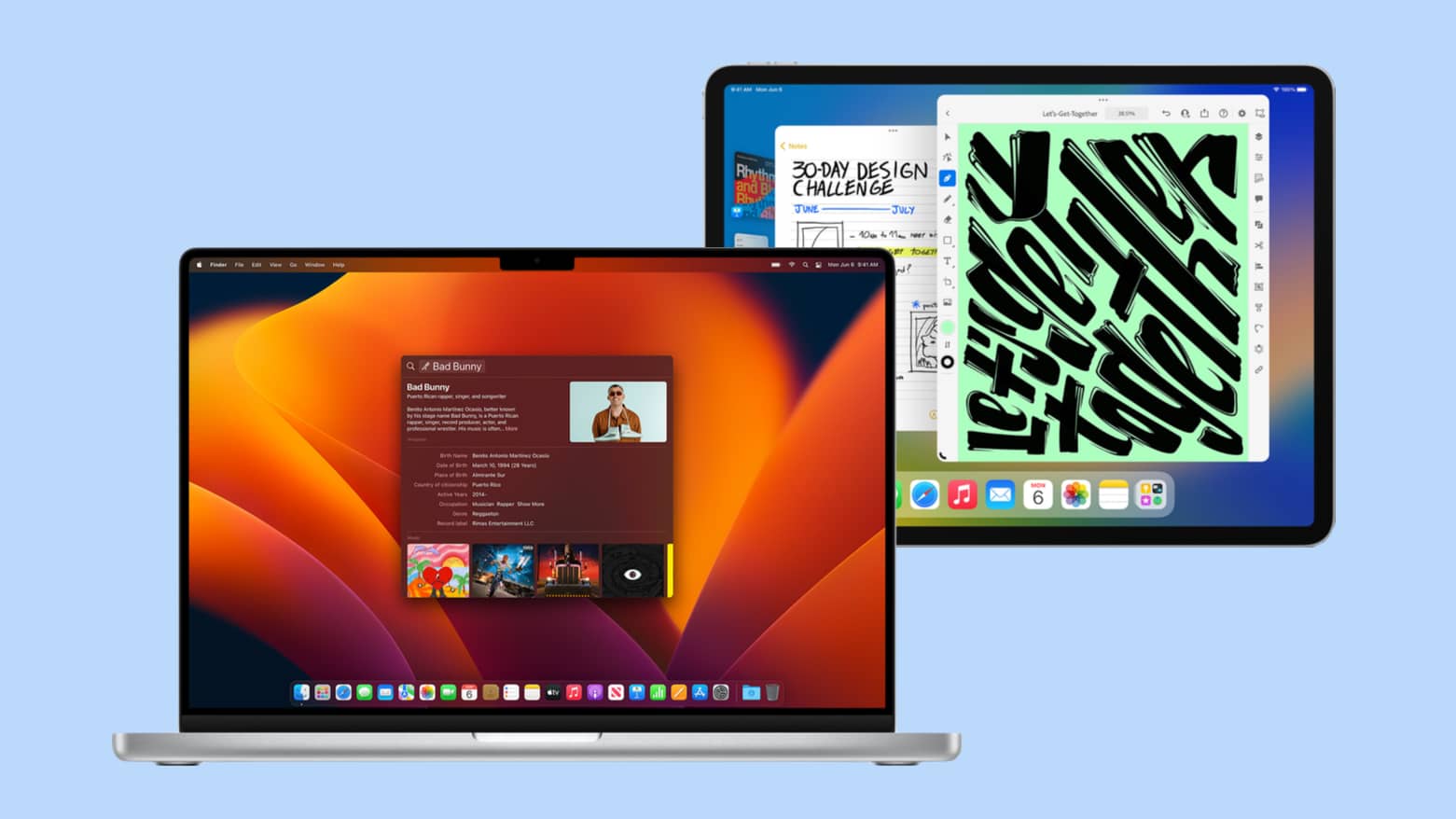
Apple released OS updates for its various computers today, including Mac and iPad. Photo: Apple
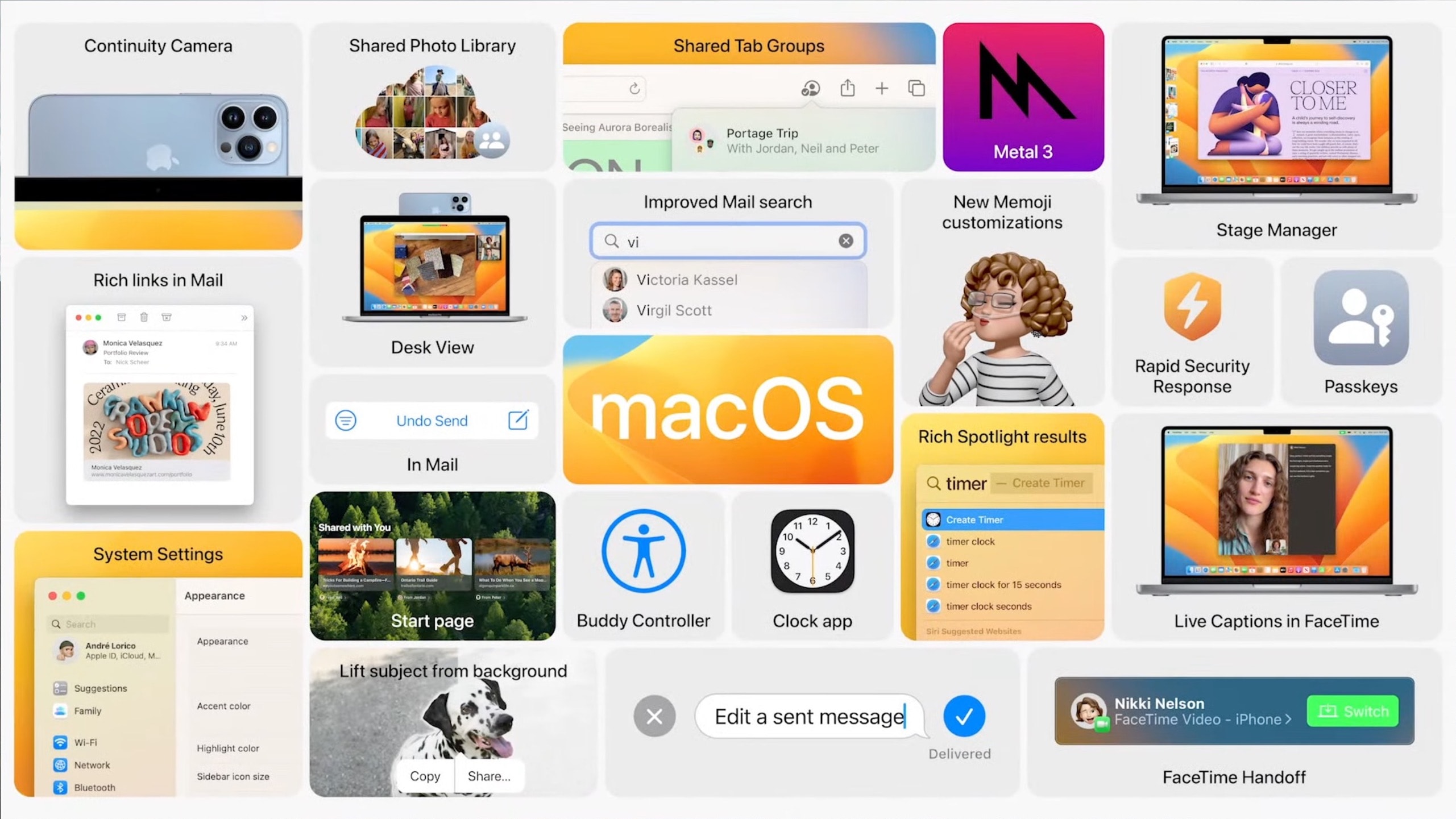
The wait is over for macOS Ventura 13.3 and iPadOS 16.4, which Apple released Monday. While not major upgrades, they do bring new emoji, a better way for devs to work with betas, and other changes (including security updates).
Apple also released iOS 16.4, as well as watchOS 9.4 and tvOS 16.4, today.
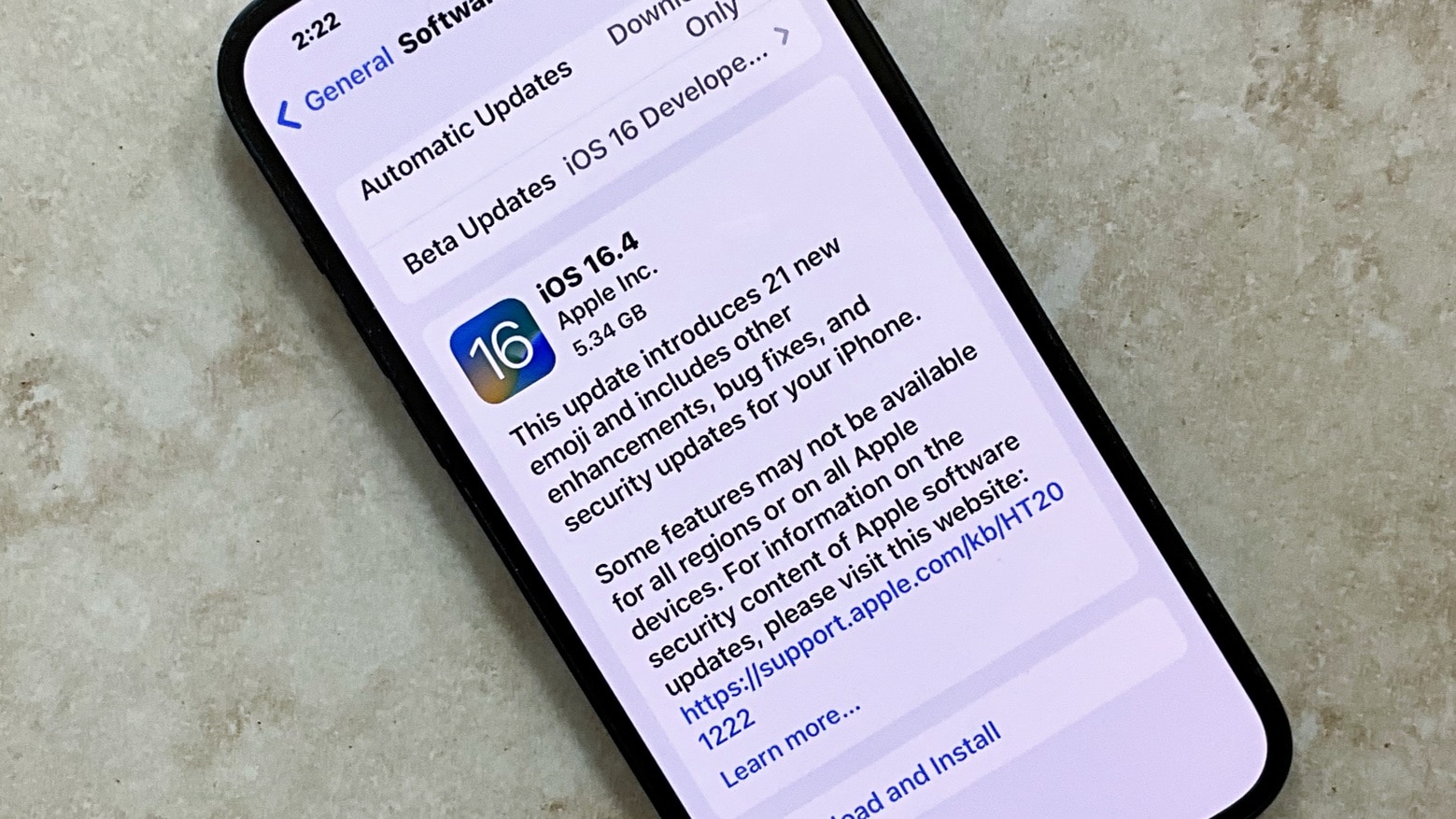
The iOS 16.4 release candidate means the full version should reach iPhones everywhere before the end of March. Photo: Ed Hardy/Cult of Mac
Apple seeded the release candidates for iOS 16.4 and macOS Ventura 13.3 to developers on Tuesday, signaling that beta testing for these upcoming operating systems is almost over. The same is true for the release candidates for iPadOS 16.4, watchOS 9.4 and tvOS 16.4.
These will usher in new emoji, a better way for devs to work with betas, and other changes.
It is easier than you think to view saved Wi-Fi passwords on your iPhone or Mac. Graphics: Rajesh
Your iPhone automatically syncs the details of any Wi-Fi network you join with other devices linked to your Apple ID. Thanks to this handy feature, your Mac or other Apple devices will seamlessly join that network without you doing anything. And iOS also makes it easy to share Wi-Fi passwords with other people who are using iPhones or iPads. You can even turn your home’s Wi-Fi password into a QR code for easy sharing.
However, there will be situations when you need to retrieve a Wi-Fi password for sharing with friends who don’t use an iPhone. When that’s the case, follow the steps below to discover the password of a saved Wi-Fi network on your iPhone or Mac.
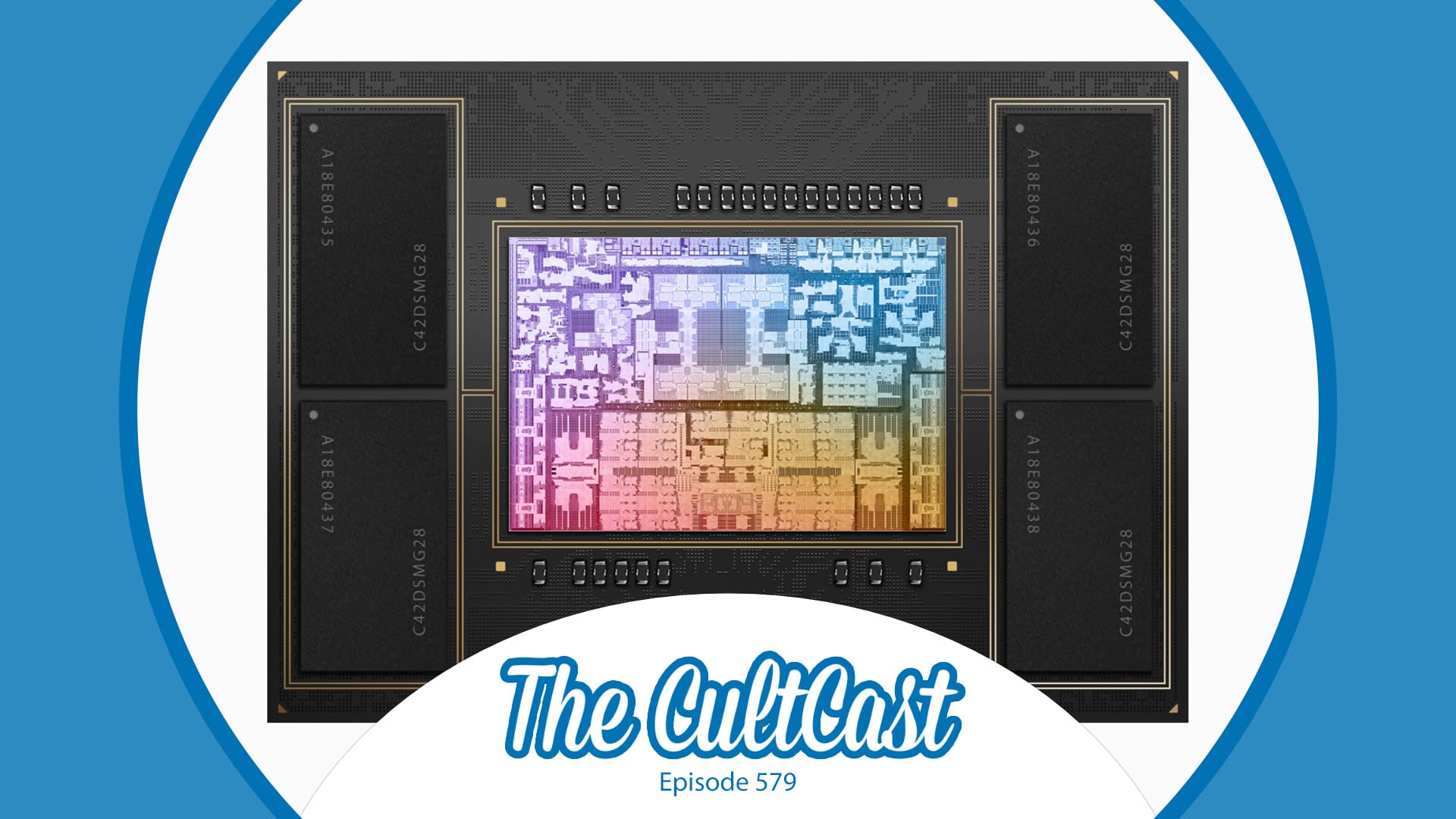
We're talking the many pros and a couple of cons about the brand-new MacBook Pro Mac mini and HomePod models Apple just released. Image: Cult of Mac
This week on Cult of Mac’s podcast: The first reviews and early benchmarks reveal impressive performance boosts from the new MacBook Pro and Mac mini. We’re talking the pros and cons of upgrading — including one very important “buyer beware” scenario.
Also on The CultCast:
What’s new in iOS 16.3, iPadOS 16.3 and macOS Ventura 13.2? We walk through the updates.
A great giveaway from Goldenerre, maker of fine Apple Watch bands.
Our beloved old-school HomePods just got some upgrades — including one Erfon’s been dreaming of for years.
Listen to this week’s episode of The CultCast in the Podcasts app or your favorite podcast app. (Be sure to subscribe and leave us a review if you like it!) Or watch the video live stream, embedded below.
iOS 16.3, iPadOS 16.3, watchOS 9.3 and macOS Ventura 13.2 are here. Photo: Ed Hardy/Cult of Mac
After a relatively short beta period, Apple on Monday released iOS 16.3, iPadOS 16.3 and macOS Ventura 13.2 to the public. Compatible Apple Watch and Apple TV models also received watchOS 9.3 and tvOS 16.3 updates.
Usually, point releases of iOS and macOS bring several new features and changes. But that’s not the case with iOS 16.3 and macOS Ventura 13.2. Relatively light on new features, the updates focus more on bug fixes and security patches. Below is a look at all the new features in iOS 16.3, iPadOS 16.3, macOS Ventura 13.2 and watchOS 9.3.
The march toward the release of iOS 16.3 has just begun. Graphic: Apple/Cult of Mac
Apple already began beta tests for the next versions of iOS, macOS, iPadOS and watchOS. These were seeded to developers on Wednesday, just a day after the public release of their predecessors.
Even with the holidays coming up, Apple continues working on its operating systems.
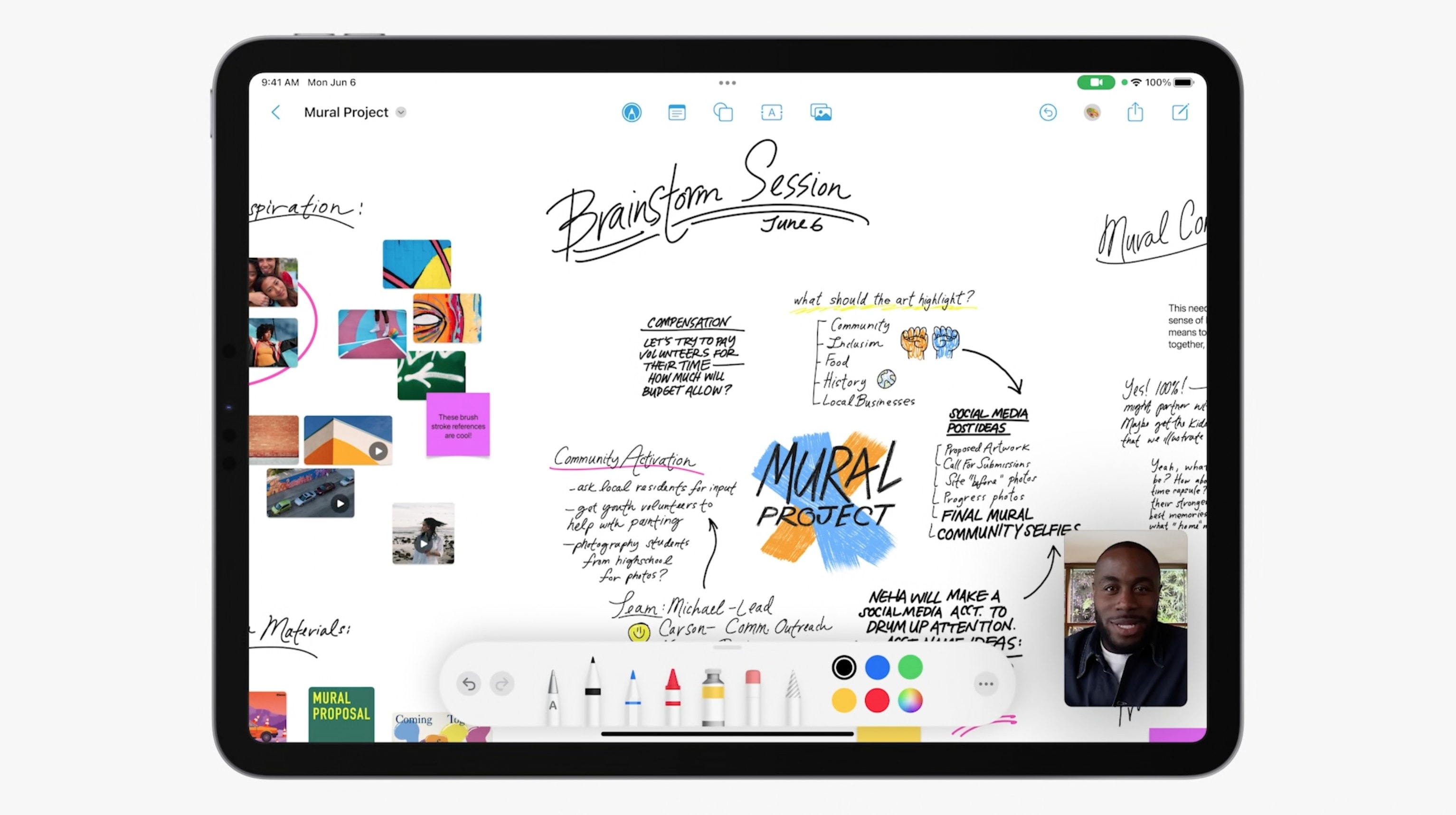
The Freeform brainstorming app is a signature feature of macOS Ventura 13.1. Photo: Apple
macOS Ventura 13.1 launched Tuesday, giving Mac users access to Freeform, a collaborative brainstorming application that’s also for iPhone and iPad.
In addition, the new macOS version ushers in important new iCloud encryption options, including the ability to encrypt images on Apple’s cloud-storage service.
Freeform will soon be available in iOS 16.2, macOS Ventura 13.1 and iPadOS 16.2. Photo: Apple
Apple seeded the iOS 16.2 release candidate to developers Wednesday, taking a huge step toward giving iPhone users access to the Freeform collaboration app, the recently announced Apple Music Sing and other exciting new features.
The iPadOS 16.2 release candidate also went out with nearly the same feature set. Plus, Apple seeded the macOS Ventura 13.1 RC, watchOS 9.2 RC and tvOS 16.2 RC to devs, too.
An update to iOS 16.1 is out. The same is true for iPadOS 16.1 and macOS Ventura. Photo: Ed Hardy/Cult of Mac
Apple on Wednesday released iOS 16.1.1, iPadOS 16.1.1 and macOS 13.0.1 to fix bugs and close a couple of security holes. These updates don’t add any new features, but are nevertheless recommended for all users.
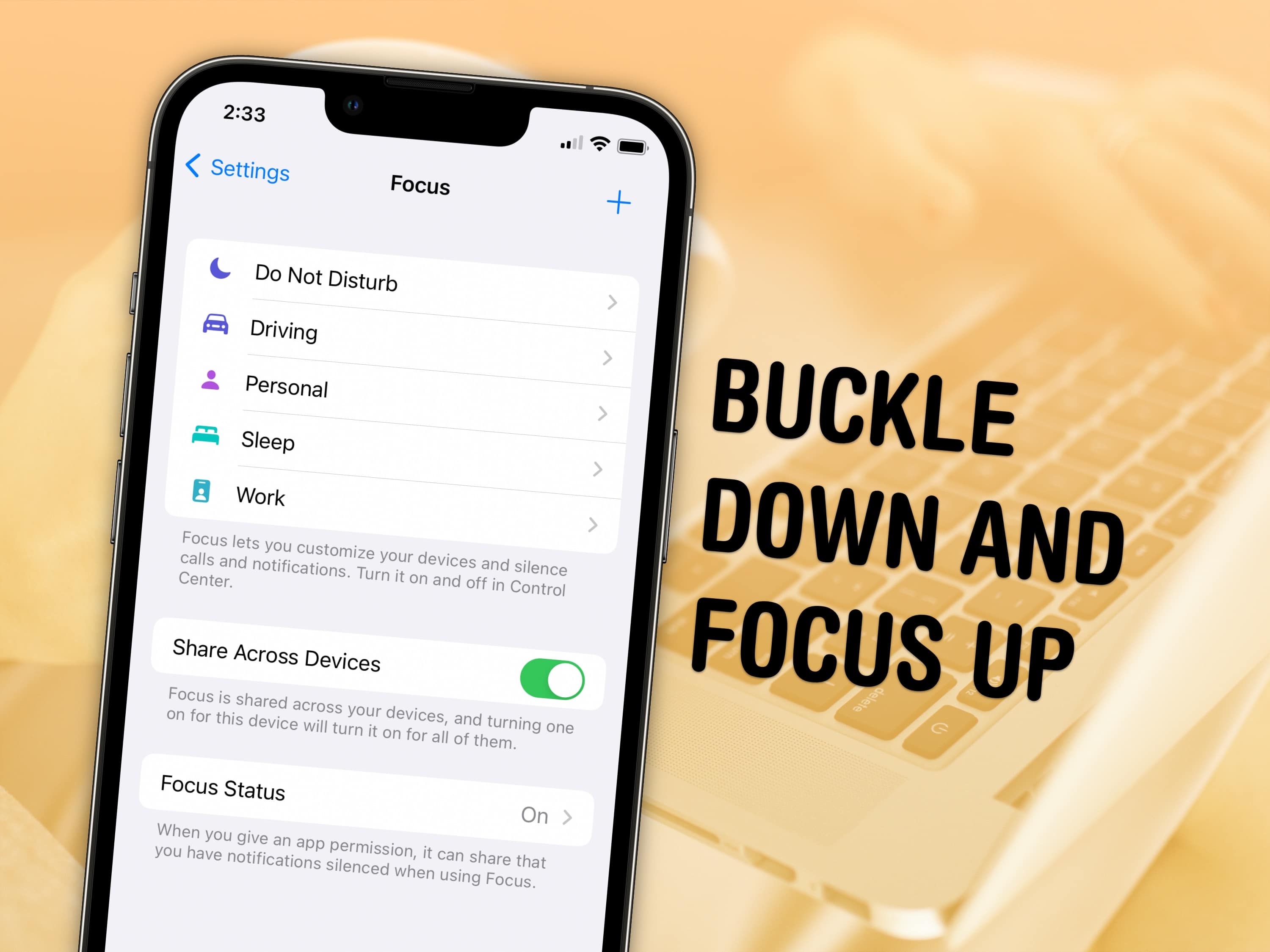
Keep your distractions at bay with Focus modes — easier to set up than ever in iOS 16. Image: D. Griffin Jones/Cult of Mac and Nenad Stojkovic, CC BY 2.0/Wikimedia Commons
Sometimes, you need your iPhone and your Mac to be very different tools throughout the day — Focus modes are all about customizing them for everything you do.
Apple’s Focus modes are a powerful way to change how your iPhone, iPad and Mac look and feel whether you’re driving, sleeping, relaxing or working. It’s all about fully immersing yourself in whatever you’re doing. You can change all kinds of things: from who can reach you and which apps send notifications to custom lock screens, home screens and more.
iOS 16.2 beta 1 is joined by new OS versions for Mac, iPad and Apple Watch all seeded to developers on Tuesday. Photo: Ed Hardy/Cult of Mac
Major updates for all Apple operating systems just reached users on Monday, but Apple is already looking ahead to the next versions. The initial betas of iOS 16.2, macOS 13.1 Ventura, iPadOS 16.2 and watchOS 9.2 were all seeded to developers the next day.
These will bring new features and changes to the various Apple devices. Many iPad users will be especially pleased by full support for external displays. And Apple’s Freeform app is coming, too.
iOS 16.1, iPadOS 16.1 and macOS Ventura arrive Monday. Photo: Apple
Although Apple released iOS 16 in September, the company delayed iPadOS 16 due to bugs and stability problems. A month later, the company is finally ready to seed iPadOS 16, macOS Ventura and iOS 16.1 to the public on October 24.
But when exactly will the updates show up on your iPad, Mac and iPhone? Find below the likely iPadOS 16, macOS Ventura and iOS 16.1 release times in your time zone.
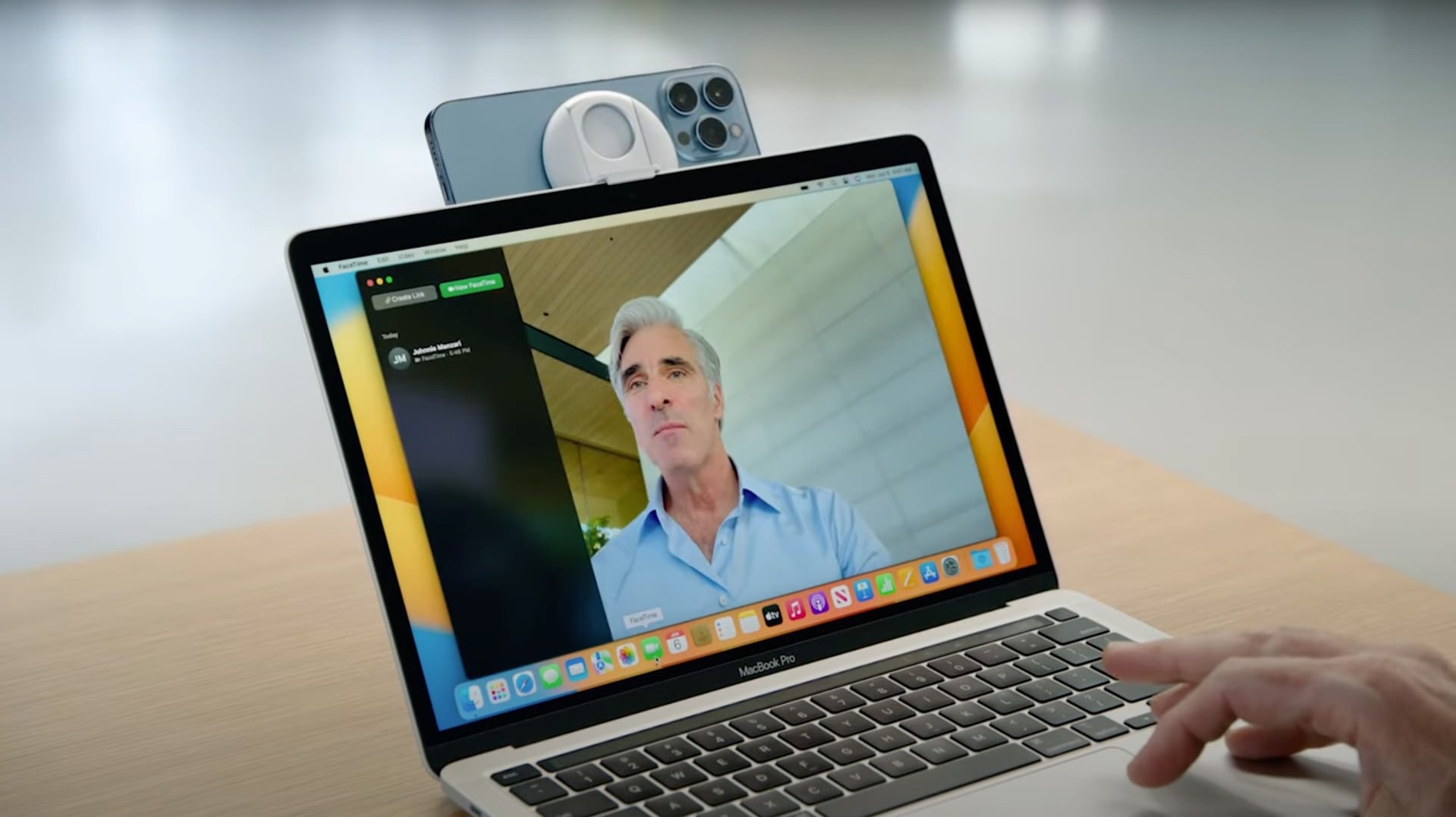
The Belkin iPhone Mount with MagSafe is here now that macOS Ventura and Continuity Camera are nearing launch. Photo: Apple
Continuity Camera in macOS Ventura upgrades video calls by bringing the iPhone’s high-res camera to the Mac. But a way to attach the handset to the laptop is necessary. That’s where Belkin’s iPhone Mount with MagSafe comes in.
With macOS launching soon, it’s time for the accessory to debut, too.
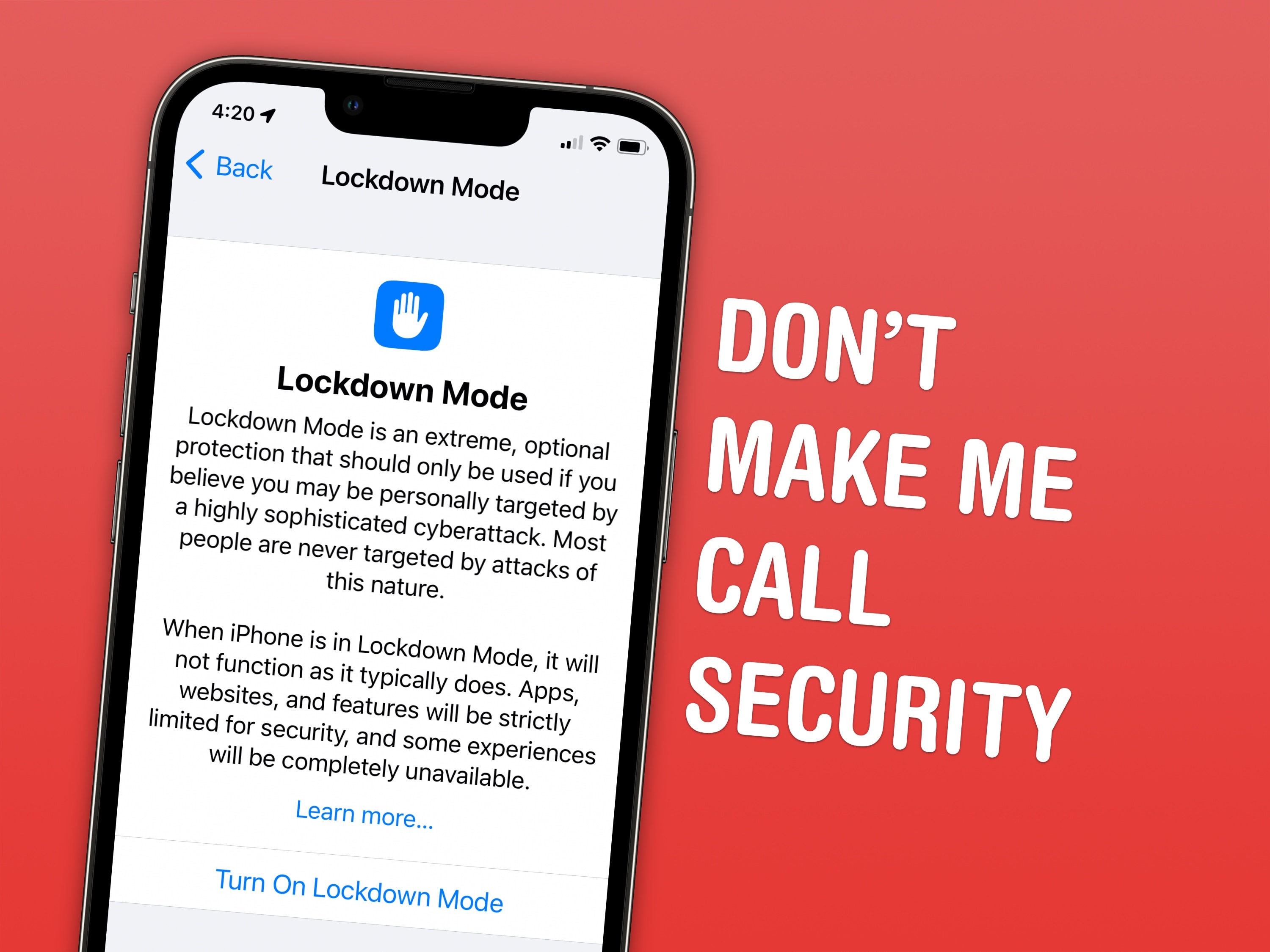
Lockdown Mode is extremely useful for the select few who actually need it and frivolous for ordinary people like me. Screenshot: D. Griffin Jones/Cult of Mac
Lockdown Mode is a new option in iOS 16 that limits system features for maximum security. Apple designed it to protect its products from sophisticated spyware, like NSO Group’s Pegasus spyware, which has been used to target journalists, politicians, dissidents and activists around the world.
Spyware like Pegasus may seem like an unlikely threat. But for some, Lockdown Mode could be life or death. U.S. citizens need not worry at the moment, but it doesn’t take a wild imagination to picture how such spyware might be embraced by slightly more fascist administrations.
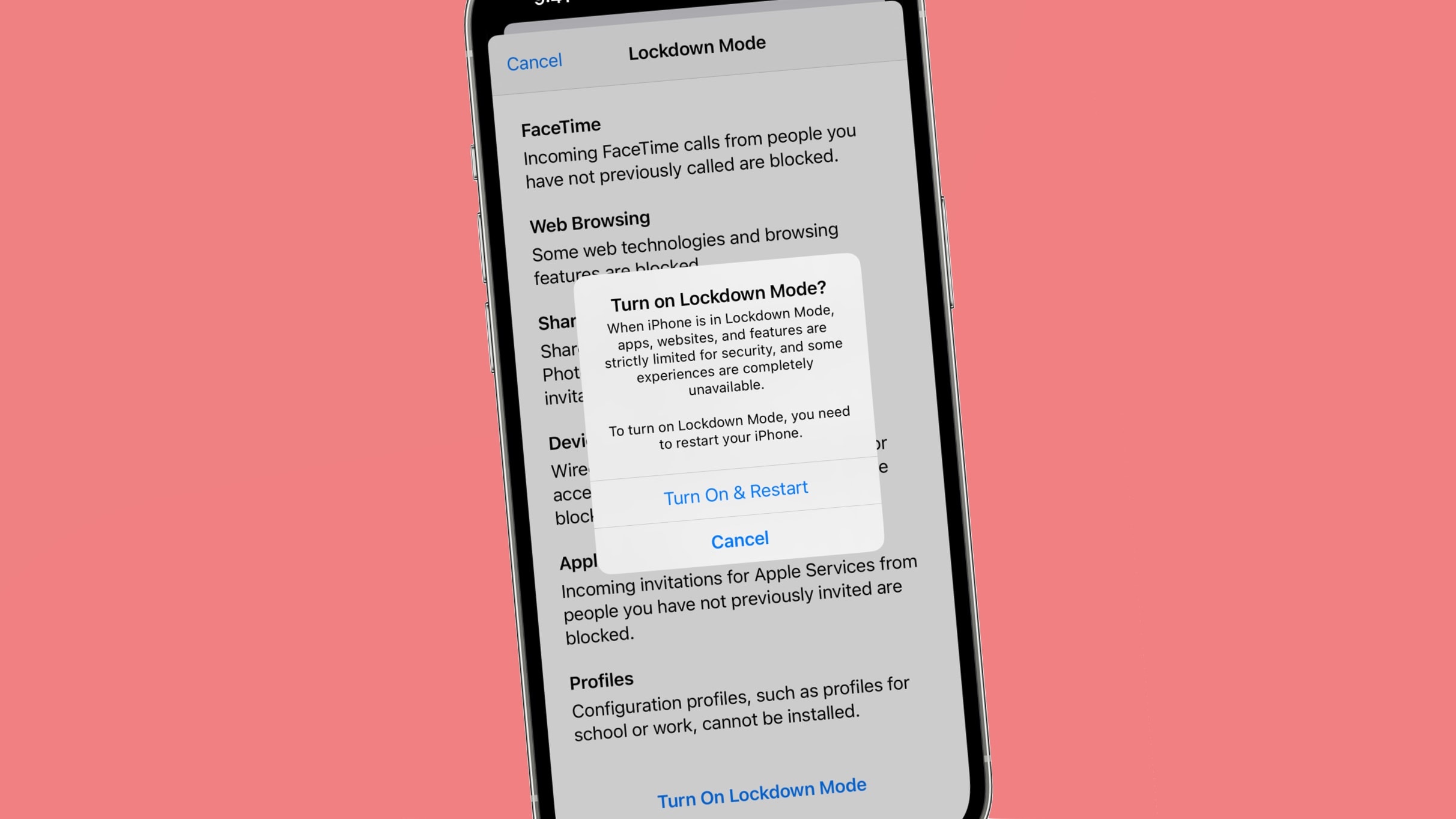
Right now, Lockdown Mode is meant for high-profile activists and journalists. And I mean real journalists — the kind who expose state secrets — not bloggers like me. Read on to find out how to enable Lockdown Mode and how it affects your device’s functionality.
Just can't wait to try the new iOS 16 Lock screen or Stage Manger in macOS Ventura? Now is your chance. Photo: Apple
Anyone who wants to can now install a beta of iOS 16, macOS Ventura, iPadOS 16, watchOS 9 or tvOS 16. Until now, these have been reserved for developers.
Those who are interested should take care: these are still fairly early betas. They have bugs and are not recommended for devices that will be used daily.
Lockdown Mode is designed to offer an extreme, optional protection for the very small number of users who face grave, targeted threats to their digital security. Image: Apple/Cult of Mac
A new hyper-secure Lockdown Mode should help protect the iPhones, iPads and Macs of journalists, politicians and activists who face “highly targeted cyberattacks from private companies developing state-sponsored mercenary spyware,” Apple said Wednesday.
The new security measure is only for extreme cases, though, because it blocks commonly used features of messaging and web browsing.
Apple users may be freed from CAPTCHA. Image: Ed Hardy/Cult of Mac
Apple developed Automatic Verification to let iPhone, Mac and iPad users bypass those irritating CAPTCHA image tests that websites use to confirm that someone is a human and not a bot.
There was so much info to plow through at WWDC22, no wonder Apple software chief Craig Federighi was running like the wind. Image: Cult of Mac
This week on Cult of Mac’s podcast: iOS 16 … iPadOS 16 … macOS Ventura … watchOS 9…. We’re racing as fast as we can through all Apple’s WWDC22 keynote revelations, but we’re gonna need a longer show. It’s our WWDC22 recap!
Also on The CultCast:
How about that super-skinny new MacBook Air?
And the blazing-fast new M2 chip that powers it?
Next-gen CarPlay looks like a total cockpit takeover.
What happened to Apple’s AR/VR headset?!?
Listen to this week’s episode of The CultCast in the Podcasts app or your favorite podcast app. (Be sure to subscribe and leave us a review if you like it!) Or watch the video livestream, embedded below.
Our sponsor: Squarespace
Special thanks to this week’s sponsor, Squarespace. Get all the tools you need to set up your very own website and commence selling anything online. Start your free website trial today at squarespace.com/cultcast (no credit card required). Save 10% off your first purchase of a website or domain with code cultcast at checkout.
Craig Federighi, Apple software chief, made a pitch for more Mac and iPad gaming at WWDC22. Screenshot: Apple
Mac is not the preferred platform for most gamers, but Metal 3 in macOS Ventura shows Apple hasn’t given up. And iPadOS 16 is getting support for a wider range of game controllers.
These are just a couple of gaming features Apple is bringing to Mac and iPad.
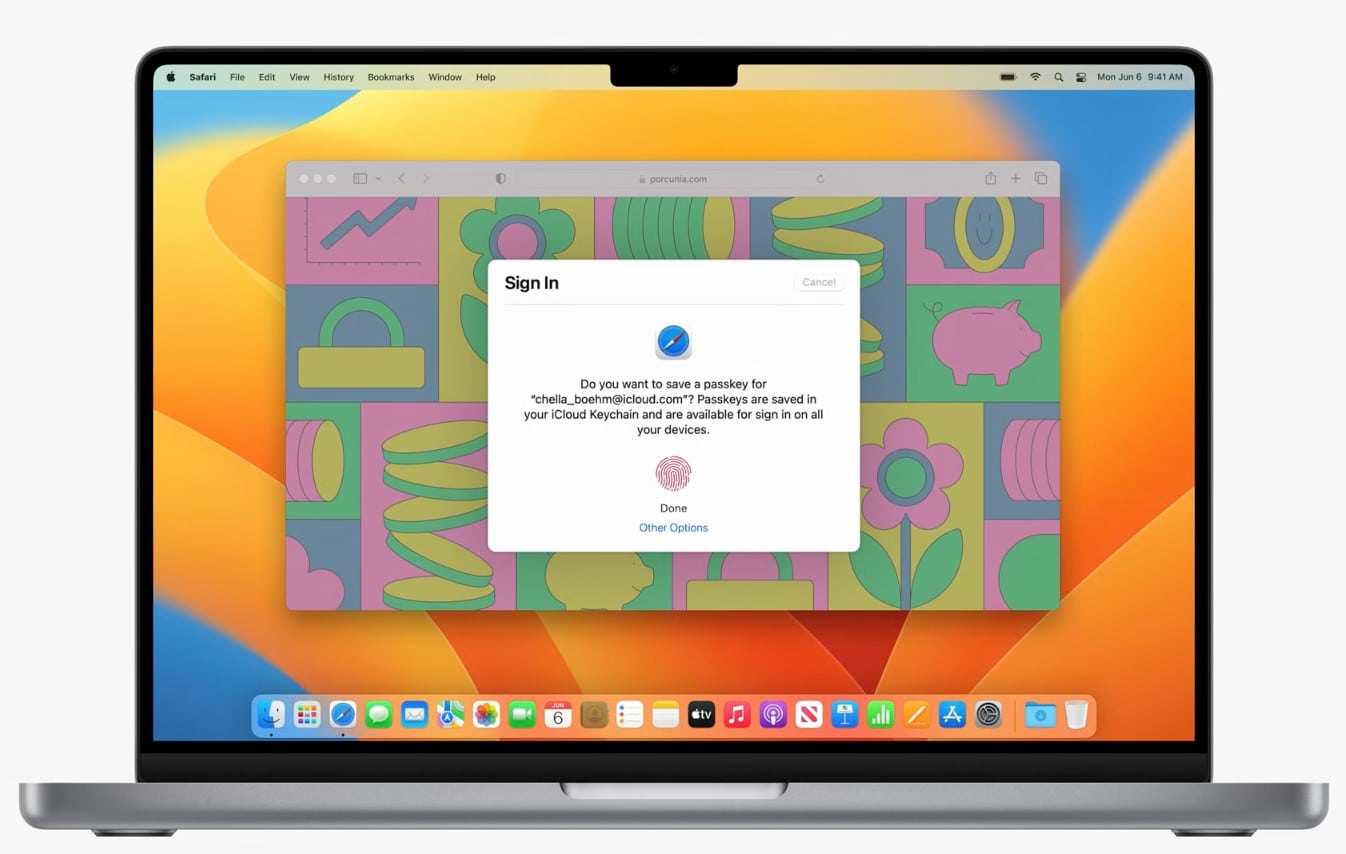
Apple's Passkeys promise to kill passwords forever. Photo: Apple
If passwords are the bane of your life, Apple’s got some good news. The company just introduced Passkeys, a new biometric system that can’t be phished, stolen or compromised.
“We’ve helped create a next-generation credential that’s more secure, easier to use and aims to replace passwords for good,” said Darin Adler, VP internet Technologies, during Monday’s WWDC22 keynote.