Stay secure, anonymous, and free of annoying content restrictions for three years, and on all your devices. Photo: Cult of Mac Deals
Here at Cult of Mac, we’re big fans of VPNs. That’s because they not only keep us secure and private online, they also bypass annoying location-based content restrictions, so you can stream your favorite content anywhere you go. With this great deal, you can get VPN protection on all your devices for three whole years.
Macs are powerful machines, but the right software can vastly expand their capabilities. This bundle of apps offers a bunch of new media-related abilities, from music management to video conversion and ringtone creation.
Twitter is rolling out a new “continue thread” feature that lets you easily publish follow-ups to previous tweets. Simply pull down in the compose window to see recent posts in one place.
There’s also a new update for the official Twitter app on Mac that fixes an annoying notifications bug.
Who would have thought Cyberpunk 2077 would be available on Mac? Photo: CD Projekt Red
Cyberpunk 2077 from CD Projekt Red is one of the most anticipated games of 2020, and thanks to Nvidia GeForce Now, you’ll be able to play it on your Mac the same day it launches.
This app is a one-stop app for HD screen recording, fully featured editing, fast conversion and multi-format video playback. Photo: Cult of Mac Deals
Making videos on Mac is easy, if you have the right tools. But subscriptions to creative software suites are expensive, and can take up a lot of space. Often, they’re too complicated for casual users.
Not so with Filmage Screen, a single app that offers a one-stop shop for all your HD video needs.
Lockdown, the open-source firewall app for iOS, is now available on the Mac. And just like the iOS version, it blocks all kinds of connections to trackers and other unwanted snoop-ware.
Mac users already enjoy good options when it comes to privacy apps, so how does Lockdown match up?
Score massive Presidents Day discounts on awesome apps for iOS and Mac. Photo: Cult of Mac Deals
This Presidents Day, instead of thinking about presidents, why not upgrade the apps in your iOS and Mac devices? We’ve rounded up some awesome deals on great software, from half off to as much as 94% off of VPNs, website builders, task managers and more.
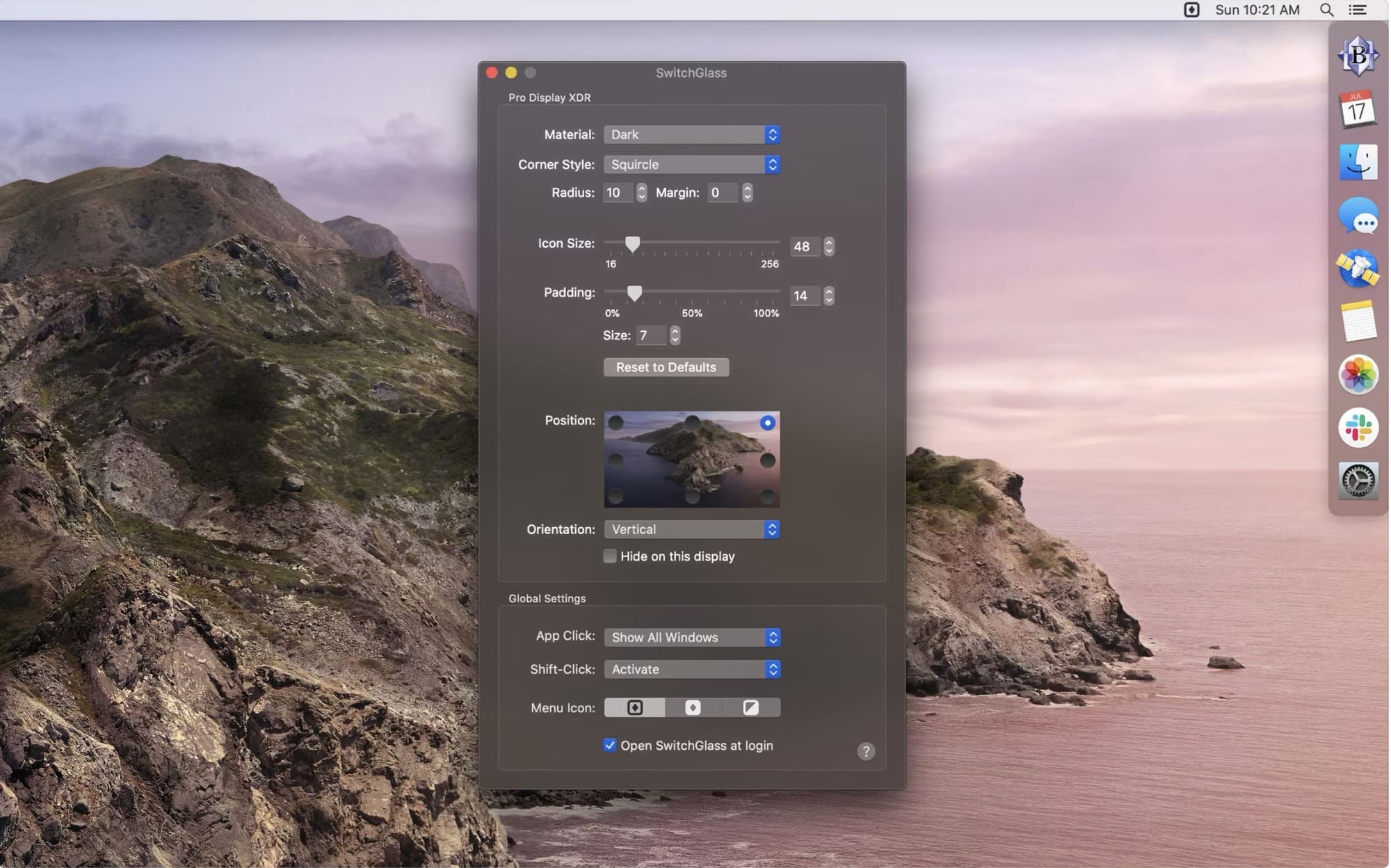
SwitchGlass -- almost exactly the same as the Dock. Photo: John Siracusa
SwitchGlass is a handy new Mac app from John Siracusa. It’s like a superpowered dock, conceptually honed from the regular macOS dock by removing some annoyances, and adding some extra subtleties. It’s certainly not the most powerful dock-replacement app out there, but if your needs align with Siracusa’s, then you’re going to love it.
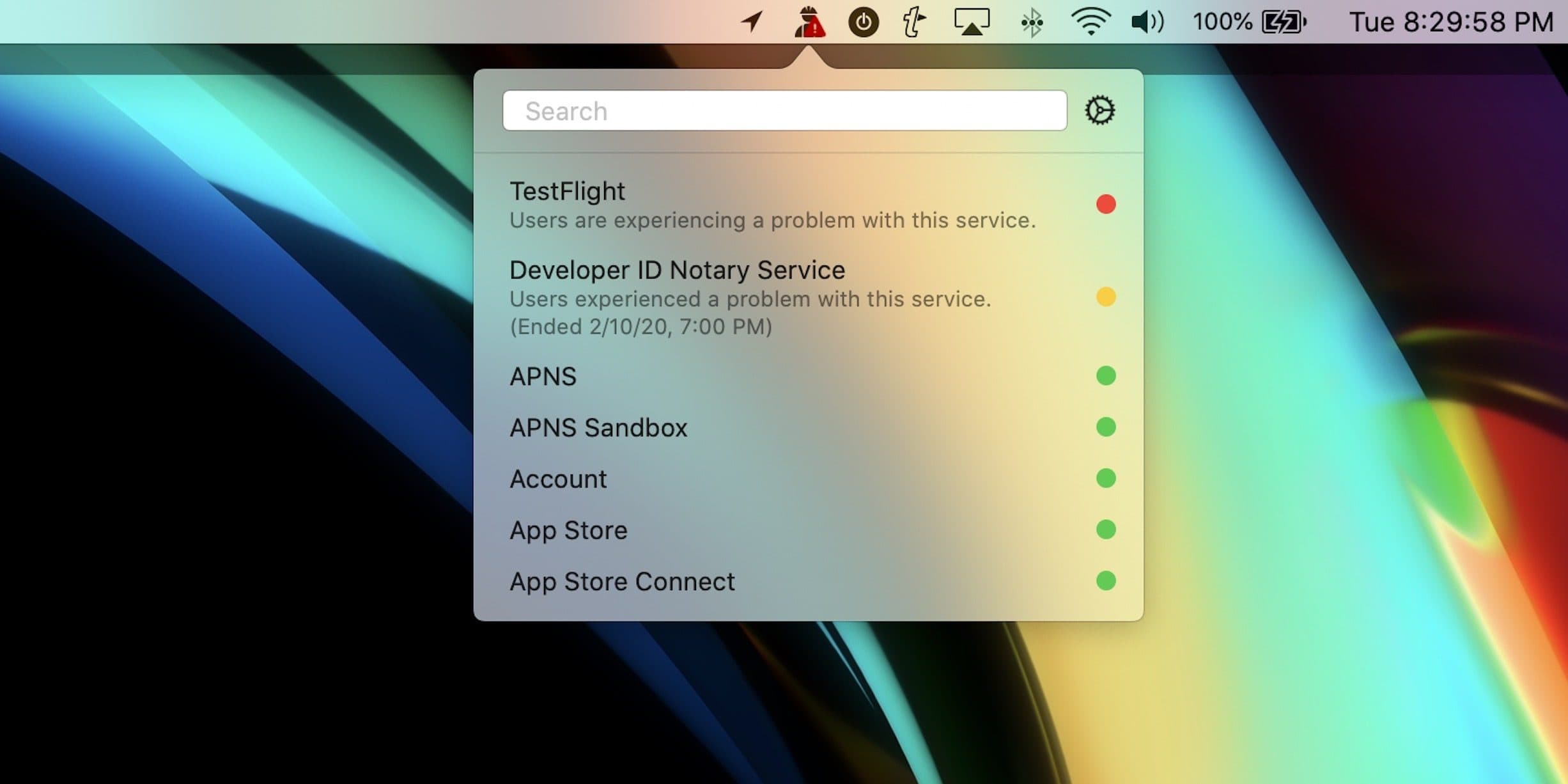
StatusBuddy is a brand-new app for macOS that lets you quickly check on the status of various Apple services in just one click.
The app sits in your Mac’s menu bar where it’s always accessible and displays a red badge when an Apple service is running into issues. It pulls information from Apple’s official status pages so you don’t have to go hunting for it.
Avalanche is a universal translator for photo apps. Photo: CYME
Do you still have all your photos stuck in an Aperture library? Aperture won’t even launch in macOS Catalina, so you’re going to have to do something about that. The long-time answer has been to move to Adobe’s Lightroom, but then all your carefully crafted RAW edits are lost, or at least frozen into JPGs, never to be reversed.
Avalanche is a new Mac app that can convert your old Aperture library into a Lightroom library. What’s more, it uses machine learning to reverse-engineer your edits, and then does its best to redo those edits in Lightroom. It seems amazing. And because it doesn’t need the Aperture app installed on your Mac at all, you can use it even if you’ve already upgraded to Catalina.
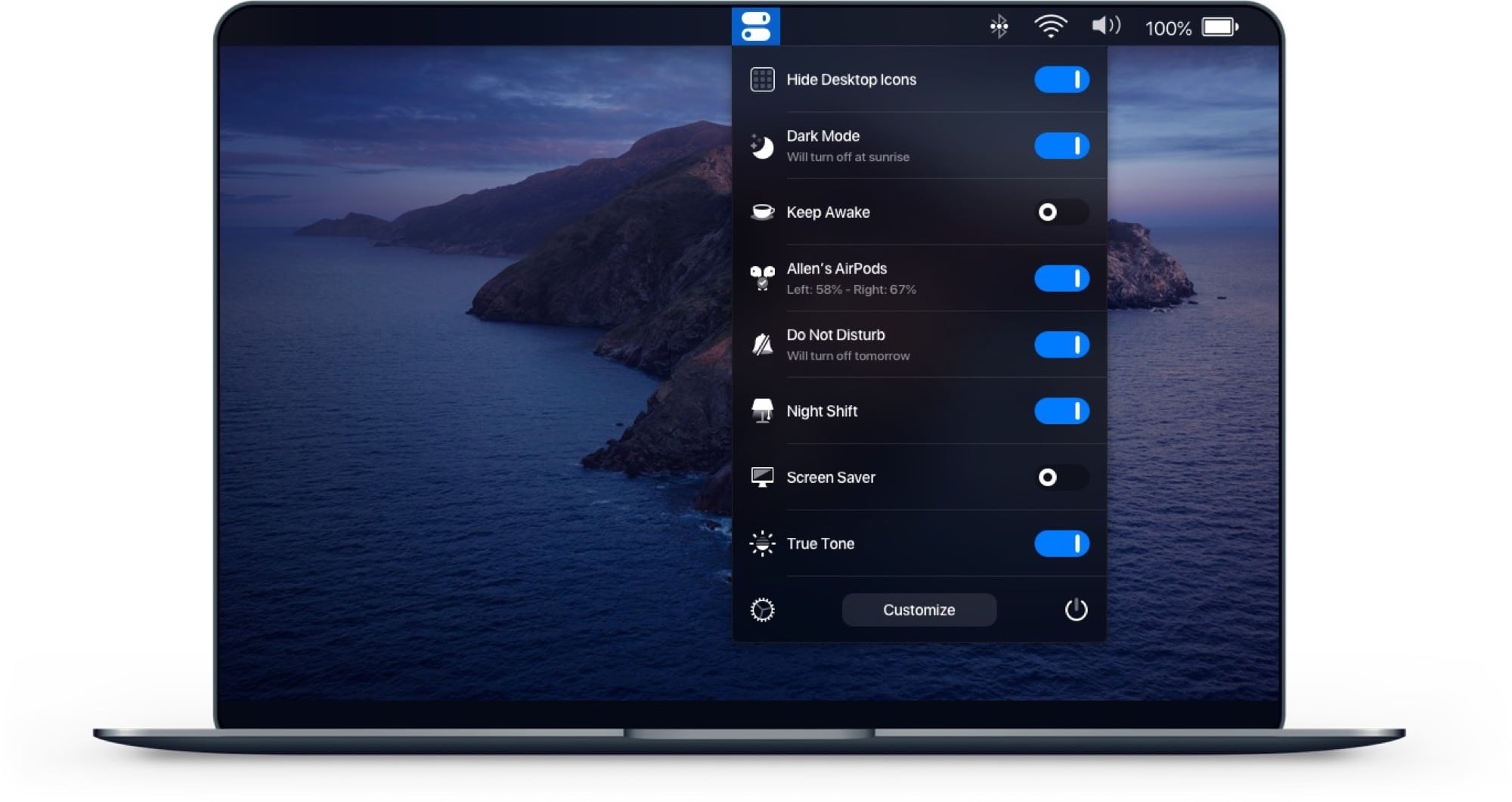
One Switch: One switch for your Mac's menu bar.
Image: Fireball
One Switch isn’t a new app, but it does look like one of the handiest Mac apps for anyone who follows our Cult of Mac how-tos. The app puts a drop-down list in your Mac’s menu bar, offering instant access to all kinds of great hacks and tweaks, from toggling Dark Mode to connecting AirPods.
BlackHole is a free, open-source tool to route audio anywhere on your Mac. You know how the audio from YouTube in Safari comes out the speakers or headphones of your Mac, and that’s about it? Well, with BlackHole, you can intercept that audio. Then you can record it, redirect it to another app or do basically anything you like.
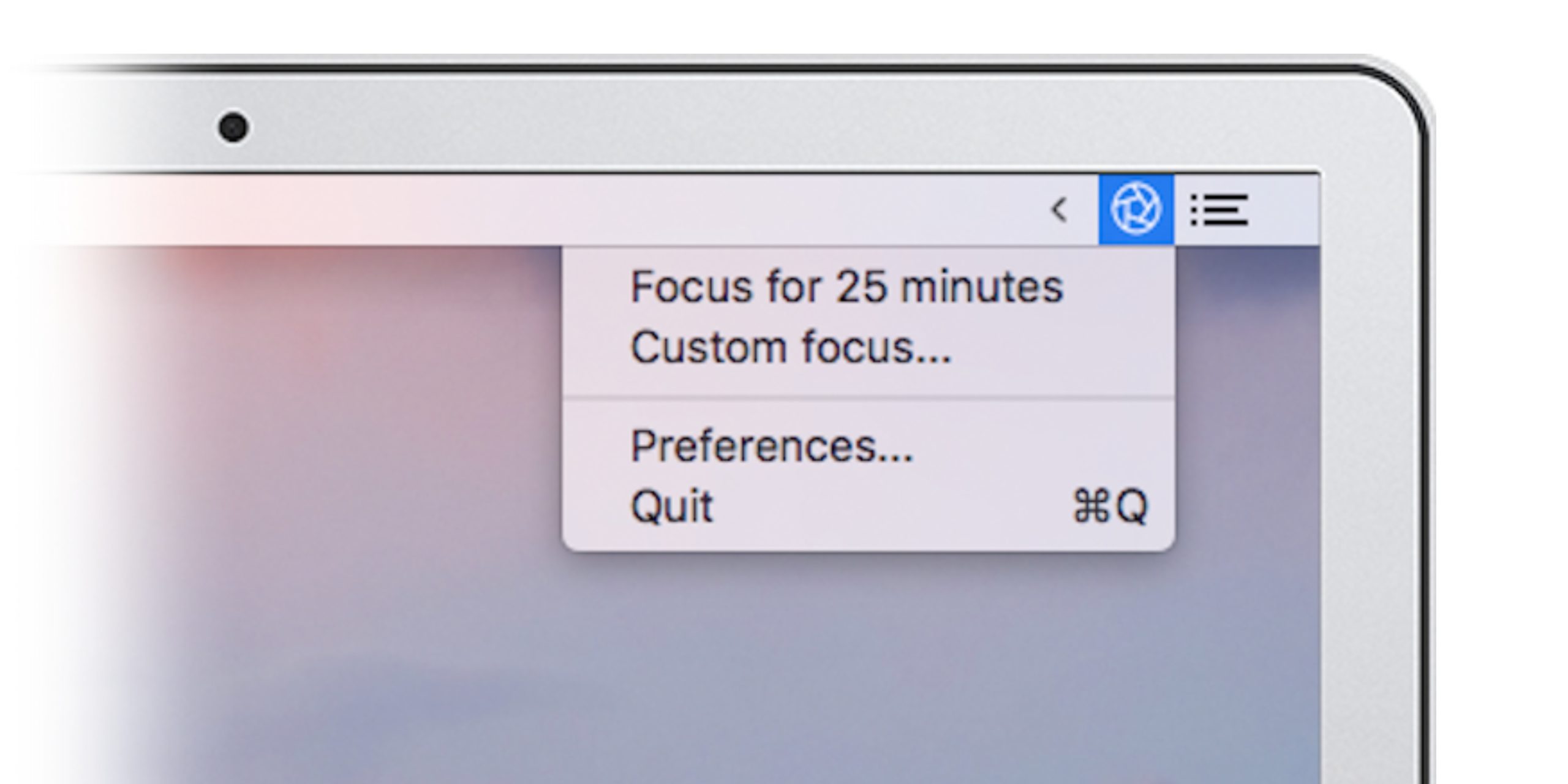
Block out distracting websites and apps to create the optimal work environment in one click. Photo: Cult of Mac Deals
Macs are powerful tools, but they’re also weapons of mass distraction. It’s just so easy to endlessly scroll Twitter or putz around on Fortnite instead of working. This app will help you stay on task and productive.
Sometimes an emoji says it all. Photo: Killian Bell/Cult of Mac
Twitter now lets you add Facebook-style emoji reactions to direct messages.
There are currently seven to choose from — one more than Facebook offers — including the familiar thumbs up, laughing face, and love heart. They help Twitter keep up with rival messaging platforms, such as iMessage.
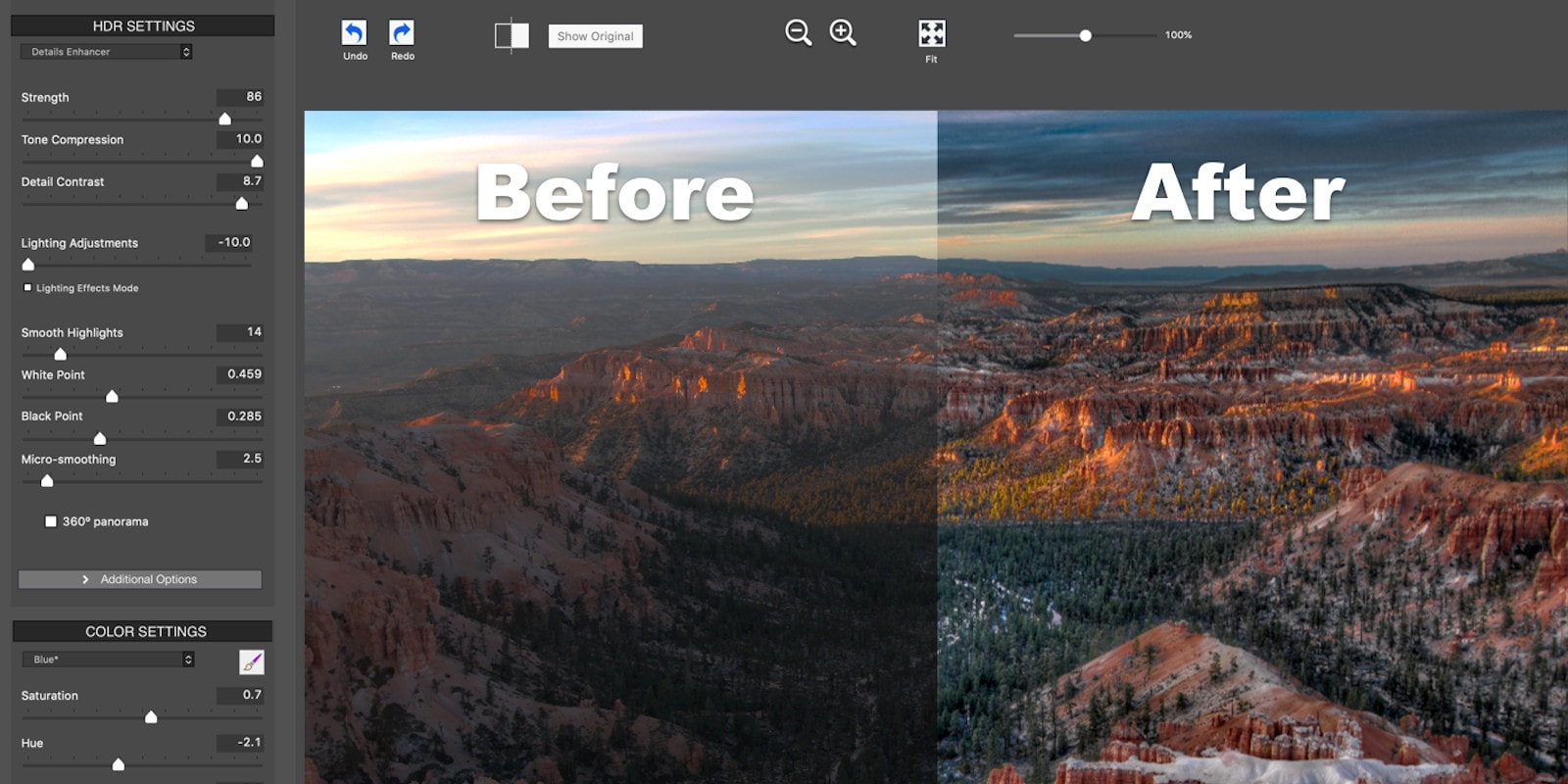
With one-click presets, HDR styles and streamlined settings, this HDR software bundle makes image enhancement easy. Photo: Cult of Mac Deals
One of the easiest ways to make any photo pop is to process it with High Dynamic Range, or HDR. Basically, it combines high and low exposures so that your photo represents a wide spectrum of light and color. HDR gives you a ton of creative options, which you can easily explore with the three Mac apps and plugins in the Photomatix Pro Plus Bundle, which we’re currently offering at an unbelievable discount.
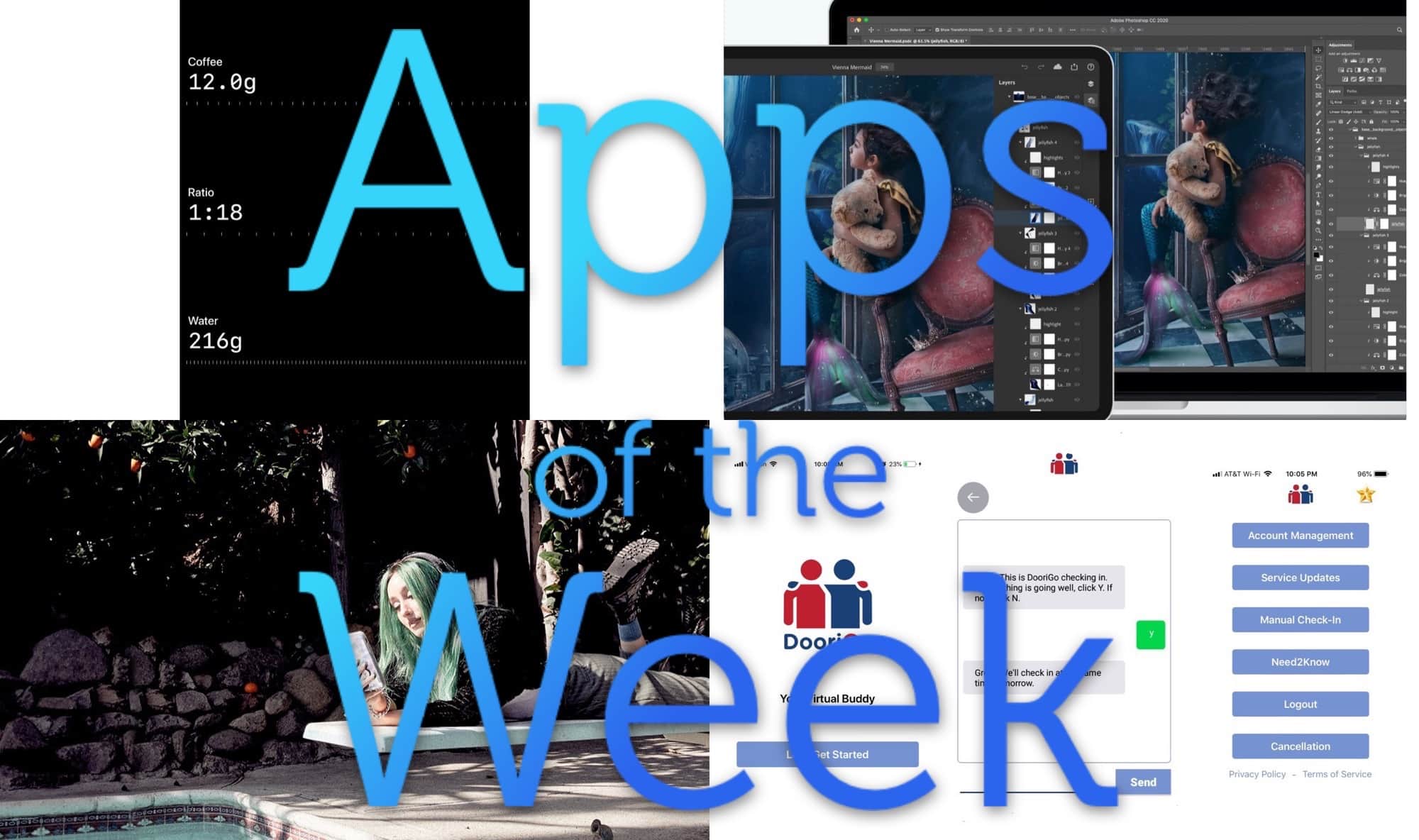
Lots of nice dark app interfaces for your this week. Photo: Cult of Mac
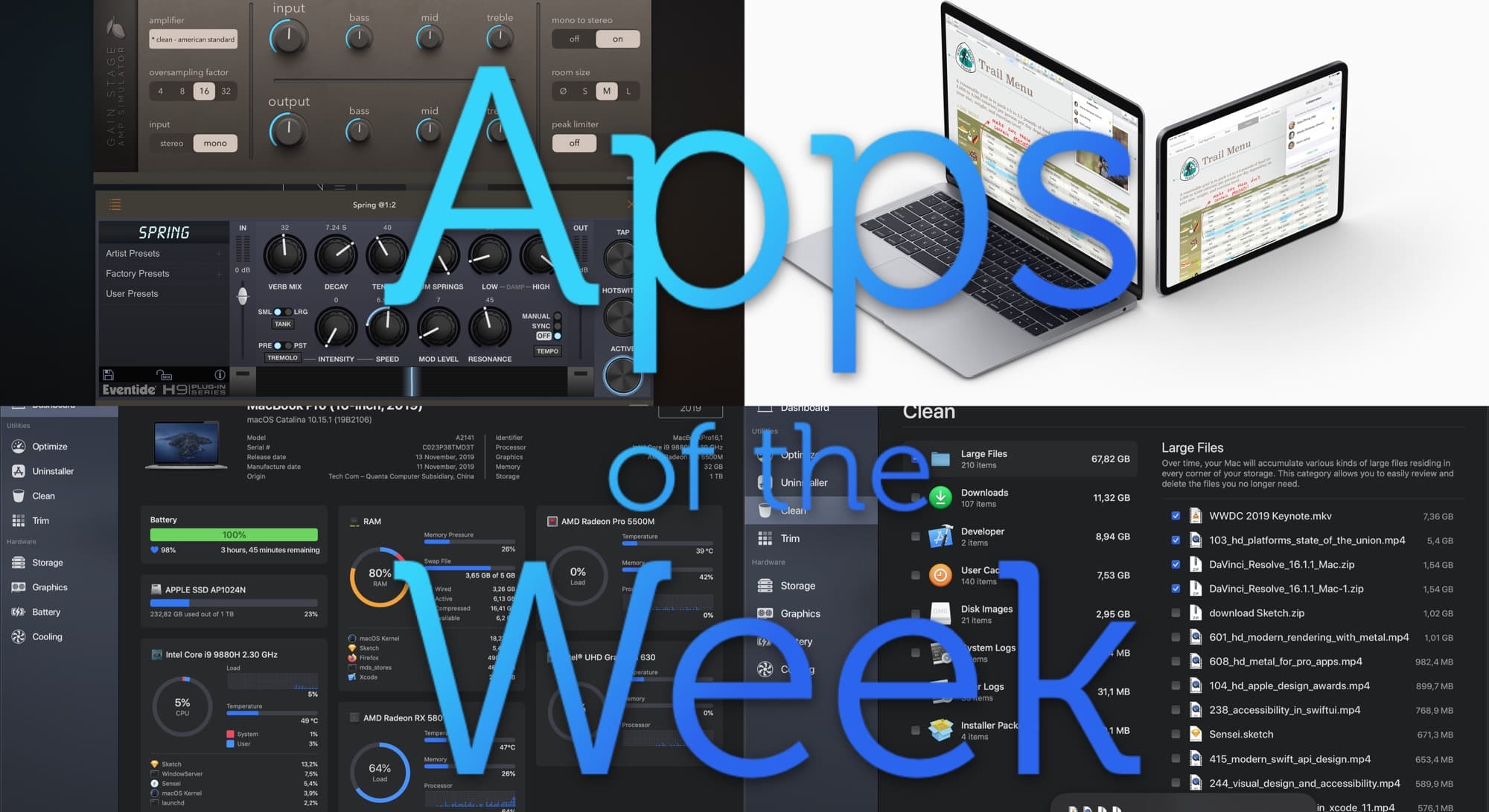
This week we trim our SSDs, make PDF statements from our Apple Cards, and drown everything in delicious, springy reverb. These are the apps that got us buzzing this week.
Each of these awesome Mac apps is under 20 bucks. Photo: Cult of Mac Deals
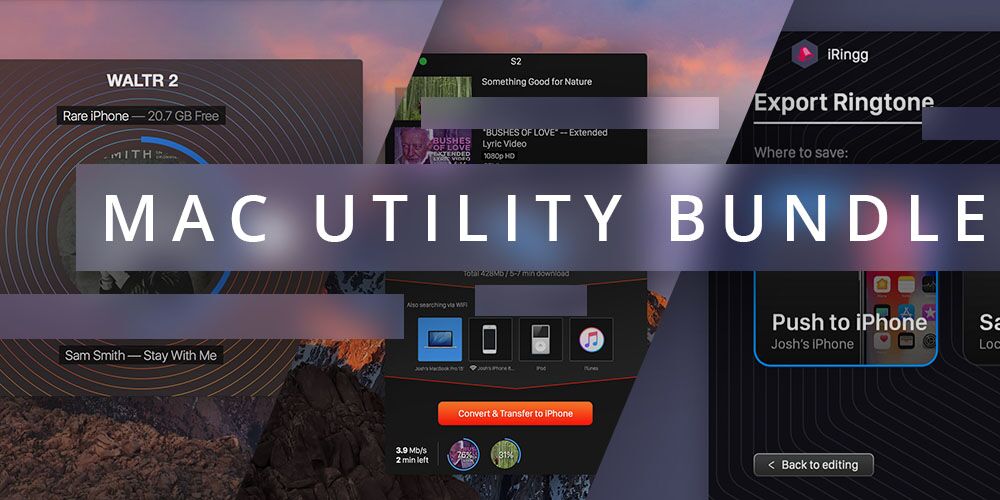
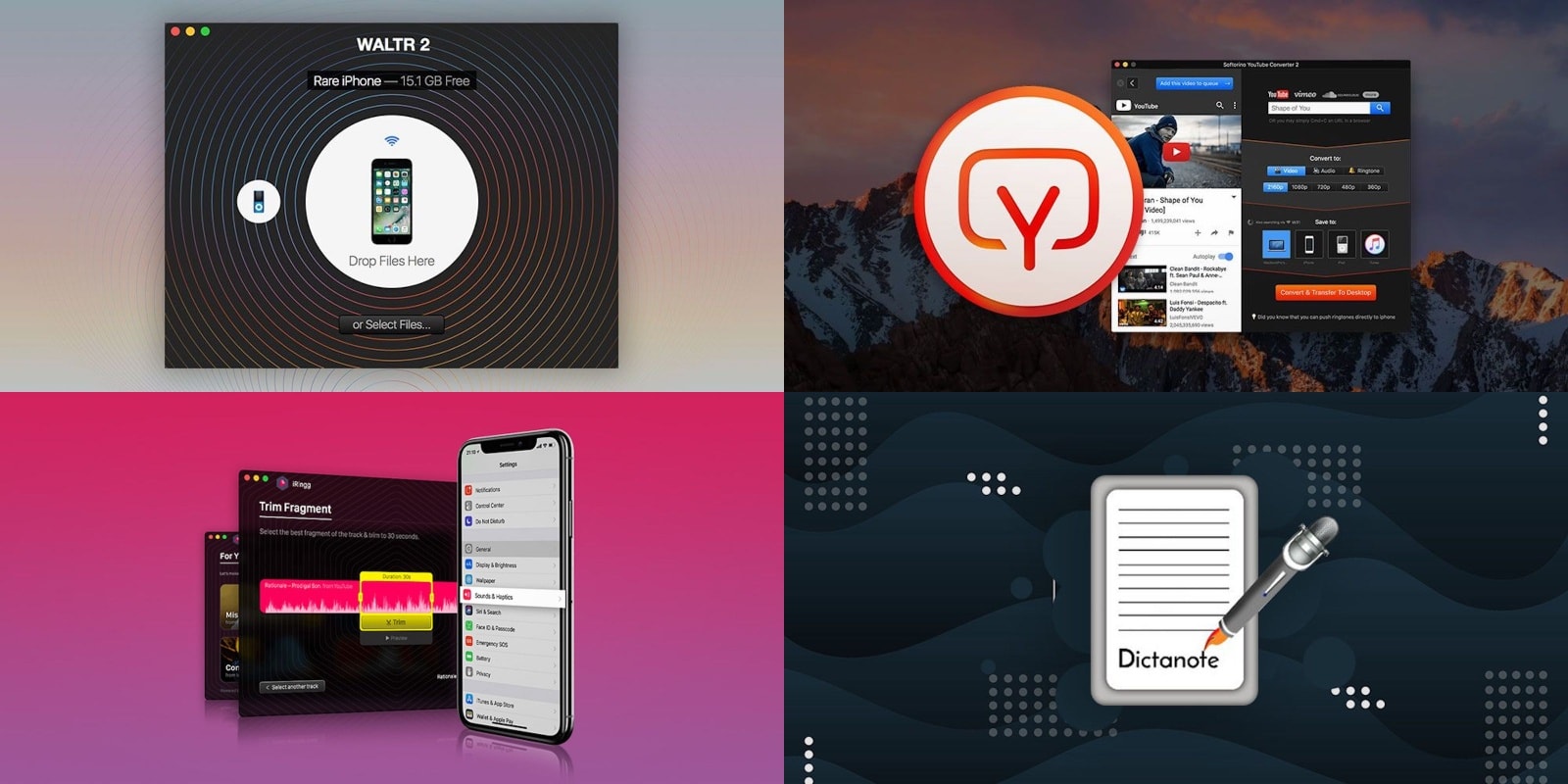
Upgrading your Mac doesn’t have to mean downgrading your bank account. These four Mac utility apps are among the best you can get, and right now you can grab each one for less than $20. Whether you want powerful dictation software, a superior iTunes alternative, an iPhone ringtone creator or a YouTube video downloader/converter, these great Mac apps deliver the goods — at big discounts!
Create responsive websites, no coding required thanks to easy-to-use web design software. Photo: Cult of Mac Deals
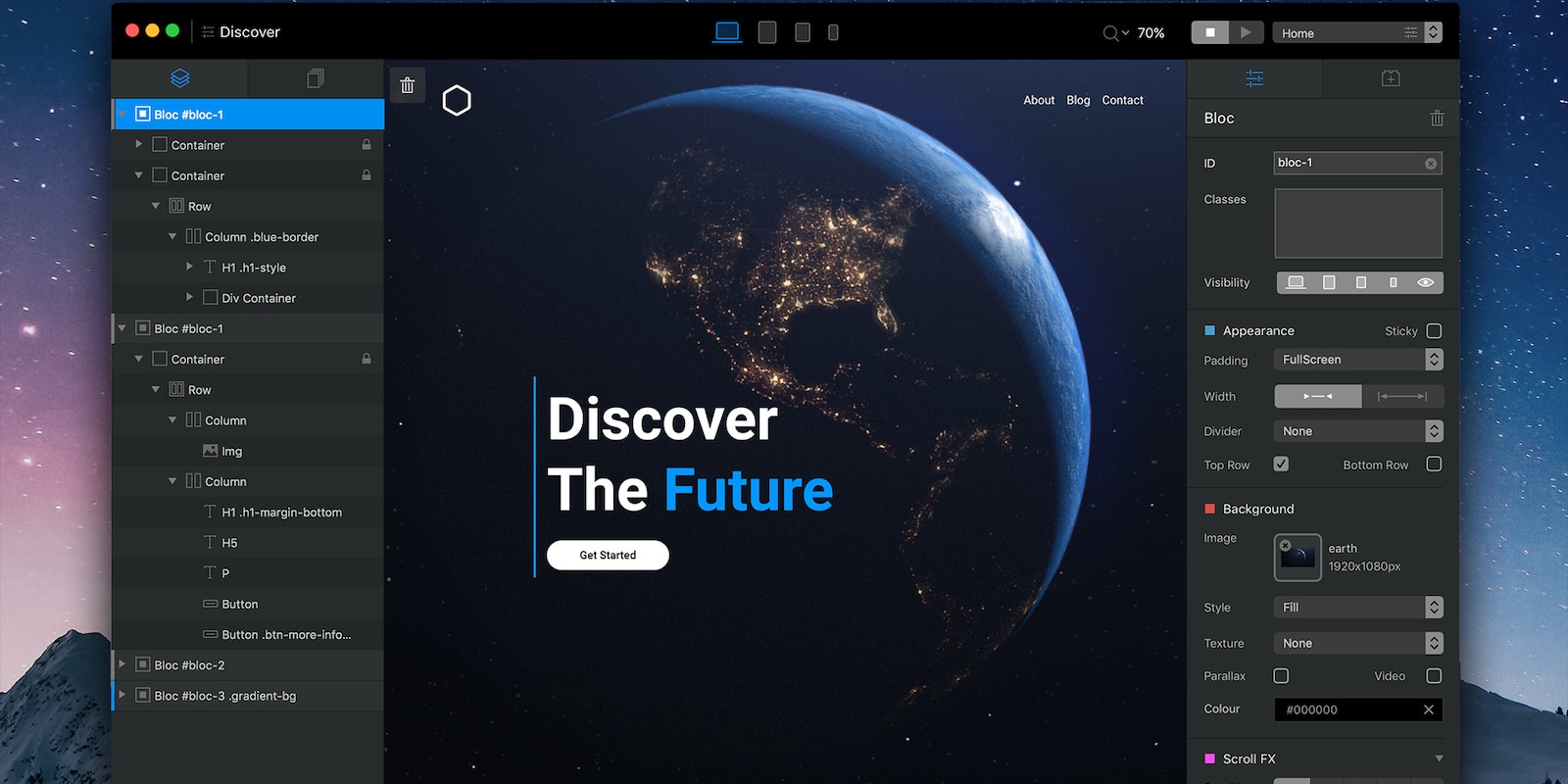
There’s no end to the reasons you might want to build a website, but there’s also no end of challenges in getting one off the ground. But with the right website builder, you can get a sleek, responsive website up and running without a single line of code.
A feast for the eyes and ears. And mouse. Photo: Cult of Mac
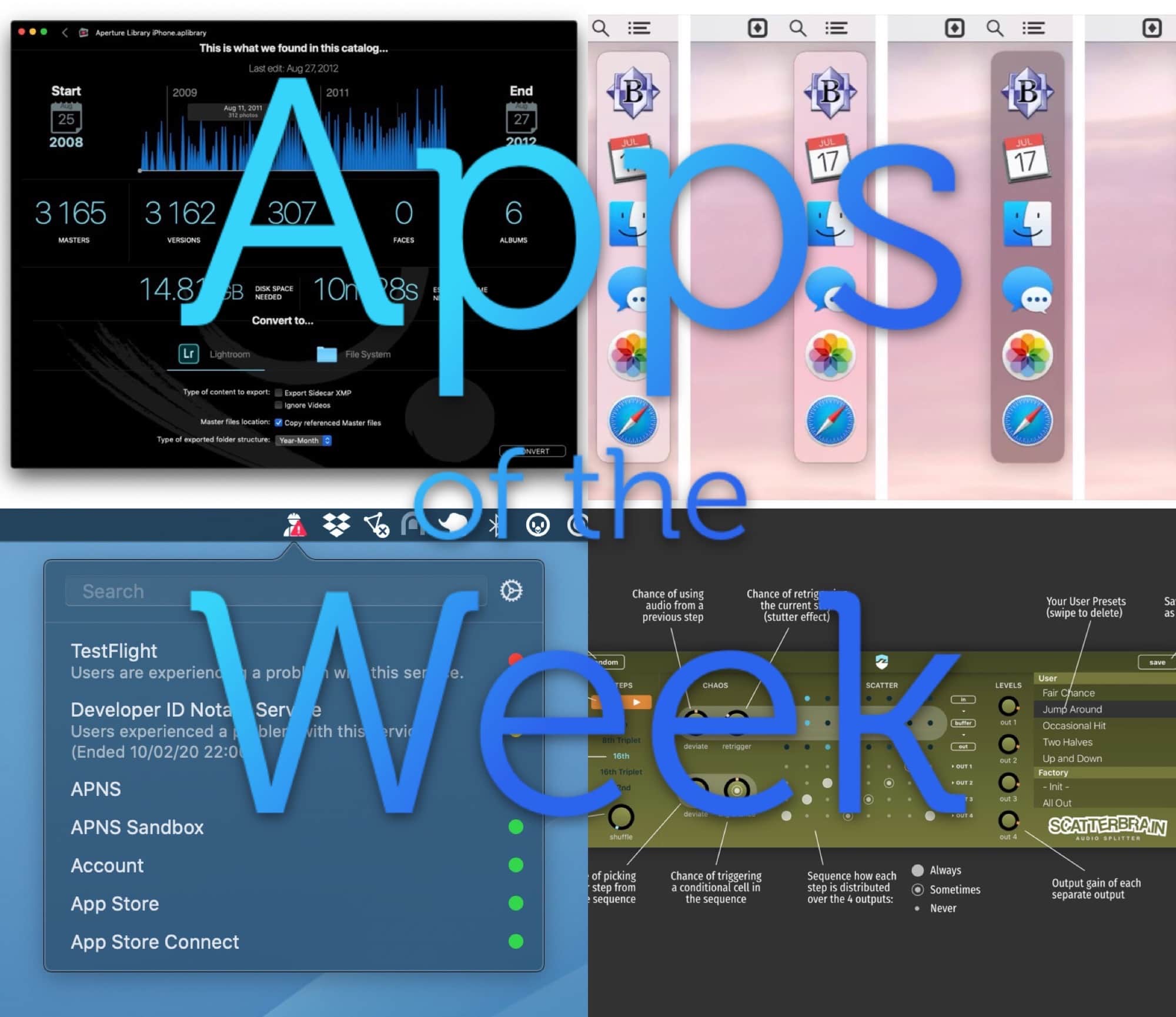
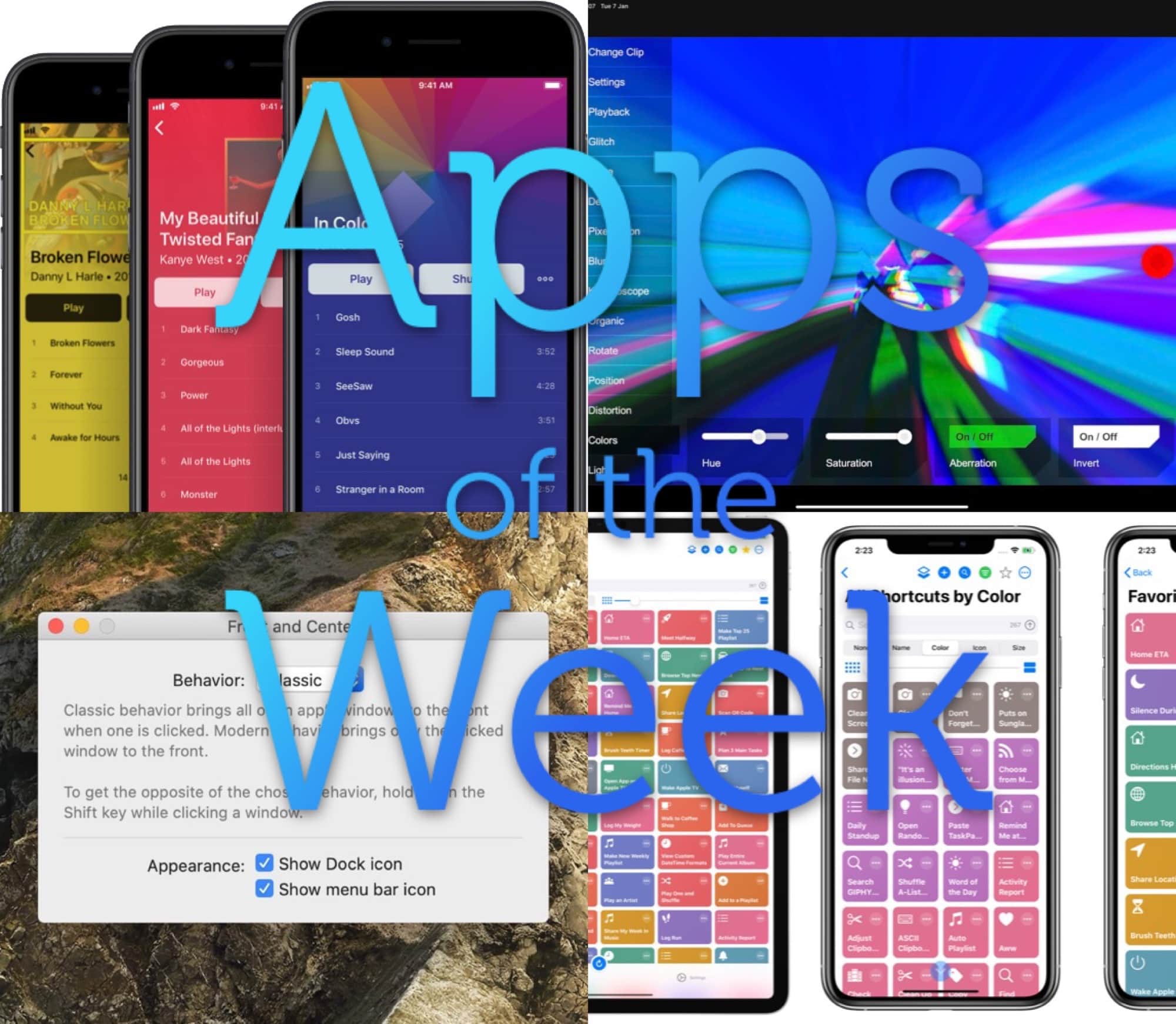
This week we create music-synced video art with Glitch Clip, import music to our iPhone with Doppler 2, take proper control of Shortcuts with LaunchCuts, and more.
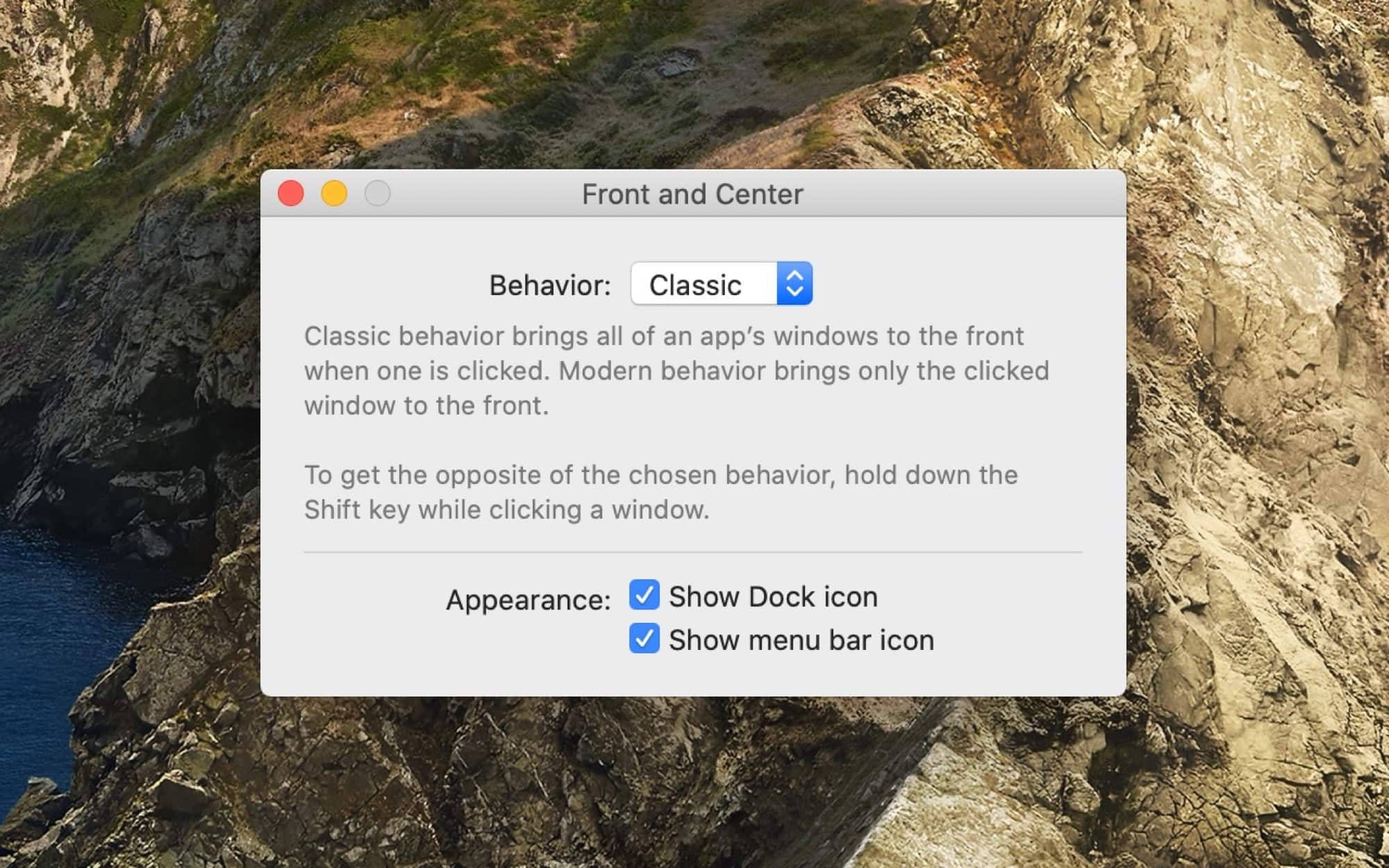
The window 'manager' you never knew you wanted. Photo: John Siracusa
If you’re at your Mac, go ahead and click a window for another app (don’t forget to come back right away). Clicking an app’s window brings it to the foreground, of course. But did you notice that only the window you clicked came forward. If that other app has any other windows open, they will stay hidden. It wasn’t always this way. In pre-OS X days, the default behavior was to bring all those windows to the front. And now, thanks to a new app called Front and Center, from John Siracusa, you can get this behavior on a modern Mac.