The Stage Manager controversy refuses to die. Graphic: Ed Hardy/Cult of Mac
Code in iPadOS 16 indicates Apple has an internal mode to enable the upcoming Stage Manager multitasking feature on older A-series iPads.
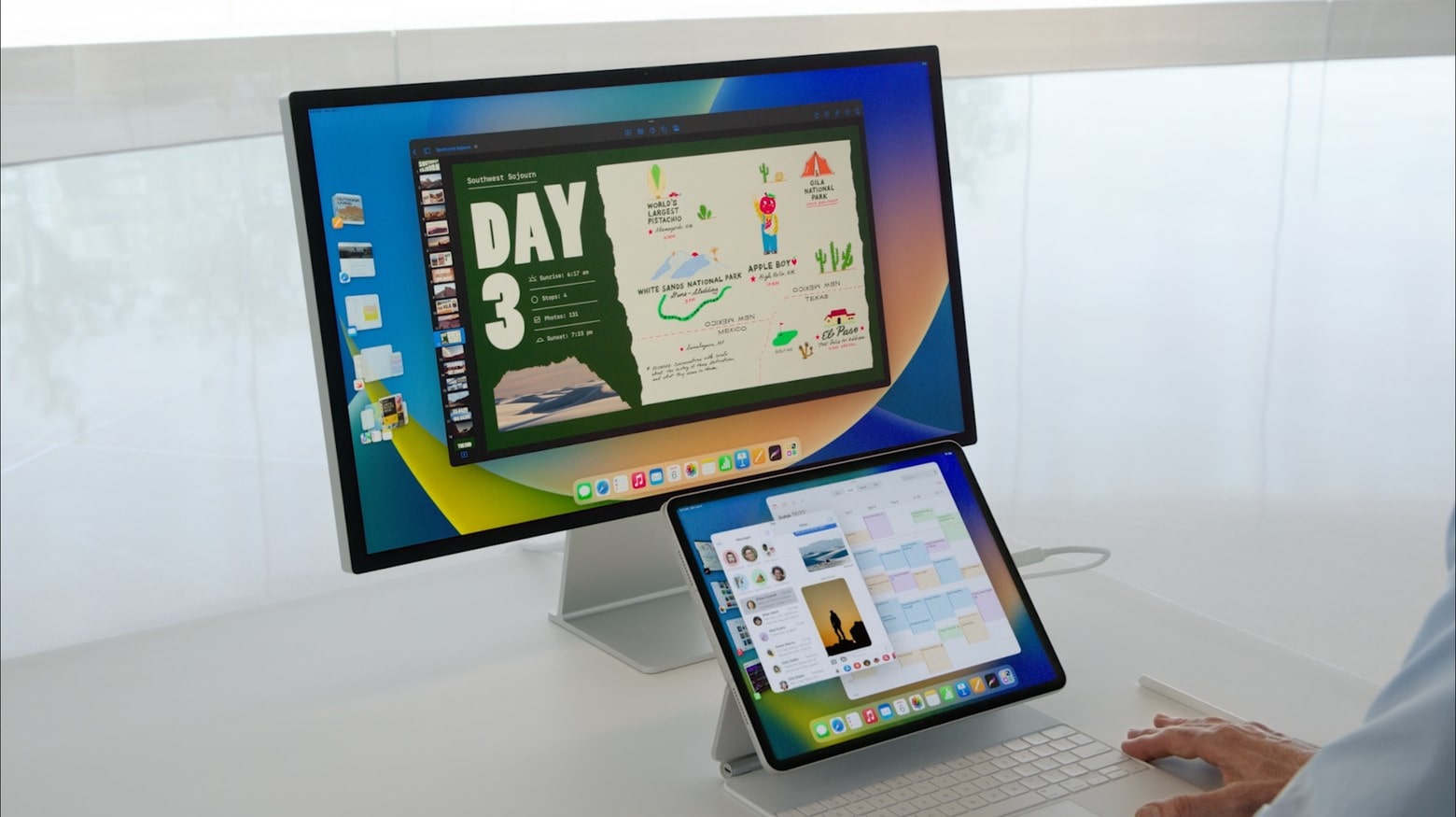
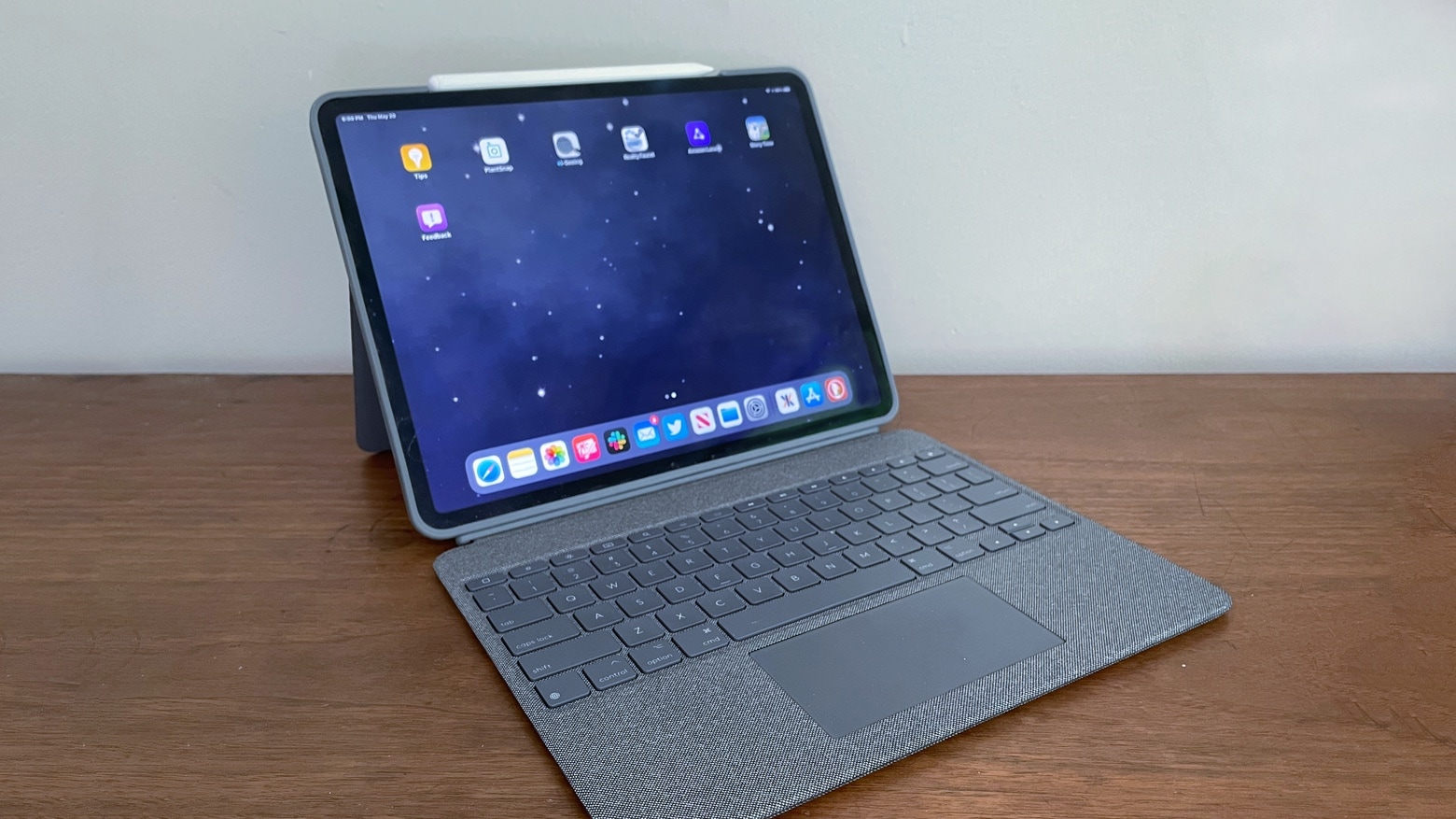
Stage Manager aims to improve the multitasking experience on iPads by adding floating, resizable app windows and other features that make the tablets more like Macs. However, Apple’s decision to keep the feature exclusive to iPads with M1 chips has caused quite a bit of controversy.
Stage Manager is going to get better in upcoming iPadOS 16 betas Screenshot: Apple
Stage Manager is undoubtedly one of the key new features in iPadOS 16. However, its M1 iPad exclusivity has irked a lot of users despite Apple explaining the technical reason behind this.
Craig Federighi, SVP of Apple’s software development efforts, has shared more insight into Stage Manager limitations.
You can't have iPadOS 16's Stage Manager multitasking system without one of the capabilities of the M1 processor. Graphic: Ed Hardy/Cult of Mac
Many of the best features of iPadOS 16 like Stage Manager are only coming to the M1 iPads. This angered a lot of non-M1 iPad users since they believe Apple is intentionally trying to limit the feature to newer devices.
The company has now provided an in-depth technical explanation behind Stage Manager not coming to older iPads.
You can't have iPadOS 16's Stage Manager multitasking system without one of the capabilities of the M1 processor. Graphic: Ed Hardy/Cult of Mac
iPadOS 16 gives Apple tablets some powerful new capabilities, but there have been protests that these are limited to iPad models with the M1 processor. Apple promises this isn’t a trick to force people to upgrade their computers.
The iPad-maker says that only the M-series processors can deliver enough RAM to display eight applications at once.
With the Anker 563 USB-C Docking Station, a MacBook with an Apple M1 processor can handle three external monitors – two more than Apple designed the notebook to support.
And the hub can do more than that. It also packs three USB-A ports and an Ethernet connection.
Grab the M1 Mac mini at its lowest price ever Photo: skylar_schutz@Reddit
Looking to get the best possible deal on the M1 Mac mini? Amazon is just brought back its whopping $129 discount on the machine. That means you pay just $569.99 — down from the Mac mini’s retail price of $699.
A coupon, automatically applied at checkout for a limited time, makes this the lowest price for the M1 Mac mini so far.
The deals on the 2021 iPad Pro lineup are too good to ignore Photo: Ed Hardy/Cult of Mac
The M1 iPad Pro is discounted by up to $400 on Amazon, making it the perfect time to pick one up. The 11-inch iPad Pro sees a sweet $50 discount off its retail price, bringing its price down to $749.
The best deal is on the top-end 12.9-inch iPad Pro with cellular connectivity and 2TB storage that’s discounted by $400.
This deal gives you the perfect excuse to buy the M1 MacBook Pro Photo: Apple
Apple’s excellent M1 MacBook Pro is discounted by as much as $249 on Amazon. The base model with 256GB storage is down to its lowest price of $1,099 in the last 30 days, down from 1,299.
There’s one thing you don’t do if you’re on Microsoft’s social media team, and that’s promote Apple products. It seems at least one person forgot that last week when they posted a tweet featuring an image of the M1 iMac.
The post, which was removed after a few hours, was about cleaning Windows machines “safely and smoothly.” Microsoft should know better than anyone that it’s not even possible to run Windows natively on M1 Mac models.
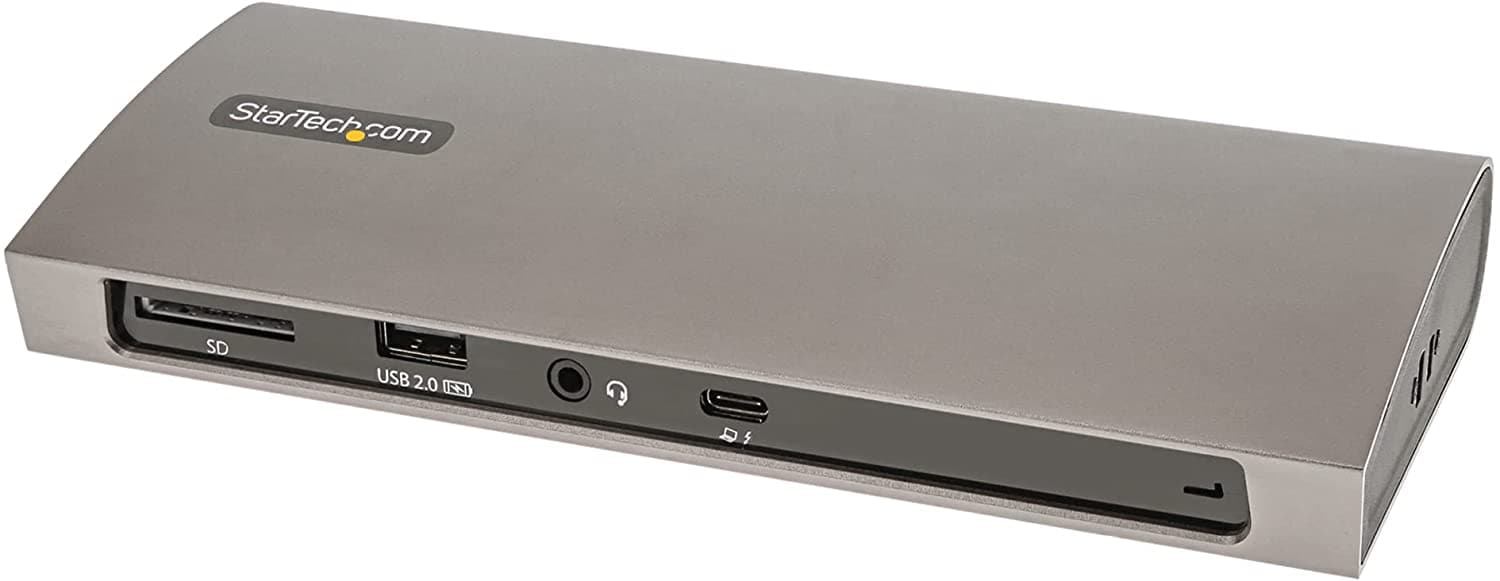
StarTech.com's capable new Thunderbolt 4 docking station can broaden your laptop's horizons. Photo: StarTech.com
With Thunderbolt 4 connectivity becoming more and more common in new laptop computers, including various Macs, you may be in the market for a worthy docking station. After all, small, lightweight laptops don’t always have all the ports you need. So it’s a good thing StarTech.com recently released its TB4CDock for Mac and Windows. If you also need an apple sd card reader along with a docking station, consider checking out this 6-port hub from Zagg.
The Thunderbolt 4 station bristles with the ports you need to turn your laptop into a desktop, or close to it.
Mac Studio with M1 Ultra weighs a third more than with an M1 Max. He’s why. Photo: Apple
Configure the new Mac Studio with a super-fast M1 Ultra processor and the weight goes up a full 2 pounds. Weight doesn’t matter for a desktop, but people have been curious what about where all the extra comes from.
Apple has an answer. And it all comes down to heat and heavy metal.
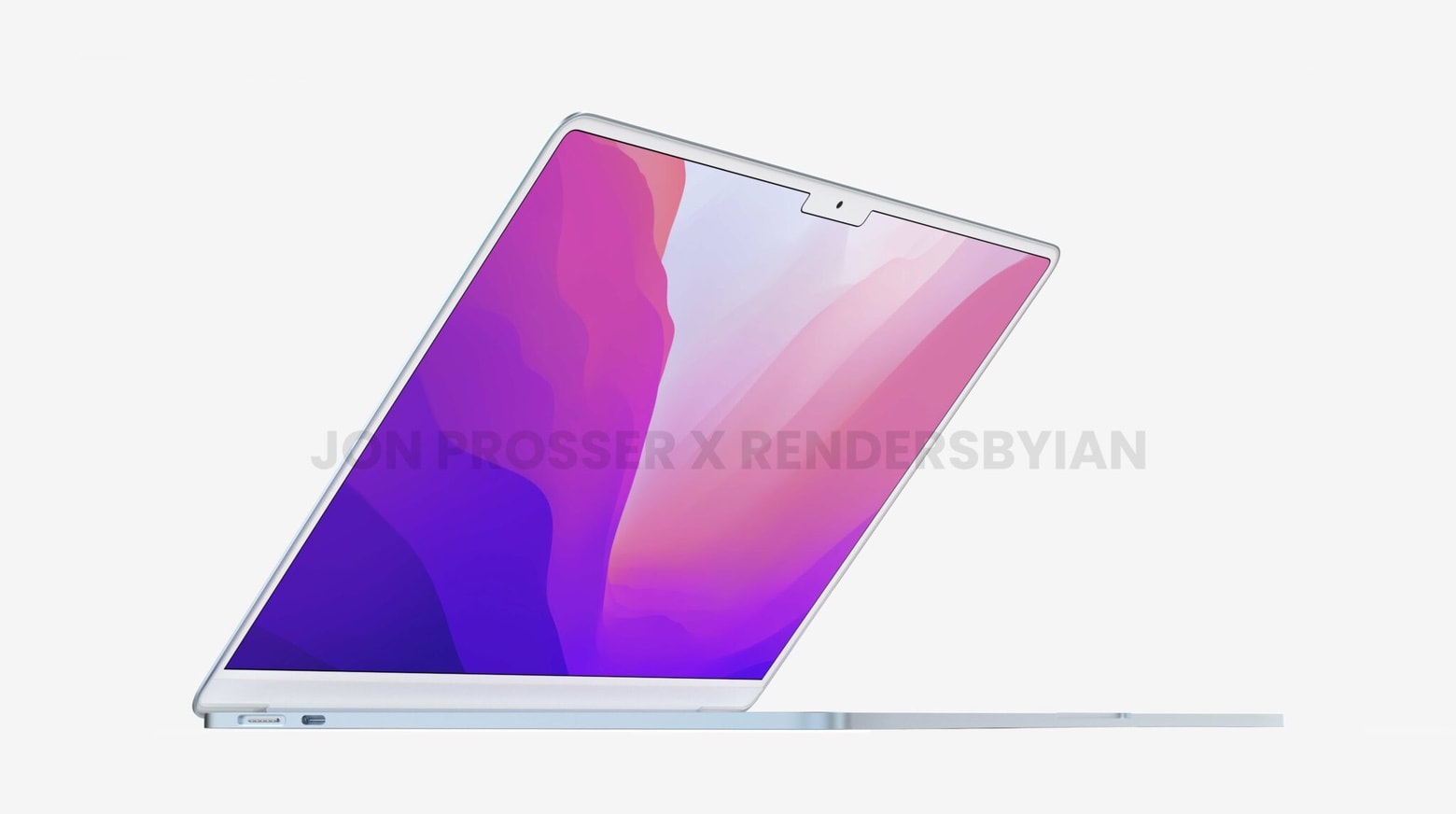
Apple is said to be planning a major MacBook Air refresh with an all-new design for 2022. But it may not get an “M2” chipset upgrade, as some rumors have suggested. It could also miss out on a mini-LED display.
Here’s what you can expect, according to one analyst who has proven reliable in the past.
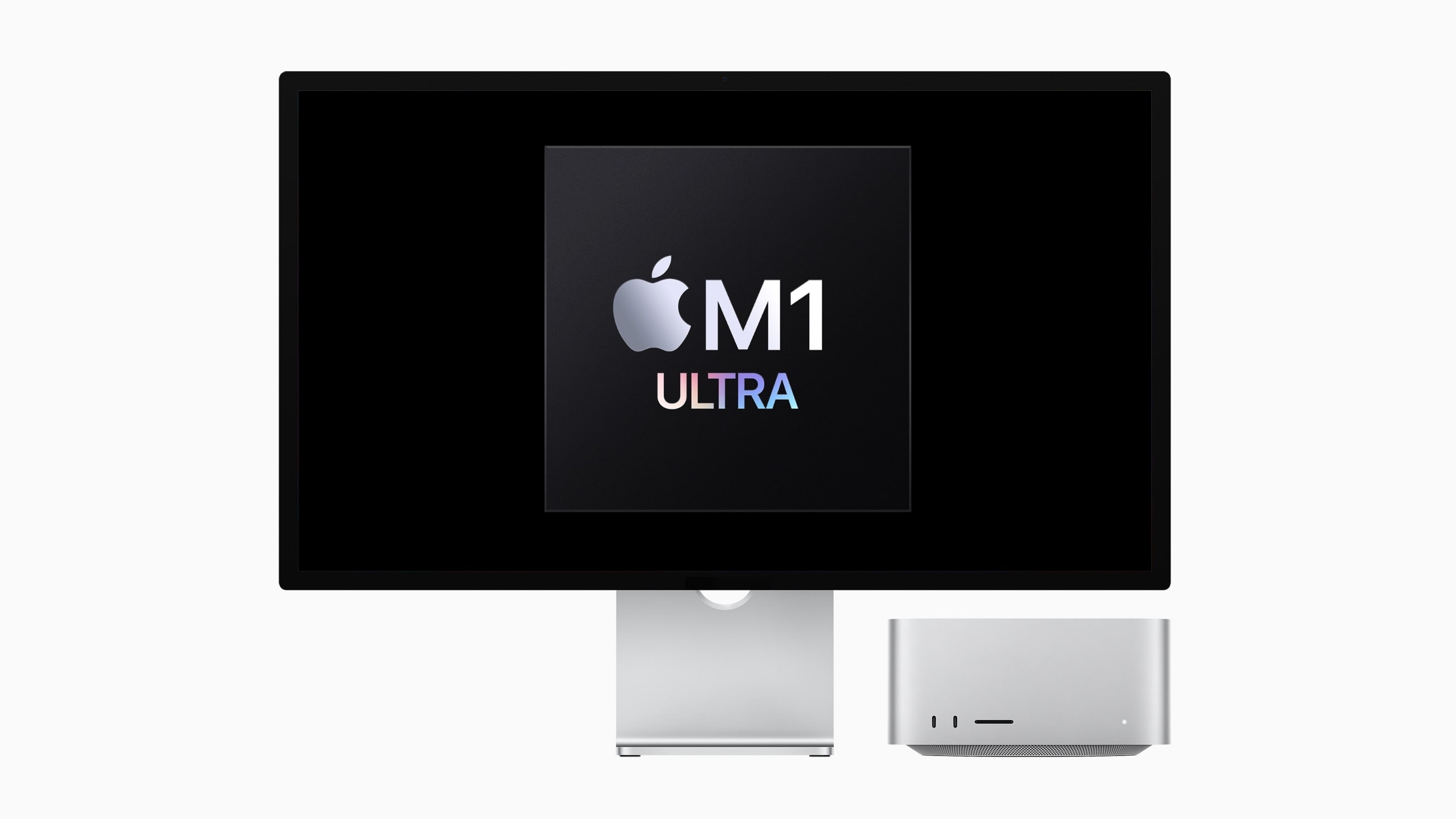
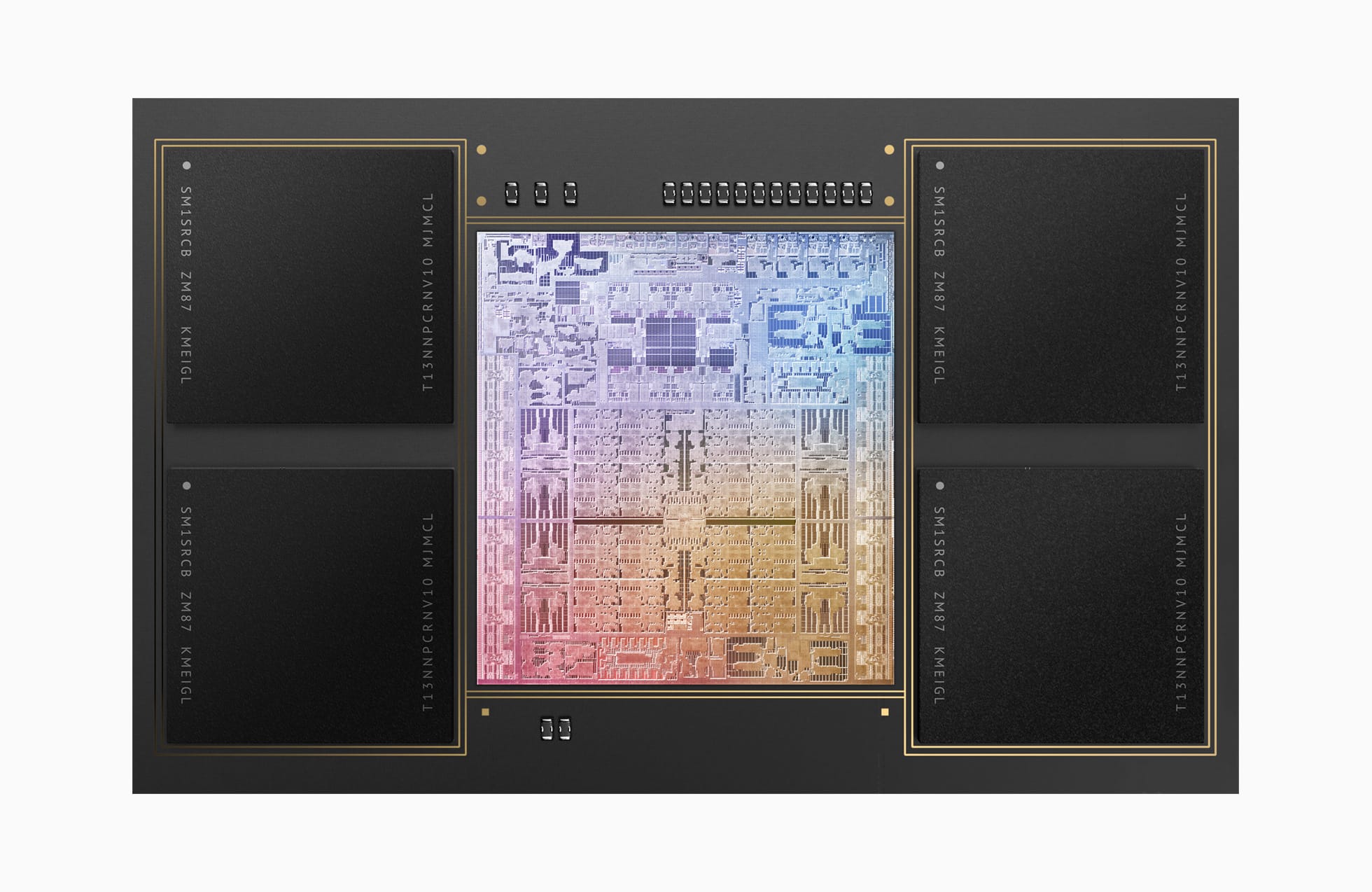
Apple's new M1 Ultra chip is the most powerful one ever in a personal computer. Photo: Apple
When Apple rolled out the first M1 chip in late 2020, it seemed like a pretty big jump forward. Then the new M1 Pro and M1 Max in MacBook Pro models blew people away in October 2021. Now the Cupertino tech giant calls its latest M1 Ultra chip in the new Mac Studio desktop computer “the next giant leap for Apple silicon and the Mac.”
It’s almost like when Neil Armstrong got back from taking “one giant leap for mankind” on the moon in 1969 — if someone had told him, “you can toss that jalopy you went up in. Now we’ve got a real spaceship for ya.”
Apple said at its “Peek Performance” event Tuesday that the M1 Ultra is “the world’s most powerful chip for a personal computer.”
Recent rumors indicate Apple’s fifth-generation iPad Air — which could be unveiled today during the company’s Peek Performance event — will match iPad Pro in performance. And they weren’t kidding, according to the latest leak.
In addition to a speedy M1 processor, the new midrange slate is expected to feature 128GB of storage and 8GB of RAM as standard. That’s twice as much room for apps, games, music and movies than the most recent model offers.
A smoother, more efficient Dropbox experience. Image: Dropbox/Cult of Mac
Dropbox this week rolled out the first stable update that optimizes its app for Apple silicon chips. The version 143.4.4161 release should be significantly snappier and more efficient on M1, M1 Pro and M1 Max machines.
The update, which should also fix a kernel extensions issue that prevents Dropbox from working properly under macOS 12.3, comes hot on the heels of a similar release for Dropbox competitor Microsoft OneDrive.
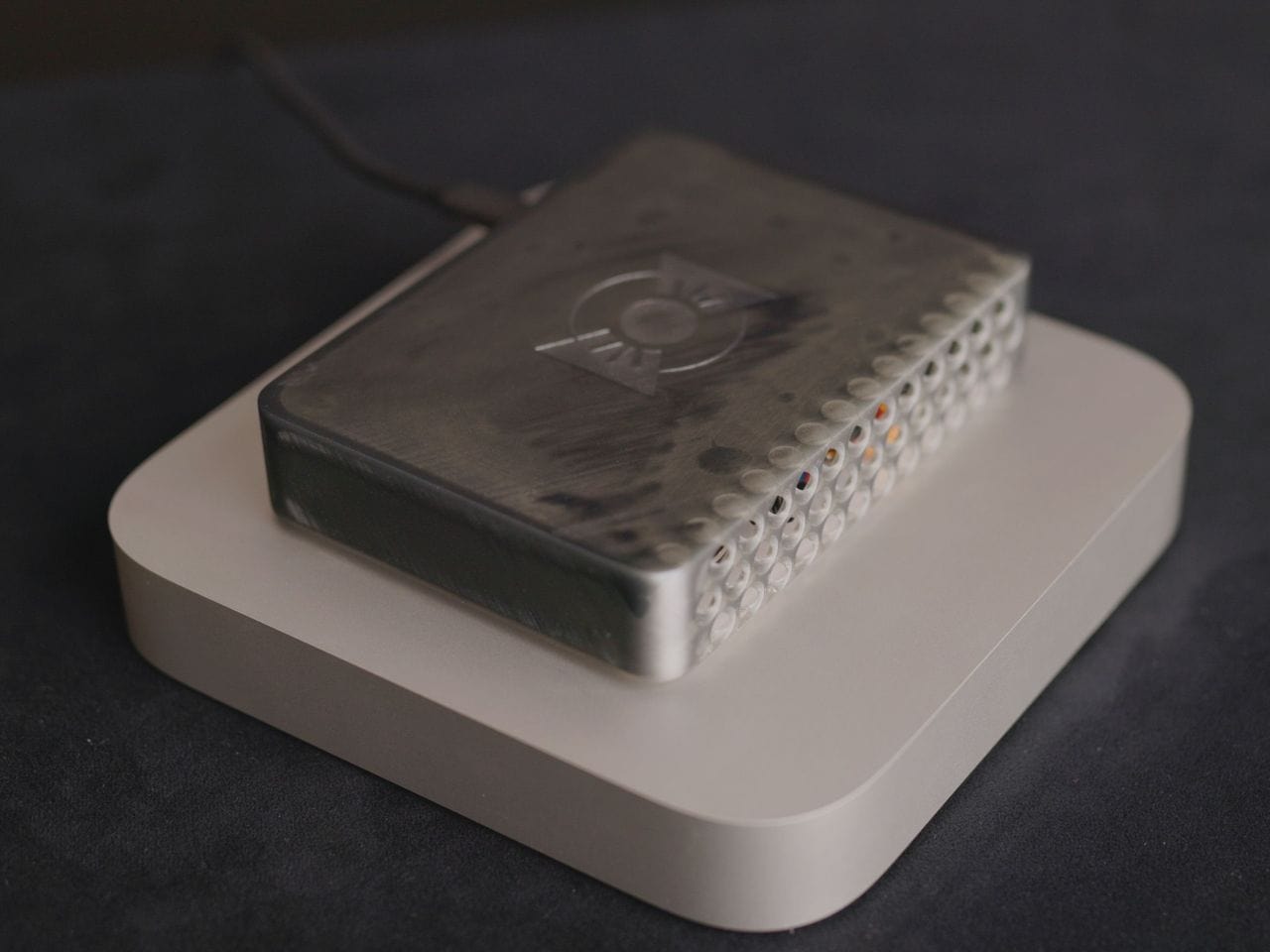
Looks like an Apple TV, but packs all the power of an M1 Mac mini. Photo: Quinn Nelson/Snazzy Labs
Apple could make the Mac mini, its smallest desktop, even smaller if it really wanted to. One YouTuber proved that by taking the machine’s internals and packing them into a custom shell that’s 78% more compact than the original.
It’s just as fast as an unadulterated M1 Mac mini, but looks more like an Apple TV (in size, at least) than a powerful desktop. And it has MagSafe charging!
Intel is targeting today's M1 chips, but it's not ready to compete yet. Photo: Apple
Intel is planning to build more efficient mobile chipsets that will better compete with Apple silicon, according to a leaked internal roadmap.
The document outlines plans to take on the 14-inch MacBook Pro specifically with upcoming Arrow Lake processors that are scheduled to launch in late 2023 or early 2024. There just one (rather large) problem with that plan.
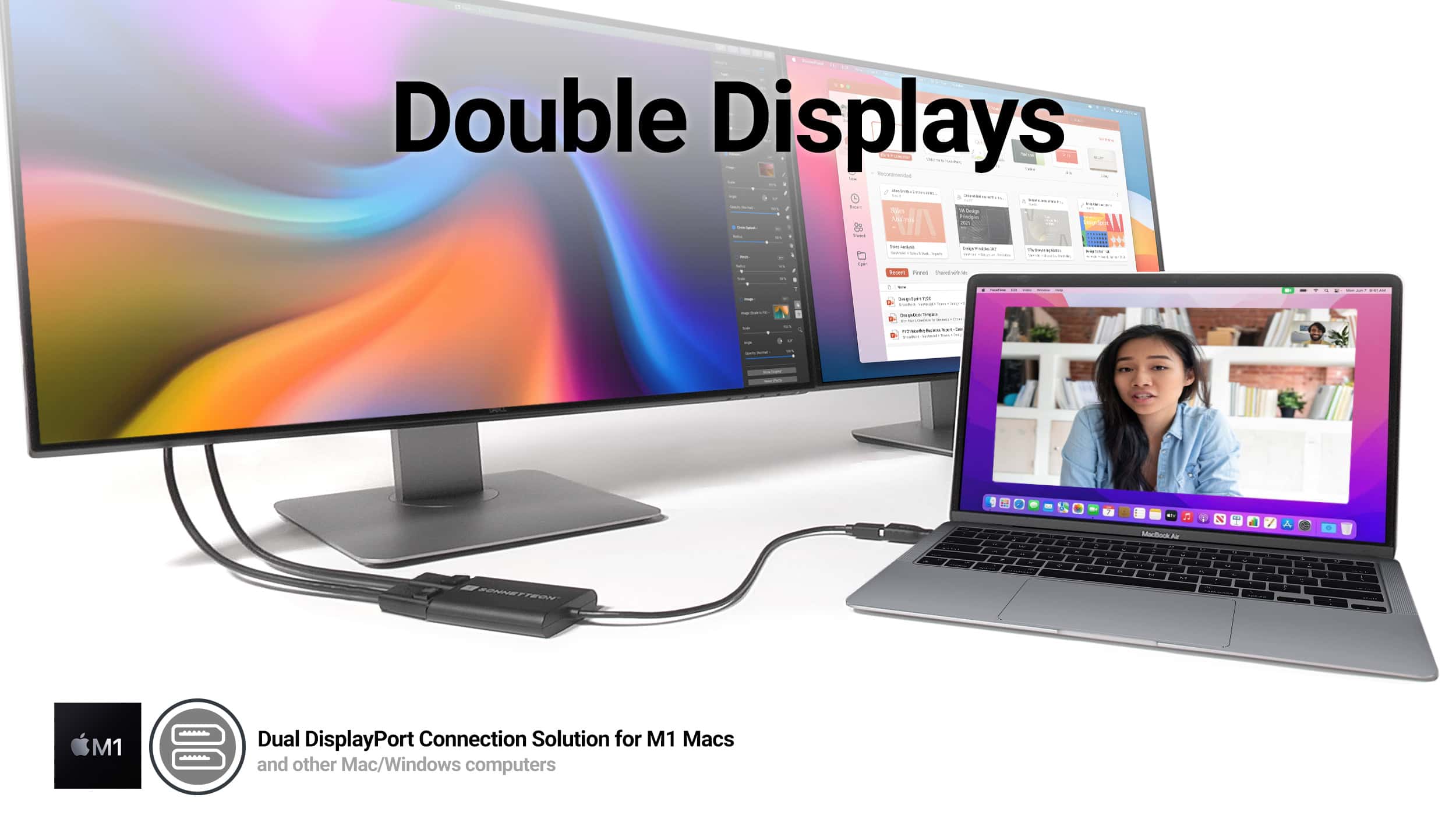
Connect two 4K displays to one port on your Mac with Sonnet's new adapters. Photo: Sonnet Technologies
If you want to run more than one display with your M1 MacBook Air or M1 MacBook Pro, Sonnet Technologies just made things easier. The company rolled out new dual-display adapters that let you hook up two 4K displays to your laptop using just one of its precious few ports.
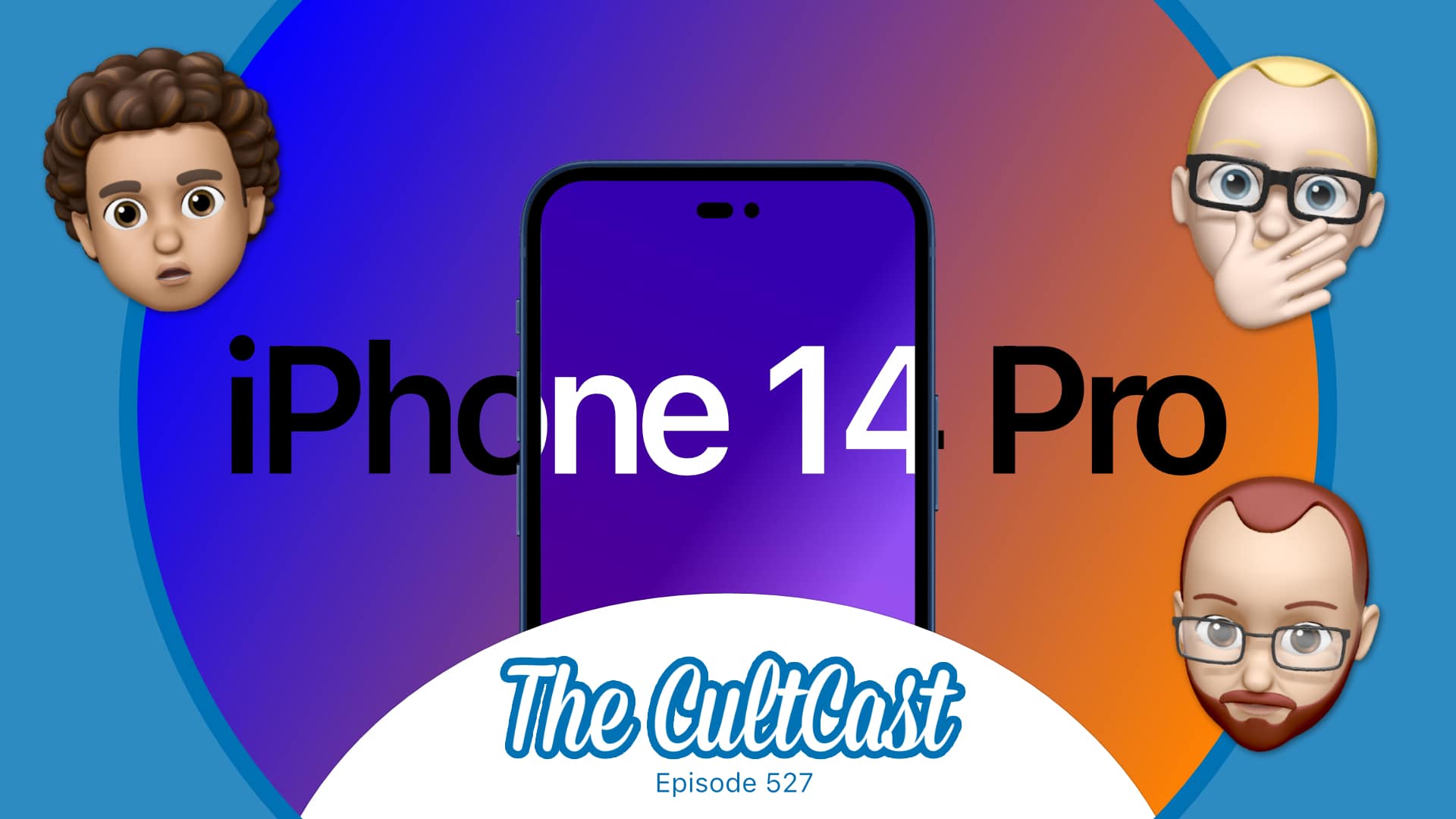
Will an iPhone with a "hole+ pill" screen cutout really look better than the notch? Photo: Killian Bell/Cult of Mac
This week on Cult of Mac’s podcast: We’re not 100% on board for the rumored “hole + pill” screen cutouts that might replace the notch in iPhone 14. But we’re definitely intrigued by the concept of a folding iPhone.
Also on The CultCast:
How powerful will Apple’s AR/VR headset be, and what will it do?
That pricey Apple Polishing Cloth is available again.
Cupertino loses yet another key member of its chipmaking team as competitors look to steal M1’s crown.
Listen to this week’s episode of The CultCast in the Podcasts app or your favorite podcast app. (Be sure to subscribe and leave us a review if you like it!) Or watch the video livestream, embedded below.
It's now available to all. Image: Dropbox/Cult of Mac
The next-generation version of the Dropbox app for macOS, which finally adds native support for Apple silicon chips, is now available to all in beta.
It comes less than a week after Dropbox began testing Apple M1 support with a small number of users. You can try it out for yourself by enabling “early releases” in your account preferences. We’ll show you how.
You should be able to try it out yourself this month. Image: Dropbox/Cult of Mac
Dropbox has finally begun testing a brand-new Mac app that runs natively on Apple silicon chipsets. It comes after the company originally said it had no plans to support M1 chips, which was met with backlash from irritated users.
The new app is available to only a small number of people for now, but Dropbox reportedly plans to offer a beta to all Mac users by the end of this month.