SSD price hikes make now the right time to buy. AI image: ChatGPT/Cult of Mac
Anyone thinking about adding a portable SSD to their Mac or iPad would be wise to make that purchase soon. Prices for the external storage devices are already on the rise.
Why? For the same reason that Apple needed to raise prices for its newest MacBooks.
★★★★☆
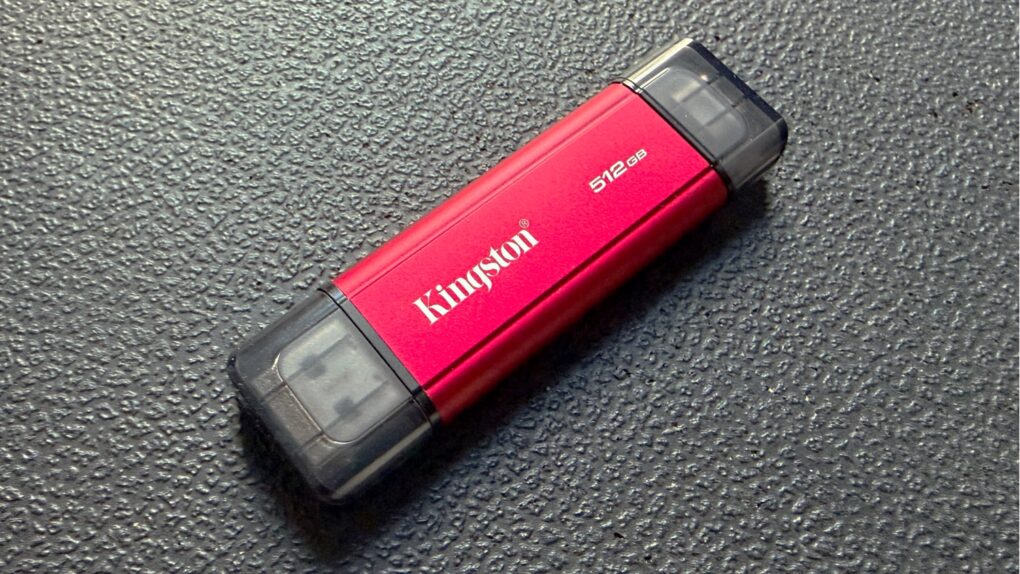
This portable SSD bridges the gap with both USB-A and USB-C connectors. Photo: Ed Hardy/Cult of Mac
The Kingston Dual Portable SSD brings up to 2TB of storage to anyone in the process of transitioning from the old USB-A to the smaller USB-C standard. It’s small enough to easily carry around, and fast enough to quickly handle large files.
I ran tests on the drive to see how the portable SSD fares in real-world use. Read on to see how well it performed.
Now is the time to save on that portable SSD you’ve wanted. Image: Samsung/Cult of Mac
Thanks to generous deals, the portable SSD you’ve been wanting is probably available at well below the usual cost. There are top-quality ones available at low prices — we found deals on portable SSDs from Samsung, Kingston and more. Save up to 33%.
You can easily increase the storage capacity of your Mac, iPad, etc., without over-stressing your credit card.
The best external SSD options add terabytes of storage, and are designed for portability. Photo: Ed Hardy/Cult of Mac
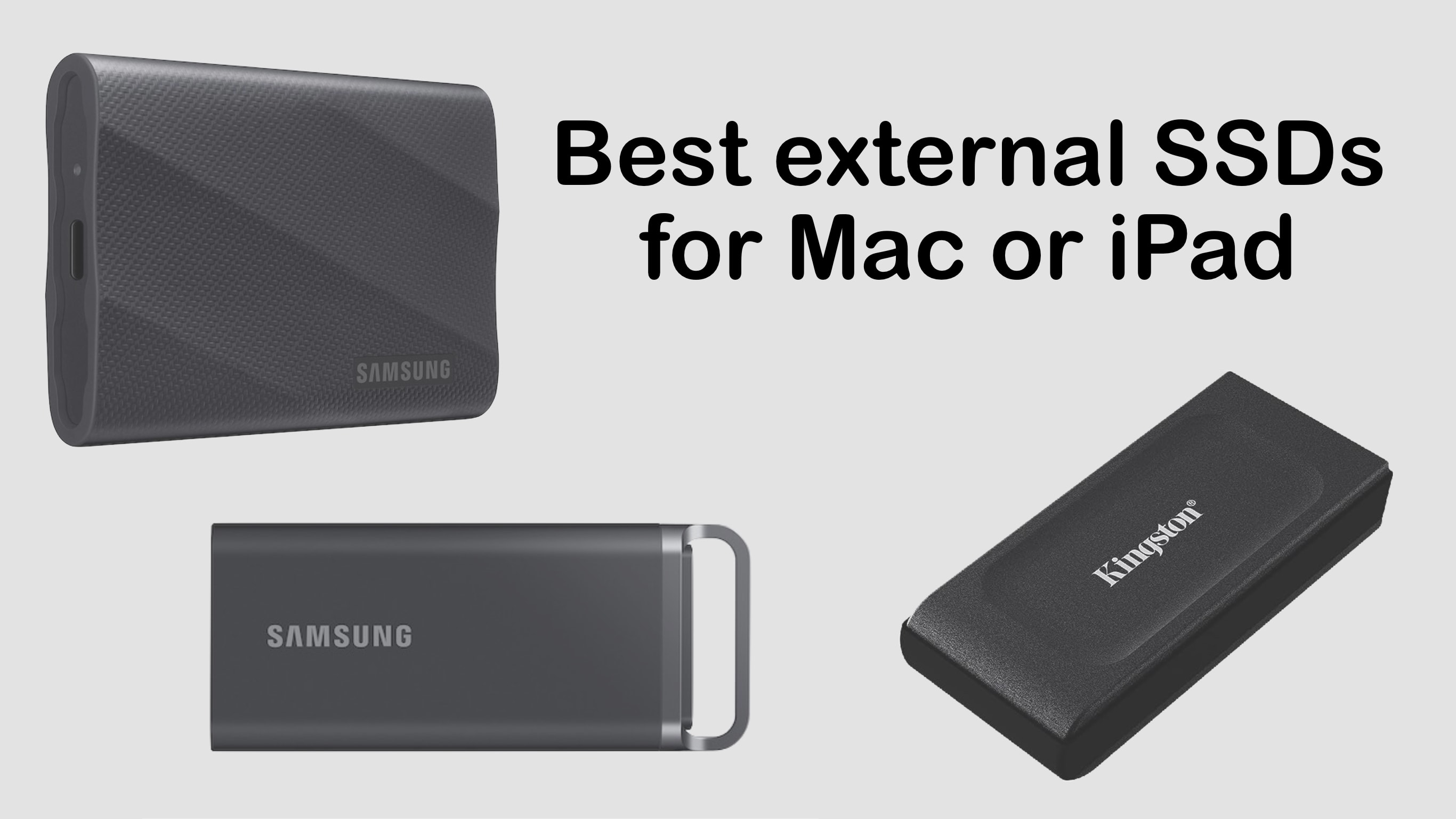
Adding high-speed plug-in storage capacity to your computer is so easy it’s something every Mac user should consider. Here are some of the best consumer-oriented external SSDs that are designed for portability. Even better: many of these are on sale.
We did hands-in testing for nearly all of these — look for links to our reviews.
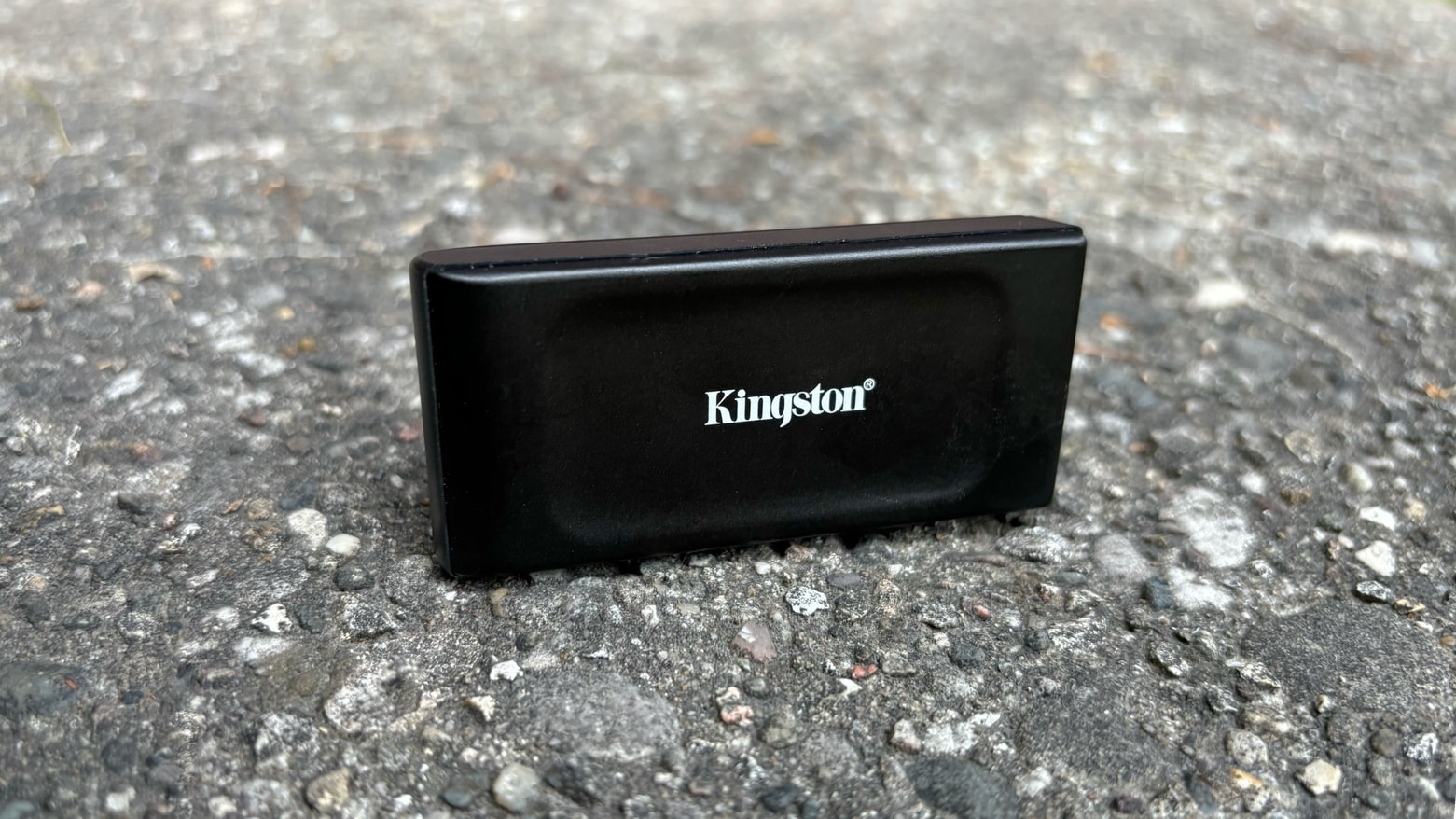
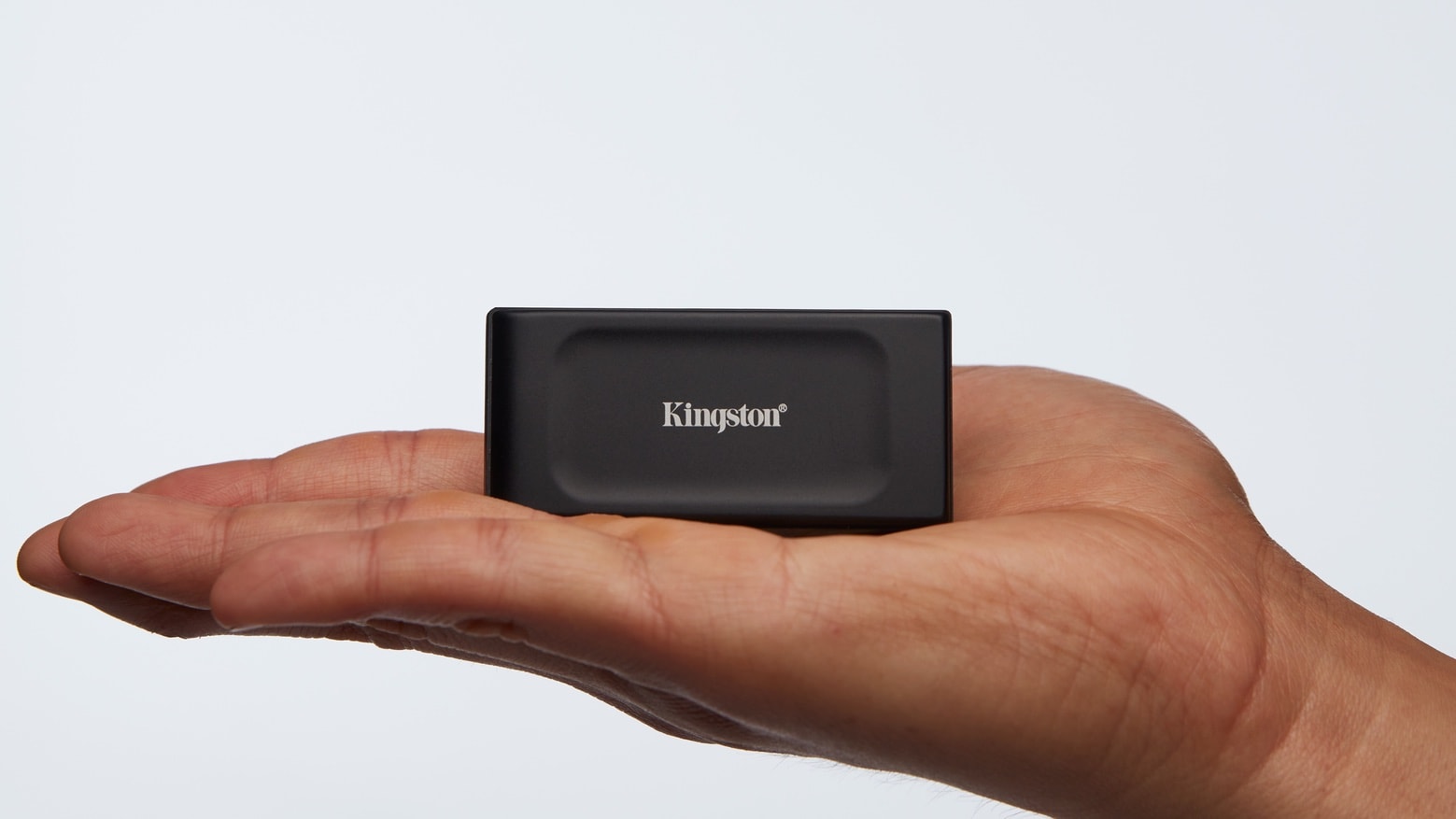
Kingston XS1000 works well with a range of Apple computers. Photo: Kingston
Apple charges too damn much for additional storage for Macs and iPads. I got tired of overpaying for internal storage and went for an external SSD instead. The Kingston XS1000 is my favorite — portable, reliable and affordable.
And it’s an even better deal now that Cyber Monday is coming up: under $75 for a terabyte of storage.
Add up to 2TB of storage to your Mac or iPad with this pocket-size SSD. Photo: Kingston
Kingston just took the wraps off the XS1000 External SSD. It’s about the size of pack of gum but holds up to 2 terabytes of data. And it can transfer files at high speed, too.
Or there’s the already announced XS2000, which is twice as fast. Just not for everyone.
★★★★☆
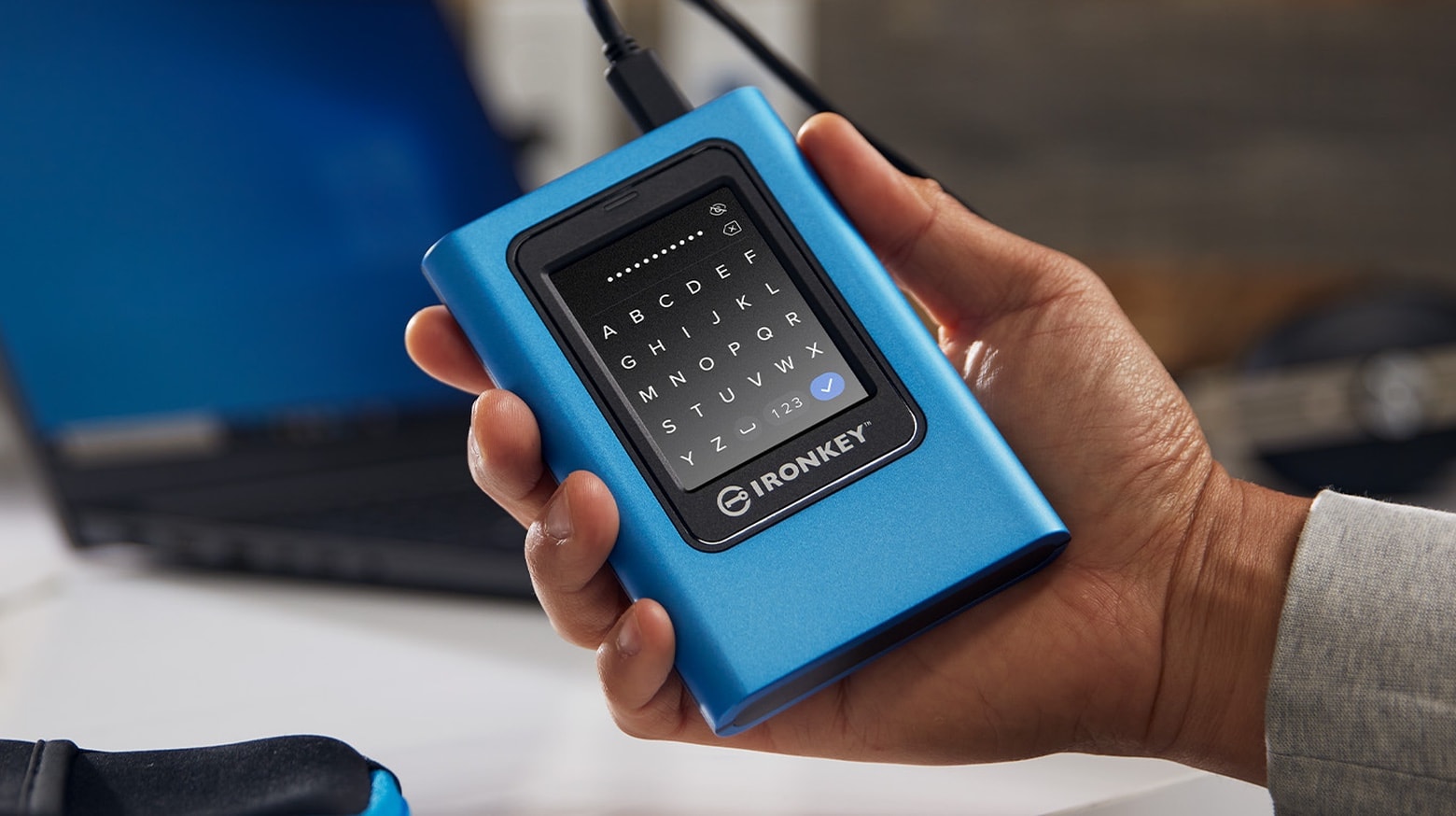
Unlock the 256-bit encryption on the Kingston IronKey Vault Privacy 80 by tapping in a passcode on the convenient touchscreen. Photo: Ed Hardy/Cult of Mac
The Kingston IronKey Vault Privacy 80 External SSD includes a touchscreen and hardware encryption to protect user data. Unlock it by tapping in a password or numeric passcode onto the touchscreen.
It’s available in capacities ranging from 480GB to nearly 2TB. And it’s accessible from just about any device with a USB port — no special software needed.
I went hands-on with the secure SSD. Here’s why I like it.
★★★★☆
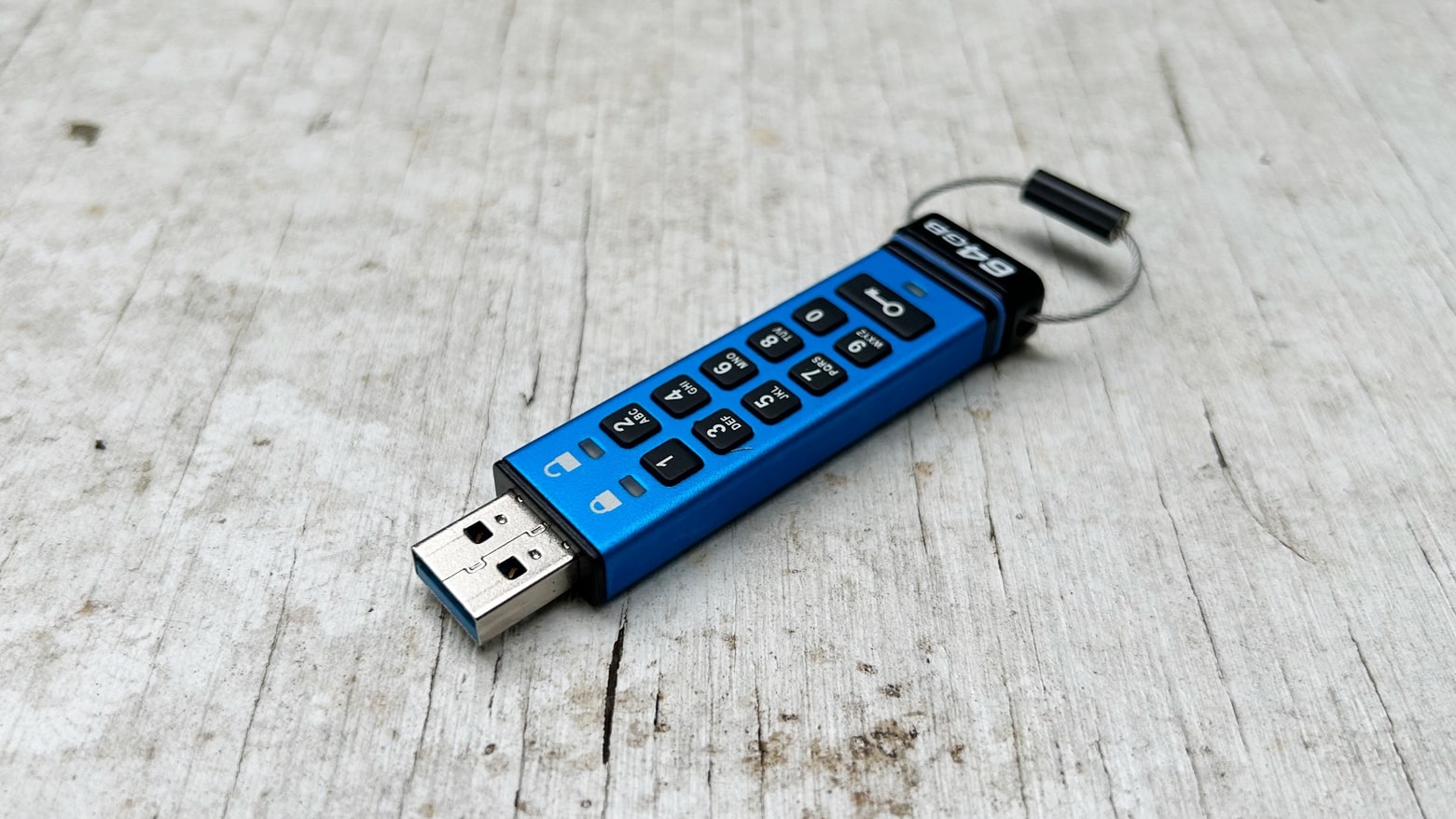
No one but you will access your files if they’re on a Kingston Ironkey Keypad 200. Photo: Ed Hardy/Cult of Mac
The best way to be sure no one is accessing your files is to lock them on an encrypted drive. The Kingston Ironkey Keypad 200 includes built-in keypad so you can easily unlock the USB drive when it’s time to access your stored information.
I put the mini-SSD to the test in my home office. Read on to see how well it stood up use with a variety of computers and other devices.
Tap in a password directly onto the touchscreen of Kingston's IronKey external SSD. Photo: Kingston
The Kingston IronKey Vault Privacy 80 External SSD includes a touchscreen and hardware encryption to protect user data. Unlock the XTS-AES 256-bit encryption by tapping in a password or numeric passcode onto the touchscreen.
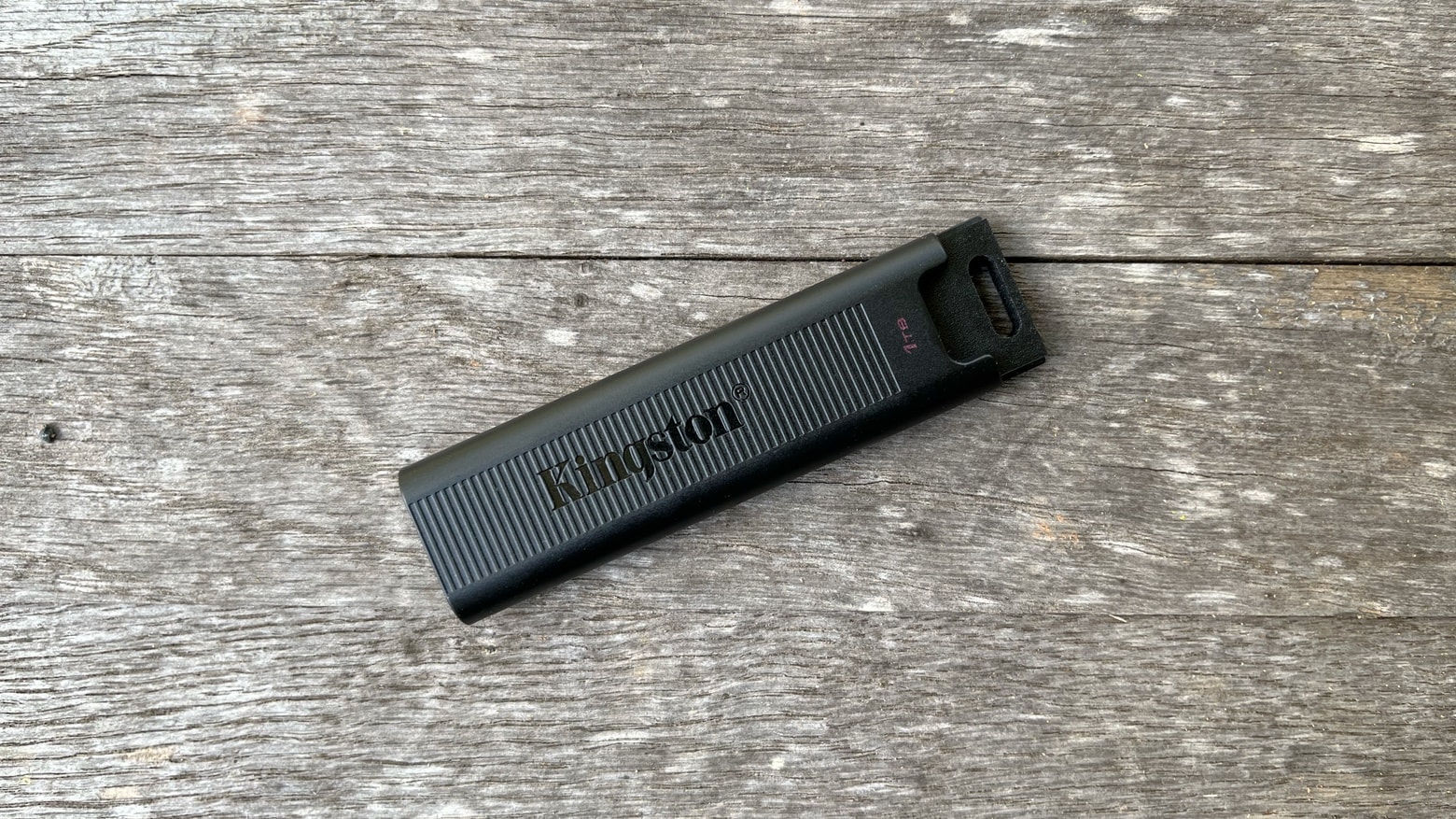
The Kingston DataTraveler Max is so fast it leaves old USB-A flash drives in the dust. Photo: Ed Hardy/Cult of Mac
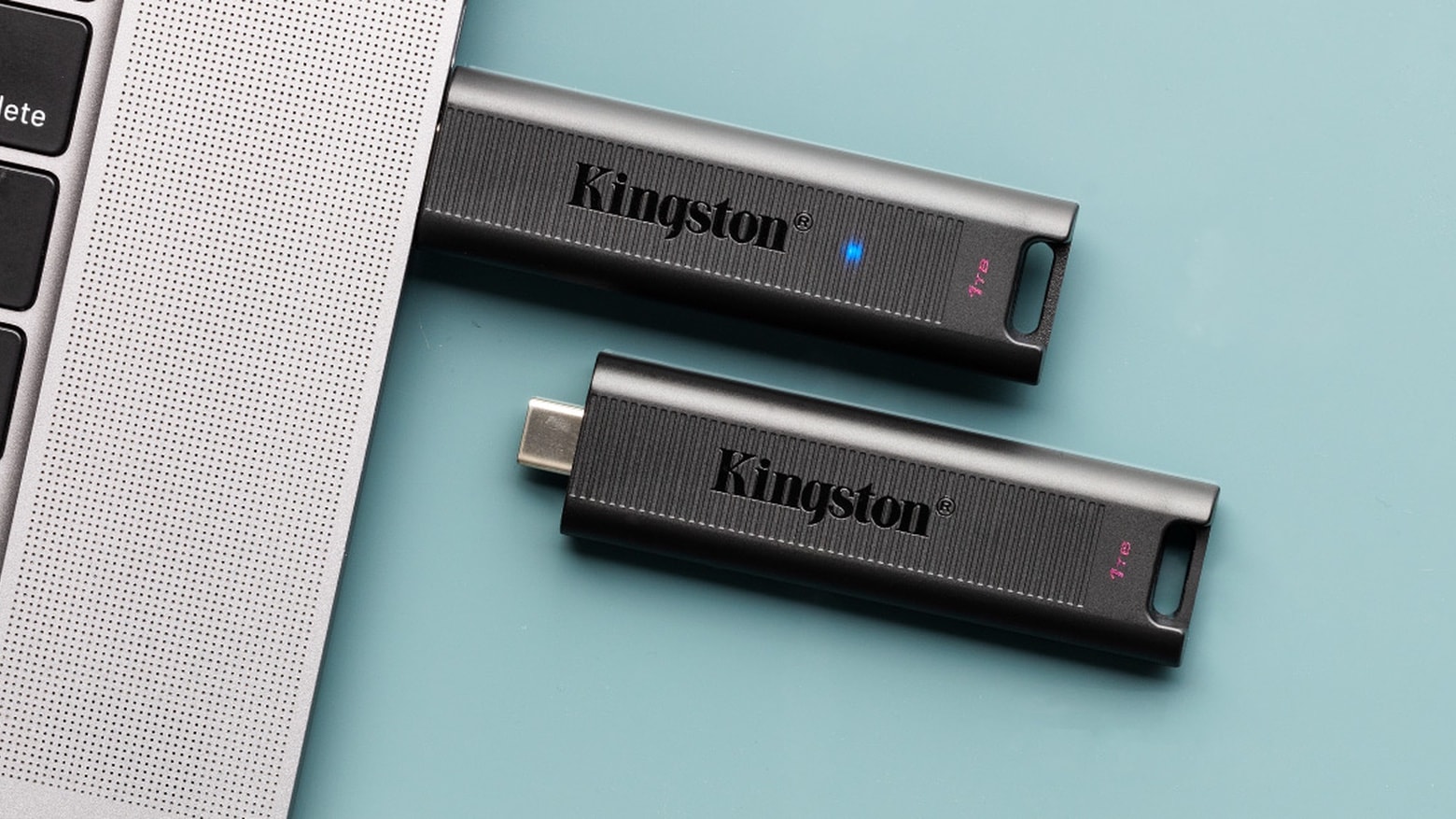
The Kingston DataTraveler Max is blazing fast. It supports USB 3.2 Gen 2 so the new flash drive can transfer data at up to 1,000MBps. And it uses USB-C so can be plugged into any Mac and most iPads.
I tested Kingston’s speed claims under real-world conditions. And data transfers are so quick it made me want to pitch out all my old flash drives.
The high-speed Kingston DataTraveler flash drive comes in sizes up to 1TB. Photo: Kingston
Kingston Digital, the flash memory affiliate of Kingston Technology, is rolling out its new DataTraveler Max. The company said the USB-C 3.2 flash drive “delivers record-breaking speeds up to 1,000MB/s read and 900MB/s write to make it one of the fastest USB drives on the market and the first of its kind.”
Apple could be about to sell back its stake in Toshiba Memory less than a year after acquiring it.
A new report claims Toshiba plans to buy back the shares it sold to Apple, Dell, Kingston, and Seagate after securing billions in loans from Japanese banks. It’s thought Toshiba later plans to become a public company.
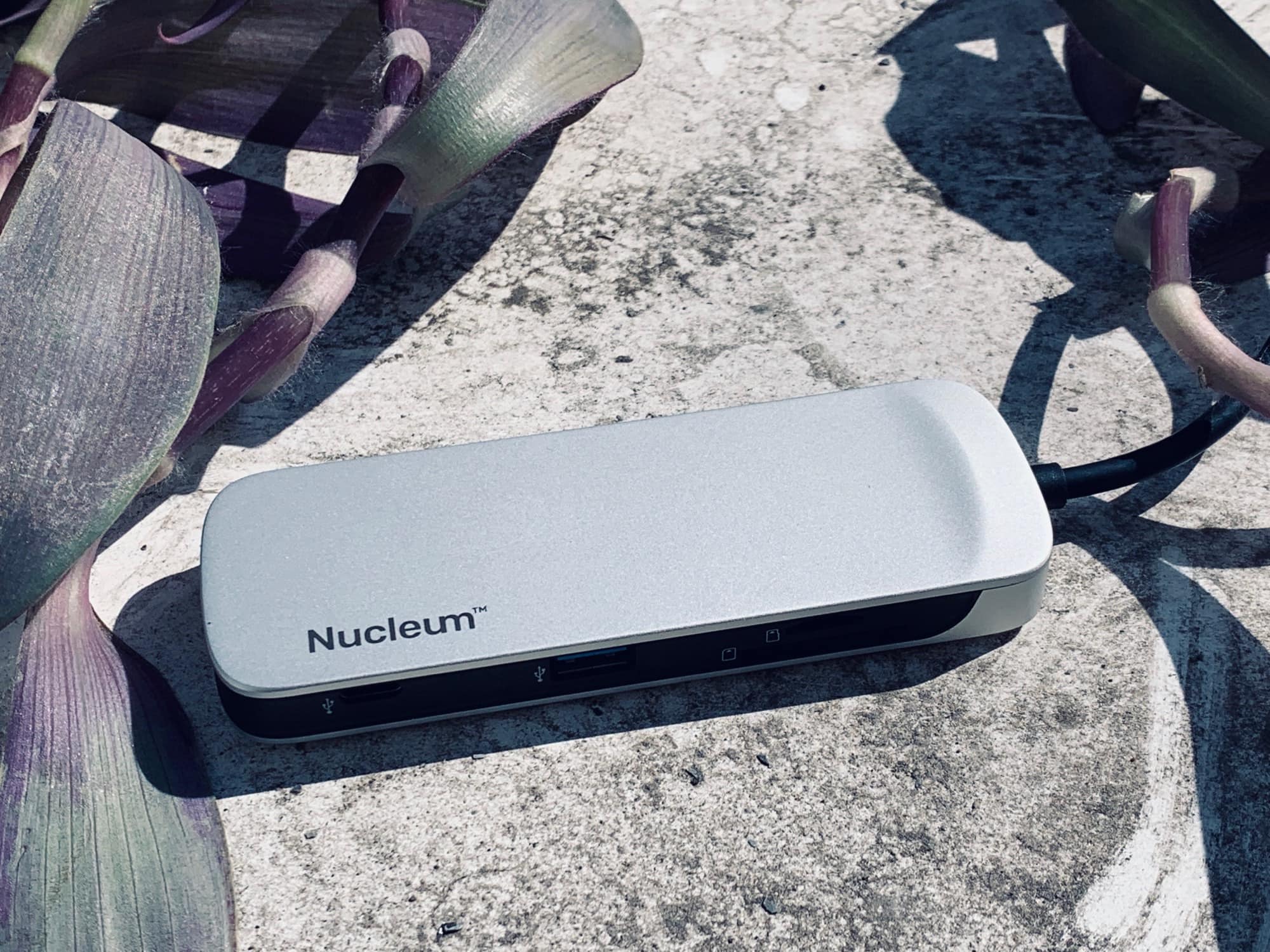
The sun finally came out, so I took this photo outside. Photo: Charlie Sorrel/Cult of Mac
Ever since I got a 2018 iPad Pro last year, I’ve gone through a drawerful of USB-C hubs. And finally, I’ve found one that works. Or rather, one that works without any odd, annoying or inexplicable behavior. It’s the Kingston Nucleum, it doesn’t have quite enough ports, and it’s just great.