Google is still tracking users' locations without their permission. Photo: Ed Hardy/Cult of Mac
Google’s claim that it allows users to completely turn off all location tracking is completely false, according to research conducted by the Associated Press.
Whether you’re using an iPhone or Android device, the AP found that many Google services store your location data, even if you’ve used a privacy setting that is supposed to prevent Google from grabbing your data.
Google I/O 2018 was full of AI surprises. Photo: Google
Google just took the wraps off its big software lineup for 2018. If Apple executives were watching, there’s a lot they should be worried about.
Artificial intelligence has always been one of Google’s strengths over Apple. But in 2018, the search company is going all out, putting AI in everything. Pretty much every app the company has is getting some new machine-learning tricks in the next few weeks that make certain iOS features look ancient.
Check out the biggest announcements from this morning’s Google I/O keynote.
A brilliant minimalist settler simulation with added monsters is just of one of our picks for this week’s “Awesome Apps of the Week.”
In addition, we’ve got a great new version of The Sims for mobile, and two Google apps which have received big updates. Check out our selections below.
A poignant, beautiful, story-driven game that’s bound to go down as one of the year’s best iOS titles is just one of this week’s “Awesome Apps.”
In addition, we’ve got a great update of a top navigation app, a minimalist podcasting app, and a challengingly entertaining puzzle game. Check out our picks below.
You can now gain one-tap access to useful commute info. Photo: Google
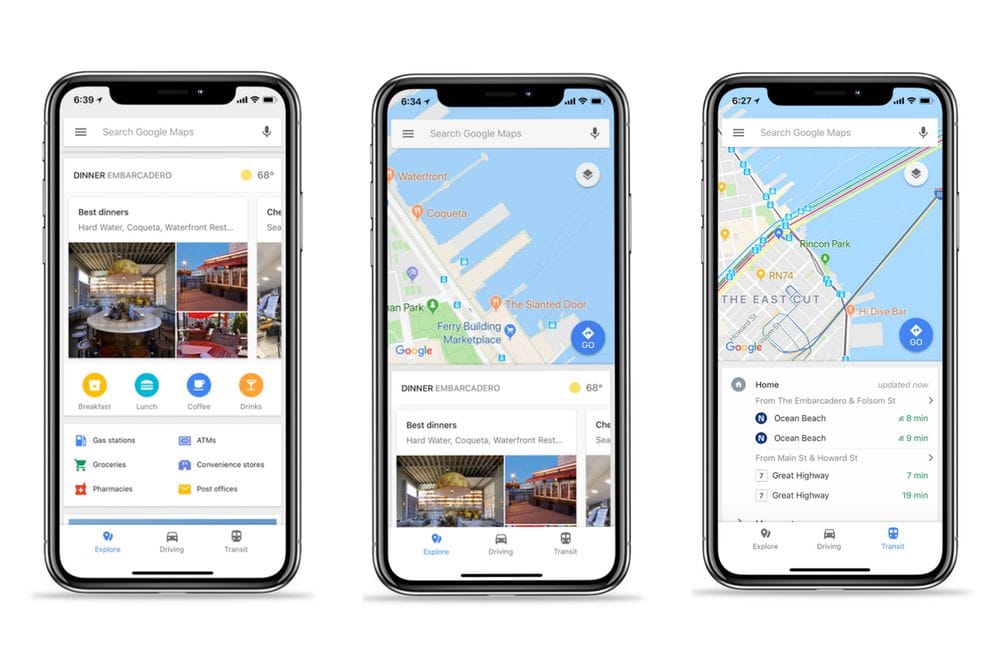
Google today rolled out a new Maps update for iOS that makes accessing commute information easier than ever.
A new one-tap access bar at the bottom of the app lets you quickly view nearby restaurants and hotels, real-time traffic data, and transit information.
In this week's Cult of Mac Magazine, we show you how Google's Pixel lineup compares to iPhone 8 and the upcoming iPhone X, and much more! Photo: Ste Smith/Cult of Mac
Can Google convince iPhone fans to jump ship for the new Pixel 2 and Pixel 2 XL?We show how Google’s Pixel lineup compares to iPhone 8 and the upcoming iPhone X.
In this week’s Cult of Mac Magazine, you’ll find that story and more. Check out the serious internal upgrades packed into iPhone 8 Plus, and Google’s new mini speaker. We’ve got some great Mac apps for photo editors, a roundup of the best chargers and stands for Apple Watch Series 3 and a review of the iconic Speidel Twist-O-Flex band. Get your free subscription to Cult of Mac Magazine from iTunes. Or read on for this week’s top stories.
Measuring distances in Google maps is now easier than doing it on paper. Photo: Georgie Pauwels/Flickr
Remember how, if you wanted to measure distance between two places, you’d have to either a) spend the next half hour searching the App Store for a non-hideous free app that wouldn’t be too frustrating to use, or b) contrive to force Apple or Google Maps to give you more-or-less direct directions between two points?
Those dark days are over, because now Google Maps on iOS has distance measuring built in. Now you can finally see how far it it from here to there. And back again, if you like.
'Appy weekend, everyone! Photo: Ste Smith/Cult of Mac
How does an augmented reality zombie invasion game sound as a way to while away your Sunday? Fortunately, just such a title is part of this week’s “Awesome Apps” roundup.
We’ve also got a reminder of why Google rules the map app space, a soothing minimalist puzzle game worth checking out, and an alternate history shooter/strategy game. Check out our choices below.
Support for Apple Watch disappeared in April. Photo: Lyle Kahney/Cult of Mac
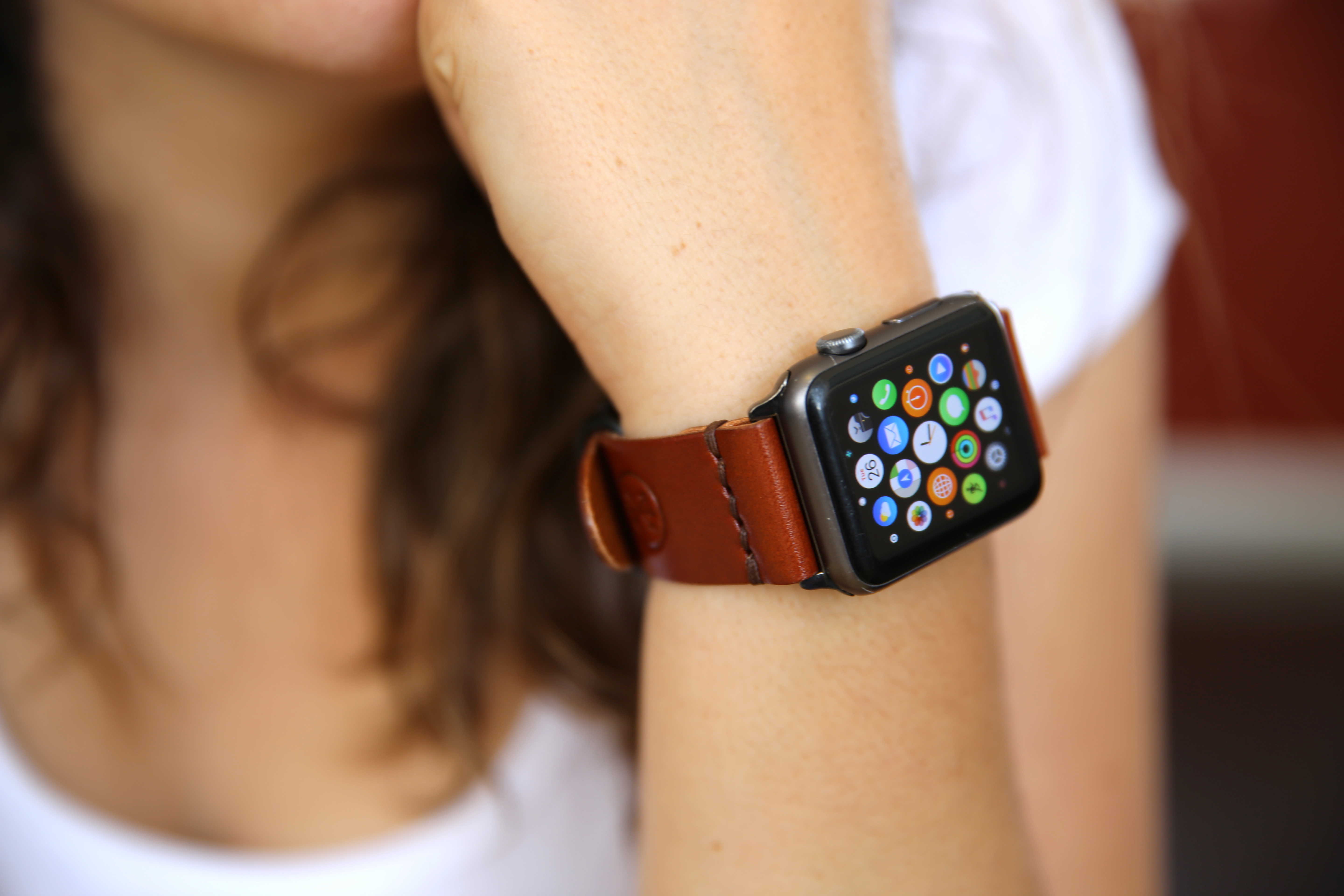
Google Maps, Amazon and eBay have all quietly dropped support for Apple Watch in their recent app updates.
So far, no reasons have been given for the decision, although Google noted that despite removing, “Apple Watch support from our latest iOS release [we] expect to support it again in the future.”
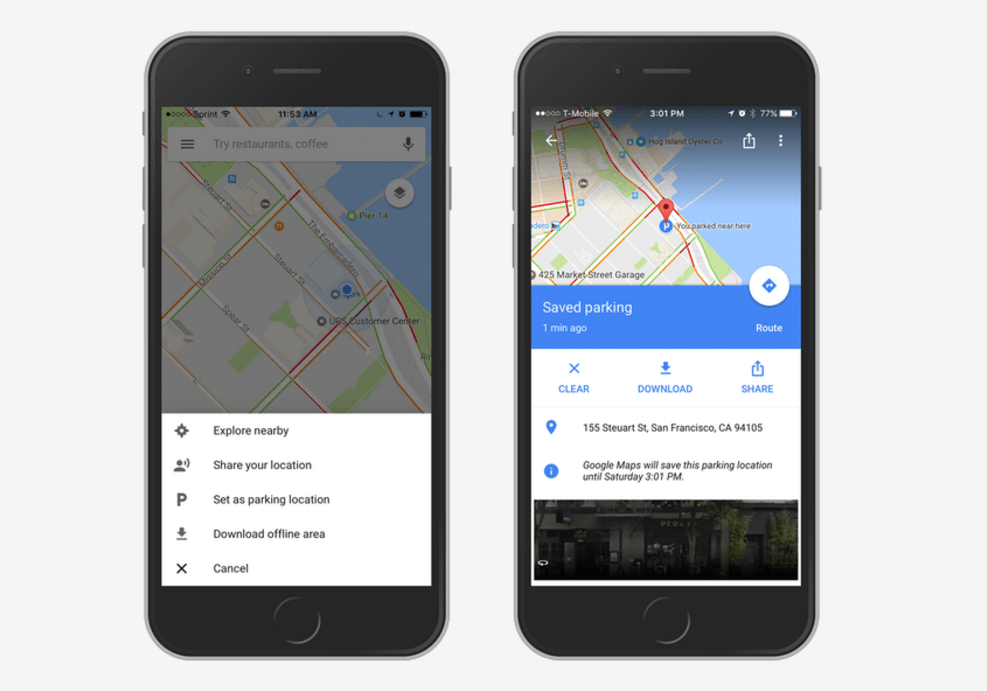
Never forget where you parked your car again! Photo: Google
Despite the improvements Apple has made to its own Maps platform, Google Maps is still the number one choice for millions of iPhone users. And it keeps getting better.
Its latest update adds a handy feature that will remind you exactly where you parked your car.
Get your PacMan fix in Google Maps. Photo: Buster Hein/Cult of Mac
There’s just one day left in March which means a cornucopia of horrible tech “pranks” are about to be unleashed on the internet. Google is getting its gags out early and this year, the company’s April Fools’ Day prank is actually a lot of fun.
Google Maps added a new feature for users this morning on both iOS, Android and the web that allows users to turn city streets into a giant game of Ms. Pac-Man.
You can share your location on iOS and Android. Photo: Google
Finding your friends in crowded places is about to get a lot easier thanks to an upcoming feature for Google Maps that will let users share their location in real-time.
iOS widgets are a great way to check in on your day. Apple gave us its own take on widgets with the core apps built into iOS 10, but you can do better.
If you’ve never taken a look at some of the great third-party iOS widgets available, you’re missing out. Here are six of our favorite iOS widgets to replace the stock Apple widgets. (If you don’t know how to add widgets, go to the bottom of this post for instructions on adding and using them.)
'Appy weekend, everyone! Photo: Ste Smith/Cult of Mac
It’s the final day of the weekend, which means it’s time for us to share our picks for the week’s most important apps and app updates.
From a nifty Touch Bar-style app for iOS and Mac to a terrific retro-styled dungeon actioner, we’re confident we’ve got something you’ll enjoy. Check out our choices below.
It's now even easier to avoid a crowd. Screenshot: Cult of Mac
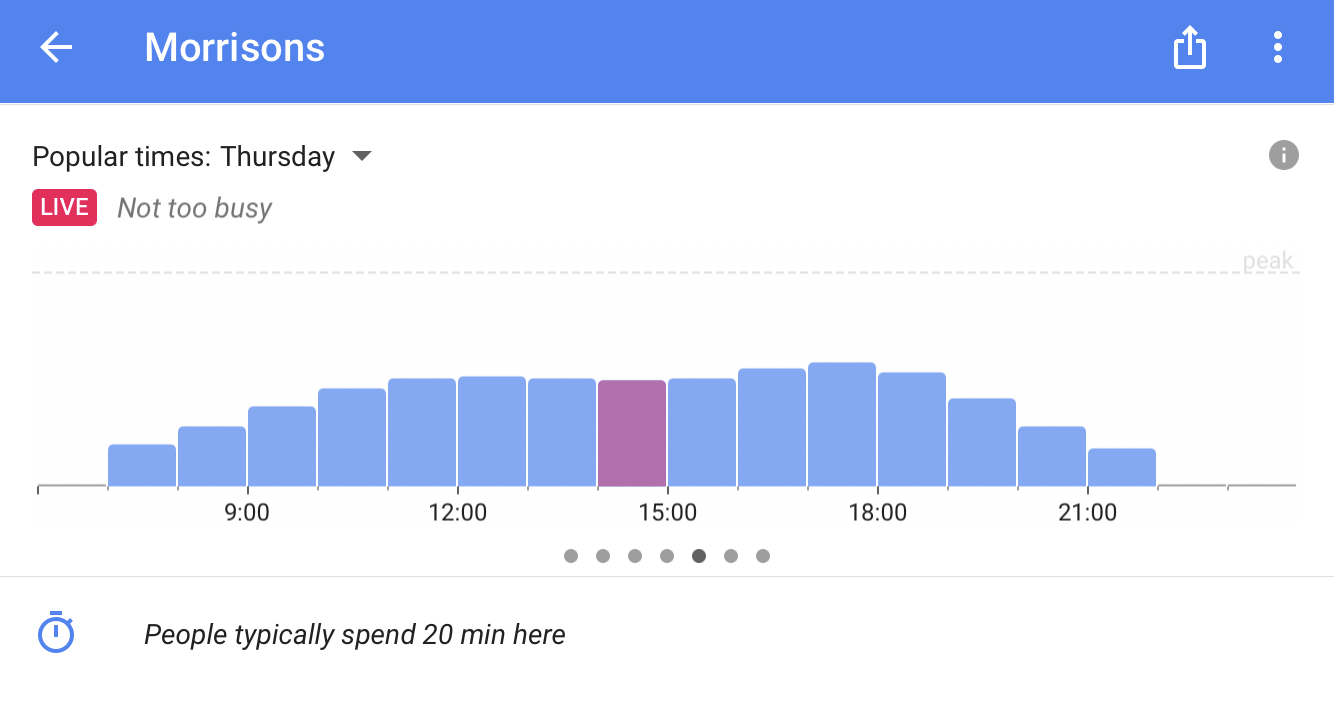
Google Maps for iOS has a great feature that lets you view “popular times” for local business, and with its latest update, those times are refreshed live. In addition, Maps can now detect addresses copied to your iOS clipboard.
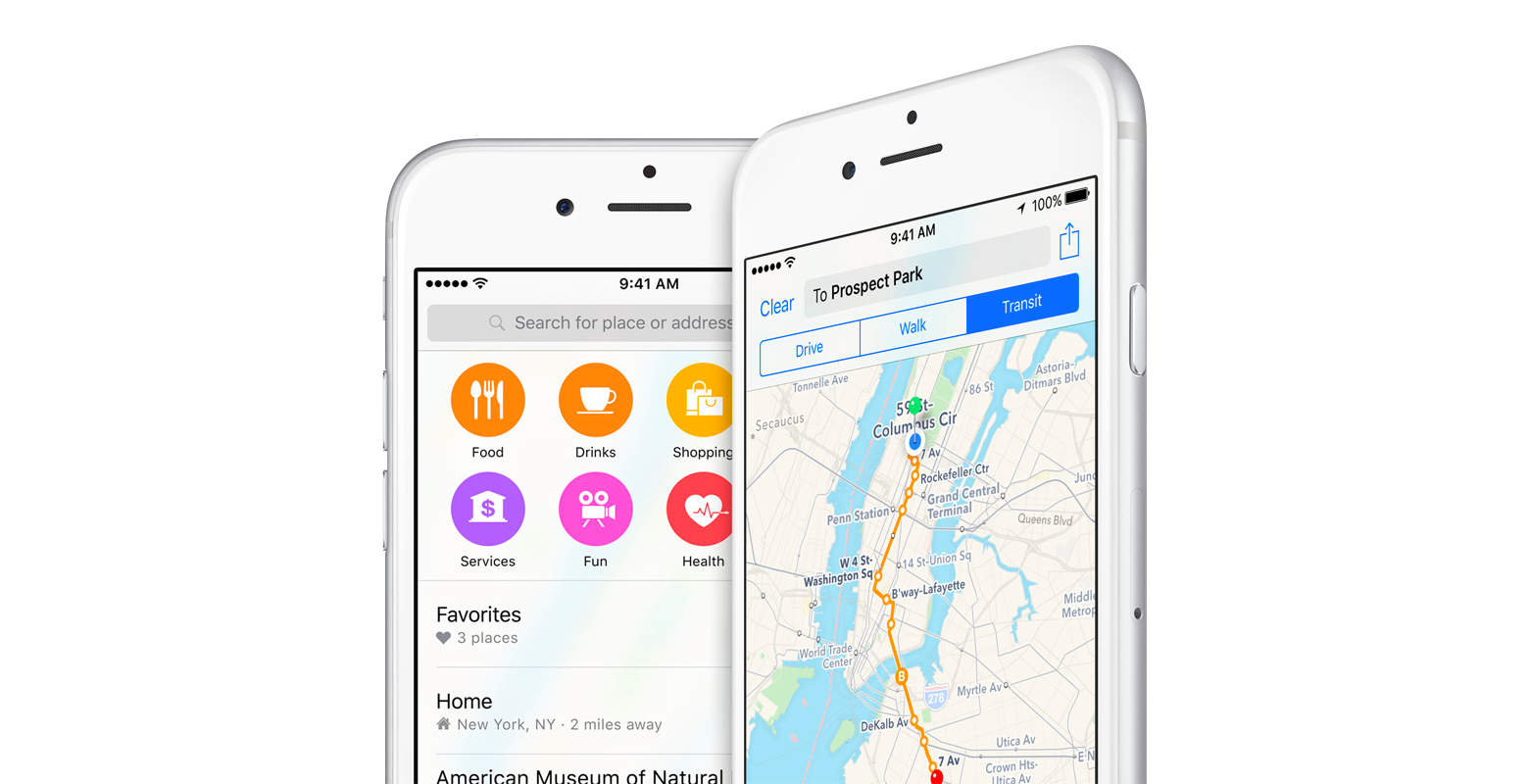
Almost four years on, Maps is in a very different place. Apple has worked hard to iron out the kinks and add new features that help the service compete with rivals like Google Maps. But is Apple Maps still the laughing stock of maps apps?
Join us in this week’s Friday Night Fights as we battle it out over the state of Apple Maps.
Mysterious unmarked vans roaming the Bay Area have been linked to Apple, and are likely generating detailed 3D maps for robot cars. Photo: Business Insider/Stephen Smith
Some new data-gathering vehicles are roaming the streets of San Francisco. They’re unmarked, but are suspected to be Apple’s. They are laden with sensors, but what kind of data are they gathering, and what for?
Experts contacted by Cult of Mac say the mystery vans are next-generation mapping vehicles capable of capturing VR-style, 360-degree street photos. Plus, the vans use Lidar to create extraordinarily precise “point clouds,” a prerequisite for self-driving cars. Mesh those two databases together and you’ve laid the groundwork for an autonomous vehicle’s navigation system.
Google Earth looks gorgeous... in places. Photo: Google
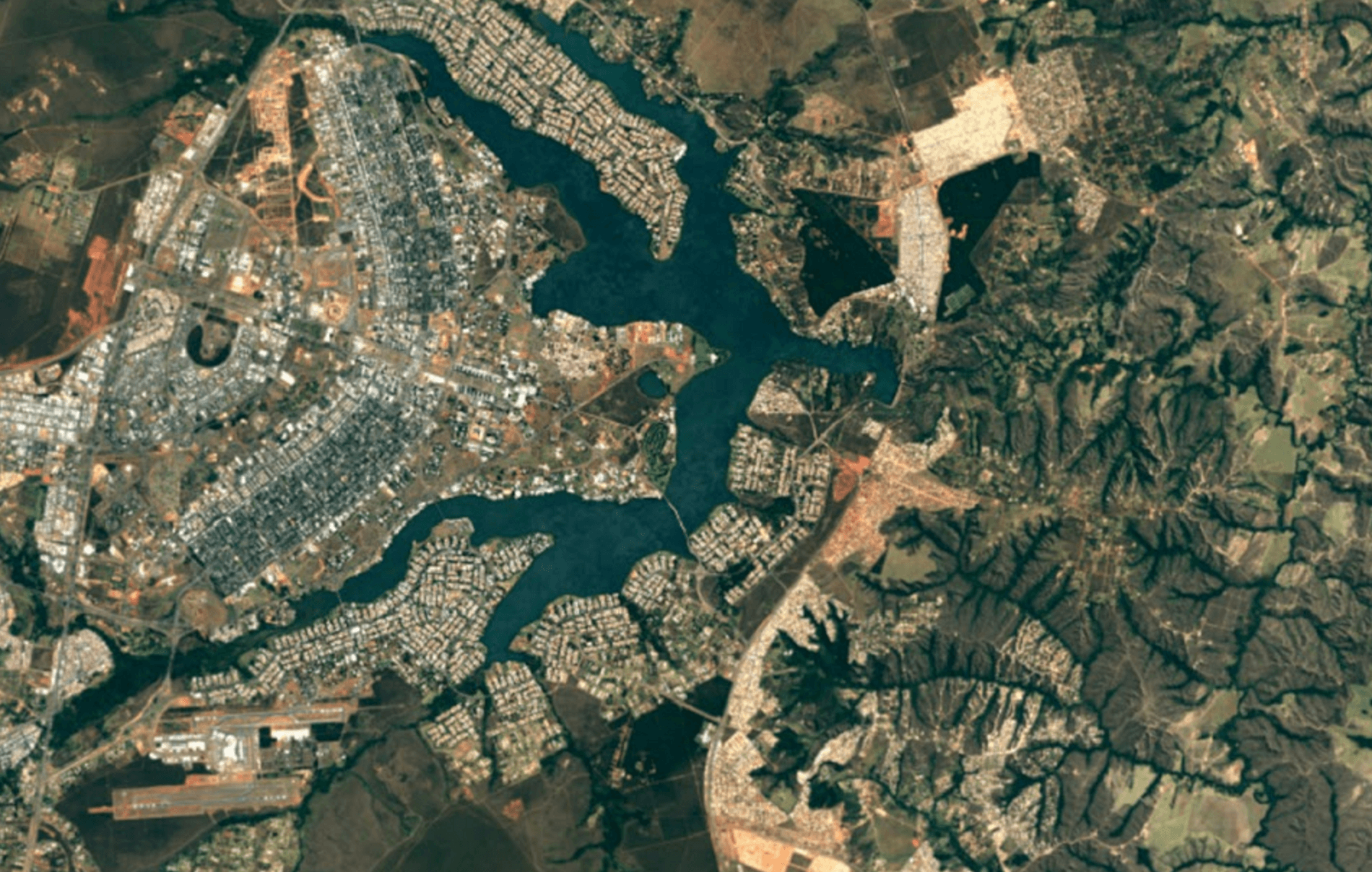
Google Earth is even more glorious today after being updated with stunning new imagery from the Landsat 8 satellite. It’s sharper and more detailed then ever before, and your view will no longer be spoiled by cloudy skies.
Apple's latest hire will make Maps better. Photo: Apple
Apple’s often-ridiculed Maps app is getting some much-needed assistance, thanks to a recent new hire who helped invent the satellite navigation systems used by a bevy of automakers.
Sinisa Durekovic, a software engineer who was the principle architect and engineer for Harman International Industries’ navigation systems, has reportedly joined Apple, and the company won’t say what he is working on.
When you’re out in the sticks somewhere, you might get to a place where there’s no signal. How will you ever find your way home (or to the next party) without your trusty Google Maps app?
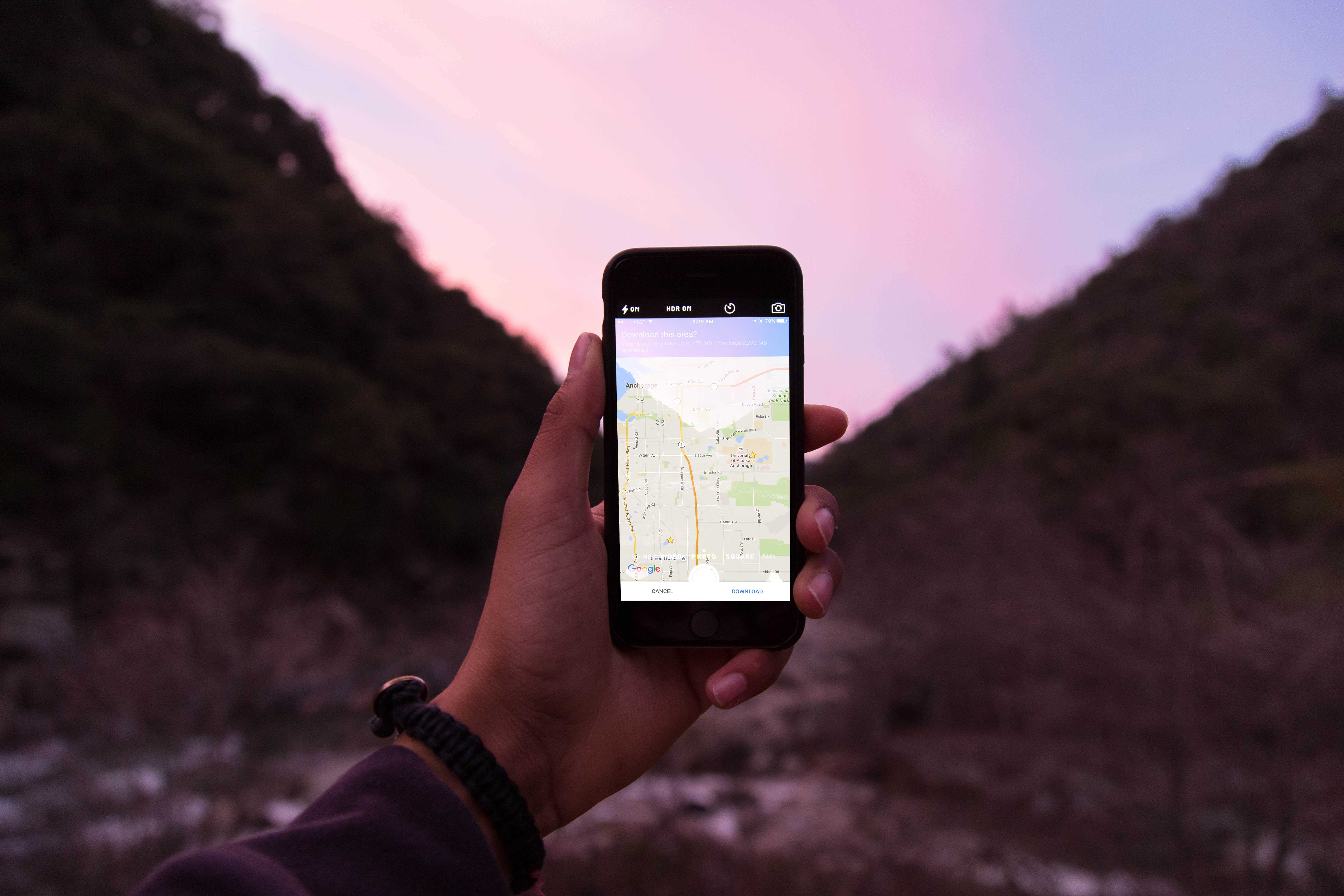
Well, with a little foresight, you can make sure Google Maps continues to be useful, even when you’re not within range of cellular data. Here’s how to use Google Maps offline to make sure you never get lost again when your smartphone goes offline.
Note: This tip will work with Android and iOS versions of Google Maps.
Ummm ... spoilers? Thanks a lot, guys. Photo: Google
Google Maps has rolled out something special for the premiere of Batman v. Superman: Dawn of Justice this weekend: You can take a stroll around the film versions of Bruce Wayne’s house and Batman’s lair through Street View.
The tour contains a lot of surprises for long-time Batfans who have been keeping cold on the new film. For one thing, did you know that Batman is secretly Bruce Wayne? It’s crazy. Even stranger than that is the fact that while the film places Gotham City somewhere in New Jersey, Google Maps puts it on the border of a dog park in southern Michigan.
Google Maps has some nice new tricks on iOS. Photo: Google/Uber
Google has finally updated its iOS app to include the Uber connectivity that Android users have had for like a week now.
It’s not just Uber, but that’s definitely the biggest ride-sharing company to get support in the new version. Users in Brazil, India, the UK, Spain, and Germany can also use their local call-a-car service of choice.
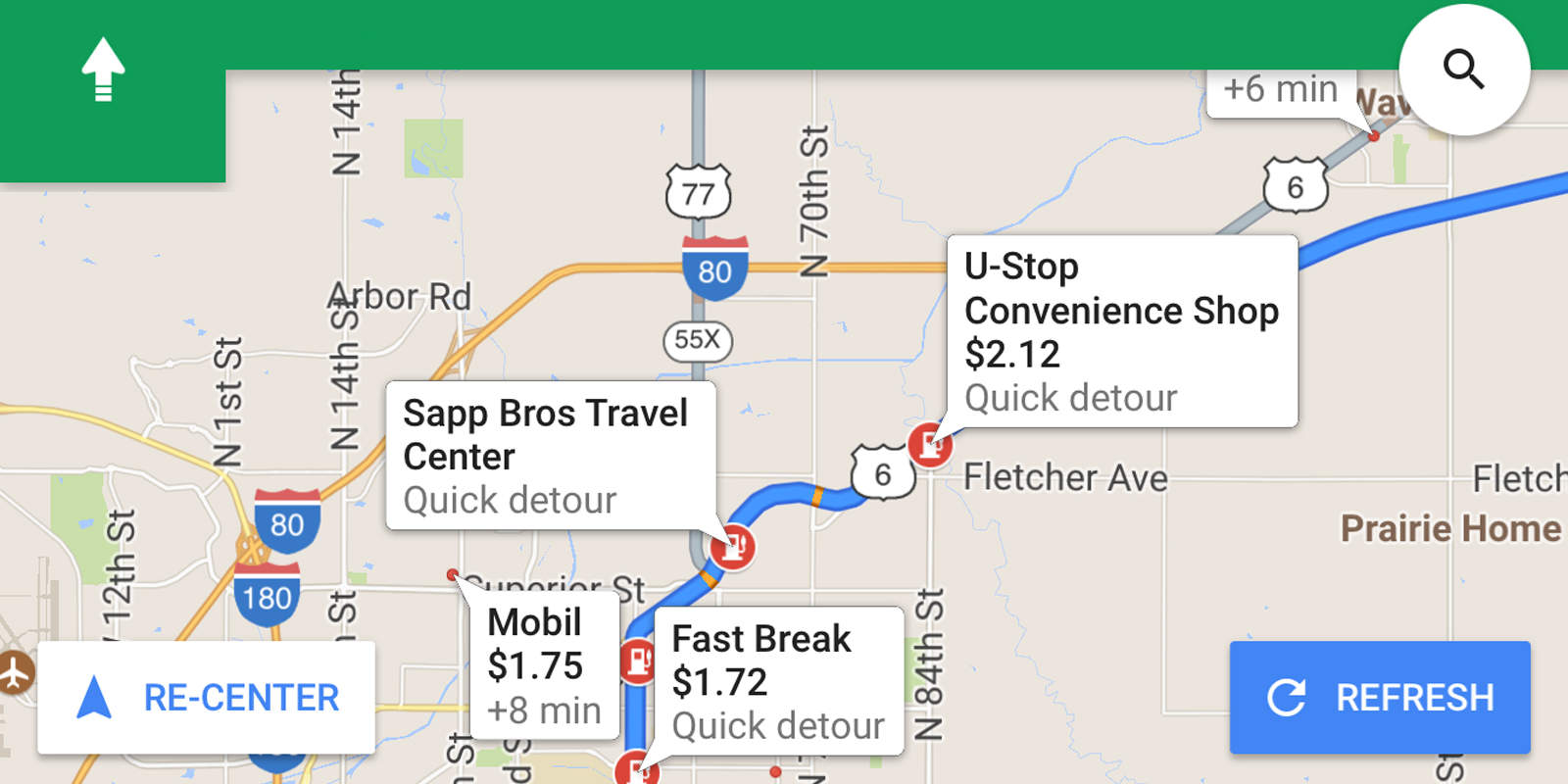
Android owners have been able to insert detours into their Google Maps routes since October, but now the company is letting iPhone users in on the cool feature.
Starting today, Google is rolling out “pit stop” functionality to the iOS version of its navigation app. The company says it will work in the over 100 countries in which it offers driving directions.
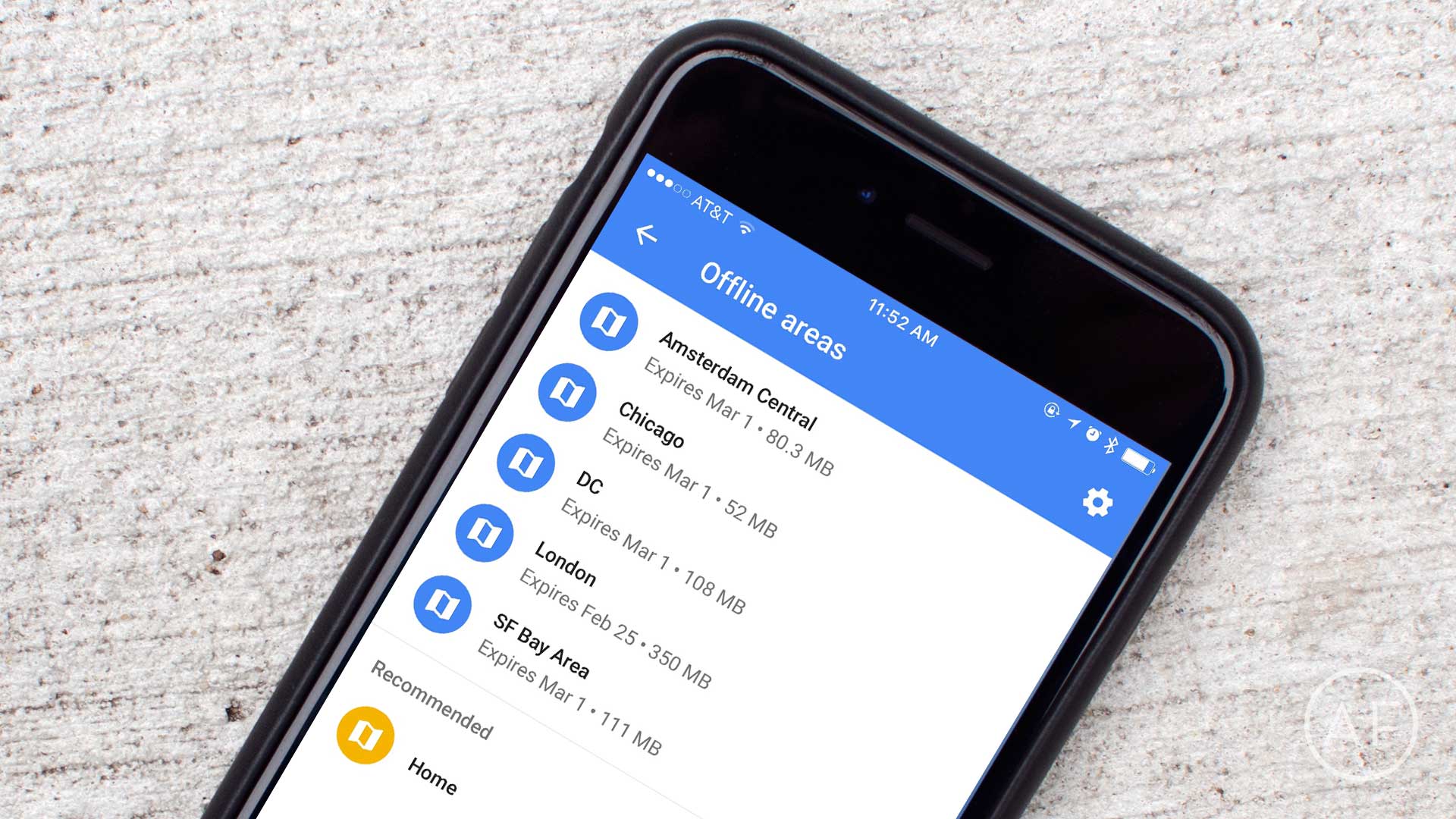
Need offline maps for times when they're no cellular or Wi-Fi data available? Google Maps gives them to you for free. Photo: Ally Kazmucha/The App Factor
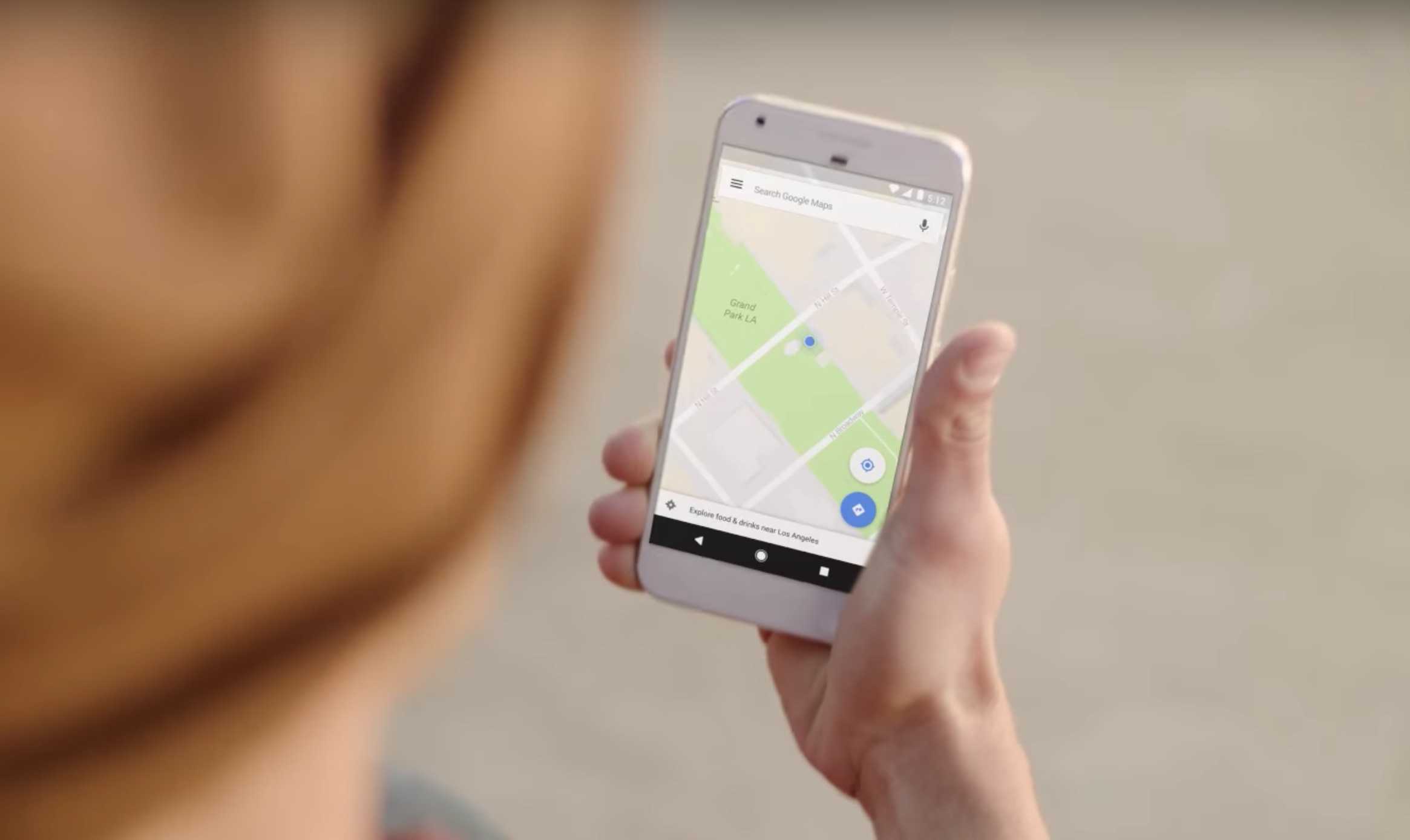
One of my favorite features of the Google Maps app is its ability to save offline maps on iPhone. Whether you want map access regardless of cell reception or you’re traveling abroad and won’t have a data connection, Google Maps is king. Even better, it costs you absolutely nothing.







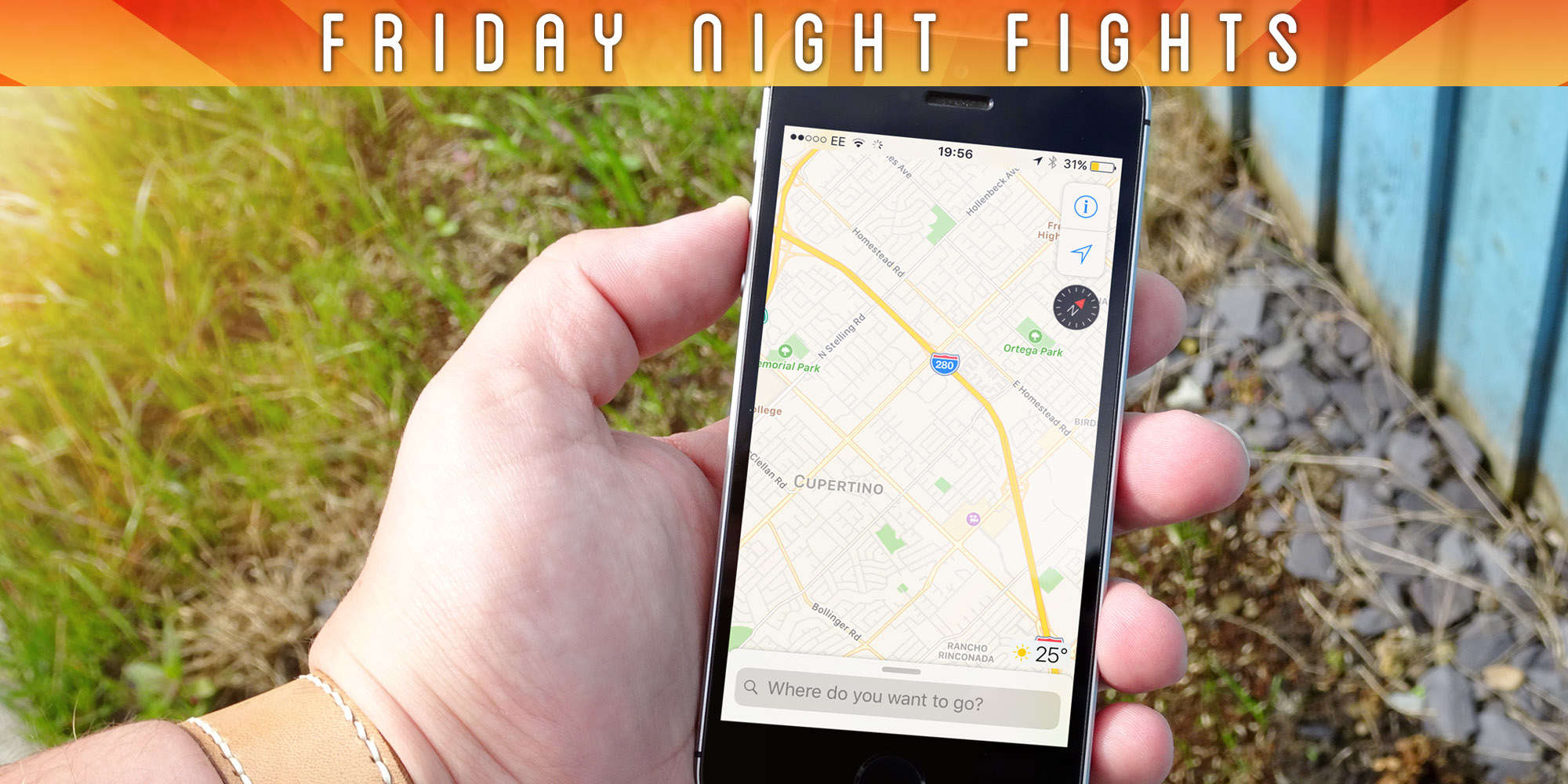
 Almost four years on, Maps is in a very different place. Apple has worked hard to iron out the kinks and add new features that help the service compete with rivals like Google Maps. But is Apple Maps still the laughing stock of maps apps?