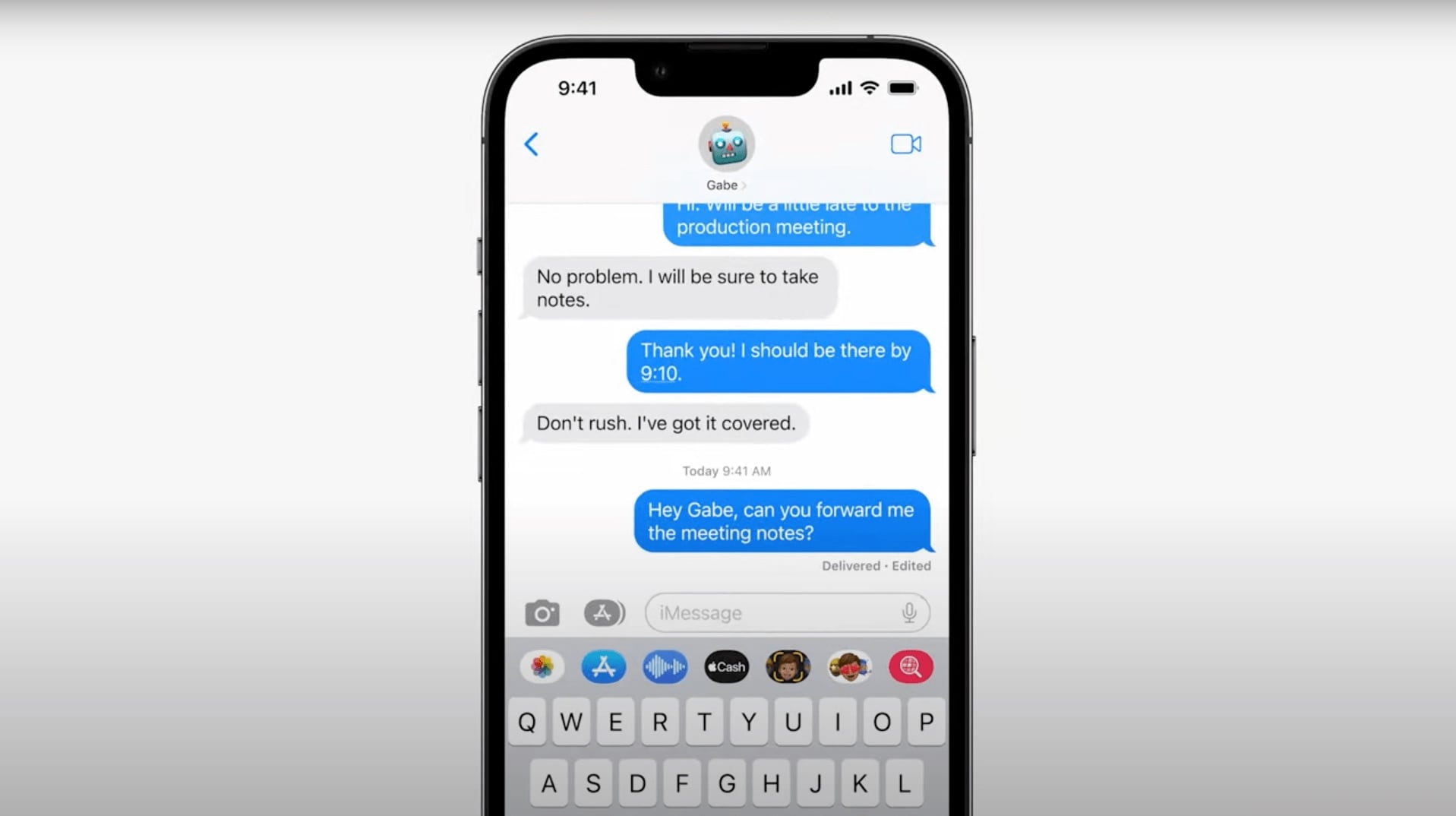
Customize apps without changing everything. Image: Cult of Mac
iOS and iPadOS 15 give you the ability to specify accessibility settings for individual apps. The change lets you adjust things like text size, increase contrast, invert colors and more only where you need to.
Giving you the best possible download and upload speeds. Photo: Apple
If you’re lucky enough to get strong and speedy 5G coverage where you live, you’ll be pleased that it gets prioritized over Wi-Fi in iOS and iPadOS 15 when your usual network is slow.
The new feature expands your 5G capabilities on iPhone 12 and M1 iPad Pro and could make certain tasks — like downloading high-resolution movies and music or uploading data to iCloud — significantly faster.
Apple appears to have restored the scroll wheel to setting alarms in iOS 15, having replaced it with last year’s iOS 14 update.
While it’s a minor feature, it’s one that was conspicuous in its absence last year, replaced with a far clunkier, counterintuitive replacement. Now it’s back — showing that Apple does indeed listen when people call out certain features that used to be better.
All the storage you need, free of charge. Photo: Apple
Apple is making iPhone and iPad upgrades easier by giving users a temporary boost in iCloud storage free of charge.
The change, which comes with iOS and iPadOS 15 this fall, will allow you to backup the entire contents of your device and transfer it all to a new one — even if you’re using the free 5GB storage plan.
iOS 15 and iPadOS 15 give users the ability to place the same app on multiple Home screens (or multiple icons for the same app on one screen) for the first time.
Simply drag any app out of the App Library and onto your Home screen as many times as you like.
Apple will launch its head-mounted augmented reality display in the second quarter of 2022, according to Apple analyst Ming-Chi Kuo from TF International Securities.
It will feature lenses built by Genius Electronic Optical, which Kuo says will be the “sole supplier” for the high-end camera lenses in the forthcoming iPhone 13. (Largan Precision supposedly sent Apple samples for the handset’s rear wide lens and rear telephoto lens that failed to live up to Cupertino’s exacting standards. As a result, Apple canceled its Largan orders for iPhone 13 and will give them to Genius instead.)
... if you have a spare iPhone or iPad. Photo: Apple
Itching to get your hands on iOS and iPadOS 15 as soon as possible? The first developer betas are out now, and although we definitely don’t recommend installing them just yet, we’ll still tell you how to do it.
All you need is an Apple Developer account and an iPhone or iPad.
Turning your iPad is no longer necessary. Image: Cult of Mac
iPadOS 15 brings a big improvement to iPhone apps on a larger screen, finally allowing you to use them in landscape mode. The change even supports app that don’t have their own landscape view, like Instagram.
The Wallet app will soon let you board a plane with your iPhone rather than a physical drivers license. Photo: Apple
During its WWDC keynote presentation Monday, Apple showed off updates to the iPhone Wallet app in iOS 15 that may finally let it replace your actual wallet.
In addition to securely storing credit cards and discount codes, soon it will serve as a key to many locks as well as a virtual driver’s license.
Certain launch cities will get highly detailed views in the iOS 15's updated Apple Maps Photo: Apple
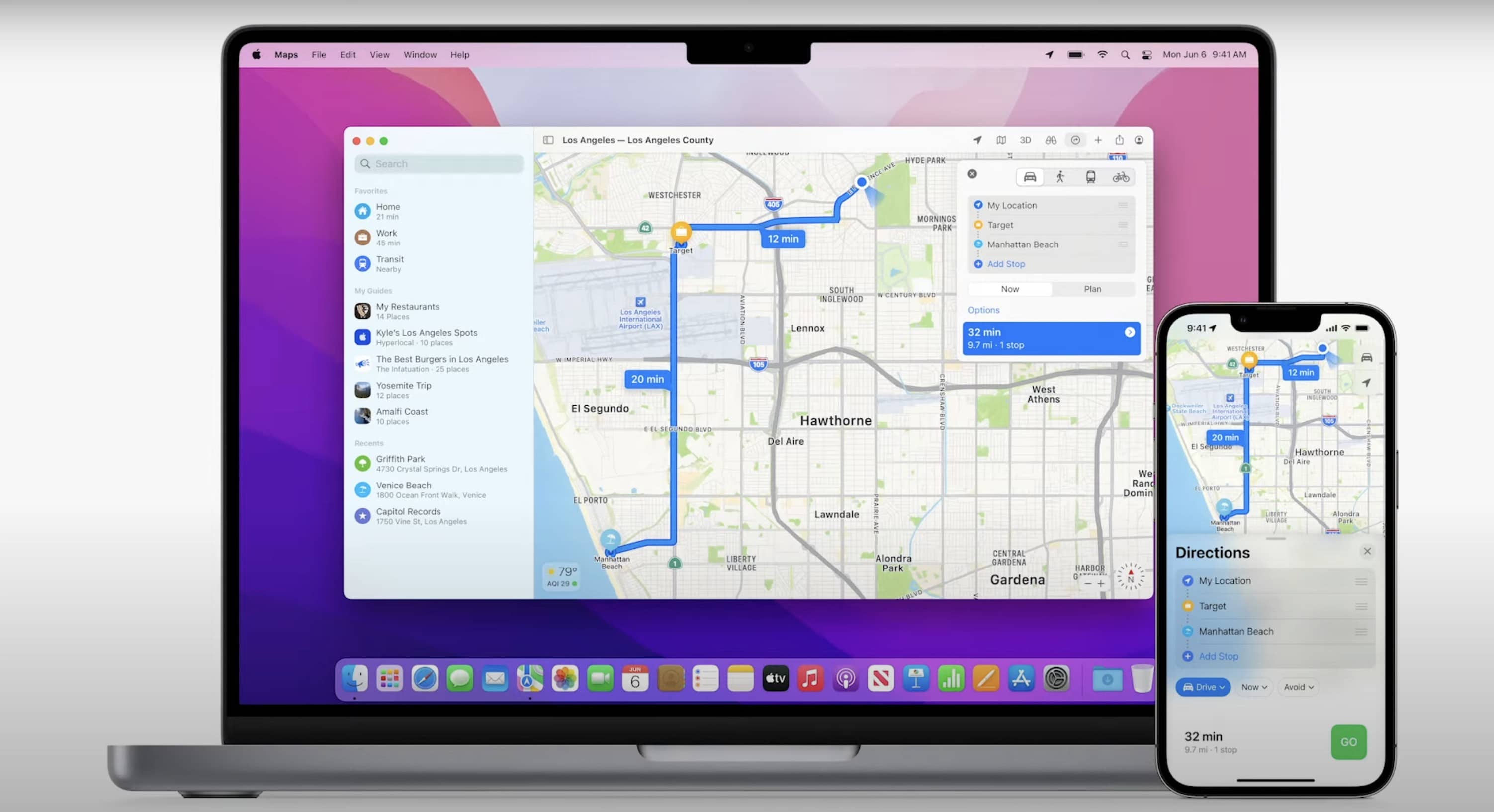
In iOS 15, Apple Maps will gain new features that make life easier for anybody using the app to navigate the world. An interactive globe will give users a new way to dive into Apple Maps. Enhanced details will make driving safer and less confusing. And new features will make exploring certain cities simpler than ever.
“Our goal has always been to build the world’s best map,” said Meg Frost, product design director of Apple Maps, during Monday’s WWDC keynote. “So we looked at everything we’ve done so far and asked ourselves, ‘How can we push things even further?'”