Devs can easily find programming tailored to their time zone and language. Photo: Apple
The new Meet with Apple Experts program helps Apple developers easily find and join workshops, labs and one-on-one consultations to help them build great apps, Apple said Tuesday.
The new dedicated resource builds on other programs for developers, incorporating their programming.
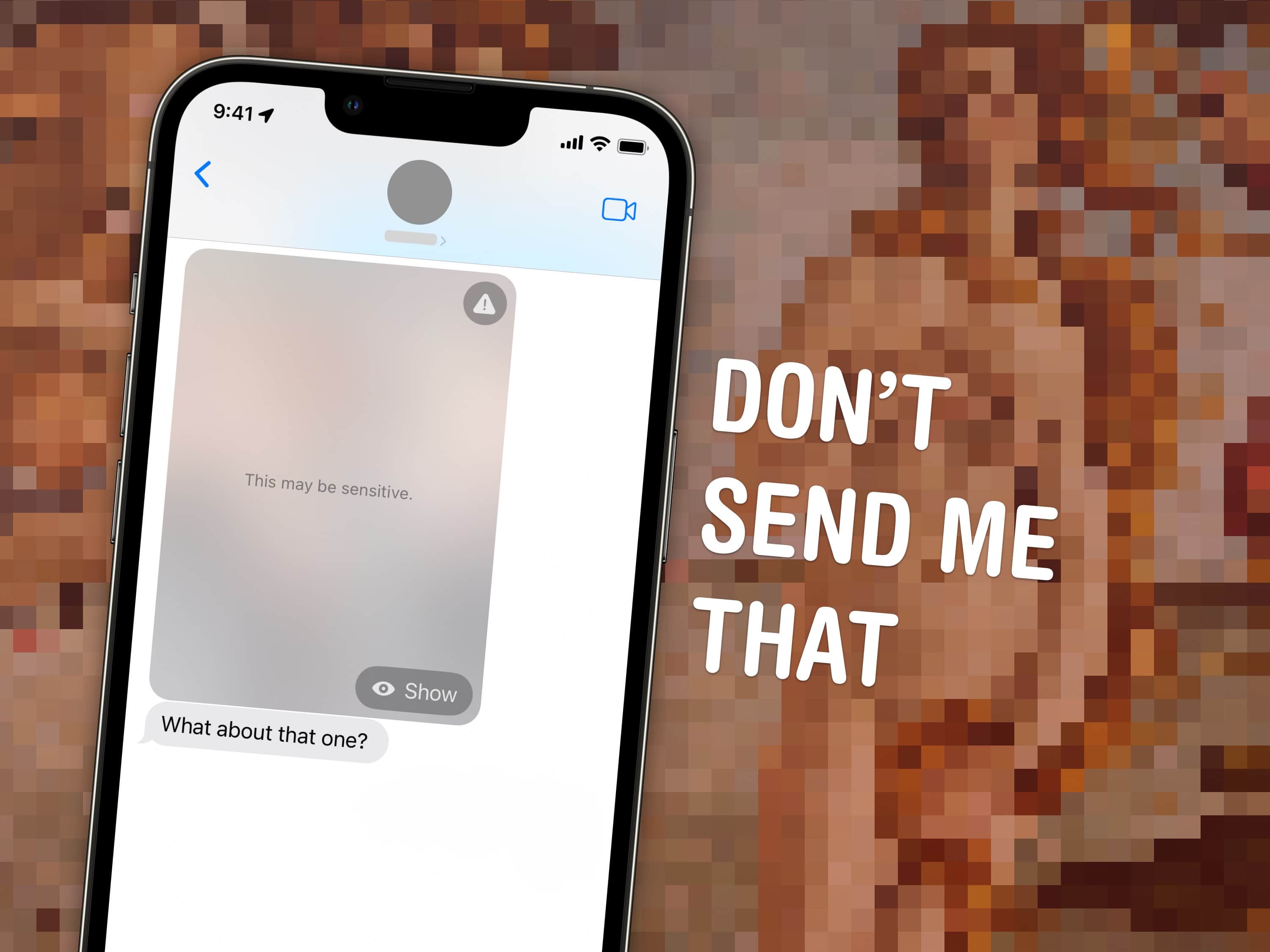
Block unwanted images from iMessage. Image: D. Griffin Jones/Cult of Mac
If you’ve ever been the victim of unsolicited dick pics, or “cyberflashing,” you can now automatically hide obscene images in iOS 17. Censoring NSFW sexts can give you an extra line of defense against unwanted, creepy texts. This feature, new in iOS 17, puts suspected nude images and videos behind a blurred gray background.
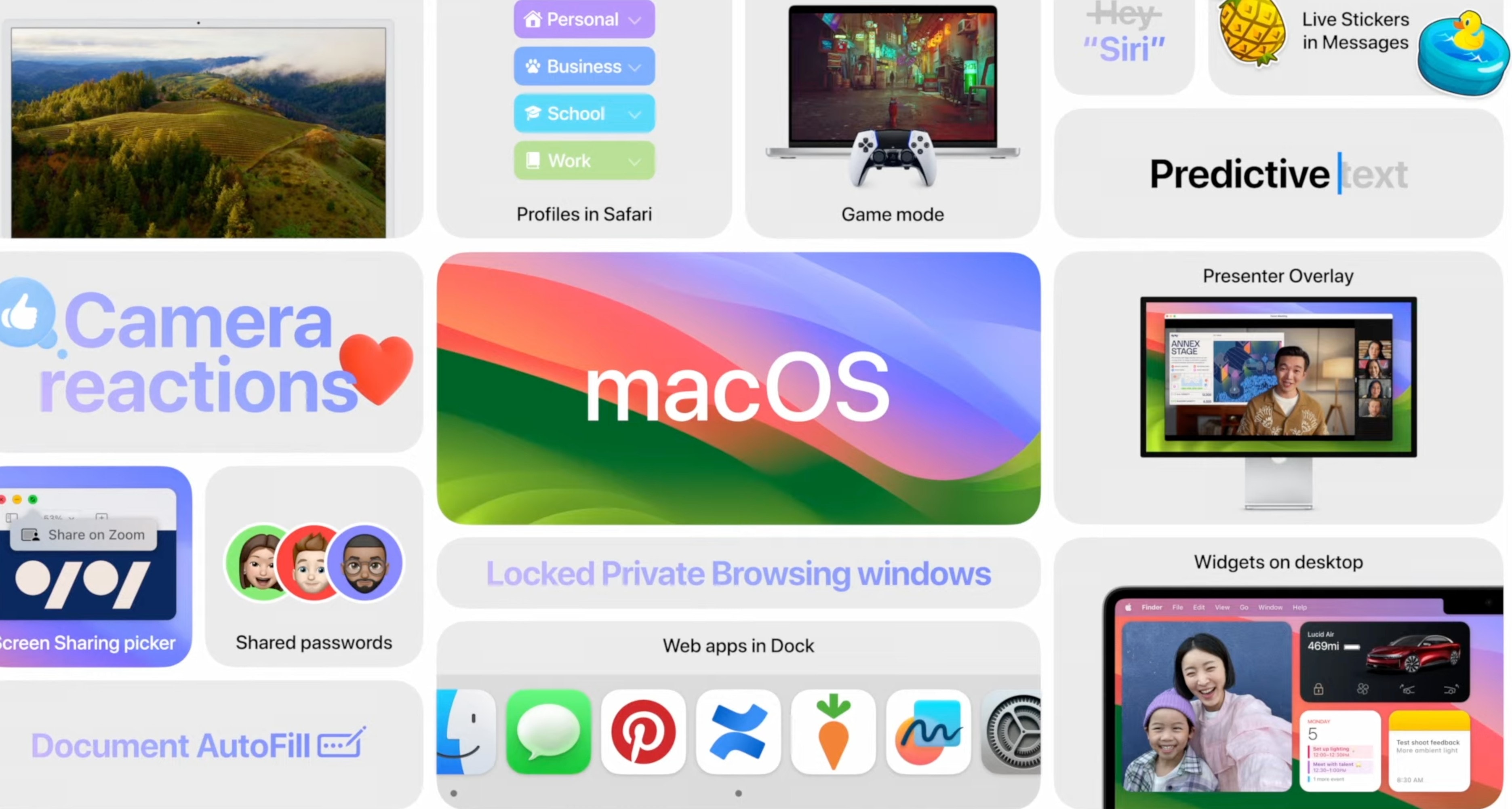
macOS Sonoma may not have the same buzz as iOS, but there are loads of new features this year to try out on your Mac. You can get beautiful Apple TV-style aerial screensavers, widgets on your desktop, powerful enhancements to Safari and more.
macOS Sonoma will be released at about 10 AM Pacific on Tuesday, September 26. Here are the 36 best features you can look for after you update.
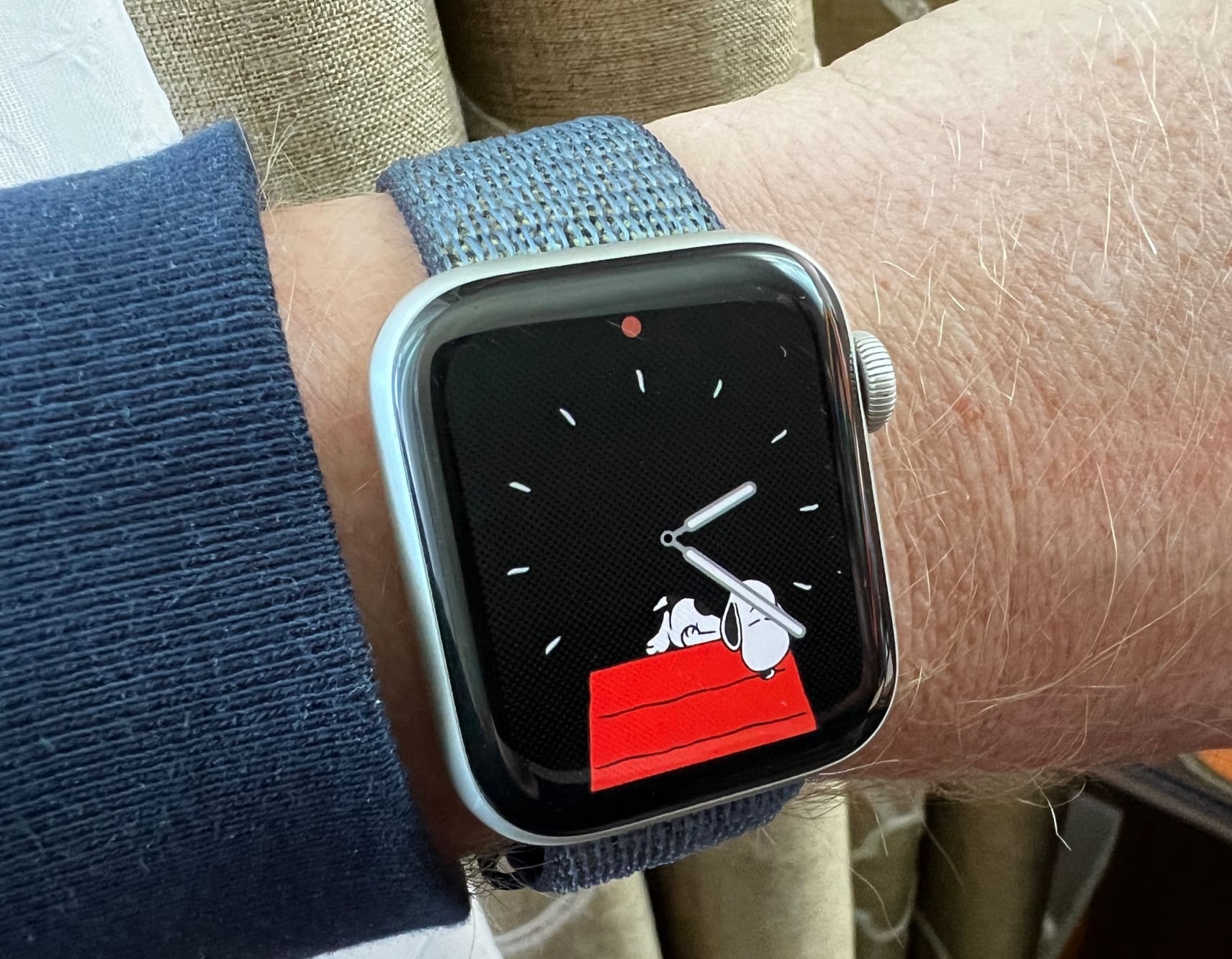
Lift your arm to look at your Apple Watch, and you'll see a face like this turn into an animation. And there are tons of them. Photo: David Snow/Cult of Mac
If you love Charlie Brown’s dog Snoopy, as generations of Peanuts fans and product marketers do, you better get the new Snoopy Apple Watch face now available in watchOS 10.
After all, a ton of work went into making its endlessly inventive animations, according to a new report.
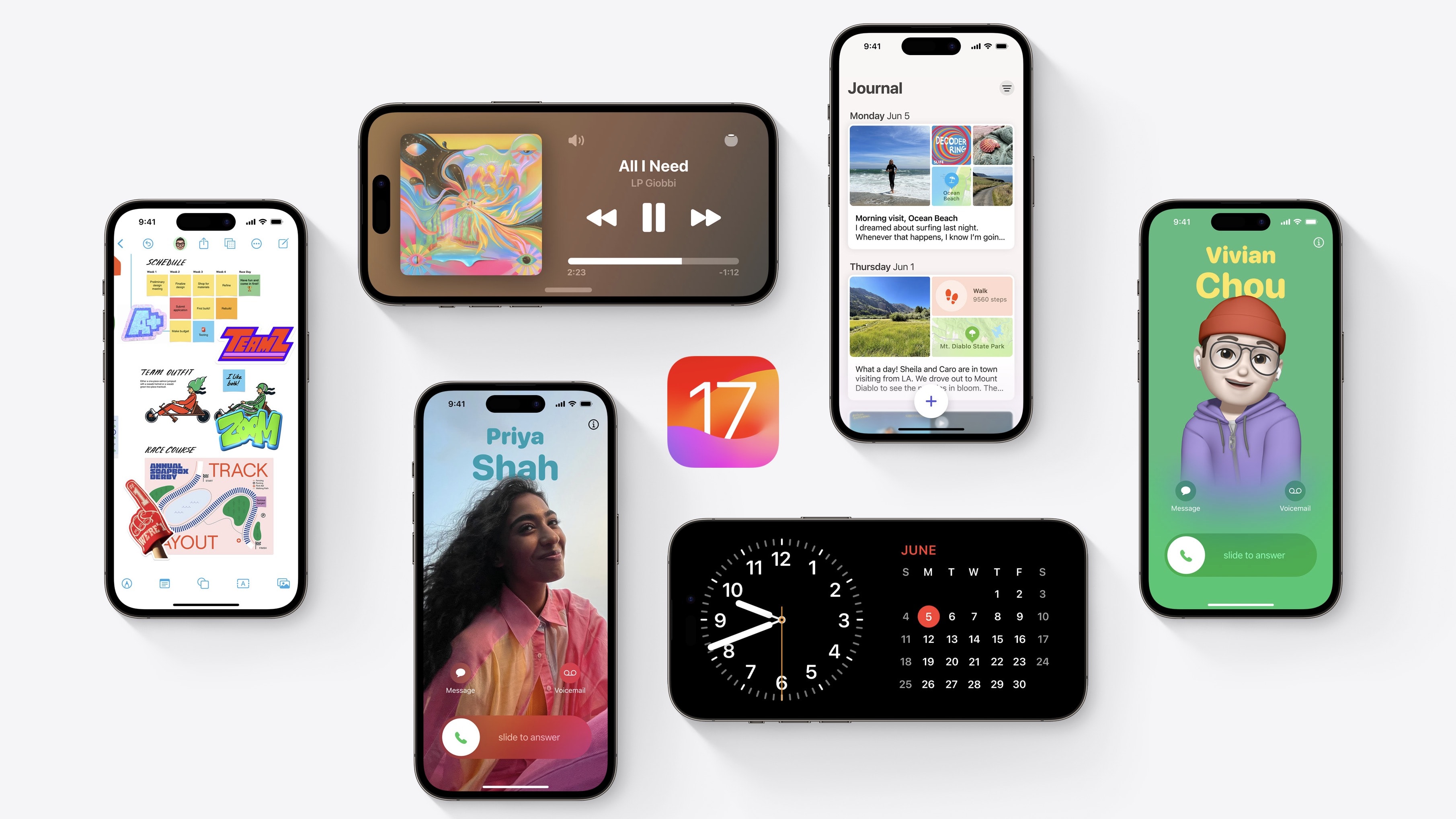
What’s new in iOS 17? This is a big year for iPhone and iPad. You should definitely check out the biggest new features — Contact Posters and Standby — first. But there are dozens of other great features for you to learn, explore and take advantage of, too.
iOS 17 is out now. I have all the 50 best tweaks and changes organized in this overview.
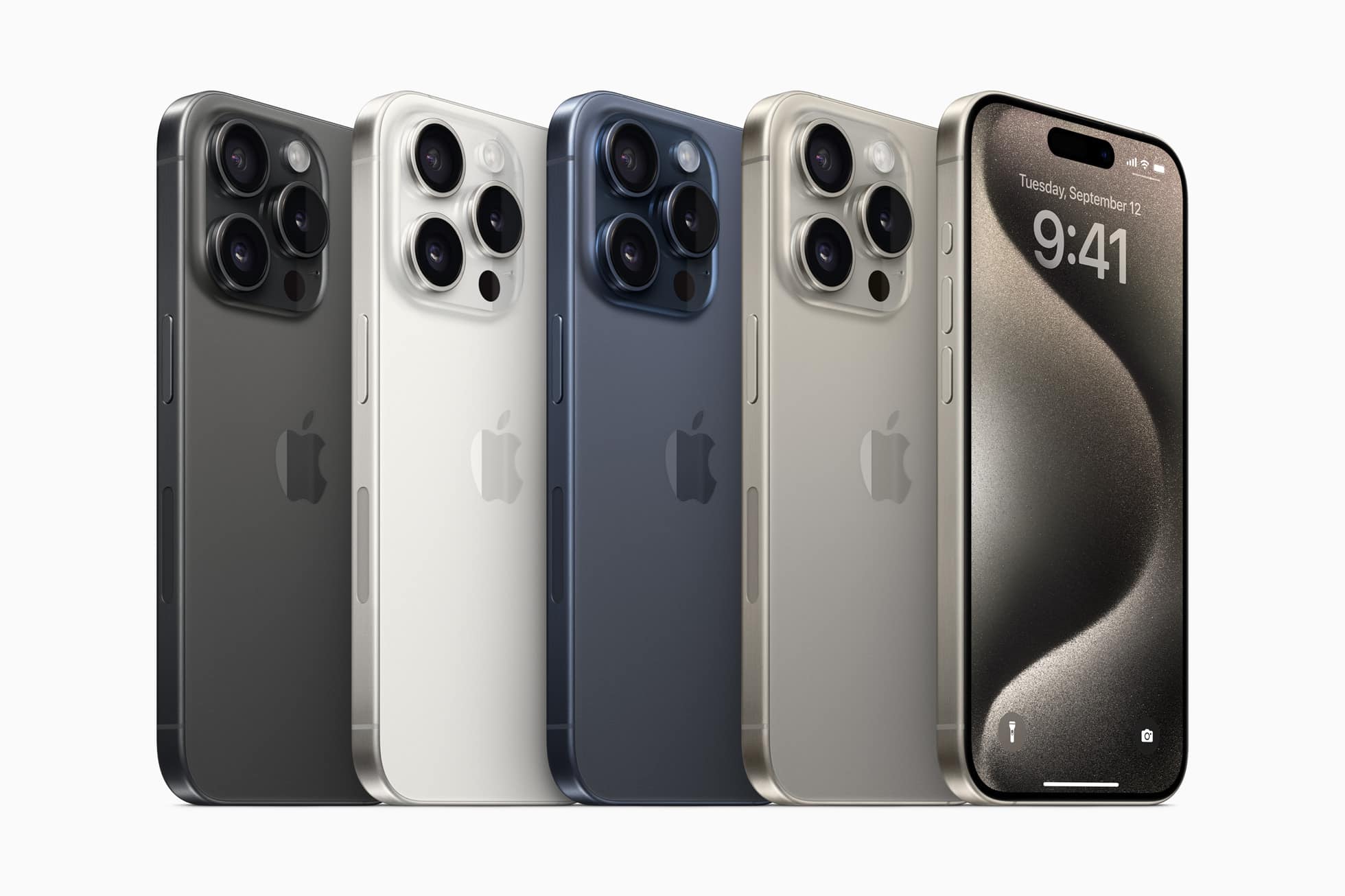
Apple is seeing strong demand for the iPhone 15 Pro Max this year. Photo: Apple
Initial orders for the iPhone 15 Pro Max show “robust” demand, outpacing last year’s iPhone 14 Pro Max, according to TF Securities International analyst Ming-Chi Kuo.
Demand for the regular iPhone 15 looks similar to 2022’s models, the analyst said.
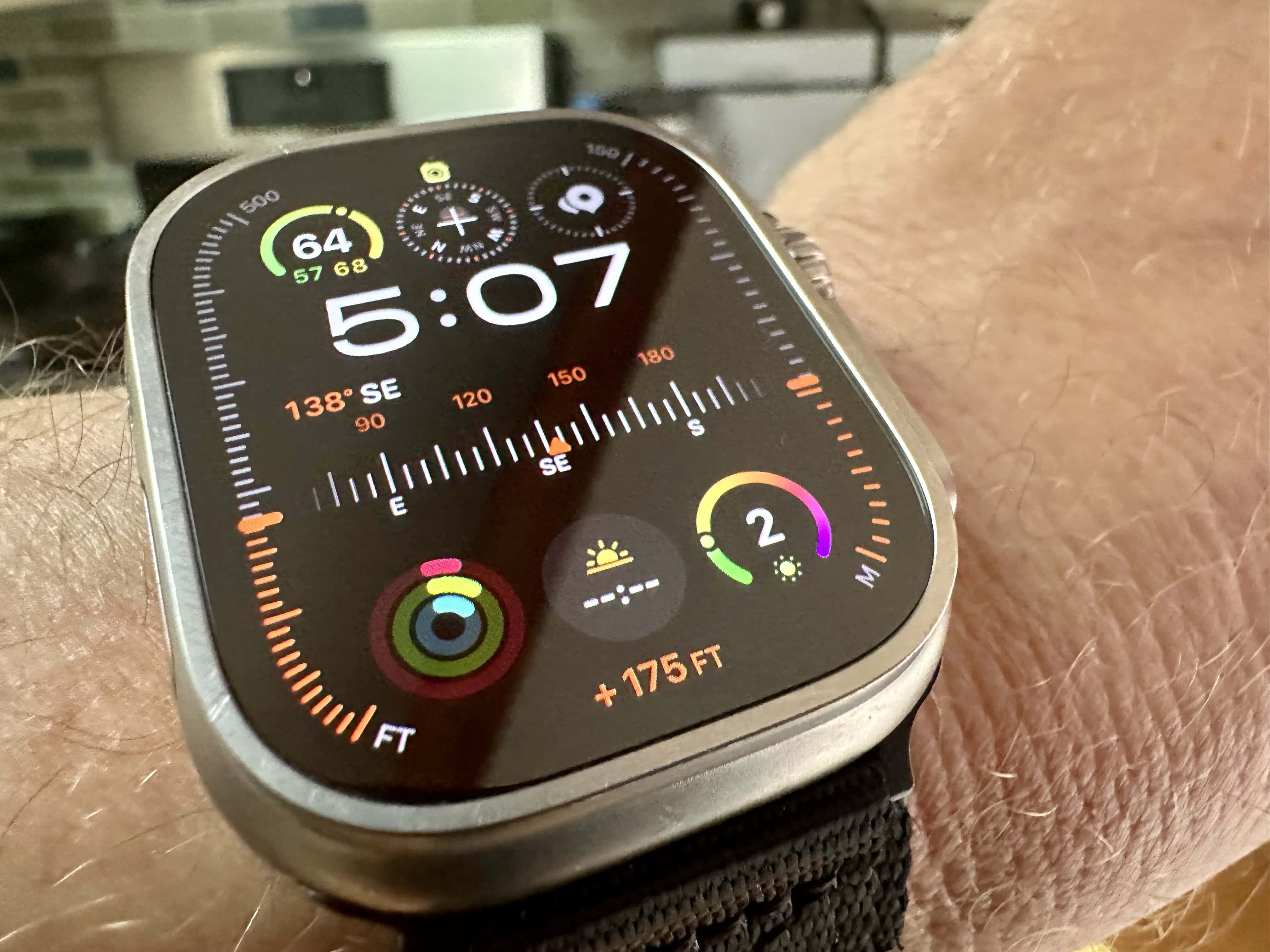
With eight complications, the new Modular Ultra face can show a lot of info. Photo: Leander Kahney/Cult of Mac
Apple is about to launch a cool new watch face for the Apple Watch Ultra called “Modular Ultra.” If you’re looking for more variety, check out the50 best Apple Watch faces to find the perfect look for your device. The new face does a lot: It allows up to eight complications, including the customizable bezel that can show water depth, elevation or seconds. I think it looks super-cool. And just wait until you see the night mode.
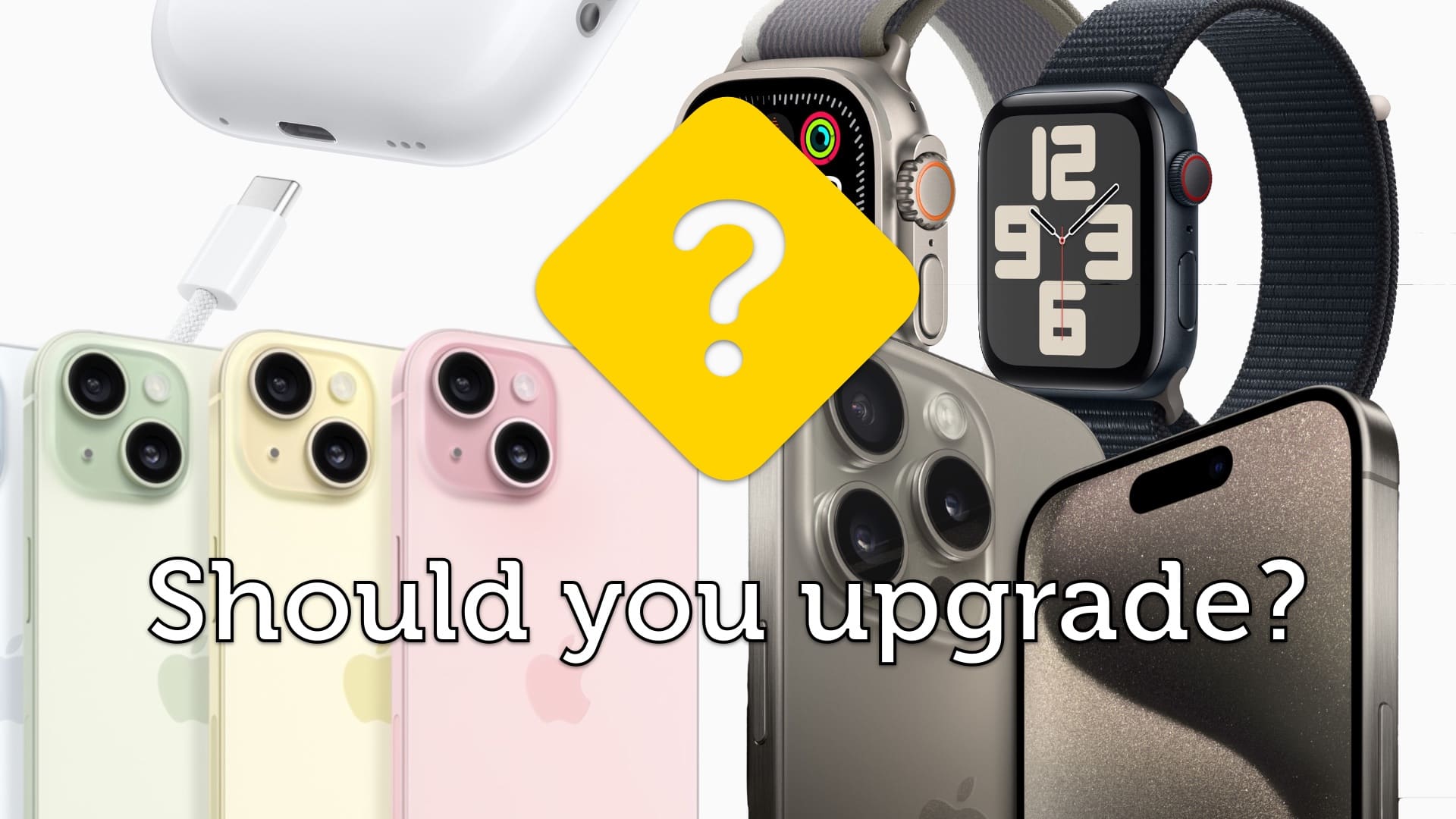
Do you need any of Apple’s new products? Image: Apple/D. Griffin Jones/Cult of Mac
Should you buy the new iPhone 15, Apple Watch Series 9 (or Ultra 2) or AirPods? The new iPhones brought big changes this year. The Apple Watch and AirPods… not so much.
Now that the products are available to order, you might be wondering if it’s time to upgrade. That depends on what devices you have, so I’ve put together a buying guide with charts and a video to help you decide.
Apple included some features in its new products we weren't expecting. Image: Apple/Cult of Mac
Although tipsters worked overtime spoiling the new Apple products, revealing most of the details of the iPhone 15 series and the new Apple Watch models, Tim Cook and Co. still managed to surprise us here and there during Tuesday’s “Wonderlust” event.
Fortunately, most of the surprises were good ones.
Here are three ways Apple gave us more than we expected, but two where the tipsters steered us wrong.
The aluminum Apple Watch Series 9 comes in a new pink color. Photo: Apple
Apple Watch Series 9 brings a faster S9 chip that the company says will boost performance, make Siri more usable, and enable an entirely new “double tap” gesture.
“Apple Watch Series 9 has been redesigned on the inside with the all-new S9 chip, giving it a big boost in performance and capabilities,” said Deidre Caldbeck, director of Apple Watch product marketing. “It’s our most powerful Watch chip yet.”
Aside from the impressive internal updates, the 2023 Apple Watch lineup looks much the same as last year’s models.