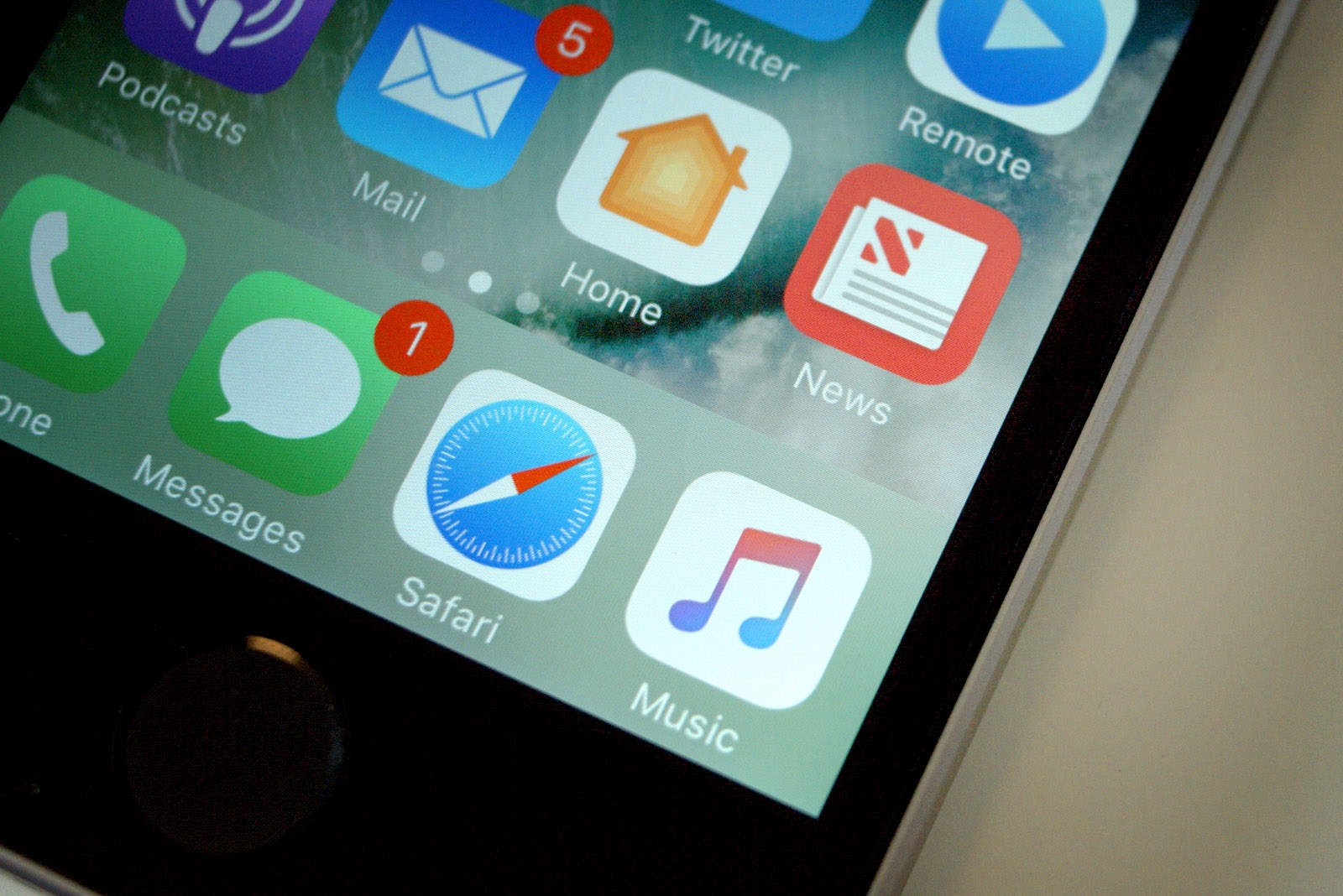
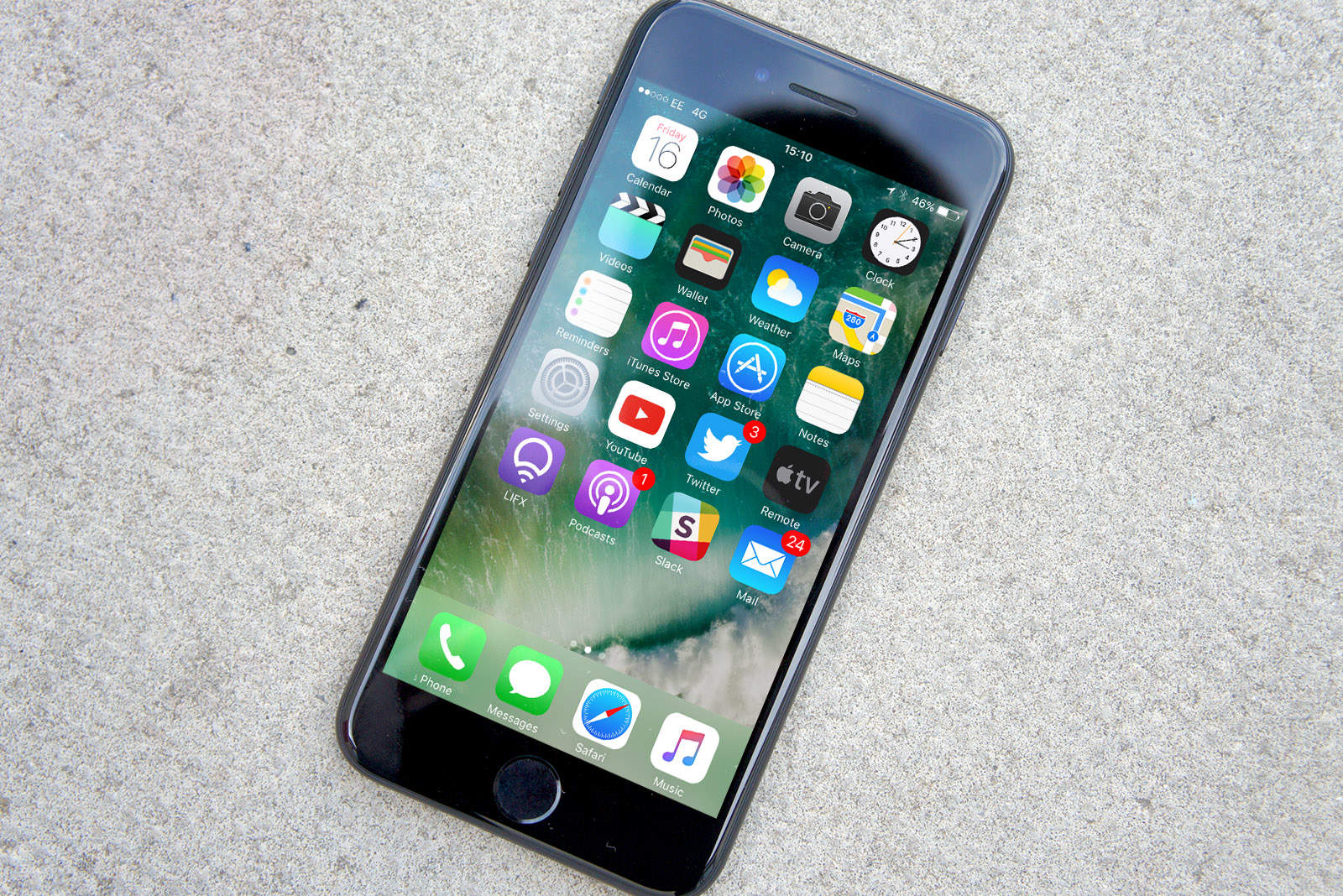
New beta software for iPhone is here. Photo: Ste Smith/Cult of Mac
Developers received a big batch of beta software updates from Apple today.
New betas for iOS, tvOS, watchOS and macOS are now available, bringing a host of bug fixes and performance updates just one week after Apple released iOS 10.1 with support for Portrait Mode on the iPhone 7 Plus.
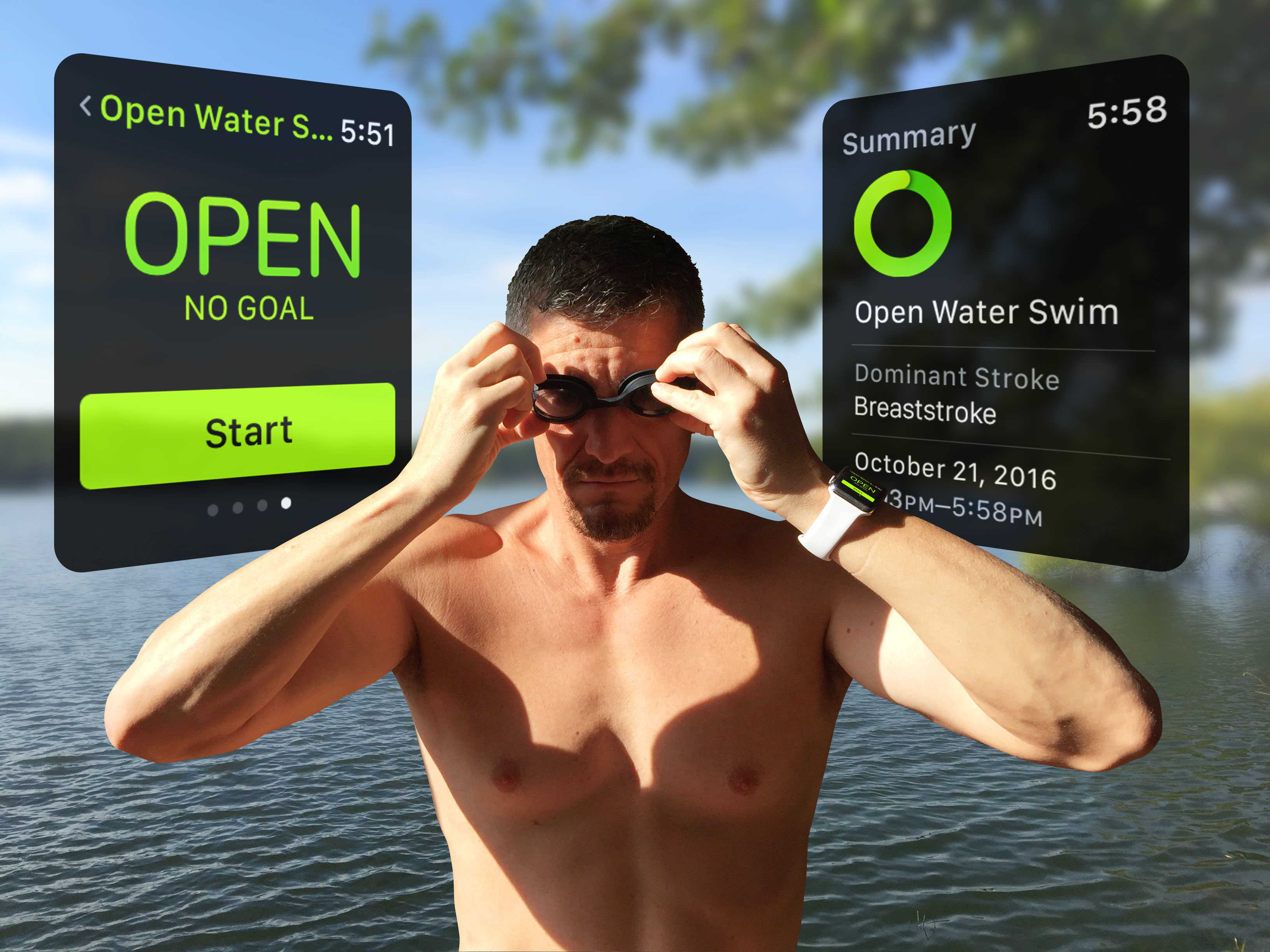
How to ensure you get a route map with every outdoor swim Photo: Graham Bower/Cult of Mac
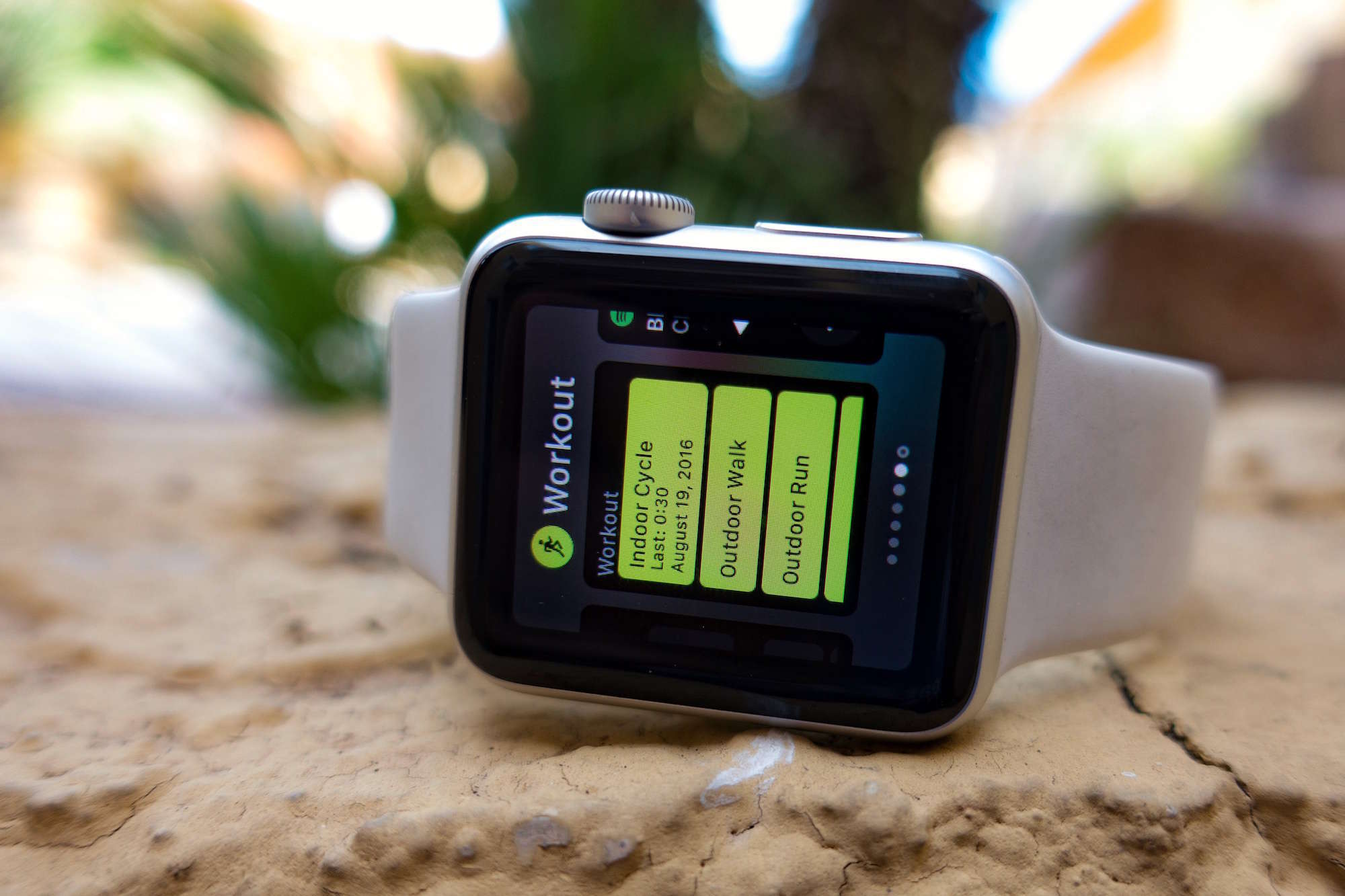
The Workout app in Apple Watch Series 2 includes two new swimming options to show off its waterproofing. This is a key differentiator over the cheaper Series 1 model, and yet very few reviewers actually took their test units for a swim. One even claimed that all the pools and beaches in New York were closed, so they couldn’t test this feature.
So I decided to take the plunge with Series 2 and find out for myself if it sinks or swims.
Over the past two weeks, I’ve tested my Apple Watch in a variety of swimming conditions, including various public pools — and even the Mediterranean sea.
iOS 10.1 brings some tweaks to the iPhone. Photo: Ste Smith/Cult of Mac
Developers received a batch of new beta software updates today bringing a bunch of bug fixes to the iPhone, iPad, Apple Watch and Apple TV.
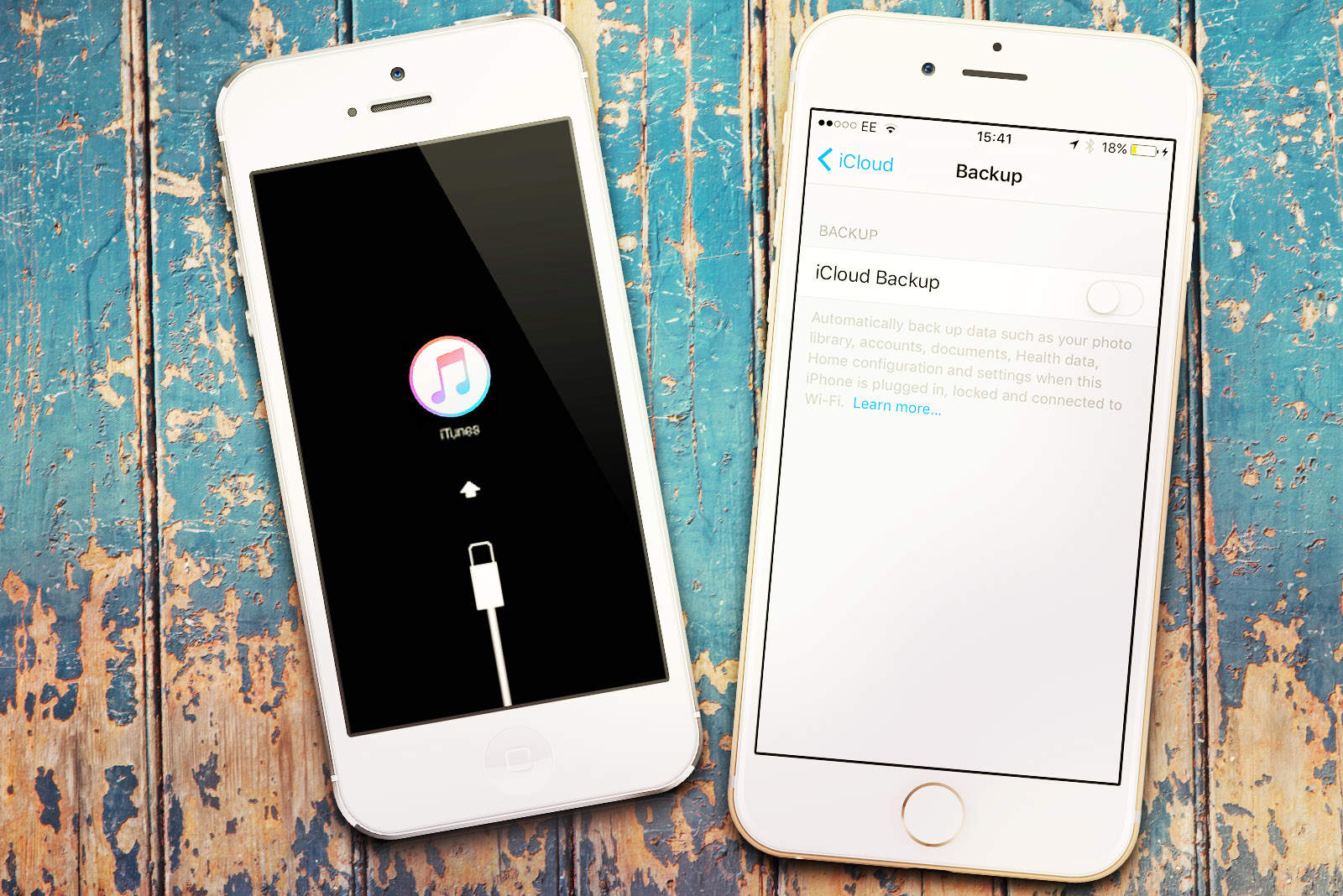
iOS 10.1 beta 2 is the most notable of the new beta builds. The last version added the new Portrait Mode to the iPhone 7 Plus, which has earned rave reviews so far, though some early images have shown it still needs some tweaking.
Force quitting apps is different in watchOS 3. Photo: Buster Hein/Cult of Mac
Apple Watch apps are faster than ever thanks to watchOS 3, but if you ever run into the rotating dial of death, sometimes quickly force quitting the app can help.
With watchOS 3, Apple has made the force quitting process a bit different. Wearers used to be able to double click the side button to force quit an app. Now the process also involves the Digital Crown.
Trade-in that old Apple Watch for money off at the Apple Store. Photo: Ste Smith/CultofMac
I finally have a reason to stop cheating on my Apple Watch.
For the past 16 months, Apple’s wearable and I have had an on-again, off-again relationship. The Apple Watch looks great. It helps me stay fit. It tells the time really well. But it hasn’t been the complete wrist solution I need.
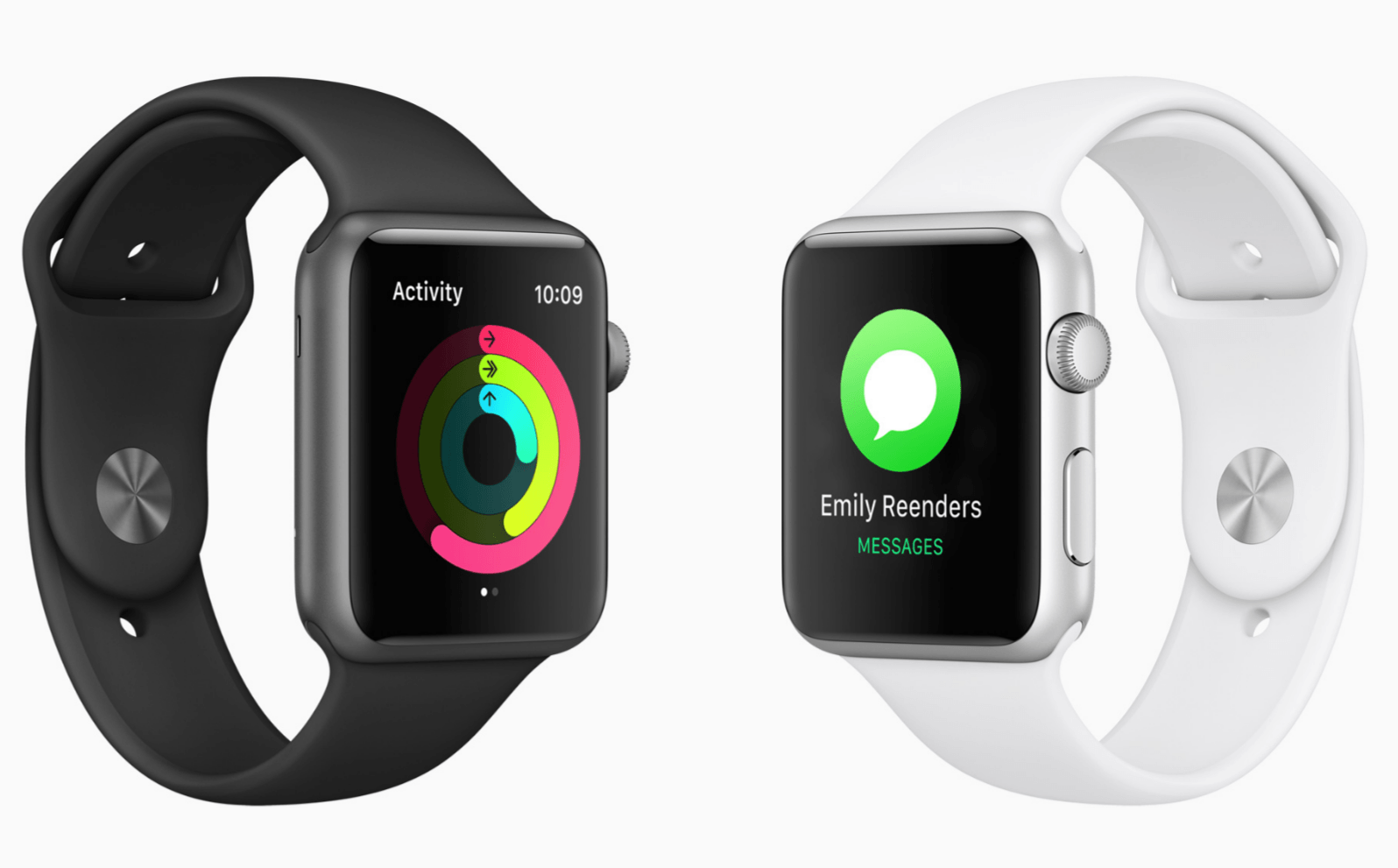
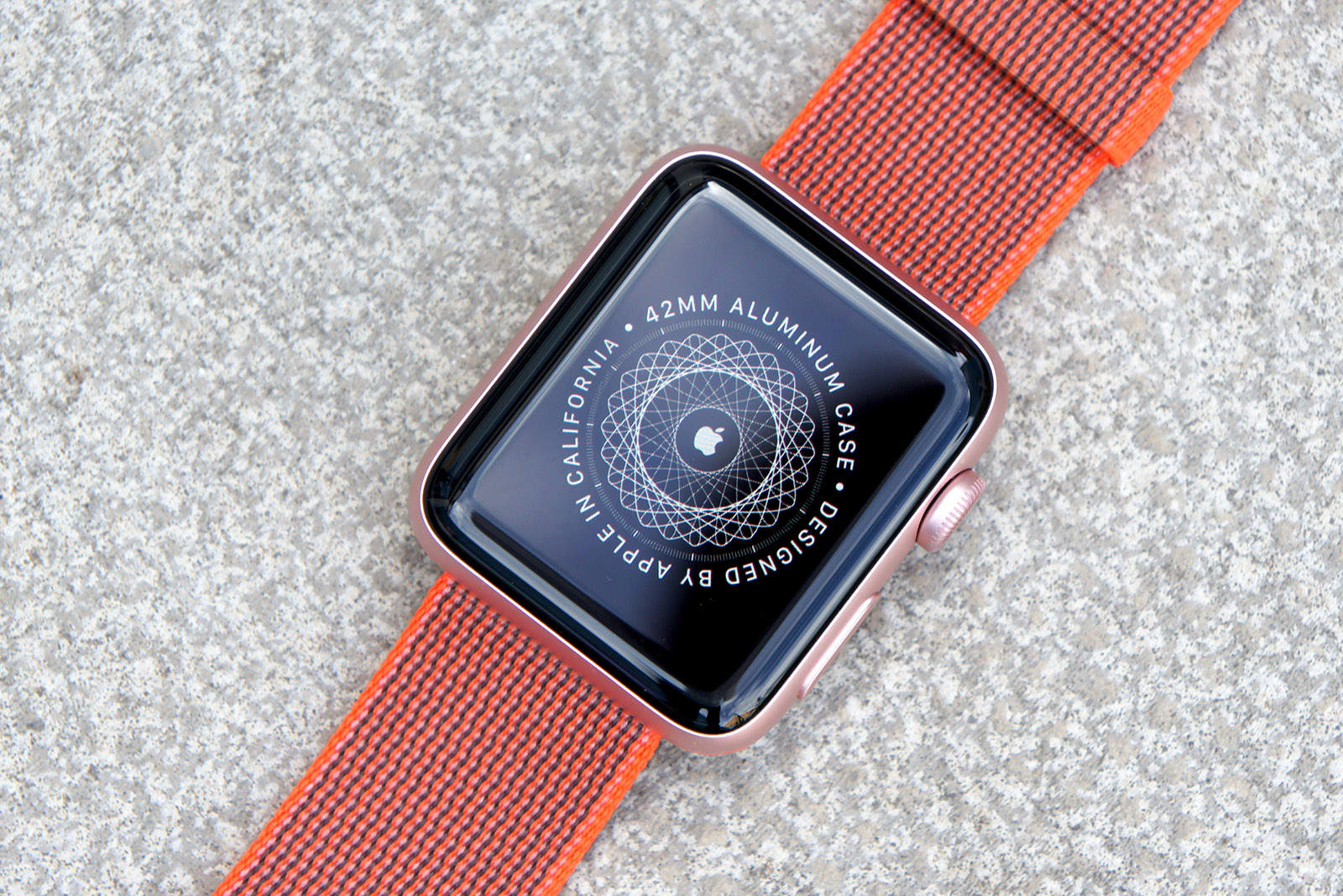
With the Apple Watch Series 2, a lot of the compromises of Apple’s first-gen smartwatch have finally been fixed. You can get GPS without carrying your iPhone. The new Apple Watch is water-friendly. And it’s built for speed. But with the new, less-expensive Apple Watch Series 1 getting some of the same features, is the Series 2 seriously worth the upgrade?
While working on this Apple Watch Series 2 review, I’ve been wearing the new device everywhere I go ever since it came out Friday. The short answer is, “hell yes.”
The first iOS 10.1 beta is already here. Photo: Ste Smith/Cult of Mac
Apple just released macOS Sierra to the public yesterday, but work on a fresh new update is already underway after Apple seeded macOS Sierra 10.12.1 to developers this morning.
Along with the new macOS Sierra beta, Apple has also released the first beta builds of iOS 10.1, tvOS 10.1 and watchOS 3.1, bringing a slew of bug fixes to every single platform as well as Portrait Mode for the iPhone 7 Plus dual-lens camera.
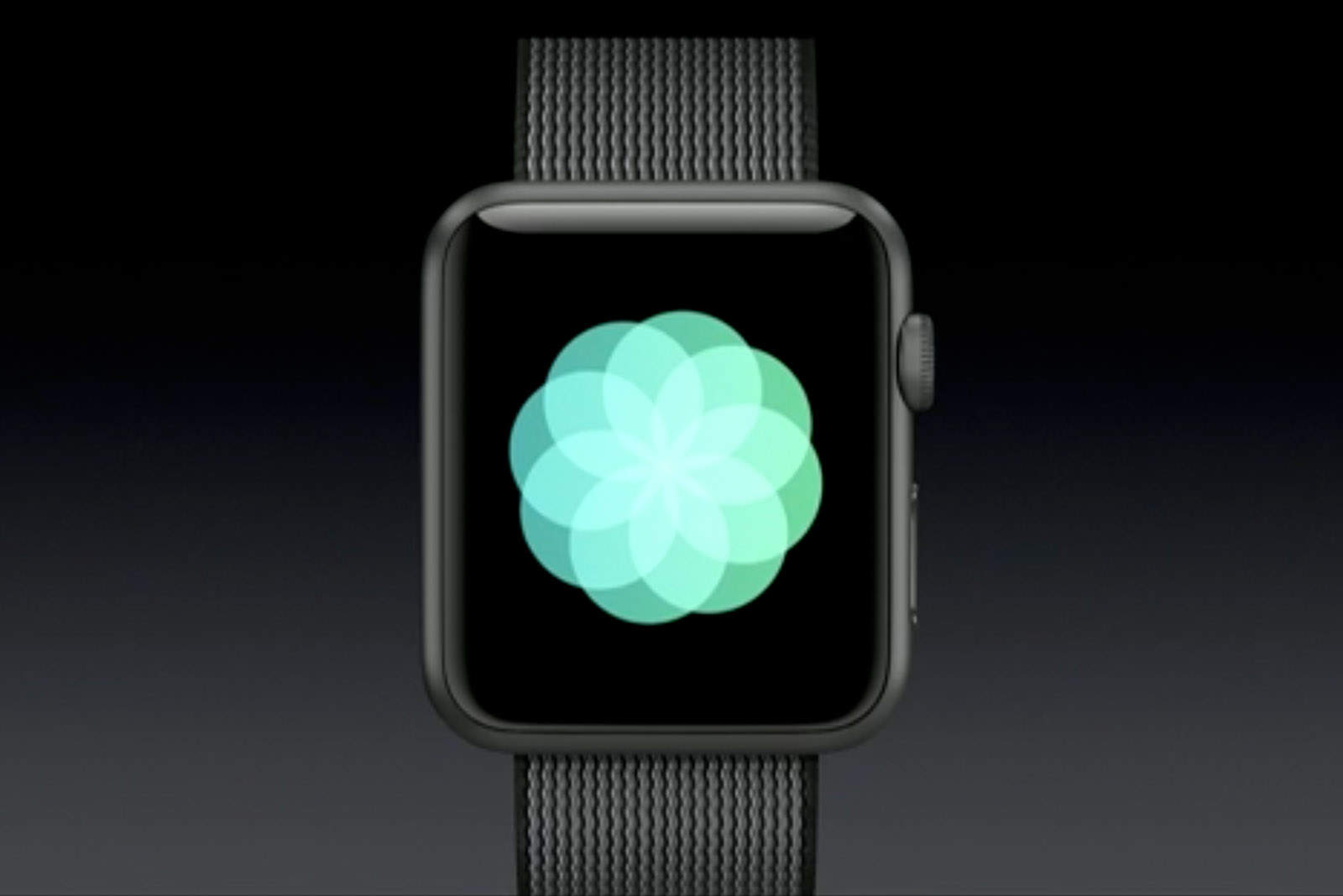
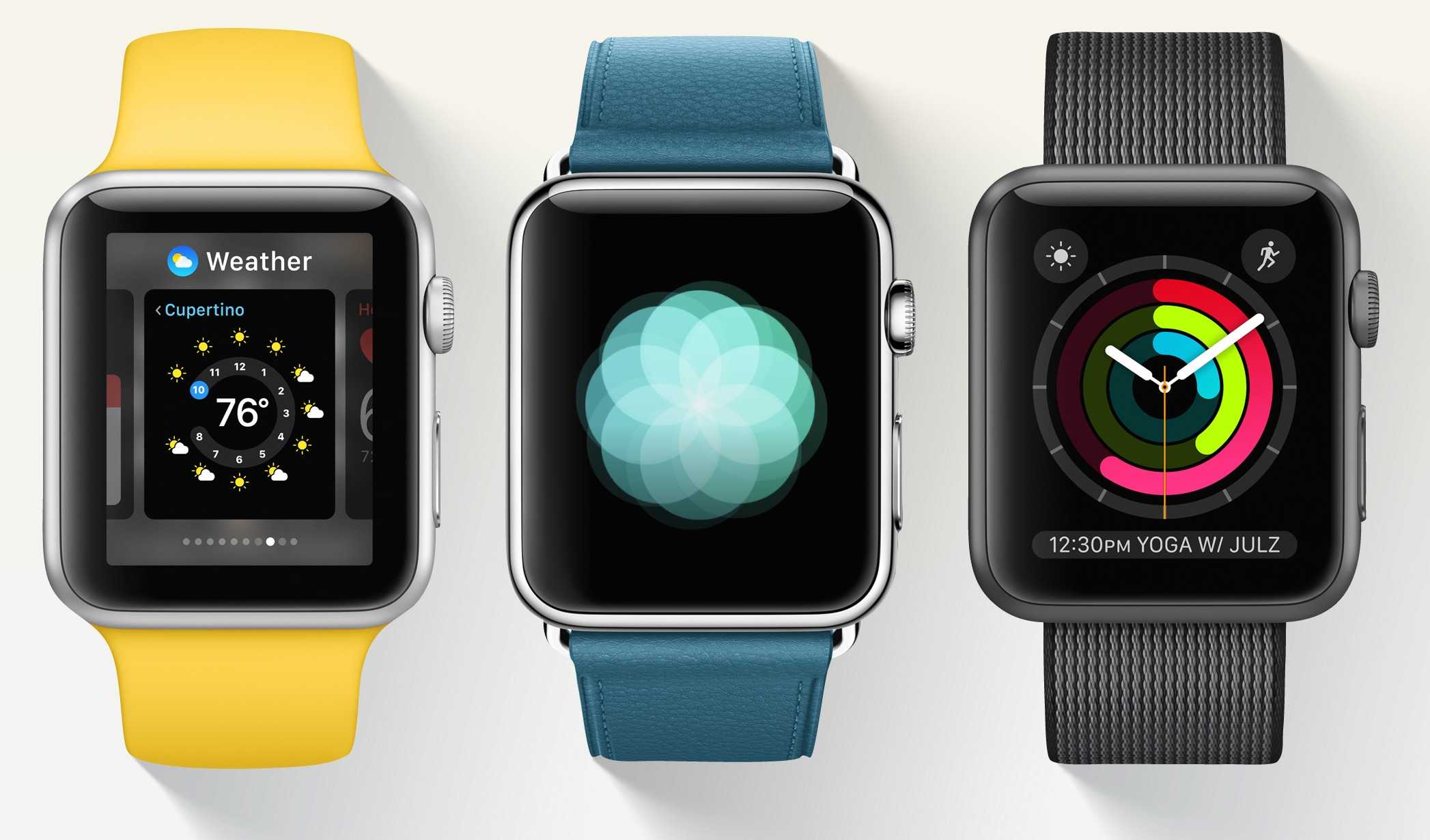
The new Breathe app in watchOS 3 turns Apple Watch into a meditation machine. Photo: Apple
Your Apple Watch Series 1 or Series 2 has arrived! Introduced at Apple’s keynote last week, the third version of the Apple Watch does a heck of a lot more than tell time and Cult of Mac has some tips to help you make the most of its myriad new features.
Mastering the various features is a bit of a learning curve on this highly advanced wearable operating system, but we’ve rounded up a cheat-sheet of tips and tricks to try out with the fitness, graphics, games and media features.
Apple Watch feels all-new thanks to watchOS 3. Photo: Apple
Apple Watch owners just got a big update today in the form of watchOS 3 that completely changes the way you use Apple’s wearable.
The huge new update comes after months of beta testing by developers and public testers, adding new features like a Breathe app, the ability to unlock your Mac, a new Dock for apps, faster performance and more.
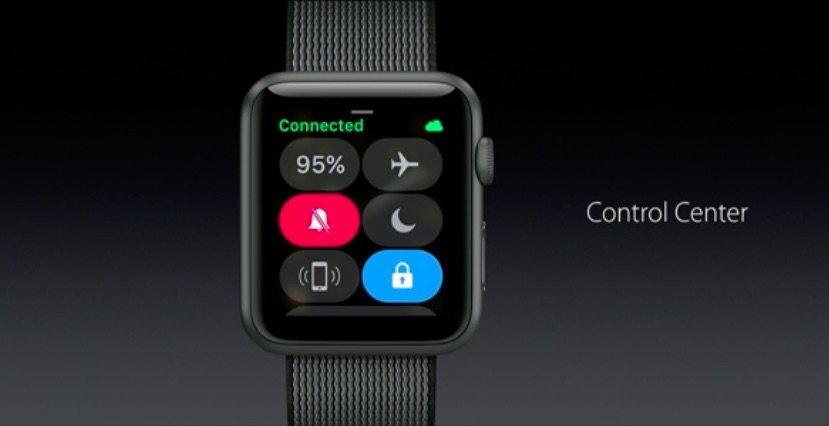
Navigating and using features on the Apple Watch is getting a lot faster with watchOS 3, and one of the best additions is the new Control Center that puts a bunch of commands just a swipe away.