One year after Apple rejected Valve’s Steam Link app from launching in the App Store, it has finally made its debut for both iOS and tvOS devices.
Steam Link gives gamers the chance to play their favorite PC or Steam Machine game on an iPhone, iPad or Apple TV, rather than having to haul around a big gaming laptop. In other words, to quote Anchorman‘s Ron Burgundy, this is kind of a big deal!
Rewind lets you listen to a podcast from the very beginning. Photo: Charlie Sorrel/Cult of Mac
With a podcast like the CultCast, you can drop in and start listening at any time. News-based podcasts are meant to be listened to, and then discarded. Another one will be along soon. But what about more structured podcasts? Podcasts that work episodically, like a TV series? With those, you want to listen from episode one, and listen in order — episodes 2, 3, 4, etc.
But podcast apps don’t let you do this. They’re geared towards disposable, periodically-updated podcasts. They may show you a list of previous episodes, so you can tap to download them manually, but then it’s no longer a podcast.
What you need is a service that takes any podcast feed and rejigs it, serving you a new episode each week as if the series had just started.
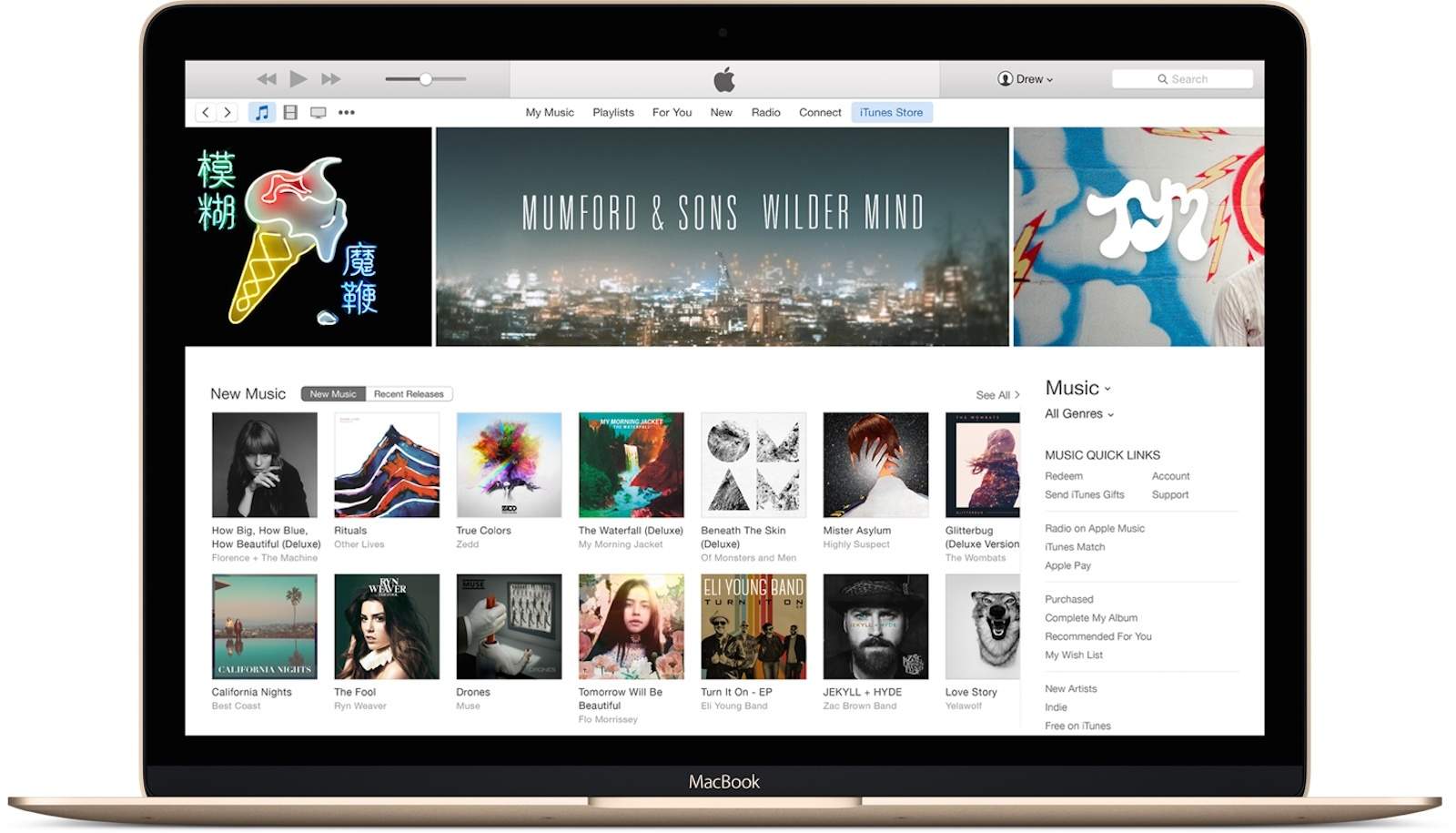
The Mac’s next-generation Music app will be based on iTunes, not ported over from iOS.
Some sources previously stated that the app would be made using Marzipan, which lets developers easily port iPad apps to the desktop. But new information reveals that won’t be the case.
This week on The CultCast: WWDC 2019 is right around the corner, and a new report sheds light on everything Apple’s prepping to reveal. We discuss! Plus: The magic of Corning glass, and how making your iPhone just slightly thicker would make it indestructible. And we reveal how (and why) Jony Ive created the massive mystery rainbow stage now present at the heart of Apple Park.
Our thanks to Squarespace for supporting this episode. Easily create a beautiful website all by yourself, at Squarespace.com/cultcast. Use offer code CultCast at checkout to get 10% off your first purchase of a website or domain..
Belugas are intelligent and sometimes friendly. They don’t often rescue people’s phones, though. Photo: Wikipedia
A phone dropped in the sea is usually gone forever, but not when a friendly whale retrieves from the ocean floor. Video of exactly this happening in Norway has to be seen to be believed.
Even better, the beluga starring in the video is thought by some to be the Russian spy whale who made headlines last week.
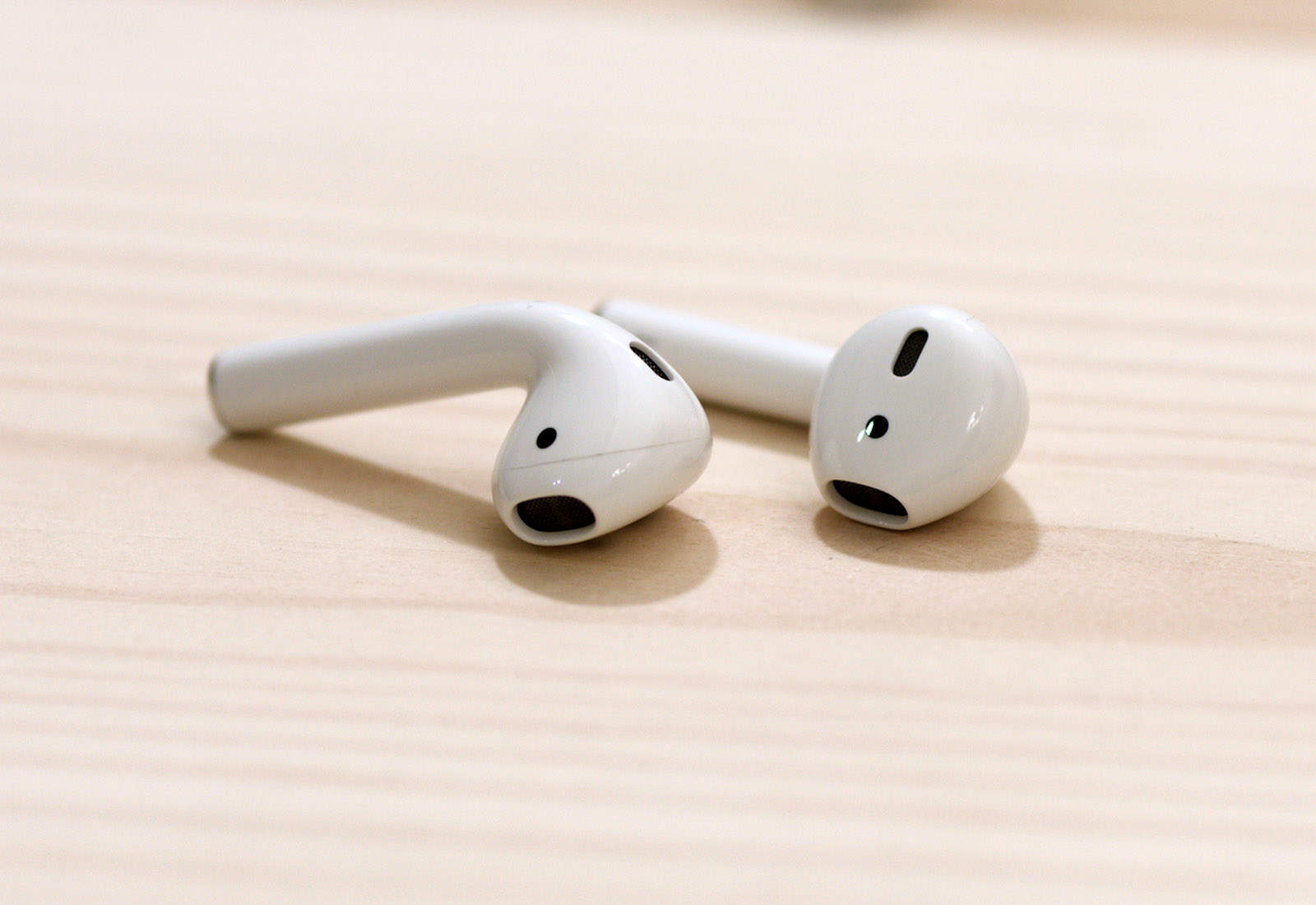
Do not eat your AirPods. Photo: Ste Smith/Cult of Mac
Apple may need to update the specs for AirPods to include one new surprising feature: “stomach-proof”.
One unlucky Taiwanese man discovered this the hard way. After falling asleep, Ben Hsu woke up with one of his AirPods missing. Using Find My iPhone to track down the missing earbud, he started hearing a beeping sound that followed him around the room and realized he made a serious mistake. The AirPod was in his stomach.
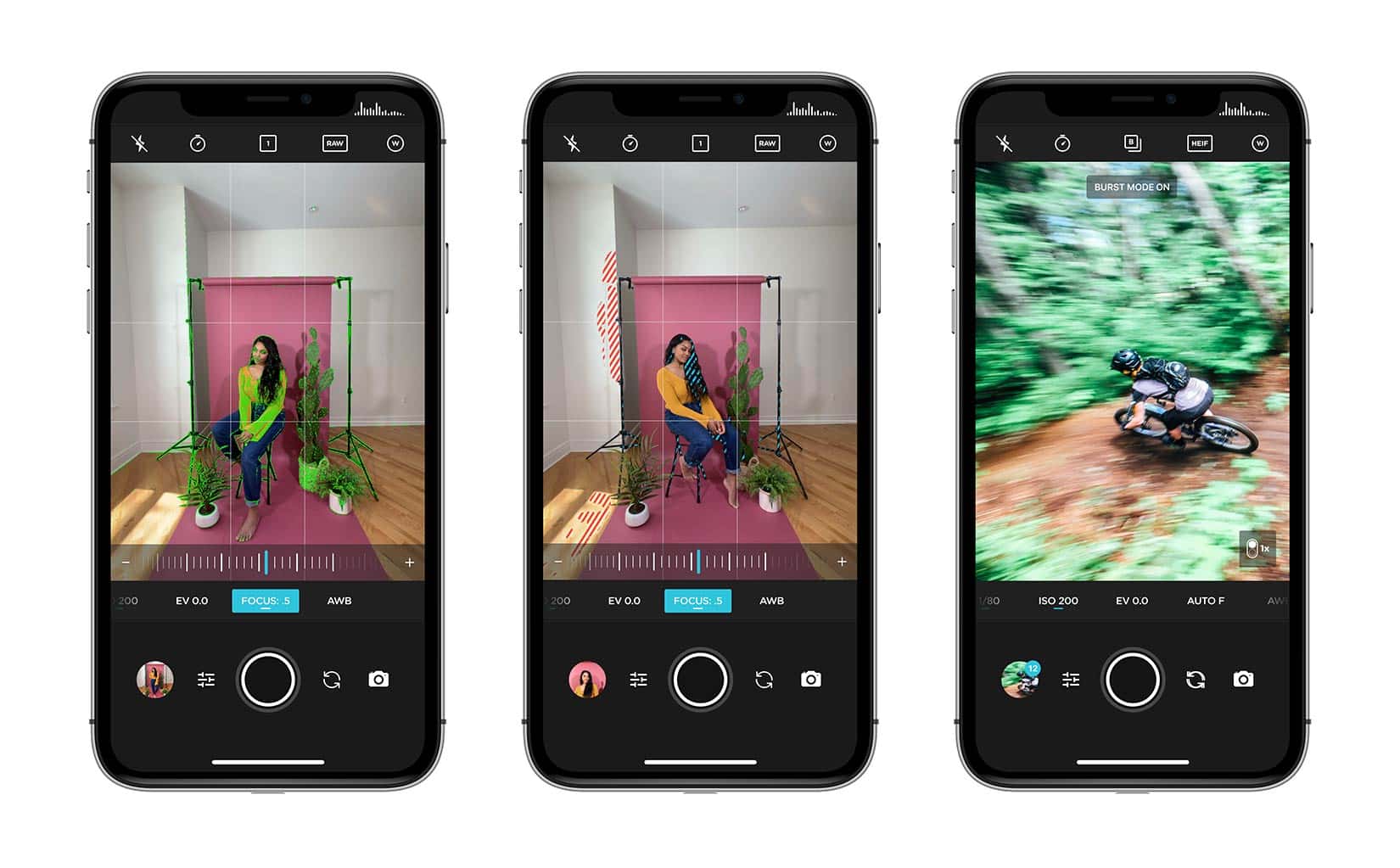
The Moment Pro Camera app lets you have command of how your stills and videos look. Photo: Moment
You’re a gifted content creator, shooting great stills and compelling video with your iPhone. But for complete creative control, some rely on separate camera apps for each discipline.
Moment, the maker of premium quality lens attachment for both, now has an all-in-one program app making switching from stills to video quick and seamless.
A beefed up Pro Camera app hits the App Store today, offering full manual control and with features making it difficult to have a bad shoot.
Subtitles — like many accessibility features — can be useful to anyone. Photo: Cult of Mac
Both macOS and iOS have excellent built-in support for subtitles. And many video player apps will play a subtitle file for you if you just drop it into the same folder as a movie, or even drag and drop it onto a movie that’s already playing.
But if your hearing is fine, why should you bother with subtitles? I came up with a short list:
The audio on the movie/TV show is unclear.
English isn’t your first language, and you appreciate the help.
You want to watch a movie with the sound low.
You don’t understand the accents in that British TV drama.
The good news is that subtitles are easy. And the bad news? There is none.
Twitter is a swamp of spoilers. You can’t move for tweets about the plot of the new Star Wars movie or spoilers about whatever new TV show is dropping all its new episodes this week. There are two ways to avoid spoilers. One is to avoid Twitter entirely.
The other is to mute keywords, so you don’t see references to — well, references to whatever you want. Mutes don’t have to be about the long-awaited meeting between Spock and Obi-Wan, though. You can mute anything. You could avoid all mentions of President Donald Trump, for example. Brits could stanch the flow of Brexit mentions. Or you might temporarily mute mentions of a sports event if it’s taking over your timeline.
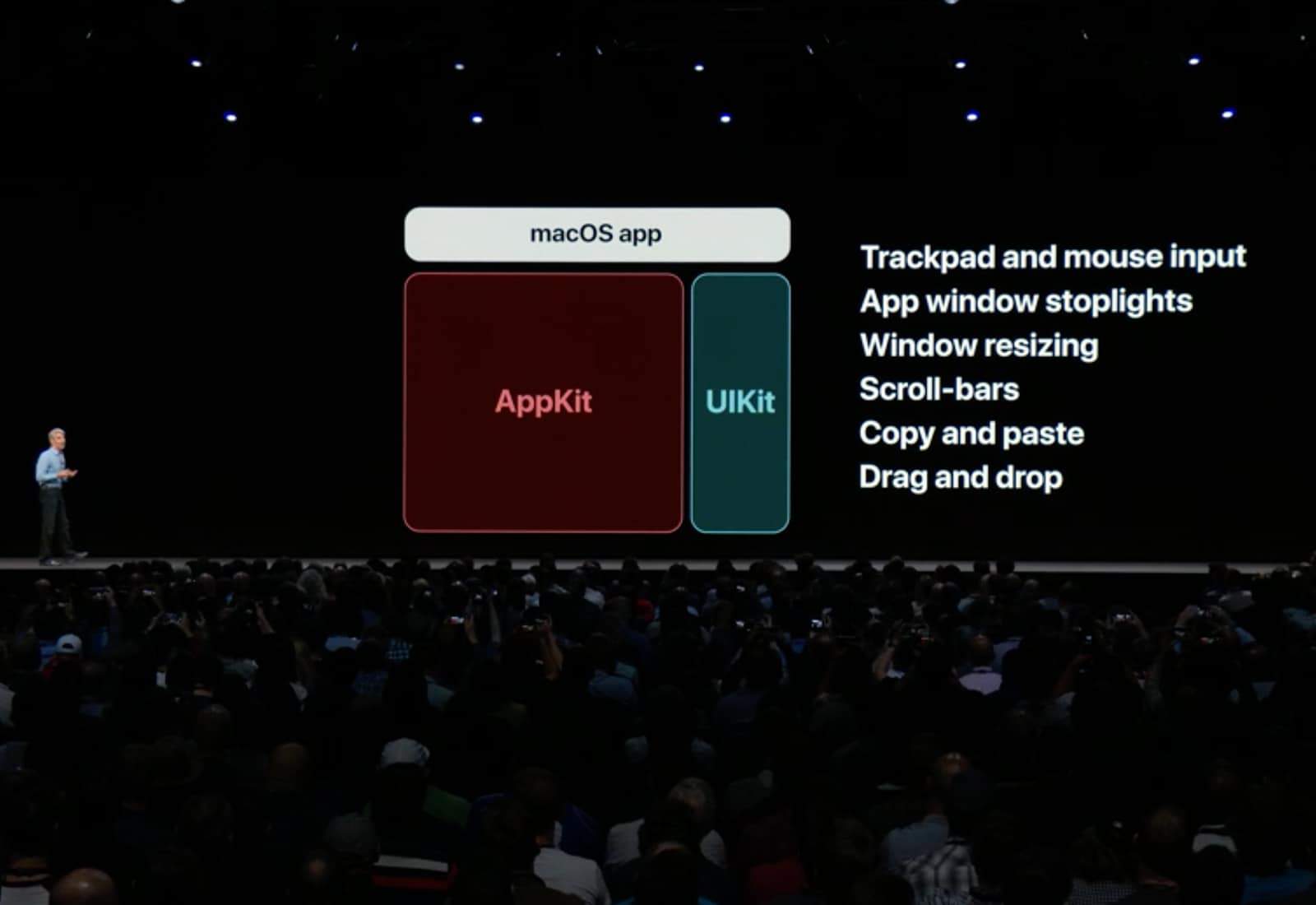
Making an iOS app into a Mac one could some be as easy as pressing a button, thanks to the “Marzipan” project. Photo: Apple
The days of laboriously converting an iPhone or iPad application to run on a Mac are almost over. Soon, preparing an iOS app to run on macOS will reportedly be as simple as the developer checking a checkbox.
This is part of a trove of good news for developers — and users — leaking out today.