Mobile menu toggle

Search results for: apple tv

Steve Jobs look-alike blows internet’s mind

By

Steve Jobs look-alike spotted in Egypt. Now that's a
Now that's a "One More Thing" surprise I'd be on board with!
Photo: @x6oor/Twitter

Any iconic person who dies before their time occasionally gets photos shared of look-alikes, raising the faintest shred of possibility that they’re alive after all and just enjoying life out of the spotlight.

There’s no shortage of shots of Tupac and Elvis years after their apparent demise. But this week, the Twitterverse exploded when a photo looking a whole lot like Steve Jobs popped up. The Apple co-founder’s doppelganger is in Egypt, FYI.


All your private data is being sold. Here’s how to opt out.

By

simple opt out
If you don't worry about your data being sold, here's a nice spot of sand where you can bury your head.
Photo: Charlie Sorrel/Cult of Mac

Did you know that Home Depot shares your “name, address and transactional information … with third party companies”? Or that Marriott Hotels discloses “Personal Data and Other Data with select Strategic Business Partners”?

What about this snippet from The New York Times’ privacy policy: “If you are a U.S. print subscriber, we may exchange or rent your name and postal mailing address.”

The bad news is, pretty much anytime you share your data with a U.S. company, it will sell that data to somebody else. The good news is that you can opt out. And the even better news is that there’s one place to get all the information you need to do it.

Feds will retest iPhones for excessive radio-frequency radiation

By

iPhone-7
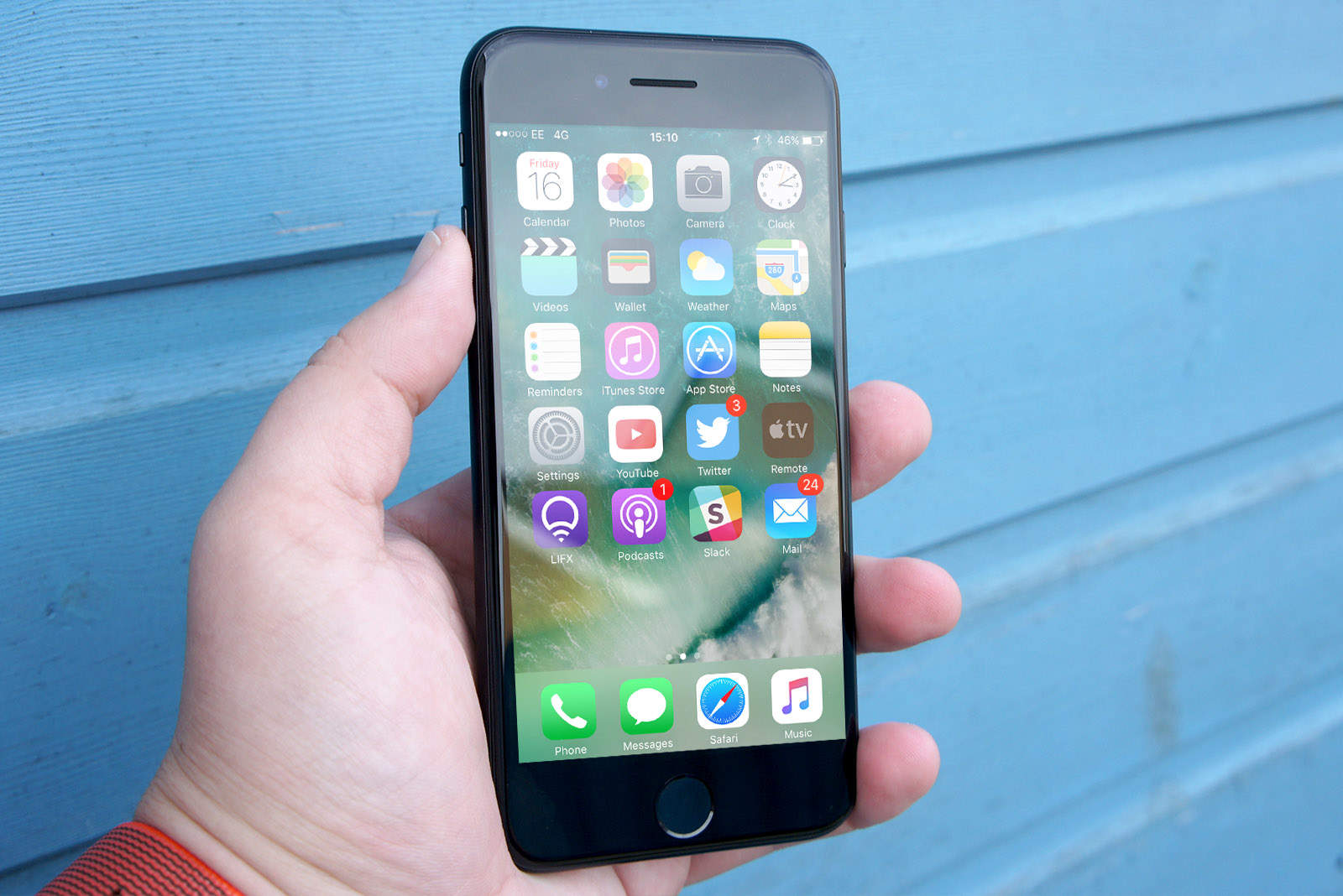
Your trusty old iPhone 7 might be a rule breaker.
Photo: Ste Smith/Cult of Mac

An independent lab claims that the iPhone 7 emits more radio-frequency radiation that is allowed by the FCC. And the iPhone X skirts the line.

The tests, done at the behest of the Chicago Tribune, have reportedly caused the FCC to examine whether these and other cell phones meet its safety guidelines. That doesn’t make them a cancer risk, though.

Check out these secret (and super-useful) settings for your Mac

By

JPG screenshot location
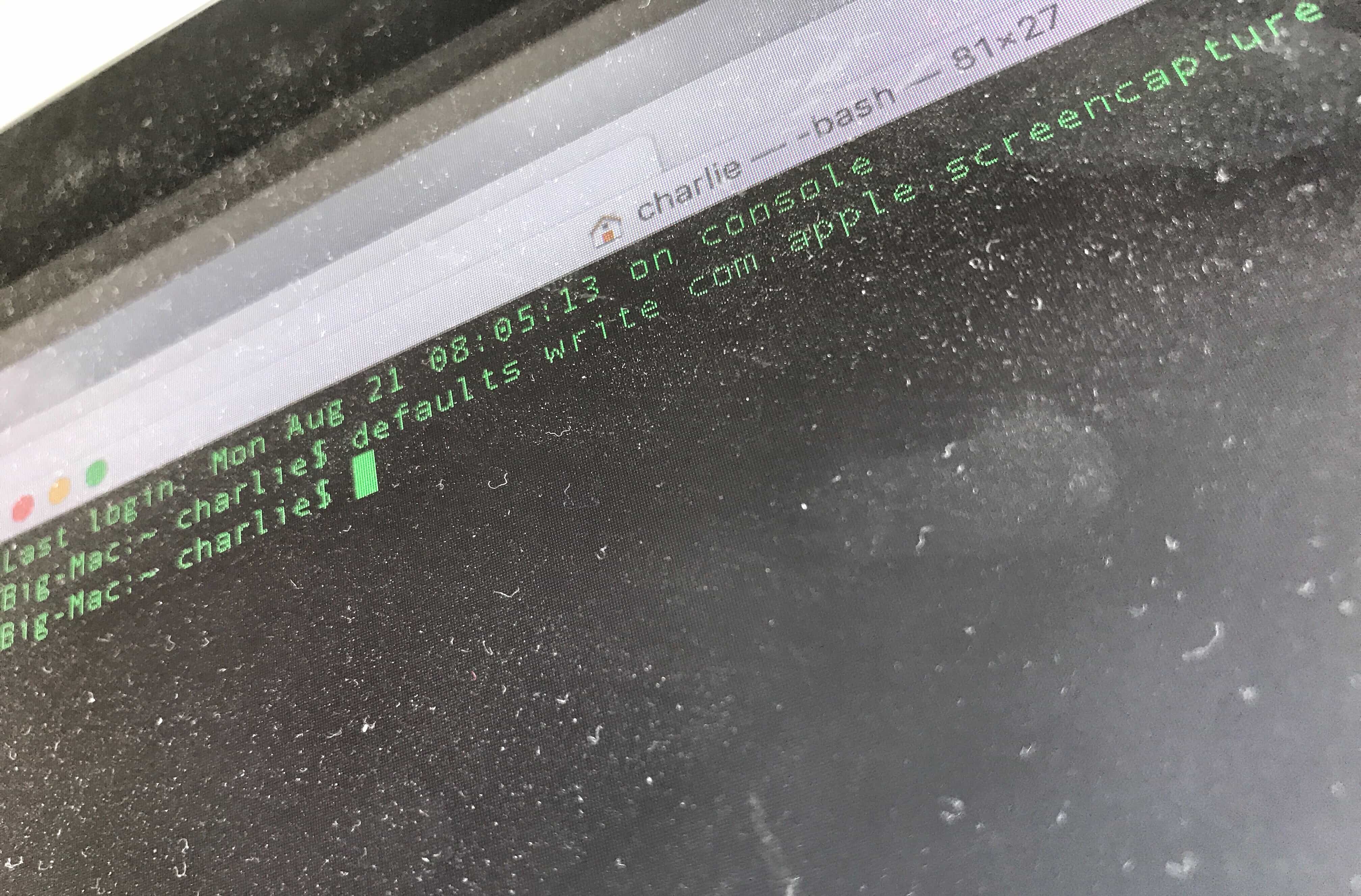
Dust off your Terminal to use these great hacks.
Photo: Charlie Sorrel/Cult of Mac

By using commands in your Mac’s built-in Terminal app, you can quickly change settings you probably didn’t even know existed.

Some of these Mac settings are just shortcuts — you can enable them in the usual way, using the mouse. But Terminal makes things simple. Instead of opening the System Preferences app, then finding (or remembering) a setting you want to change, and then searching further until you actually find the right checkbox, you can just type (or paste) a command, then  hit return.

Most of these are secret settings, though. They are impossible to change without Terminal. Let’s check them out.

HyperDrive 9-in-1 multi-port hub is surprisingly slender [Review]

By

Sanho HyperDrive Power 9-in-1 USB-C Hub
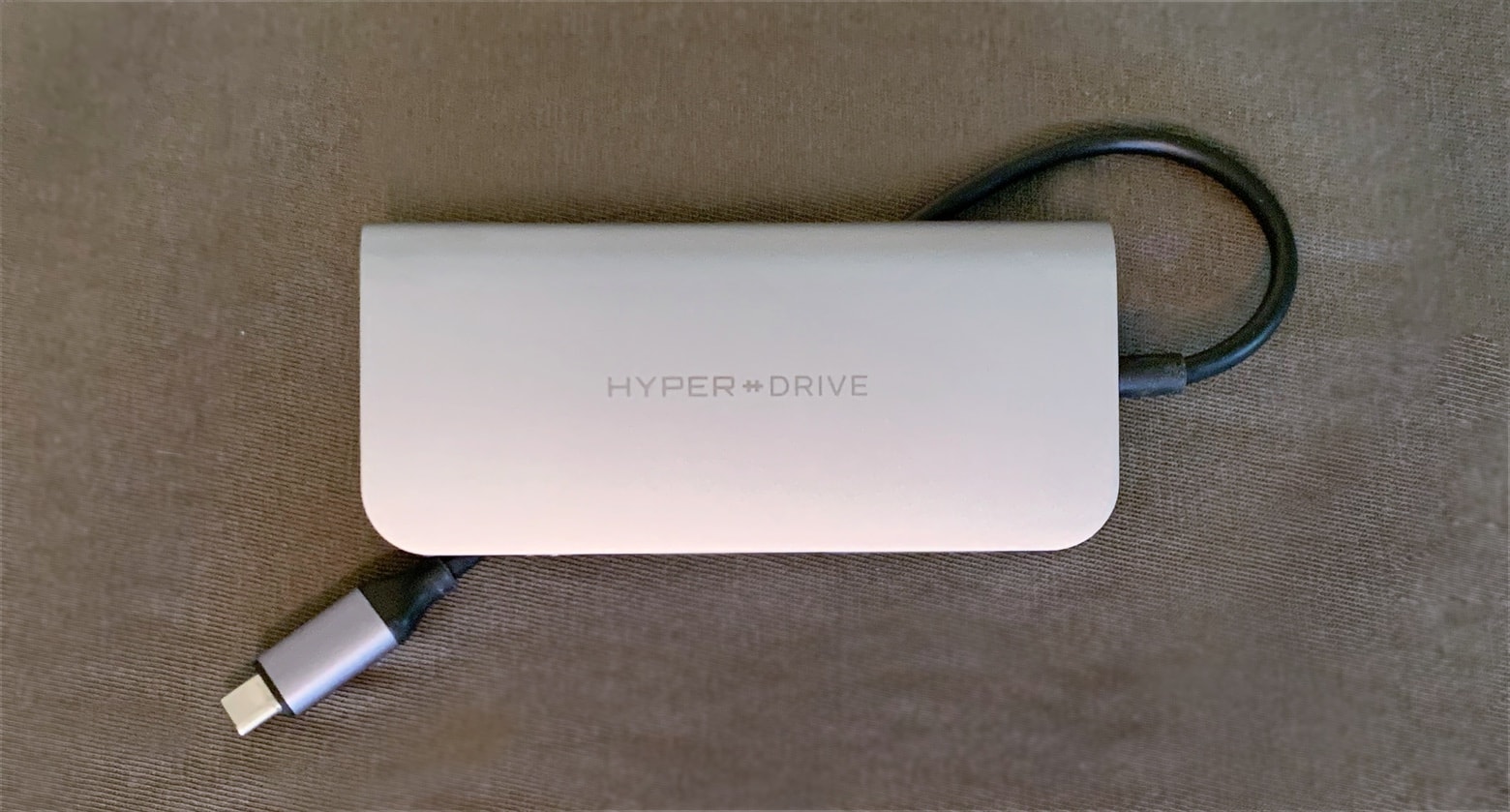
The HyperDrive Power has an extra-long USB-C cable so iPad Pro users can take advantage of its many ports.
Photo: Ed Hardy/Cult of Mac

USB-C hubs with a profusion of ports are hot now, but Sanho’s HyperDrive Power is far sleeker than any of its rivals. And it doesn’t sacrifice connectivity options for its svelte profile, offering a trio of USB-A ports, dual memory card readers, HDMI, a headphone jack and even Ethernet.

Our review involved testing all nine ports, which took a while. Read on to see if the HyperDrive Power deserves a place in your gear bag.

5 million people rush to preorder Pokémon Masters

By

Pokémon Masters
Coming soon to an iPhone near you.
Photo: The Pokémon Company

The folks at The Pokémon Company are sure taking the “Gotta Catch ‘Em All” catchphrase to heart — at least when it comes to hooking preorders for its latest mobile game.

With two weeks to go until Pokémon Masters launches on iOS and Android, the game already racked up 5 million preorders.

5 super-useful Terminal tricks for total noobs

By

terminal tricks
Where the hell are you supposed to begin?
Photo: Cult of Mac

The Mac’s Terminal is at once scary and powerful. It’s like a whole other computer living underneath the pretty interface of macOS. Sometimes, it’s convoluted. Other times, it seems laser-focused, offering a much quicker way to get things done. Instead of clicking and dragging your way through multiple screens, you just type a line of text.

However, the Mac Terminal is pretty intimidating if you’re not used to it. Today we will learn five super-useful Terminal tricks that make getting around much easier.

Trump delays tariffs on iPhone, Mac and iPad

By

iPad and iPhone tariffs aren't happening. Yet.
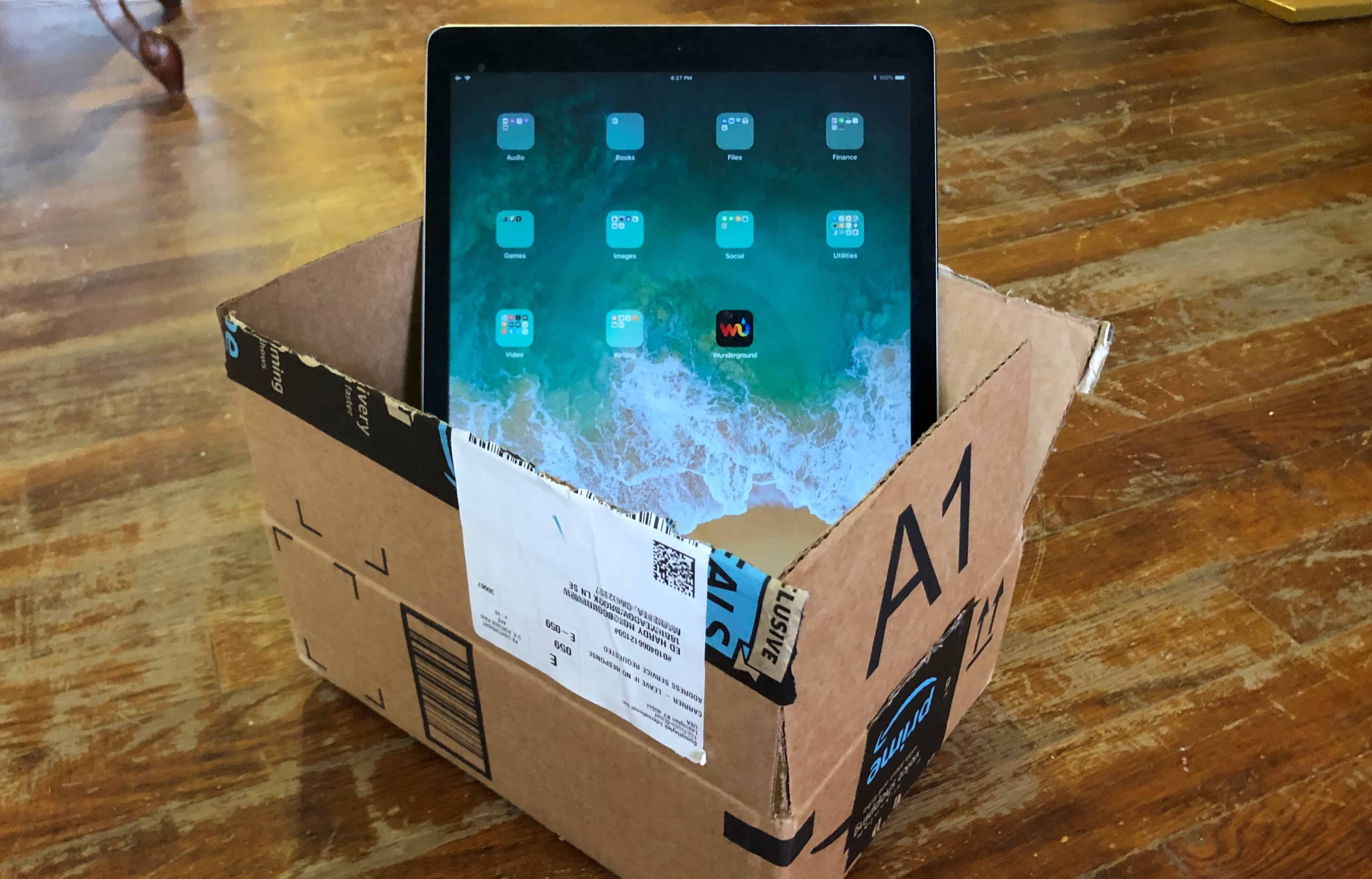
You won’t have to pay extra for an iPad imported from China next month.
Photo: Ed Hardy/Cult of Mac

Shares of Apple jumped over 4% after iPhones were removed from the list of items that will be hit with import taxes at the beginning of September.

However, tariffs could still go into effect for phones, Macs, and other Apple products in mid December.

YouTube CEO restricts how often her kids get to use mobile phones

By

YouTube Music
Susan Wojcicki isn't the first big name in tech to do the same.
Photo: Cult of Mac

The CEO of YouTube has joined a growing list of big name tech industry figures who restrict their kids’ access to mobile devices.

Susan Wojcicki says that, “I have times when I take away all my kids’ phones, especially if we’re on a family vacation, because I want people to interact with each other.” Steve Jobs and Bill Gates have previously expressed similar sentiments.