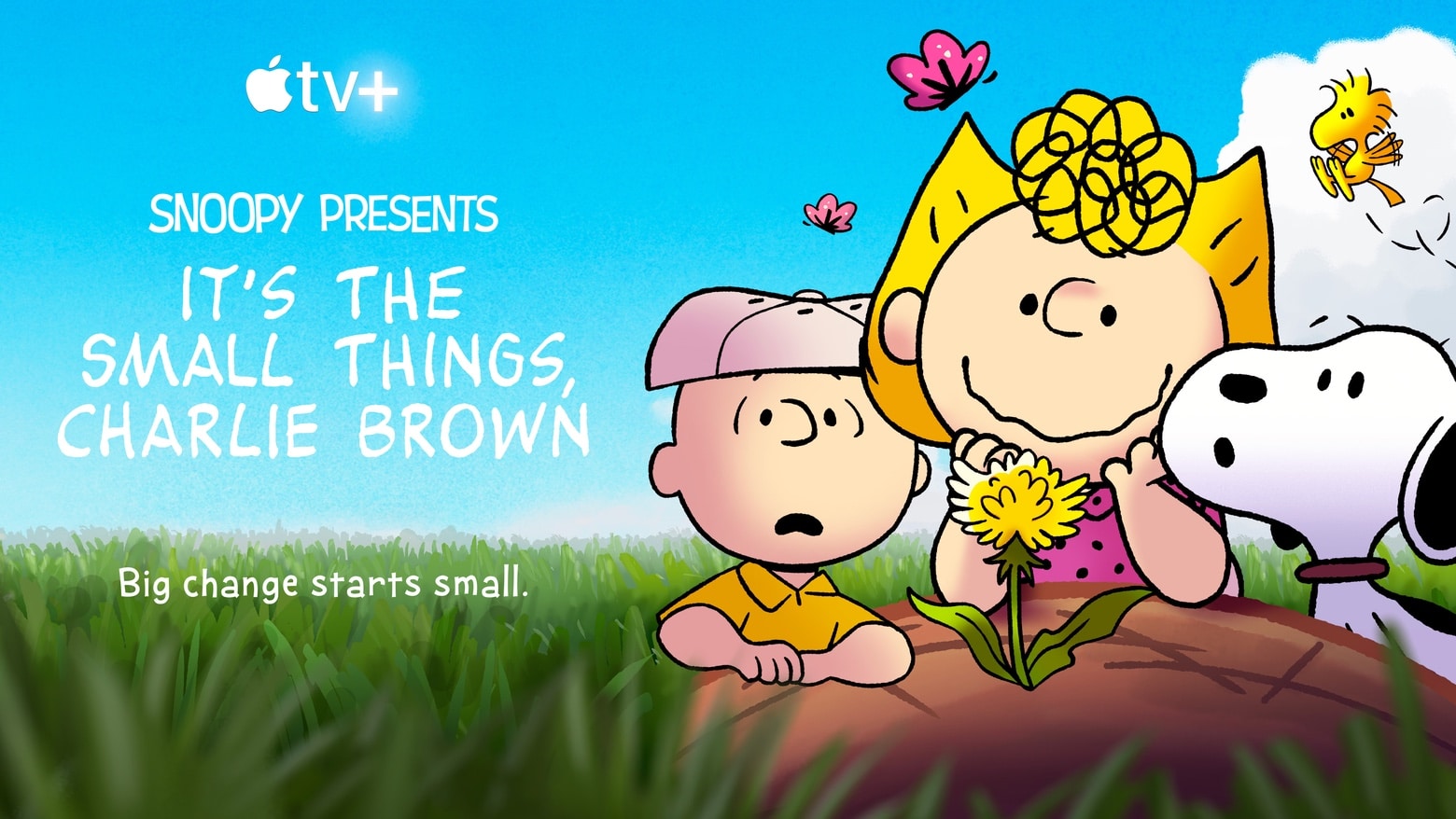
Earth Day is April 15. Celebrate with the Peanuts gang in a new special. Photo: Apple TV+
It’s the Small Things, Charlie Brown, the first-ever Peanuts Earth Day special, premieres April 15 on Apple TV+. It tells the story of how a single flower inspires the Peanuts gang to start caring for the environment, and features an original song by American singer-songwriter Ben Folds.
A trailer for the upcoming special debuted Thursday.
There may soon be yet another streaming service to add to your roster. The National Football League is said to be considering a platform of its own, dubbed NFL+, that will stream live games to smartphones, tablets, and laptops.
NFL+ could also provide access to radio, podcasts and team content, according to a new report, which claims teams were briefed on the plans at the annual NFL owners’ meeting that recently took place in Palm Beach, Florida.
What do you make of the inspirational plaques on the walls around this M1 Max MacBook Pro-driven setup? Photo: [email protected]
We haven’t seen a tremendous number of computer setups centered on powerhouse 16-inch M1 Max MacBook Pros — much less such workstations featuring both dual displays and paired original HomePods!
But today’s featured setup is an exception. It boasts those impressive characteristics as well as a useful lesson about not judging a book by its cover as well as striving to be kind online.
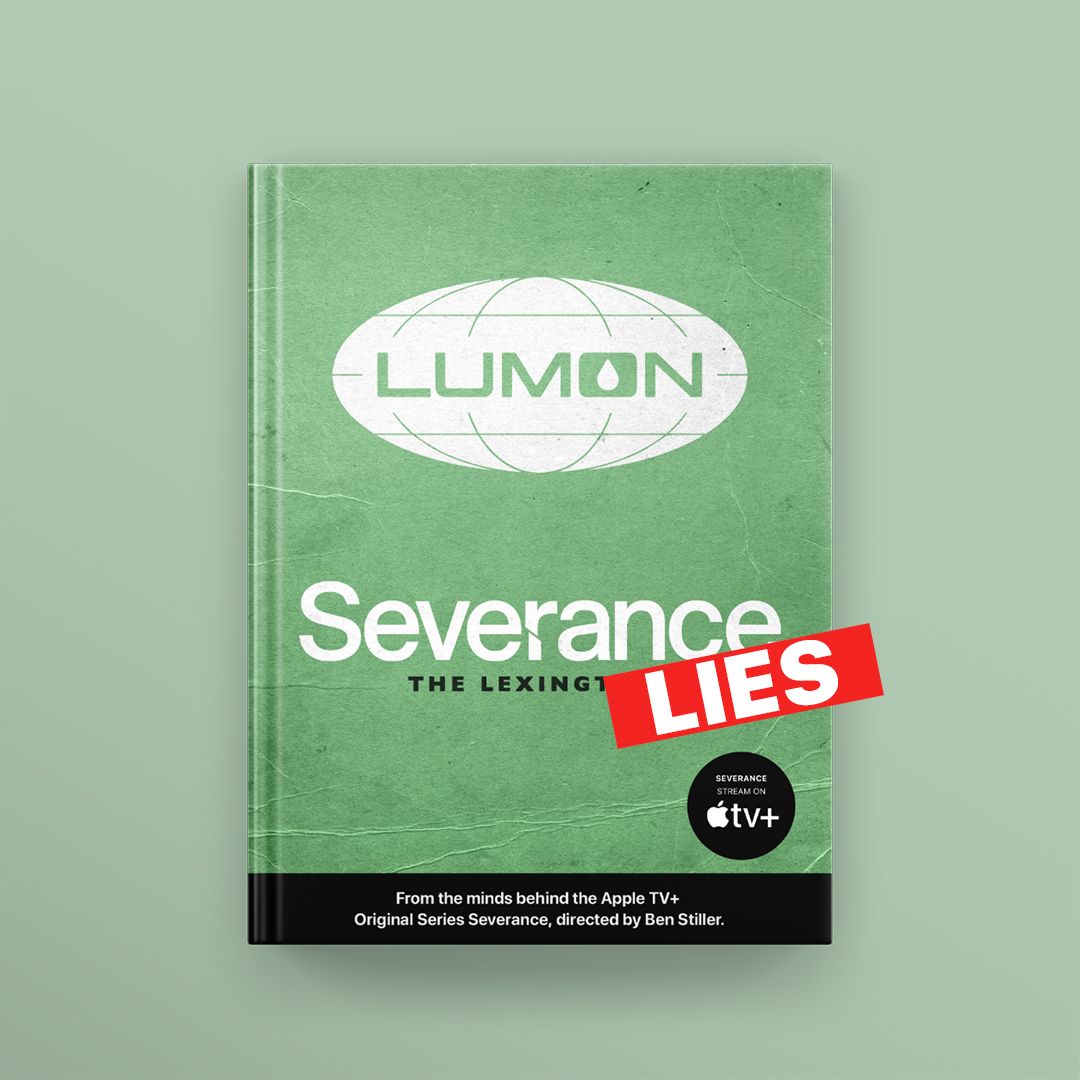
The LinkedIn profile for Lumon Industries takes issue with the recently released "tell all" book about the fictitious evil company. Photo: Red Hour Films
Every company doing perfectly reputable, above-board business today needs a crisp and descriptive LinkedIn profile. And yes, that includes harrowingly evil and entirely fictitious firms like “Lumon Industries.”
That’s right. Lumon, the ominous company that serves as a setting in the creepy drama Severance on Apple TV+, has a new LinkedIn profile. And it attempts to set the record straight about what some people are saying about the company.
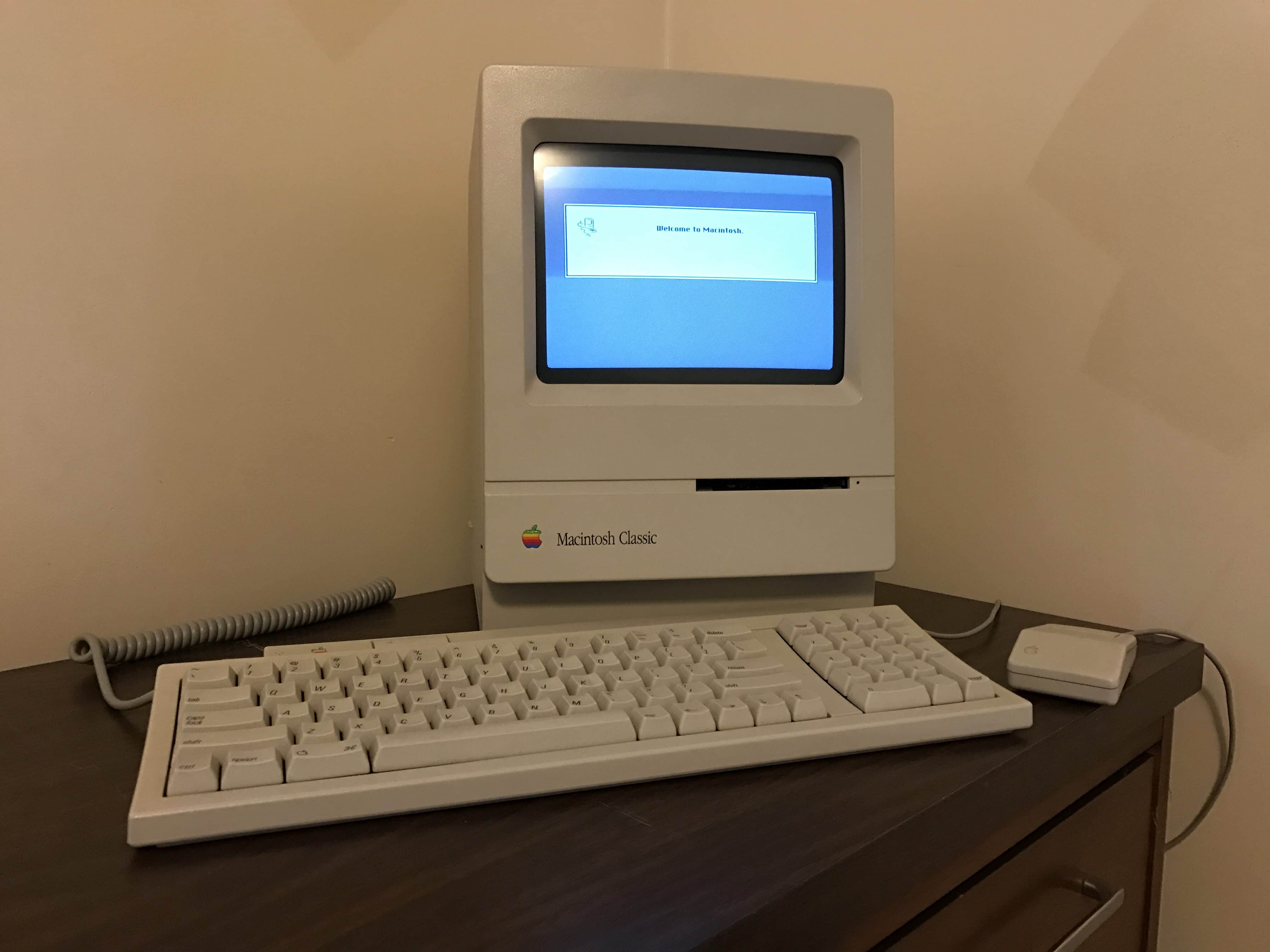
My Macintosh Classic with matching ADB keyboard and mouse. Photo: D. Griffin Jones/Cult of Mac
What makes people start collecting vintage Macs? There are many reasons. Some folks want to play abandoned games or use old software on original hardware. Some simply don’t know how to transfer files, and thus keep their old machines as a giant backup, just in case.
I collect old Macs because I care deeply about history. I want to have an informed perspective on the past so I can better understand trends of user-interface design and the evolution of technology.
My first vintage computer was a Macintosh Classic I bought on eBay for about $80. After lifting it out of its shipping box, I reached around the back to flip on the power switch and watch it boot. I loved hearing the whir of the hard drive, the fans humming and the delightful blip!-blip!-blip! noise the disk drive made when reading a floppy.
Apple computers are highly collectible. They span the entire history of personal computing. The company’s unwavering design philosophy, always pushing ease of use, means even the oldest and weirdest Apple computers are never hard to figure out. The historical lineup spans all different kinds of form factors and designs. Not to mention, they look rad.
So, you want to collect old Apple computers, too? Where do you start, and what do you want? Here’s a quick guide to buying classic Macs. These tips should get you started and help you avoid common pitfalls. (If you want to go even deeper, we also provide some links to further reading on the subject.)
Ted Lasso tends to dominate during awards season. Photo: Apple TV+
Ted Lasso, the hit Apple TV+ sports comedy series, keeps winning awards. On Sunday night it picked up four at the 27th Annual Critics Choice Awards ceremony, including Best Comedy, topping seven other nominees.
The streaming service’s indie film CODA also won a Critics Choice award, as well as a pair of BAFTA awards (aka the British Oscars) over the weekend.
Identify Plants, learn to care for them, and watch them grow with this app. Photo: Cult of Mac Deals
March 12th is National Plant a Flower Day, and what better way to celebrate than by learning about plants and gardening using NatureID Plant Identification Premium Plan. This smart digital tool identifies plants, can diagnose plant diseases, guide care, and more. And right now it’s on sale for $19.99 (Reg. $59).
What would you do with that cable on the left? Photo: [email protected]
Many a near-pristine computer setup is marred by one pretty ugly thing: a power cable. People pride themselves on having “one-cable” setups, where gear plugs into other gear or works wirelessly, and the whole shebang depends on one cable going into the wall outlet from a hub or a power strip. Others get as close as they can to that Zen-like state of near cableless-ness.
Today’s featured setup has that one, nagging cable. And we’re here to help make it go away.
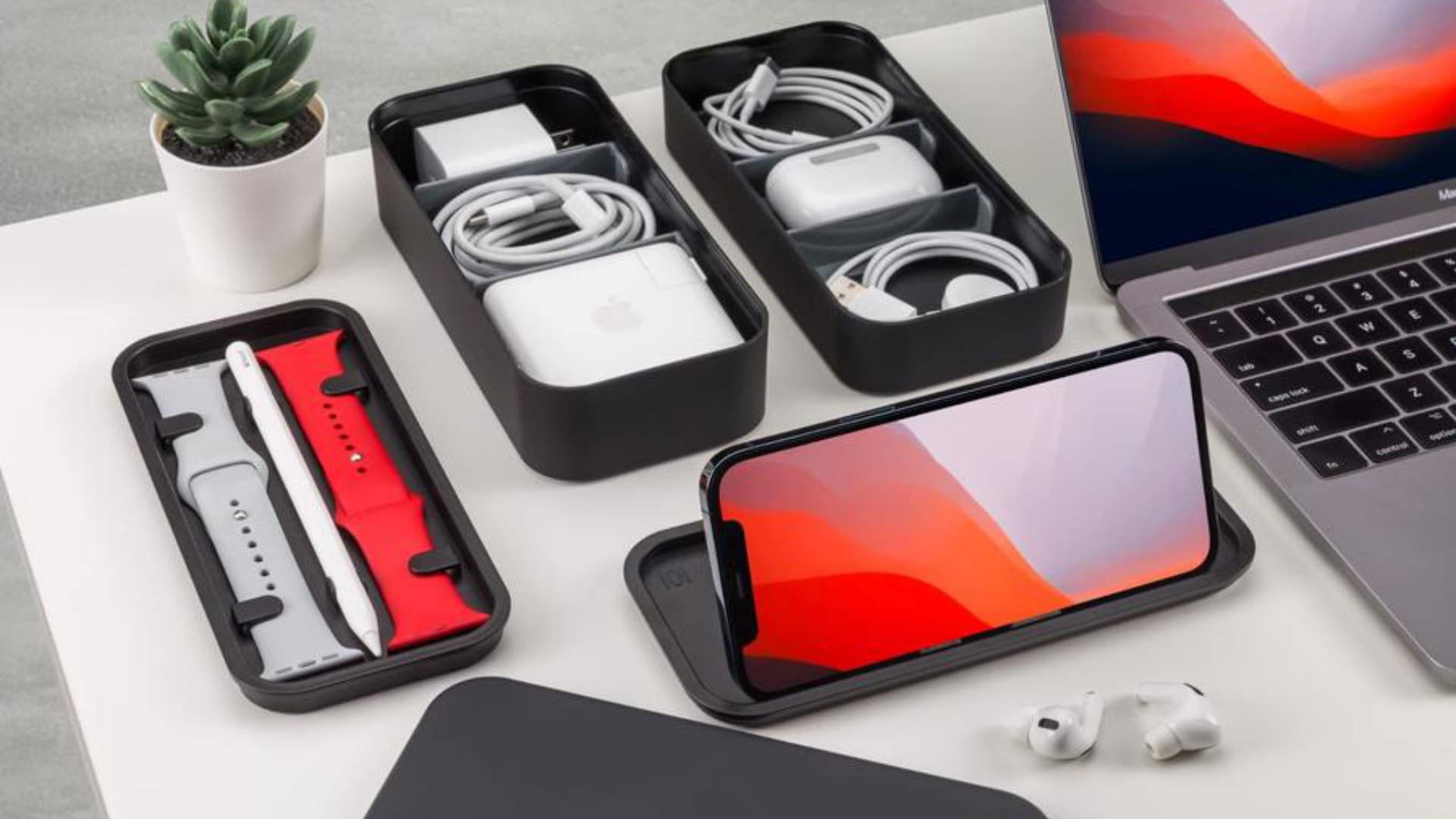
Don’t you just hate it when your charging cables, adapters, and other accessories get lost or tangled in the bottom of your bag when you’re on the go? BentoStack solves that problem by keeping everything nearly organized.
The device features several compartments for all the small accessories you need while traveling — including wireless headphones, Apple Watch bands, and Apple Pencil — as well as a lid that doubles as an iPhone stand.