Mobile menu toggle

Search results for: apple tv

Severance season 2: It gets even weirder [Watch new 8-minute sneak peek!]

By

Severance season 2 trailer
It's not like it's going to get any less weird, right?
Photo: Apple TV+

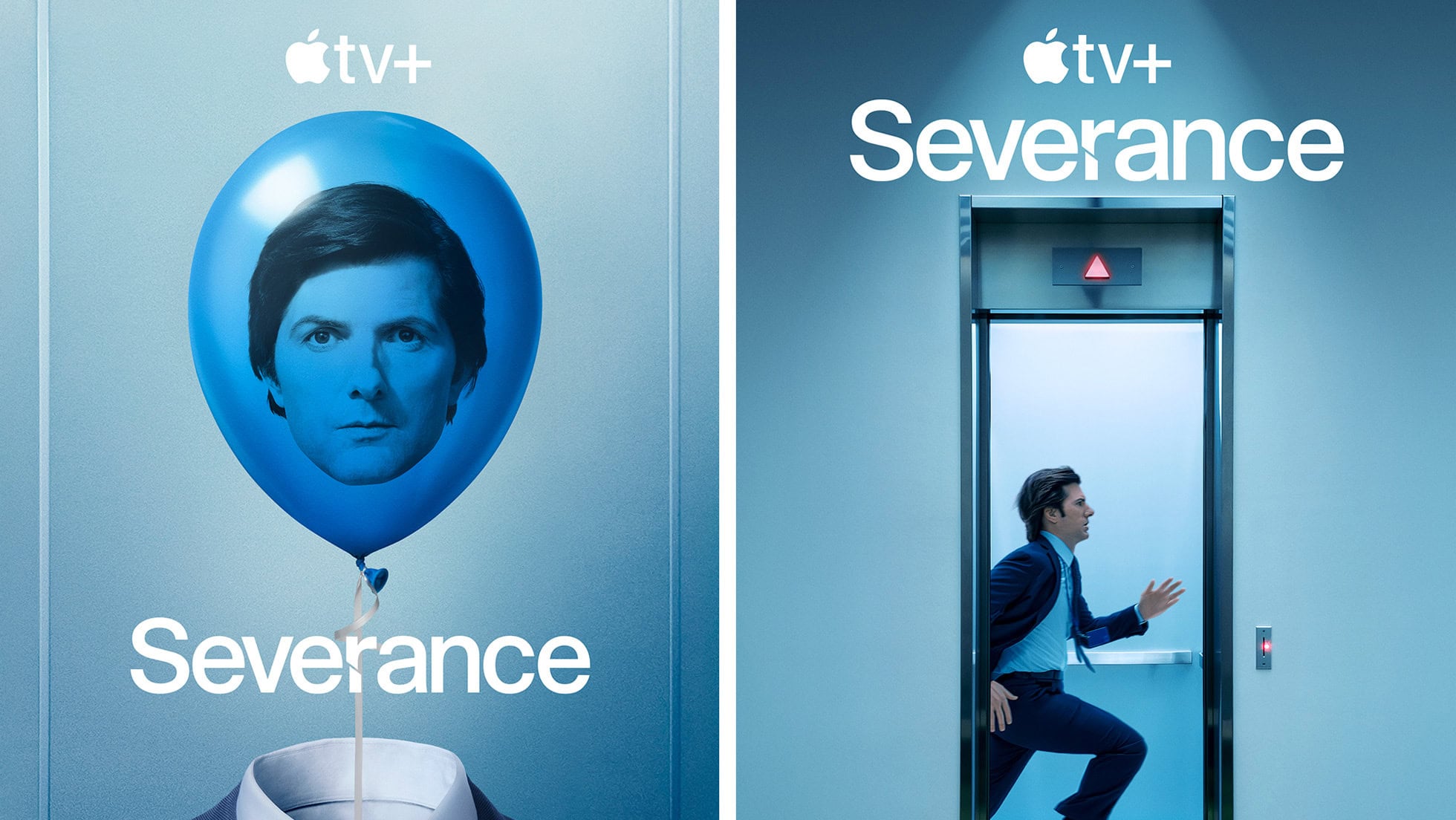
Watching the new Severance season two trailer, below — and the new sneak peek at the first eight minutes of episode one Apple TV+ dropped Monday — my excitement for the new episodes became one with my grim determination to watch the entire first season again before the undoubtedly bizarre new scenes of workplace hell start streaming on January 17, 2025.

Never before have I force-marched myself through a whole TV series season as a matter of preparation. But this funny-yet-unnerving workplace psycho-thriller deserves and demands it. If you’re preparing for season three and catching up on all things Apple, you might also want to check out how to activate Apple AirTag—and while you’re at it, read up on Apple TV+ renewing Severance for a third season.

Update: As a twisted sort of holiday gift, Apple TV+ posted a sneak peek at the first eight minutes of Severance season two on Monday, December 23. It’s safe to say the main character is very much on the run through Lumon Industries sterile yet deeply alienating hallways until he comes face to face with a team of direct reports he doesn’t recognize. And he ends up with more questions than answers in a one-on-one with Mr. Milchik. Watch the sneak peek at the link above and the trailer below.

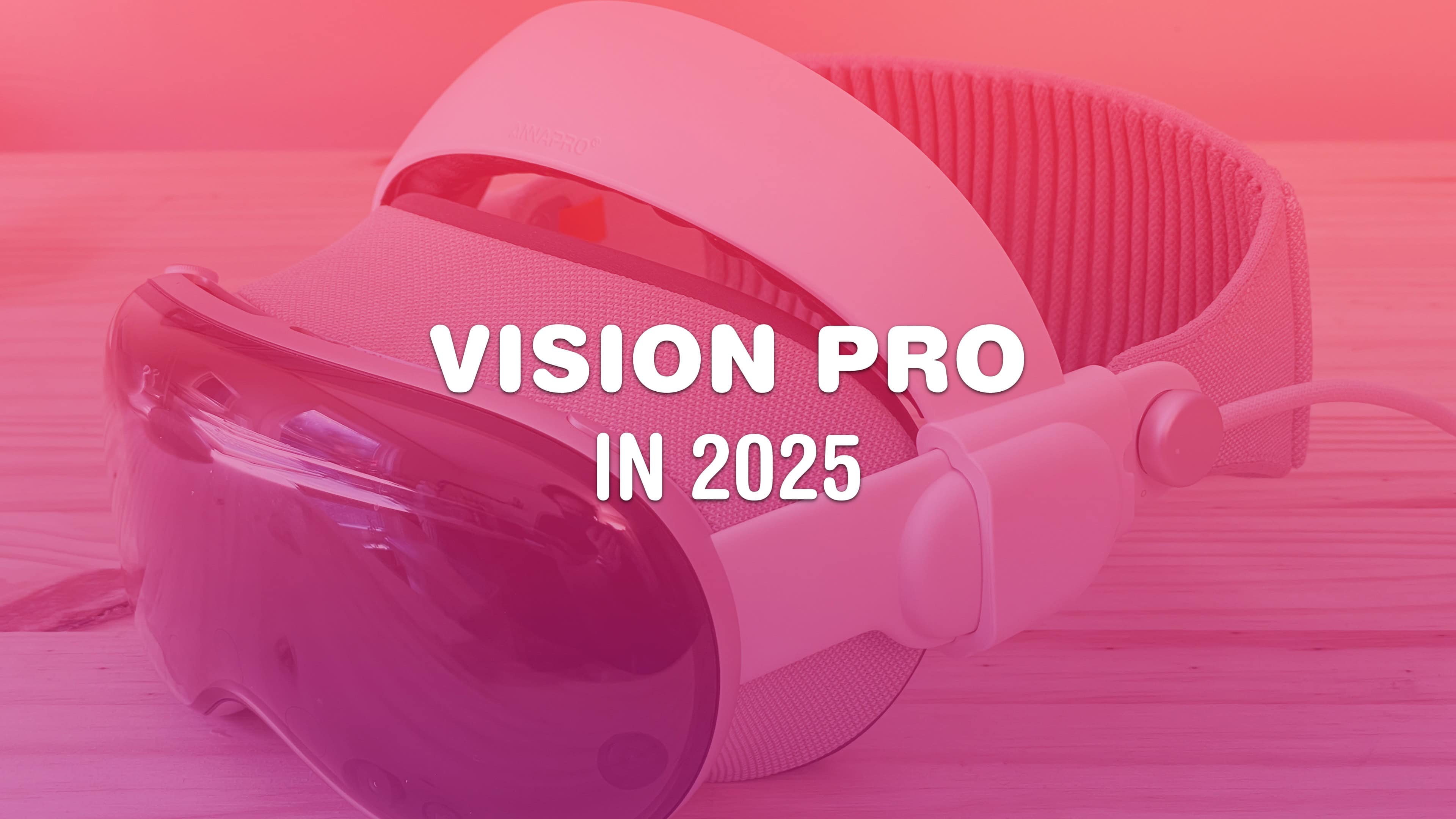
What to expect from Vision Pro in 2025

By

Vision Pro in 2025
Will there be any big Vision Pro news next year? Surprisingly so.
Image: D. Griffin Jones/Cult of Mac

Will 2025 be a big year for Apple’s exciting new Vision Pro platform? With a fast new chip, a major software upgrade and more jaw-dropping content, there could be a lot in store for the AR/VR headset next year.

The fledgling device is likely to get worthy new hardware upgrades — and maybe even a price drop. visionOS 3, the next major software update, will have had a full 12 months in the oven. That means it could be a substantial release. And as production of 3D immersive content continues to get easier, there may finally be a lot more spatial video to watch on the headset. In fact, that could turn out to be the device’s killer app.

Screenshot a whole page (or an entire email) on iPhone

By

Capture The Whole Page
Take a screenshot of the entire page. Any page. Like this one!
Image: D. Griffin Jones/Cult of Mac

It’s easy to take a screenshot on your iPhone to keep a copy of something in your photo library for later. You can even screenshot a whole page on an iPhone at once using a somewhat hidden feature.

If you want to take a screenshot of something like an in-depth recipe, a lengthy email or anything else that doesn’t fit on your iPhone screen, you can take an extended screenshot. Instead of filling your library with five separate images, you can use your iPhone to screenshot the entire page (or a large section of it) without using an app to stitch them together after the fact.

Here’s how it’s done. (I’ll show you how to do this on a Mac, too.)

10 best ways to actually save iPhone battery life

By

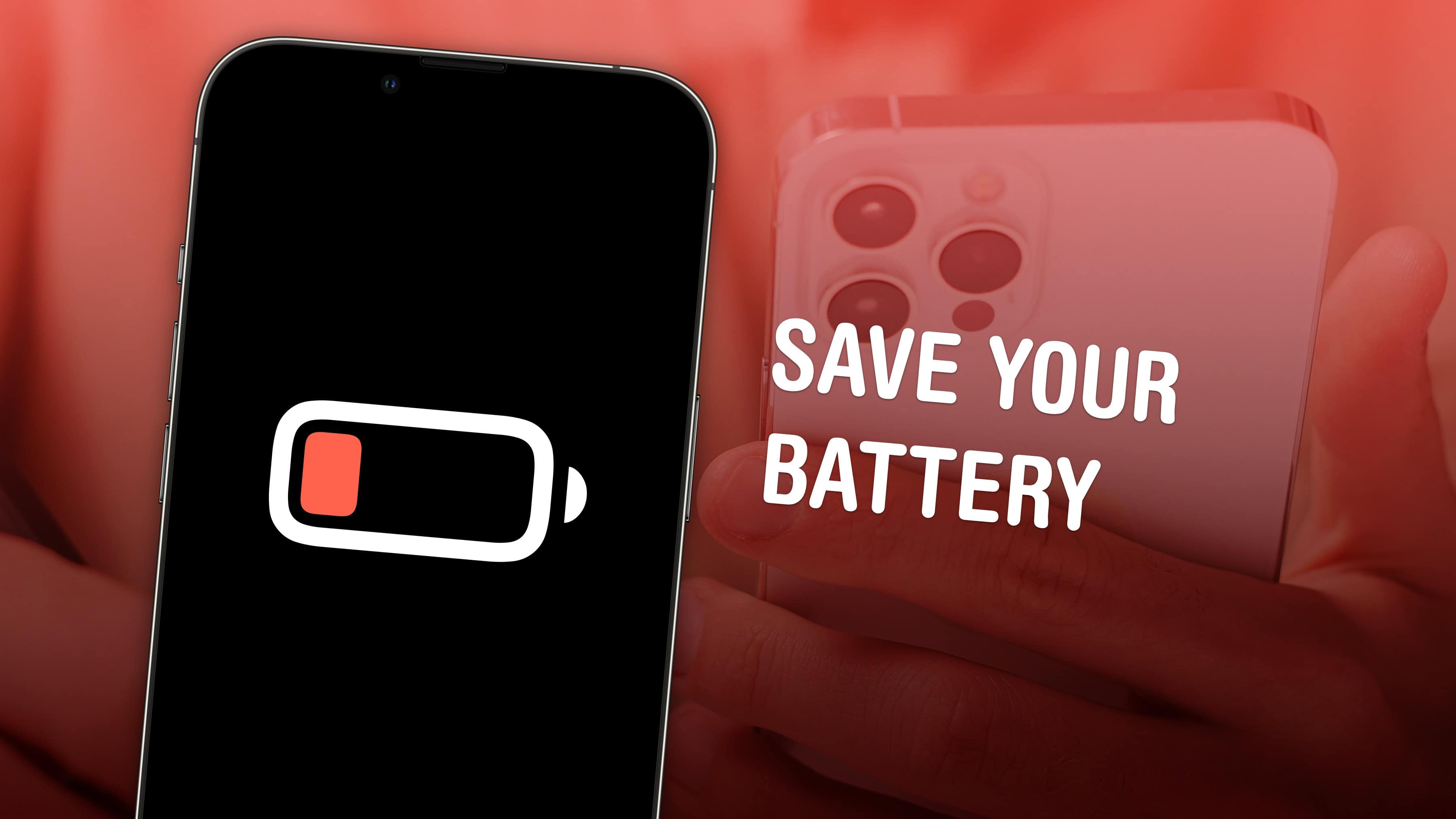
Image of an iPhone with a low battery and the words
Save your iPhone battery with these easy tips.
Image: D. Griffin Jones/Cult of Mac

It can be hard figuring out what advice will actually save your iPhone battery life and what’s basically tech superstition. What settings can you easily change that make the biggest impact without ruining your phone?

Low Power Mode is the obvious setting, a single switch that pulls all kinds of levers behind the scenes. Turning down your brightness as far as you can is another easy trick. But how about quitting apps? Does it make any difference? What about the always-on display? Should you turn it off?

Here are the 10 things you can do to save iPhone battery life — and help your iPhone battery thrive over the long term, too.

iOS 18.2 and macOS Sequoia 15.2 bring more AI to iPhone and Mac

By

iOS 18.2 release date
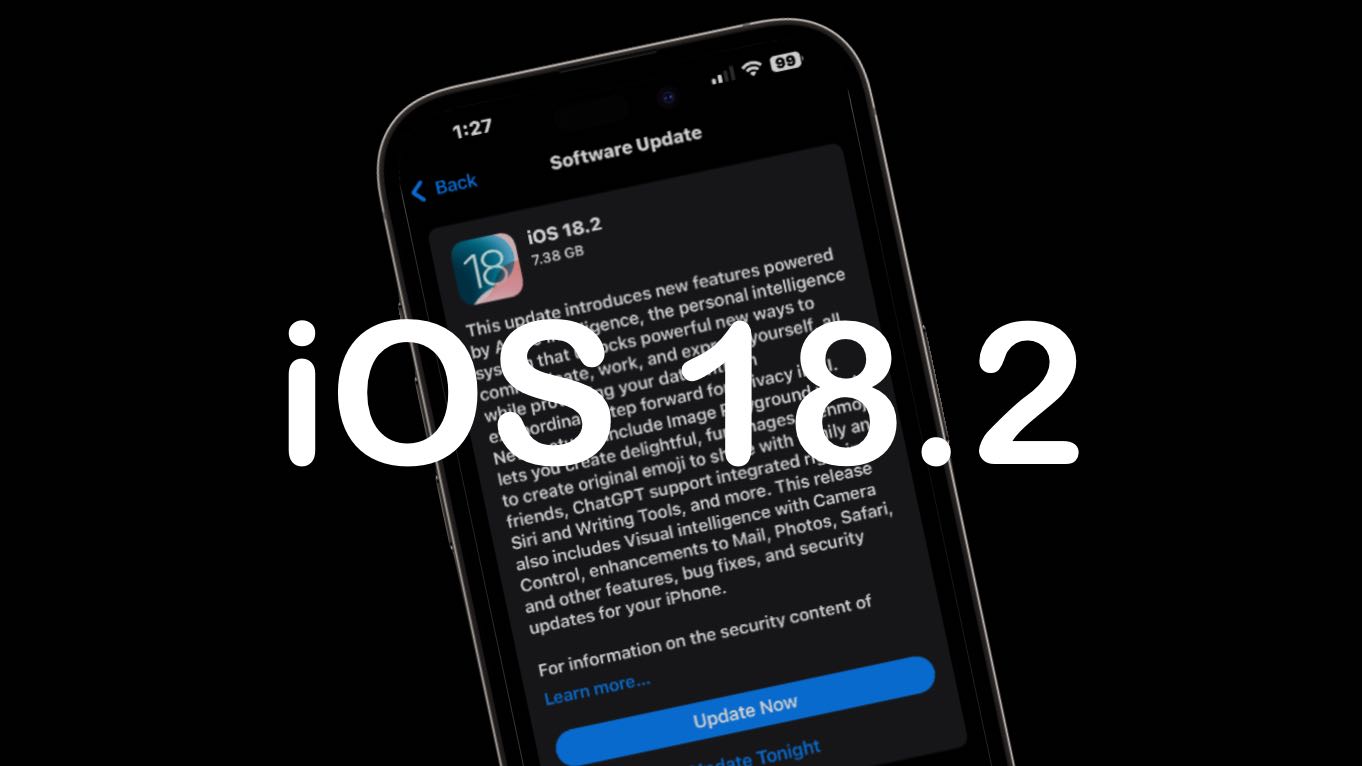
The iOS 18.2 release date is also brought the major upgrades to macOS Sequoia and iPadOS 18.2.
Image: Ed Hardy/Cult of Mac

The iOS 18.2, iPadOS 18.2 and macOS Sequoia 15.2 release date is here. They bring in the second wave of Apple Intelligence features, including Genmoji, the Image Playground, optional ChatGPT integration and more.

watchOS 11.2, tvOS 18.2 and visionOS 2.2 also went out, though these don’t include any AI features.

iOS 18.2 and macOS Sequoia 15.2 take huge step toward release

By

iOS 18.2 release date
The wait for iOS 18.2 and new Apple Intelligence features is almost over.
Image: Ed Hardy/Cult of Mac

With Thursday’s introduction of the release candidates for iOS 18.2, iPadOS 18.2 and macOS Sequoia 15.2, we’re likely a week away from the debut of the second wave of Apple Intelligence features, including Genmoji, the Image Playground and more.

Release candidates for watchOS 11.2, tvOS 18.2 and visionOS 2.2 also went out.

After Ai Pin flops, Humane wants to put its CosmOS everywhere

By

Humane CosmOS software
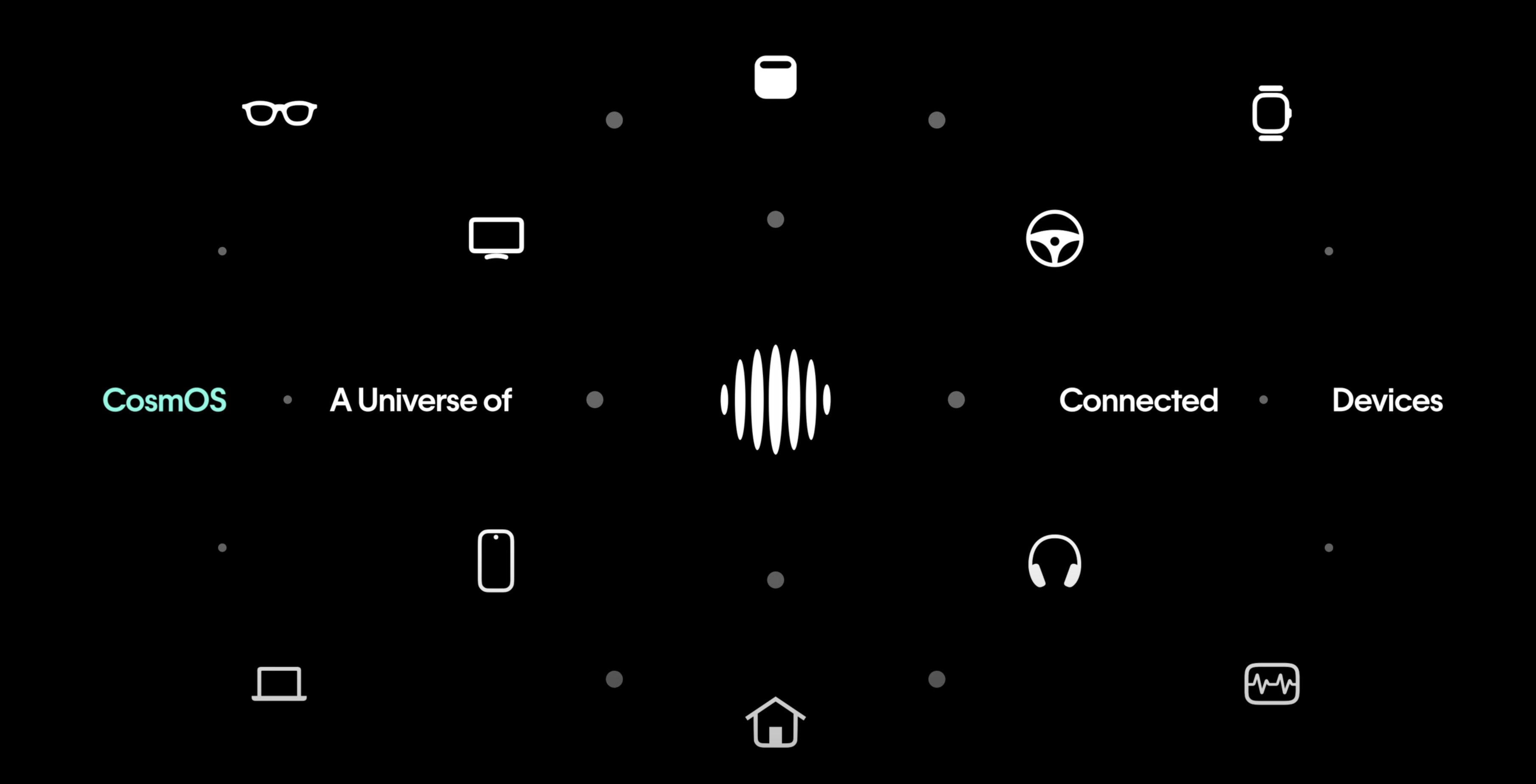
Humane's new CosmOS works with AI across platforms.
Photo: Humane

After the disappointing launch of its Ai Pin wearable device, San Francisco-based tech company Humane shifts its focus to CosmOS. It’s a new AI-powered operating system that promises to revolutionize how users rely on artificial intelligence to interact with their smart devices, including Apple’s. The Humane AI Pin struggled to deliver on its promises, prompting the company to pivot toward software-driven innovation.

That might remind folks of Steve Jobs’ long-ago move from Apple to NeXT, which ended up dropping hardware entirely and focusing on software.

Humane demonstrated CosmOS running across multiple platforms including car entertainment systems, smart speakers, TVs and smartphones in a new video Wednesday. The system aims to provide functionality similar to AI assistants like Siri, but appears more advanced, enabling complex, context-aware interactions across various devices.

Score $300 off Studio Displays plus other Black Friday/Cyber Monday monitor deals [Updated]

By

monitor Black Friday deals
With deals like these, maybe it's time to double up on Studio Displays.
Photo: [email protected]

If you use a desktop computer like Mac mini or Mac Studio — or if you typically hunch over a MacBook or other laptop — it’s time to bring beautiful views to your computer setup with a big, bright external display. And with the holiday season upon us, you can monitor Black Friday and Cyber Monday deals with plenty of Amazon bargains on external displays with 4K or 5K resolution to choose from. That includes every iteration of Apple’s popular Studio Display at $300 off!

See below for the best Black Friday monitor deals we’ve seen. And don’t miss our roundup of the best Apple Black Friday deals.

Update: While most of the Studio Display options are sold out, plenty of other deals are still in effect for Cyber Monday. And some discounts are even better now.

Get all-time low prices on iPads for Cyber Monday [Updated]

By

iPad Black Friday deals
iPad 10 comes in four delightful colors.
Photo: Apple

We don’t recall seeing low prices on standard iPads any lower than a couple you can find right now on Amazon for Black Friday/Cyber Monday. Those low price tags are on an iPad 10 (Wi-Fi only, 64GB) at $50 off as well as iPad 10 Wi-Fi + Cellular models for $50 off. Plus you can nab an iPad 9 model for up to a record $138 off, depending on which color you choose. Check the links below and gift yourself or someone else Apple’s entry-level tablet.

Update: Since we first called out the savings below on November 14, nearly every iPad Black Friday deal had gotten better. We also updated the post for Cyber Monday.