'Appy weekend everyone! Photo: Ste Smith/Cult of Mac
With the new iPhone SE and 9.7-inch iPad Pro announced, it was a big week for Apple. But it’s also been a good seven days for developers, with a slew of super-awesome apps arriving in the App Store for iPhone, iPad, Mac, and Apple TV.
Whether you’re looking for a great productivity tool for staying on top of task management, a fantastic port of an arcade classic, or the best weather app for Apple TV, check out our “app of the week” picks below.
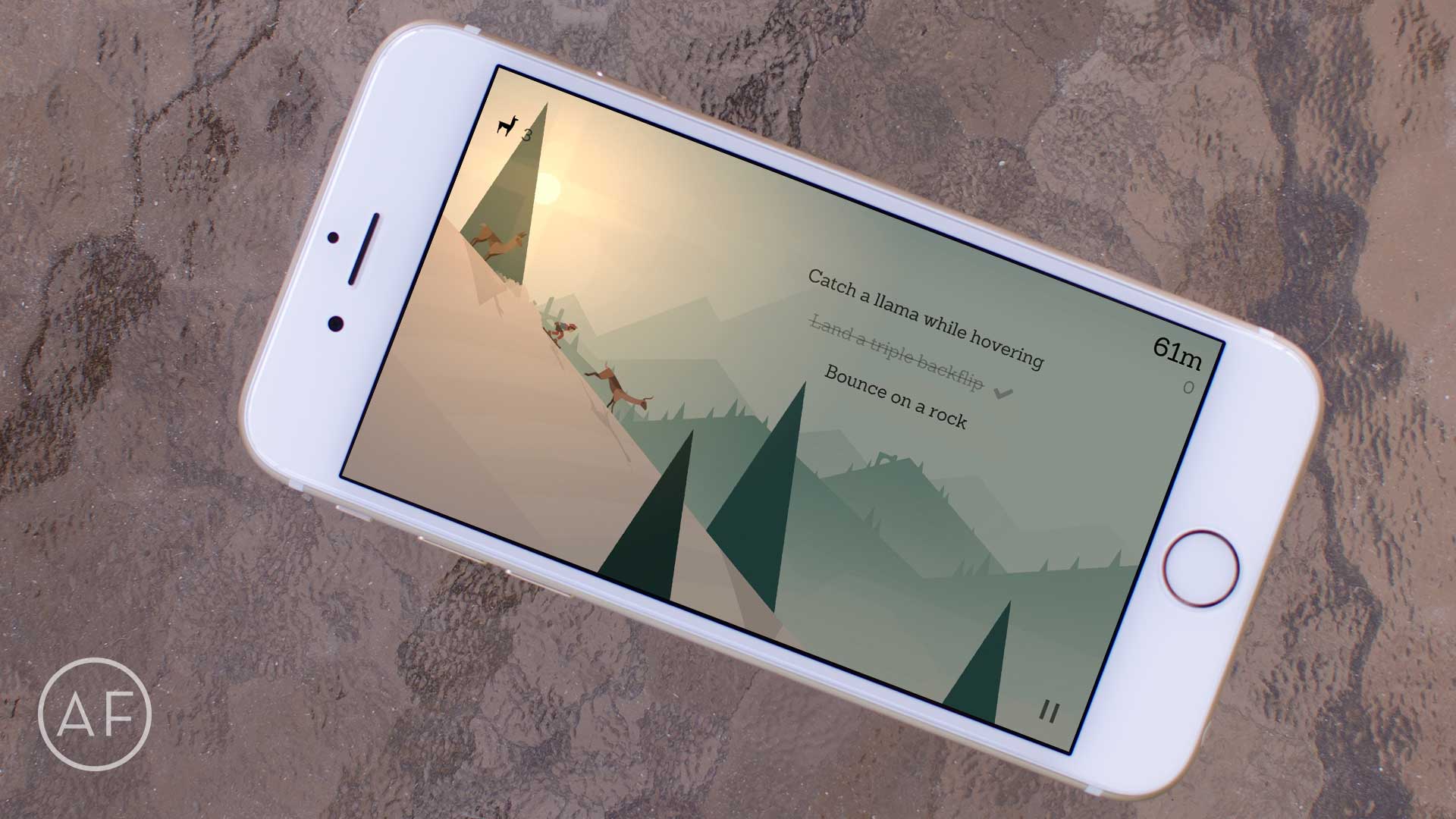
Here are 12 awesome iOS games, old and new, we think are definitely worth a try! Photo: Ally Kazmucha/The App Factor
On a recent episode of The App Factor podcast I got into (or rather, confessed) how many apps were on my iPhone prior to me having to start from scratch and install the OS and apps fresh (for what it’s worth, it was 750+ apps).
While I try to use my iPhone and iPad for a number of things including writing, catching up with friends and more, a lot of times I’ll want a quick fix or even an in-depth game to play.
After having to install apps from scratch and picking up a new iPad Pro, a few games made the cut while I thought what I really wanted to install and play. Here are a wide variety of games that I love. From new games to classics, these are some of my favorites.
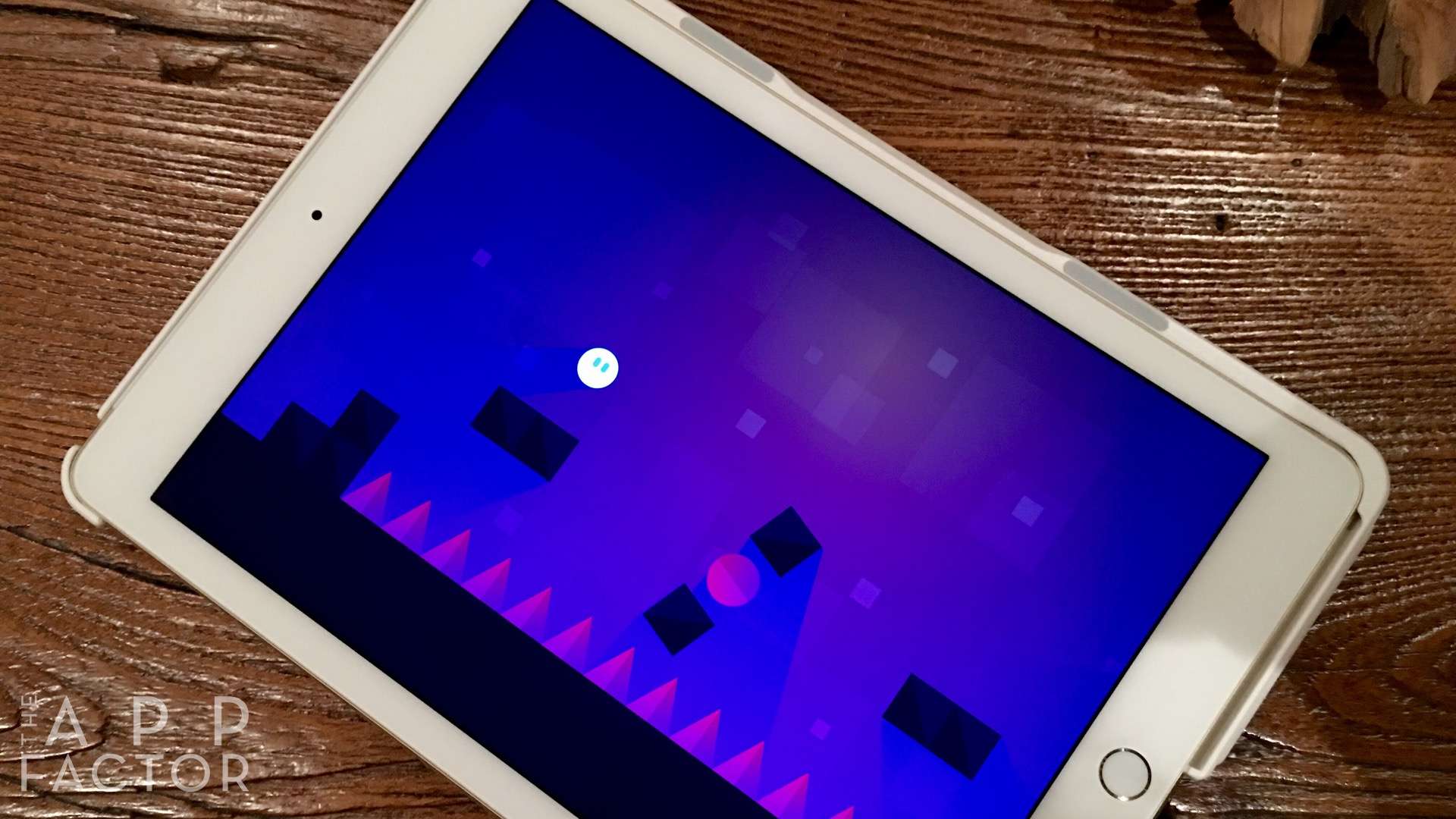
Yes, another frustrating game that'll keep you coming back. Photo: Fabled Realm
Jump Legends is a new adventure game for iOS with something very interesting going for it. Your character is an adventurer that’s traveling and jumping through various obstacles to collect different rewards and treasures.
Ultimately, your only responsibility in the entire game is to simply tap so your character jumps as needed. In Jump Legends, this proves extremely challenging because your journey changes every single time you lose.
Endless runner games have done exceptionally well on the App Store for a long time. I was introduced to the concept when I played Mirror’s Edge on the PlayStation, and have been hooked on this type of game ever since.
Endless runners leave you little time to make decisions, and that makes these games exciting — and sometimes frustrating!
If you're appy and you know it, check our list! Photo: Ste Smith/Cult of Mac
The weekend’s halfway gone already, but if you fancy a lazy Sunday getting up to date with the very best apps available for your Apple device, Cult of Mac has your back.
From great games to a superb email client or 100,000 artistic masterpieces at your fingertips, check out our picks below — spanning iPad, iPhone and even Apple TV.
iOS 9 may not hit the heights of its predecessors. Photo: Jim Merithew/Cult of Mac
iOS 9 adoption has ground to a halt, remaining static at 77 percent, according to Apple’s latest developer figures.
This is the exact same percentage of iOS 9 users as last time Apple published its adoption figures, on February 8 — and just 1 percent growth from this time last month. Meanwhile, 17 percent of users are running iOS 8, and 6 percent are still using an early version of Apple’s mobile OS.
Smarten up your house with Elgato's newest energy switch. Photo: Rob LeFebvre/Cult of Mac
Best List: Eve Energy Switch and Power Meter by Elgato
Thanks to this cool little HomeKit gadget from Elgato, I know exactly how much energy my PlayStation 4 uses (79 watts). I also know how much energy is sucked away by my living room lamp (40 watts), my big HDTV (143 watts) and my Apple TV (8 watts).
All I did was plug each of these devices into Elgato’s new Eve Energy Switch and Power Meter, and then pull up the associated app on my iPhone to get instant information on the power being pulled through whatever I’ve plugged in.
The smartplug is also voice-activated, letting me turn on and off whatever device is attached to it.
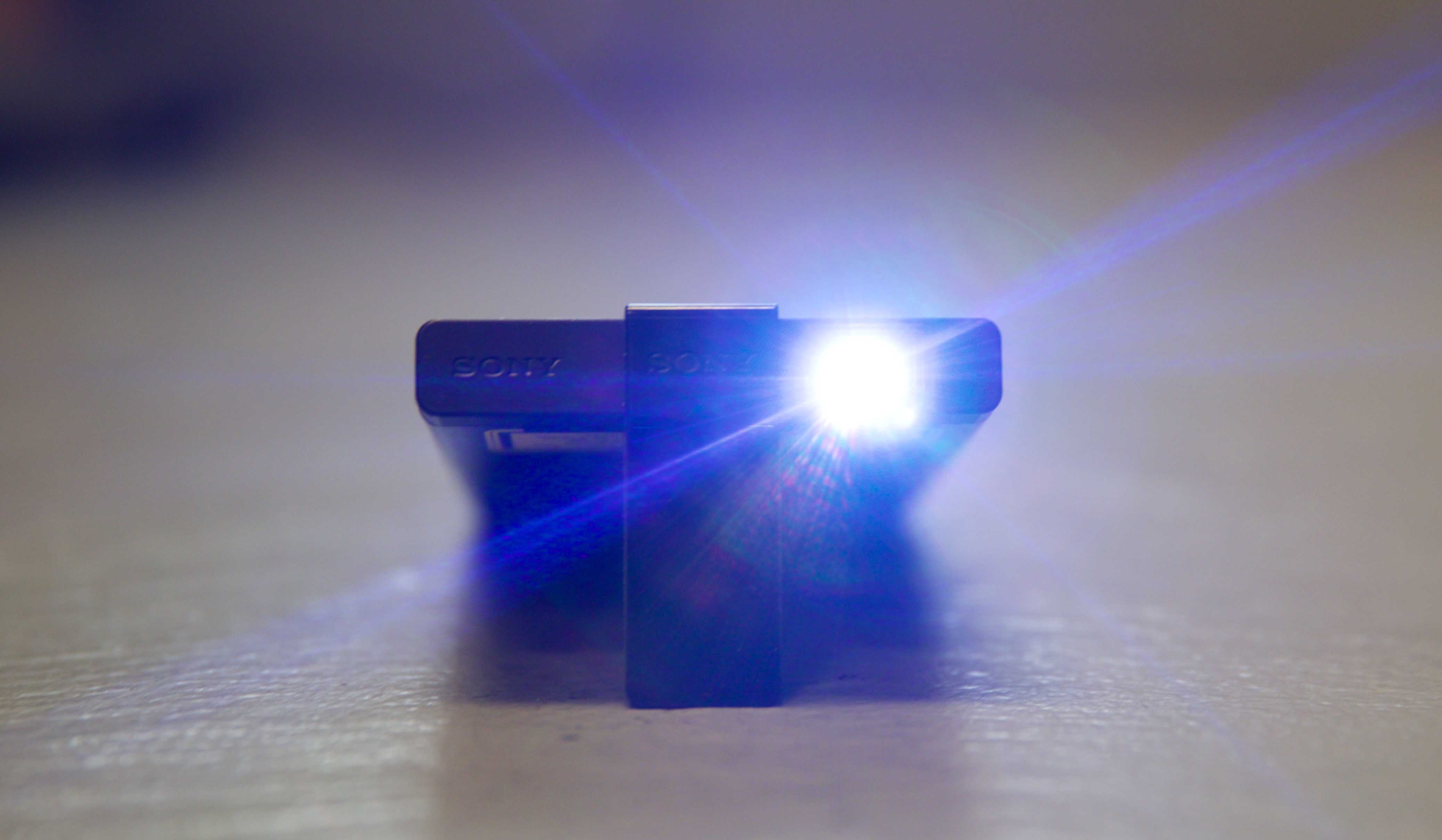
Sony's $350 MP-CL1 Pico Projector is small and easy to use. Photo: Leander Kahney/Cult of Mac
You should never take a video projector camping — it completely defeats the object of the great outdoors. Unless you have kids. Then it’s handy to beam a movie onto the side of a tent to keep them quiet while you drink.
Perfect for the job is Sony’s $350 MP-CL1 — a small, battery-powered pico projector. Not much bigger than an iPhone 6+, it beams a surprisingly sharp and bright image that belies it’s small size.
Hook it up to your iPhone via a HDMI cable and adapter, and you’re off to the woods.
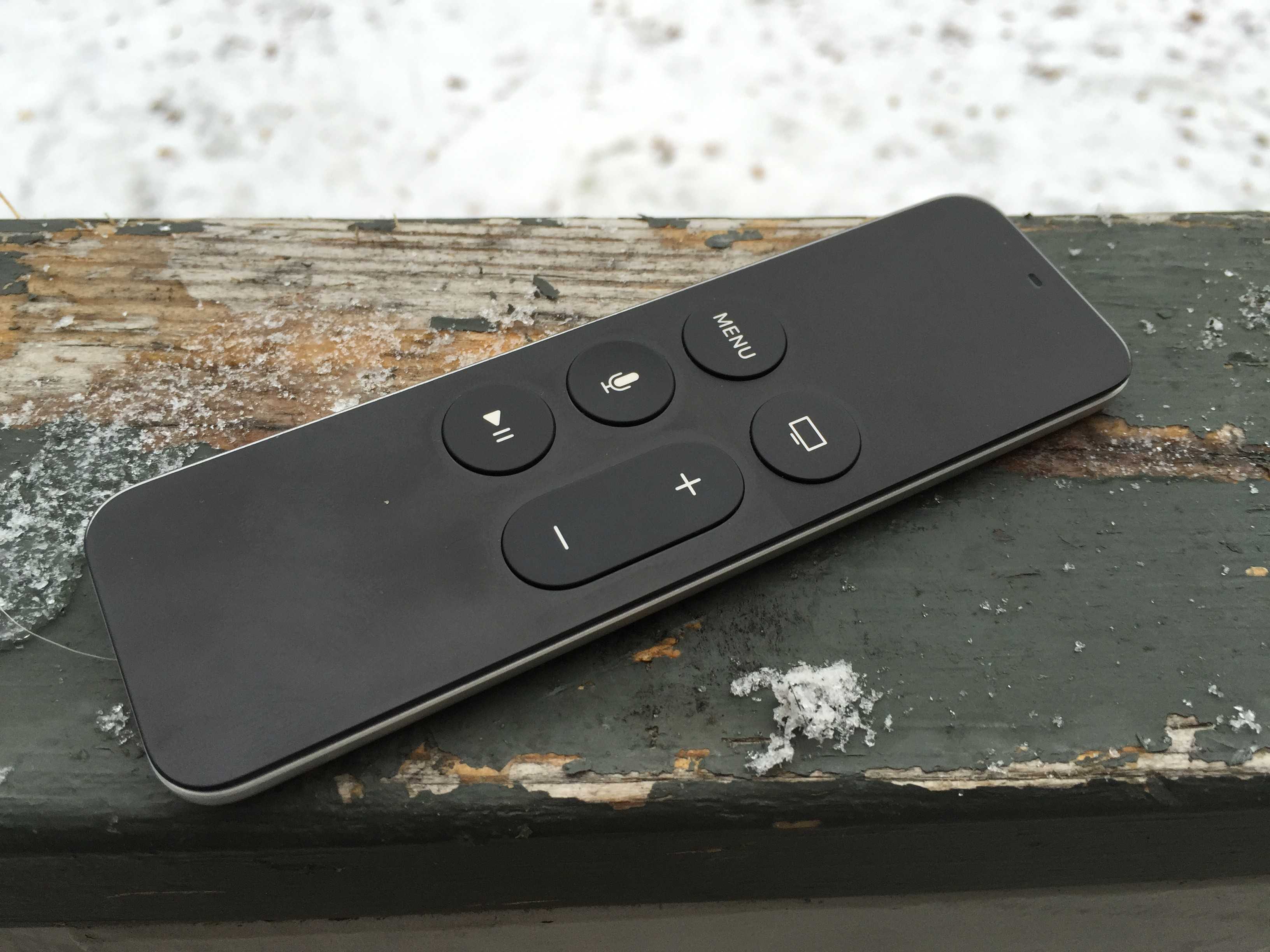
Wonky Menu button? Try this weird trick. Photo: Rob LeFebvre/Cult of Mac
I’ve been suffering with this strange issue for about a week: my Apple TV’s Siri Remote’s Menu button stopped working.
All the other buttons–Home, Siri, Volume and Play–worked, so it didn’t seem like a huge deal at first. But then I was digging around in the Settings app and realized that the Menu button is indispensible for one thing: moving backward in an app. Without it, I was stuck in the Settings pane that I had clicked through to; there was no getting back to the main Settings page.
Here’s what I did to get the Siri Remote’s Menu button working again.