Mobile menu toggle

Search results for: apple tv

HomePod setup process leaked by latest iOS 11 beta

By

Apple's new HomePod smart speaker is ready to rock your house.
HomePod will launch in December, but supplies will be constrained.
Photo: Apple

The latest iOS 11 beta just revealed what it will be like to set up a HomePod, Apple’s new smart speaker coming later this year.

Pairing HomePod with your iPhone will be quite similar to the AirPods setup routine, based on leaked screenshots of the process. If the leak is accurate, you’ll only be able to set up the speaker using an iPhone or iPad.


NASA’s solar eclipse coverage, Data Wing, and other awesome apps of the week

By

Awesome Apps
'Appy weekend everyone!
Photo: Ste Smith/Cult of Mac

Want to know which app to download for everything you need to know about this week’s total solar eclipse? We’ve singled out one of the best options as part of our latest “Awesome Apps” roundup.

We’ve also got a great update to a brilliant iOS fighting game, a story-driven racing title, and a big improvement to ESPN’s app for every sport lover out there. Check out our choices below.

iPhone 8 could silence notifications when you’re looking at it

By

iphone
Sounds won't, well, sound when you're paying attention.
Photo: Ste Smith/Cult of Mac

The iPhone 8 might use its 3D facial recognition sensor to silence notifications when you’re looking at the device.

Developer Guilherme Rambo discovered the possible UI element buried inside code accidentally released as part of Apple’s HomePod firmware. Coders digging into the software discovered numerous other details about upcoming Apple devices.

iOS 11 review: Major refinements shine, especially on iPad

By

iPhone 7
After a month of solid use, here's my thoughts on iOS 11.
Photo: Ste Smith/Cult of Mac

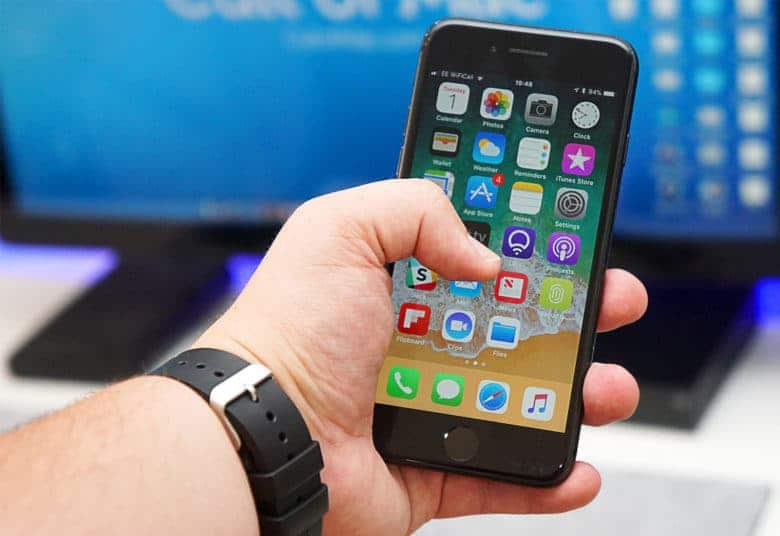
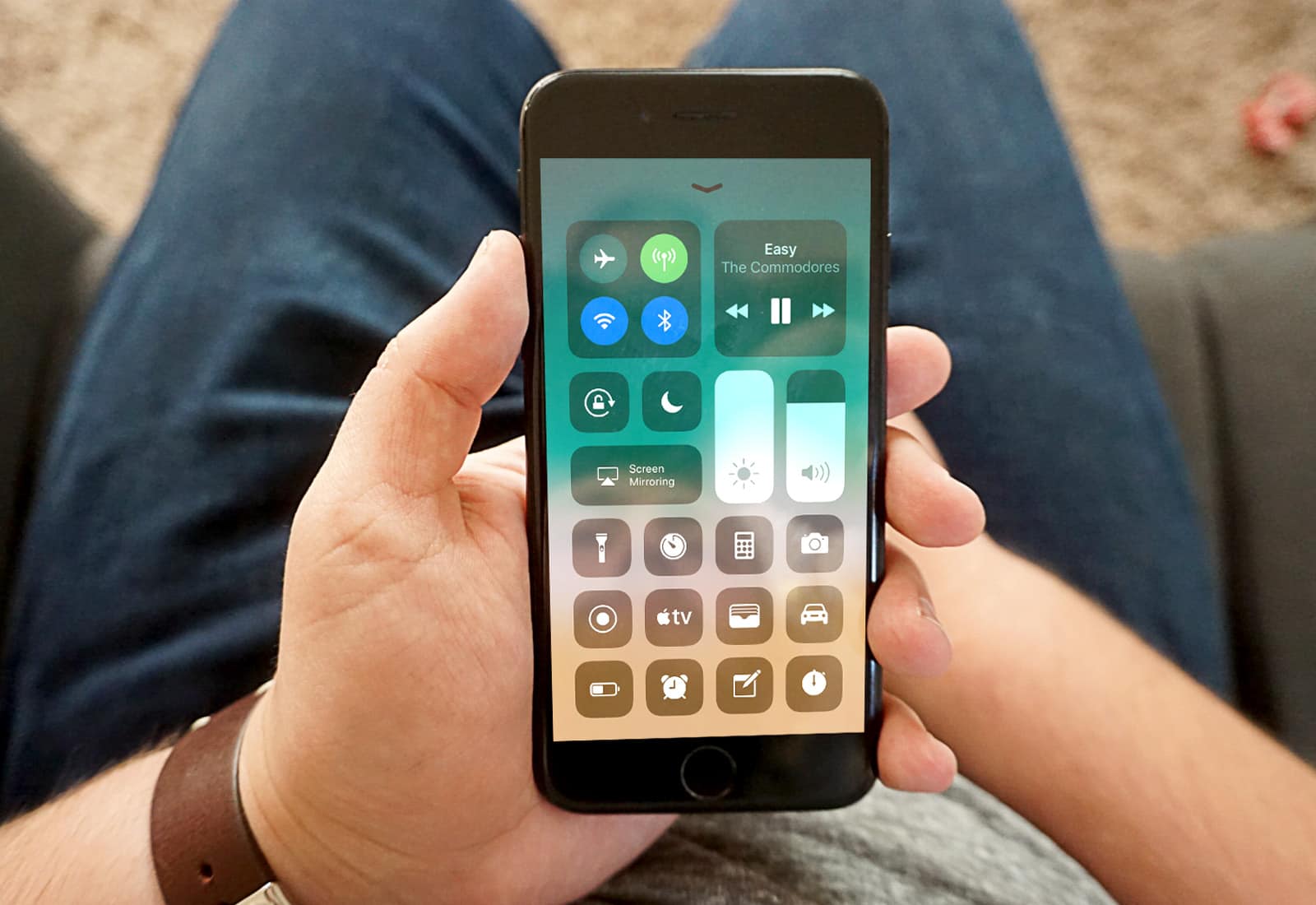
Ever since Apple released the first iOS 11 beta to developers, I’ve run each version on my primary iPhone 7 and my 9.7-inch iPad Pro. While iOS 11 doesn’t bring a radical redesign, it’s been great, with several extremely useful new features (especially for iPad).

To get the full rundown on what I like, what I don’t like, and my general thoughts on iOS 11 after a month’s use, watch the video below.

Tips to help you relive your great vacation [Tech Travel Tips]

By

Vacation photo
You vacation photos are useless if you forget about them.
Photo: Charlie Sorrel/Cult of Mac

tech travel tips It used to be that when you got back from vacation, you’d drop your film off at the lab and cross your fingers. You hoped you’d get some half-decent photos back a week later, while memories of that cool restaurant you liked faded with your tan.

Now we share our photos with friends and family while we’re still on the beach, then forget about them. But we can, and probably should, make a little effort to preserve our vacation memories. And — you guessed it — there are apps for that.

Comcast and Amazon Video are putting the hurt on iTunes movies

By

iTunes movie
iTunes movie downloads suffering thanks to the rise of rival services.
Photo: Apple

It’s not just music downloads where iTunes is struggling. According to a new report, Apple’s share of the digital home video movie market has also been falling precariously in recent years — largely thanks to the rise of companies like Comcast, Amazon Video and Netflix.

From a high of over 50 percent in 2012, market share has now fallen to between 20-35 percent, with various Hollywood studios reporting a decline in iTunes’ leadership position.

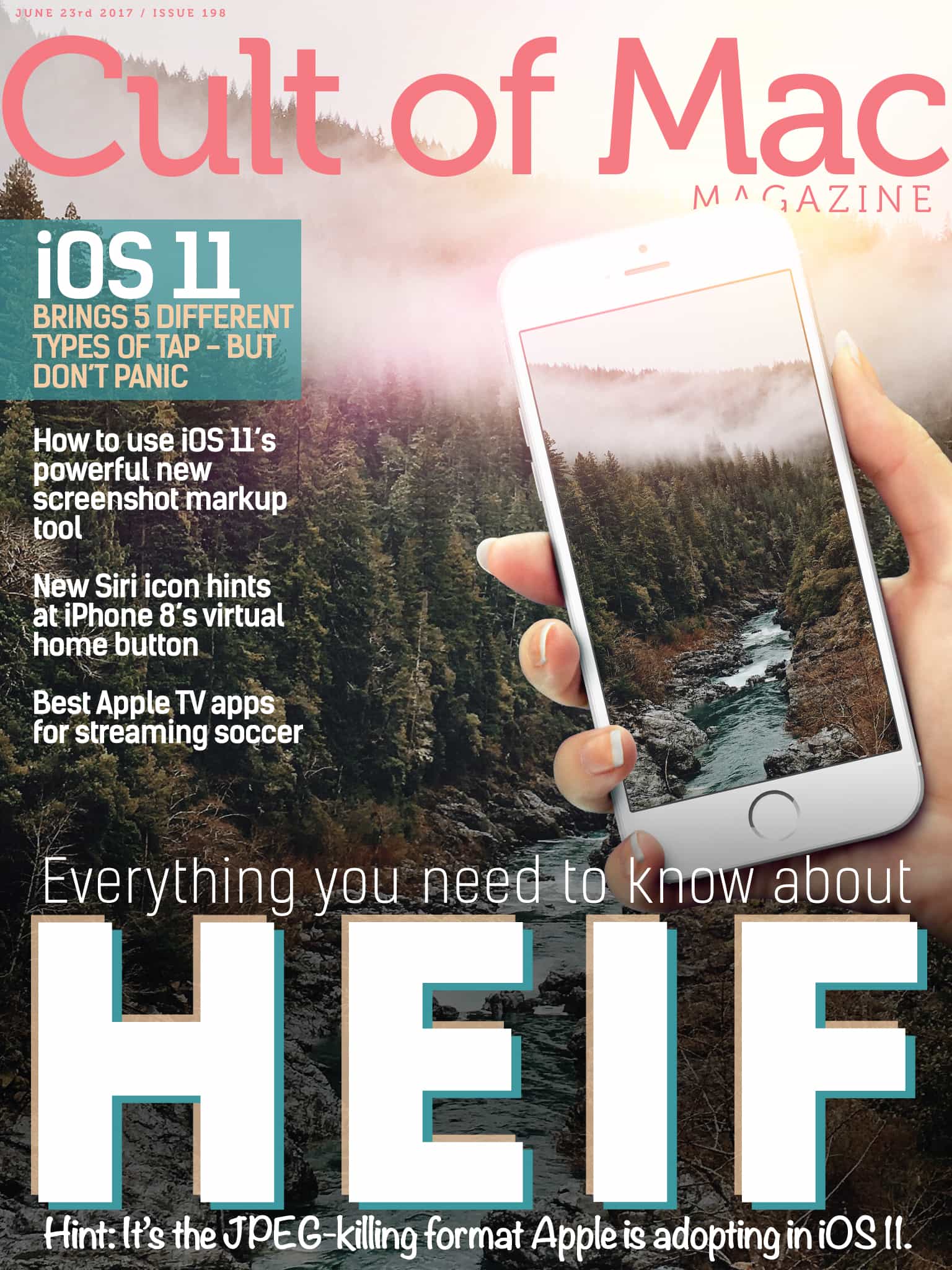
Cult of Mac Magazine: Everything you need to know about HEIF, iOS 11 brings 5 different types of tap, and more!

By

Cult of Mac Magazine
HEIF is the still-image version of the HVEC video format. Its main advantage for you and me is that photos saved in HEIF are roughly half the size of JPEGs, and of better quality.
Photo: Ste Smith/Cult of Mac

In this week’s Cult of Mac Magazine, we’re going to tell you everything you need to know about HEIF (High Efficiency Image File Format), Apple’s new photo format to replace JPEGs. Discover the many advantages HEIF has over JPEG.

Discover all the great ways to watch streaming soccer this summer on Apple TV with our handy list. Learn how to easily save lots of iMessage pictures and movies all at once toCult of Macthe iPhone Photos app.

And, save 20 percent off Dubai-based Ullu’s luxury Apple Watch bands only for the month of June! Check out lots of new arrivals in our Watch Store!

Click iTunes for a free subscription to Cult of Mac Magazine. Here are this week’s top stories.

How to automatically save iMessage pictures to the iPhone Photos app

By

save iMessage pictures
Easily save lots of iMessage pictures and movies all at once.
Photo: Cult of Mac

You can’t yet automatically save incoming photos and videos from the Messages app in iOS, but there is a way to quickly select a whole bunch of iMessage pictures and movies, and save them all to your Camera Roll.

Why would you want to do this? The main reason is search. Once your media gets inside the Photos app, it can be searched and included in Memories. Plus, all the pictures of people will get scanned and recognized. In short, right now some of your most valued pictures don’t show up in the place you keep all your pictures. Let’s change that.

iOS 11 video player gets a serious upgrade

By

iOS 11 video player
The iOS 11 video player even supports YouTube's auto-generated captions, not that you'll ever want to use them.
Photo: Cult of Mac

iOS 11 has gotten a big upgrade to its QuickView video player, the one that takes care of videos playing in apps, on web sites, and so on. Previously you only got a basic video scrubber, a volume slider, and a play button. Now, you can not only access subtitles and AirPlay right from the video screen, but you can control pretty much everything in the new iOS 11 video player with a keyboard.

Everything we expect to see at WWDC 2017

By

wwdc
From iOS 11 to a standalone Siri.
Photo: Ste Smith/Cult of Mac/Apple

WWDC is almost upon us. Ahead of Monday’s keynote event we’re running down everything we’re expecting for the annual developers extravaganza. You can watch the keynote live, and follow coverage here at Cult of Mac.

From software to hardware, here’s what we are predicting for next week: