WWDC 2018 is coming to San Jose, California. Here's how to take your shot at getting tickets to the exclusive event. Photo: Apple
Apple will kick off its 29th annual Worldwide Developers Conference on June 4.
The week-long event, which will offer the first previews of Apple’s next big software updates, will again be held in the McEnery Convention Center in San Jose. Developers can register for tickets starting today until 10 a.m. on March 22.
The HomePod is a smarter speaker than you might think. Photo: Ste Smith/Cult of Mac
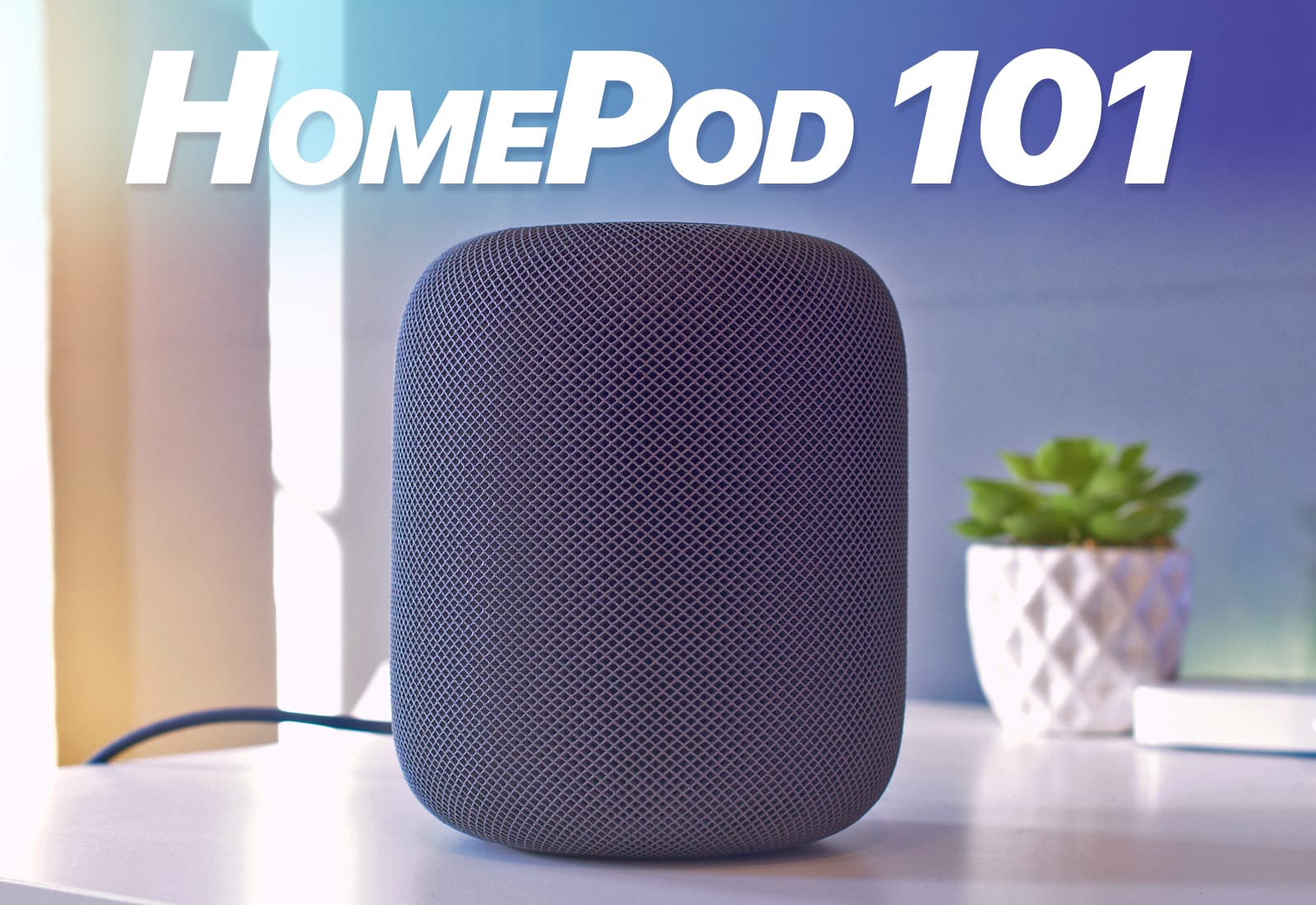
The HomePod takes a lot of flak for being the dumbest smart speaker around, but it can do more than you might think. In today’s video, I’ll show you 20 HomePod tips you need to know.
(Just a quick heads-up: I’m going to be saying “Hey Siri” a few times in this video.)
The HomePod may be the best speaker you can buy for under $85,000. Photo: Ste Smith/Cult of Mac
Apple’s HomePod arrives in homes today. It’s already sold out online, but if you’re lucky you might still snap one up in an Apple store. And you probably should, because the HomePod looks to be just about the best small speaker you can buy — in terms of musical performance, anyway.
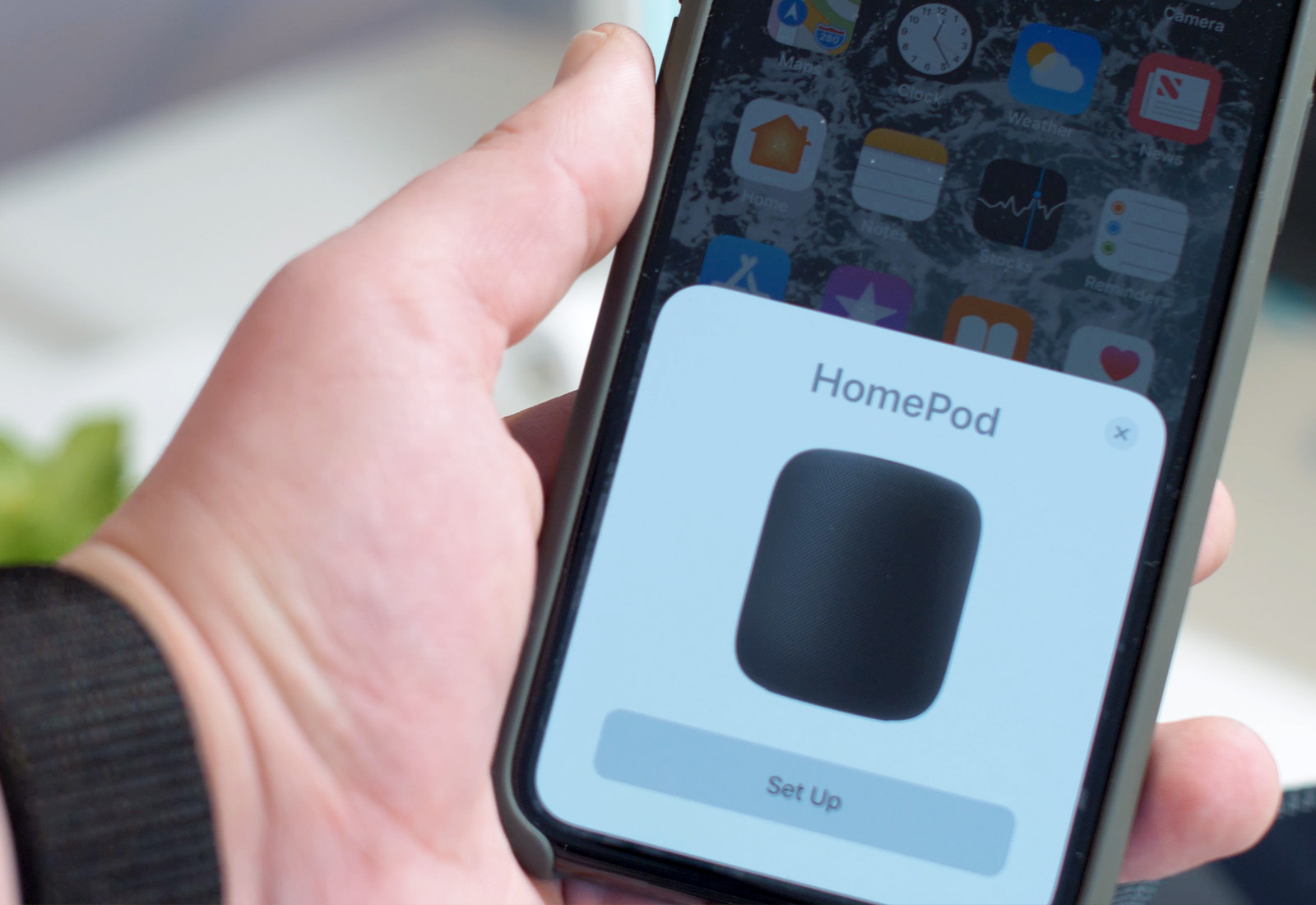
If you want to find out how to set up and get the best of your new HomePod, or if you want to read a bit more before deciding whether to get one, you’re in the right place. Below you’ll find all our HomePod coverage: how-tos, reviews, tips and opinions.
A perplexing HomePod setup bug leaves some people exasperated. Photo: Ste Smith/Cult of Mac
An apparent bug has left some HomePod owners unable to get their new Apple smart speakers up and running. Complaints about a mysterious “Setup Failed -6722” error message surfaced soon after HomePod launched last Friday.
The quickest and easiest way to get paid for your old devices. Photo: MyPhones Unlimited
With only one week until Valentine’s Day, we’re here to help pump up your budget. Whether you’re taking out your special someone or just consuming dangerous amounts of ice cream alone, we’re giving judgment-free cash for all of your old Apple devices.
In less than a minute, you can see how much your old device is worth and have a box on its way straight to your doorstep. Head over to Cult of Mac’s gadget buyback page and see how much you can get. And don’t forget to use the coupon code “cupid” to get an extra $10!
'Appy weekend everyone! Photo: Ste Smith/Cult of Mac
A fun retro game that’s packed to the gunwales with zombie blasting action is just one of our selections for this week’s “Awesome Apps of the Week.”
In addition, we’ve got a neat update to GarageBand, a trippily brilliant door-tilting puzzle game, and YouTube’s premium skinny TV bundle finally come to Apple TV. Check out our picks below.
The HomePod is happy to be unfaithful to its original owner. Photo: Charlie Sorrel/Cult of Mac
The HomePod is like the creature the emerges from an egg in old-fashioned cartoons. The baby creature — dinosaur, bird, birdosaur — imprints on the first person it sees, then follows it around calling it mama or papa. Hilarity (of the 1970s kind) ensues, as the creature grows into a fully operational birdosaur and causes mayhem. Likewise, the HomePod latches onto the first iPhone it finds, automatically, and remains faithful forever (or until you unpair it, an option not open to 1970s cartoon characters).
But you can still let your friends have a go on your HomePod if you like. Here’s how.
HomePod will get software updates just like your other Apple devices. Photo: Apple
Apple will issue software updates for HomePod with important bug fixes, performance improvements, and (hopefully) new features. Here’s how you will update yours.
New icons uncovered in the latest iOS 11.2.5 developer build confirm that, yes, HomePod owners will be able to disable the microphone on Apple’s smart speaker should so they wish to do so.
Given Apple’s privacy-conscious policies, and the fact that rival speakers made by Amazon and Google allow the same to be done, it’s no surprise that Apple would make that an option on HomePod. Still, it could help ease fears among customers concerned about the risk of housing an “always listening” speaker in their homes.
Apple's A series chips could also be vulnerable to a nasty flaw. Photo: Ste Smith/Cult of Mac
A nasty CPU flaw that leaves computer users’ most sensitive data at risk is also present in iPhone and iPad processors, Apple confirmed Thursday. The “Spectre” bug has been discovered in the mobile ARM processors that power iOS devices, as well as Apple TV — but there’s probably no need to panic.
In this week’s issue, you’ll find that story and more. Learn how to get the longest life out of your iPhone battery. Get a sneak peek at next year’s emojis. Get your free subscription to Cult of Mac Magazine from iTunes. Or read on for this week’s top stories.