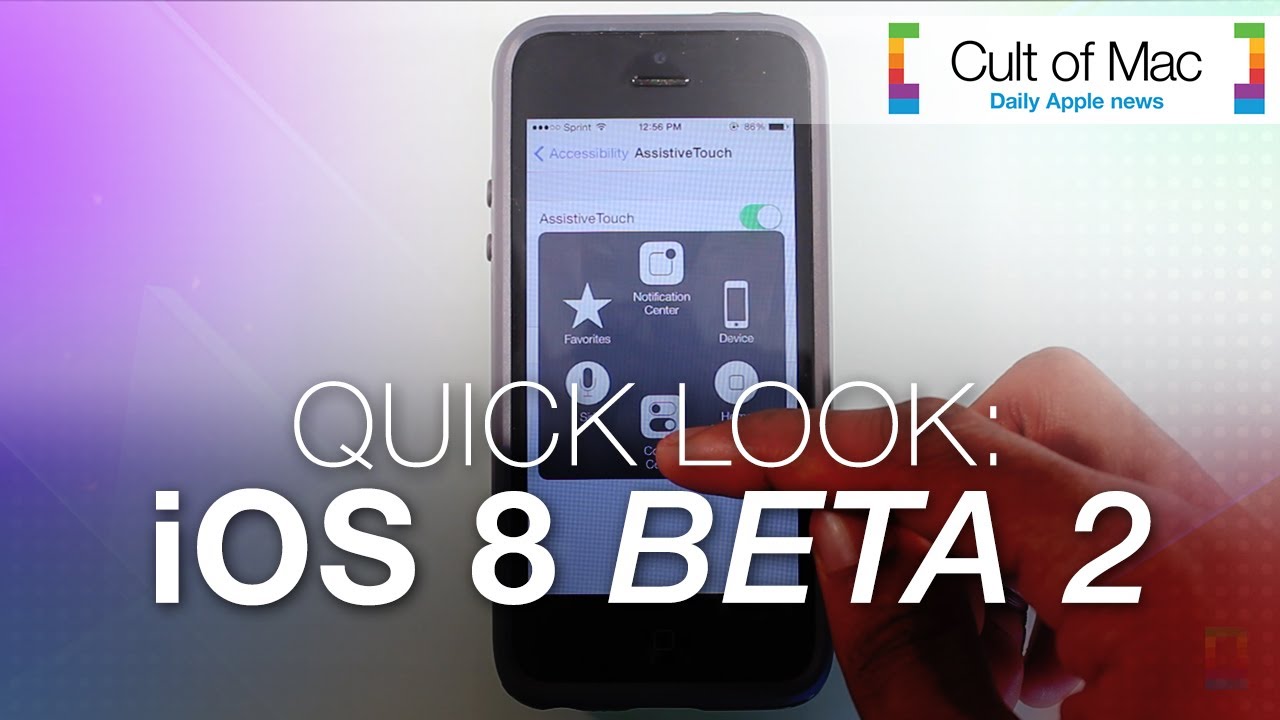
The second beta of iOS 8 upgrades Apple’s mobile platform visually as well as functionally. Along with plenty of bug fixes, iOS 8 Beta 2 delivers a number of neat tweaks that make the upcoming mobile OS even better than before. See some of the new enhancements in action in today’s quick-look video.
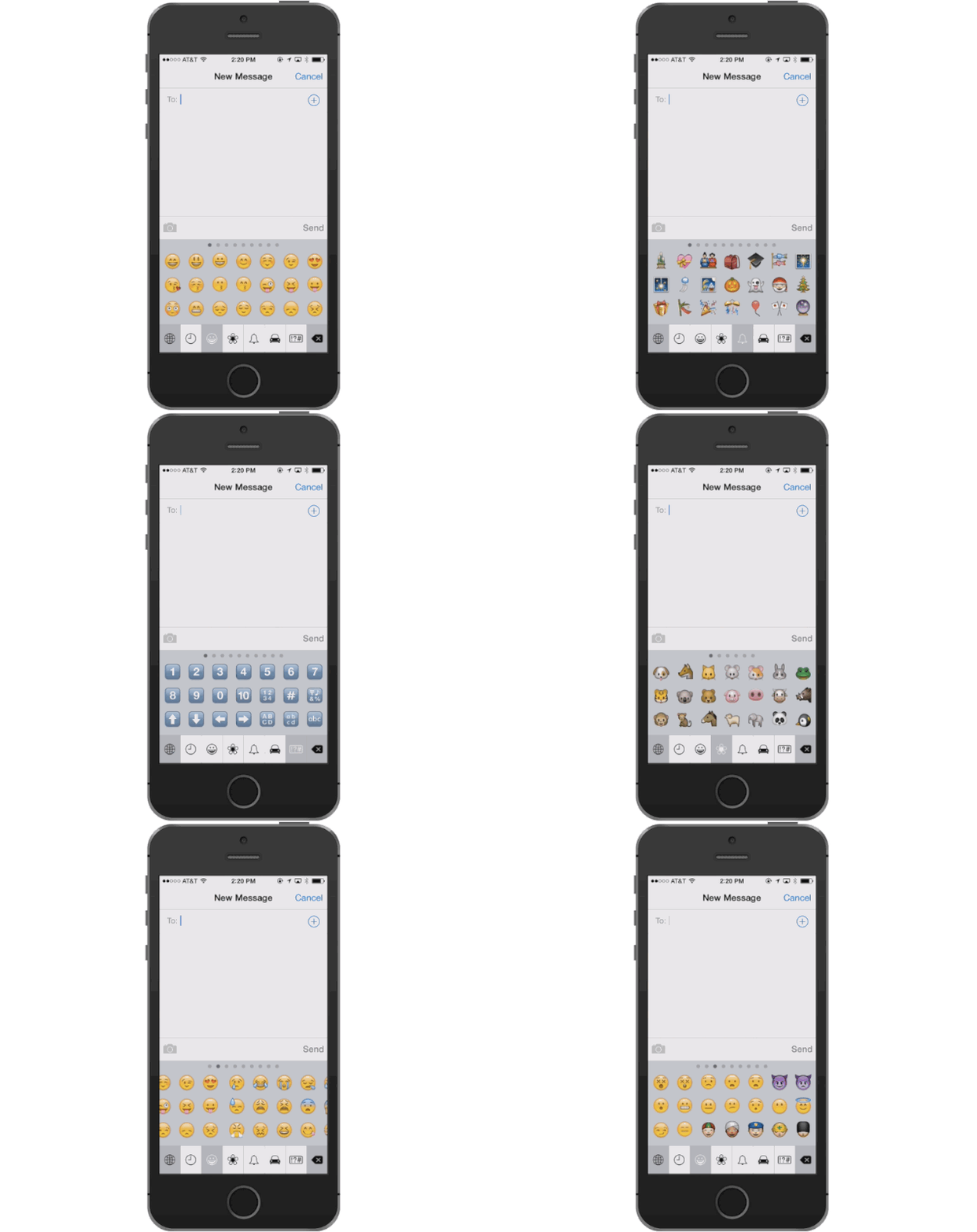
Emojing has already replaced texting as the go-to zero-effort communication tool of youngsters everywhere, and all those emoji version of popular songs and TV shows are about a lot more elaborate thanks to huge unicode update.
250 new emoji have been added to unicode standard 7.0 that is used to standardize the presentation of text across different platforms like iOS, Android, and Windows, and while it’s still up to software makers to actually implement the new standards, you can expect them to land on iOS pretty soon.
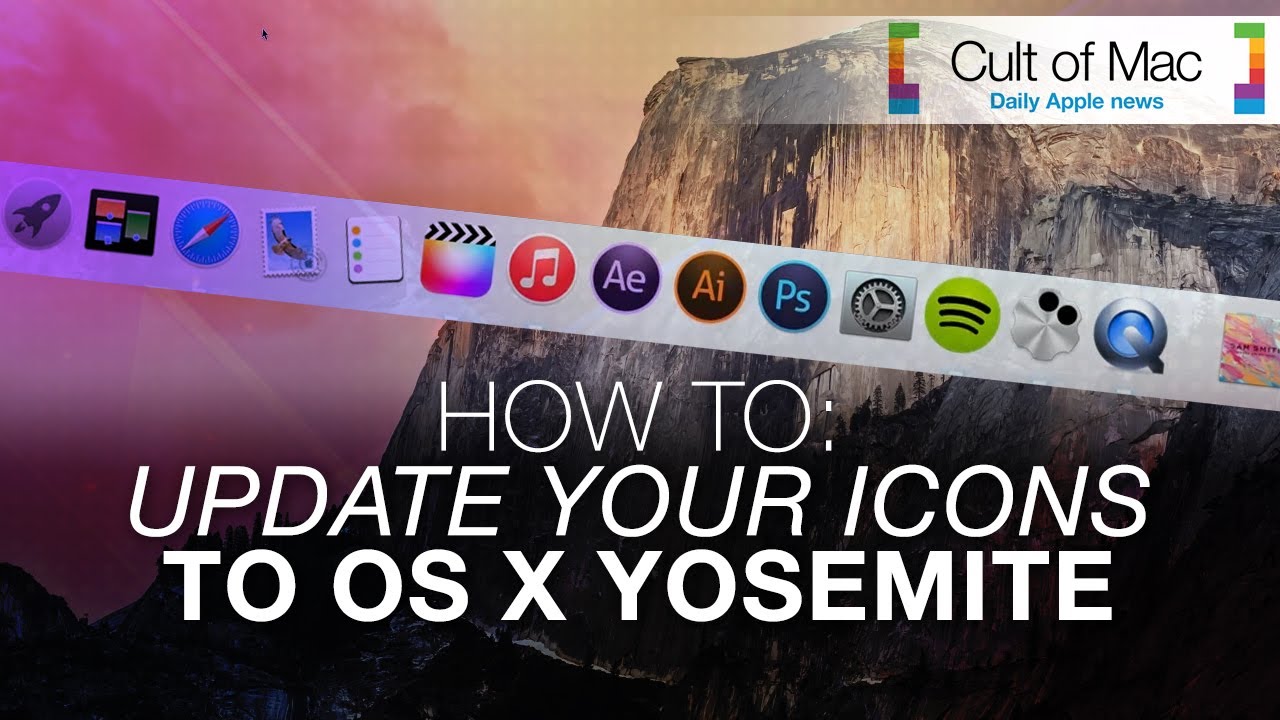
New icons in OS X Yosemite will bring the Mac operating system and iOS closer than ever visually. While Yosemite doesn’t come out until fall, you can get this cool, flat look now — without downloading Apple’s Developer Preview betas, which are buggy at best.
This short video will show you how to give your computer a Yosemite-style face-lift — even if you’re running Windows. Get the downloads mentioned in the video at the links below.
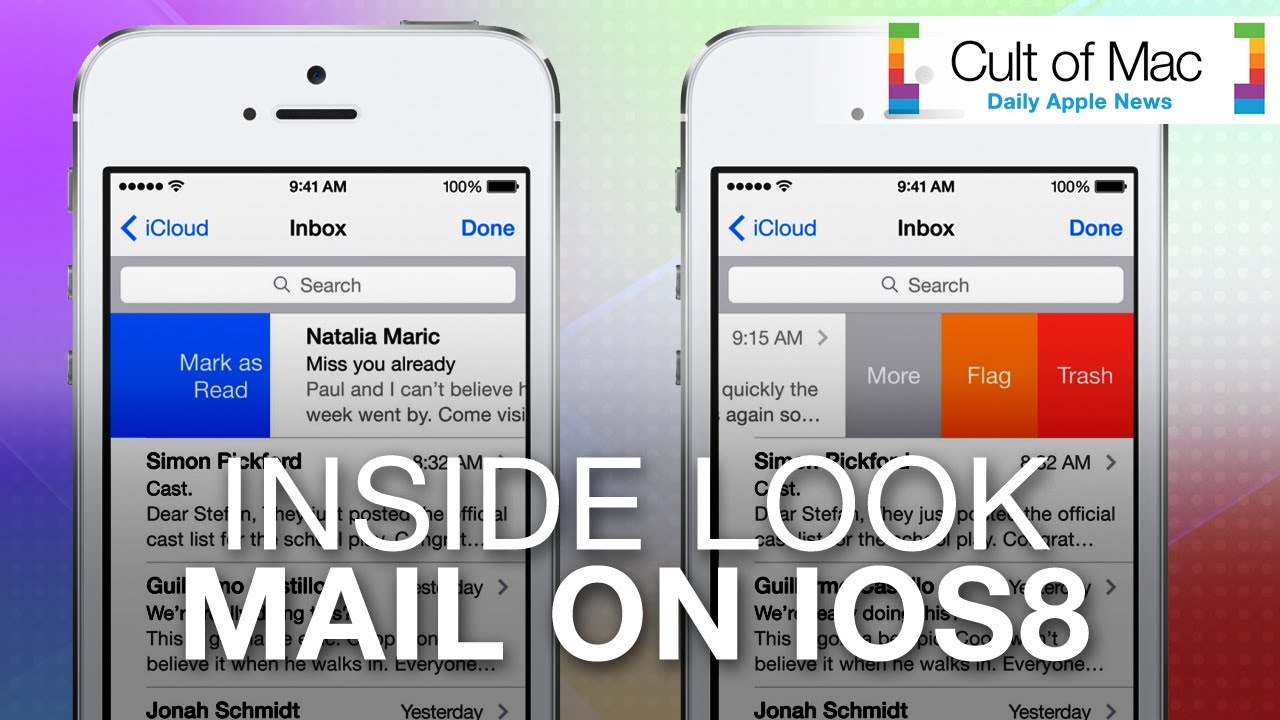
With so many emails to send in a day, having an application that meets all your requirements is critical. Though Apple’s native email client might not always have been the fastest means of delivering messages, iOS 8 aims to fix that. In today’s hands-on video, we’ll give you a look at the new and improved Mail application, which comes equipped with quick tricks to speed up common activities.
For instance, you can swipe across emails in the enhanced Mail app to quickly access functions or go back and forth between your inbox and drafts. See how it all works in the video above.
OMG y’all, it’s CultCast time. This week we bring to thee some more cool iOS 8 features you didn’t hear about at WWDC, plus we’ll tell you all about the new time-lapse video feature we’ve been playing with. Then, with rumors swirling that fall will bring us an iWatch, we have to wonder what features and price point would make us want one adorning our wrists. All that plus Apple’s marketing arm gets major renovations, and in honor of this week’s E3, we say why Nintendo absolutely needs to bring Mario to iOS to survive!
Cheerfully guffaw your way through each week’s best Apple stories! Stream or download new and past episodes of The CultCast now on your Mac or iDevice by subscribing on iTunes, or hit play below and let the uproarious good time commence.
Our thanks to Slingbox for supporting this episode! Slingbox, the best way to watch your TV anywhere, and brings your cable set-top box, satellite receiver or DVR, right to your favorite mobile device, wherever you are in the world. With no monthly fees. Check it out at Slingbox.com/cult, and get $50 off plus free shipping on a new Slingbox.
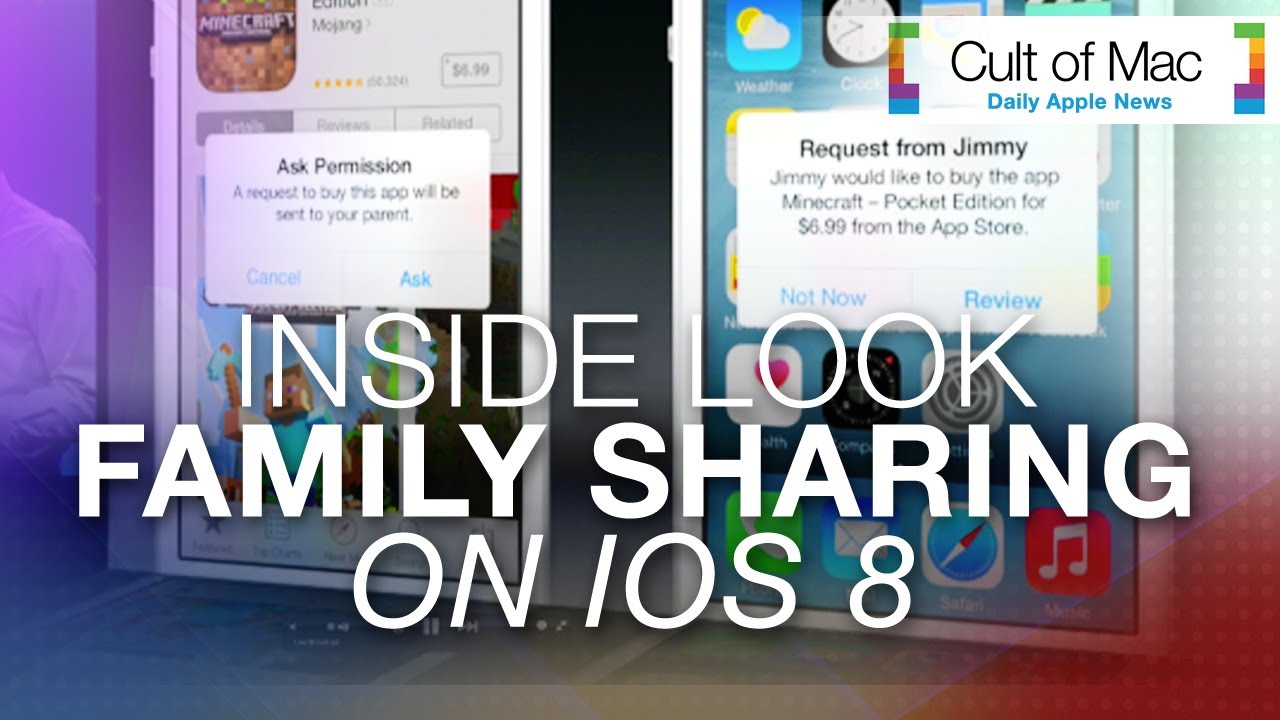
Purchasing media across iTunes accounts can fuel household arguments. Add in parents having to share their Apple IDs and passwords with children, and you’ve got a perfect recipe for irritation. In today’s hands-on video, we’ll give you a look at a new iOS 8 feature called Family Sharing, which remedies these common problems.
Family Sharing lets up to six people share movies, music, TV shows, books and apps purchased from iTunes, iBooks and the App Store. It also offers other useful features, like photo and calendar sharing. See how it all works in the video above.
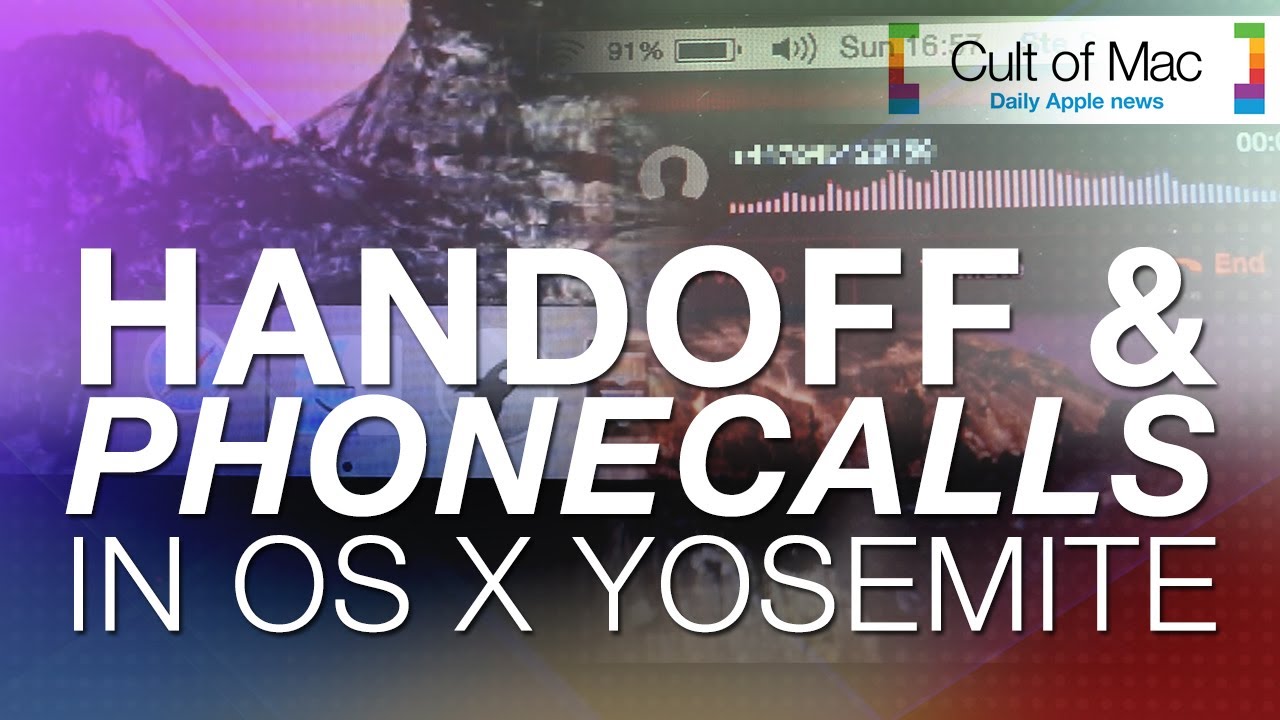
With so many new features in OS X Yosemite, we couldn’t fit them all into one video. Today we take a look at Handoff and Phone Calls, two of the hottest additions to Apple’s operating system. These two powerful features will link your Mac and your iPhone like never before.
Macs are solid machines, but just like their owners they have a tendency to get lethargic as they age. Launching and switching programs takes longer, simple tasks become arduous, and the dreaded beach ball of doom appears more often than it did when your machine was new. The operating system just starts to feel crufty, and can get worse over time. I see these issues in my IT consulting business regularly.
You may be asking, why does this happen? There are many reasons, but some are more common than others. Sometimes your hard disk (or solid-state drive) gets too full and interferes with normal computer operations. Crashes or misbehaving programs can corrupt the disk directory or application cache files. Remnants from old software may still be running behind the scenes, or you don’t have enough RAM to deal with your OS and workflow.
Is there some sort of tune-up you can do to sort it out? Your tech always tells you to just reboot the computer, but there’s got to be more than that. The good news: Yes, there are some things you can do. And, perhaps, adopt some more-efficient computing practices for yourself along the way.
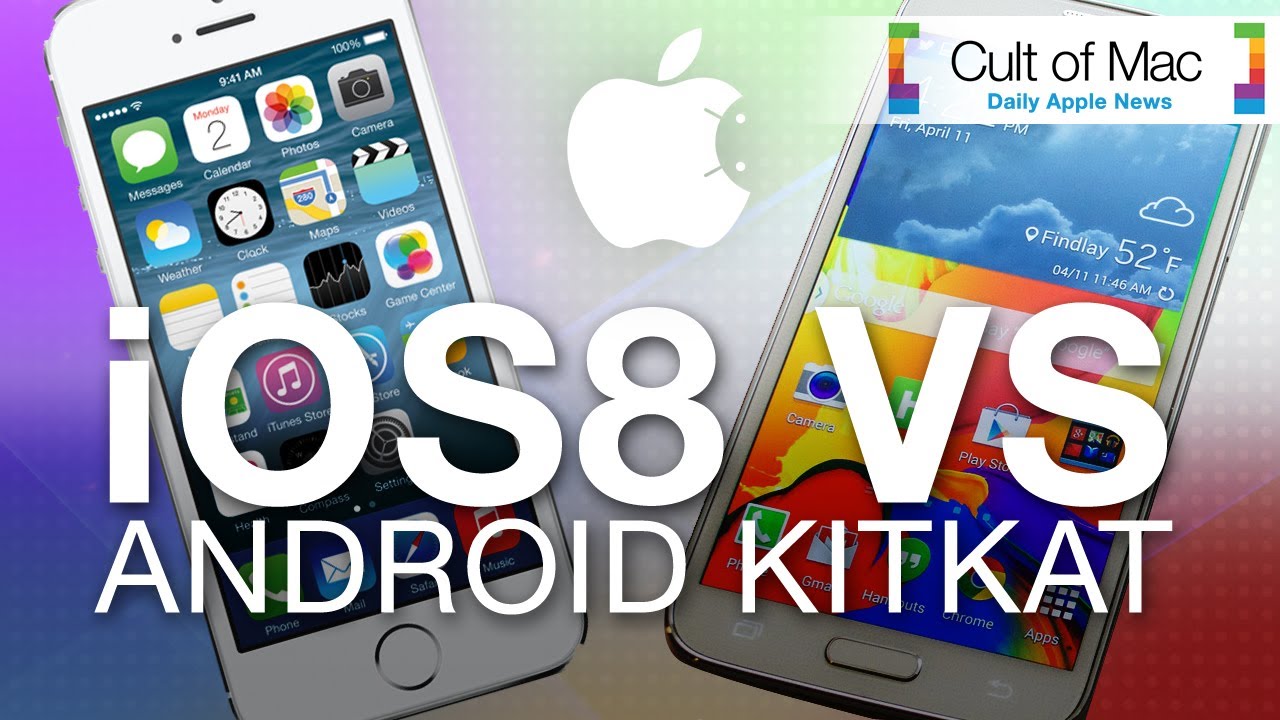
With all the new features coming to iOS 8 this fall, many Android users have commented that Apple’s upcoming update acts a lot like KitKat. In today’s video, see some of the new features of iOS 8 go head-to-head with similar iterations in Android to see which comes out on top.
Do not adjust your sets: Despite finishing Friday at $645, Apple stock will open today at around $92. This is the result of a 7-to-1 stock split, which will see the price of the stock divided by seven and shareholders of record awarded six additional shares on top of their existing holdings.