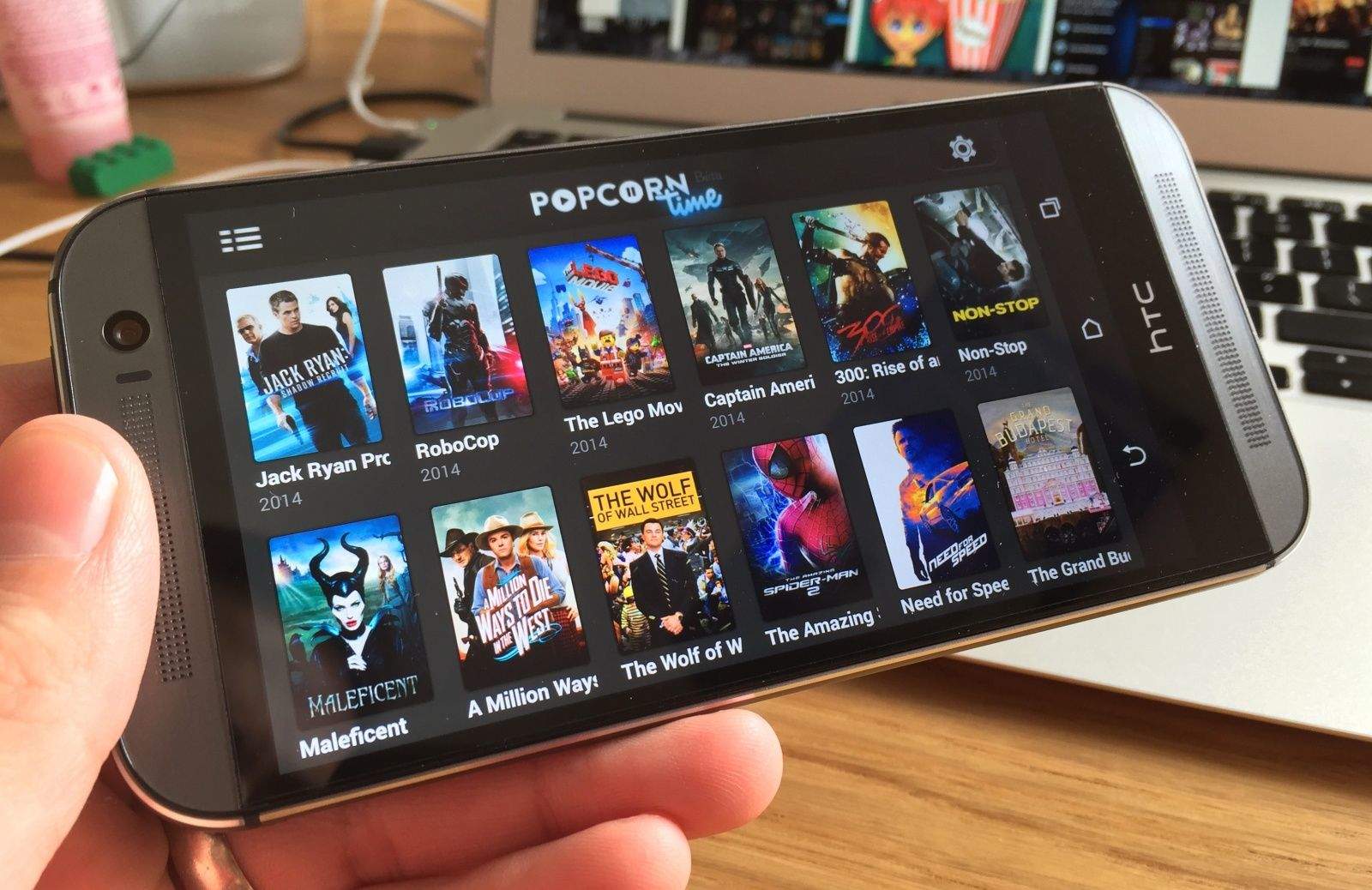
The Popcorn Time app on Android. Photo: Killian Bell/Cult of Mac
Popcorn Time, the service that allows users to stream movie torrents, today makes its debut on iOS. It’s available only to jailbroken devices — there’s no way Apple would have approved it for the App Store — and it can be obtained through Cydia via a dedicated Popcorn Time repository.
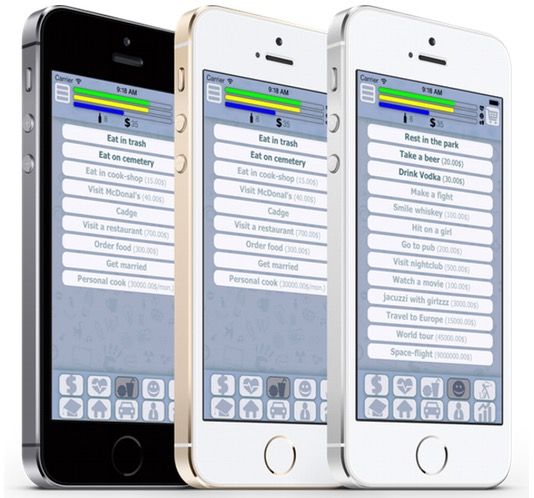
Hot iOS game Homeless: Life Simulator hops on a weird Russian trend. Photo: Roman Okulevich/Ok Apps
One of the hottest iPhone games in Russia right now isn’t Angry Birds or Candy Crush, but an app that lets you collect bottles as a homeless person.
Homeless: Life Simulator, which just launched in the United States, recently hit the No. 1 spot in the Russian App Store’s role-playing games category.
“Begin your life as an unknown homeless to become a president of your country!” says the marketing copy on the App Store.
The app itself looks really basic — screen-spanning buttons, a couple of casino mini-games and that’s about it. Apparently, being homeless is fun in Russia, because you can gamble your way to success!
The weirdest thing? It’s not the only “homeless” simulator going.
Google chairman Eric Schmidt claims that Samsung had the iPhone 6’s technology one year ago, in a new interview for Bloomberg TV.
Sitting down with Google’s former Senior Vice President Jonathan Rosenberg to promote their new book How Google Works, Schmidt fended questions about the Android vs. iOS competition from “Market Makers” hosts Stephanie Ruhle and Erik Schatzker.
At one point in the interview, Ruhle asks Schmidt how he feels seeing people lined up around the block to pick up the iPhone 6 and 6 Plus, which sold a massive 10 million+ units in their first weekend on sale.
“Even though way more people carry Android phones how does Apple have that desire factor?” Ruhle says.
“I’ll tell you what I think,” Schmidt answers. “Samsung had these products a year ago.”
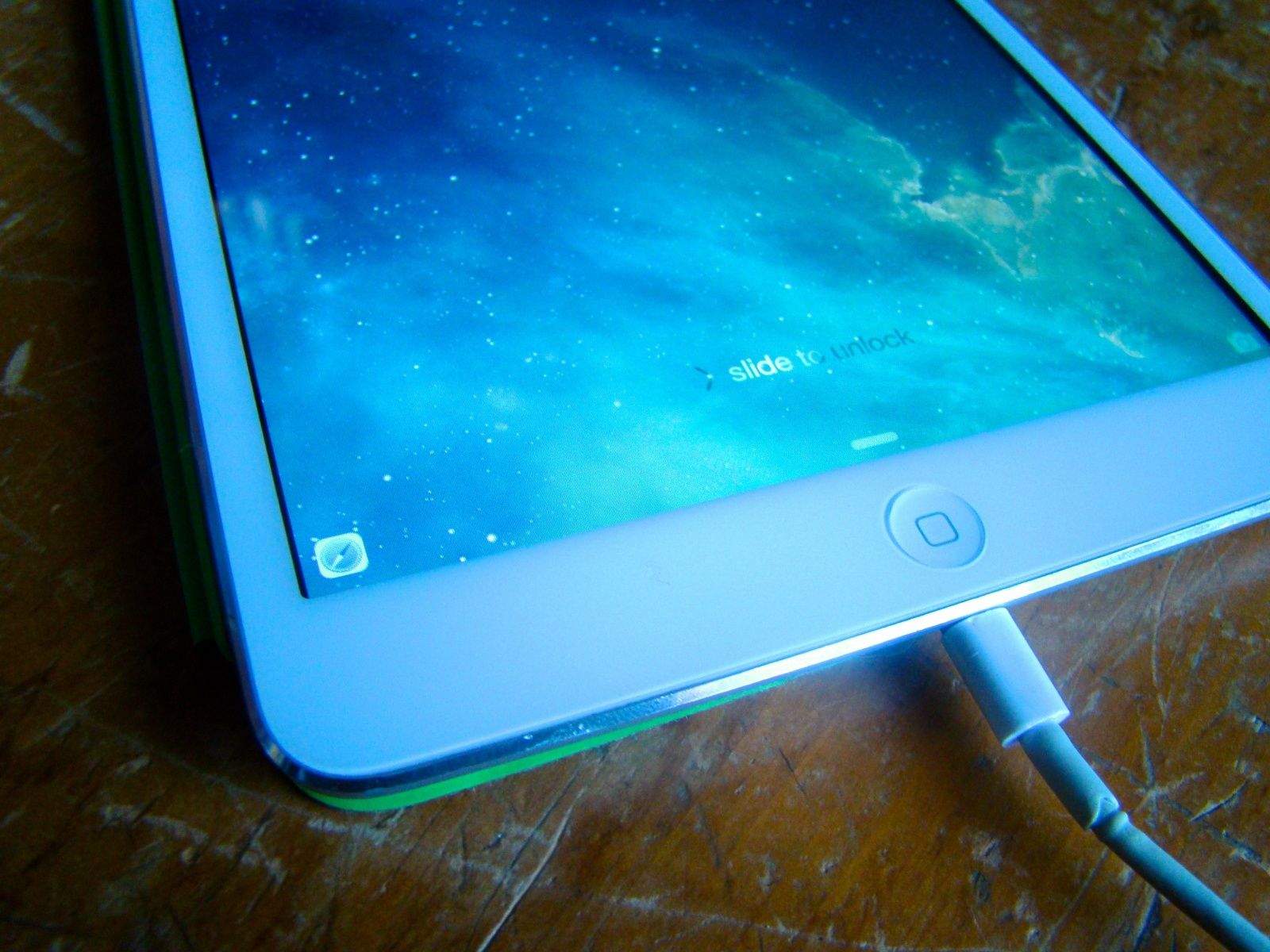
Continuity and Handoff are great — at least the parts that work. Photo: Rob LeFebvre/Cult of Mac
Continuity and Handoff sound great on paper. They let you transfer certain documents and data between your Mac and your iPhone or iPad, provided both are running the latest Apple system software — iOS 8 and OS X Yosemite, which is currently in public beta.
When Continuity and Handoff work, it’s a brilliant display of Apple’s vision for truly interconnected devices. When they don’t, it’s frustrating. Some of the features work flawlessly for me, while others don’t function as advertised (at least on my gear — here’s a compatibility chart that will tell you if your gear is new enough to work with Handoff and Continuity). It’s probably because Yosemite’s in beta — it makes sense that not all features work right now. Your mileage may vary, as they say.
Ready to take the plunge? Here’s how to get set started, plus a brief look at the Handoff and Continuity features I was able to get working (and a few more that I was not).
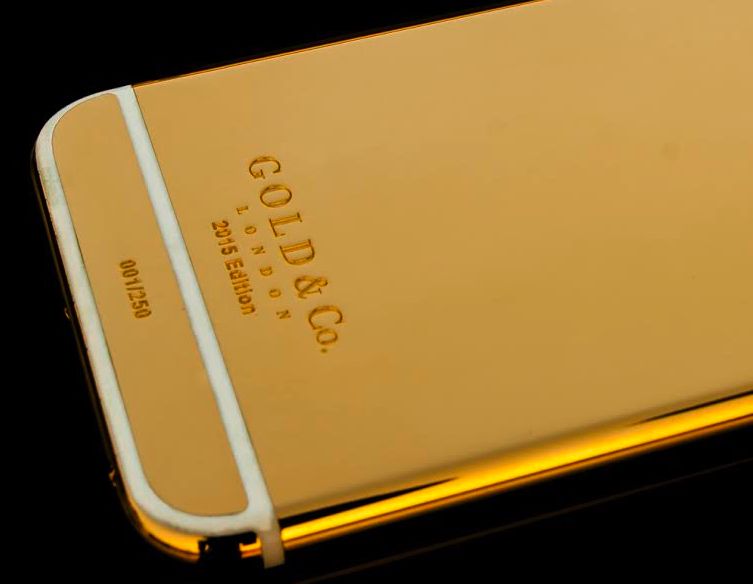
Think your iPhone 6 is a head-turner? Try one plated in 24-karat gold. Photo: Gold & Co.
While the rest of us waited to get an iPhone 6 over launch weekend, an elite few were anticipating an exclusive variant: a custom 24-karat gold version of Apple’s next-generation handset.
The waiting list of exclusive customers includes music industry heavy hitters, boxing champ Floyd Mayweather Jr., Russian oligarchs and practically every royal family member in the United Arab Emirates — people for whom nothing short of a gold iPhone 6 is acceptable.
“Believe you me, we have a lot of very big-name clients, but we don’t like to publicly reveal their names,” says creator Amjad Ali. “As a British company, we just don’t think it’s the polite thing to do.”
The iPhone 6s is selling like hotcakes. Photo: Jim Merithew/Cult of Mac
After claiming no one would buy big phones during his iPhone 4 reveal in 2010, Steve Jobs made it pretty clear Apple had no interest in making a substantially larger smartphone anytime soon. But fast-forward to 2014, and the company Jobs founded in his parents’ garage has been forced to do just that.
Having watched customers flock to Android in pursuit of bigger screens, Apple could no longer ignore our demands. It had to build new iPhones that would win back users it lost, and prevent any more from wandering.
Apple fans across the U.S. are eagerly awaiting their chance to caress the biggest iPhone screens ever made, but America’s #1 fanboy and late-night show host Stephen Colbert got his iPhone 6 delivery a little early.
Colbert immediately dismissed his iPhone 5s as “worse than useless” after pulling out the iPhone 6, but Steve’s unit came pre-loaded with a little extra suprise: nude photos of U2 frontman Bono.
You've got the (force) touch! Photo: Killian Bell/Cult of Mac
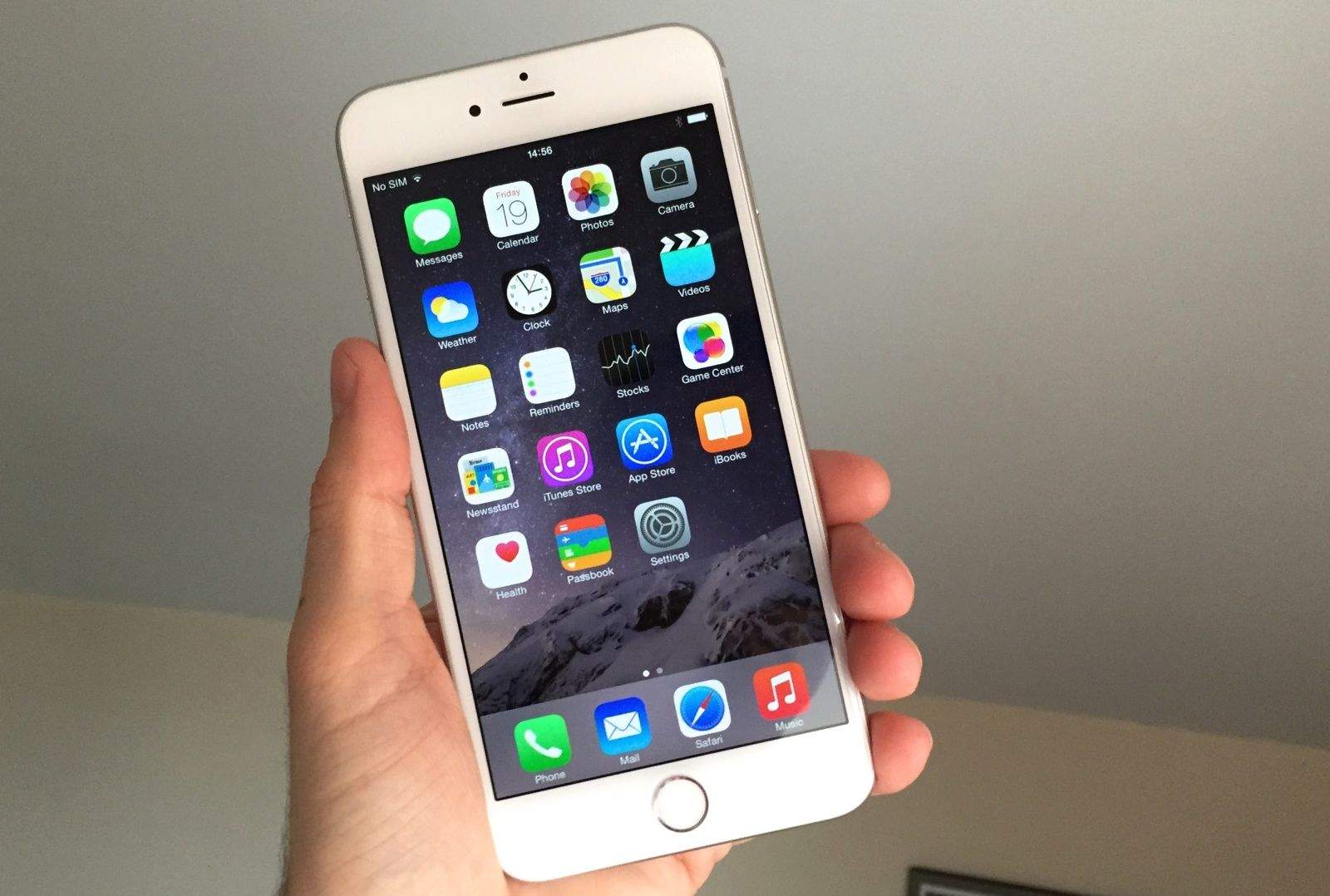
Apple’s new iPhones are finally here, and judging by stock levels in Apple retail stores and reports on Twitter, it’s the iPhone 6 Plus that people are most excited for. Mine arrived about four hours ago, and I’ve hardly put it down since I snatched it out of the hands of the UPS delivery guy.
Having played with many of its features and stared at it lovingly for far too long, I decided to bring you my first impressions of Apple’s first “phablet.” So while you’re sitting beside your door waiting for yours to arrive, or standing outside an Apple Store somewhere with achy legs, you can enjoy a glimpse of what you have to look forward to.
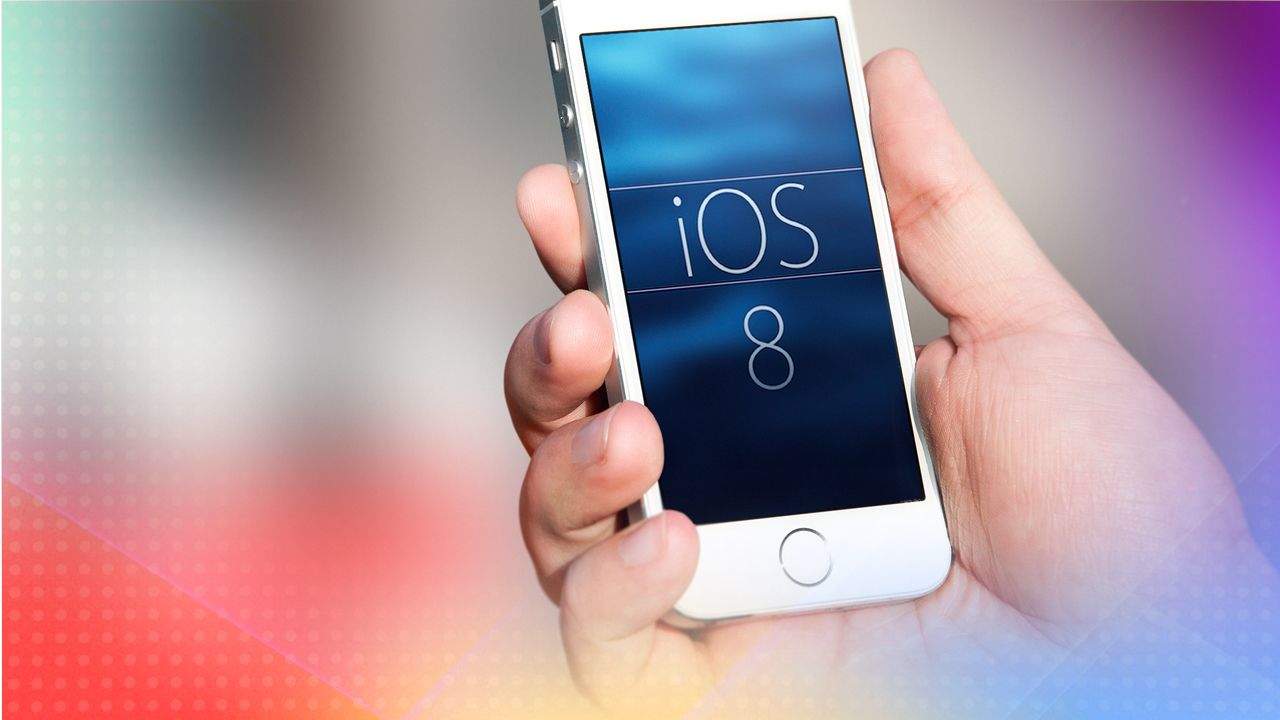
After months of waiting, iOS 8 has finally been released for everyone to download and enjoy. The next generation for Apple’s mobile operating system brings plenty of new features. With an upgraded camera app, a new and intuitive health app and much more, this is sure to be an update you won’t want to forego.
In today’s Cult of Mac video, we give you a quick look at what iOS 8 has to offer. Install the new software and take advantage of a number of useful tweaks and enhancements.
Whether you’re getting a new iPhone or not, chances are you’ll want to upgrade to iOS 8 to take advantage of all it has to offer.
Exciting, isn’t it? A whole new operating system, ready to revolutionize your mobile life.
There are a few things you should do before upgrading to iOS 8, though. First you’ll want to clean up your existing iOS 8-compatible device. Then you need to make a good backup using iTunes, iCloud or a combination of the two. (Bonus: If you do end up getting an iPhone 6 or iPhone 6 Plus, you’ll have a nice, clean, ready-to-rock iOS device to migrate from.)
Here’s how to get your iPhone (or iPad) ready for iOS 8 – the right way.