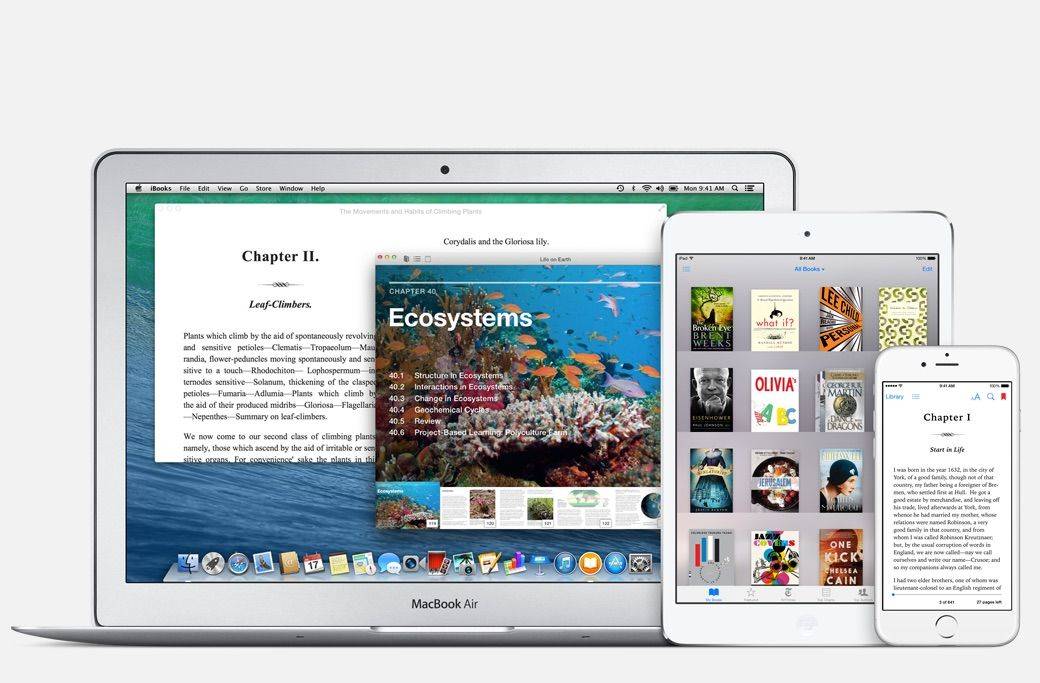
Apple's eBook appeal is just getting started. Photo: Apple
It seems like there’s a revolt among a segment of diehard Apple fans every time a new app comes preloaded in iOS. No one likes bloatware, and Apple is usually good about keeping crap out of its software. The main problem is that iOS apps can’t be deleted and phone storage these days is precious.
Yet it turns out that choosing to include iBooks as a stock app in iOS 8 was the best thing Apple’s ever done for its ebooks service.
Anything goes at International CES, the world's largest consumer electronics show. Photo: Jim Merithew/Cult of Mac Photo:
LAS VEGAS — Walk the halls of the massive International CES trade show and you’ll be bombarded by an outrageous number of pitches for products with radical new features.
You can glimpse the shiny happy future of consumer electronics at the show, although some of the innovations on display are clearly destined for the dustbin of gadget history.
At the biggest booths, reps for big companies like Sony and Samsung — but, sadly, not Apple — talk up the latest additions to their product lines. At smaller booths, inventors show off prototypes for products that may not ever roll off an assembly line. There’s a nonstop blitz of “world’s first” products.
It’s impossible to see everything, but it’s a blast trying. Here are Cult of Mac’s picks for the best of CES 2015, from Lightning-enabled headphones and massive TVs to drones and self-adjusting belts.
Still plenty of life in the old thing. Photo: Rob LeFebvre, Cult of Mac Photo: Rob LeFebvre/Cult of Mac
If you’re like me, you’ve got a junk bin full of old technology. It’s just the way we’re made; there’s nothing better than sifting through the detritus of technology that you loved.
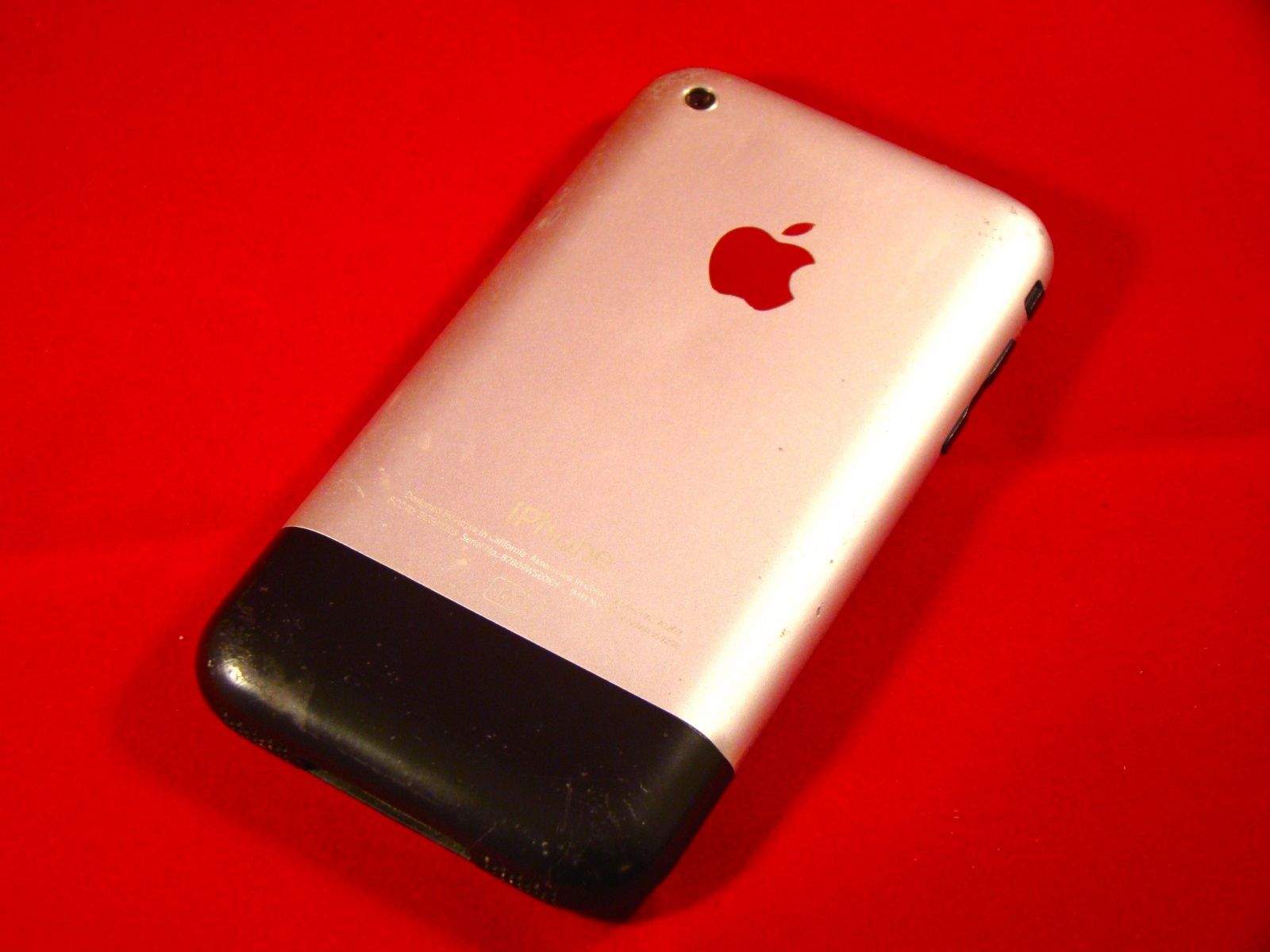
I’ve traded in my iPhone for the last five generations, from the iPhone 3G to the iPhone 5, or passed them along to my kids or significant others. The first generation iPhone, however, was something special, so I kept it.
As I was looking for ways to let my daughter listen to music at night without the temptation (or networked connection) of her more modern mobile phone, I chanced upon this lovely little rounded gadget from 2007 in the plastic bin I lovingly refer to as my Dead Technology Museum.
I figured I’d add some music to the thing, and that would be that. But the more time I spent messing around with it, I realized that I could make it into a pretty great little device; even though it pales in comparison with the iPhone 6, there’s still plenty of use in this baby.
Here are seven things, then, that you can do with your own old iPhone to make it just a bit more useful, whether it’s an original iPhone or an even more modern model. If you’re looking for inspiration, check out these old iPhone uses.
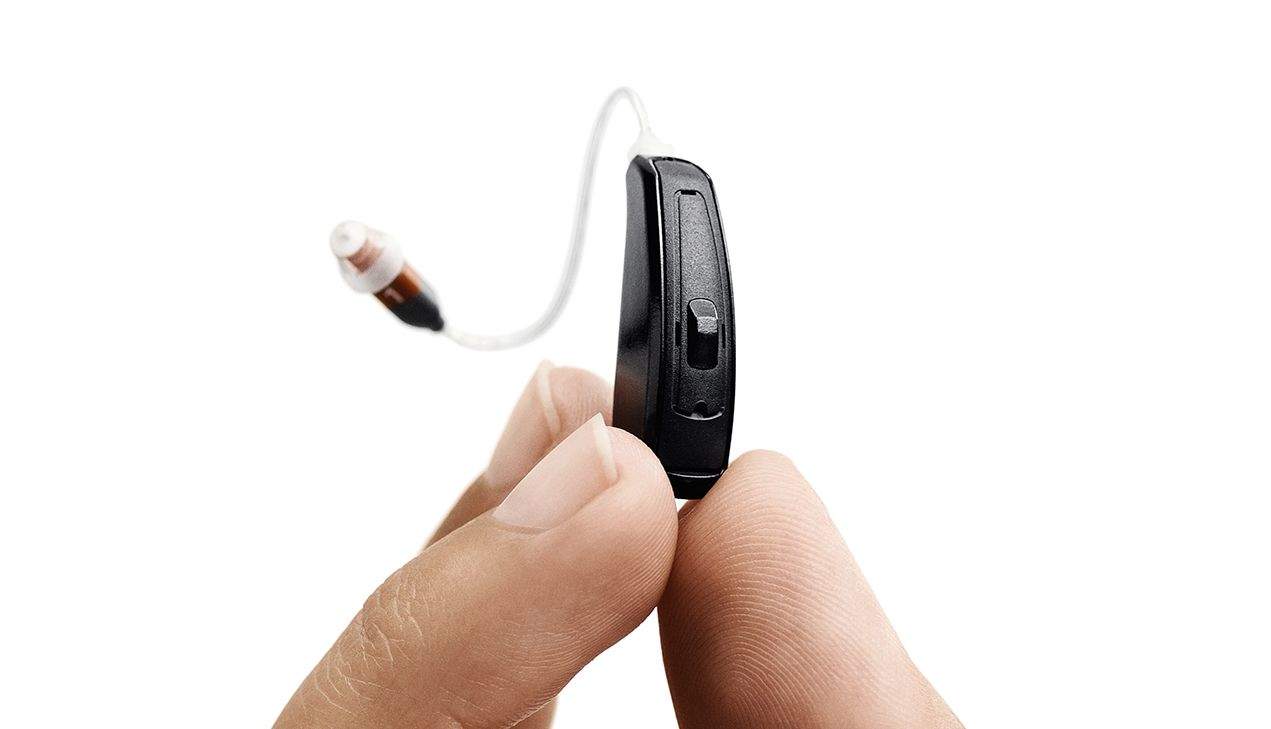
ReSound's LiNX hearing aid pairs with iPhones to add surprisingly useful functionality. Photo: ReSound Photo:
LAS VEGAS — Hearing aids aren’t sexy, so a lot of journalists here at International CES breezed right by ReSound’s booth.
The Danish company has been in the hearing aid business for 75 years, and launched the first iPhone-connected hearing aid at CES last year. Now the company is a back with a full lineup of iPhone-compatible LiNX hearing aids. The devices address the whole range of hearing loss, from the mild to severe.
As I approach 50, I’m wondering if I need a pair myself, so I went to check them out. I was impressed. Connecting a hearing aid to an iPhone adds a lot of very useful functionality.
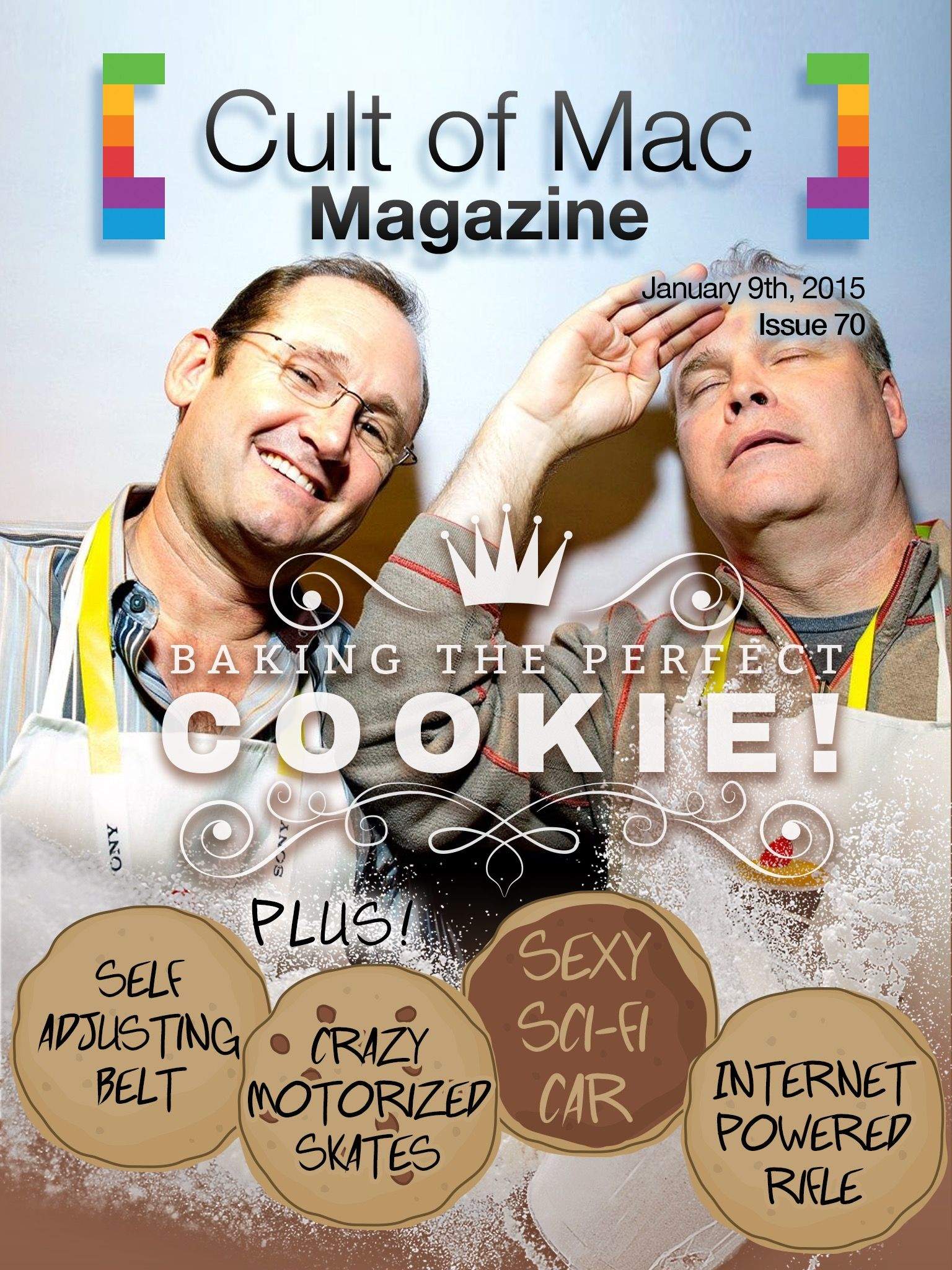
Learn how to stay safe on the internet with these tips. Cover Design: Stephen Smith
Happy New Year to all of you wonderful Cult of Mac readers. This week, we’ve yet again compiled our best content right in one place for you to enjoy over the weekend.
We’ve got the top security tips for getting online safely, a sweet little story about using Siri to wrangle those pesky resolutions, the best games of 2014, and plenty more. Check them out below for the full scoop, and head on over to subscribe to or download the latest issue.
While most of us are still a day away from 2015, in New Zealand, New Year has already happened. Celebrating with an amusingly offbeat message, Steve Wozniak took to Facebook to engage in a bit of numerical fun for the year ahead.
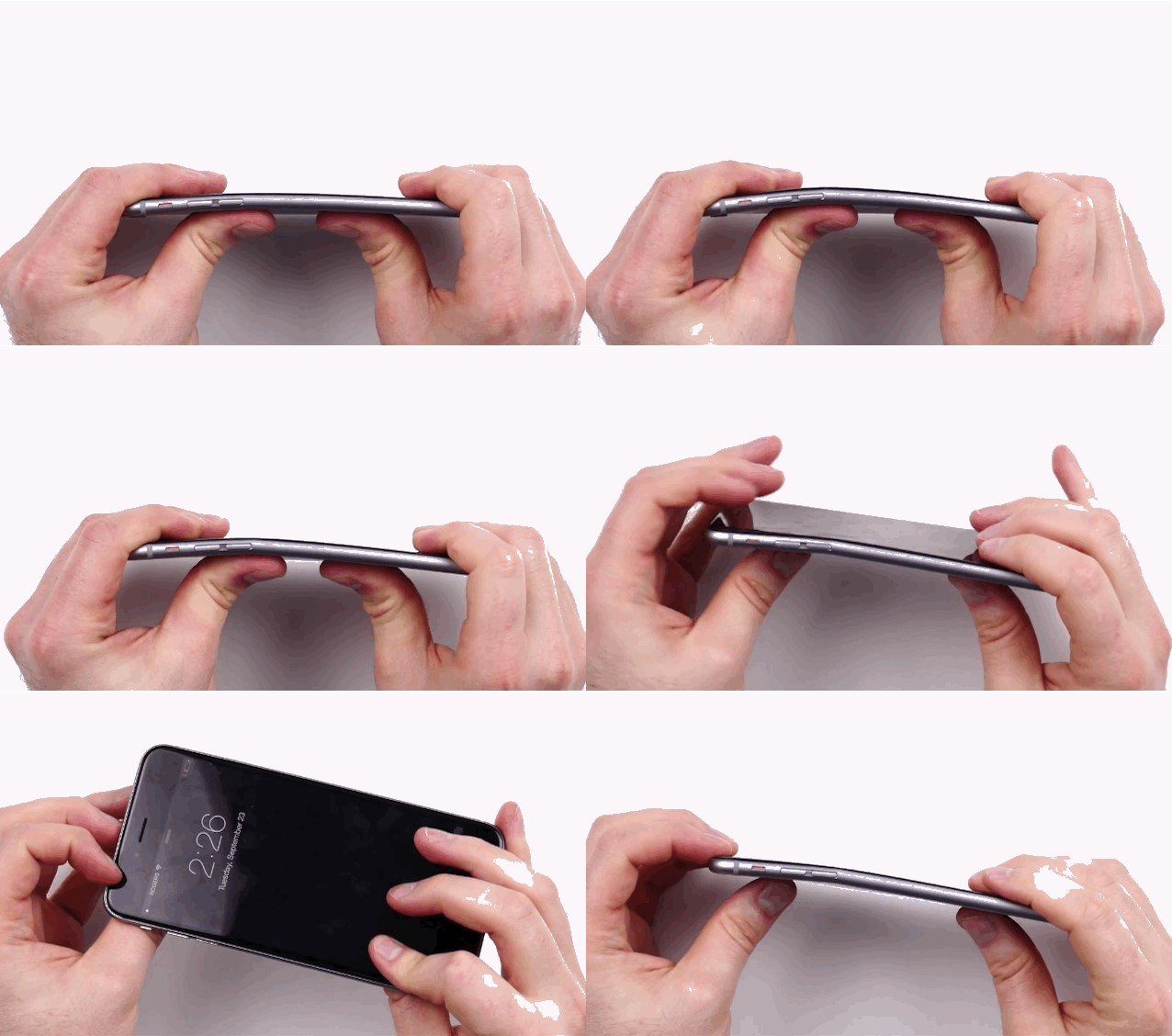
A shot from the video that started #bendgate. GIF: Buster Hein Photo: Unbox Therapy
There were more viral videos in 2014 than you can shake a stick at, and you could spend weeks watching them all. From John Oliver to the Ice Bucket Challenge, we were absolutely inundated with stuff to watch throughout the year, and that’s a great thing.
Wishing you could relive some of the best viral video moments of 2014? We’ve collected some of the best for your enjoyment:
Bust terrorists in the balls by seeing The Interview. Photo: Sony Pictures
Whether you head to a theater or stream it in the comfort of your home, you really ought to watch The Interview this weekend.
The action-comedy, about two journalists on a mission to assassinate North Korean dictator Kim Jong-un, has become the unlikely must-see movie of the Christmas break — and it’s your patriotic duty to see it, like it or not.
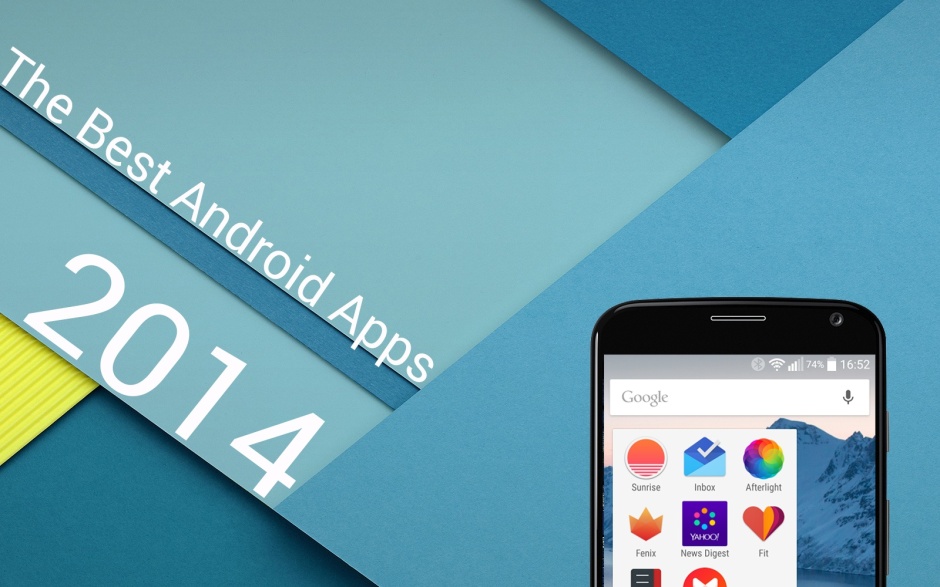
It’s been a great year to be an Android user. Not only have we seen the release of Google’s massive Material Design makeover and all kinds of wonderful new features inside Android 5.0 Lollipop, but we’ve also had oodles of awesome apps to enjoy.
In this roundup, we’ve selected the best Google Play releases from the past 12 months. We’ve got great launchers, amazing email apps, terrific Twitter clients and lots more. (Some are also available on iOS.)
Merry CultCast, boys and girls! This week: Santa gets a little “grabby”; Apple wins a major lawsuit; our iPhones deserve “rollover” data plans; the incredibly low payouts artists get from Spotify; and the high-end gifts we really want but will never get on an all-new Get To Know Your Cultist.
Thanks to Audible for supporting this episode. Audible, the home of over 150,000 audio books from practically every genre in existence. Grab our Leander Kahney’s book, Jony Ive: The Genius Behind Apple’s Greatest Products, for free with a 30-day Audible trial.