Mobile menu toggle

Search results for: apple tv

Unseen Steve Jobs interview shares business secrets

By

Jobs
Who wouldn't want Steve as their instructor?
Photo: Deliberate Think

Who wouldn’t have wanted Steve Jobs to have visited their university class for a casual Q&A with the students? That’s what folks at MIT were lucky enough to experience in 1992.

Running NeXT at the time, Jobs stopped by to drop some wisdom on everything from his thoughts on leaving Apple to the state of computing to his thoughts on the right way to run a company. Excerpts from the discussion recently landed on YouTube. Check them out below.

Snapchat’s AR Lenses finally arrive on iPhone X

By

Snapchat
Snap's iPhone X Lenses adhere more closely to the face.
Photo: Snap

The iPhone X’s exclusive AR Snapchat Lenses were first shown off at the iPhone X keynote last year. Jump forward seven months and Snap has finally gotten around to releasing them.

Available only to owners of Apple’s flagship handset, the Lenses work using Apple’s TrueDepth front-facing camera, technology which is reportedly two years ahead of the competition.

How to replace a paper notebook with your iPad

By

lock screen notes
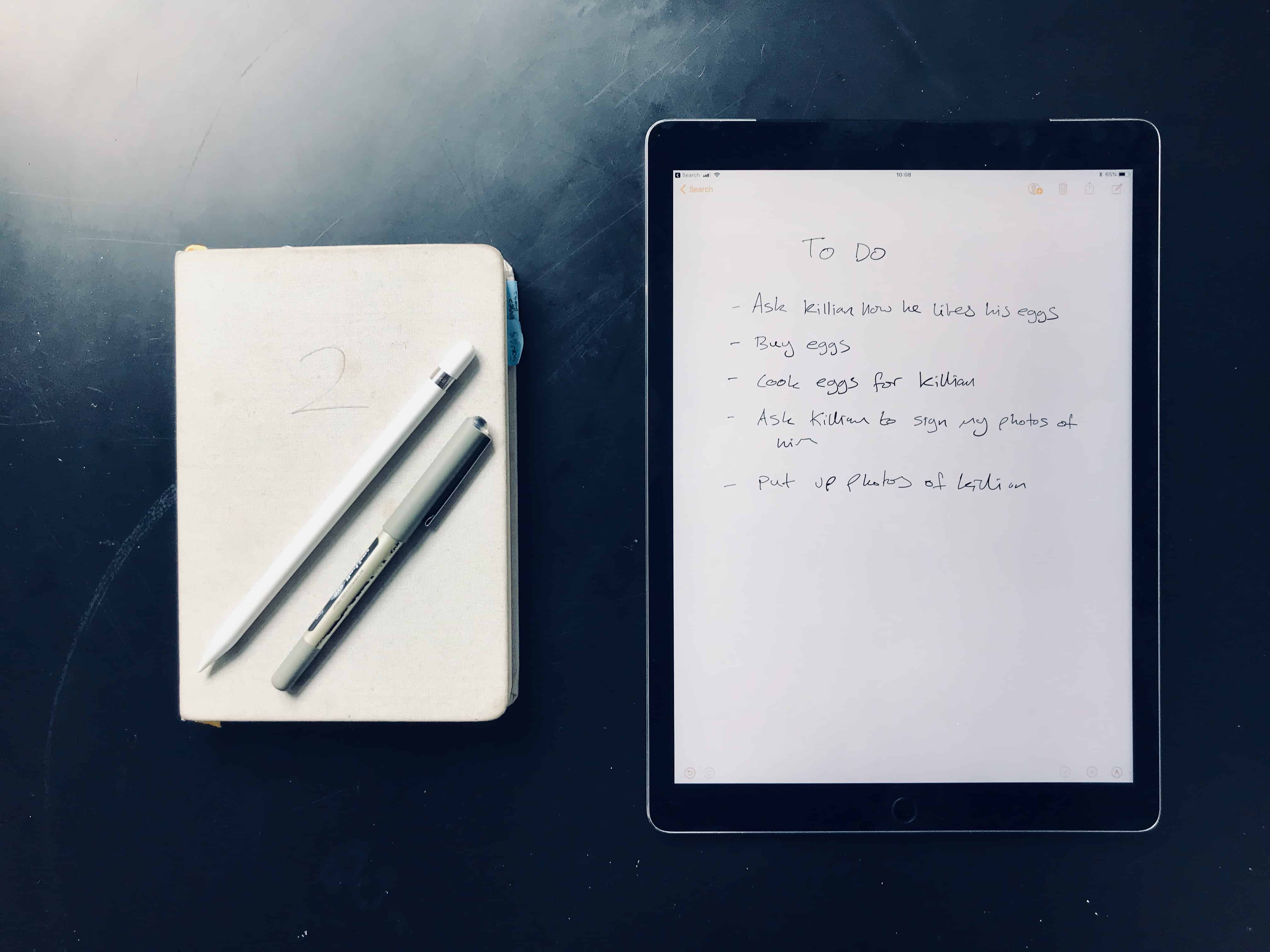
The iPad might finally be better than paper.
Photo: Charlie Sorrel/Cult of Mac

The iPad has replaced many things — it’s a TV, it’s a games console, it’s a book, it’s a (huge) camera, and it’s even a typewriter. But until recently, it hasn’t made a very good alternative to paper. But thanks to the Apple Pencil, and to iOS 11, that has changed. Now you can write and draw a note without even unlocking your iPad, and you can search for anything you write, just as if it were text. Let’s check out lock-screen notes.

How to track your kids with your iPhone

By

track your kids
What if you could always find your child on a map?
Photo: Charlie Sorrel/Cult of Mac

Using the Find My Friends app to track adults is creepy stalker-type behavior. But using your iPhone to track your kids is like totally cool, right? After all, no child is safe if left to their own devices. Better to let them know as soon as possible that they should let others be responsible for their well-being.

Luckily, iOS has a bunch of neat, easy-to-use and (mostly) non-creepy tracking tools built in. Let’s see how to use them.

How to keep your kids safe on the App Store

By

Parental Controls
Parental Control.
Photo: Alisha Vargas/Flickr CC

Kids love iPhones and iPad, but kids are also experts at doing the exact opposite of what you want them to do. That’s why Apple has built parental controls into iOS, so you can limit the mischief your kids can get up to, and even get notifications if they try to spend your money. Let’s see how you can make the App Store safe for your kids, how to choose what apps they can use, and how to control their in-app purchases.

New Logitech gaming speaker brings light show to your desktop

By

Logitech G560 PC Gaming Speaker
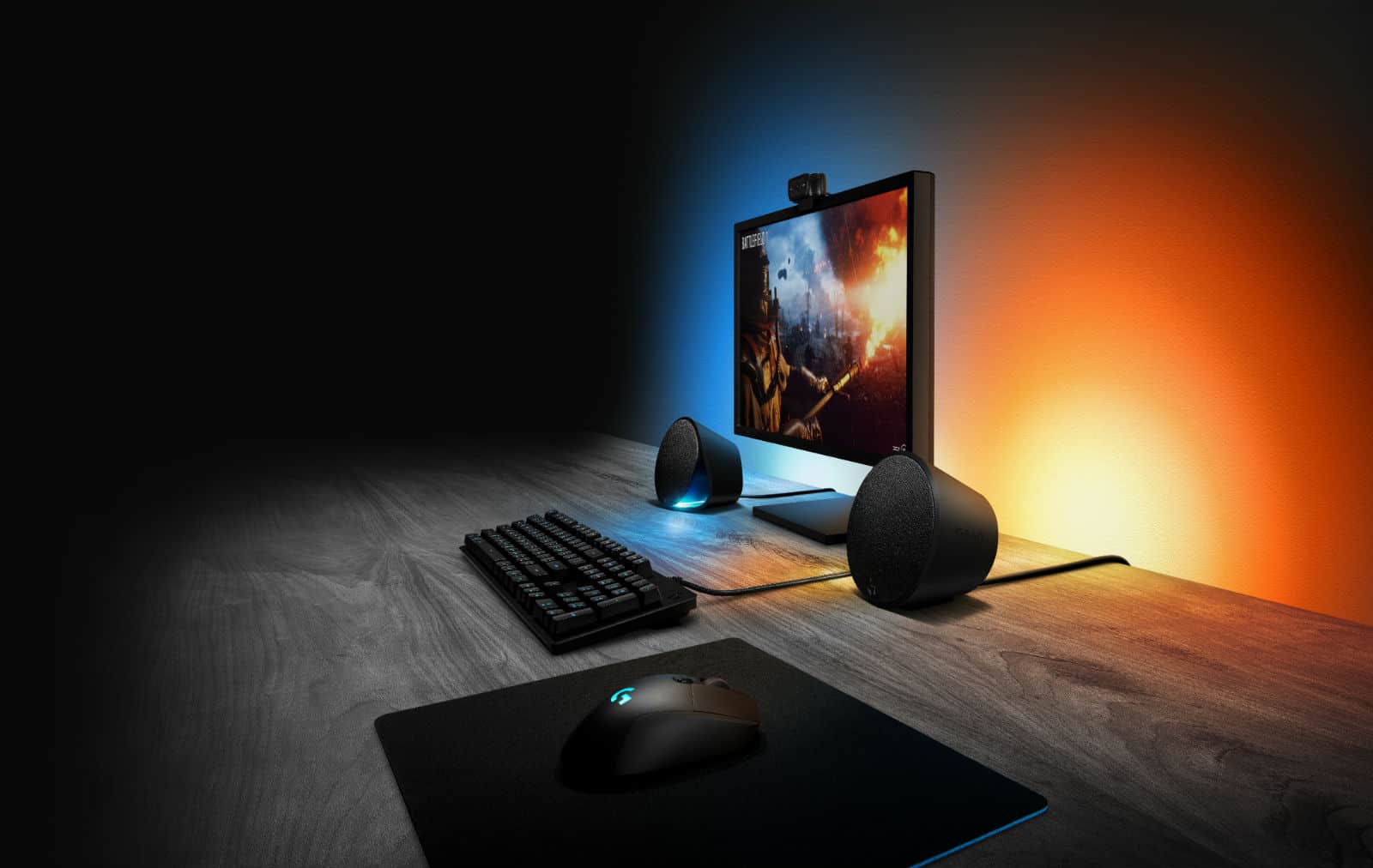
The Logitech G560 speaker adds a new dimension to audio for gamers: color.
Photo: Logitech

Logitech’s new speaker system adds a new dimension to gaming: color. LEDs hidden in the front and back of the speaker bathe your desktop and the wall behind your computer in light.

That’s fine for making your room look like a disco palace while listening to music. But it’s really designed to make video games more immersive.

6 awesome videos show off iMac Pro’s impressive power

By

iMac Pro demo video
Erin Sarofsky created this video on an iMac Pro.
Photo: Apple

Apple asked six filmmakers to create short videos that highlight the cababilities of the recently-released iMac Pro. The results debuted today: trippy, abstract films that are mesmerizing to watch.

All are quite short (under 30 seconds) and include a quick plug for the computer, and so could be turned into advertisements, either online on TV.

Westworld game lets you try and manage your own robot theme park

By

Westworld
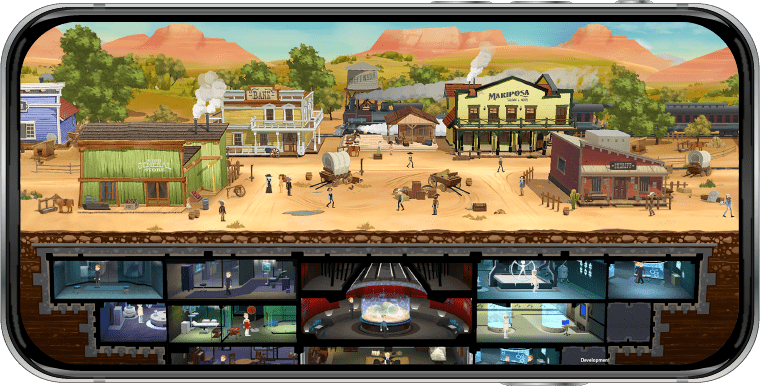
The brilliant series in on its way to iOS as a simulation game.
Photo: Westworld

Like a whole lot of folks, I’m a massive fan of Westworld, the HBO TV series which depicts a wild west-themed amusement park, staffed by futuristic robots.

A new game, coming to iOS, promises to bring that same experience to our pockets. No, it doesn’t let you play as a guest, living out your wildest gunslinger fantasies — but instead takes the form of a simulation game, in which you’re tasked with running the park. Check out the intriguing (if ambiguous) trailer below.