Mobile menu toggle

Search results for: apple tv

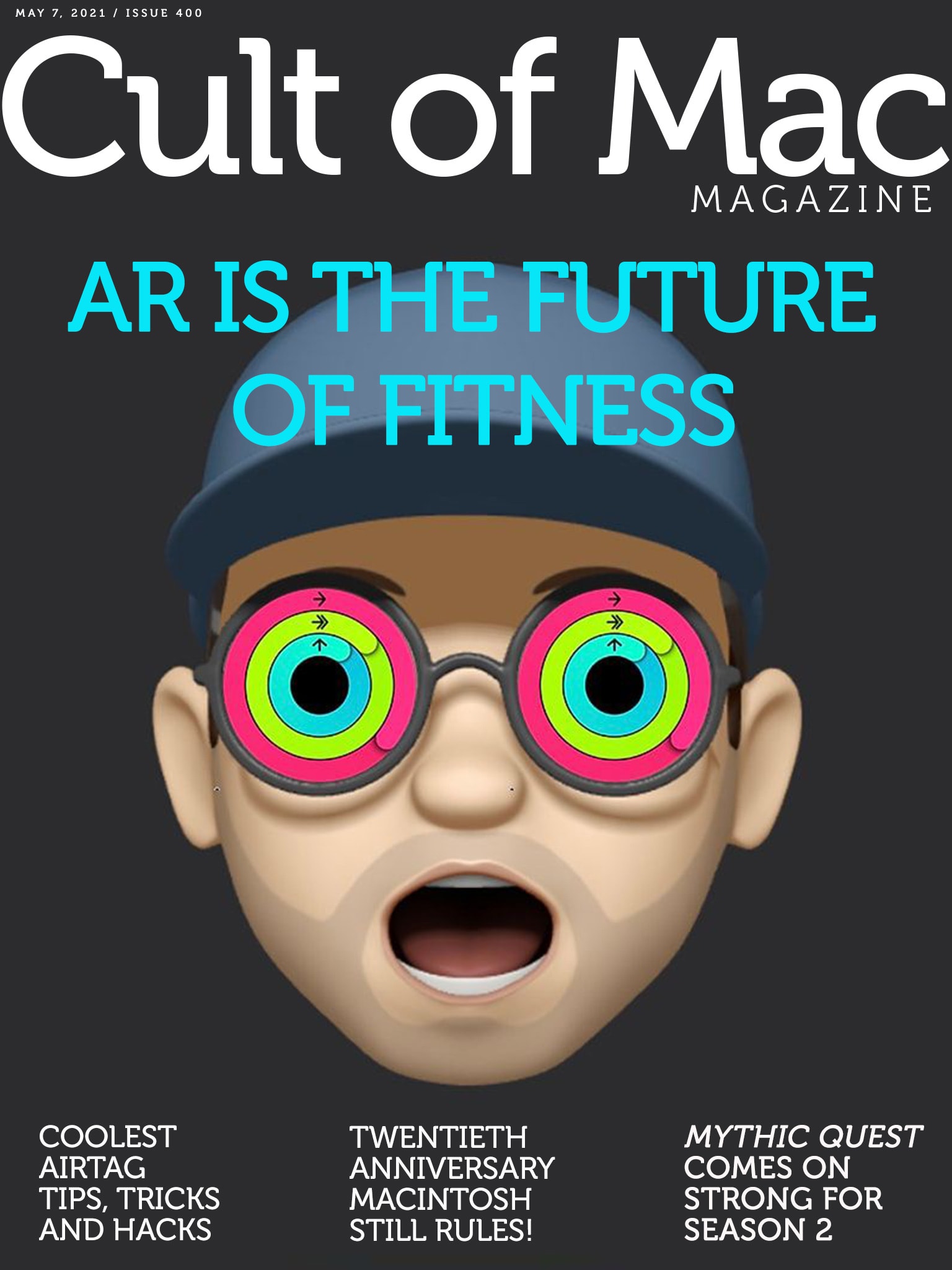
AR is the future of fitness [Cult of Mac Magazine 400]

By

Apple AR glasses will turbocharge fitness.
Cover: Leander Kahney/Cult of Mac

If you think Apple Watch makes workouts fun and efficient, wait till Apple’s mixed-reality glasses land on your face. Graham Bower outlines how and why augmented reality will take fitness to the next level in Cult of Mac Magazines cover story this week. It all sounds quite incredible — and yet also quite possible.

Also this week, we’ve got plenty of fresh Apple rumors, plus a trove of tantalizing tidbits gleaned from insider emails that came to light during the Epic Games v. Apple trial that’s currently unfolding.

And if you haven’t watched Mythic Quest or The Mosquito Coast yet, it’s time to start streaming. It looks like Apple TV+ has a couple more winners on its hands.


One mammoth display to rule them all [Setups]

By

Like your parents used to say, don't sit too close to the TV.
Photo: kenneth_powers1@Reddit

These days, lots of folks rock two or three or even four large monitors in their computer setups. But some people go for one huge, mesmerizing display, like kenneth_powers1, among other Redditors — and it’s a TV set, at that.

Powers credits fellow Redditor TerronG for the inspiration to use a Samsung 43-inch TU-8000 series 4K Smart TV with his aging computer. Powers uses it with a 2013 MacBook Pro and a PC he built himself. TerronG runs a similar TU7000 series TV with a 2012 Mac mini upgraded with a newer SSD and additional RAM.

Massively entertaining setup probably includes some computer gear [Setups]

By

Some room just say
Some rooms just scream "fun," don't they?
Photo: andygigante_82@Reddit

Illustrator and graphic designer andygigante_82 knows how to place his computer setup in an entertaining context. The fantastical space is his “Little Hobby Hole” — which he writes with a trademark symbol — as depicted in his Reddit post.

Looking at his photos, you might not notice the computer gear. That’s understandable, given every shot’s explosion of dynamic graphics, colorful action figures, skateboards festooned with his own graphic designs and more.

An OLED MacBook is possible … and probably inevitable

By

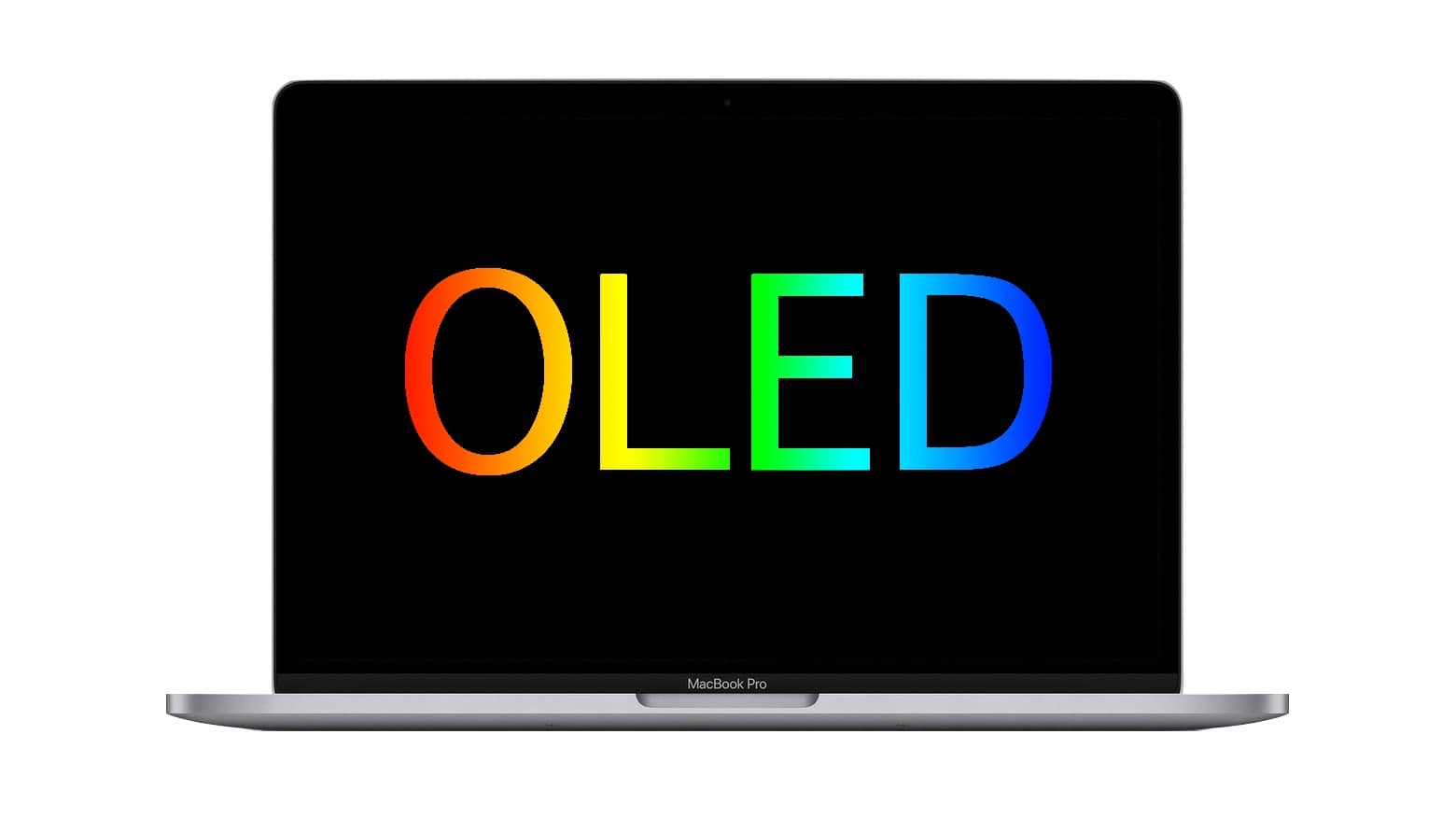
OLED MacBook is possible… and probably inevitable
While there’s some disagreement among experts about the chances for an OLED MacBook, most think it will happen.
Photo: Cult of Mac

A trusted Apple analyst recently predicted MacBooks would never use OLED displays, shutting macOS laptops out from the best-looking type of screen. But an expert in display technologies disagrees, as do several other analysts.

iPads with OLED screens have been rumored to be on Apple’s drawing board. And iPhones and Apple Watch already use this type of display. It’s possible the tech will spread to all Apple products. There are advantages and drawbacks to OLED, though.

Identify any song in an instant using Control Center [Pro tip]

By

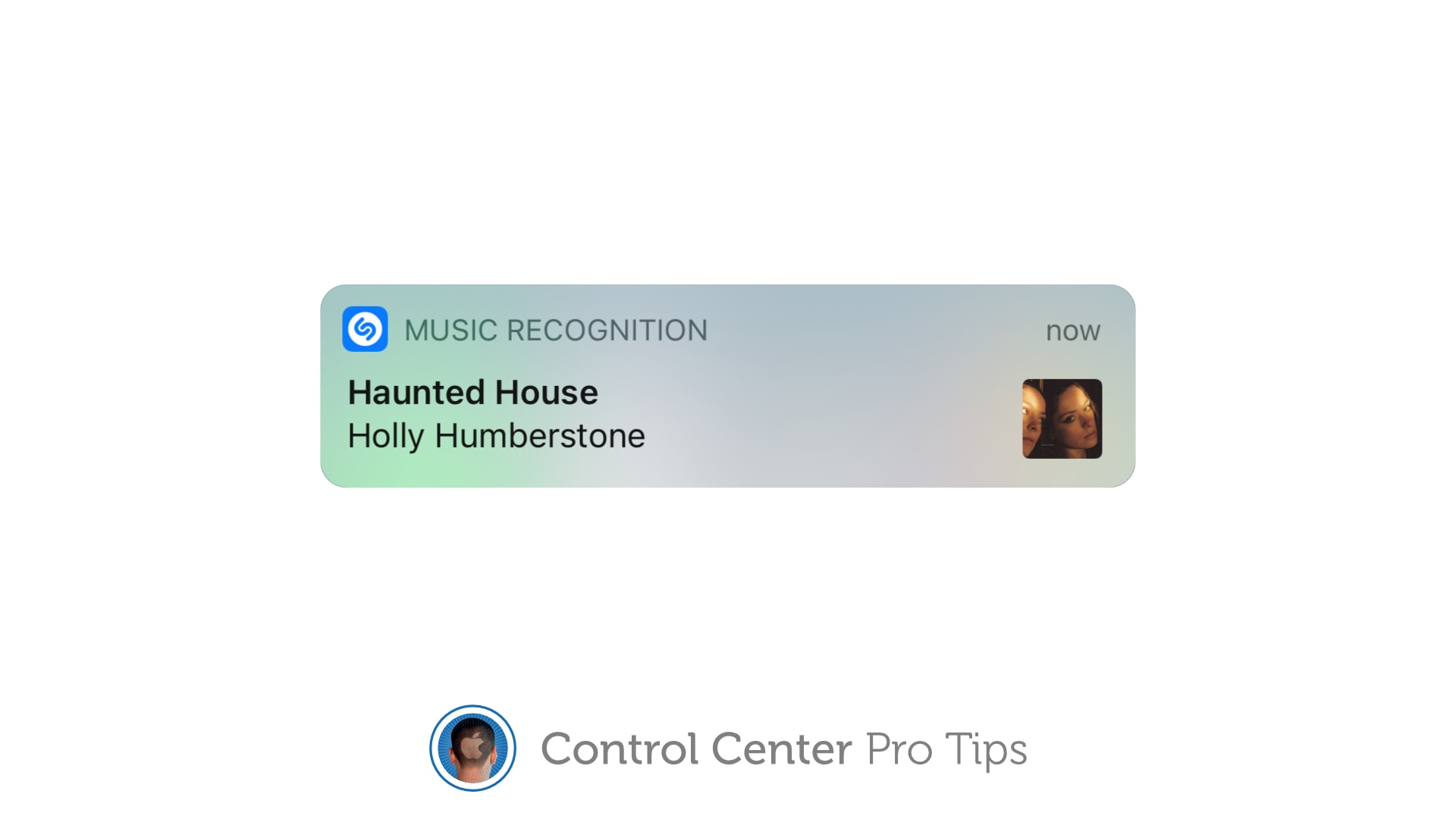
Identify a song with Control Center
And follow along with real-time lyrics.
Image: Killian Bell/Cult of Mac

Control Center Pro Tips WeekWe want to help you master Control Center, one of the most powerful and underutilized features on Apple devices. Cult of Mac’s Control Center Pro Tips series will show you how to make the most of this useful toolbox on iPhone, iPad, Apple Watch and Mac.

When you’re listening to a song you dig, but you have no idea of its name or the artist who recorded it, you can use Control Center on your iPhone or iPad to identify the track in an instant.

It’s the simplest way to invoke Shazam, the powerful music-recognition tool built into iOS, aside from asking Siri to name that tune (which you probably don’t want to do in certain situations). We’ll show you how.

How to stop apps from tracking you in iOS 14.5

By

How to allow/prevent apps tracking you
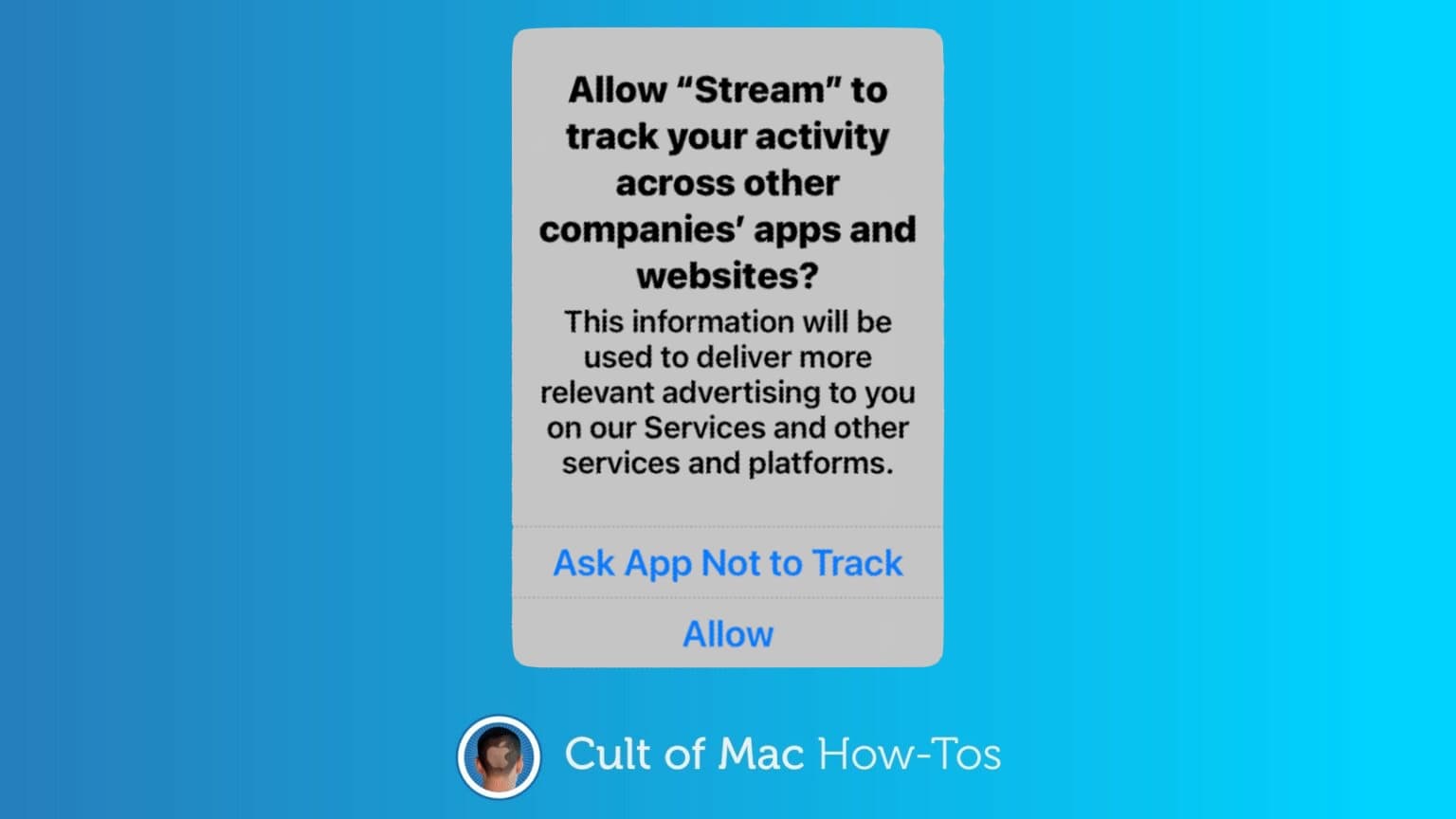
Thanks to App Tracking Transparency in iOS 14.5, it’s up to your to decide whether third-party applications track you.
Graphic: Cult of Mac

iPhone and iPad just got a significant new privacy protection, preventing third-party apps from tracking you without permission. App Tracking Transparency debuted in iOS 14.5 and iPadOS 14.5.

Here’s how to use it. And what to do about all the popups asking, “Allow [THIS APP] to track your activity?”

iOS 14.5 brings App Tracking Transparency, mask-friendly Face ID

By

iOS 14.5 brings App Tracking Transparency, mask-friendly Face ID
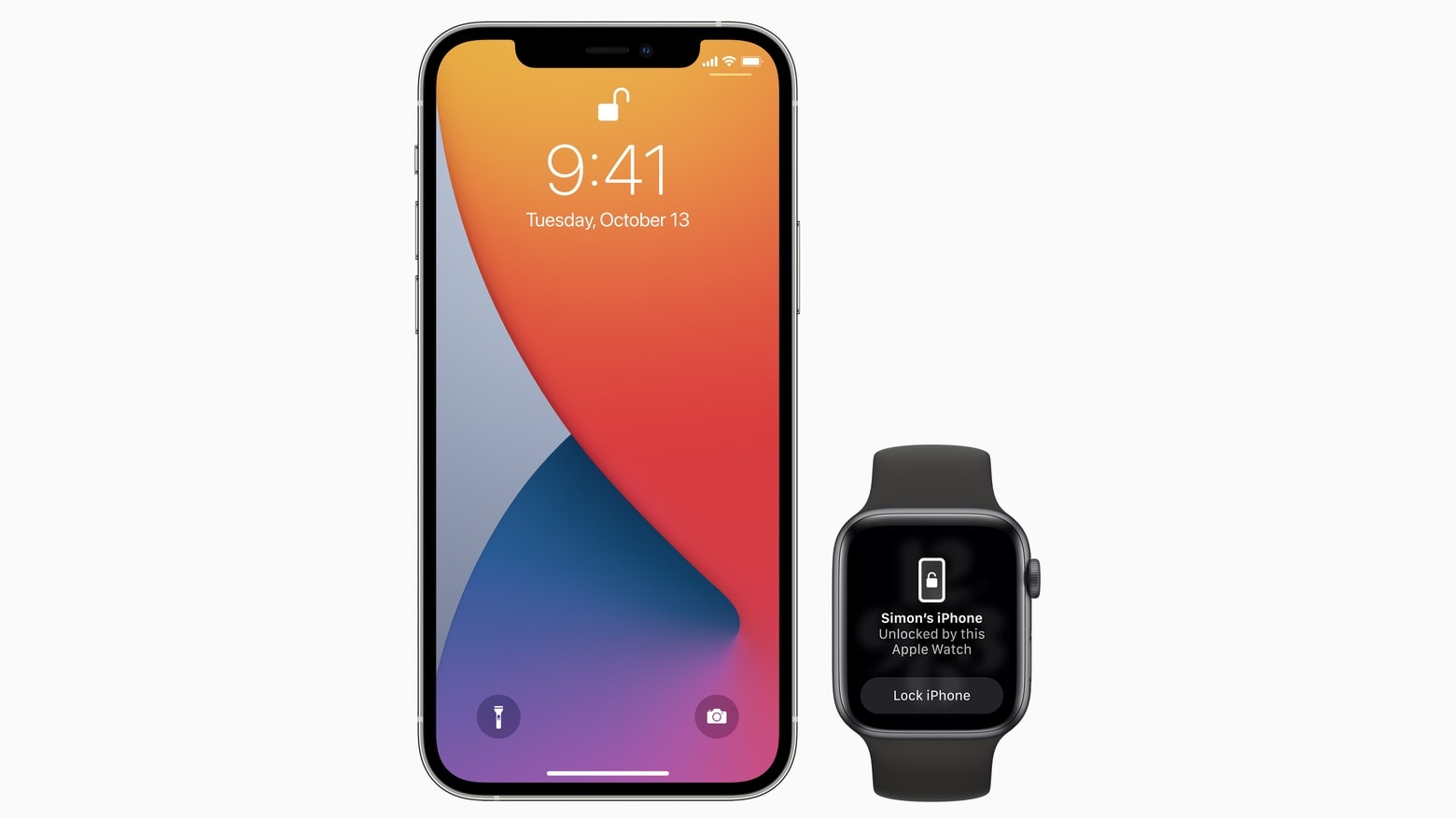
Starting with iOS 14.5, iPhone owners can use their Apple Watch to securely unlock their handset when attempting to use Face ID while wearing a face mask.
Photo: Apple

Apple on Monday gave all iPhone users access to iOS 14.5. And iPad users can install iPadOS 14.5  Today’s updates bring a ton of new features, including unlocking an iPhone with an Apple Watch while wearing a mask.

The OS updates also bring App Tracking Transparency, a controversial change that makes it harder for apps to track users for targeted advertising. Other upgrades include new emoji, fresh Siri voices, additional features for Apple’s news and map apps, support for the just-announced AirTag trackers and a wholesale redesign of the Podcasts app.

watchOS 7.4, which is necessary for the new mask-friendly Face ID feature, and tvOS 14.5 also became available today, along with macOS Big Sur 11.3.

Desperately seeking keyboard recommendations [Setups]

By

Which keyboard would you suggest for this setup?
Photo: KunalBH@Reddit

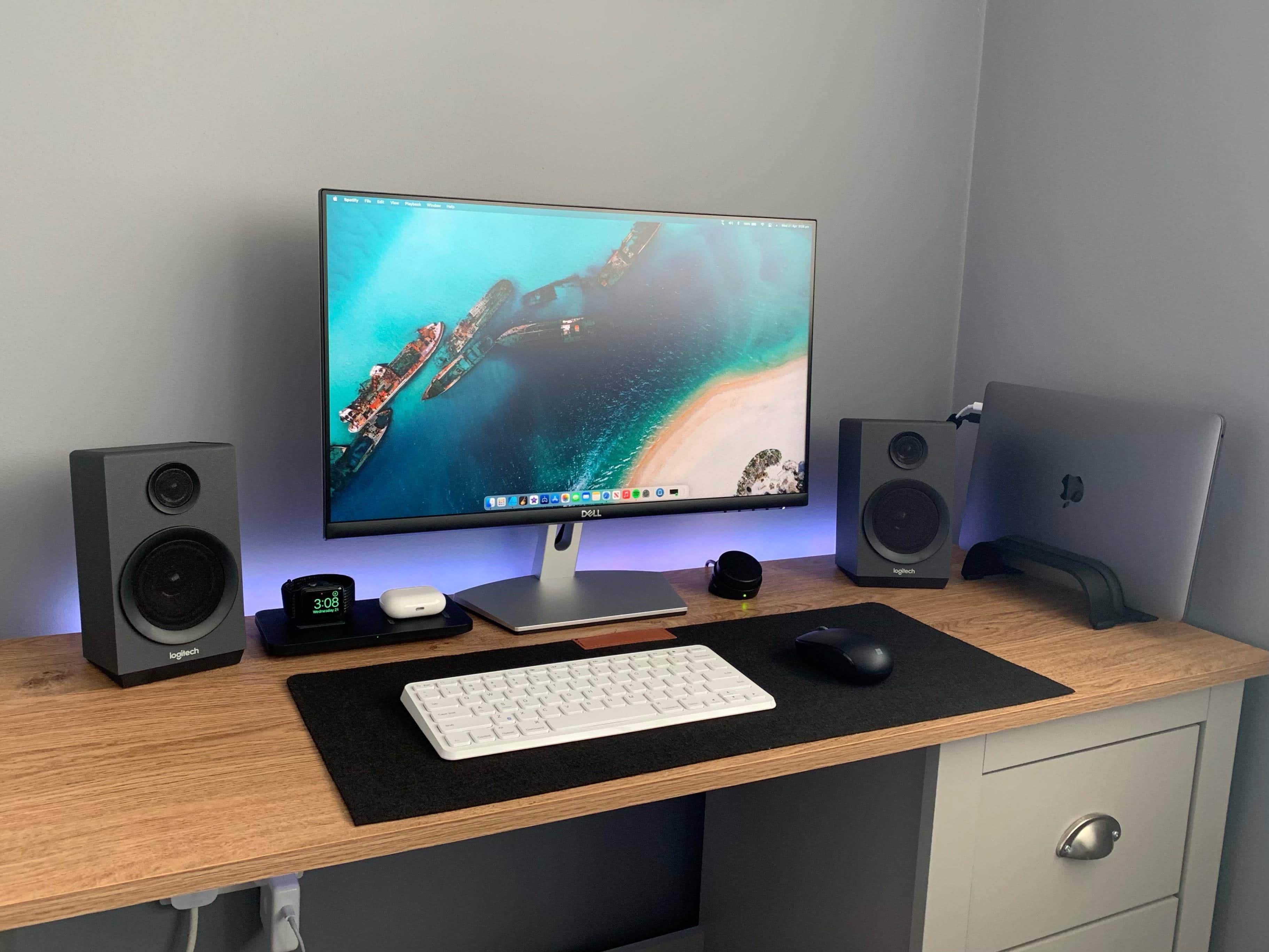
Redditor KunalBH bought a compact, no-frills Anker keyboard to use with his iPad in 2017. Now he’s asking the universe for help finding a worthy replacement (or additional) keyboard for his MacBook Pro-based setup.

Passionate suggestions are pouring in. See below for some of the leading contenders.

Start a screen recording on iPhone or iPad inside Control Center [Pro tip]

By

How to start screen recording from Control Center
Capture sweet gameplays, top tips, and more.
Image: Killian Bell/Cult of Mac

Control Center Pro Tips WeekWe want to help you master Control Center, one of the most powerful and underutilized features on Apple devices. Cult of Mac’s Control Center Pro Tips series will show you how to make the most of this useful toolbox on iPhone, iPad, Apple Watch and Mac.

Want to capture what’s happening on the screen of your iPhone or iPad. Apple’s built-in screen recording feature makes that incredibly easy, and you can activate it with just one tap inside Control Center.

We’ll show you how.