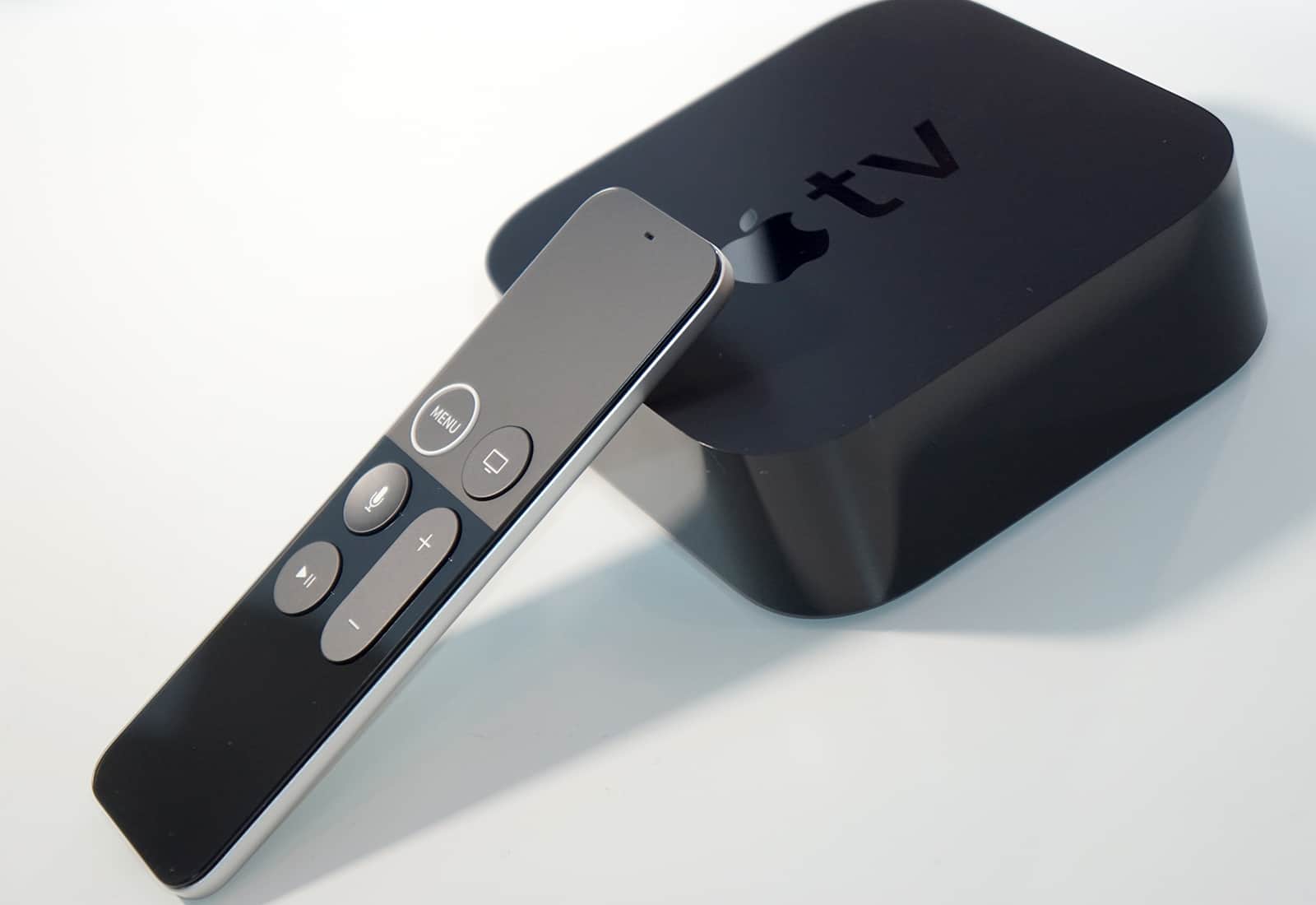
Is the TV app working properly for you? Photo: Apple
One of the best media features for iPad is finally coming to Apple TV.
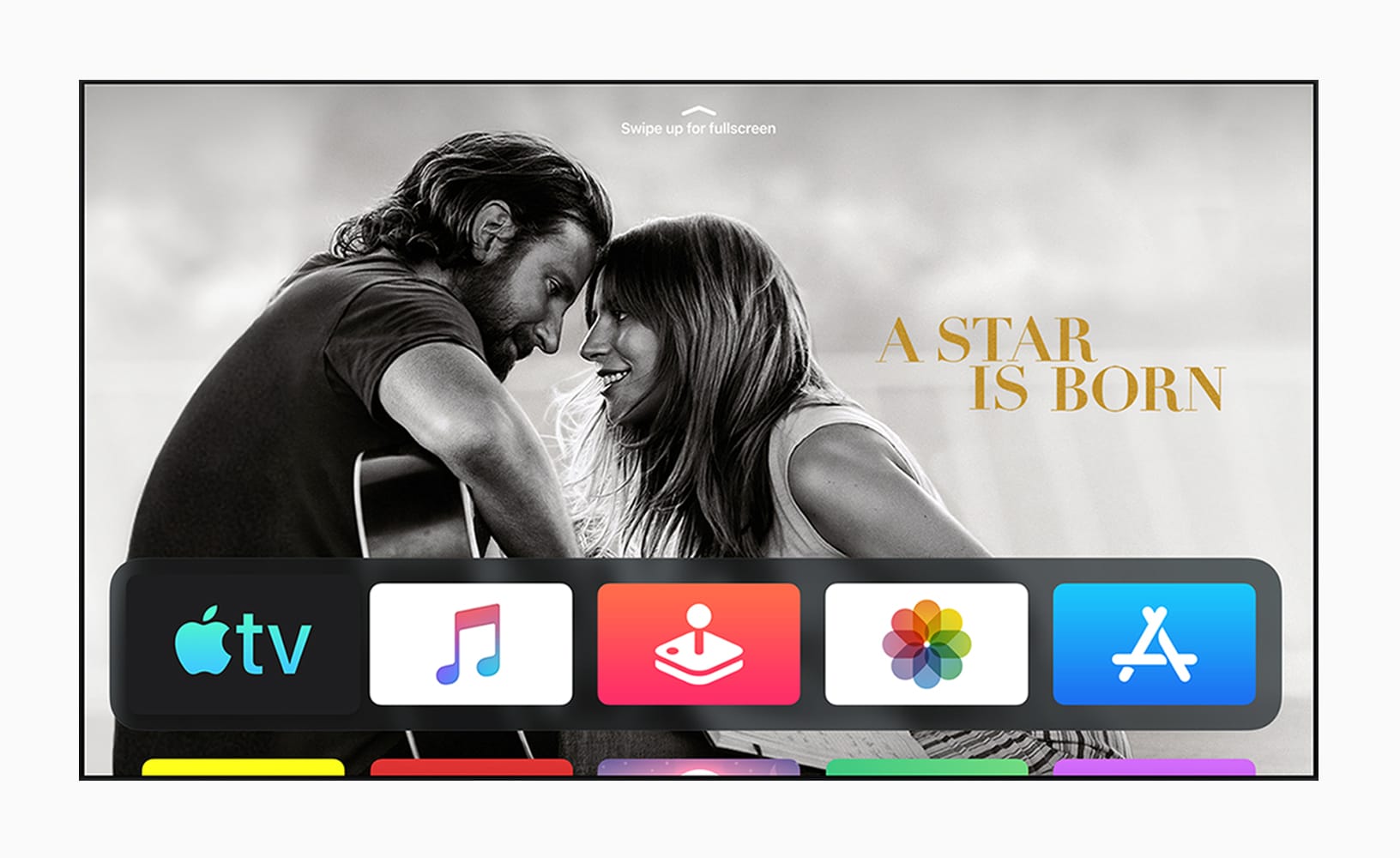
With the new tvOS 13 beta released this morning, Apple added picture-in-picture support to Apple TV, allowing users to watch a show while searching for the next thing to binge.
Apple wants to be a big player to gamers. Screenshot: Apple
Apple promised support for PlayStation 4 and Xbox One game controllers when it releases a redesigned tvOS this fall.
CEO Tim Cook said Apple TV will be more “entertaining and personal” as he unveiled changes to the company’s video ecosystem Monday during the Worldwide Developers Conference.
At launch, tvOS 13 will also include full-screen previews of shows and individualized support for each person in the household to build their own lists of shows, movies and even Apple Music.
The new TV app is better, and worse. Photo: Charlie Sorrel/Cult of Mac
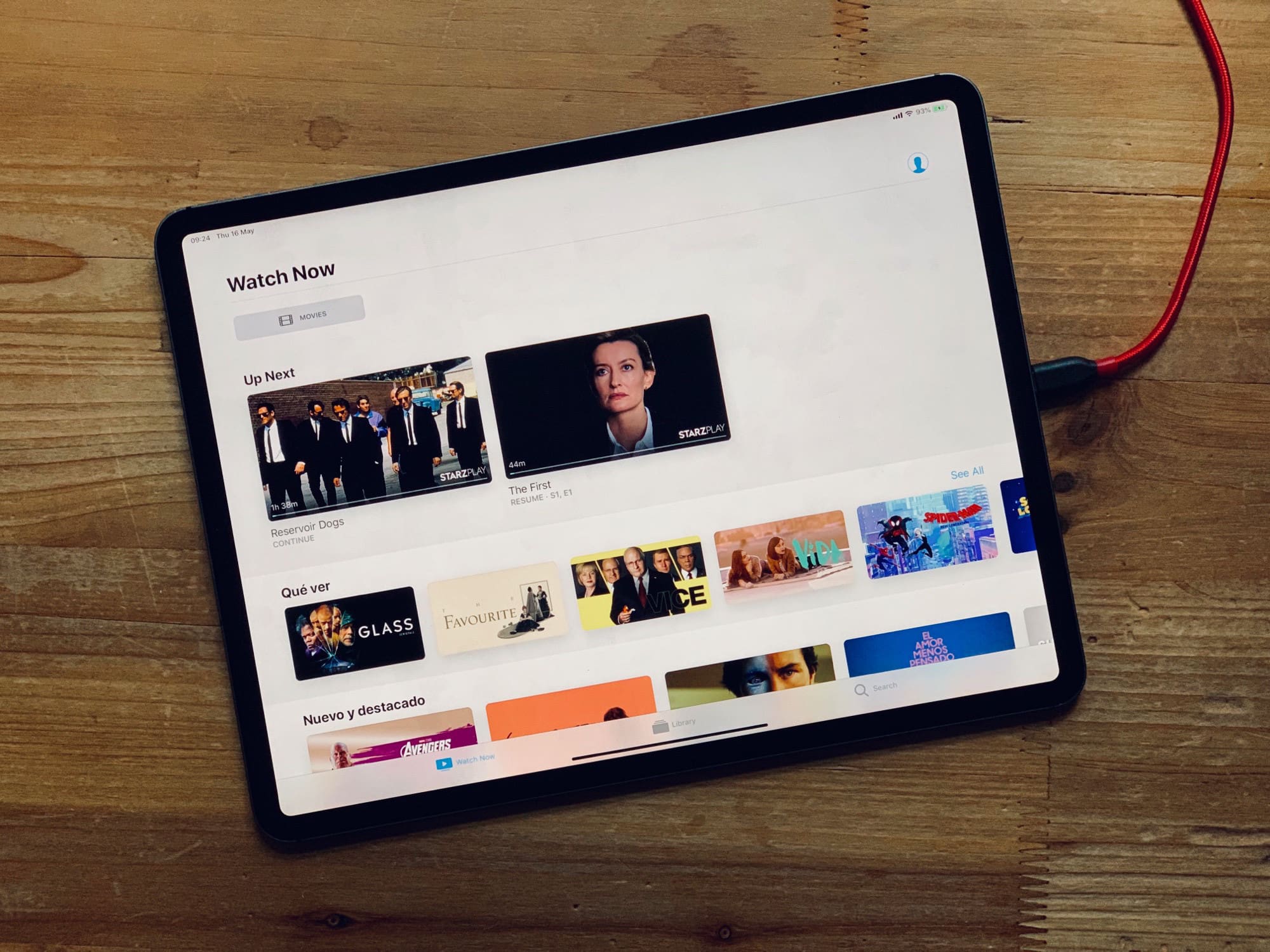
Apple’s new TV app, available pretty much everywhere with iOS 12.3, lets you subscribe to TV and movie channels, as well as renting films and shows direct from Apple. The bad news is that, if you only want to watch your own sideloaded videos, the app is worse than the old Videos app. But if you subscribe to channels, or would like to, then TV is a fantastic way to consolidate all that entertainment.
And guess what? It’s even useful when you’re traveling or commuting. Today we’ll see how to download and watch TV shows and movies offline.
Upgrade your firmware to get started. Photo: Samsung
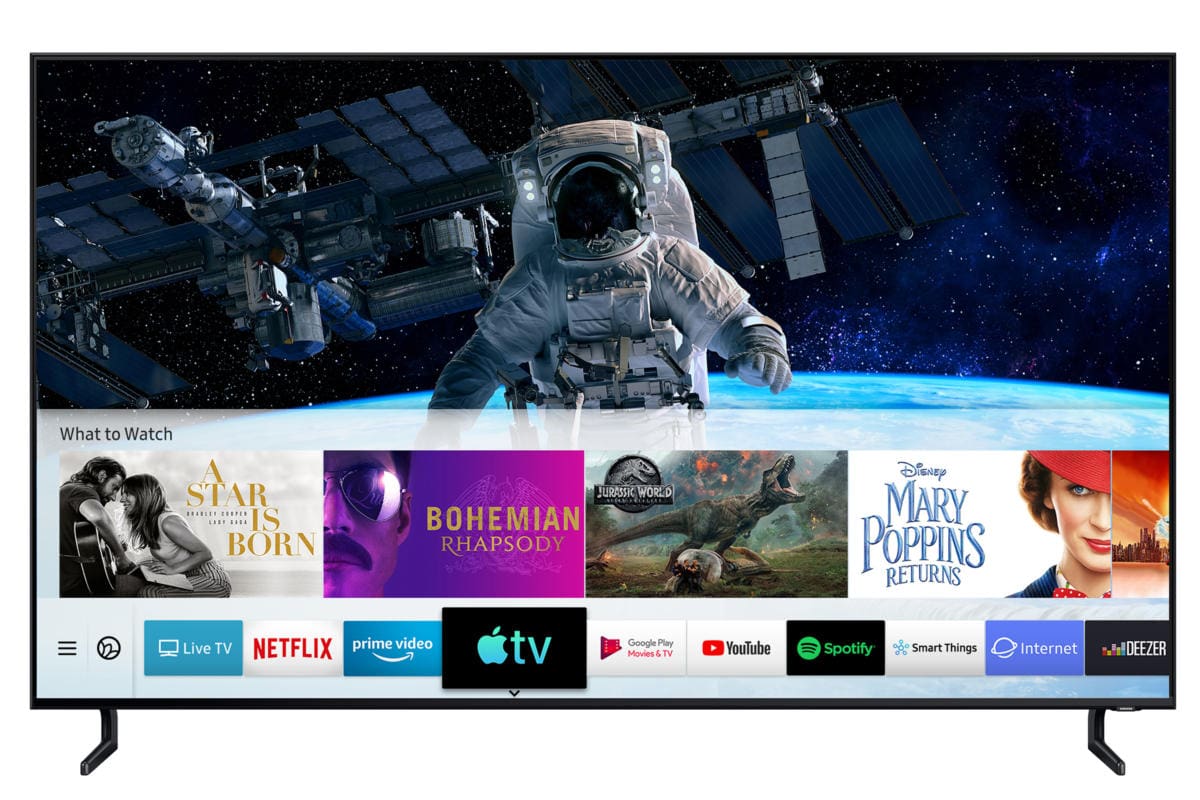
Samsung has started rolling out the new Apple TV app on compatible Smart TVs.
The app gives users access to all their iTunes content as well as Apple’s upcoming TV+ subscription service. You’ll need to install a firmware update to get your hands on it.
Chris Evan and his beard on the set. Photo: Patriot Pics/Backgrid
Captain America star Chris Evans is already hard at work on his next project now that Avengers: Endgame is nearly ready to hit theaters.
Evans was spotted on the set of his upcoming TV series, Defending Jacob, which is being made for Apple TV+. Evans shaved his beard for Endgame but it looks like it’s making a comeback in the Apple TV series.
Oh man, who wants to walk all the way over there? Photo: Charlie Sorrel/Cult of Mac
Maybe you need to restart your Apple TV. Perhaps something didn’t load right, or the whole thing is acting screwy. It happens. The Apple TV is just another iOS computer after all. And while unplugging your Apple TV is one valid option, that means getting off your couch. And what do TV lovers hate more than unnecessary exercise? Nothing, that’s what. Happily for you, my lazy friend, you can restart the AppleTV using the remote. If you can find it.
The Apple TV app gets a raft of new features in iOS 12.3. Photo: Ed Hardy/Cult of Mac
Both the general public and developers can now download the second beta of iOS 12.3. When the final version is available, it will bring significant improvements to the Apple TV app. The latest beta continues to add features.
A second public beta of macOS Mojave 10.14.5 also just debuted. This is a bug-fix release.
Sound sync woes will be a thing of the past. Photo: Ste Smith/Cult of Mac
Sign up for DirecTV Now and you’ll receive a brand new Apple TV 4K to enjoy it on.
Those who prepay for four months of service will receive Apple’s latest set-top box absolutely free. The offer is only available to new subscribers who join before April 30, 2019.
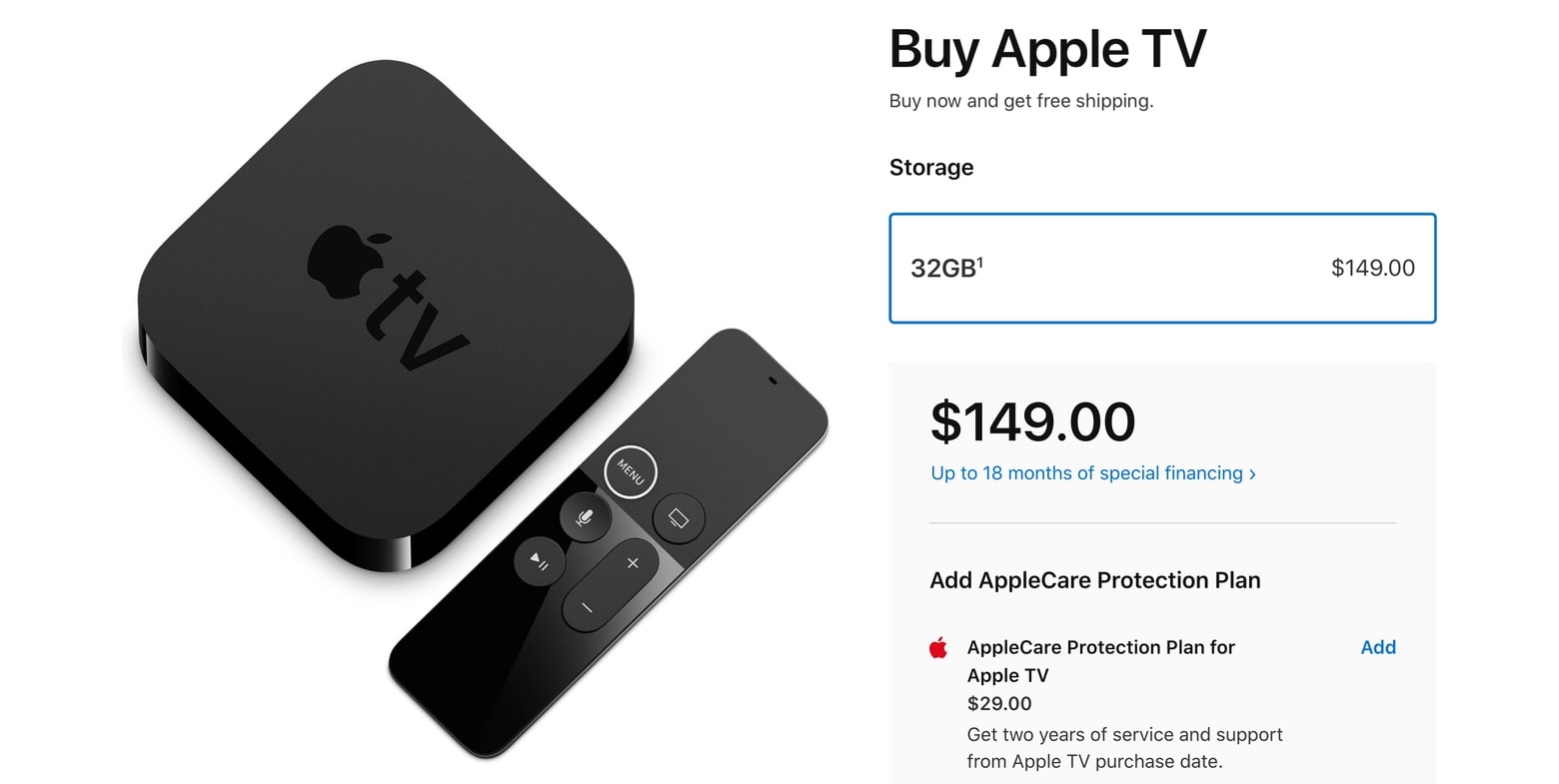
There’s no longer a digital media player called simply “Apple TV” in this company’s product line up. But it wasn’t discontinued, just renamed, pobably to prevent confusion with the upcoming Apple TV+ streaming service.