Mobile menu toggle

Search results for: SSD

This Mac Pro setup is pro to the max

By

Mac Pro Setup
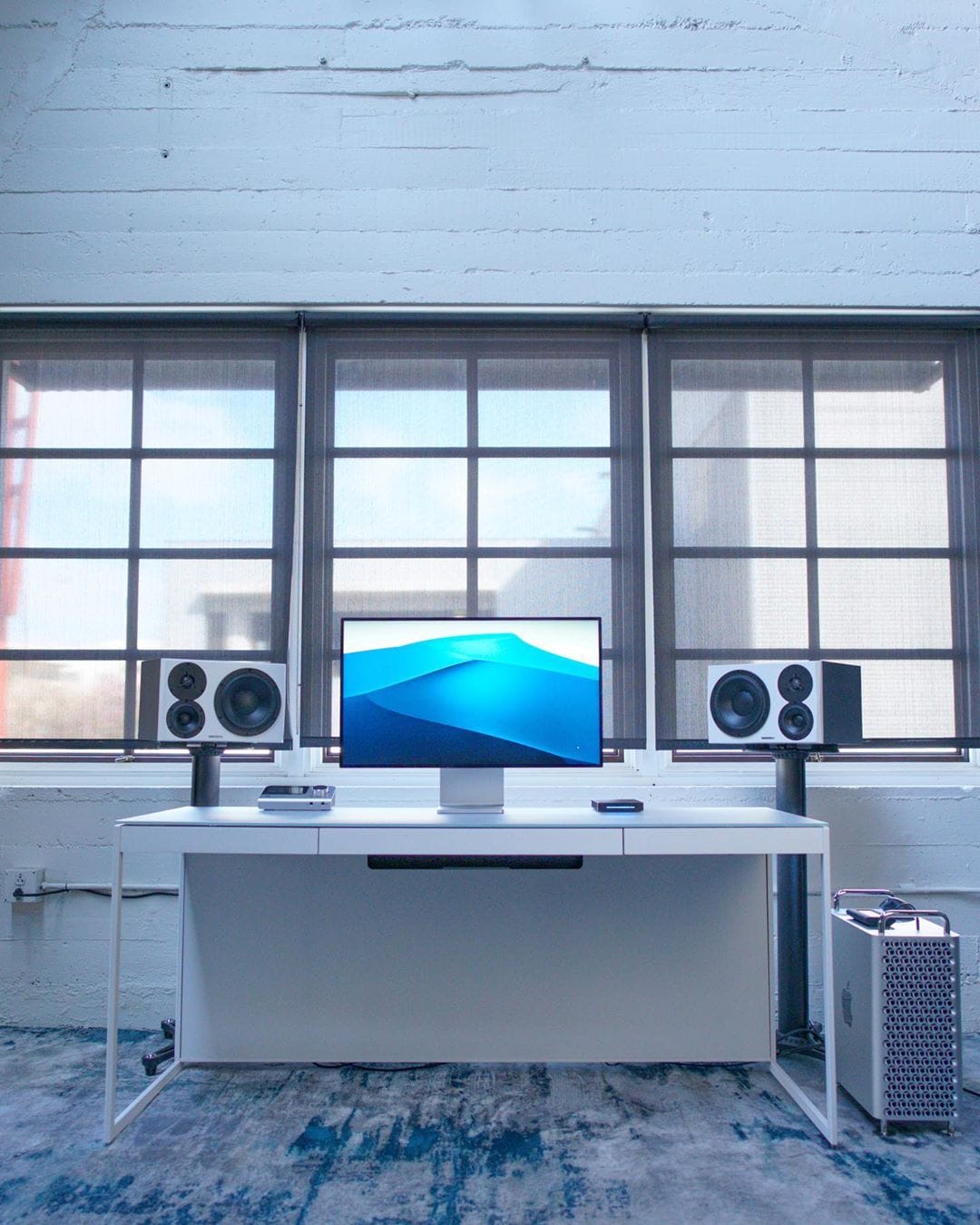
A Mac Pro with the Pro Display XDR always makes for an incredible setup.
Photo: @tldtoday

When the new Mac Pro was released, Jonathan Morrison knew that meant one thing, it was time to change his setup. So he abandoned his MacBook Pro and started from scratch. He now runs a scintillating Mac Pro through a scintillating 32-inch Pro XDR Display. And because he is a Tech Youtuber, he also has the Pro Stand. He says that the Mac Pro is overkill for the stuff that he is doing but he loves how quiet it is.

A Mac mini and a massive screen make for a great combo [Setups]

By

Mac mini setup
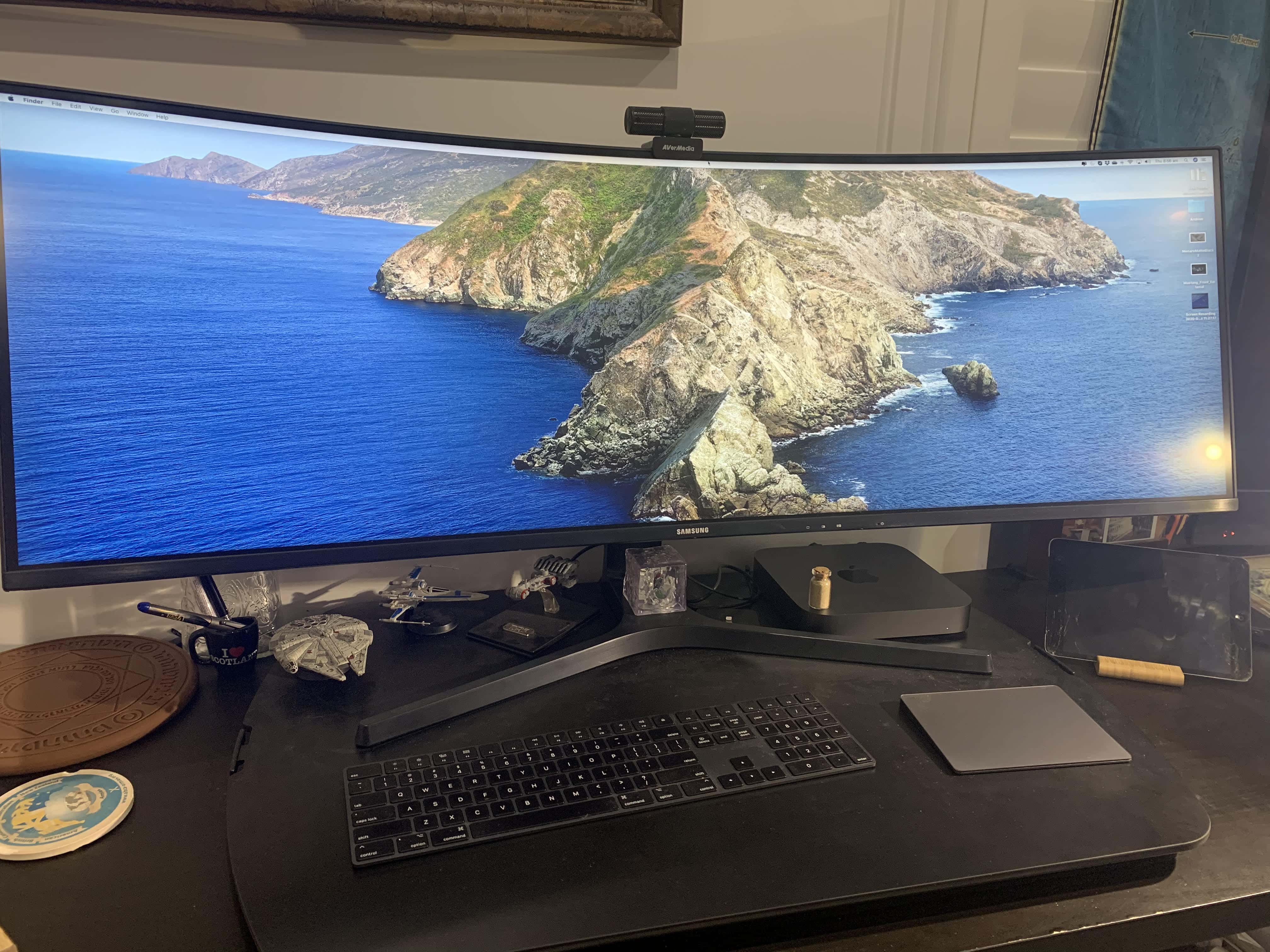
His Mac may be mini but his screen certainly is not.
Photo: Duncan Schultz

Duncan Schultz, a government official from the land down under, started working from his home in Brisbane earlier this year. It turned out to be a great opportunity to upgrade his setup. He got rid of his 2015 iMac and instead bought himself a 2020 Mac mini and decided to experiment. He specced out his Mac mini with 32GB of RAM and a 1TB SSD. He wanted plenty of screen real estate without having two screens. So he connected it to a Samsung 43-inch 4K Smart TV and is not looking back.

OWC drive adds a whopping 32 TB of storage to Mac or iPad

By

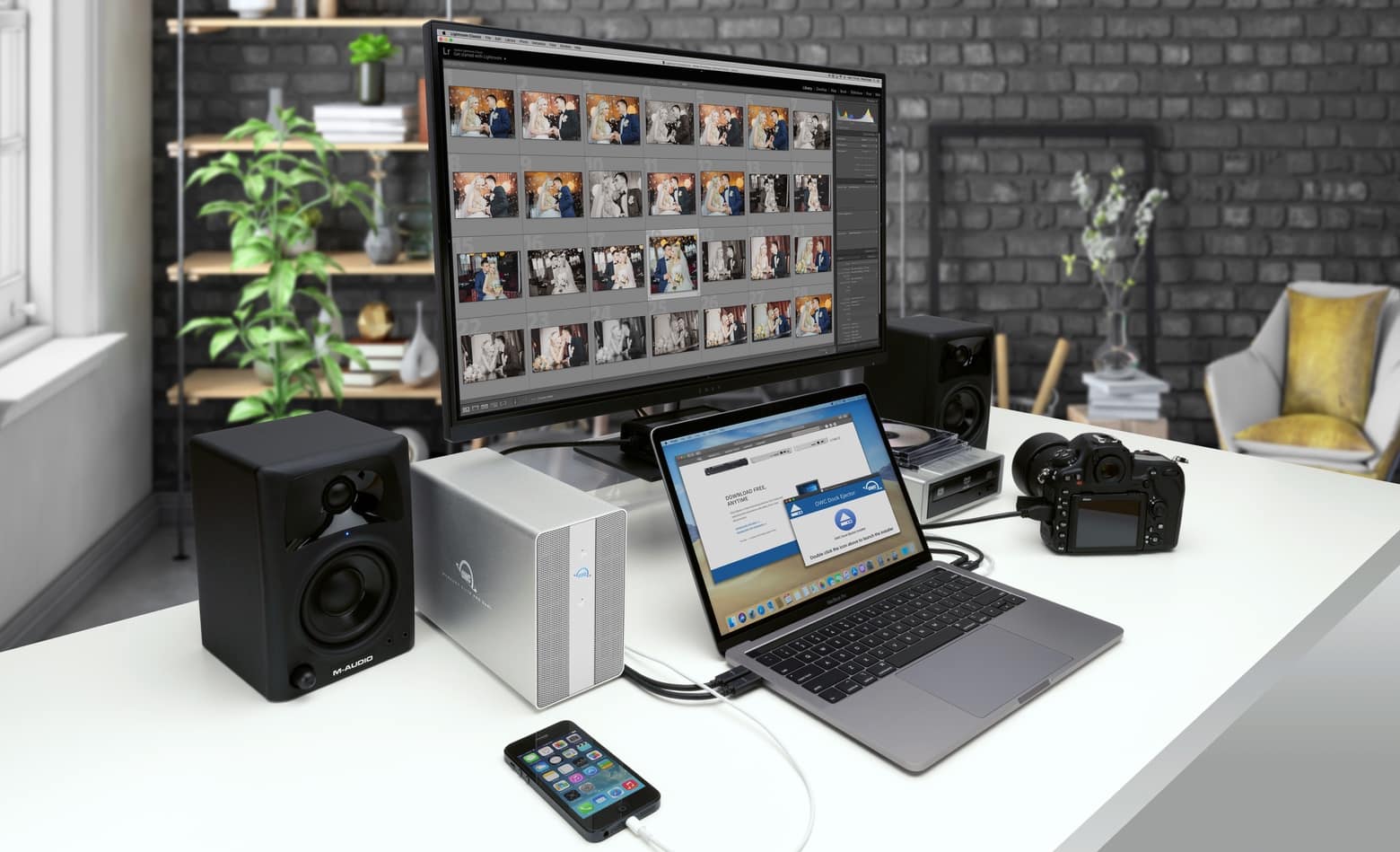
The OWC Mercury Elite Pro Dual also includes a 3-port USB-c hub.
The OWC Mercury Elite Pro Dual is ready to be part of a home office.
Photo: OWC

The OWC Mercury Elite Pro Dual is a deskto drive that offers up to 32 TB of storage capacity, and can transfer data at up to 1250 MBps.

Plus, there’s a 3-port USB-C hub built in, allowing the external drive to be part of a home office or small business.

An iMac headlines this well-lit setup [Setups]

By

iMac Setup: This setup is geared for productivity.
This setup is geared for productivity.
Photo: @markspurrell

Mark Spurrell is a Canadian tech YouTuber who knows a thing or two about building productive setups. His rig is geared toward getting things done. The mainstay is a 2020 27-inch iMac, a total workhorse of a machine.

He uses a sit-stand SmartDesk 2 by Autonomous. This desk is awesome for long grinds, because when he is bored of sitting, he can get new scenery with the click of a button. When he does sit down, he sits in a Kinn Chair, also made by Autonomous. This chair is basically an adapted Herman Miller Embody, the gold-standard of ergonomic office chairs. But at $419, it costs less than a third of the price.

A felt desk pad really ties this setup together [Setups]

By

iMac Setup
In this setup, everything is in its right place.
Photo: @landonbtw

Landon Bytheway is a Salt Lake City-based content creator for Full Time Filmmaker, a crash course on everything film. And his setup is geared for creating top-quality videos.

The linchpin is a 27-inch iMac that rests on top of a Walnut Monitor Desk Stand by Grovemade. Mounted over it is a 34-inch LG Curved UlraWide that takes this rig to the next level. In fact, Bytheway’s only complaint about the setup is the kink he gets in his neck from staring upward so long.

Plugable USB-C multiport hub costs way less than Apple’s [Review]

By

Plugable USB-C Multiport Adapter review
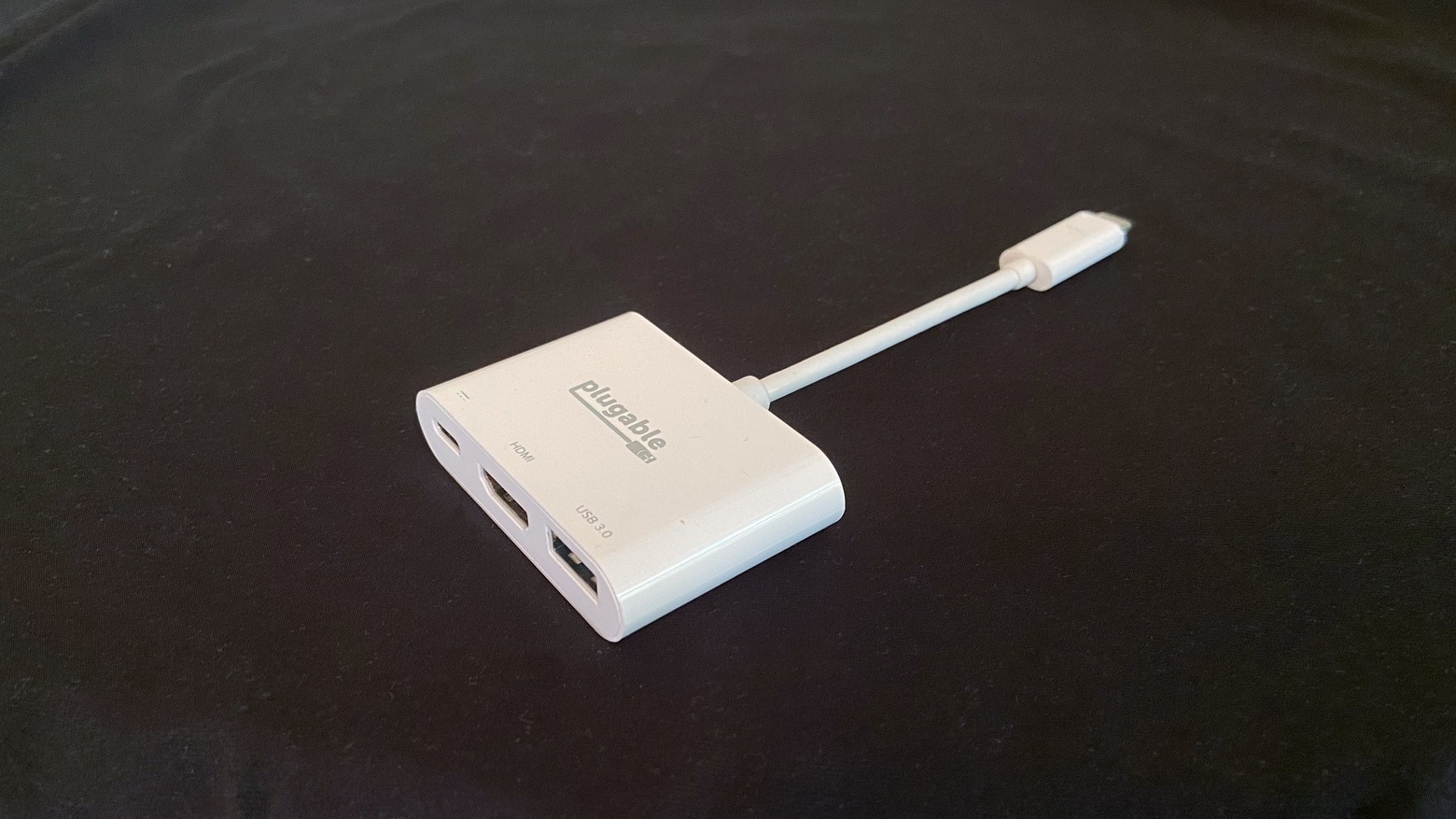
The Plugable USB-C Multiport Adapter adds three frequently used ports to MacBook or iPad Pro.
Photo: Ed Hardy/Cult of Mac

There’s no reason to watch a movie on your MacBook or iPad when the world is full of external displays you can connect to. Of course, to make the connection you’ll need something like the Plugable USB-C Multiport Adapter. Not only does it have an HDMI port, there’s a USB-A port for connecting an external drive. And a USB-C port for keeping your computer powered.

It was obviously designed to copy Apple’s Apple USB-C Digital AV Multiport Adapter but at a much lower price. Here’s how it stands up.

Best Buy slashes up to $300 off newest MacBook Pros

By

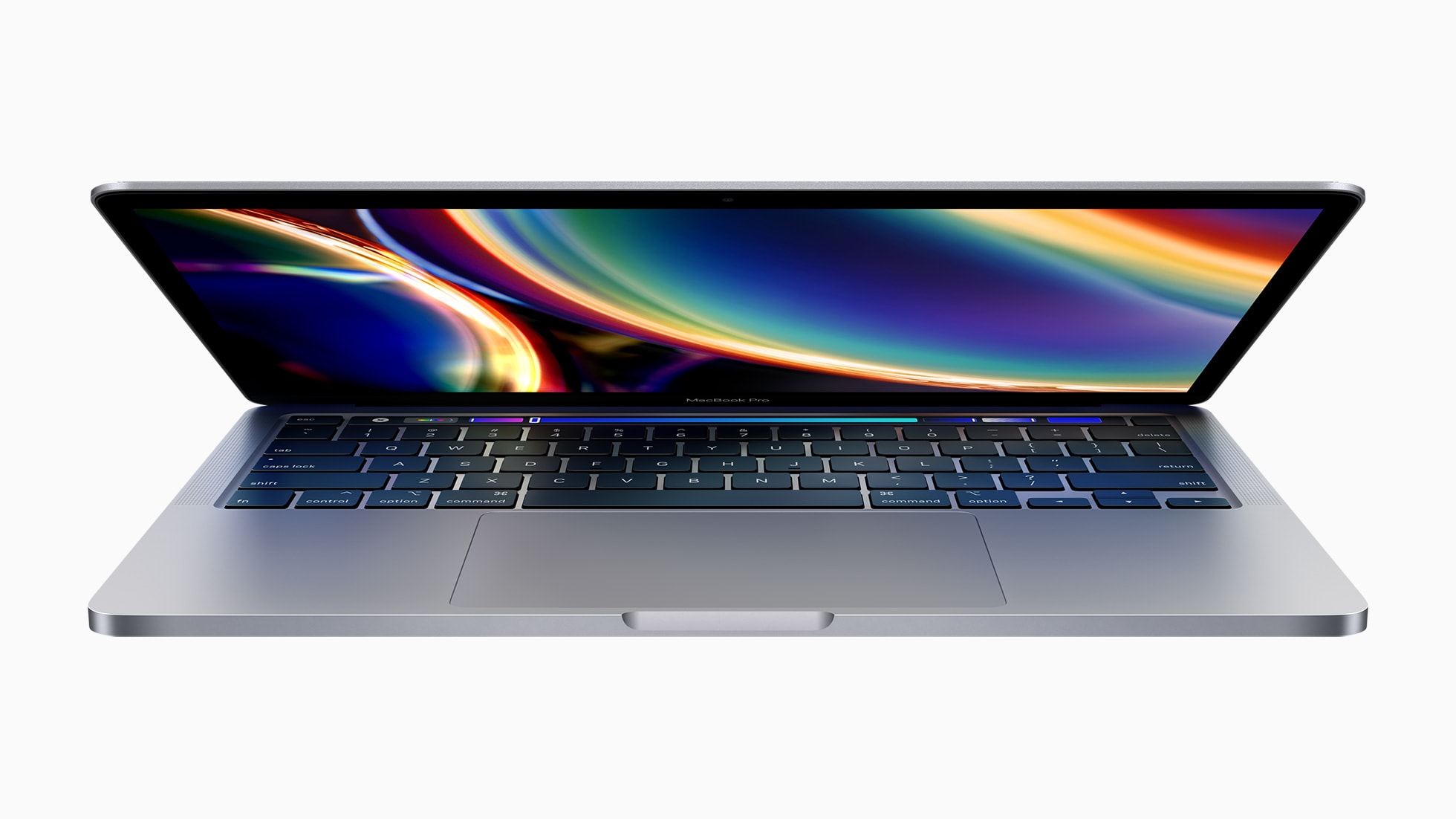
Apple_macbookpro-13-inch_screen_05042020
The sale runs for three days only.
Photo: Apple

Best Buy is today offering some of the biggest discounts we’ve seen on Apple’s newest MacBook Pro models as part of its three-day Anniversary Sale. You can enjoy savings of up to $300.

Prices start at just $1,599.99 (down from $1,799.99) for the newest 13-inch MacBook Pro, while 16-inch models are down to as little as $2,099.99 (from $2,399.99). Get yours before the sale ends!

This post contains affiliate links. Cult of Mac may earn a commission when you use our links to buy items.

Cameras rule in this picture-perfect workspace [Setups]

By

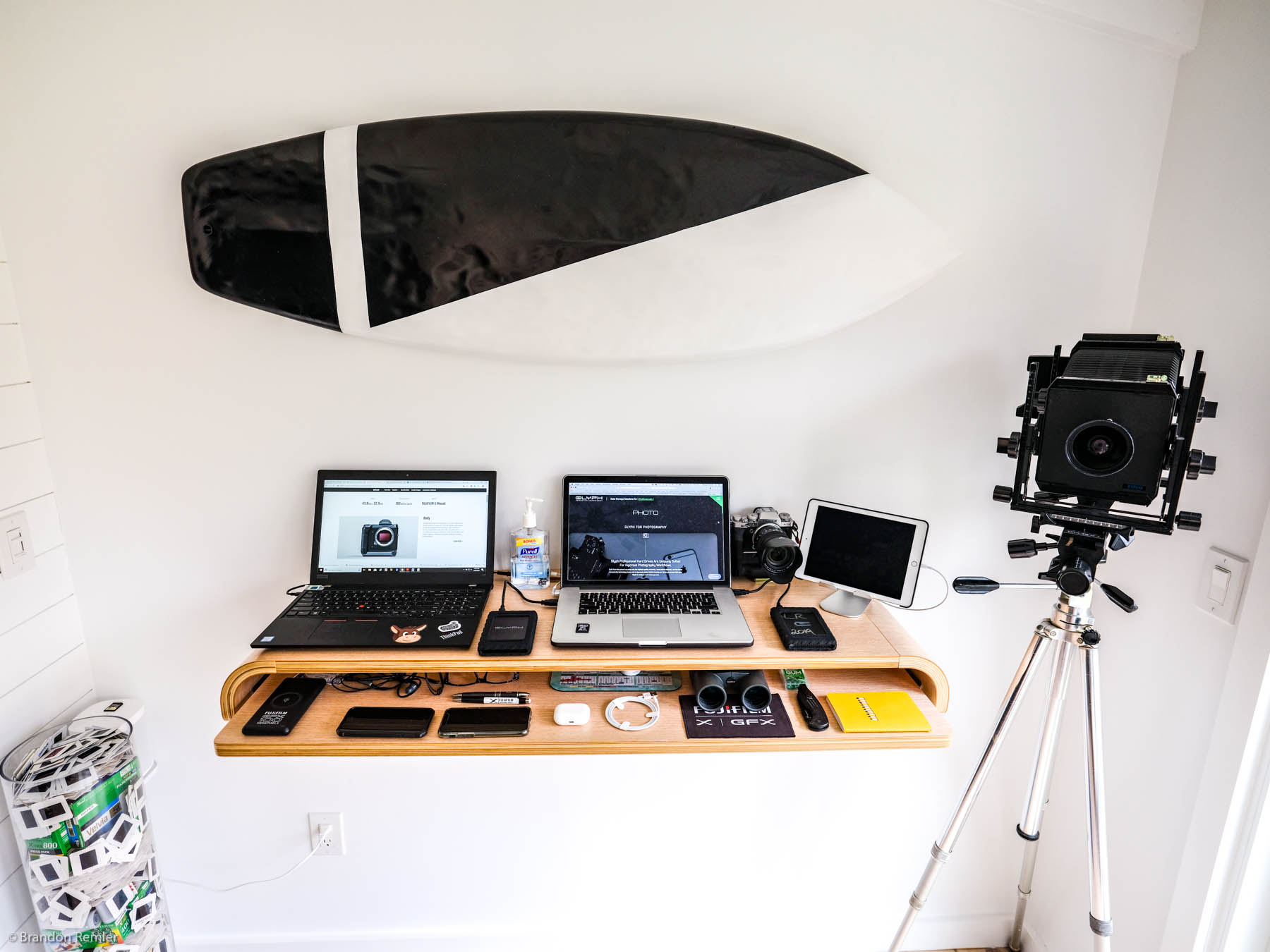
This camera-focused setup is easy on the eyes.
This camera-centric setup is easy on the eyes.
Photo: Brandon Remler

This standup setup is definitely ready for its close-up. Artfully outfitted by Fujifilm North America salesman Brandon Remler, it sports a pair of laptops. But the real focus falls on Remler’s array of cameras, both film and digital.

“I do primarily use digital,” Remler told Cult of Mac in an email. “I did film for 20 years and it has a great feel and experience.  Now moved on to Fujifilm GFX system. Gfx100 or Gfx50 — as well as our other Fujifilm x series (have one of everything so it’s not fair ;-).”

Why the new iMac is still a great buy, even without Apple Silicon

By

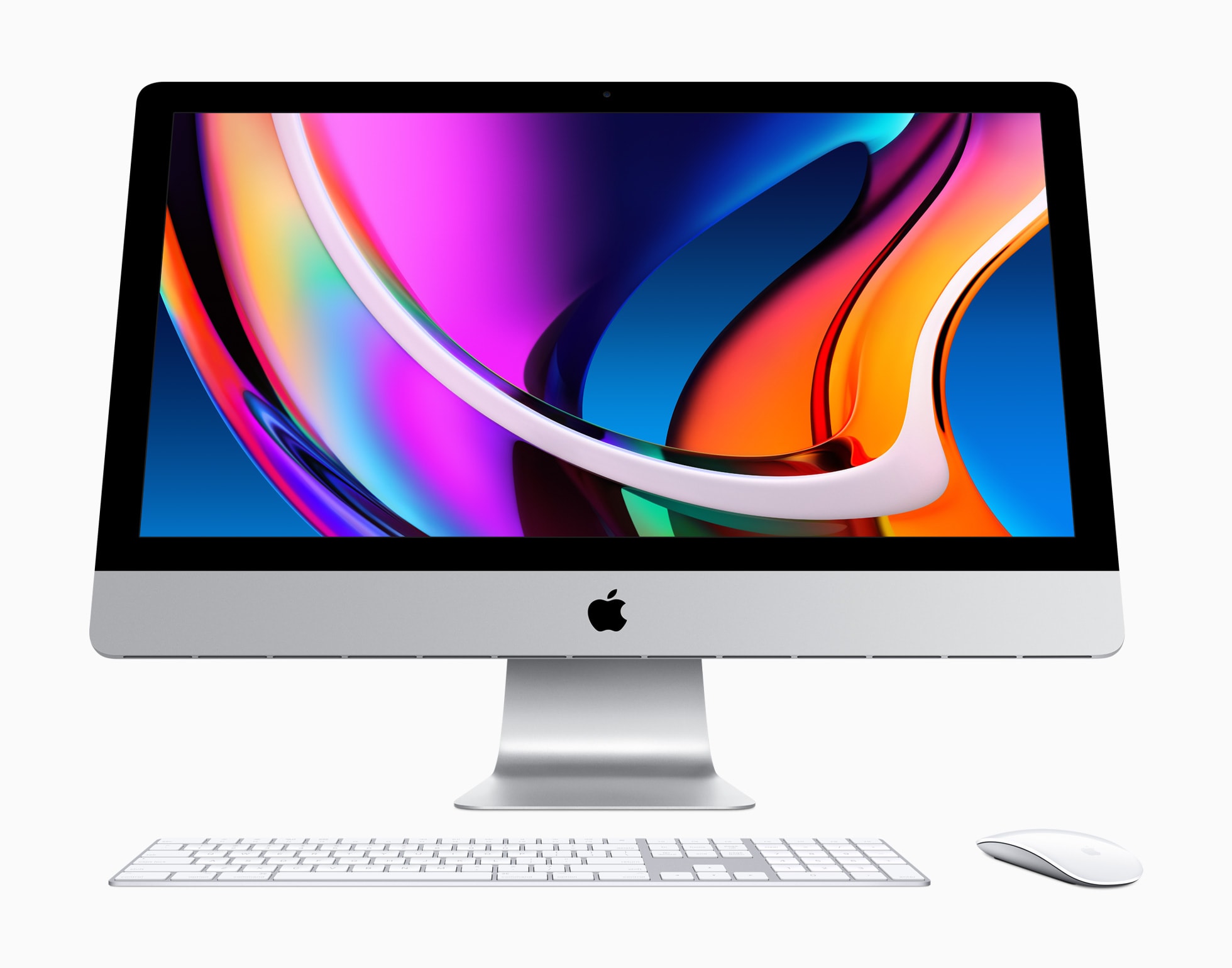
2020 iMac: The new iMac looks just like the old one (only faster).
The 2020 iMac is certainly worth your cash.
Photo: Apple

Apple’s newest iMac is by far the fastest yet, with huge increases in both CPU and GPU performance. It also ships with improved speakers and microphones. And yet, it seems a lot of Apple fans don’t care.

The reason? The new iMac is powered by Intel processors, like all its predecessors since 2006, instead of Apple Silicon. Since Apple revealed its plan to switch to its own custom chips at the Worldwide Developers Conference in June, Intel processors just don’t hold the same appeal.

But there are some great reasons to continue buying Intel-powered Macs in 2020. Here are a few.

1 89 90 91 92 93 144