Mobile menu toggle

Search results for: SSD

‘Small’ MacBook Pro rig punches well above its weight [Setups]

By

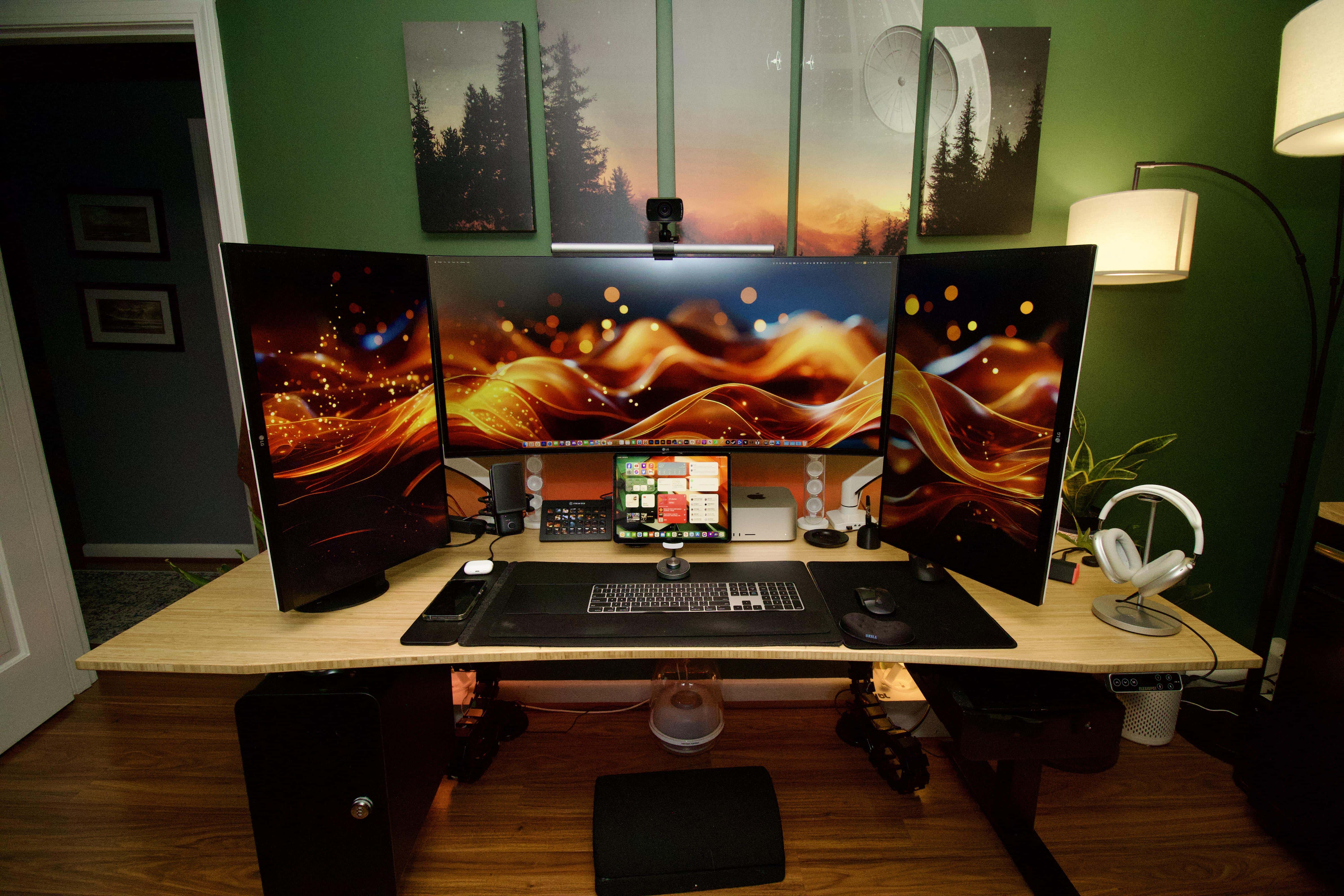
MacBook Pro setup
Despite appearances, there's really a lot going on here.
Photo: [email protected]

Isn’t it great when someone on social media humbly displays a well put-together and complete computer setup that makes yours look like random debris? Well, at least it’s a good learning opportunity. And today’s MacBook Pro setup is an exceptional example, as it doesn’t look like “all that” — even though it is.

At a glance you might not guess that it packs about two dozen components, and the user is happy to explain how he uses most of them.

Cozy iMac nook makes picture-perfect workspace [Setups]

By

24-inch iMac setup
The pink computer really works here.
Photo: [email protected]

Apple’s sleek and colorful all-in-one desktop computer, the iMac, appears in Cult of Mac‘s setups coverage less often than other Macs, but not for lack of trying. It seems people don’t flaunt iMac setups all over social media all that much. But judging by today’s warm and inviting pink-iMac setup, maybe they should.

The cozy little office space also benefits from smart lights we don’t see all that often, either.

M3 Max MacBook Pros get hefty discounts

By

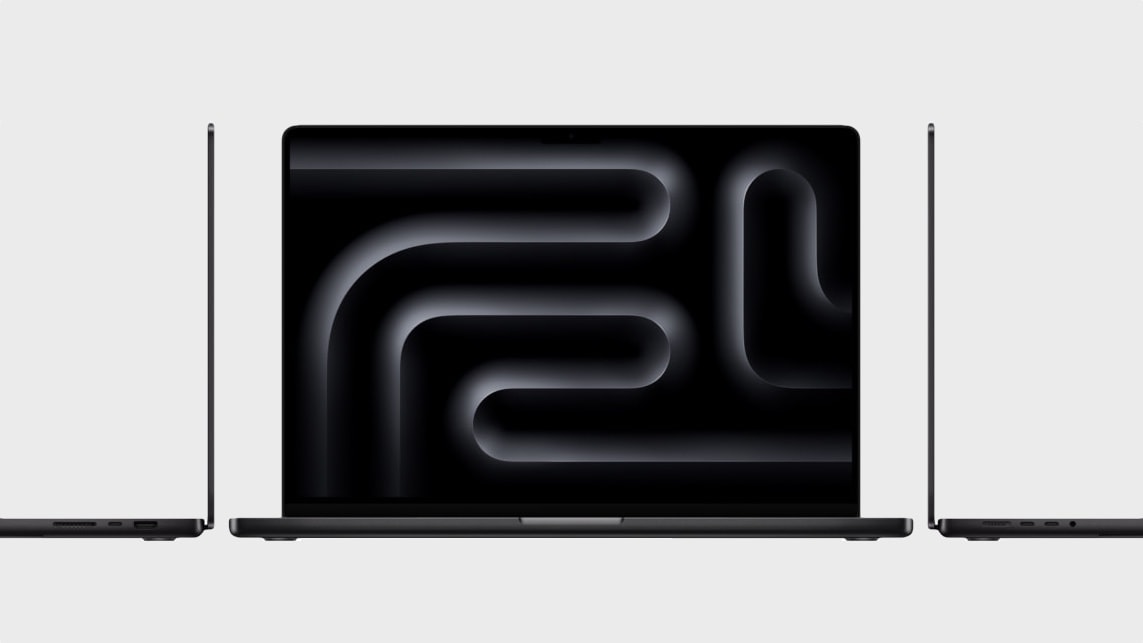
Space black M3 MacBook Pro
Save big on Apple's most powerful MacBook Pros.
Photo: Apple

Since its launch in late October 2023, retailers have frequently discounted Apple’s M3 MacBooks. Continuing that trend, Amazon is offering hefty discounts of up to $250 on the M3 Max-powered MacBook Pros.

Thanks to the deal, you can get the 14-inch MacBook Pro with M3 Max chip and 1TB storage for as low as $2,999, saving $200 from its $3,199 MSRP.

Good monitor arms ‘go a long way’ [Setups]

By

Mac Studio setup with three mounted displays
This user swears by the arms his 4 displays are mounted on.
Photo: [email protected]

Sure, you can buy a computer monitor and set it up on the stand that came in the box. But what if you want to easily move the external display around? And what if you want to have multiple screens and move them around?

Keeping monitors up off the desk and mobile can really improve your setup. And the best way to do that is to mount your screens on arms. It takes some effort, but as today’s user points out below, it’s worth it.

His sister works for Apple. Brace for jealousy. [Setups]

By

Mac Studio setup with 5K Studio Display and 4K Samsung monitor
What do you do if one display is 5K resolution and one is 4K resolution?
Photo: [email protected]

When someone asked a marketing director in the United Kingdom how much money he makes, the man laughed and said, “Not enough to justify the contents of this picture” of his computer setup.

Hey, we get it. But then we suffered immediate pangs of envy when he went on to say, “My sister works for Apple so got a sick deal on a refurbed [Mac] Studio and new Studio Display.”

Yeah, good for you, pal. No, really. We mean it!

How to use long-overdue improvements to the Files app in iPadOS 17

By

How to use long-overdue improvements to the Files app in iPadOS 17
There are new features in the iPad/iPhone Files app when accessing thumbdrives and SSDs.
Photo: Ed Hardy/Cult of Mac

Managing files on iPad has finally got a lot easier with new tools added to the Files app in iPadOS 17. It’s especially good for working with external drives, including basic capabilities like seeing see how much space remains on a thumb drive. And iPhone users can access them, too.

Here’s how to access all the new features in Apple’s Files app.

Can removing a 4K external display count as an upgrade? [Setups]

By

MacBook Pro setup with LG UltraFine monitor on stand
Once again, a monitor riser (and other updates) elevates a computer setup.
Photo: [email protected]

Multiple-display computer setups are all the rage, but can a workstation benefit from losing one of its external monitors, even one with 4K resolution?

If today’s featured MacBook Pro rig is any indication, yes, it can — especially if the outfit sees a bunch of other cool upgrades at the same time, like a cool new monitor riser, an open stand for the MacBook Pro and a great new office chair.

16-year-old Mac Pro drives even more-ancient Cinema Display [Setups]

By

2008 Mac Pro and 2005 30-inch Cinema Display
Wait, what year is it again? 2024. Right.
Photo: [email protected]

Say what you will about old Apple hardware, it’s cool and it’s got staying power — sometimes to an amazing degree. Today’s featured setup, for example, sports a 16-year-old Mac Pro with some modifications driving a 19-year old Cinema Display (the big one — 30 inches — first released in 2004, a mere 20 years ago).

The user’s just happy she’s getting the venerable desktop machine to run as fast as her spritely young MacBook Pro … from 2012.

$2,000 off a loaded MacBook Pro? Don’t miss B&H’s year-end Mega Deal Zone.

By

Space black M3 MacBook Pro
Want a great deal on a space-black M3 MacBook Pro? It's in there.
Photo: Apple

The holiday shopping season might cool off a bit right after Christmas, but not at B&H Photo. Its year-end Mega Deal Zone sale is running hot with a bunch of bargains on Apple products this week — especially MacBook Pro.

You can get $250 off a hot new M3 MacBook Pro or up to an amazing $2,000 off a massively loaded 16-inch M1 Max MacBook Pro, to name two examples. See more below.

1 40 41 42 43 44 144