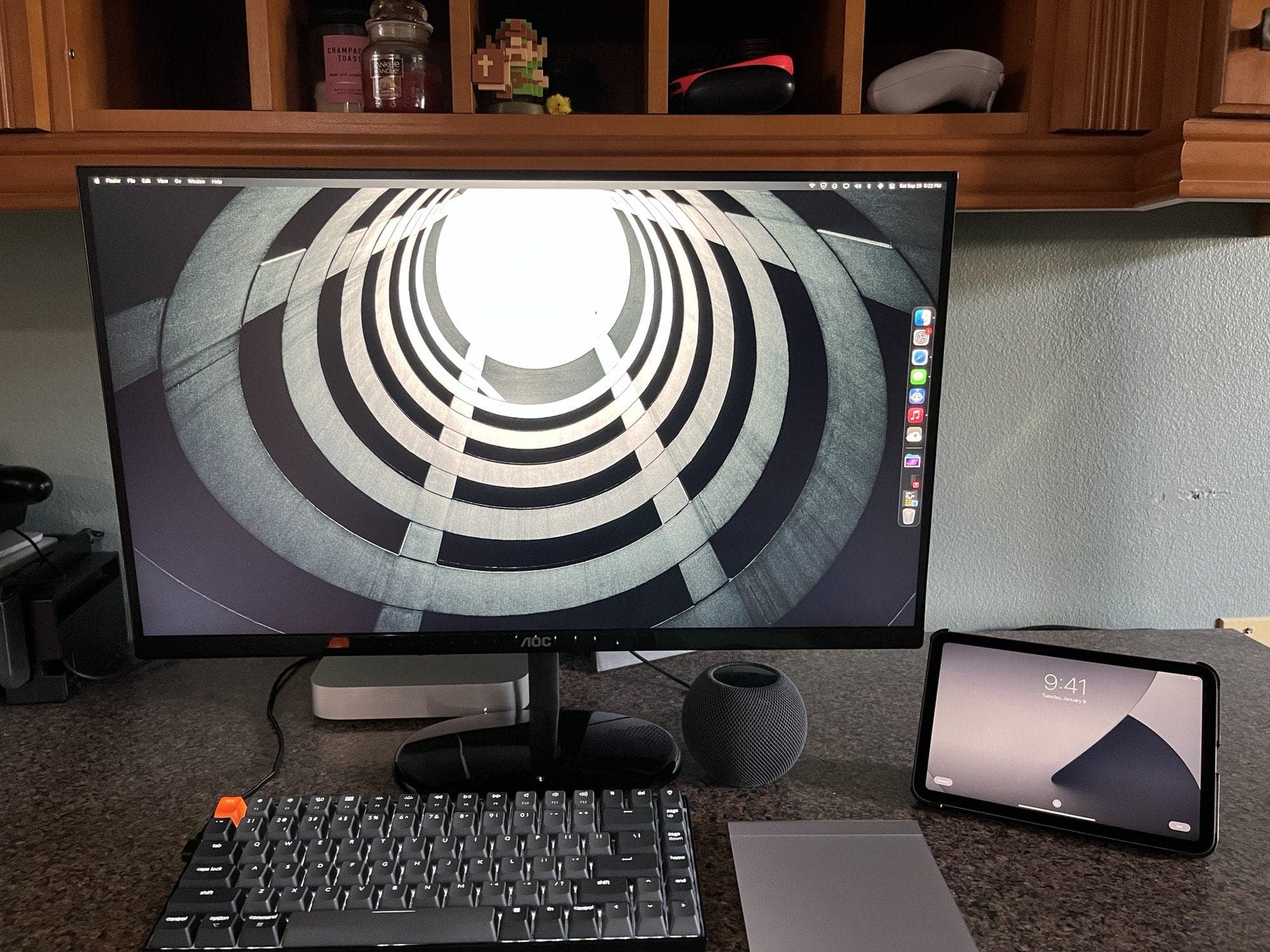
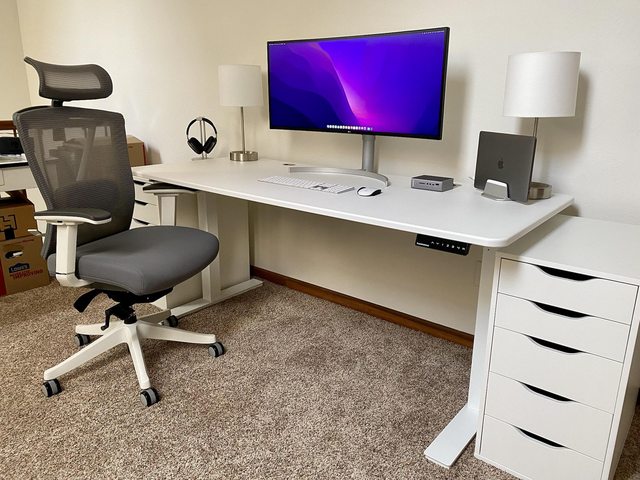
It's all "mini" except the monitor, pretty much. Photo: [email protected]
The new M1 iPad mini garners rave reviews for its powerful performance and easily handled size. The M1 Mac mini is well-established as a compact but capable desktop machine. The HomePod mini smart speaker has flourished after the demise of the full-sized HomePod. So it’s no wonder to see “all mini” computer setups cropping up.
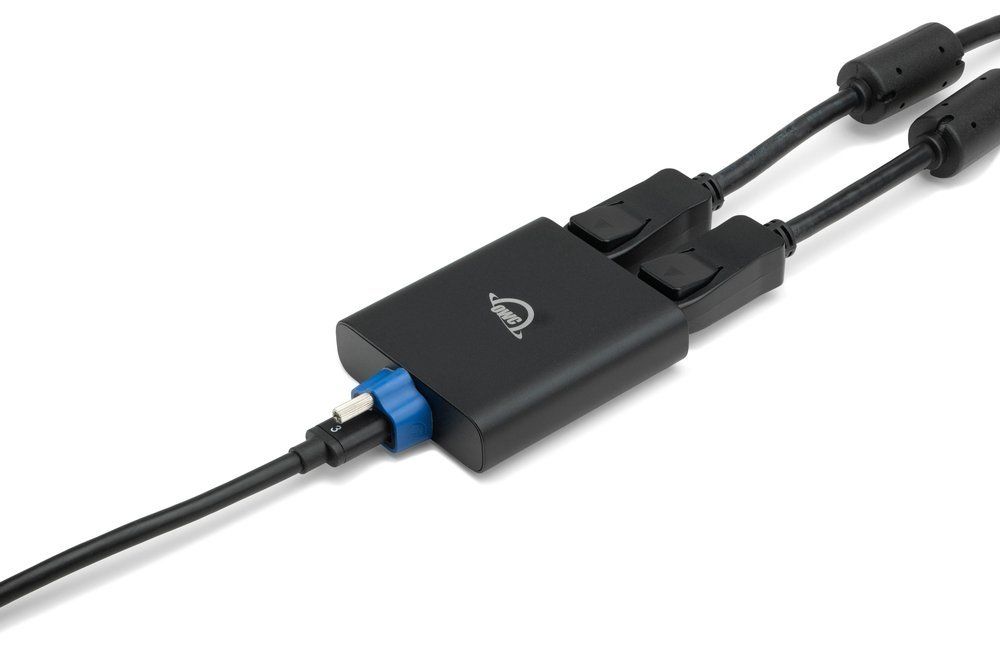
OWC's new adapter helps you drive two displays with your Intel-based Mac or iPad. Photo: OWC
At Cult of Mac we’re always going on about M1 Macs, but here’s something for the Intel Mac crowd. OWC launched a new DisplayPort adapter allowing you to connect two 4K displays or one 8K display to your Intel-based Mac or iPad using a single Thunderbolt port.
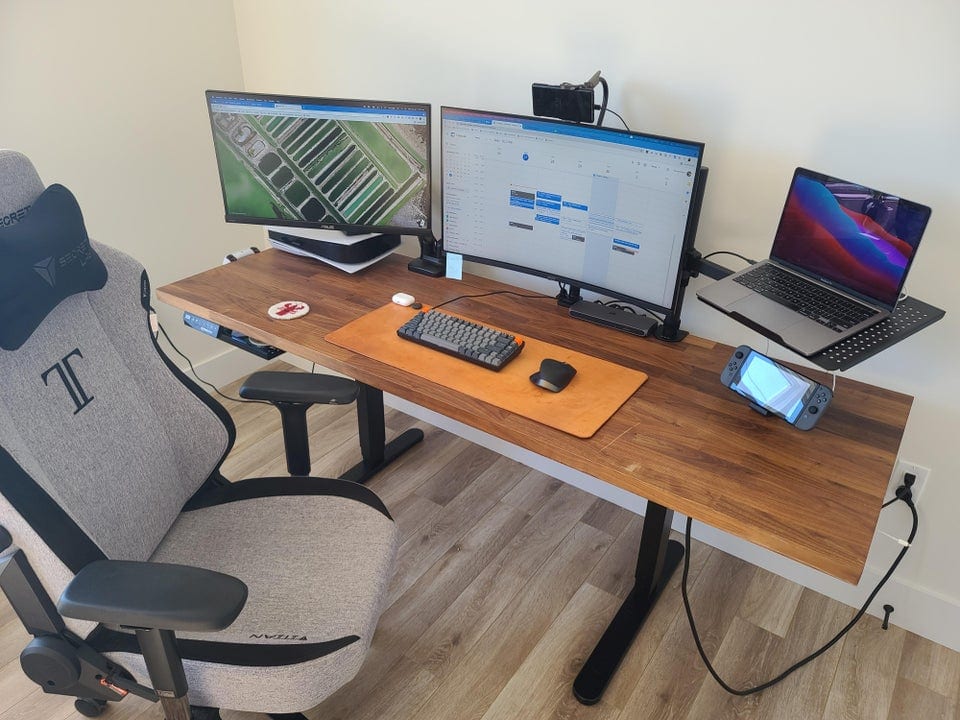
Maybe "1 cord to rule them all," but not replace them all. Photo: [email protected]
You’ve got to love somebody bragging about getting their computer setup’s cable management down to one cord, because it’s never really one cord. They don’t mean it literally. It’s just that one cord to a hub or dock helped reduce their previously tangled mess of cables splaying out all over the place.
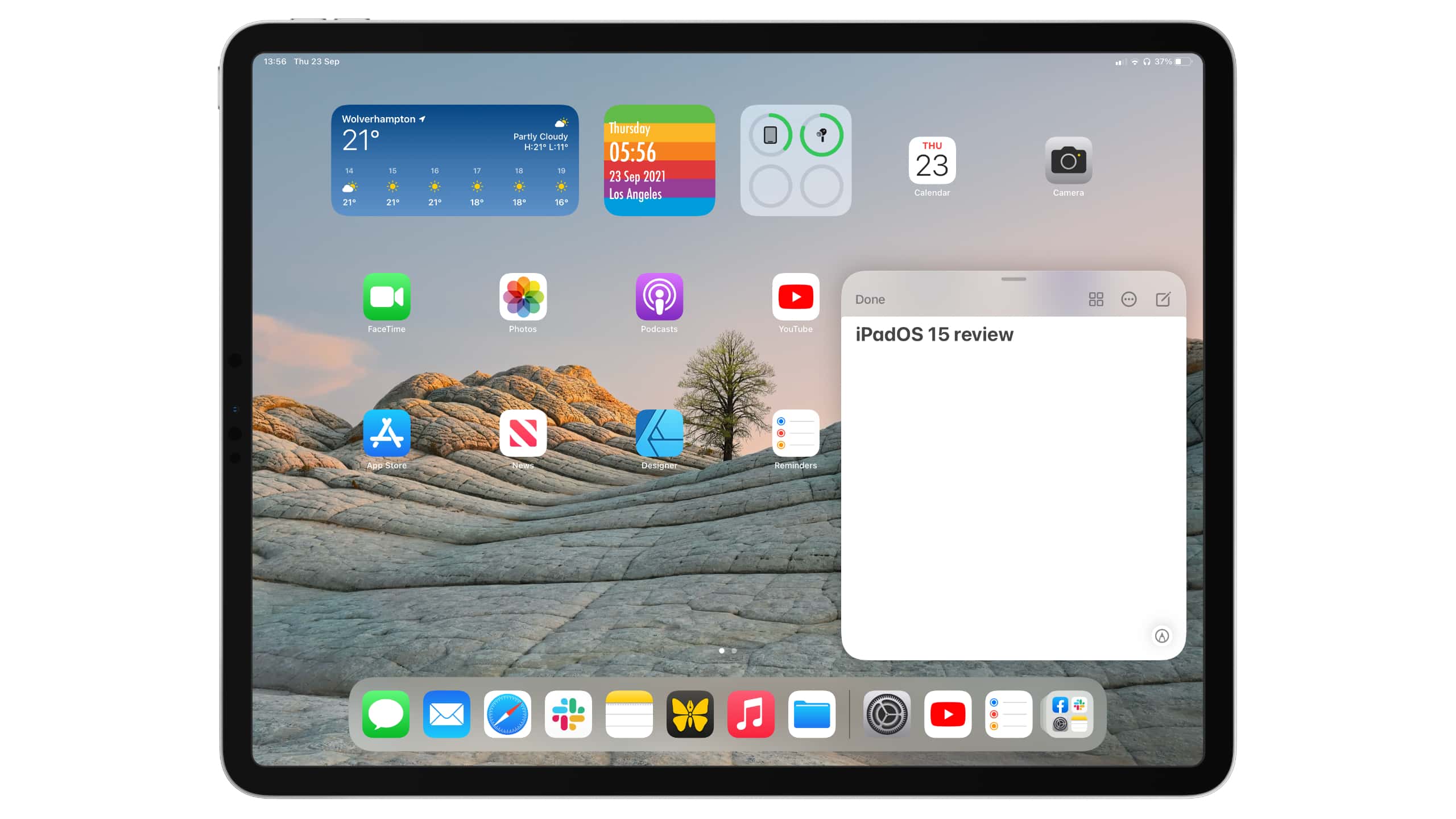
Improvements are nice, but just not enough. Image: Killian Bell/Cult of Mac
Apple somehow created the world’s greatest and most disappointing tablet operating system. iPadOS is by far the best you’ll find for larger touchscreens, and yet, it leaves us wanting so much more.
This year’s iPadOS 15 release is an incremental upgrade over its predecessor. It improves upon the split-screen multitasking system, adds some new features like Focus mode, and finally allows us to put widgets anywhere.
But it’s still iPadOS as we know it, and it’s still holding back iPad Pro. We could be doing so much more with the hardware, especially now that the newest models pack even-speedier M1 chips. But Apple won’t let us.
Here’s our full iPadOS 15 review. It lays out what’s good about the new operating system — and explains why we think it’s time for a little more ambition.
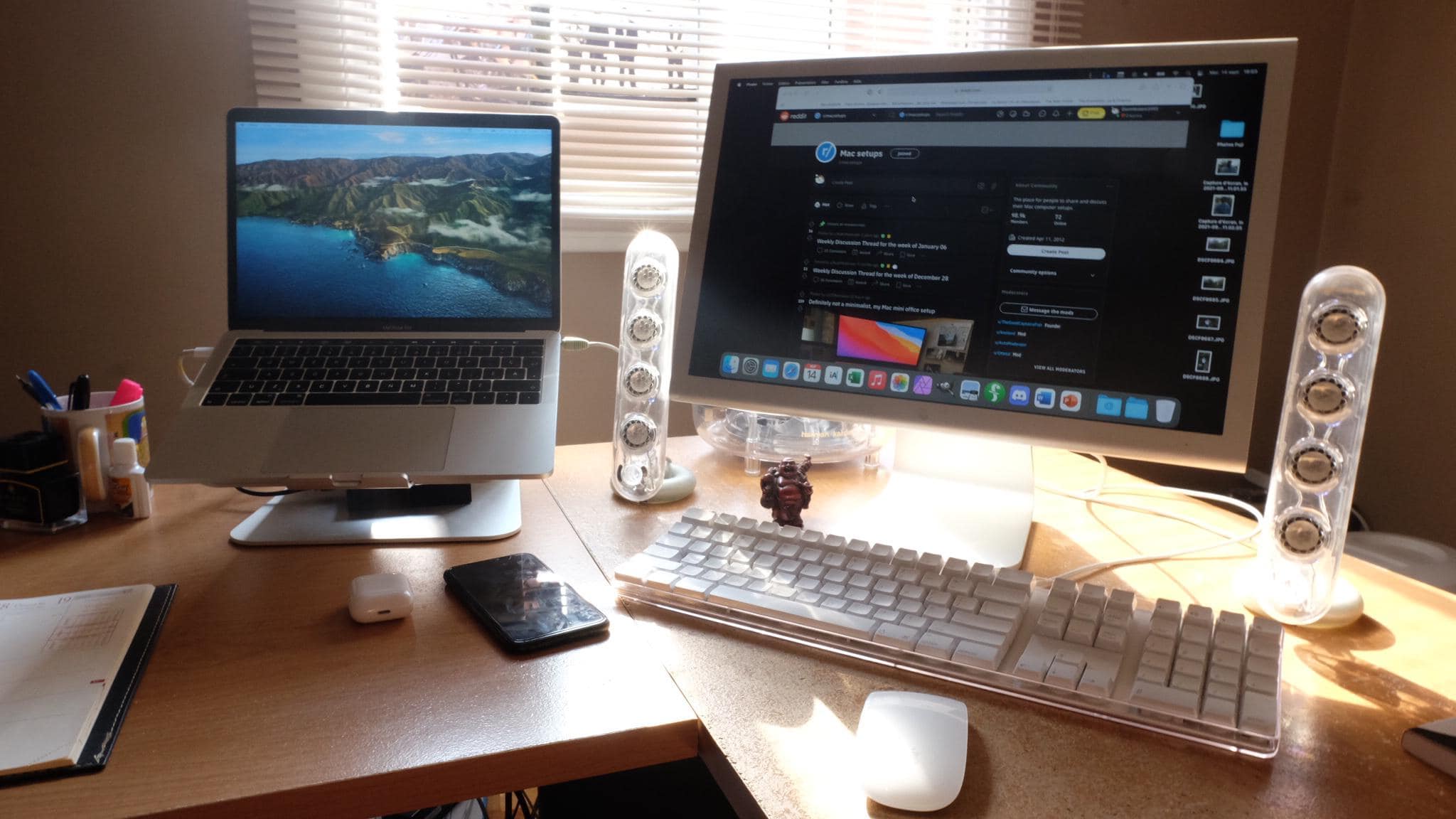
The Apple Cinema Display is nice, but the Harmon Kardon SoundSticks really grab the eye. Photo: [email protected]
Sometimes on a Friday — or really any day of the week — we like to go back in time with an old-school cool Mac computer setup. That is, when we can find something on the retro side to feature. Luckily, today we found one.
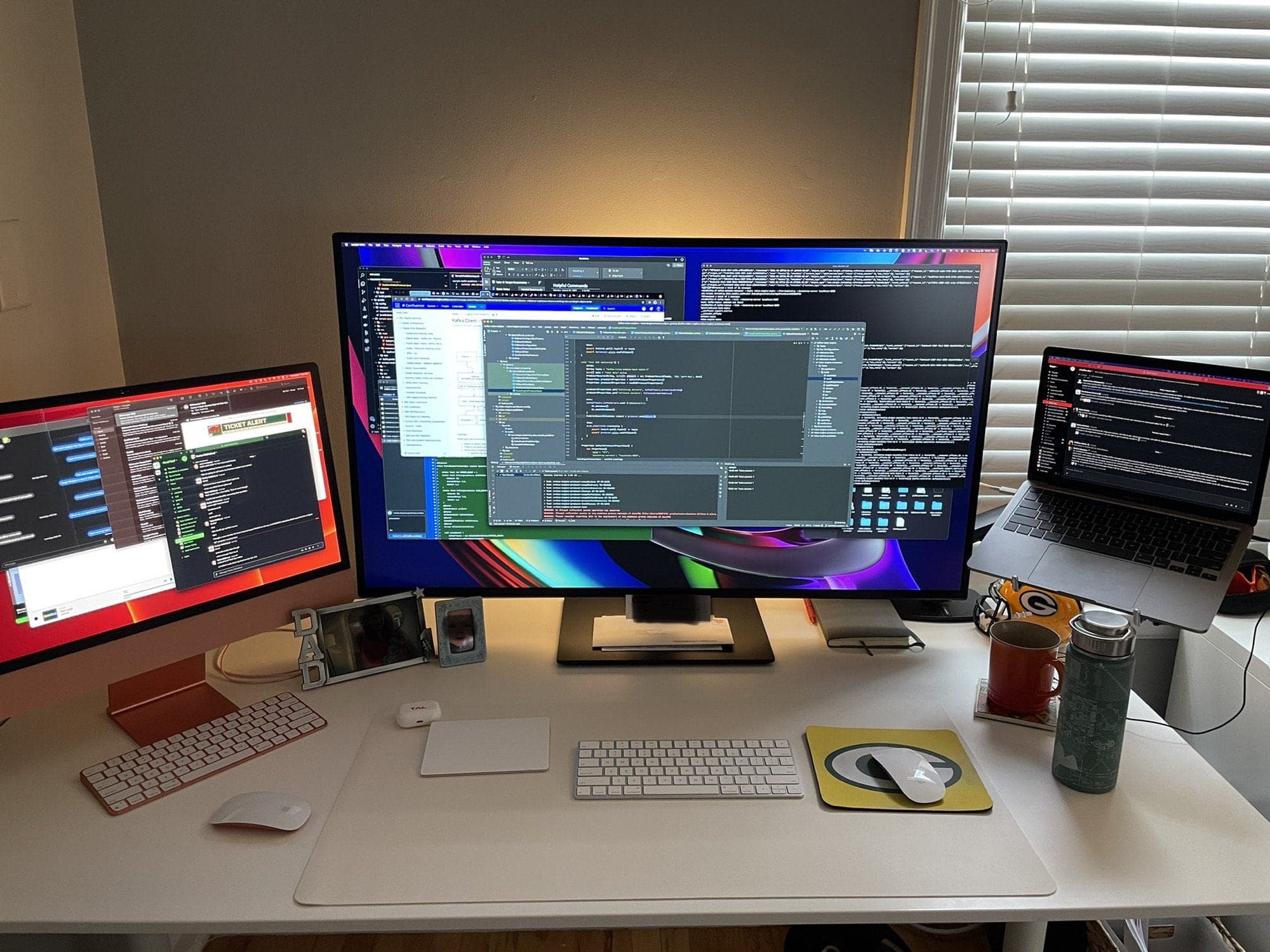
iMac and MacBook Pro, check. Massive display, check. Le Creuset mug, check. Photo: [email protected]
Redditor Doyniish runs a Mission Control-looking workstation, thanks a gargantuan monitor in between a substantial 24-inch iMac display on the left and a MacBook Pro on a stand to the right. In the shot, they’re all festooned with open windows, making it look like all the work in the world is in progress at that particular desk.
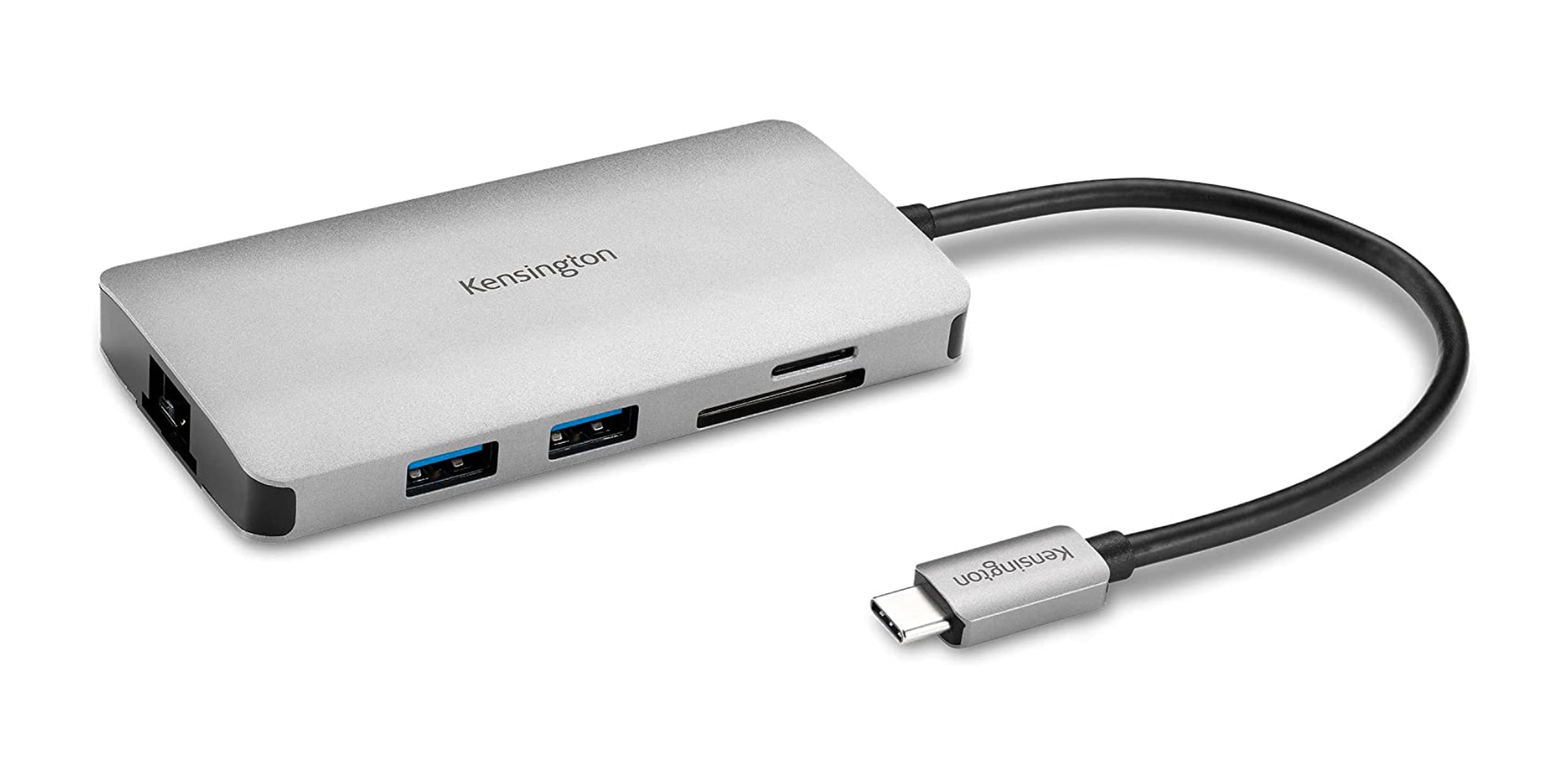
Kensington's new 8-in-1 hub turns one port on your machine into eight. Photo: Kensington
Kensington brought out two new USB-C hubs this week featuring up to 100W passthrough charging and as high as 4K 60Hz HDMI connectivity along with other features.
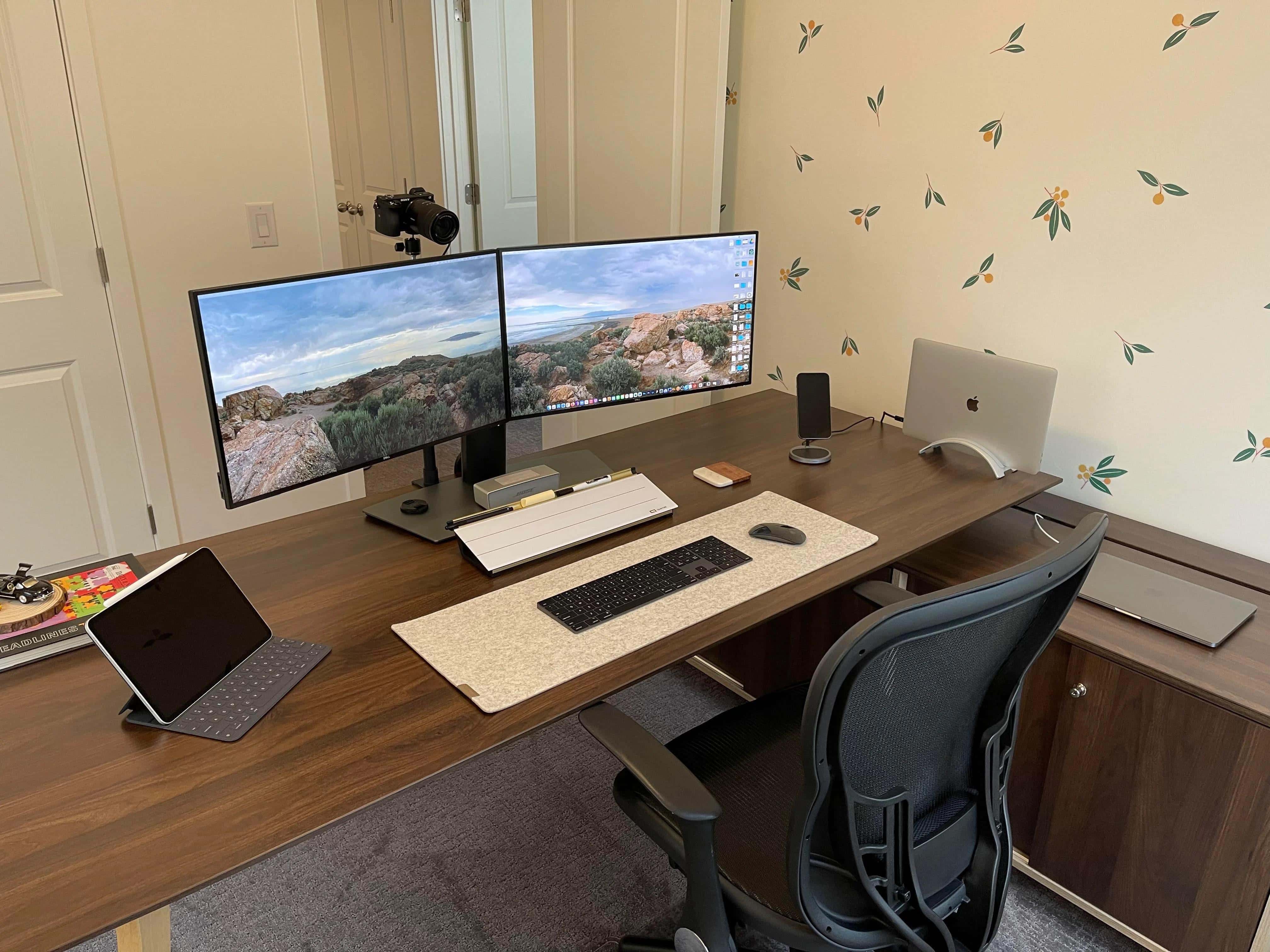
A dual display, dual MacBook Pro home office relies on built-in cable management. Photo: [email protected]
Redditor baby-yoda-stan — Stan for short, let’s say — posted pics of his home office computer setup, which features dual Dell displays and a couple of Intel-powered MacBook Pro laptops. He credits the clean look to built-in cable management in some of his setup’s components.
This setup's so clean in part because of what's under that desk. Photo: [email protected]
At a glance you can see that Redditor iEdwinT’s computer setup is spare and neat. You might call it elegant. How does he do it? That’s really down to what you can’t see — a fairly simple but effective cable management operation going on under the desk.
iPad’s shift from LCD to OLED displays could be a step closer, with Samsung Display reportedly preparing new panels for Apple and other partners. Production of the new “Gen 8.5” screens is expected to begin in 2022.