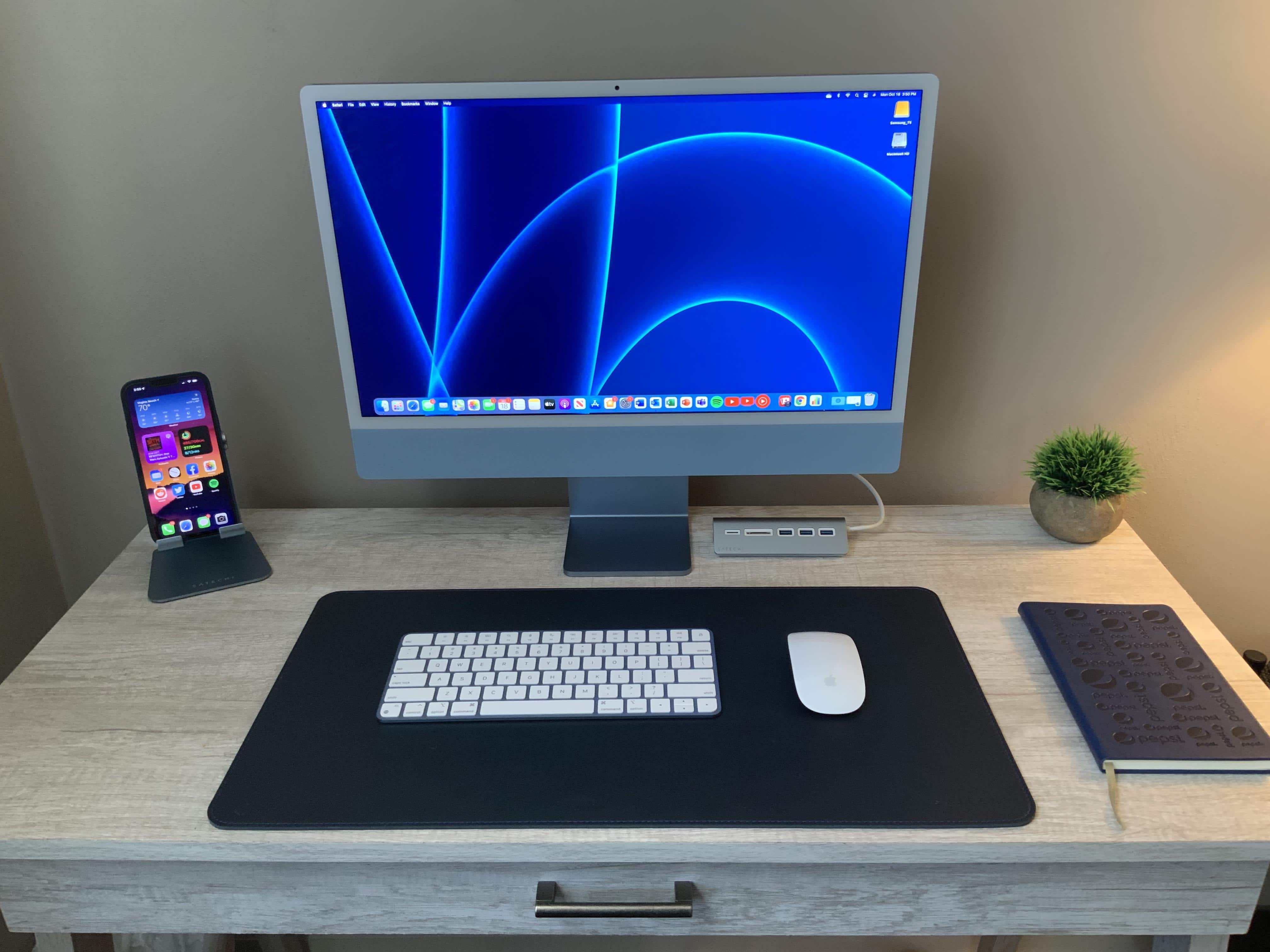
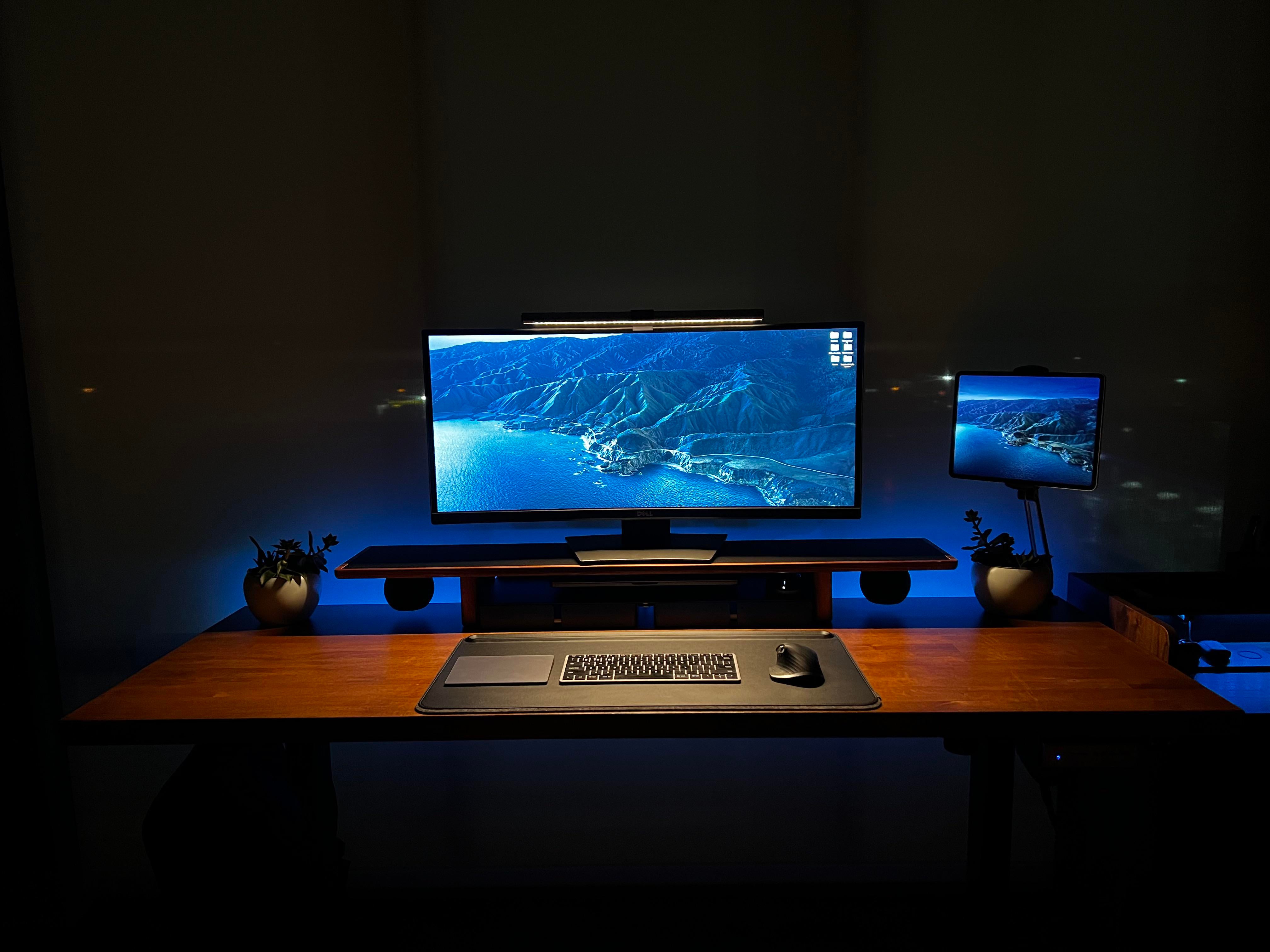
A lovely blue iMac depends upon a raft of Satechi accessories. Photo: [email protected]
Jazz great Miles Davis probably never imagined one of his classic song titles, “All Blues,” would end up in a headline about an M1 iMac-based computer setup. And it’s not every day you see a completely color-coordinated workstation that’s not just “Kind of Blue” (to drop another title), but drenched in blue hues.
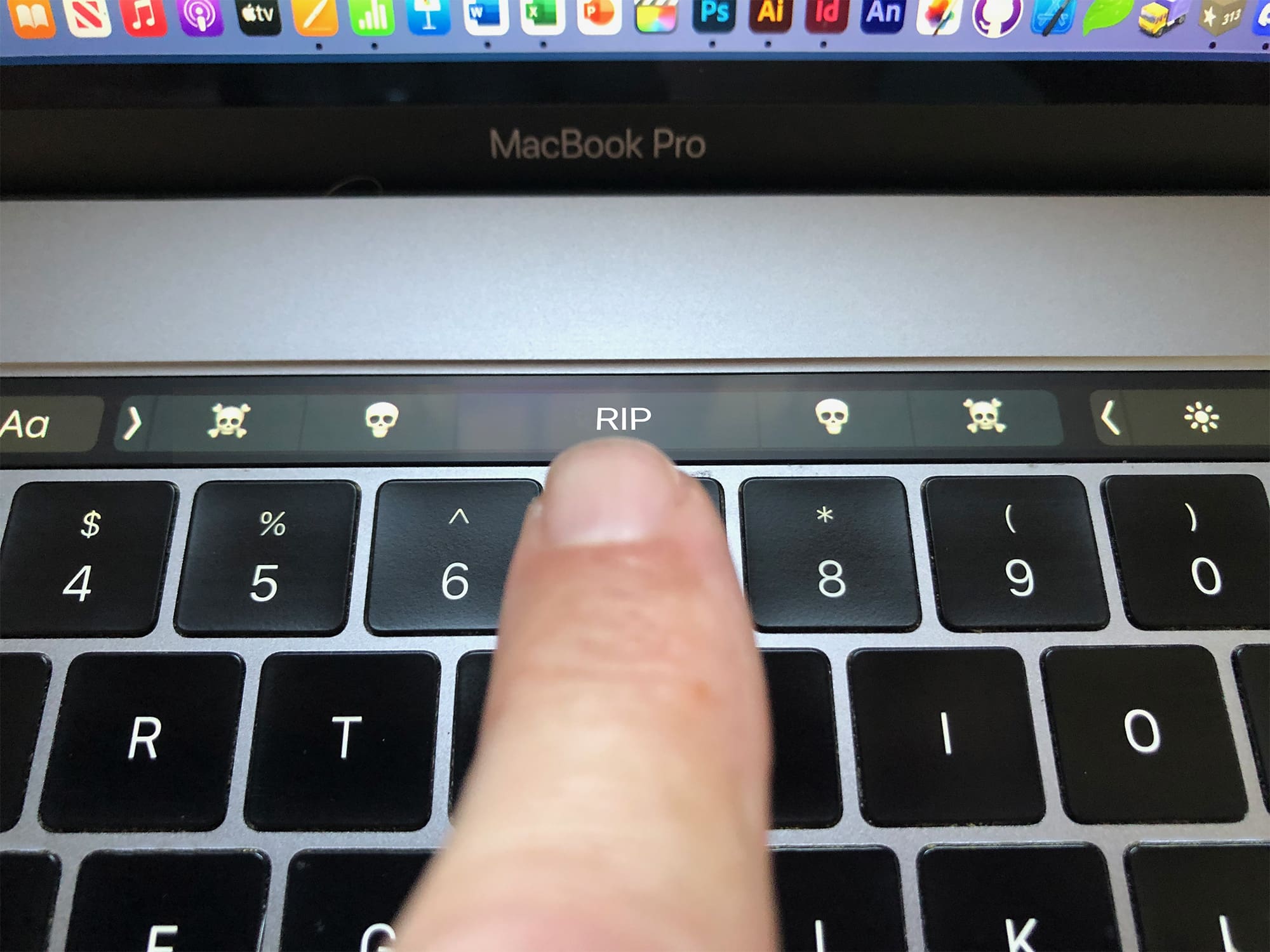
Was the Touch Bar out of touch with pro users’ needs? Photo: Graham Bower/Cult of Mac
The MacBook Pro’s Touch Bar was a technological marvel in its day. It brought the magic of multi-touch to macOS and, with its stand-alone T1 chipset, it put ARM-based Apple Silicon inside the MacBook when the M1 chip was still just a twinkle in Cupertino’s eye.
There’s no doubt it was a clever piece of engineering, but it proved unpopular with pro users. Many missed the tactile feedback of the traditional Escape key and function keys.
Apple rejigged things last year, shrinking the Touch Bar to make room for a physical escape key, but it was too little too late. Many will be glad to see the Touch Bar go, but I’m gonna miss that little sliver of multi-touch magic at the top of my keyboard.
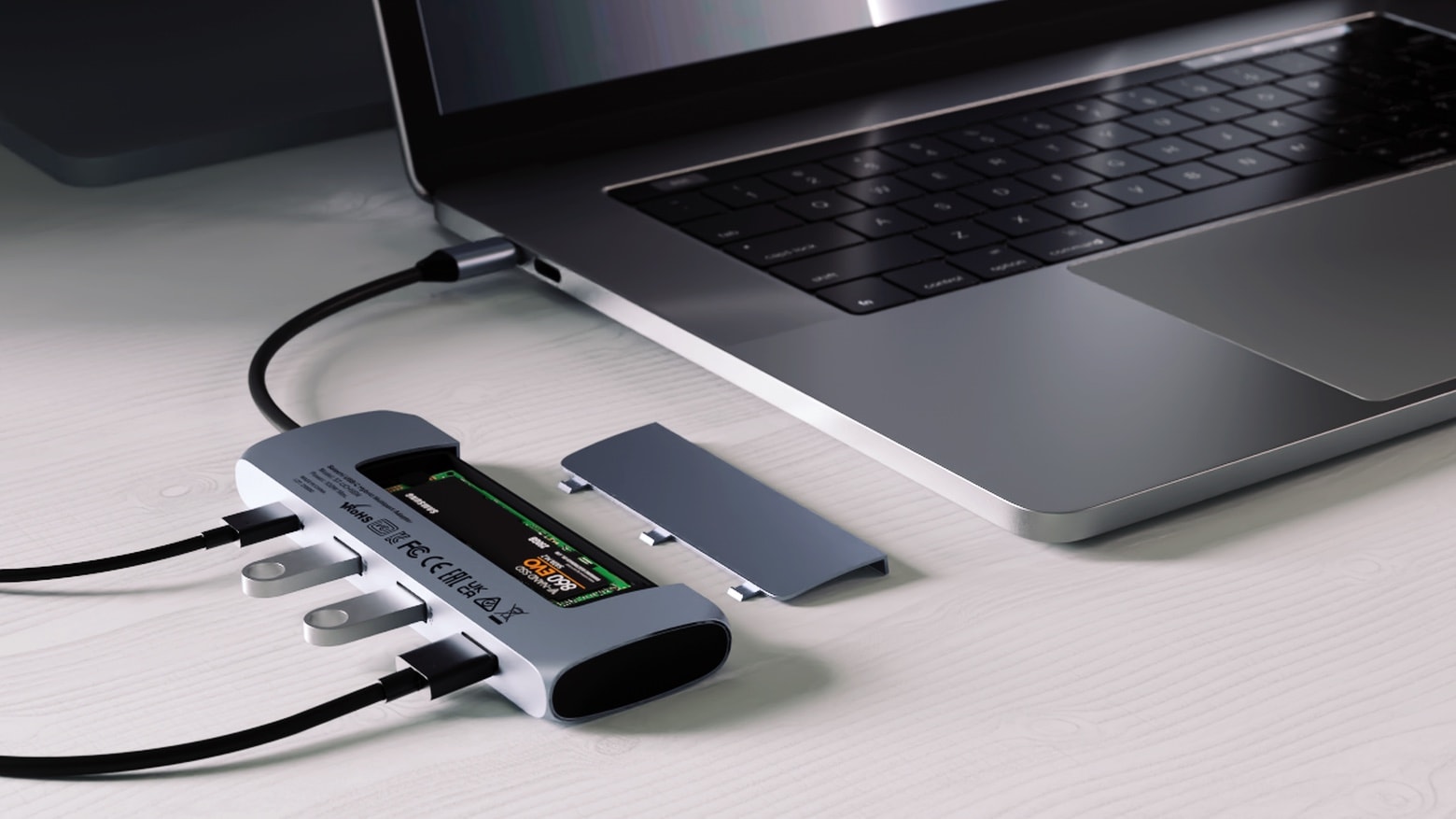
The Satechi USB-C Hybrid Multiport Adapter lets you add additional storage and peripherals to your Mac or iPad. Photo: Satechi
Because you can never have too much storage or too many ports, the just-launched Satechi USB-C Hybrid Multiport Adapter includes an SSD storage compartment as well as four additional ports.
The multiuse Mac or iPad accessory launched Friday.
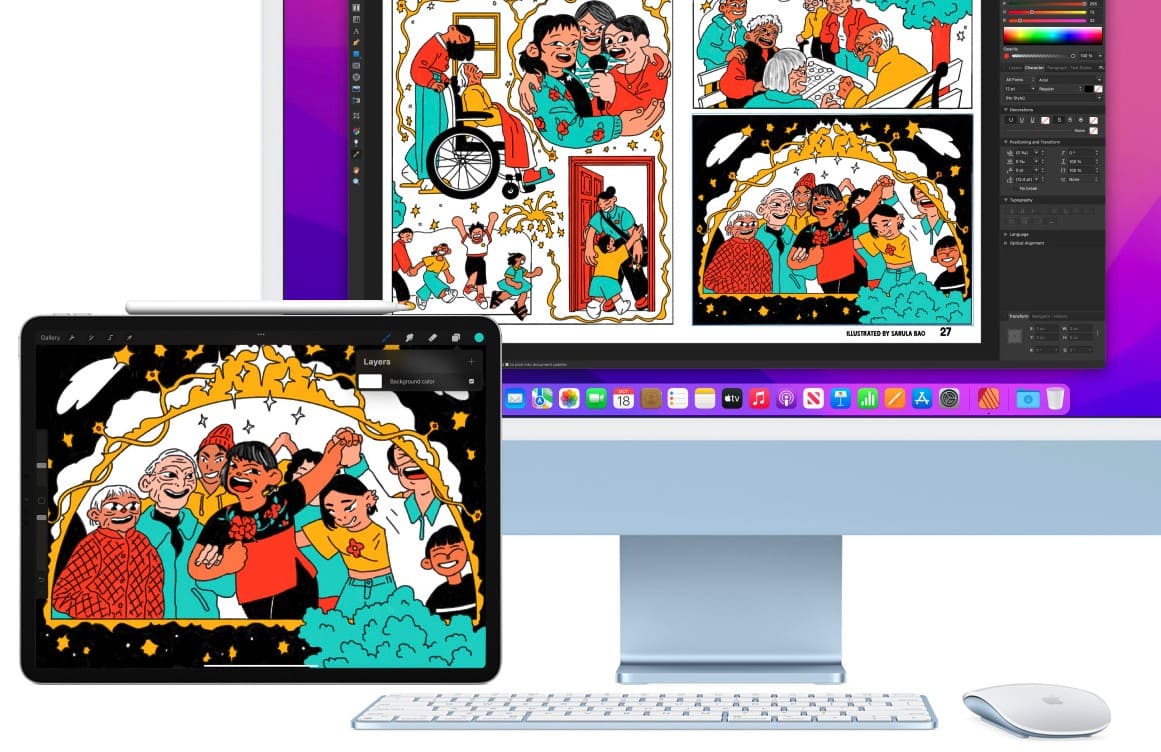
Apple has finally put us out of our misery and confirmed Universal Control for macOS Monterey will be delayed until “later this fall.”
The new feature, which lets you seamlessly control a Mac and iPad with a single keyboard and mouse, has been missing from most macOS Monterey betas. It has popped up in more recent builds, but it still cannot be activated.
Plenty of new Macs are possibly on the agenda for the Apple October event. Concepts: Ed Hardy/Cult of Mac/Antonio De Rosa
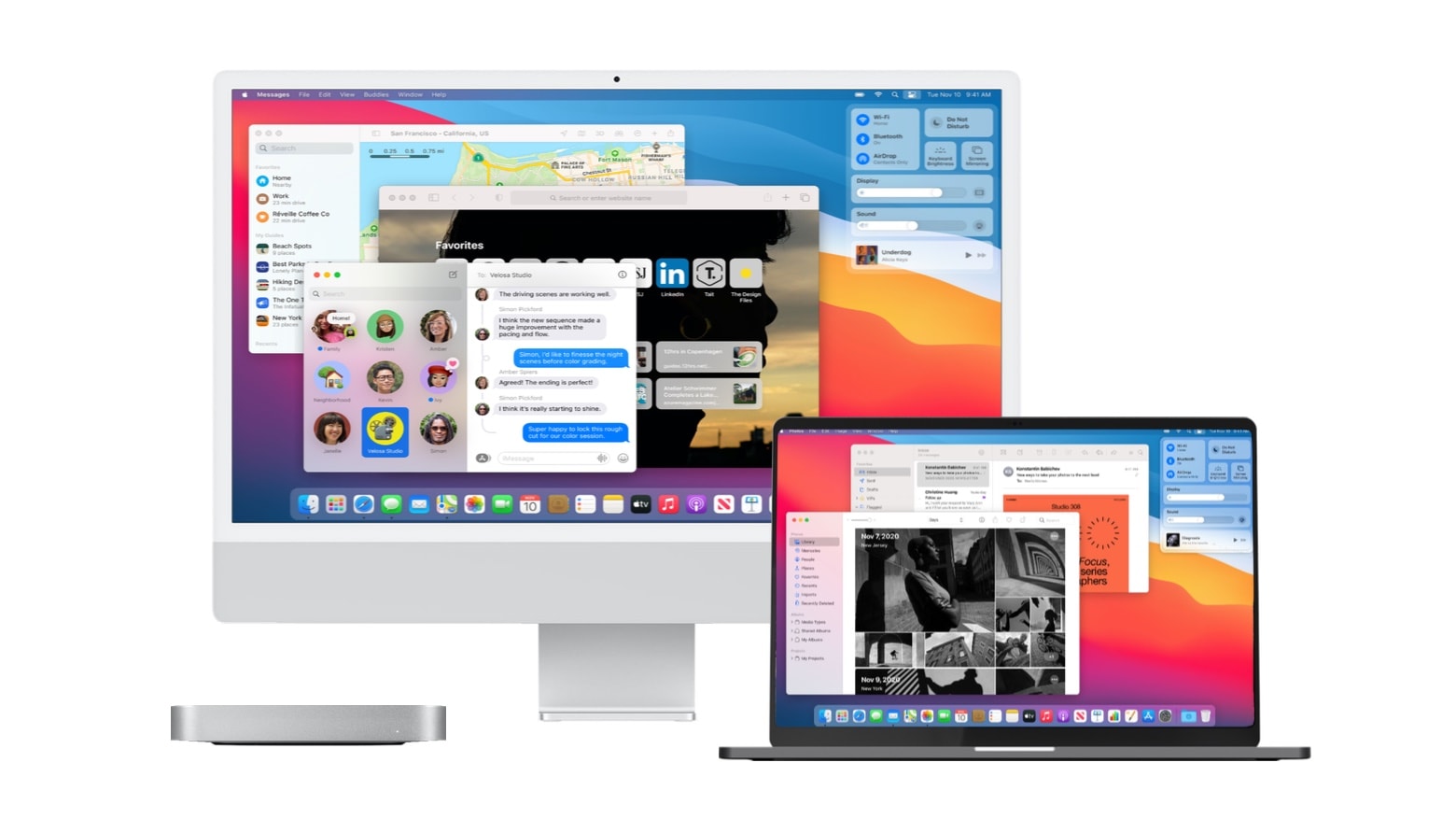
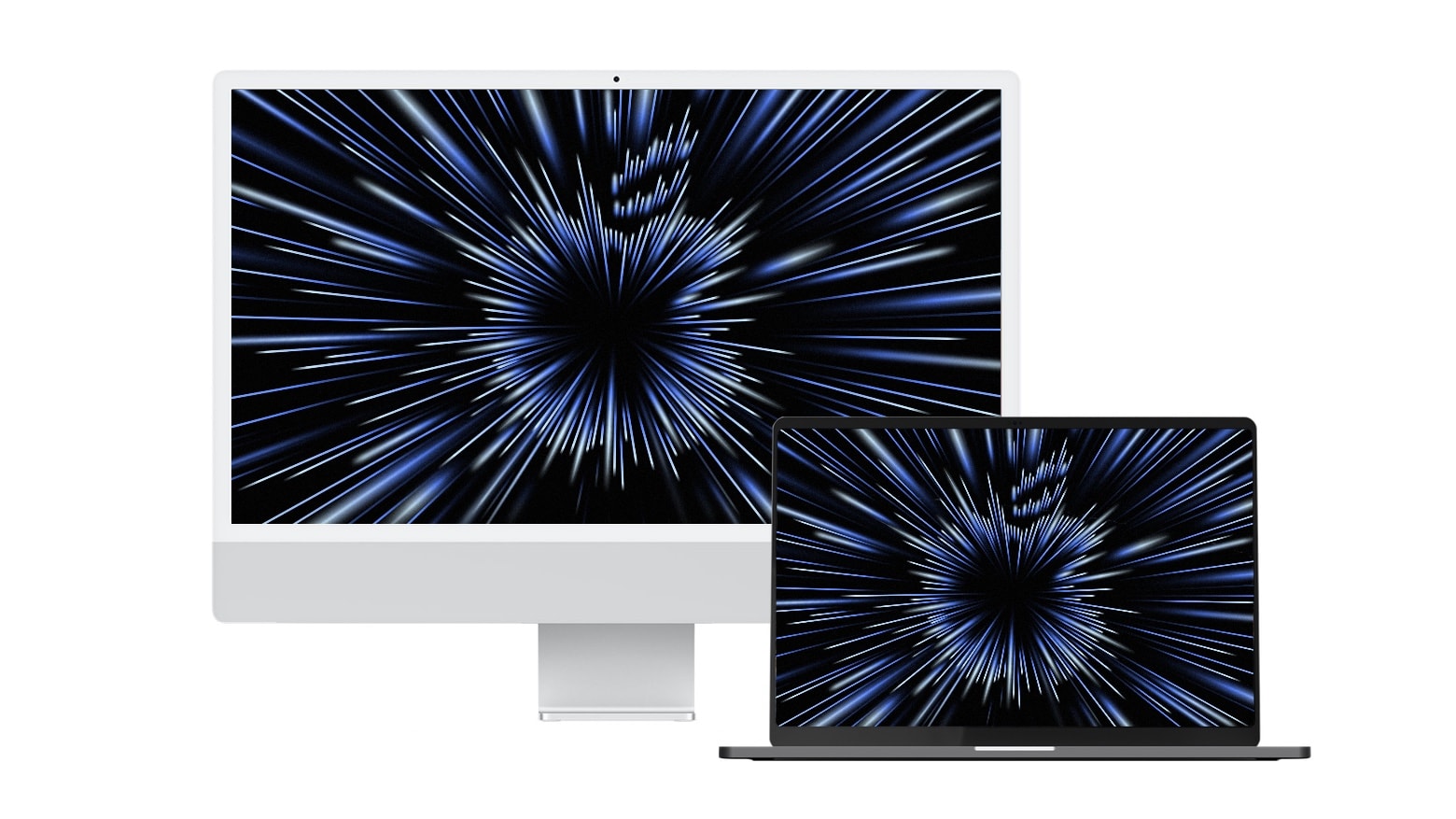
Apple’s “Unleashed” event on Monday is likely to bring what Mac fans have been eagerly anticipating for over a year: redesigned MacBook Pro models with upgraded displays and the return of traditional ports. But that’s just the start. We could see the debut of two more models, all powered by a new Apple M-series processor.
Here are the computers that leaks and rumors say are coming. But we could always be surprised. Again.
We see a lot of impressive computer setups in slick home offices here at Cult of MacSetups HQ, but few of them are nicer than one we just came across. As usual, we’ll share the gear list, below, as well as some of the tricks you can emulate to improve your own home workspace.
It kicks off at 10 a.m. PDT/1 p.m. EDT. Image: Apple/Cult of Mac
Apple’s next event is right around the corner, and it’s one you won’t want to miss if you’re a fan of the Mac. The “Unleashed” keynote is expected to bring a number of new Apple machines — all powered by an even faster “M1X” chip.
Just like recent Apple keynotes, this one will be streamed online, so you’ll be able to watch it in its entirety as it all unfolds. We’ll show you how.
A couple of big things might be on the docket for the Apple October event. Photo: Cult of Mac
Apple promises “big things” at its product event happening October 18. Although that’s the only official hint we have, leaks have revealed details on a couple of extra-large Macs that might fit the bill.
And there could be good news for fans of both MacBook and iMac at the “Unleashed” event.
A small, table-top standing desk, tiny monitors and right-angle adapters save space in a cramped London flat. Photo: [email protected]
Folks often endure work-from-home situations where space is at a premium. Maybe they have a big house full of kids and pets. Maybe they live a tiny studio apartment in a big, expensive city. In either case, sometimes the whole computer setup sits where they eat, and it has to go away at dinnertime. Today’s setup solved the problem by turning a dining table into an easy-stash U.K. office.
Marc Drucker's WFH setup saves some cable clutter by using the monitor as a USB hub. Photo: Marc Drucker
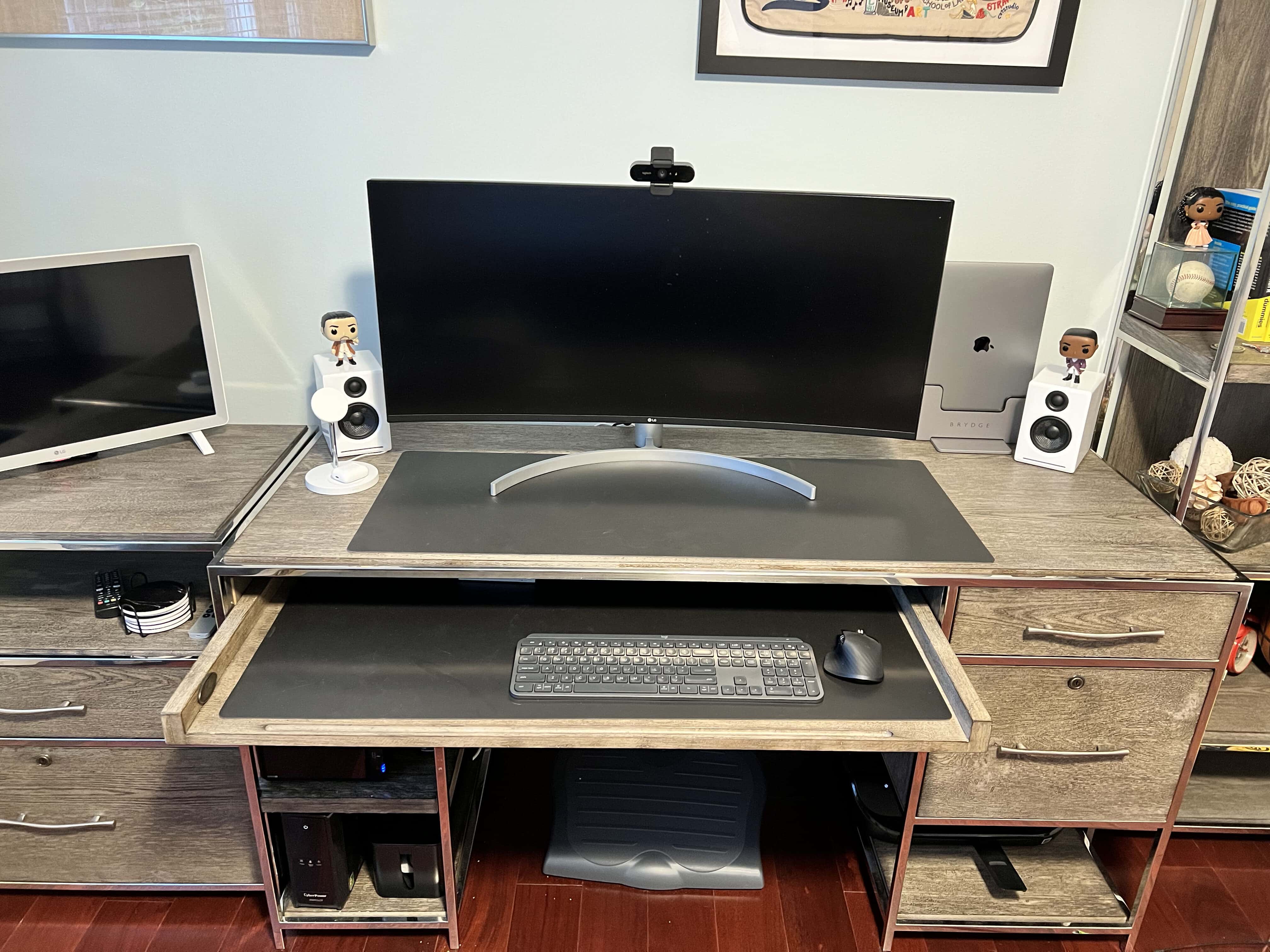
Marc Drucker serves as an associate director and technical lead for a pharmaceutical company in Menlo Park, California. Having shifted fully to working from home, he found his computer setup — his WFH rig — running so well and looking so clean, he decided to send it in to Cult of Mac.
Among the words he used to describe his WFH rig were ideal and perfect. We talked to him about what works so well for him in his workstation and included his answers, below.