Mobile menu toggle

Search results for: M1 MacBook Air

Day or night, you can’t go wrong with stereo HomePods [Setups]

By

Dual HomePod MacBook Pro setup
The daytime photograph shows the treasured HomePods clearly.
Photo: [email protected]

Paired for stereo sound, two full-size HomePod smart speakers — the original or second generation — are a thing of auditory beauty. And they don’t just sound great, they look good, too. Yet we don’t see paired HomePods much in computer setups (HomePod minis yes, the big ones, no).

Today’s MacBook Pro setup takes full advantage of Apple audio, however, and the user couldn’t be happier. Well, except with Siri, that is. Check out their setup’s cheerful day version (above) and moody night version (below).

Evolution of the Mac: 40 years of innovation

By

From left to right: Mac Plus, Mac Classic, iMac G4, iMac G5, Intel iMac.
How has the Mac changed in the last 40 years?
Photo: D. Griffin Jones/Cult of Mac

The 40-year history of Macintosh computers is a roller coaster of ages golden and dark.

Anything that lasts so long in the forefront of technology has to change to stay relevant. This once-plucky computer that began as an antithesis to the IBM PC, which dominated the world in 1984, is now itself a dominating force, ever pushing the needle in the world of technology.

How did this all happen? Let’s walk through 40 years of Macintosh.

Making Apple Vision Pro video will mesmerize you

By

The Making Apple Vision Pro title card
You won't see a more fascinating 1-minute, 21-second video today!
Image: Apple

Even if you have zero interest in buying a $3,499 mixed-reality headset, you should stop right now and watch the new Making Apple Vision Pro video. It’s an absolutely mesmerizing video that shows the elaborate manufacturing process for Apple’s upcoming “spatial computing” device.

It takes just over a minute to watch, and it’s truly stunning!

Ugreen goes lean and mean with Nexode Pro chargers [Review] ★★★★☆

By

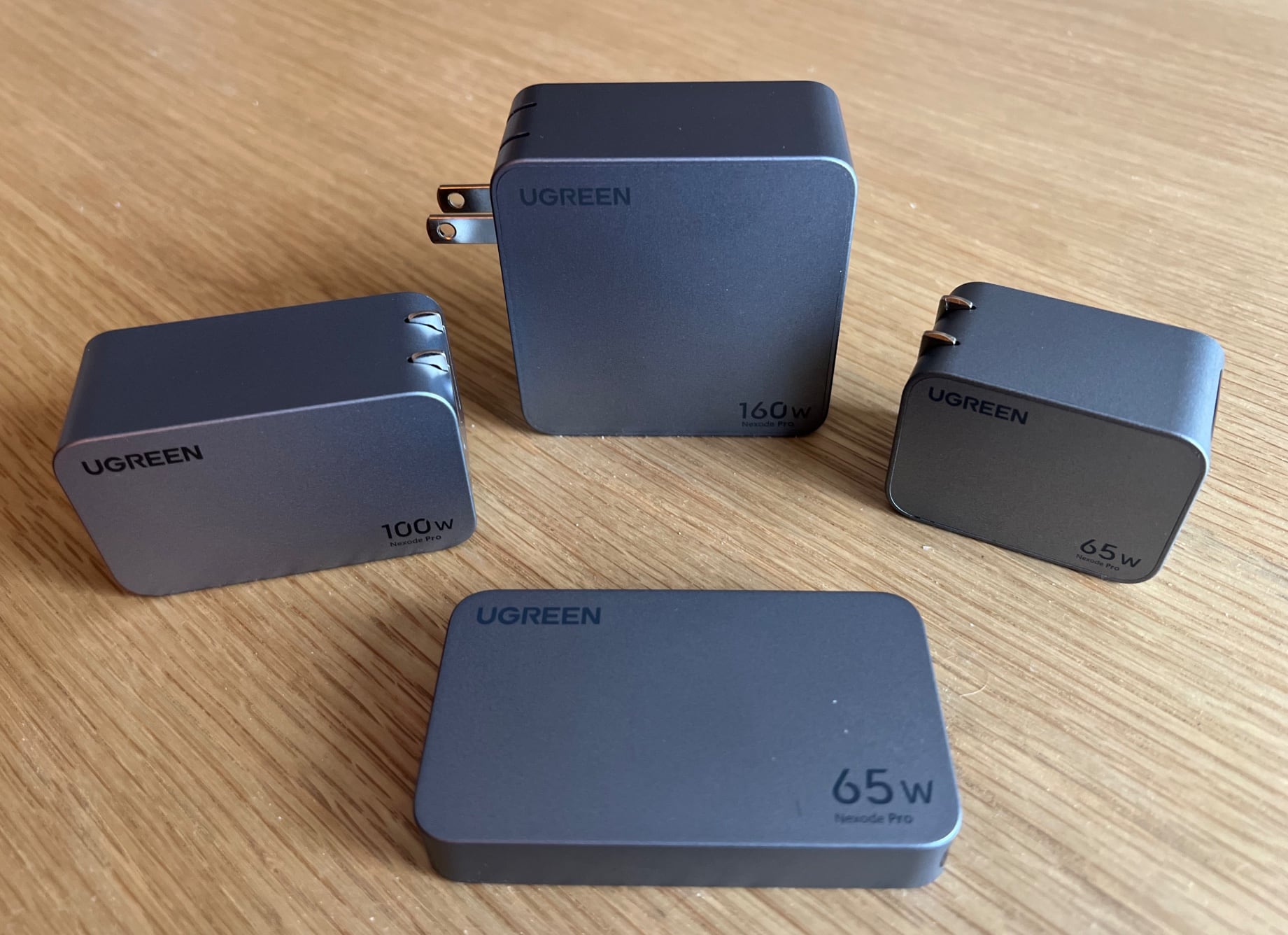
Ugreen Nexode Pro GaN chargers★★★★☆
Ugreen's four potent Nexode Pro GaN chargers can cover most of your charging needs.
Photo: David Snow/Cult of Mac

If you’re looking for newer, better charging options than the old adapters you have lying around the house, but without having to spend much, don’t sleep on Ugreen’s new Nexode Pro lineup of four gallium nitride (GaN) wall chargers.

Ugreen continues to go the way of GaN with these “GaNInfinity”-branded gadgets — more charging power in a smaller space with as many USB-C charging ports as possible (without leaving out USB-A ports entirely; there’s always one).

Kensington hub uses Thunderbolt 5 to transfer files at an amazing 120Gbps

By

Kensington SD5000T5 Thunderbolt 5 Dock
Thunderbolt 5 means this upcoming Kensington multiport dock offers transfers at up to 120Gbps.
Photo: Kensington

Kensington on Monday unveiled one of the first docks using Thunderbolt 5, a new version of the networking standard that’s up to three times the speed of its predecessor. The SD5000T5 will sport an array of ports, and support dual 8K displays.

Also at CES 2024, the accessory-maker took the wraps off a trio of USB-C docks.

Can removing a 4K external display count as an upgrade? [Setups]

By

MacBook Pro setup with LG UltraFine monitor on stand
Once again, a monitor riser (and other updates) elevates a computer setup.
Photo: [email protected]

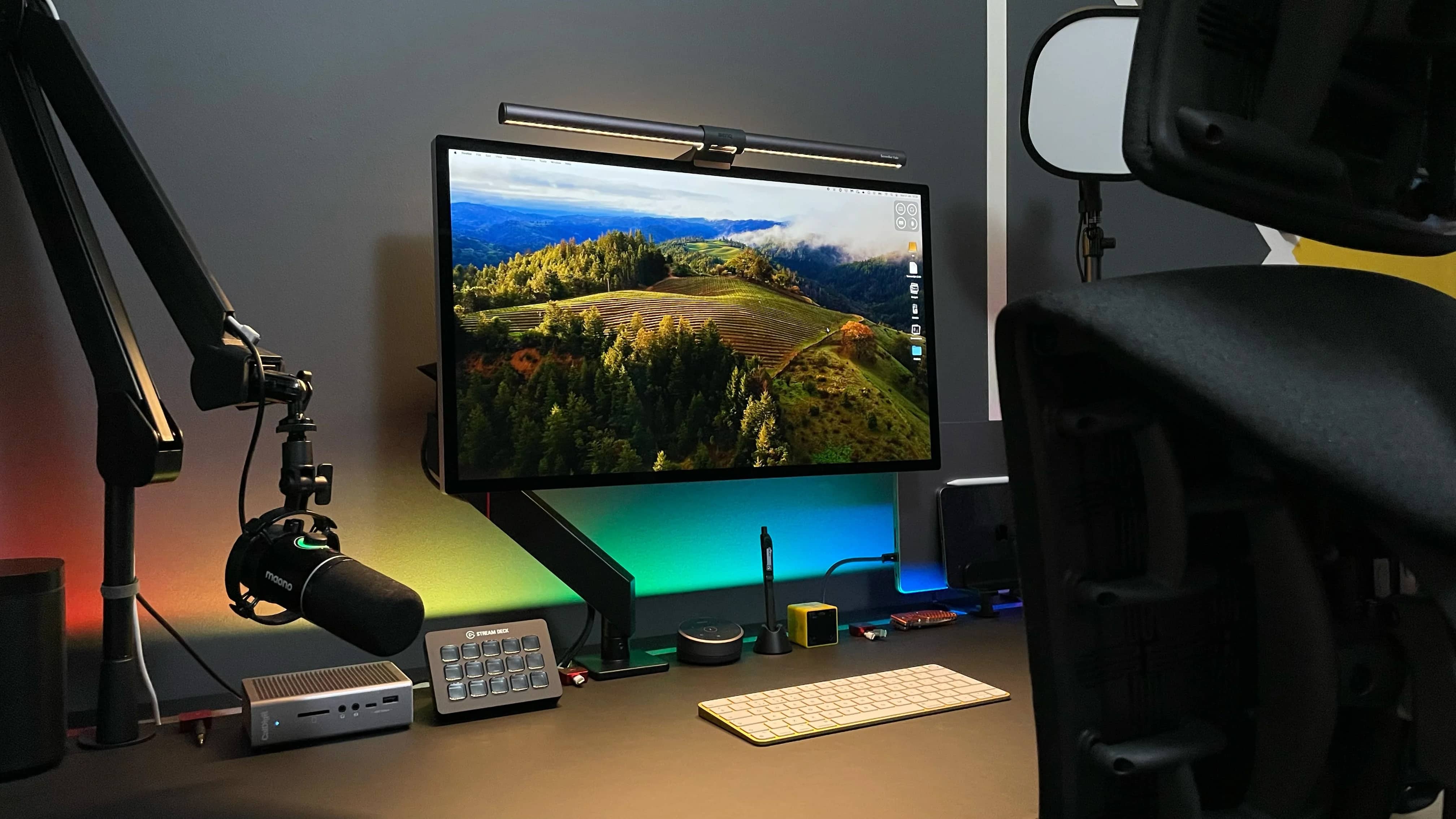
Multiple-display computer setups are all the rage, but can a workstation benefit from losing one of its external monitors, even one with 4K resolution?

If today’s featured MacBook Pro rig is any indication, yes, it can — especially if the outfit sees a bunch of other cool upgrades at the same time, like a cool new monitor riser, an open stand for the MacBook Pro and a great new office chair.

Dual 5K displays and giant DIY desk distinguish this rig [Setups]

By

MacBook Pro setup
Cleaned, reorganized and beautifully underlit, this MacBook Pro and Studio Display rig is ready for work in the new year.
Photo: [email protected]

People often compare LG’s UltraFine 5K display to Apple’s Studio Display because they’re directly comparable, with the same size and resolution. But rarely do you find the two in the same setup. That makes today’s dual MacBook Pro and dual 5K display setup something of a rarity.

That, along with the rarely seen Wacom drawing tablet and the truly massive DIY desk, fashioned from a kitchen countertop and mechanized legs.

Multiple Macs drive phalanx of Dell displays [Setups]

By

Mac Studio setup with 3 external displays
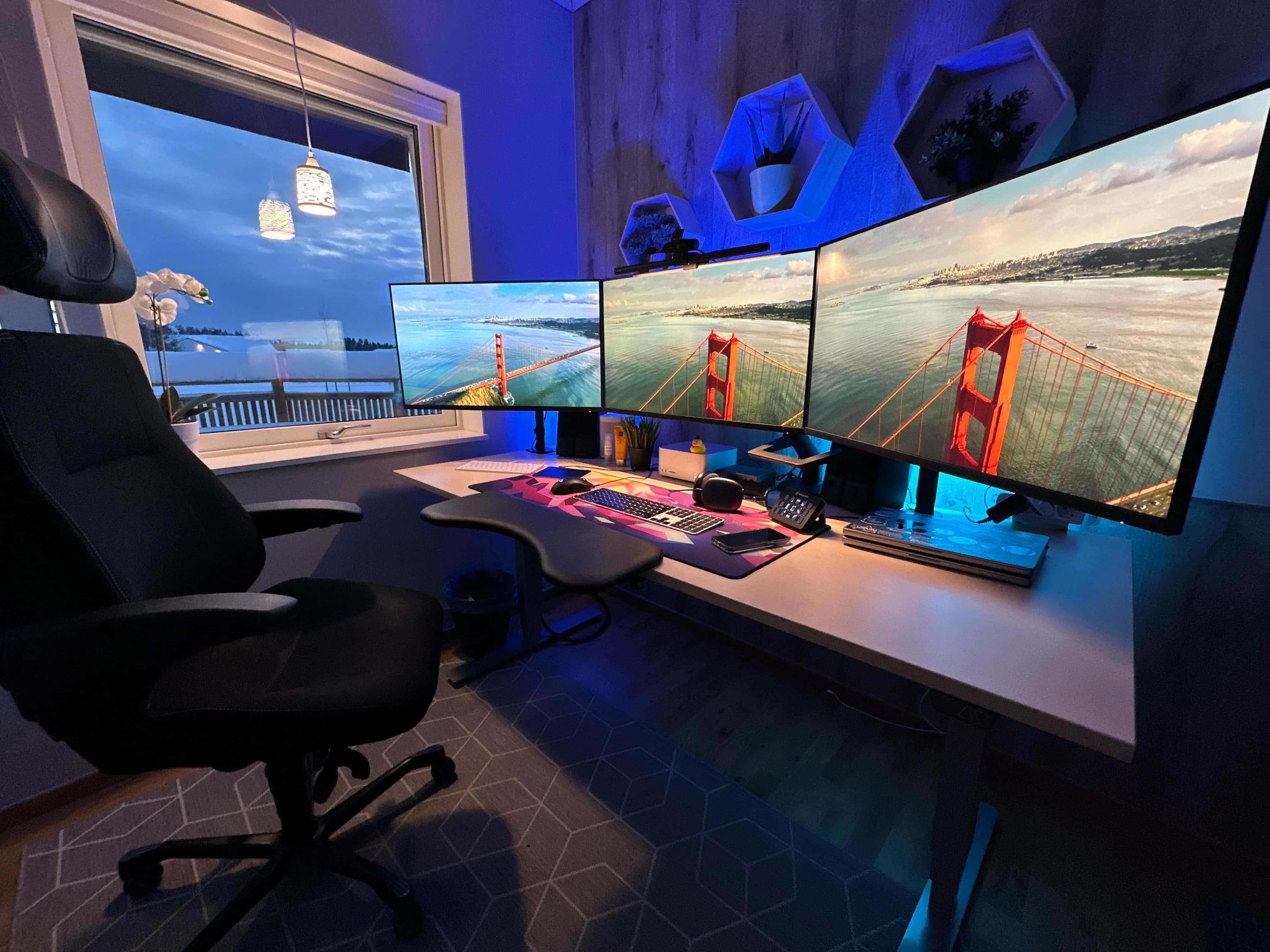
Windows on water everywhere in this triple-screened Mac Studio and MacBook Pro setup.
Photo: [email protected]

After a recent debate over whether dual external displays should be lined up straight across or angled for better ergonomics, a Mac Studio and dual-MacBook setup addresses the question in a different way. It uses three identical displays in landscape mode, placing the center one one straight and one on either side of it at an angle.

And the setup also offers connecitivity tips, running the two MacBooks into two of the displays via a CalDigit dock while the Mac Studio drives one directly.

Studio Display stars in designer’s Lego-rich home office [Setups]

By

Setups Jose Munoz desk with MacBook Pro and Studio Display
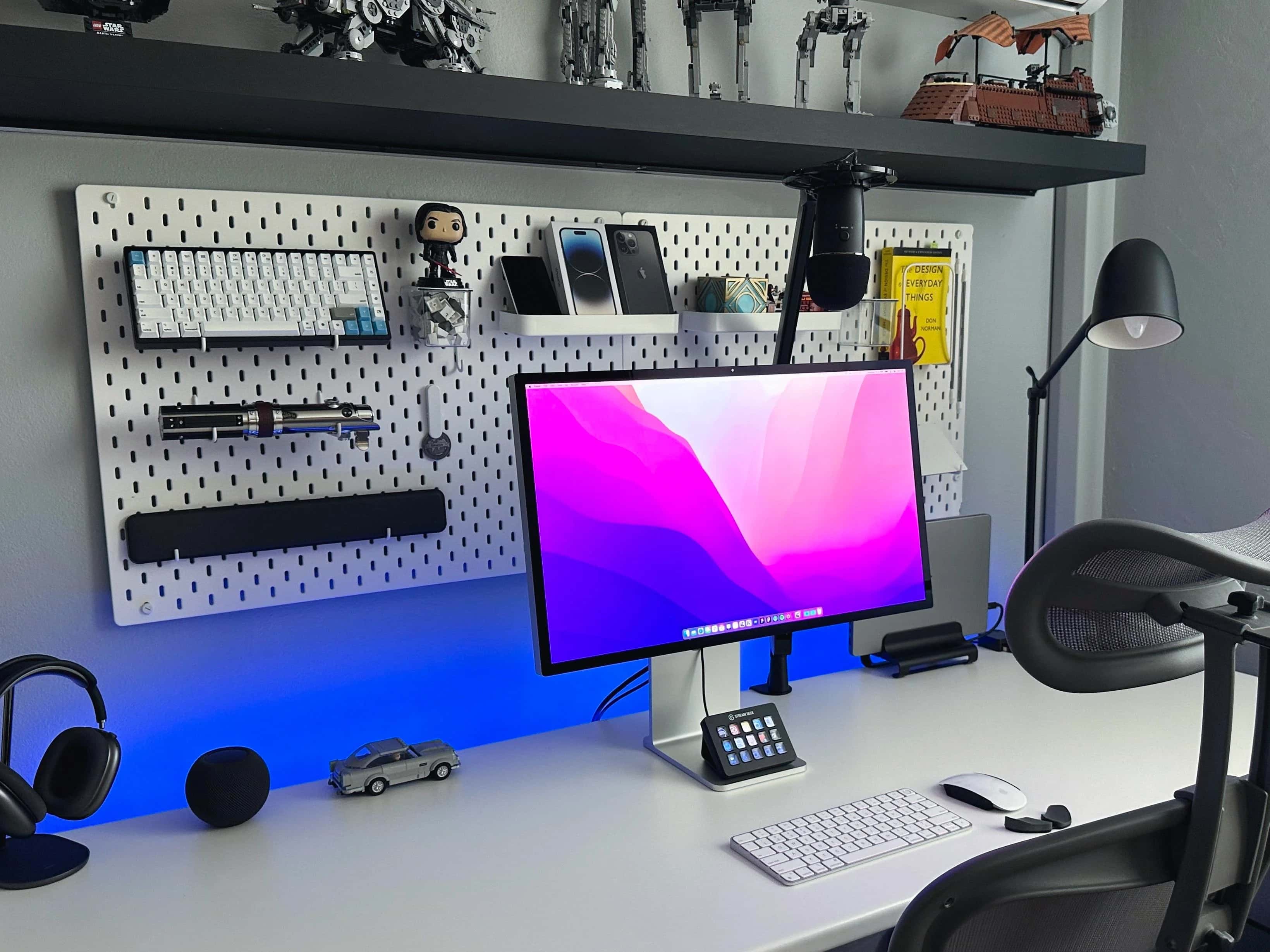
Munoz loves his Studio Display the most, but he also praises his 14-inch M1 MacBook Pro and other gear.
Photo: Jose Munoz

If Apple’s popular but pricey Studio Display is well-suited to anyone, it’s any type of designer because of the monitor’s formidable graphics chops.

In today’s loaded MacBook Pro setup, a designer sets apart his Studio Display for the highest praise among many items in a remarkably well-equipped workstation. And his Lego collection is epic, too.

1 61 62 63 64 65 99