Mobile menu toggle

Search results for: M1 MacBook Air

Graphic designer runs racy dual-monitor MacBook Pro rig [Setups]

By

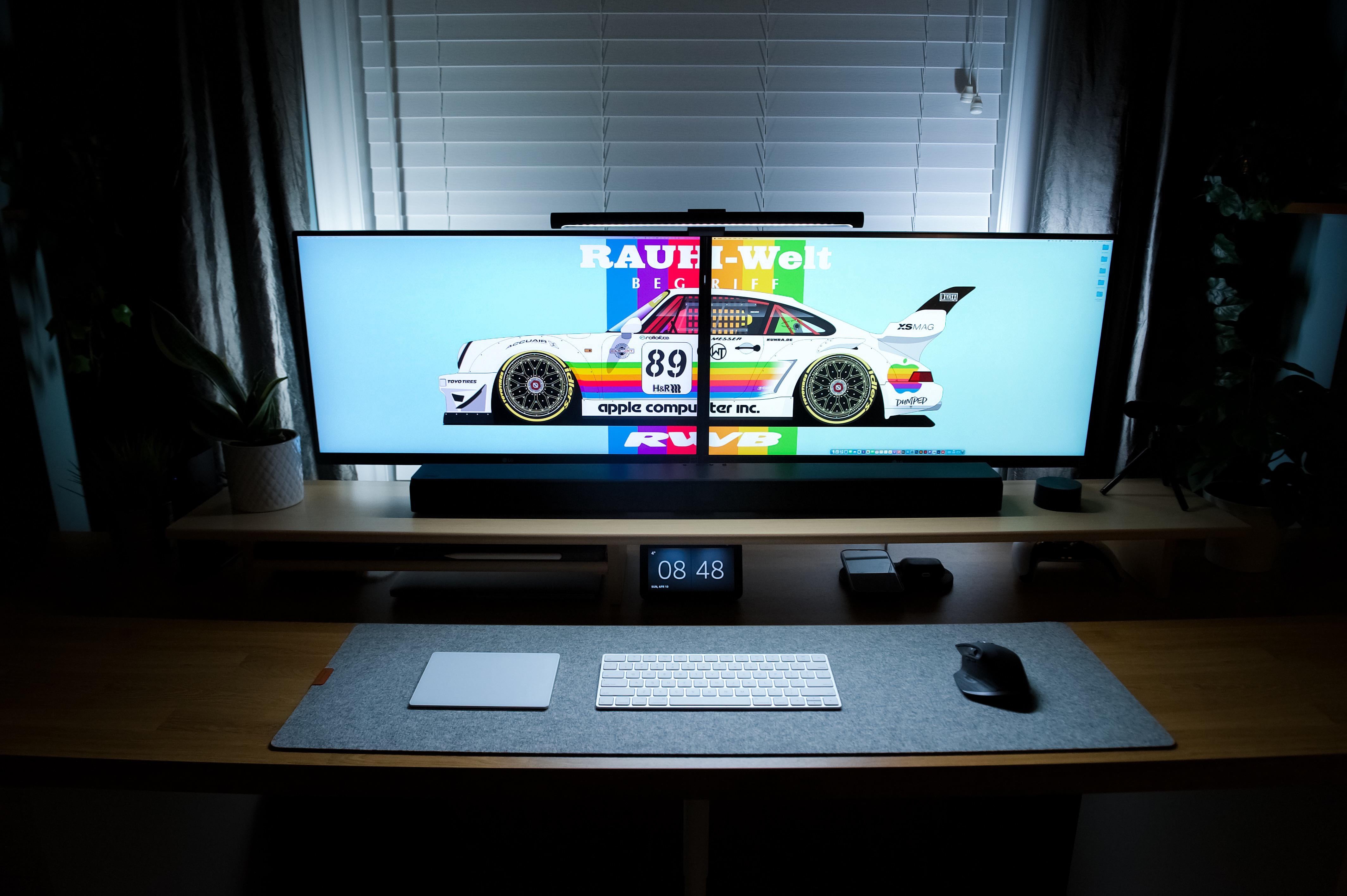
Look at that wallpaper! Oh, and there's also a computer setup.
Photo: [email protected]

Ever show off your painstakingly constructed computer setup only to have everybody race past the gear just to ogle what’s showing on the screen(s)? The desktop wallpaper.

It’s kind of like that with today’s featured setup, the brainchild of a graphic designer.

He put together the dual-monitor setup around a 13-inch M1 MacBook Pro with a lineup of nice touches. And he also made the neato race-car wallpaper that got most of the attention.

New Mac Studio pairs with imposing 5K display in pristine rig [Setups]

By

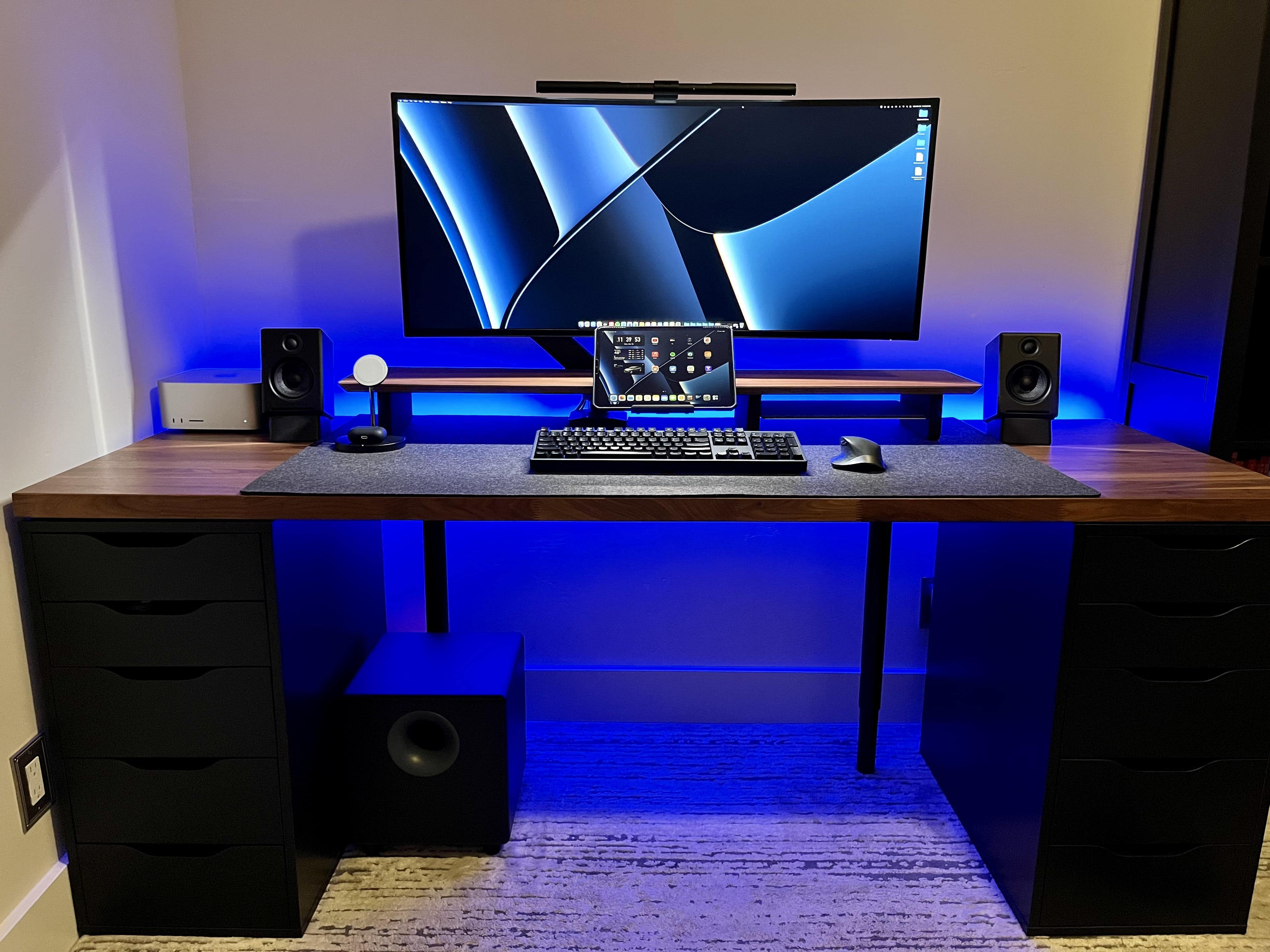
One wonders how often this setup looks this pristine.
Photo: casey_the_casey

Some computer setups just say “slick.” They declare, in their perfection, “I might actually be staged.” They suggest, without a trace of shyness, much less humility, “There’s no way I look this clean all the damn time.”

Neither a speck of dust nor a stray cable to be seen.

But then again, some workstations are cleaned up with the arrival of a major new addition and made ready for the one photo where they’ll look their Sunday best. That’s likely the case with today’s featured setup, with its dark-stained woods and its lights just so. After all, it just got a brand new Mac Studio.

New iPad Air dresses up festive ‘pink’ MacBook Air workstation [Setups]

By

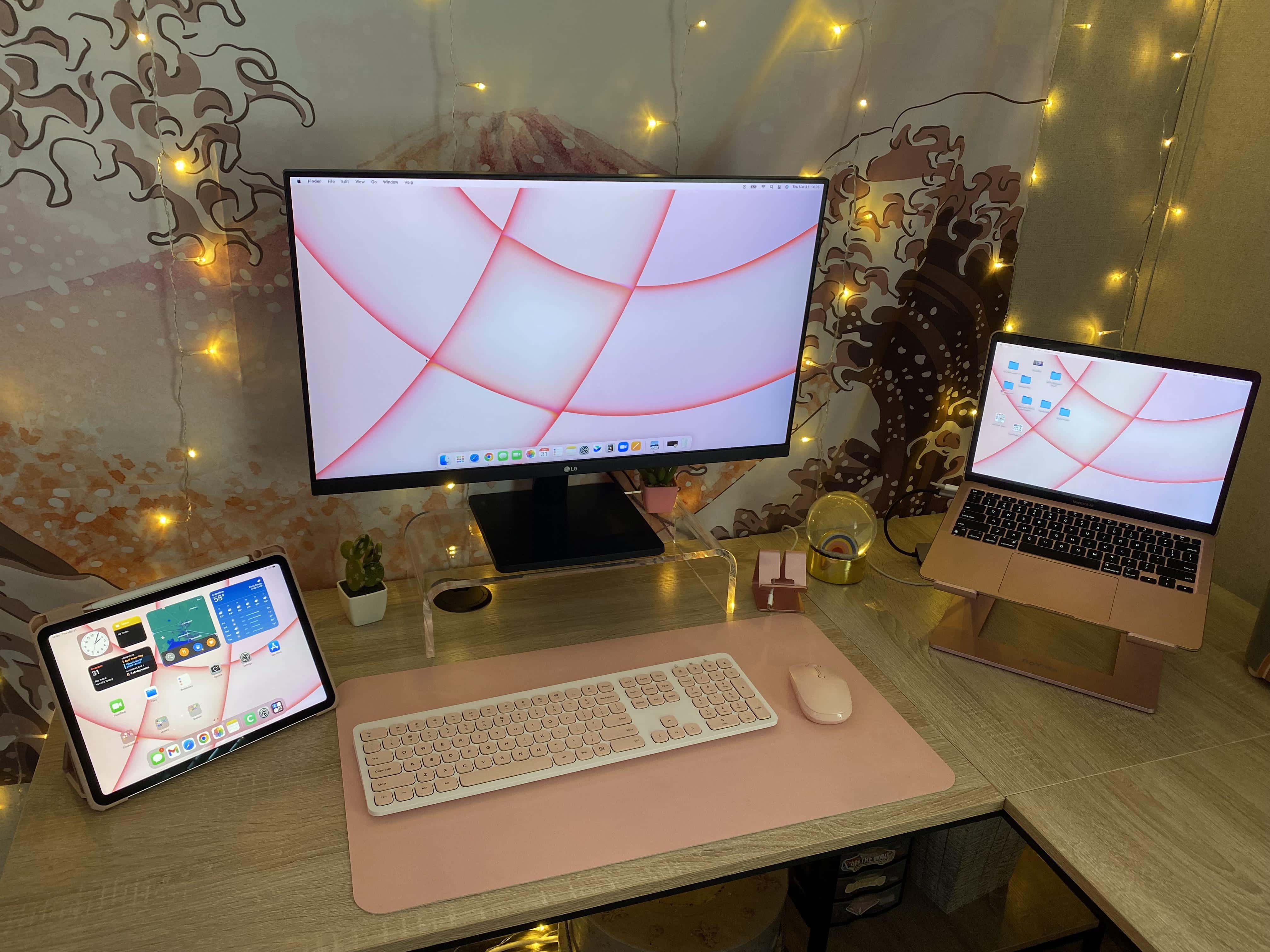
The iPad Air on the left is the new addition to this computer setup.
Photo: FoxyFreckles1989

Apple’s newest iPad Air has received some stellar reviews, though murmuring from some quarters claims it’s a bit on the flimsy side. But the owner of today’s featured setup seems over the moon about the new addition to her workstation, centered by an M1 MacBook Air and an LG display.

And she’s eager to get going with the new, much-ballyhooed Universal Control functionality using the new tablet, despite challenges.

Apple makes battery replacements easier on new iPad Air

By

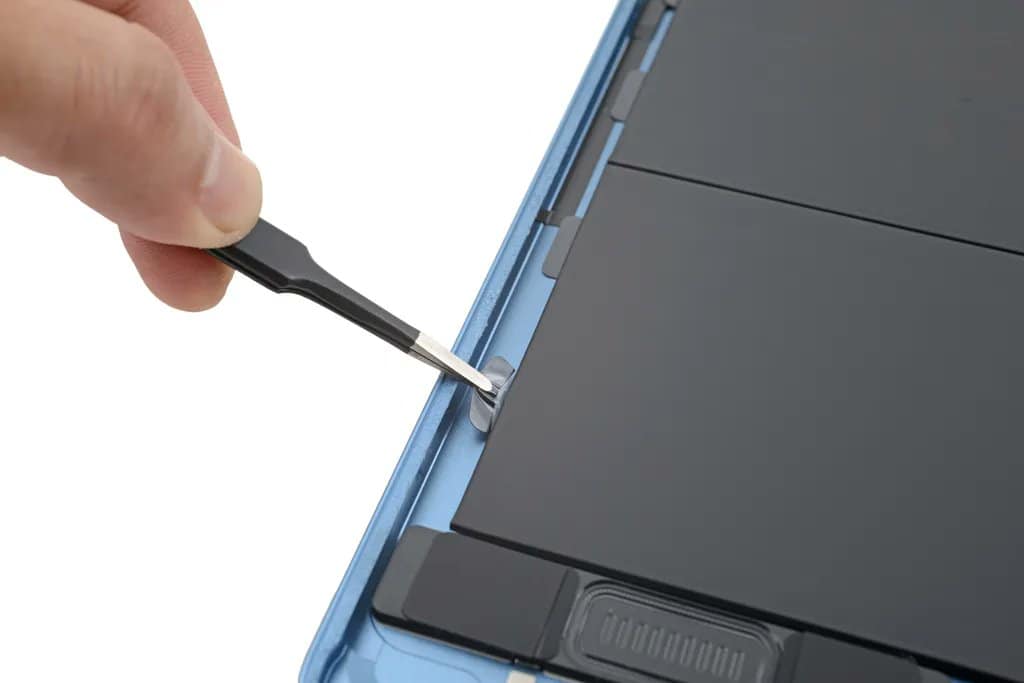
iPad Air 5 battery replacements are easier
No more isopropyl alcohol baths.
Photo: iFixit

Apple has made iPad Air battery replacements slightly easier with a small but welcome change to the newest model. While it’s still difficult to get inside the device, removing its large battery pack is a simpler task for repairers.

It’s just one of many improvements you get with the fifth-generation iPad Air.

M1 Max MacBook drives engineer’s dual-display, dual-HomePod rig [Setups]

By

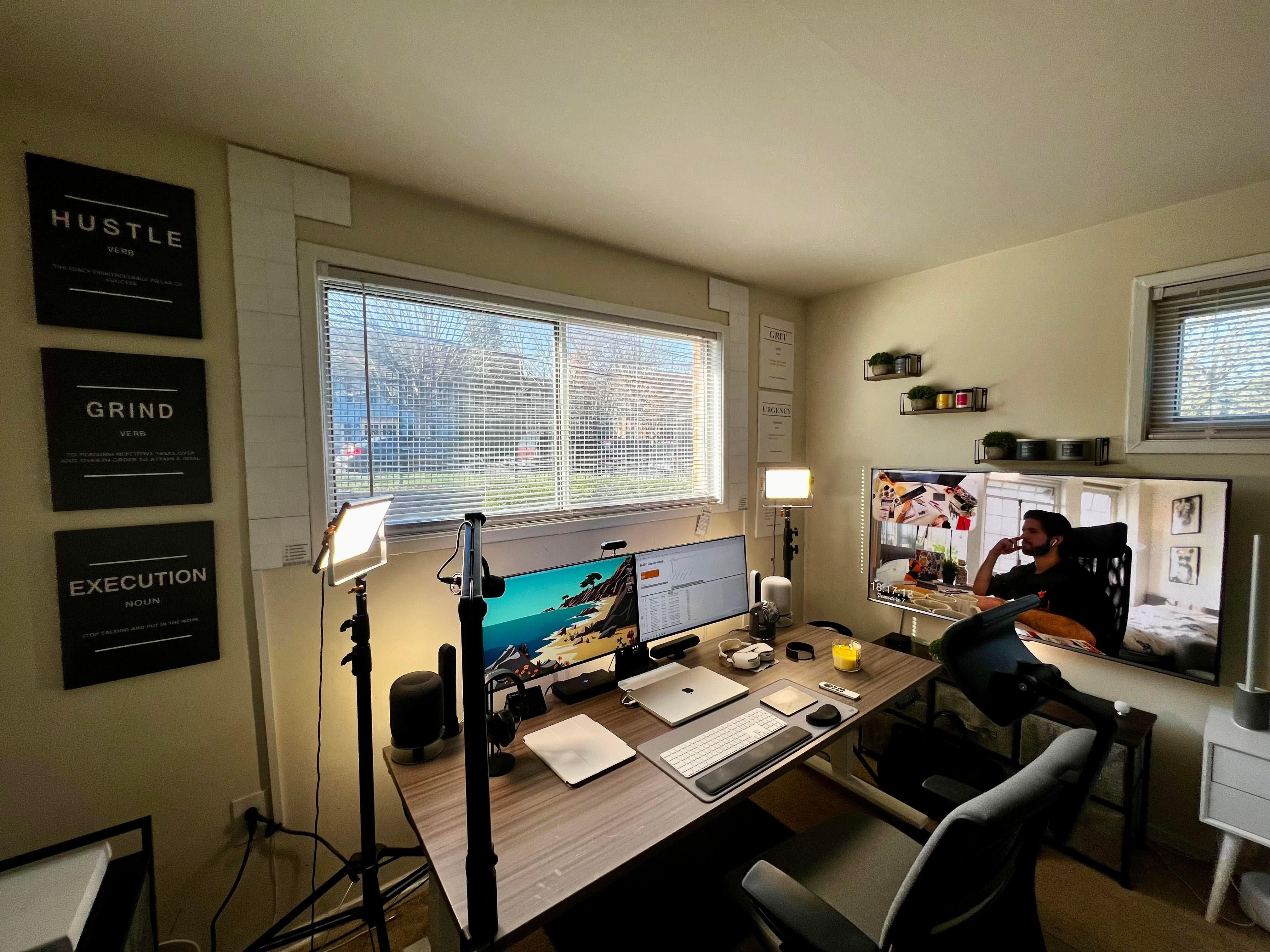
What do you make of the inspirational plaques on the walls around this M1 Max MacBook Pro-driven setup?
Photo: [email protected]

We haven’t seen a tremendous number of computer setups centered on powerhouse 16-inch M1 Max MacBook Pros — much less such workstations featuring both dual displays and paired original HomePods!

But today’s featured setup is an exception. It boasts those impressive characteristics as well as a useful lesson about not judging a book by its cover as well as striving to be kind online.

M1 Ultra Mac Studio benchmarks look surprisingly anemic [The CultCast]

By

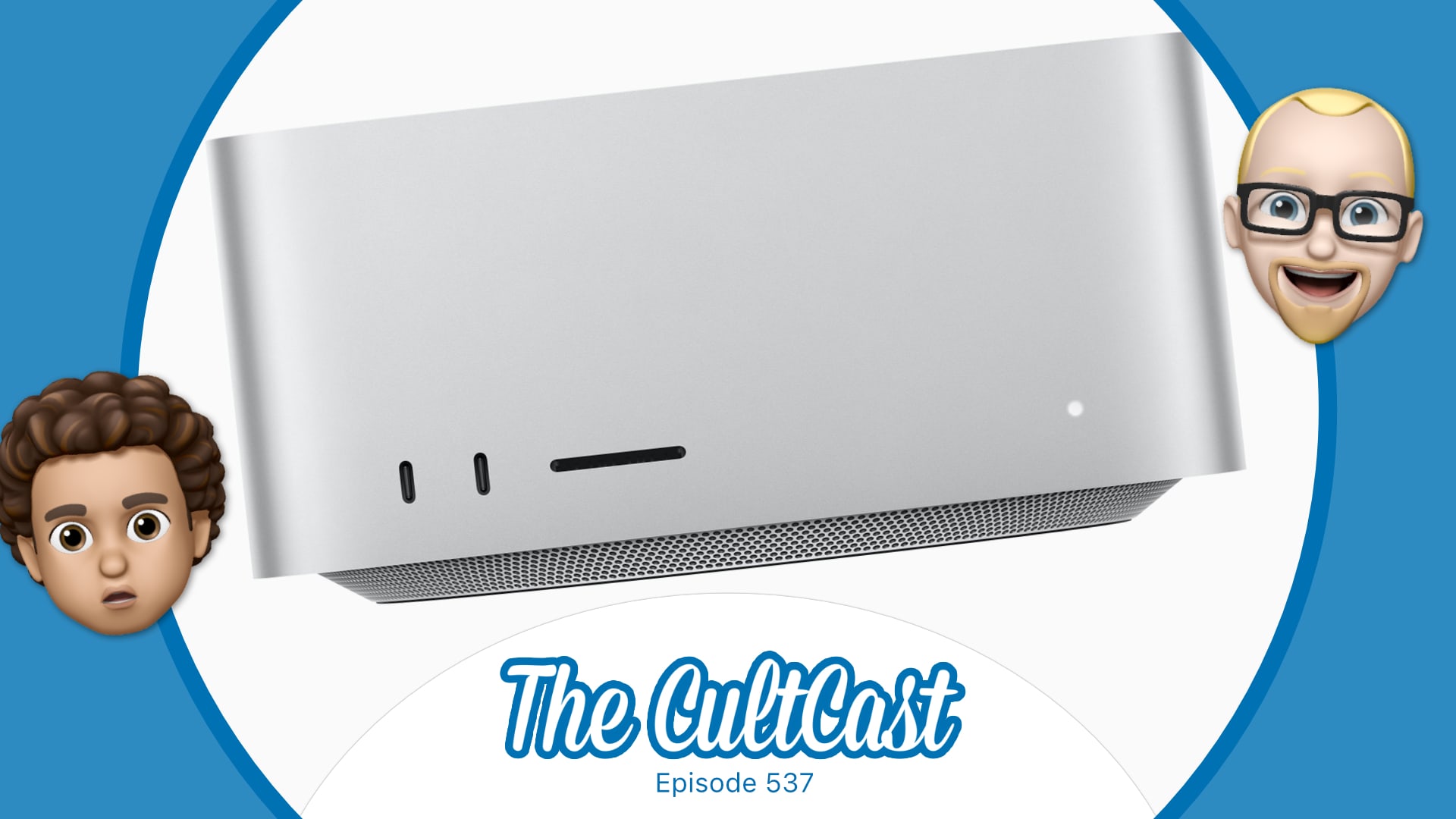
The CultCast Apple podcast: The disappointingM1 Ultra Mac Studio benchmarks leave us scratching our heads.
Disappointing M1 Ultra Mac Studio benchmarks leave us scratching our heads.
Image: Killian Bell/Cult of Mac

This week on Cult of Mac’s podcast: The first Mac Studio benchmarks make Apple’s much-ballyhooed M1 Ultra chip sound less amazing than we hoped. Maybe it’s not the unhinged beast we expected! But then, what do benchmarks really mean, anyway?

Also on The CultCast:

  • The new Studio Display suffers due to some odd choices on Apple’s part.
  • A software update might fix Studio Display’s tragic webcam.
  • A 15-inch MacBook Air would tick a lot of the right boxes.
  • And finally, a giveaway for the ladies!

Listen to this week’s episode of The CultCast in the Podcasts app or your favorite podcast app. (Be sure to subscribe and leave us a review if you like it!) Or watch the video livestream, embedded below.

This week’s sponsor is JAMF, an Apple device-management solution that gives individuals and businesses the tools they need to wrangle iPhones, Macs, iPads and more. Register with JAMF now to manage three devices for free.

Apple could keep us waiting for MacBook Air’s big redesign

By

A MacBook Air without a Touch Bar might be in the offing for later in 2021.
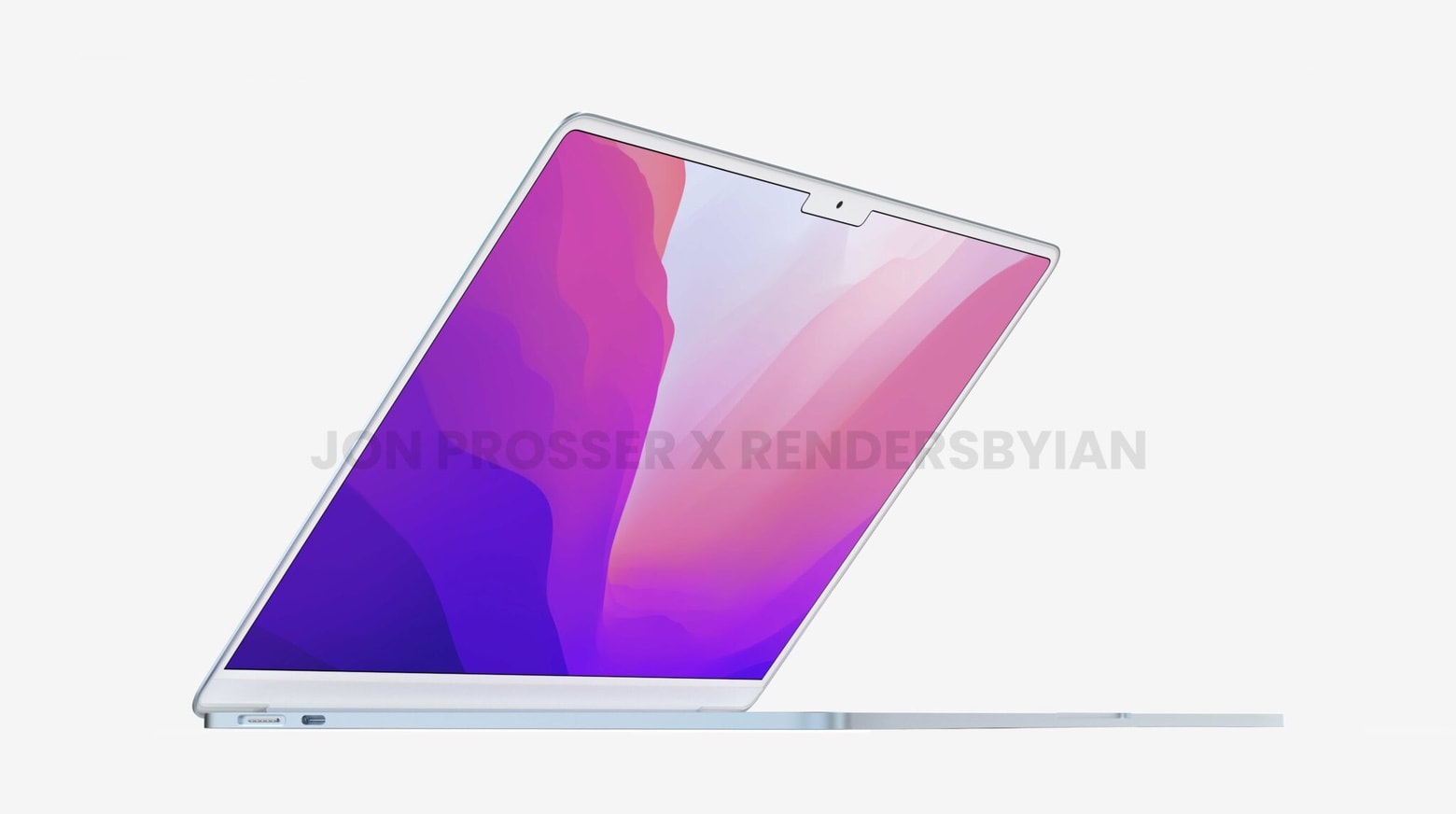
The new model is expected to look a little something like this.
Concept: Ian Zelbo

MacBook Air fans may have to wait longer than expected for the ultraportable’s next big redesign. It was predicted to come early this year, but a new report claims it won’t be ready until sometime during the second half of 2022.

There’s also bad news for MacBook Pro fans. It seems updates to the 14- and 16-inch models, which could bring next-generation “M2 Pro” and “M2 Max” chipsets, won’t appear until 2023.

You’ll need to upgrade your iPad Air to use it with Apple Studio Display

By

Here's why devices are officially compatible with Studio Display.
Photo: Apple

It requires a lot of bandwidth to drive the super-sharp 5K screen in Apple’s new Studio Display, and some devices just don’t cut it. Those hoping to use one with iPad Air will be disappointed to learn that a big upgrade is necessary.

Studio Display is only compatible with the fifth-generation iPad Air, announced during Apple’s big Peek Performance event on Tuesday. The fourth-generation model, released in October 2020, is left out in the cold — like iPad mini.

2022 MacBook Air refresh could bring all-new design but no ‘M2’ chip

By

Drool-worthy M2 MacBook Air concept shows off super slim design
It could look a little like this gorgeous render.
Concept: Front Page Tech /Renders by Ian

Apple is said to be planning a major MacBook Air refresh with an all-new design for 2022. But it may not get an “M2” chipset upgrade, as some rumors have suggested. It could also miss out on a mini-LED display.

Here’s what you can expect, according to one analyst who has proven reliable in the past.

This M1 Mac mini is just as speedy as the real thing — but 78% smaller!

By

Smaller M1 Mac mini custom build
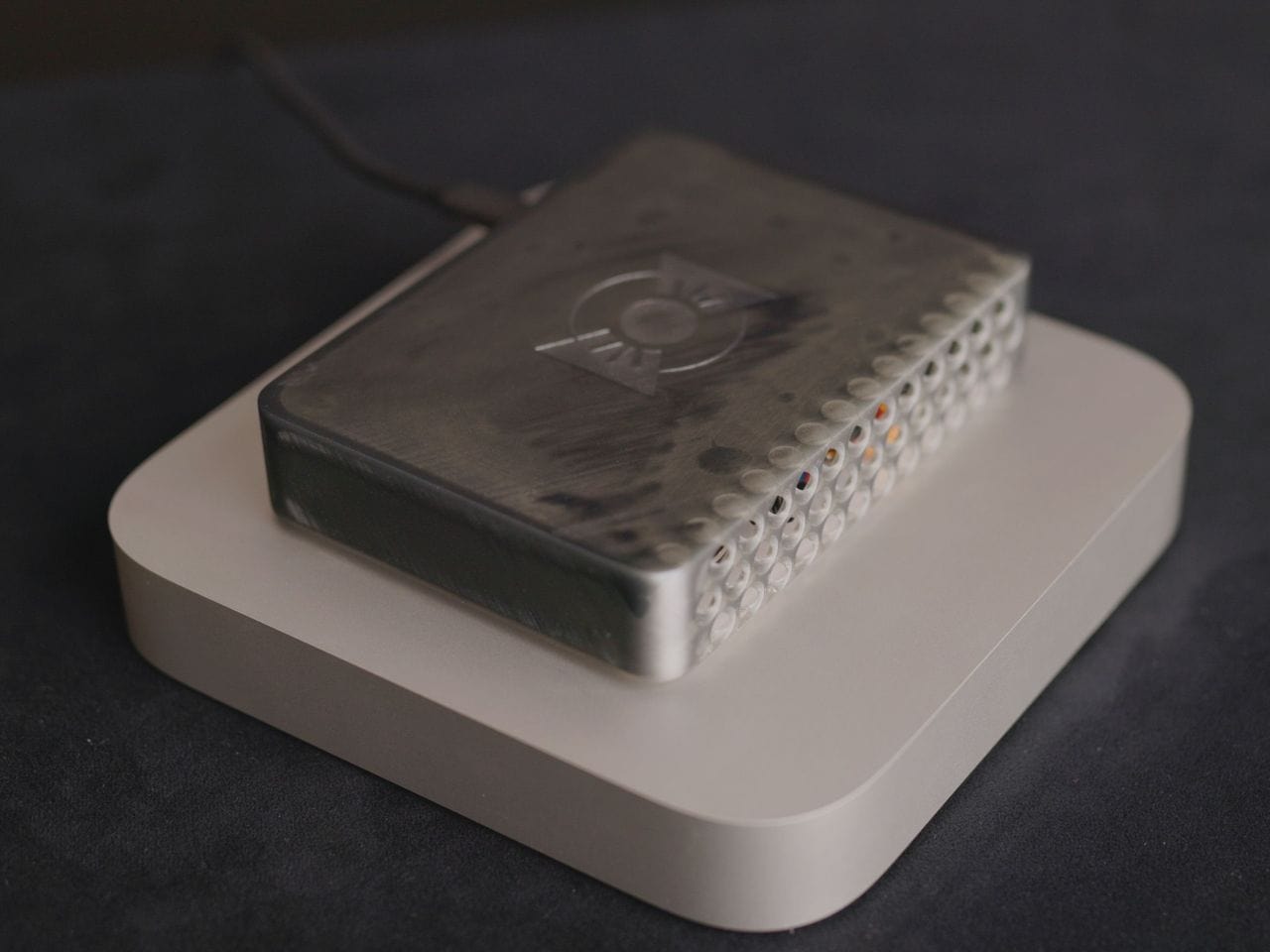
Looks like an Apple TV, but packs all the power of an M1 Mac mini.
Photo: Quinn Nelson/Snazzy Labs

Apple could make the Mac mini, its smallest desktop, even smaller if it really wanted to. One YouTuber proved that by taking the machine’s internals and packing them into a custom shell that’s 78% more compact than the original.

It’s just as fast as an unadulterated M1 Mac mini, but looks more like an Apple TV (in size, at least) than a powerful desktop. And it has MagSafe charging!

1 29 30 31 32 33 99