Mobile menu toggle

Search results for: Apple One

Activate your iPhone, iPad or Apple Watch flashlight from Control Center [Pro tip]

By

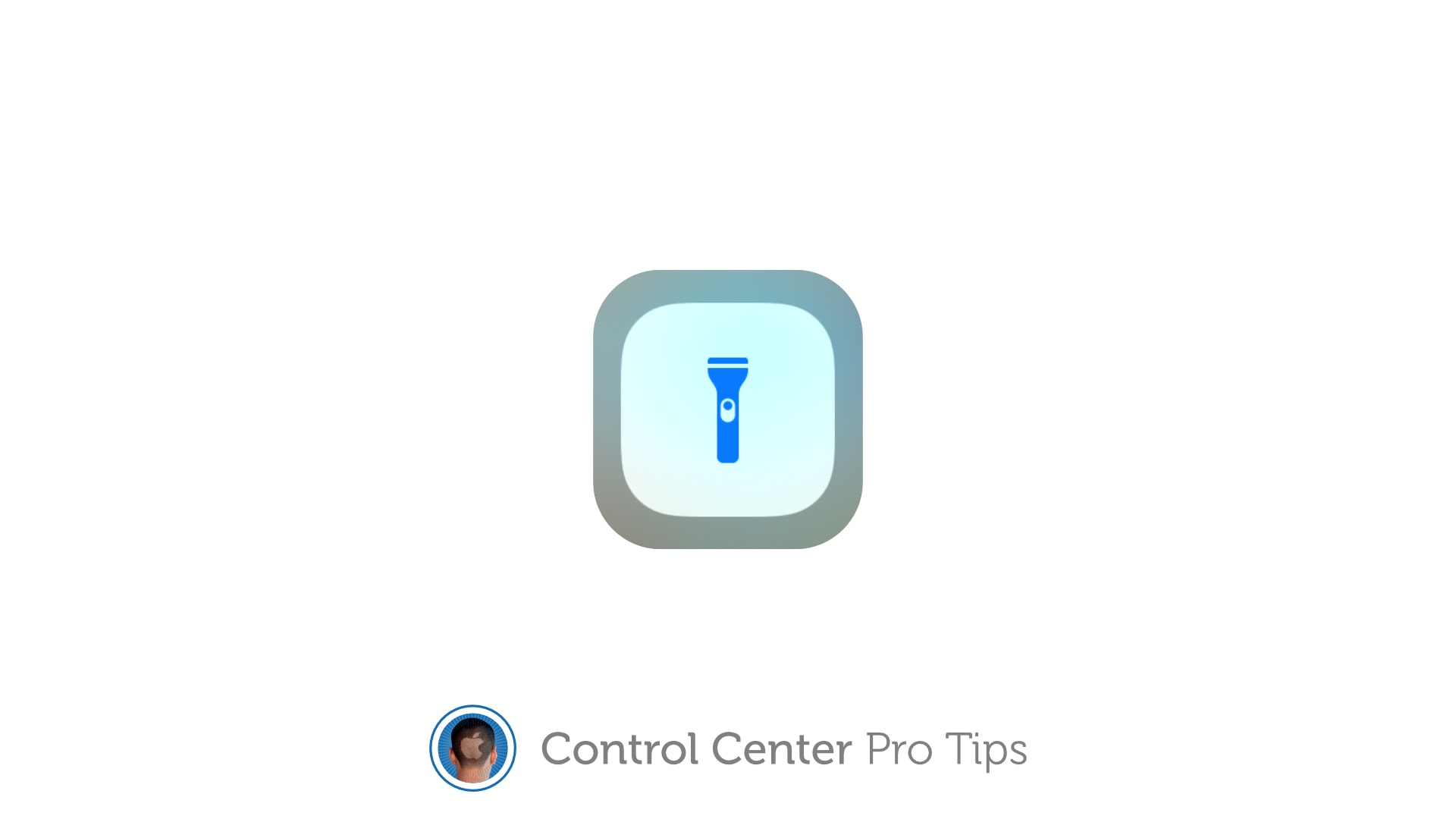
Enable your flashlight inside Control Center
Get a better view in the dark.
Image: Killian Bell/Cult of Mac

Control Center Pro Tips WeekWe want to help you master Control Center, one of the most powerful and underutilized features on Apple devices. Cult of Mac’s Control Center Pro Tips series will show you how to make the most of this useful toolbox on iPhone, iPad, Apple Watch and Mac.

Searching for something in a dark room? You can turn your iPhone, iPad and even your Apple Watch into a flashlight with just one tap inside Control Center. We’ll show you how.

Apple donates money to battle COVID-19 in India

By

covid.19.coronavirus.graphic1
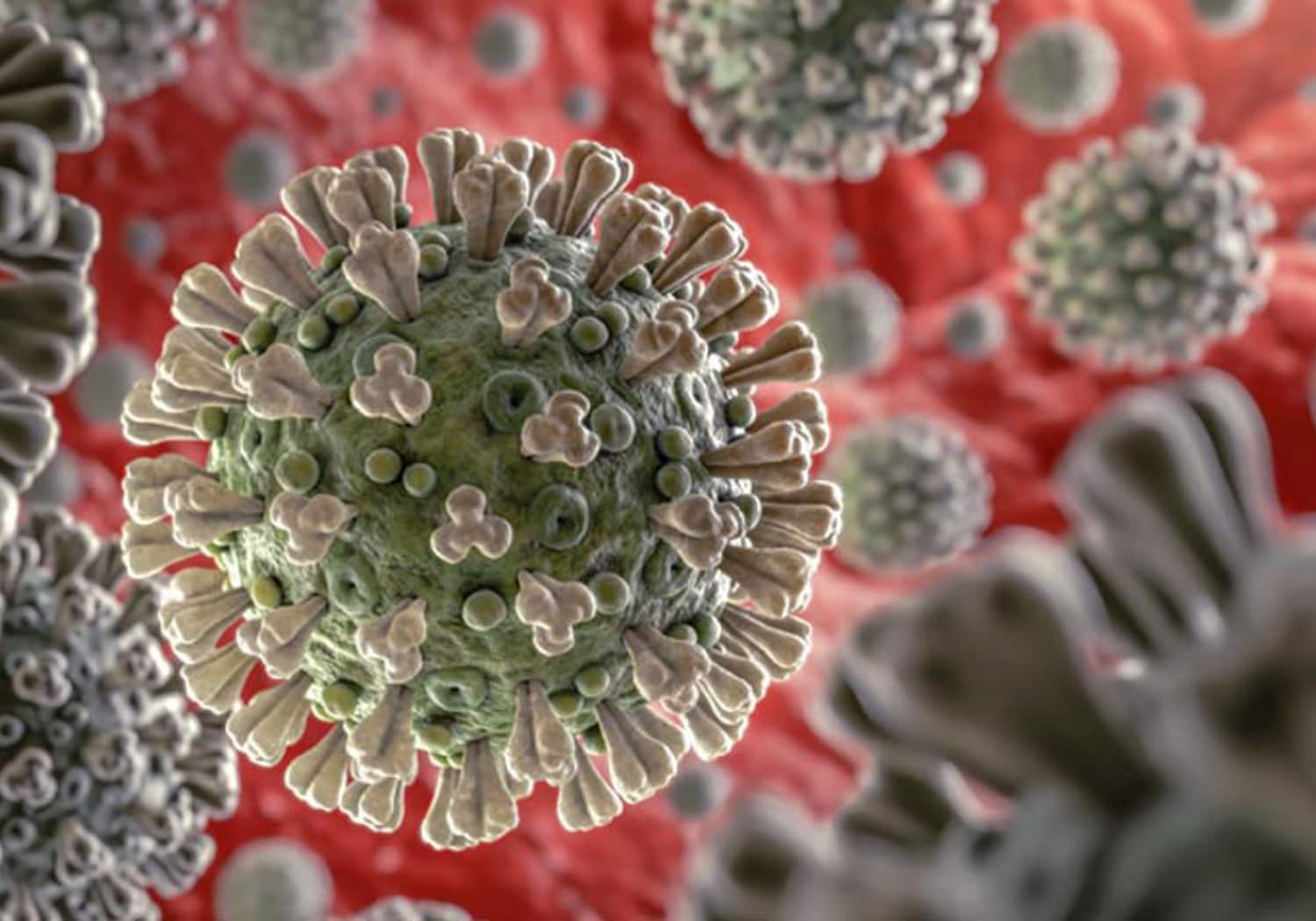
Apple is donating funds to help battle coronavirus around the world.
Photo: U.S. Centers for Disease Control and Prevention

Apple is donating money to support relief efforts in India as the country grapples with the effects of the COVID-19 pandemic, CEO Tim Cook said.

“Amid a devastating rise of COVID cases in India, our thoughts are with the medical workers, our Apple family and everyone there who is fighting through this awful stage of the pandemic,” Cook wrote in a tweet sent to his 12.8 million Twitter followers.

Why Apple Watch’s iPhone unlock changes your freakin’ face-mask life

By

Why Apple Watch’s iPhone unlock will change your freakin’ life
Being able to to unlock your iPhone while wearing a face mask is the best reason yet to get an Apple Watch.
Photo: Ivan Samkov/Pexels CC

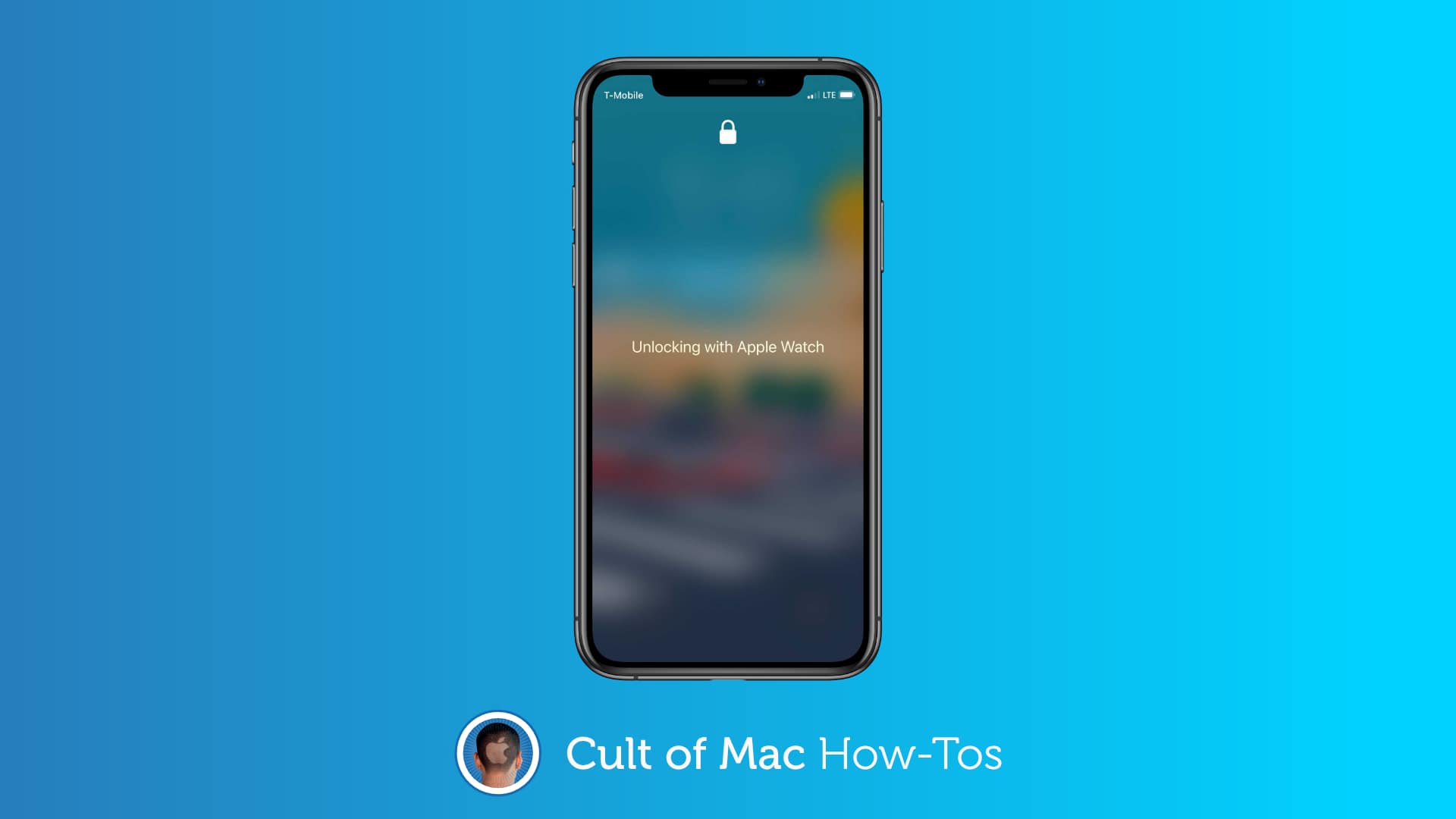
iOS 14.5 is the best update of the pandemic era because it works with your Apple Watch to remove the hassle of unlocking your iPhone while wearing a face mask. You don’t have to type in your passcode every single damn time. The phone just unlocks. Like it’s supposed to.

But the trick does require an Apple Watch. If you’ve been on the bubble about getting one, this feature should go a long way toward convincing you. It serves as yet another elegant example of how Apple’s ecosystem offers users simple solutions to modern life’s annoyances.

How to easily color calibrate your Apple TV with an iPhone

By

How to color calibrate Apple TV
You don't even need the newest Apple TV (but you do need an iPhone with Face ID).
Image: Apple

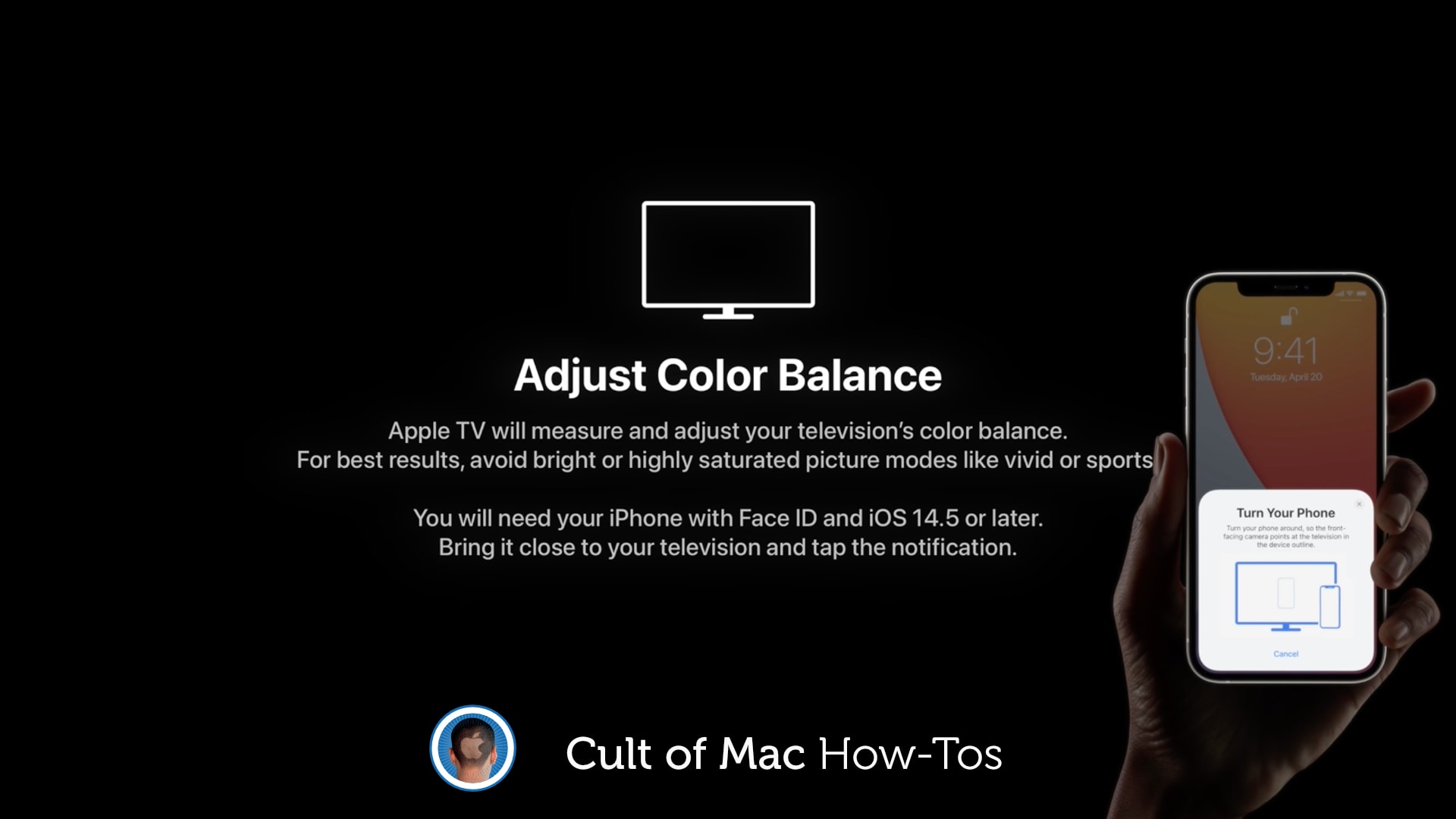
Apple just added a brand-new feature to Apple TV that works with your iPhone to color calibrate your TV. It’s really simple to use and the results can be terrific. What’s more, you don’t need the newest Apple TV.

The new Color Balance tool is available on Apple TV models released in 2015 or later. Here’s how to use it.

Apple saves 861,000 tons of precious metals by ditching iPhone chargers

By

iPhone 12 box
Miss power chargers from your iPhone box? The environment doesn't.
Photo: Marco Verch/Flickr CC

Apple has saved 861,000 metric tons of copper, tin, and zinc ore by removing power adapters from iPhones, starting last year. That’s one of the tidbits from Apple’s factoid-studded Environmental Progress Report, released Friday.

It showcases how Apple is working toward its efforts of achieving net carbon neutrality across its whole supply chain by 2030. As Apple notes, that includes “How [an Apple product is] designed, how it’s made, how it’s shipped, how it’s used, [and] how it’s recycled.”

This silicone case ‘fixes’ Apple TV’s accursed Siri Remote [Review]

By

With the Elago R4 Retro silicone case, you can say goodbye to losing your Apple TV Siri Remote.
Say goodbye to losing your Apple TV Siri Remote.
Photo: Lewis Wallace/Cult of Mac

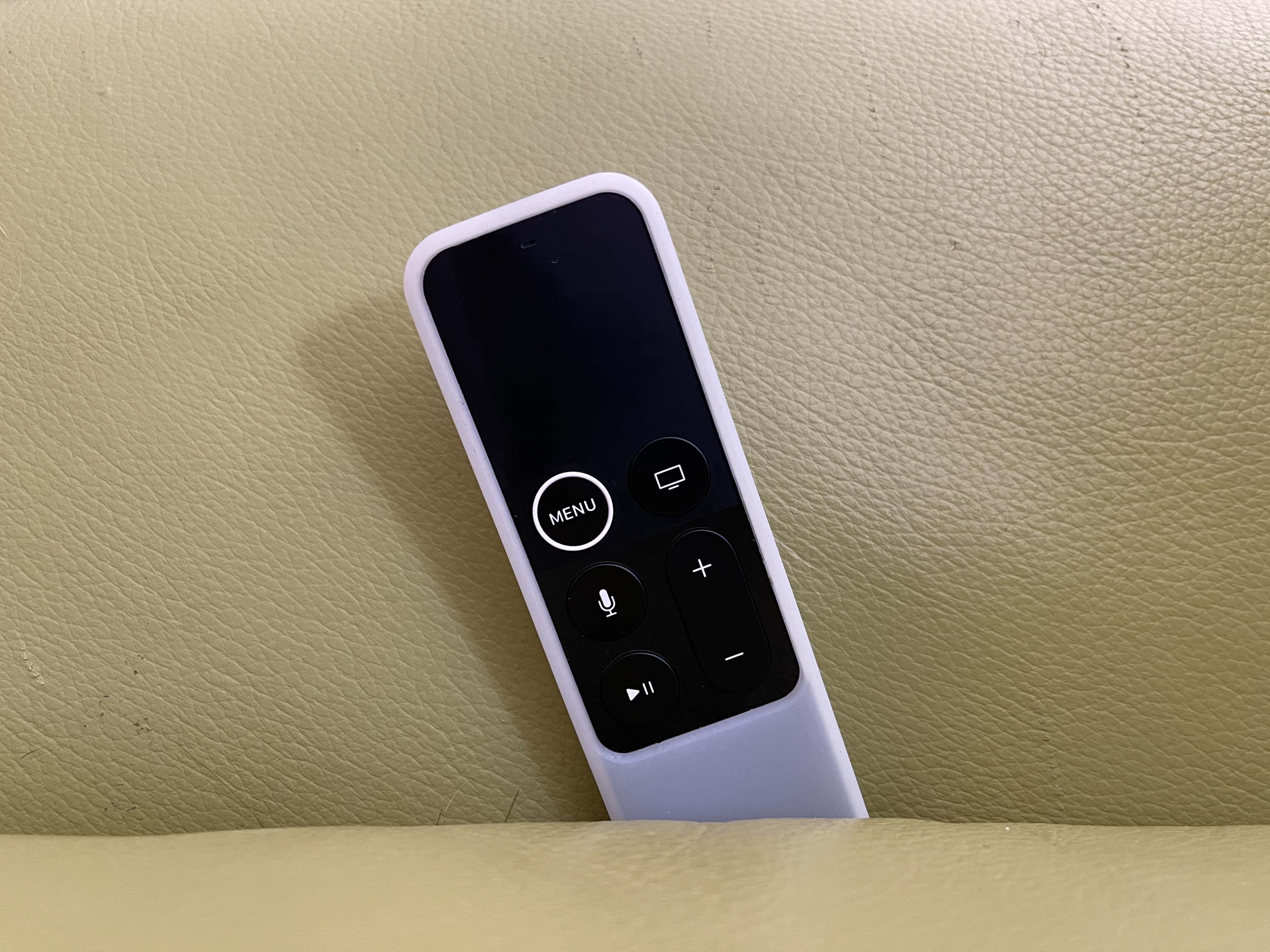
In pictures, the Apple TV’s sleek Siri Remote looks like a total winner. In practice, it’s a bit of a disaster. Luckily, the fix is in: Elago’s inexpensive R4 Retro case makes the Siri Remote easier to use and harder to lose.

Plus, the silicone sleeve looks sporty and provides some protection to the surprisingly fragile Apple TV remote.

iPhone 13 may boast Apple’s buttery-smooth, ProMotion screen tech

By

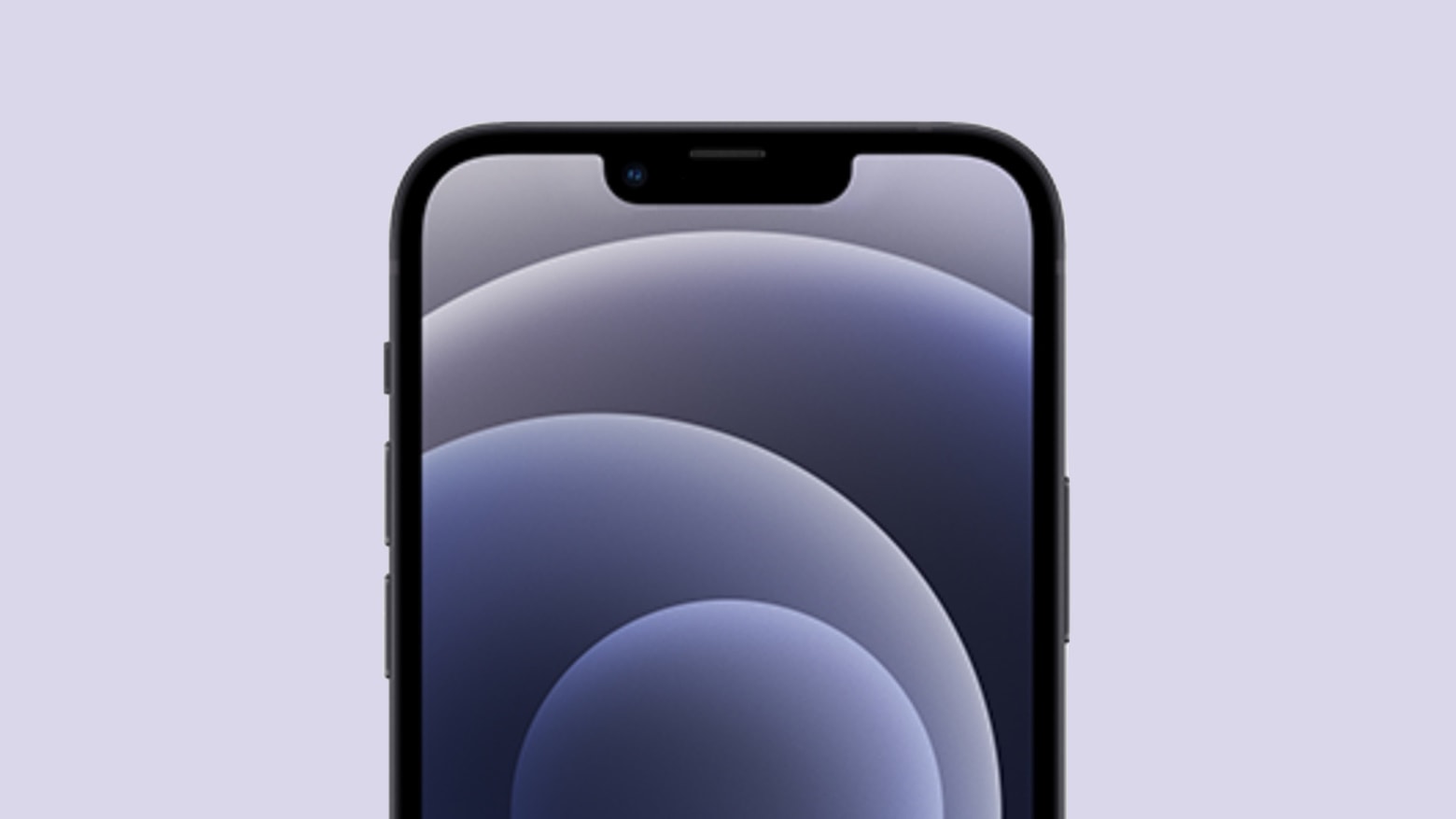
This concept image shows how the iPhone 13 notch might shrink.
120Hz refresh rate could be on its way to this year's iPhone refresh.
Artists concept: Cult of Mac

Apple’s ProMotion technology, which delivers buttery-smooth scrolling and motion content on some iPads, may come to the iPhone this year.

According to a report from Digitimes, the next-gen iPhone will adopt LTPO (low-temperature polycrystalline oxide) backplane technology that could enable 120Hz screen refresh rates. The current iPhones have a refresh rate of just 60Hz.

Apple helps Chipolo One Spot item tracker become a top AirTags rival

By

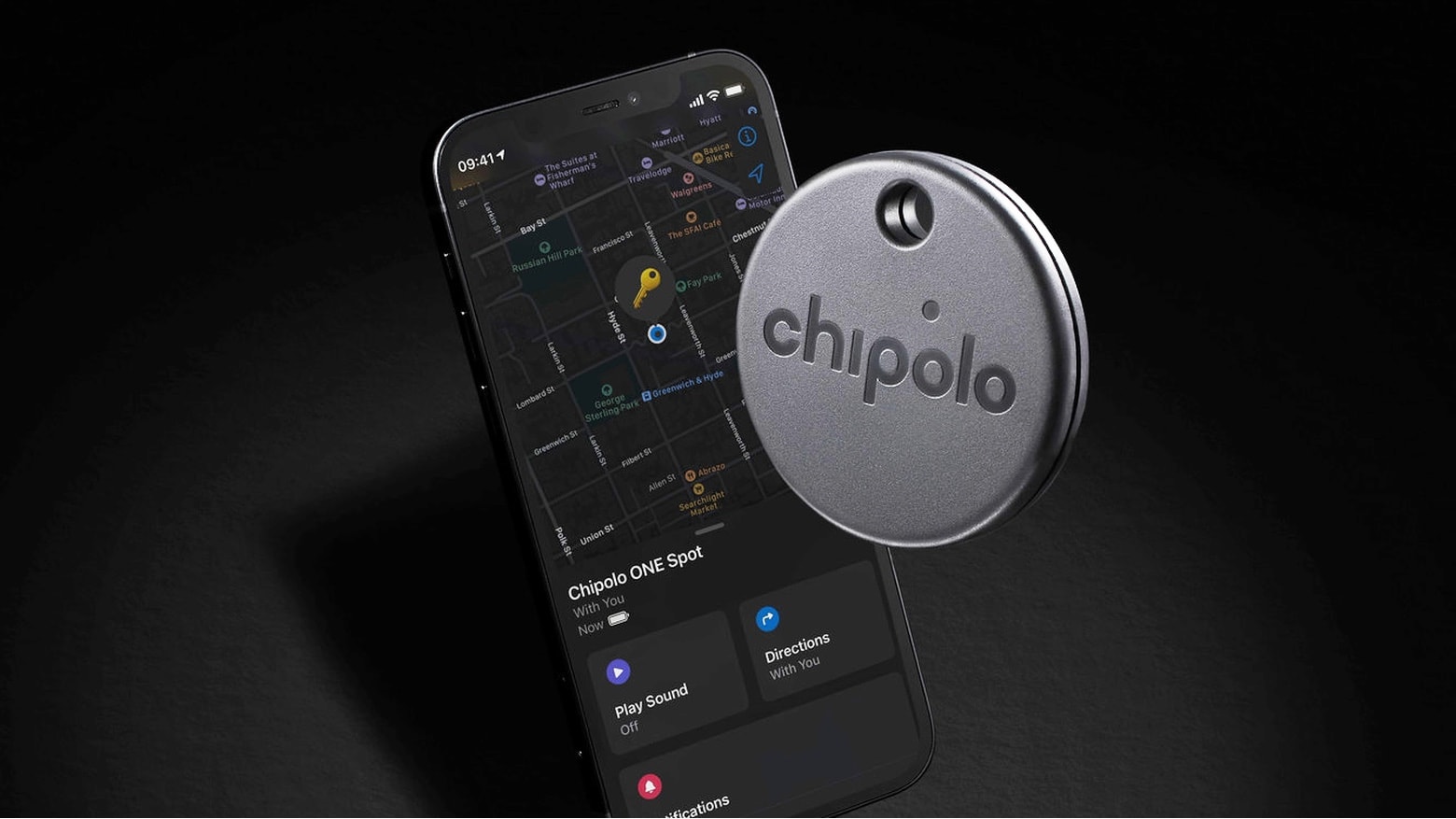
Chipolo One Spot launches June 2021. Price is unknown.
The Chipolo One Spot boasts an advantage over every other Bluetooth item tracker.
Photo: Chipolo

The upcoming Chipolo One Spot could rise to be a top Bluetooth item tracker. And if that happens, it’ll be with Apple’s help. The product will be one of the very first accessible through Apple’s Find My network, which means iPhone, Mac and iPad users can locate it without having to install any software from Chipolo.

The same is true of AirTags, Apple’s own much-rumored item tracker expected to be released soon.

3-in-1 aluminum stand charges iPhone, Apple Watch and AirPods

By

desk stand
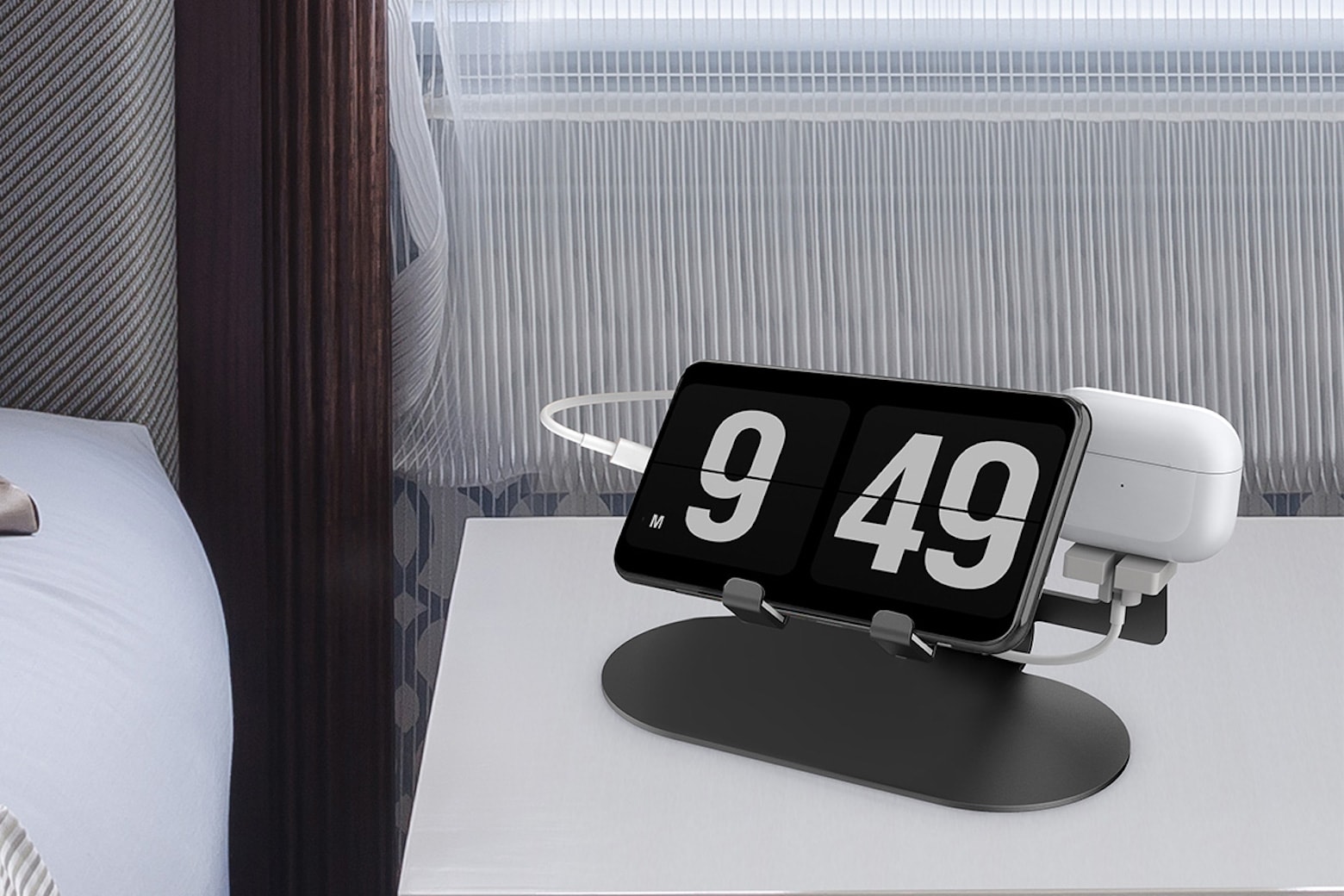
Declutter your desk or nightstand with a multipurpose charger for all your Apple devices.
Photo: Trio

There are plenty of things to love about having different devices for different needs. Your iPhone keeps you connected. Your Apple Watch helps you achieve your fitness goals. And your AirPods keep you focused while you work.

The problem with having so many devices is that it means just as many cables or charging pads to keep them fully juiced. If you want to avoid the mess of cable clutter on your desk or nightstand, but still have all your favorite devices conveniently nearby, try this inexpensive Trio 3-in-1 Aluminum Desktop Charging Stand.