Mobile menu toggle

Search results for: Apple One

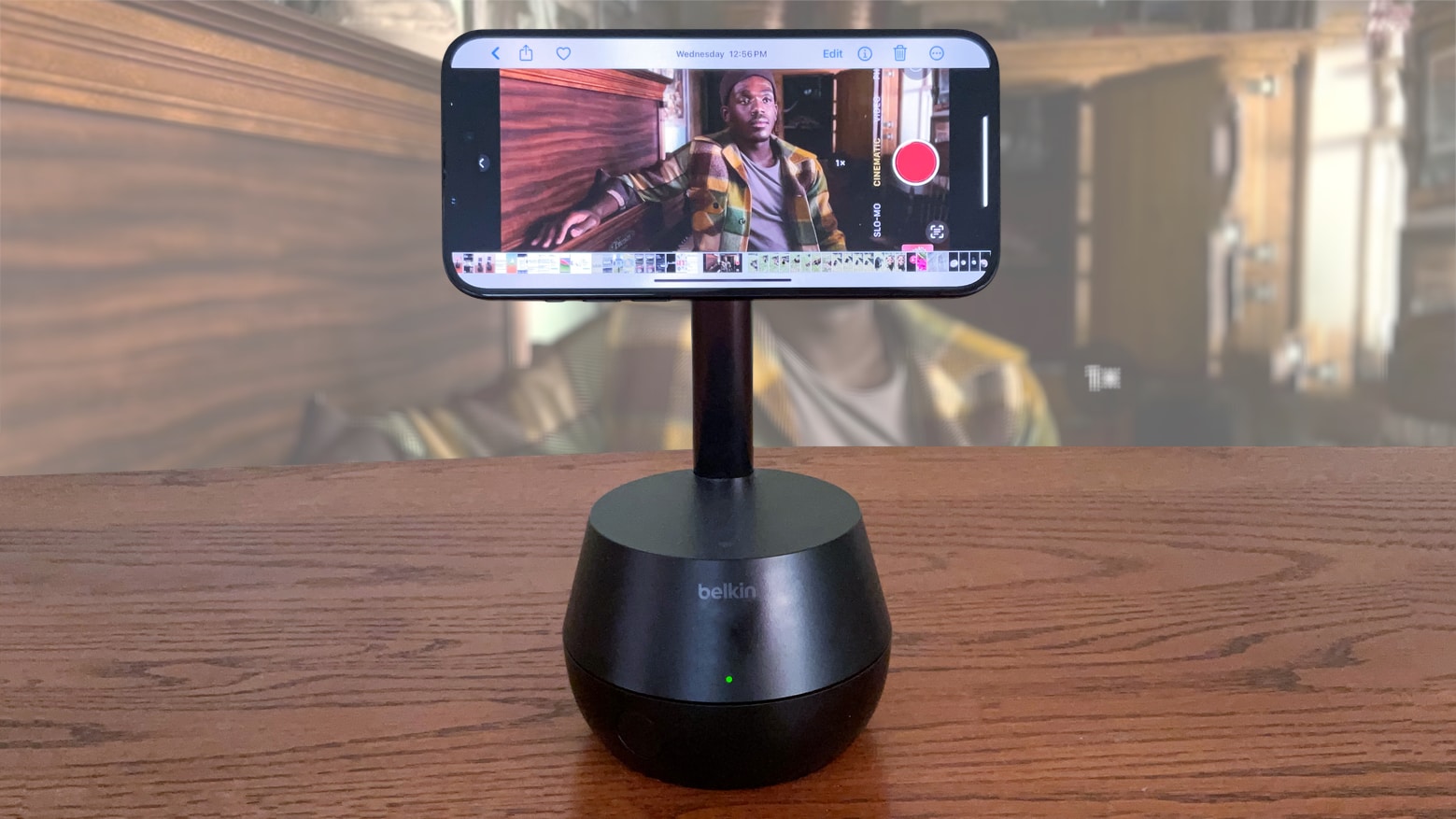
Belkin iPhone stand cleverly keeps camera focused on you [Review] ★★★★★

By

Belkin Auto-Tracking Stand Pro review: iPhone camera dock★★★★★
Enhance your video calls and content creation with the Belkin Auto-Tracking Stand Pro.
Photo: Ed Hardy/Cult of Mac

The Belkin Auto-Tracking Stand Pro can hold up an iPhone, rotate and tilt to keep the camera focused on the user during video calls. It’s wish fulfillment for every TikTok or YouTube creator working alone. The same goes for anyone who’s frequently in video conferences.

I went hands on with the accessory and my iPhone 15. And wow, this thing is impressive.

Or if you’re looking for a Belkin iPhone mount with MagSafe for Mac desktops and displays, there are other solutions designed to enhance your workflow.


Keep your kid safe online with this iPhone monitoring app

By

The words
Monitor your children's iPhone activity 24/7 with mSpy.
Photo: Cult of Mac Deals

The internet is massive, weird and full of things nobody should see, let alone children. However, as wild as the internet may be, it is also a resource your kids will need to get familiar with, especially for school. To balance those two things, you need a parental control app for iPhone like mSpy. (It works for Android devices as well.)

The stealthy spy app lets parents track their children’s online activity, including texts, calls and GPS. For a limited time, you can get a lifetime of mSpy for just $119.99 with code ENJOY20. That’s a massive discount off the regular price of $1,079.82.

Palm Royale keeps pulling in plenty of viewers on Apple TV+ [Updated]

By

Palm Royale season 2
Kristen Wiig stars in Palm Royale on Apple TV+.
Photo: Apple

The Apple TV+ comedy Palm Royale holds on near the top of the streaming ratings charts for the second week in a row. It’s drawn in a large audience since it’s debut March 20.

And the new detective series Sugar on Apple’s streaming service might do just as well.

Apple licenses Shutterstock’s massive image library for AI model training

By

Apple.logo.paris.store
Apple has paid Shutterstock millions of dollars for access to its copyrighted photos and videos.
Photo: Josh Davidson/Cult of Mac

Apple reportedly struck a deal with Shutterstock to license its massive library of images and videos to train its AI models. The precise deal value remains unclear, but estimates suggest a range of $25 million-$50 million.

As a part of the licensing, Apple will gain access to millions of images and videos in Shutterstock’s library.

Apple robots might invade your home [The CultCast]

By

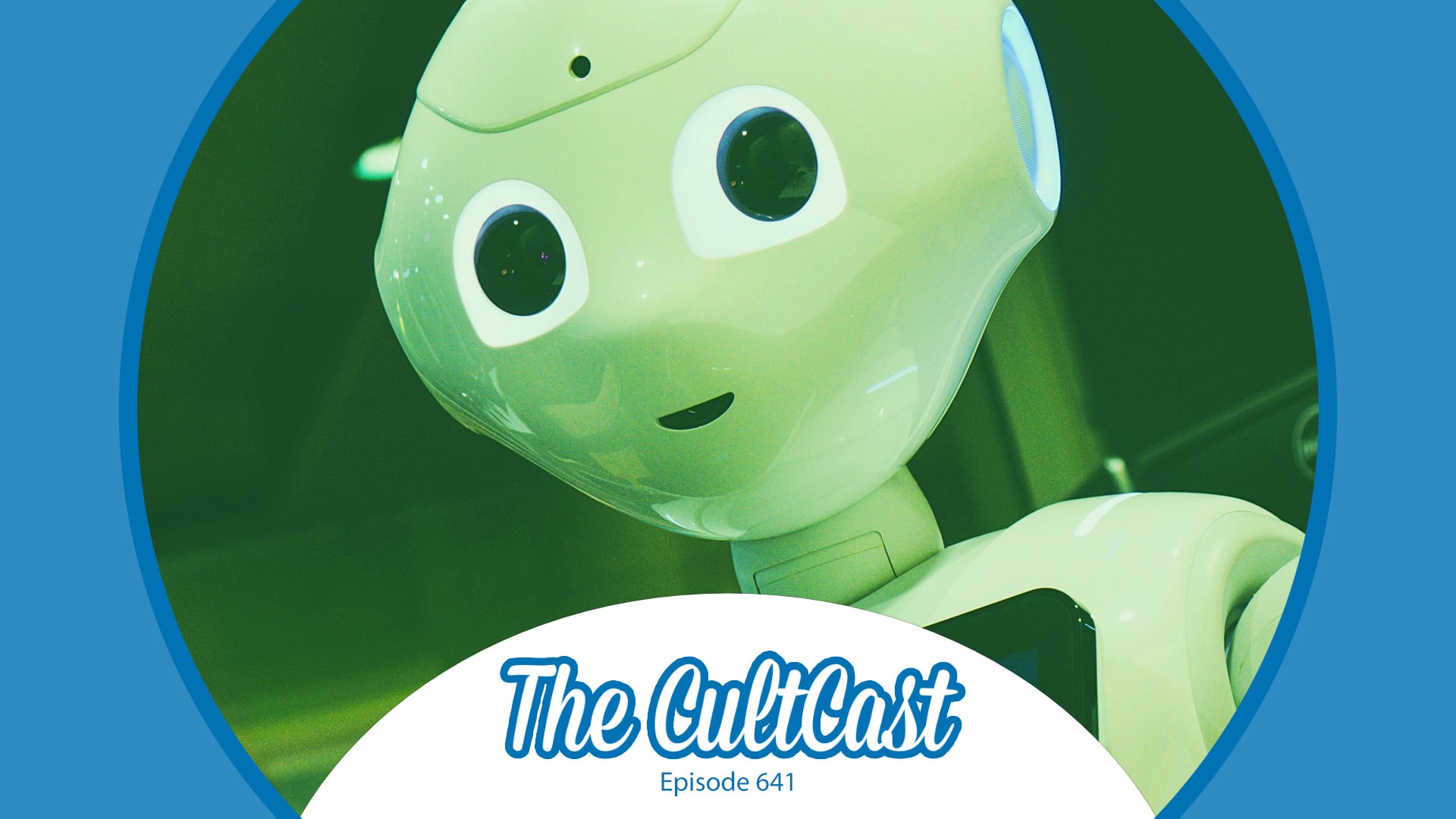
A humanoid robot, plus the CultCast logo and episode 641 label.
Just how far will Apple go with robotics?
Photo: Owen Beard/Unsplash License/Modified by Cult of Mac

This week on Cult of Mac’s podcast: After pulling the plug on an ambitious project — creating a self-driving car — Apple sets its sights on making … home robots?!? Say it ain’t so, Tim!

Also on The CultCast:

  • New iPhone 16 dummy units bring the rumors to life. But as for those long-predicted fancy new iPads, we’re still waiting. Get used to it!
  • The next-gen Apple processor could give Macs a serious performance boost. Erfon talks specs and speculation.
  • Vision Pro’s new Spatial Personas aren’t creepy at all … 👻
  • Griffin serves up some tips on how to take a proper photo during the upcoming total solar eclipse.

Listen to this week’s episode of The CultCast in the Podcasts app or your favorite podcast app. (Be sure to subscribe and leave us a review if you like it!) Or watch the video live stream, embedded below.

Sega’s Puyo Puyo Puzzle Pop pops onto iPhone and Mac

By

'Puyo Puyo Puzzle Pop' pops onto iPhone and Mac via Apple Arcade
Puyo Puyo Puzzle Pop is a new entry in the popular action puzzler franchise.
Photo: Sega/Apple Arcade

Sega’s newest action puzzle game Puyo Puyo Puzzle Pop is a falling-object game on which players connect icons to erase them. The latest addition to the Puyo Puyo series is playable on iPhone, iPad, Mac, Apple TV and Apple Vision Pro, and is an Apple Arcade exclusive.

Plus there are two new classics in the gaming service for young and old.

Elago makes fun, functional Apple accessories, and we stock 173 of them

By

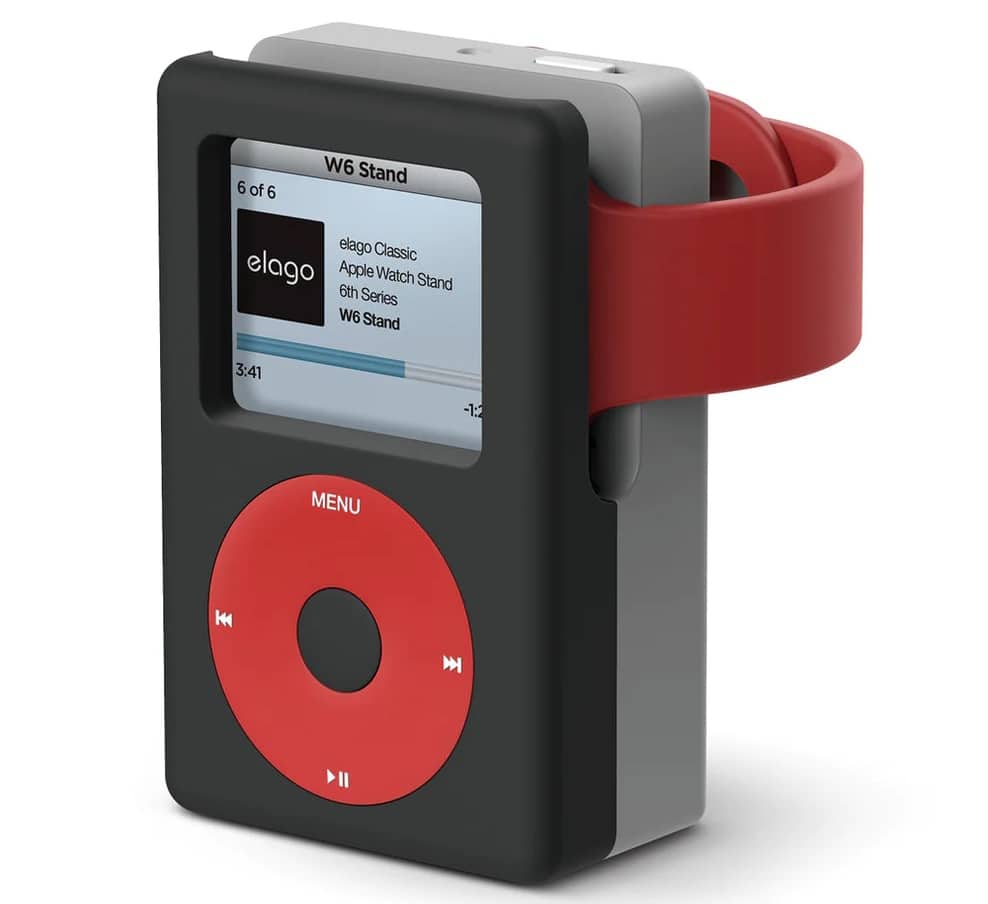
Elago's W6 Apple Watch charging stand looks like a classic iPod.
Photo: Elago

Elago makes a staggering array of accessories for Apple products, from Apple Watch bands and device chargers to iPad stands and whimsical cases that look like classic gear from yesteryear.

The Cult of Mac Store offers 173 Elago products for sale. Check them out, and see some highlights below.

Solar eclipse-inspired iPhone cases look stellar

By

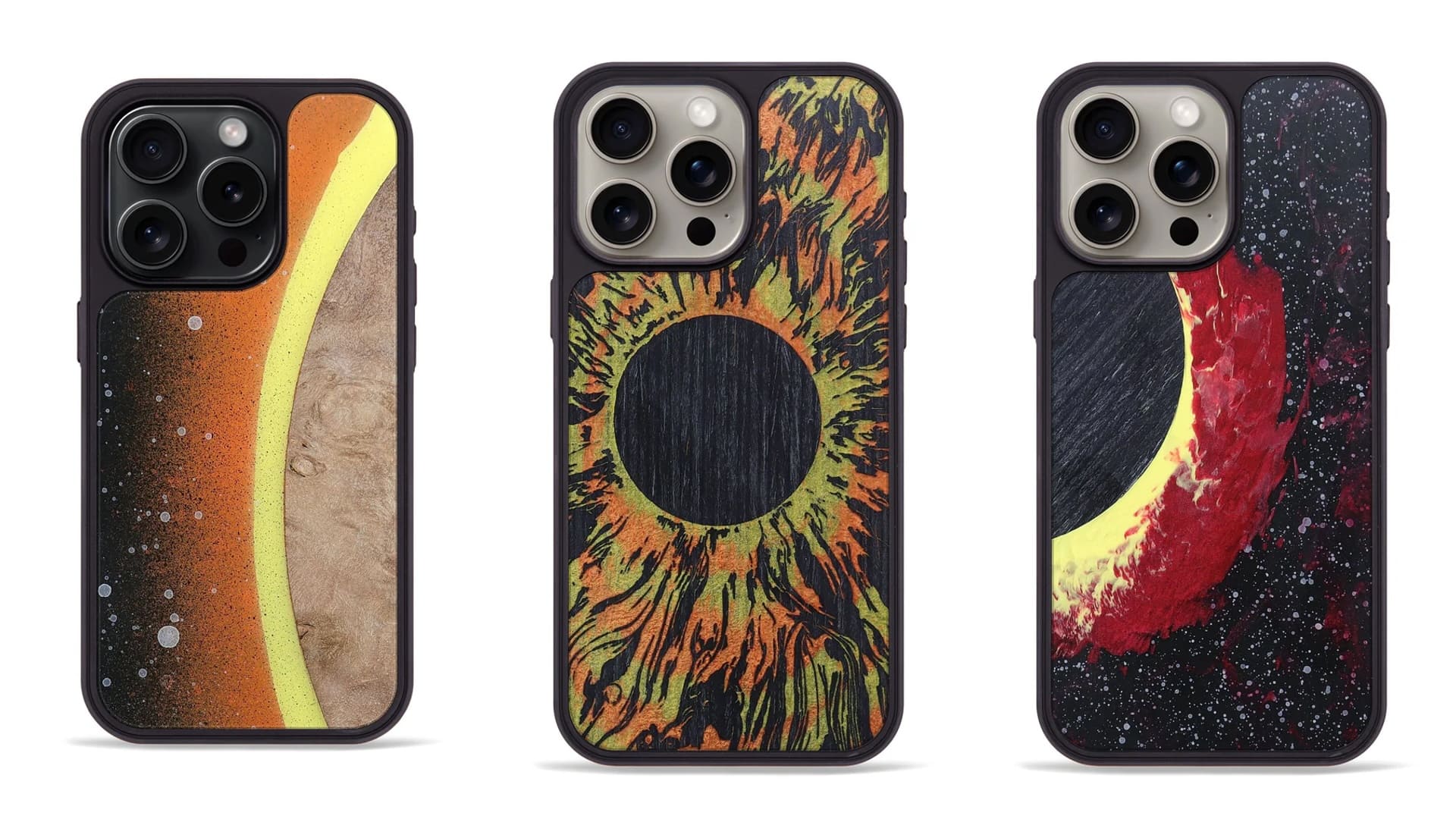
Solar eclipse iPhone cases by Carved
These iPhone cases are truly one of a kind.
Photo: Carved

A collection of 100 wild-looking smartphone cases inspired by the upcoming solar eclipse is selling out fast. The one-of-a-kind solar eclipse iPhone cases, made by the craftspeople at Carved, will give your handset an out-of-this-world look.

“We’ve been working hard to capture the essence of this coming 2024 eclipse,” the company said Friday on its Facebook page. “In all the excitement we’ve made a very limited run of eclipse designs just for you!”

Use Hushed to get a second phone number for burner calls

By

A person using a smartphone, presumably with a second phone line powered by Hushed.
Call off the random texts and unwelcome calls by using a Hushed private phone line.
Photo: Cult of Mac Deals

Sometimes you need to call co-workers, businesses, Craigslist sellers — all sorts of people you might not want having access to your personal phone number and the ability to reach you at all hours of the day. There’s nothing wrong with wanting a little privacy, and with a Hushed private phone line, you can get that privacy without getting a whole new iPhone.

For a limited time, this app — which functionally gives you a second phone number — is on sale for $19.99 with code SECURE20 (regularly $150).

How to take solar eclipse photos with iPhone

By

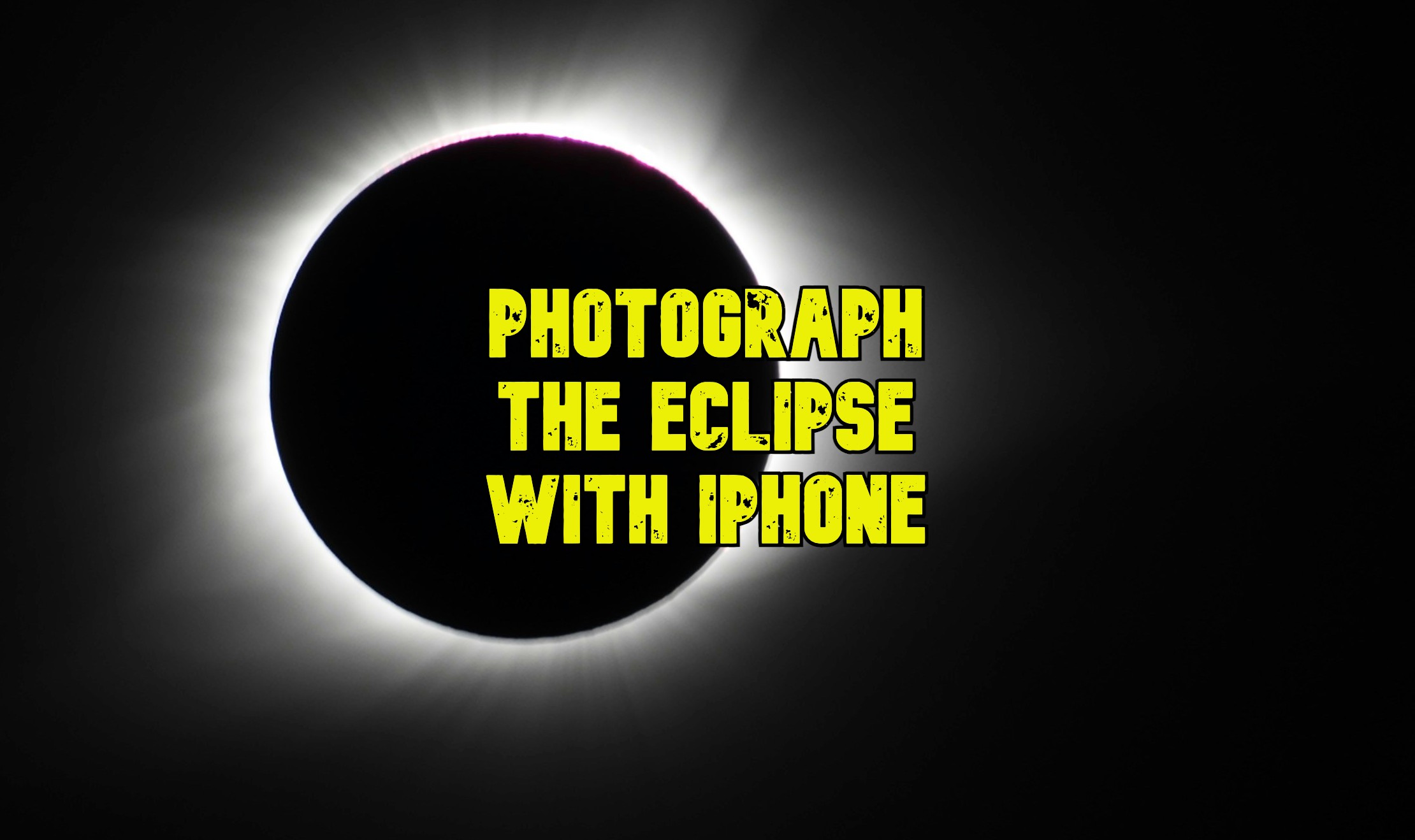
How to photograph the solar eclipse with iPhone
Here’s how to take the best solar eclipse photos with an iPhone.
Photo: Good Free Photos/Unsplash License/Cult of Mac

There are lots of questions about how to take solar eclipse photos with your iPhone. Firstly, can a solar eclipse harm your iPhone’s camera or lenses? Won’t the sun’s rays damage the camera?

Not according to Apple. Cupertino says it’s safe to photograph a total solar eclipse with your iPhone; but be sure to protect your eyes.

However, photographing the solar eclipse is hard without the right tools. To get a good picture of the solar eclipse with your iPhone, you’re going to need a 12-18x telephoto lens attachment, a solar filter and a tripod. Make sure you have everything you need before the big event on Monday.

Here’s how you can get prepared. Watch our new video or keep reading below.