Lion is the next version of Mac OS X that will be released later this year. Apple released a developer preview today and it included a surprise inside — Mac OS X Lion Server. Mac OS X Lion Server is now a core feature of OS X Lion and included for the time being at no extra cost. You will be able to selectively setup your Mac as either a regular Mac OS X client or as a Server during the OS installation.
Once your Mac is transformed into a server you will be able to perform local or remote administration and implement server features that include: configuration of users and groups, file sharing, contacts, chat, Time Machine, VPN, mail, calendaring, push notifications, web, and wikipedia — all services that run under Mac OS X Lion Server.
In the flurry of commentary about Apple’s release of its long-awaited update of the MacBook Pro, along with talk of new graphics and the FaceTime HD camera is word of a next-generation data transmission technology, known as Thunderbolt. The new port comes with a lighting-bolt icon, providing data speeds of up to 10 Gbps.
The first hint of use for the fast-lane built by Intel and Apple is the FaceTime HD camera, offering 720p video chats and triple the resolution of previous MacBook Pro cameras. However, there could be more uses for Thunderbolt.
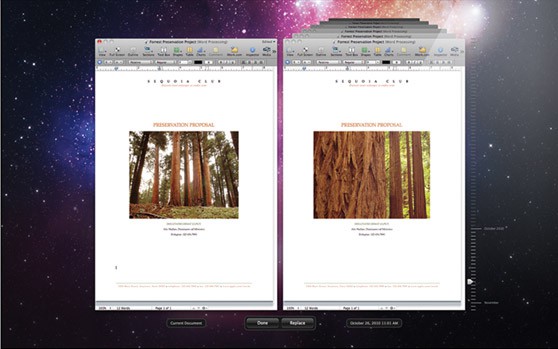
Apple has just dropped the first developer preview of OS X 10.7 Lion and is now pumping it out to applicable devs through the Mac App Store. At the same time, they’ve updated their Mac OS X Lion page, revealing some new features including universal auto save, a possible new version of Safari, some new multitouch gestures, a new way to wirelessly transfer files between other Mac users, and much more.
iLounge is posting a pair of rumors, one which is a pretty obvious extrapolation of what we know about the 2011 MacBook Pros, but the other one a gossipy little number about the iPad 2.
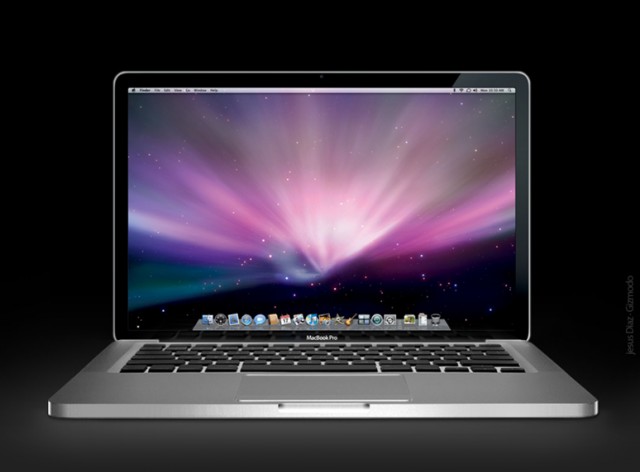
In regards to the MacBook Pros, iLounge says that the 2011 MacBook Pros will be a modest upgrade, and won’t boast a new redesign. I think that’s less a rumor than fact at this point, as we’ve seen glimpses of promotional materials that indicate the new Pros’ only real difference physically from the previous models is a larger trackpad.
So when iLounge goes on to say that 2012’s MacBook Pros will be a new “milestone” and boast a radical chassis redesign, I say “ho-hum.” Of course it will. If they didn’t do it this year, they have to do it next year, since it’ll be three years at that point since they first rolled-out the unibody aluminum design. More MacBook Air like Pros should be par for the course in 2011.
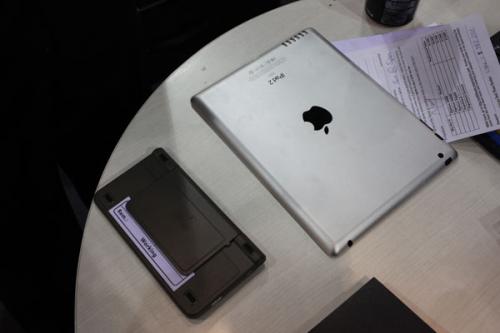
More interesting, though, iLounge claims that the iPad 2 will be a more modest update than we were expecting, thanks to the production bottlenecks we heard tell about on Tuesday. Considering the fact that few expected a radical reinvention of the iPad this generation, that’s a pretty bold statement, and it implies that Apple might pull a last-minute switcheroo on case makers, as they did with the third-generation iPod Touch (which was heavily tipped as having a camera before launch). Or it could simply mean that while Apple will announce the iPad 2 next week, it won’t ship for quite some time.
I don’t see the latter being likely: Apple’s not going to pull the same boner as the mob of Android tablet makers, revealing products months ahead of time. The iPad 2 will be available within a month of announcement, even if it means Apple has to downgrade functionality behind the scenes.
The question is, though, if the iPad 2 is more modest an update than expected, how? All we’re really expecting from the iPad 2 is a routine processor and RAM bump, the addition of FaceTime, a new speaker and possibly dual GSM/CDMA functionality. With the exception of the latter feature, that’s hardly mountain shaking. What would Apple possibly ditch to get over the hump?
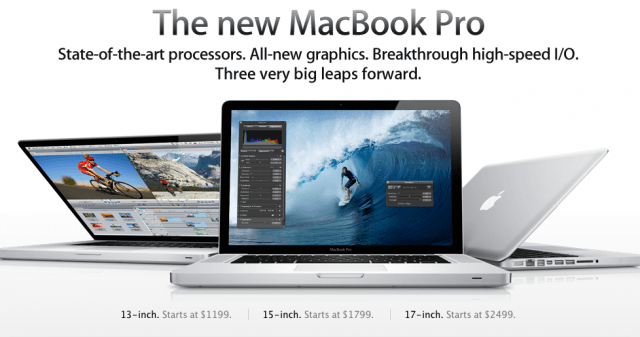
The Apple Store is down, and new MacBook Pros are on their way. We saw the 13-inch yesterday: now we’ve got the details on one of the 15-inchers and 17-inchers, respectively.
Here’s what we’re looking at for the 15-inch and 17-inch:
• An Intel Core 2.0 GHz i7 quad-core processor with a 6MB cache (15-inch)
• An Intel Core 2.2 GHz i7 quad-core processor with a 6MB cache (17-inch)
• 4GB of DDR RAM at 1333 MHz (both)
• 500GB hard drive (15-inch)
• 750GB hard drive (17-inch)
• 15.4-inch LED backlit screen with 1440×900 resolution (15-inch)
• a 17-inch LED backlit display with a 1920 x 1200 resolution (17-inch)
• Intel HD Graphics 3000
• AMD Radeon HD 6490M GPU with 256MB of memory (15-inch)
• AMD Radeon HD 6750M with 1GB GDDR5 memory (17-inch)
• FaceTime HD camera
• 8x SuperDrive
• Thunderbolt and Mini DisplayPort
• SDXC slot, FireWire 800 port and two USB 2.0 ports
• Audio and Ethernet ports
• Wi-Fi and Bluetooth
Like the 13-inch we saw yesterday, these are more modest updates to the MacBook Pro line than we anticipated, boasting no LiquidMetal design or ubiquitous SSDs. The only notable update is the adoption of Light Peak, branded by Apple as Thunderbolt.
There’s still two new MacBook Pros (a 15-incher and 17-incher) to be revealed, but expect them to be variations of these two. We’ll let you know price when the Apple Store comes back up.
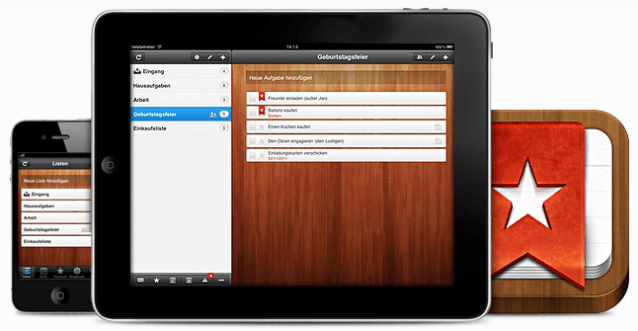
Wunderlistis a beautifully elegant task manager that’s been around for a short while on the iPhone, and now it’s available in all its HD glory on the iPad. Use it to boost your productivity by managing your tasks and to-do lists, while effortlessly syncing them between your Mac and your iOS devices to ensure you’re always on top. Its impressive list of features includes task sharing, push notifications, email reminders, notes, customizable backgrounds, and lots more.
With all its features and its near-perfect user interface, Wunderlist gives many paid task management applications a good run for their money.
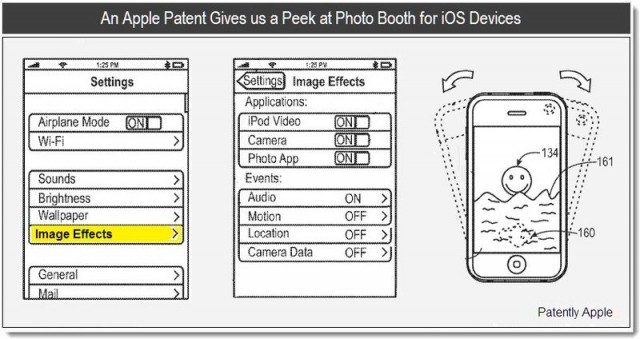
Given how wildly popular the Photo Booth software that ships on every new Mac is amongst trout-lipped, mall-loitering teenagers from sea to shining sea, it’s amazing to me that Apple’s gone four years without bringing Photo Booth to iOS. Recent plist references in iOS 4.3 beta firmware suggest, however, that Apple is soon to remedy that omission as soon as the iPad 2 drops… implying that Apple’s simply been waiting for the whole family of iOS devices to have a front-facing webcam. In addition to Photo Booth, iPhone users can also take advantage of various iPhone photo edit settings formula to enhance their selfies and images. Learn more about editing selfies like TikTok on iPhone.
Now a new patent has been found by Jack Purcher over at Patently Apple, not only confirming that Cupertino’s engineers have been working on bringing Photo Booth to iPhones, but also suggesting that it might be a more radical revision than first expected, taking advantage of the gamut of iOS hardware, including mic, GPS and accelerometer.
Panic, the makers of popular Mac FTP client Transmit, quip about Dell’s outright theft of their official logo: “If only Dell charged the Apple Tax, they could afford to draw their own truck.”
But at least the Dell Tax was enough to cover Photoshopping in one of their monitors!