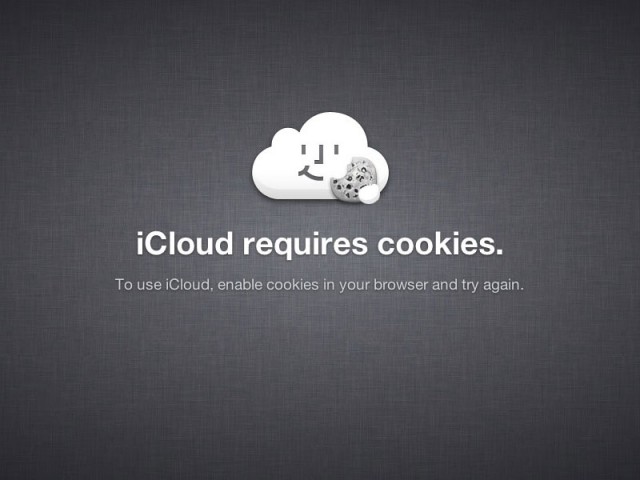
Apple is famous for its attention to detail, so it’s no surprise to us that a lot of effort has gone into the iCloud error pages to ensure they’re not your typical mundane error pages.
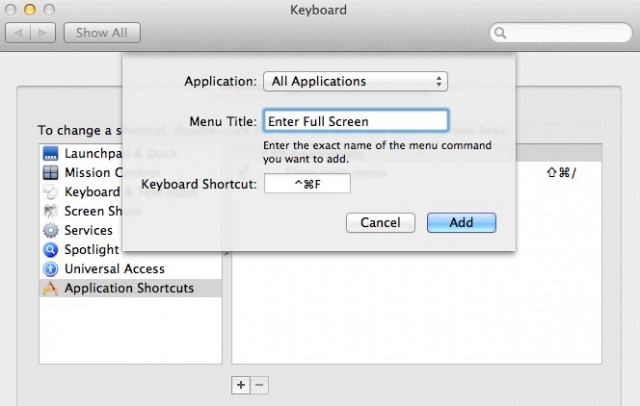
The new full-screen support in OS X Lion is a dream come true for lifehackers looking to squeeze more productivity out of their apps, but one problem for keyboard users is that there’s just no standardized shortcut.
That seems like something of an oversight on Apple’s part, but luckily, there’s an easy to way assign your own universal full-screen shortcut for every app on your machine, even if the devs didn’t provide their own easy keyboard combination for triggering full-screen on your Mac.
This video of the “iPad Head Girl” walking around New York City is a new viral marketing campaign from Hearst, the company behind the new Cosmo For Guyspublication that launches today on the iPad. Her expensive headwear features four iPads that show her head from different angles. But the best thing about this pricey hat is that when you’ve finished looking at her face, you can read her like a book. (Or magazine.)
One of the biggest changes that Apple has implemented in Mac OS X Lion is Mail version 5.0. The new version of Mail has a whole new look and feel to it that I’ve heard a few of you complain about. Well good news this tip will show you how to reverse the new modern look that Mail is sporting these days into something a bit more classical.
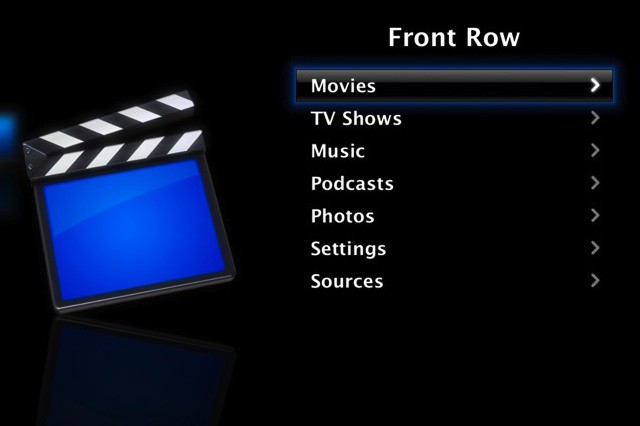
One of the subtle changes in Mac OS X Lion was the removal of Front Row, Apple’s media center application. While not an incredibly important loss, it may frustrate some users who enjoyed using the application. Fortunately, it’s rather simple to get Front Row working on Lion, as I’ll show you in this video.
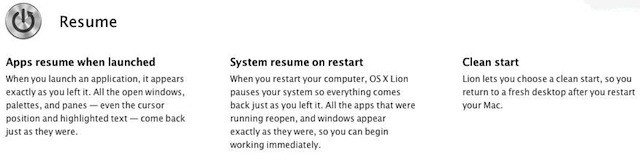
Apple has introduced a new feature in Mac OS X Lion called Resume. Resume will automatically reopen all the windows you had open the last time you used an app after you relaunch it.
Not a bad trick for some apps, but for some others it can quickly be really annoying. Here’s a tip on how you can avoid it altogether.
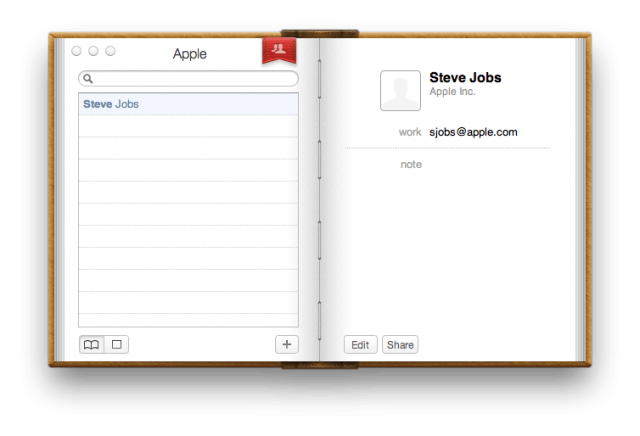
In OS X Lion, Apple redesigned Address Book with a new look that resembles a physical hardcover book binding. This type of design choice is called “skeuomorphic,” because it was, “deliberately employed to make the new look comfortably old and familiar.” Lion’s version of Address Book takes the old look and feel of a physical book and ports that to a virtual application.
While some may like the new look of Address Book in Lion, many have raised complaints. If you’d like to make Address Book look clean and simple again, we’ve got just the trick to unbind Address Book from its brown hardcover.
Apple has introduced new recovery features available through a combination of new hardware and software. One of these new features is called Lion Internet Recovery which will allow you to start your 2011 MacBook Air or Mac Mini directly from Apple’s servers.
The recovery process starts when the Command+R option doesn’t work or when you install a brand new blank hard drive.
Here is a tip that will let you force your 2011 or later Mac to launch Internet Recovery on startup.
In OS X Lion, Apple redesigned iCal with a new faux leather look that resembles a physical calendar binding. This type of design choice is called “skeuomorphic,” because it was, “deliberately employed to make the new look comfortably old and familiar.” Lion’s version of iCal takes the old look and feel of a physical calendar and ports that to a virtual application.
While some may like the new look of iCal in Lion, many have raised complaints. If you’d like to make iCal look like it did in Snow Leopard, we’ve got just the trick to return iCal back to its monochromatic glory.
Do you remember WebM? It was the video compression technology Google spontaneously announced early last year as an open, free alternative to the H.264 codec, used by Apple in every video shown on the iPhone, iPod and iPad.
Despite the fact that Google said that this was completely free, and H.264 is technically subject to a number of royalty fees, uptake on WebM has been pretty slow. Steve Jobs himself thought it was such a non-starter that all he did was link to a screed against WebM that argued that it was just a slight variation on the H.264 codec, and well covered by MPEG-LA’s patent pool… something that was likely to get Google sued.