Mobile menu toggle

Search results for: Apple One

Jailbreak App Display Recorder Ripped Off And Released In The App Store
By

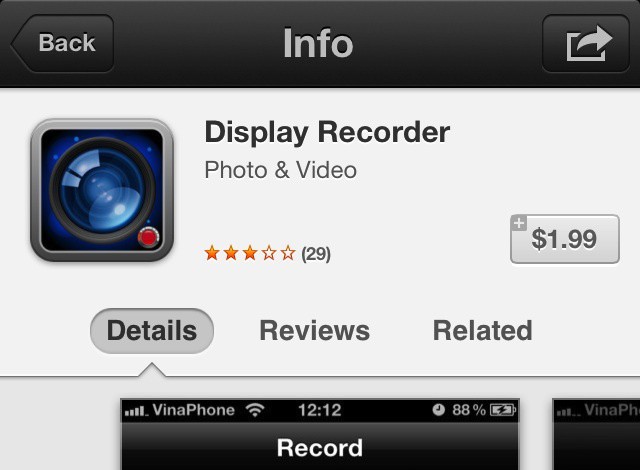
Display Recorder in the App Store is a near clone of its jailbreak counterpart.

Fans of jailbreaking will most likely know about Display Recorder, the jailbreak app by Ryan Petrich, that, as its name implies, lets you record your iPhone’s screen. Display Recorder is one of the reasons I initially began jailbreaking my devices. It’s a handy tool if you need to show someone how to do something on your iPhone. That in mind, I was excited today when I saw that Display Recorder had been released into the App Store. That is, until I saw it had been developed by someone else.

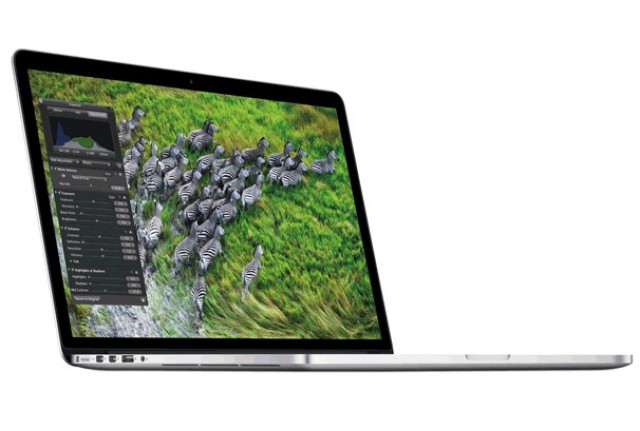
Does The Retina MacBook Pro Use Sharp IGZO Display Tech Originally Meant For The New iPad?

By

MacBook

In the run up to the release of the new iPad, there were many rumors that Apple was going to use Sharp IGZO display technology to make a much more bright and vibrant Retina iPad with much better battery efficiency.

That didn’t pan out: Sharp delayed the debut of IGZO, and Apple instead was forced to release a Retina iPad that was thicker than the iPad 2 in order to accomodate a bigger battery necessary to drive the display.

But according to one expert, IGZO may have crept into the new Retina MacBook Pros…

Teach The Kids Classic Car Games On Summer Road-Trips [iOS Tips]

By

State Plate Bingo

So, you’ve got that big road-trip planned this summer, right? Got everything packed, maps apps at hand, ready to see the world from the point of view of your car, up close and personal in a way jet travel will never be. Pile in the dog and the kids and hit the road!

Of course, once the initial excitement wears off somewhere down the road, the kids are gonna get whiney. Instead of numbing them out with cartoons or video games, how about a bunch of classic car games? Of course you can use your iOS device! Here are a few fun apps that will teach the whole family some great ways to stay interested in the world outside the windows while staving off boredom.

Retina MacBook Pro Gets “Best For AirPlay” Display Option In OS X Mountain Lion

By

"Best for AirPlay" mode is new in Mountain Lion.

Here at Cult of Mac, we’ve been playing around with our new Retina MacBook Pro — look for our review tomorrow — and we decided to install Mountain Lion on our shiny new ultra high-res notebook and take Apple’s latest operating system for a spin.

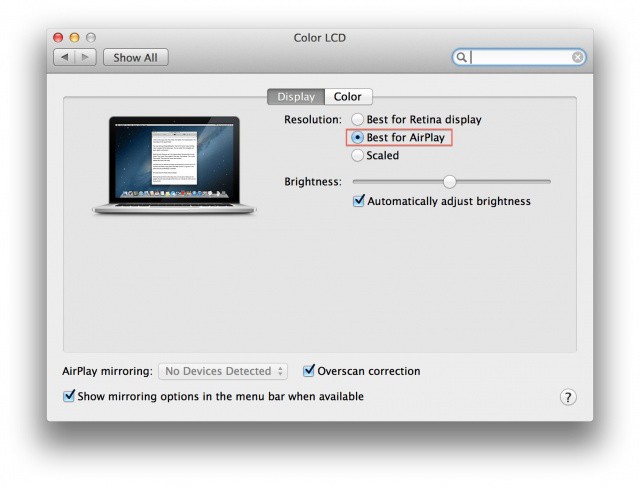
It runs a peach, of course, but one thing we noticed when we were playing around in the Displays preferences in Mountain Lion was that there is an option to set your display resolution as for “Best for AirPlay,” along with the other two regular options which appear in OS X Lion: Best for Retina display, and Scaled.

This Is What A Retina MacBook Pro Desktop Looks Like At 2880 x 1800

By

28801800desktop
You'll need Superman vision for this desktop resolution.

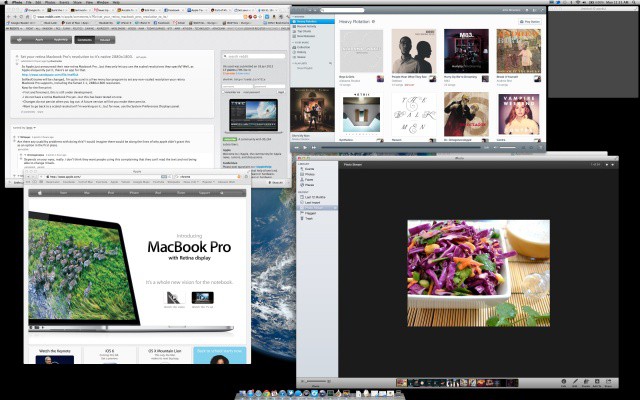
The new Retina MacBook Displays may have an incredible resolution of 2880 x 1800 pixels, but OS X doesn’t treat it as such. Instead, it treats the display as a 1440 x 900 HiDPI display in its default configuration, meaning that while text, video and images may look crisper, you don’t actually get 2880 x 1800 pixels worth of desktop space.

In the Displays panel in Systems Preferences, you can tell your Retina MacBook Pro to give you more desktop space, up to the equivalent of 1920 x 1200, but that’s as far as it goes. What if you want a 2880 x 1800 desktop, though, with each pixel mapped one to one? There’s an app for that.

Mozilla Embraces WebKit To Create Junior, The iPad Browser Of The Future

By

mozillajunior

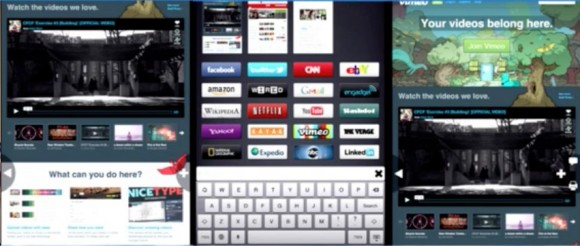
Once top dog next to Internet Explorer, Firefox has increasingly been losing its grasp on the desktop browsing experience, and consequently been spending more time paying attention to the possibilties of mobile. Firefox is already available for Android, and now it looks like it might come to iOS as well, but not as a mere port of the browser many of us have abandoned in favor of Chrome: it’s rebuilt for the ground up with iPad browsing in mind.

At $19.99 Mountain Lion Server Promises To Be A Great Bargain

By

Apple's pricing for Mountain Lion Server is a great bargain for small businesses
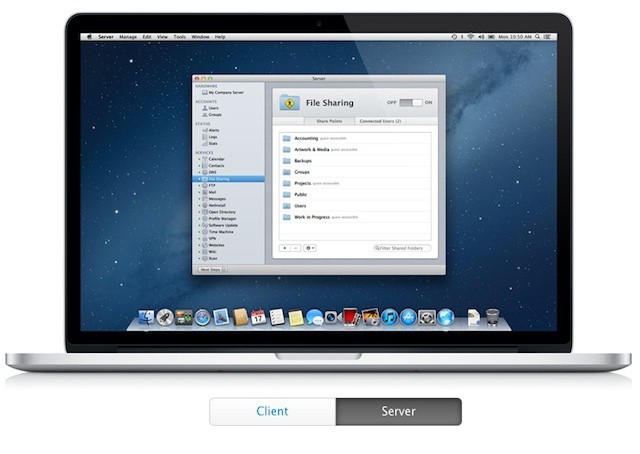
Apple's pricing for Mountain Lion Server is a great bargain for small businesses.

OS X Server has always been something of a bargain compared to the various flavors of Windows Server. Unlike Microsoft, Apple never focused on a client access licensing model in which organizations must pay for the server software itself plus additional licenses for users or devices that connect to it. Apple also doesn’t break OS X Server down into multiple variations each with its own features, licensing needs, and upgrade limitations.

When you buy OS X Server, Apple gives you everything from file sharing to Internet and collaborative services like wikis and internal messaging through Mac and iOS device management. If you start as a small business with a single basic server and eventually grow to the point where you need to support and manage dozens or hundreds of Macs, PCs, and mobile devices, there are no limits imposed on licensing or data migration.

iOS 6 Fixes The Pebble Watch’s Biggest Flaw

By

Reading text messages on your Pebble was previously unsupported by the iPhone.

Unless you only discovered the Internet this week, you’ve probably already heard a lot about the Pebble, which has become one of the most successful Kickstarter projects of all time, raising over $10 million. This clever wristwatch connects to your smartphone over Bluetooth and then allows you to control your music, get the weather, view incoming calls, read Facebook and Twitter messages, see text messages, and lots, lots more. In fact, the possibilities are endless.

However, for those with an iPhone, there were some restrictions, like it was impossible to send SMS data over Bluetooth. These were, as you’d expect, the result of Apple’s limitations. But thankfully, in iOS 6, this is fixed.

Learn The Best Ways To Use iPhoto For iPad [Feature]

By

20120610-211641.jpg

Summer time is vacation time, at least here in the U.S. With kids out of school for the warmest months of the year, families travel to amusement parks, historical sites, and even to other countries, making memories along the way.

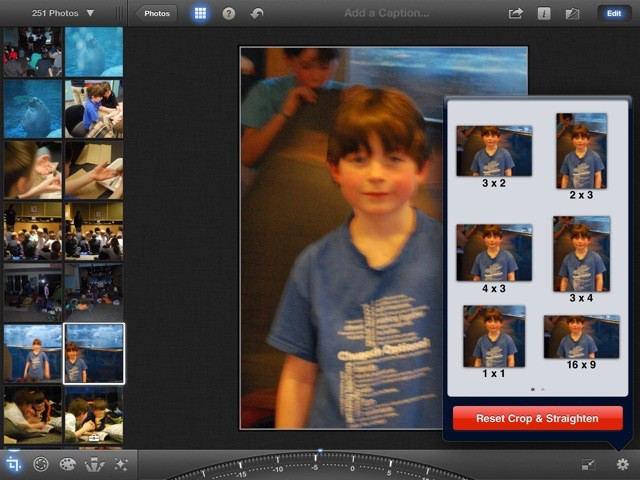
What better way to store the photographic memories from this summer’s vacation than with high quality photos, edited, stored, and shared with just your iPad and iPhoto? Sound like a dream come true? Well, it’s not only possible, it’s fairly simple. Here are some of our favorite tips and tricks to use with iPhoto for iPad

Relive WWDC 2012 All Over Again On YouTube [Video]

By

cult_logo_featured_image_missing_default1920x1080

https://www.youtube.com/watch?v=9Gn4sXgZbBM&feature=player_embedded

It’s Friday afternoon, and we’re all a little tired. So if you missed Monday’s WWDC keynote, and missed it when Apple put the video up on iTunes, why not make it through the remnants of your work day watching the WWDC keynote in total on Apple’s official YouTube channel.

Leaving work sooner than that? Here’s the keynote in 90 seconds.