Mobile menu toggle

Search results for: Apple One

FCC Reveals Amazon’s Next Kindle Fire Could Match iPad’s 9.7-Inch Display
By

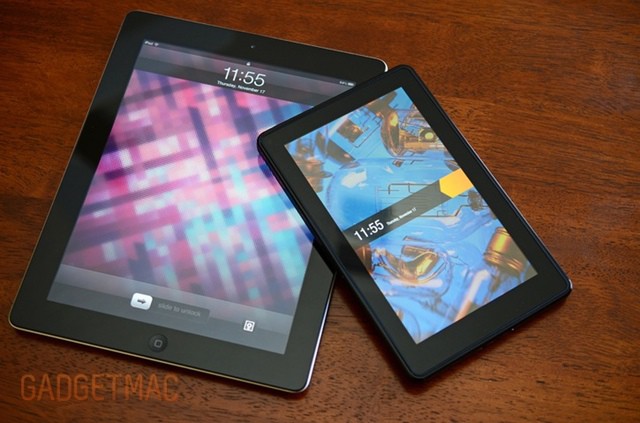
The Kindle Fire 2 may not look this small up against the iPad.

Despite being labeled an “iPad killer” prior to hitting the market, Amazon’s $199 Kindle Fire never really gave the iPad anything to worry about. However, it’s going to come back and take a second shot at Apple’s hugely popular tablet, and this time its chances could be improved by a larger display. If a recent FCC filing is anything to go by, the Kindle Fire 2 will be significantly larger than its predecessor.

Get Rid Of Notification Center, Menu Bar Icon And All, In Mountain Lion [OS X Tips]

By

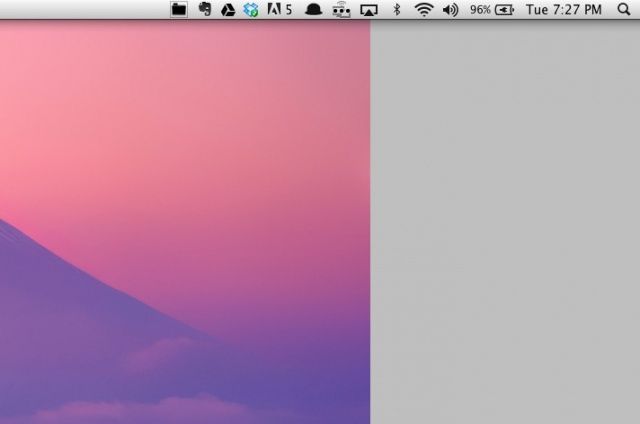
Note the missing Notification Center menu bar icon and a distinct lack of linen-backed Notifications.

Tired of OS X Mountain Lion notifying you of things? Sick of the little menu bar icon in the upper right corner of your Mac’s screen? Do you not even use Notifications at all on your Mac? You might, then, want to get rid of the entire thing, disabling it completely and removing the icon from the menu bar.

We’ve got two ways to show you, one that’s more permanent than the other. Check it out.

Back To School: Every App & Gadget You Need To Survive College [Buyer’s Superguide]

By

cult_logo_featured_image_missing_default1920x1080
Going back to school? Then let us help.

You lucky thing. The summer’s over, or nearly over, and you’re already planning on heading back to school. Just like last year, you will begin this year fresh and full of energy and enthusiasm, only to be ground down by the man. Luckily, we’re here to help with advice on the best apps and gear to get you through the year and into next year’s summer vacation with the least effort possible.

So sit back, relax and take a look at the Cult of Mac back to school/college superguide.

10,000 PPI Image Makes Retina Look Like Mr. Magoo’s Wallpaper

By

This is the highest-resolution image that could ever be made.

What resolution is Retina resolution? 220 ppi (like the new MacBook Pro)? 264 ppi (like the iPad 3)? Or the amazing 326 ppi found on the iPhone?

What about 10,000 ppi? That’s the resolution of an image printed by researchers at the Agency for Science, Technology and Research in Singapore. It’s the picture you see above which, at just 50 x 50 microns, is the same size as a single pixel on an Apple Retina display.

Verizon’s Viewdini Video Streaming Service Finally Comes To iOS

By

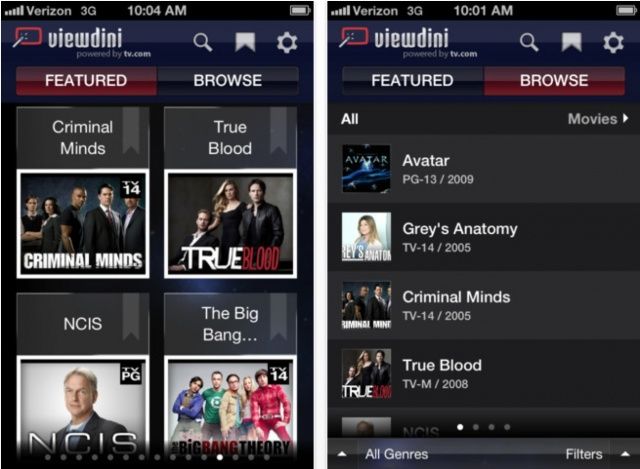
Viewdini is no longer an Android exclusive.

Verizon Wireless has announced that Viewdini is making its debut on iOS today, allowing users with an iPhone 4, iPhone 4S, iPad 2, or new iPad to enjoy the video-on-demand service on the go. The app provides access to both free and subscription-based providers, including Comcast Xfinity, Hulu Plus, mSpot, Netflix, Vimeo, and more.

Skip Tunes 2.0 Arrives With New Features To Help Play Music From Your Mac’s Menu Bar

By

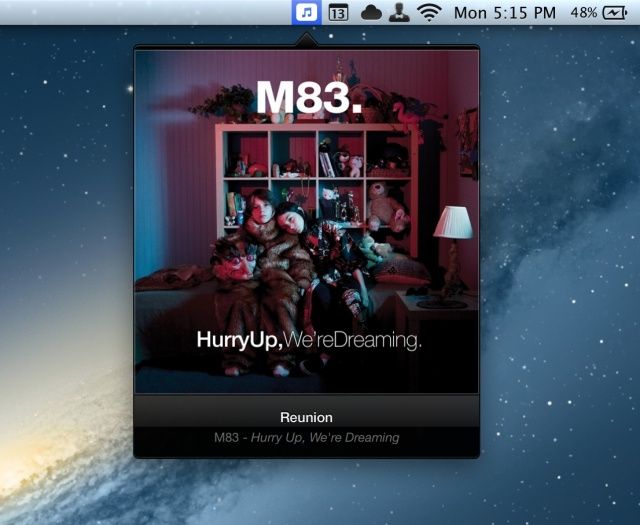
The new and improved Skip Tunes.

Earlier this year I praised Skip Tunes as a simple, gorgeously designed Mac menu bar app for controlling music. The best thing about Skip Tunes is that it can control not only iTunes playback, but Spotify and Rdio as well. Verizon 2.0 of the app has arrived in the Mac App Store, and the update packs some nice features.

Step-By-Step: Blogging Using Just The iPad [How-To]

By

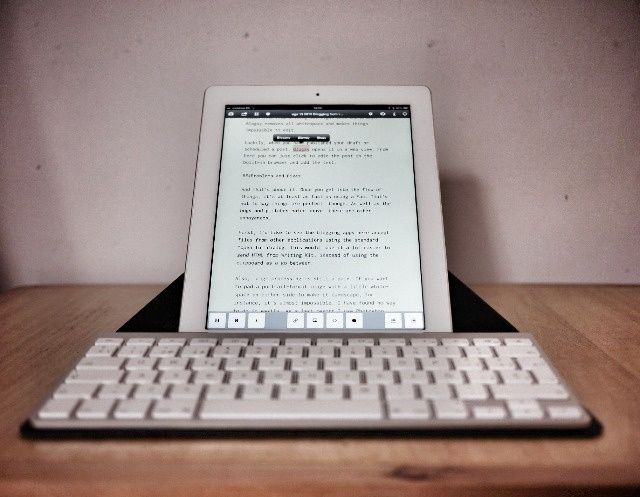
This is pretty much all you need to write and publish to the web.

I do all my work these days on an iPad. From organizing reviews through gathering story ideas to actually writing posts and features, and even photographing and editing gadgets for those reviews, it’s all — every last bit — done on Apple’s tablet. I just spent two weeks away from home using the iPad’s 3G connection to work, only opening up my MacBook to sync my FitBit.

And they still say the iPad is just for consumption.

One of the biggest problems with the iPad has been writing blog posts. You really did need a Mac to take care of the multiple browser windows and — most of all — the image uploading. Now, though, while there isn’t quite a wealth of options, there are certainly several credible methods to do this all from the iPad. So make a coffee, sit back and enjoy this how-to:

Don’t Worry, iOS Encryption Is So Secure Even The NSA Sucks At Hacking It

By

iphonelock

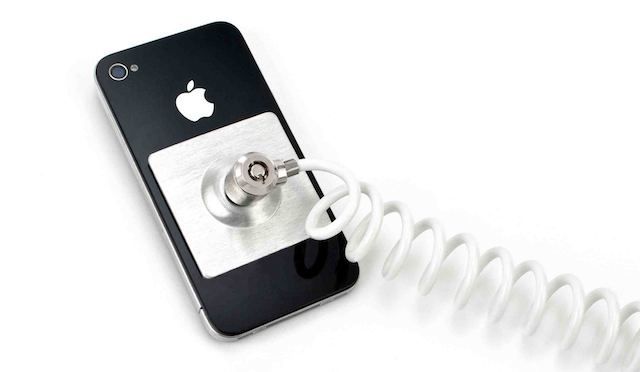
Your iPhone contains a whole lotta information about your personal life. You got your bank apps, email, text messages, phone calls, browsing history, plus all those embarrassing songs you listen to on Spotify you don’t want people to know about.

You don’t expect to get hardcore encryption security on a tiny iPhone, and when the iPhone was first released in 2007 you didn’t. Huge security holes allowed  hackers to easily take over the device, but Apple learned from their mistakes, and now your iPhone is like a freaking Fort Knox for data. Even the NSA is having a hard time breaking iPhone encryption, and it’s frustrating the hell out them.

Latest iOS 6 Beta Makes App Store Updates Super Snappy

By

App updates appear to be a little snappier in the latest iOS 6 beta.
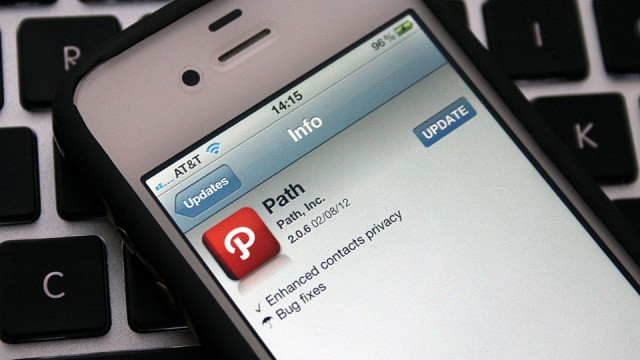
App updates appear to be snappier in the latest iOS 6 beta.

While Apple’s latest iOS 6 beta didn’t make any significant changes to the platform’s front-end — aside from removing the YouTube app — it did make some changes under the hood. In addition to “bug fixes,” it appears the fourth beta has made some improvements to App Store download times that make updating your apps super snappy.