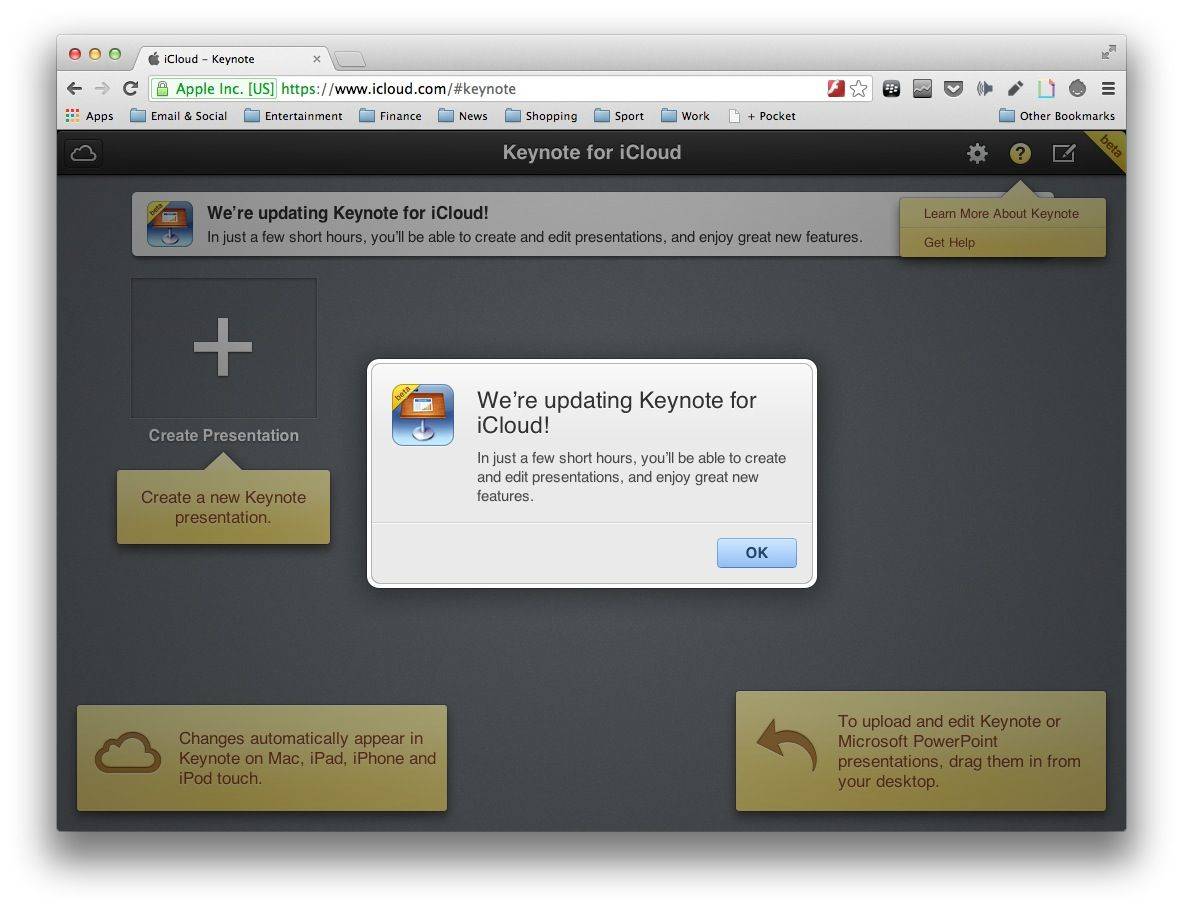
Apple’s iWork for iCloud apps have been made unavailable ahead of today’s iPad event, pretty much confirming that we will see updates for Pages, Keynote, and Numbers during the keynote. “In just a few short hours, you’ll be able to create and edit documents, and enjoy great new features,” a notice reads.
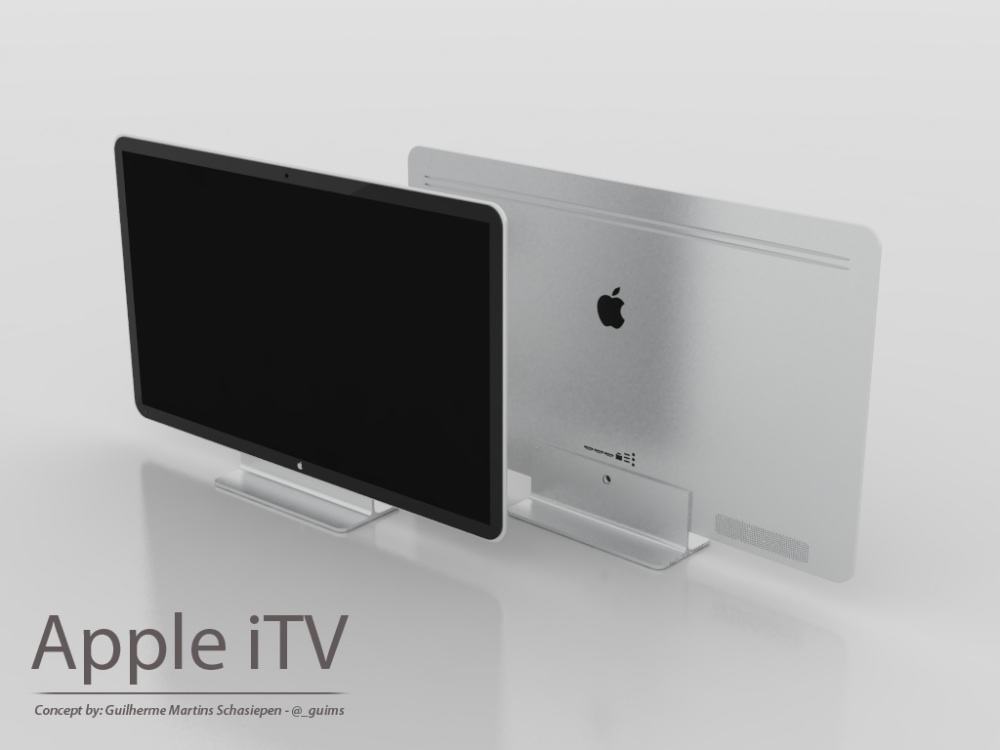
Even though most of the focus has shifted t the iWatch, people can’t seem to stop talking about Apple’s mythic HDTV, the iTV. Case in point: ahead of today’s iPad event, a Tokyo-based analyst has gone on record out of the blue saying 4K 55-inch and 65-inch iTVs are coming next year.
The Spotify app for iPhone, iPad, and iPod touch has finally been updated to support iOS 7. There are some subtle interface changes that better fit iOS 7’s new design guidelines, but it’s not quite the overhaul you may have been expecting.
I dig biplanes, but nothing says dogfighting like a British Spitfire up against a Messerschmitt Bf 109, or a Marine Corsair duking it out with a Mitsubishi Zero.
For the next installment of turn-based strategy gem Sid Meier’s Ace Patrol, 2K and Firaxis Games have gone with the latter, and bumped the game ahead several decades from World War I, setting it smack in the middle of the Pacific during World War 2.
Note: This article originally appeared in the Cult of Mac Newsstand issue, Game On!. Grab yourself a copy or subscribe today.
The iOS App Store has no shortage of titles that you can just download and play without paying a thing. The actual amount of content you get for your not-money varies, but more often than not, the free version is little more than a demo to entice you into paying for the whole thing.
Some games offer enough content in their lite versions that you’ll be set until you get tired of the thing and cast it into the virtual trash. But others are so good that you can, should, and must throw the developers some money. They’ll thank you, and you’ll thank yourself. Because these games are really good, so pay for them, cheapskate.
Watch out, you might find yourself gaming before too long.
Note: This article originally appeared in the Cult of Mac Newsstand issue, Game On!. Grab yourself a copy or subscribe today.
It still surprises me when someone says, “I don’t play video games.”
Games are a touchstone of cultural relevance these days. With the advent of the iOS platform, with its ready availability of a wide variety of video games for all types of players, it’s hard to not see their influence. Not playing video games is like not reading novels or not watching television: sure, some folks choose that, but they’re missing out on a common cultural heritage and discussion.
That said, video games can seem intimidating. Or feel like a waste of valuable productivity time. I won’t bore you with statistics and studies that say otherwise, but trust me on this: video games can be a viable leisure time activity for all of us.
So how do we get you playing games? In the case of my girlfriend, it was finding the games that made sense to her. For my dad? He still won’t play them. So this list is as much for him as it is for you. You’re welcome.
If you’ve ever looked at two of your photos and wished that you could somehow transmogrify them into one Frankenphoto, you might want to check out InstaPhotoBlend. It’s image-editing software for your iOS device that uses a simple interface to let you combine and blend two photos together. You start by selecting two pictures — one top layer and one bottom layer — and then fiddle around with the controls to control opacity and adjust color until you’ve created the perfect thing that used to be two things. After that, you can post your masterpiece to social media, email or text it, or just hang onto it until the time is right. It’s a fun little app to play with, and it’s not hard to create some interesting effects.
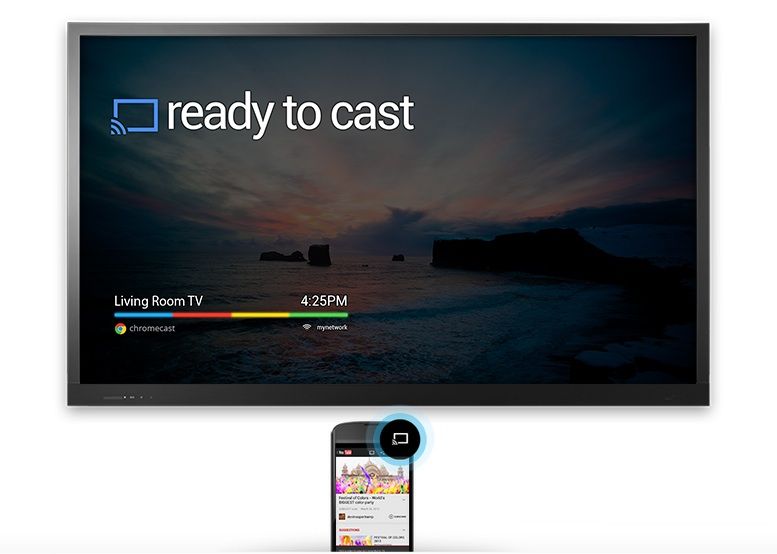
The Hulu Plus app for iOS has been updated today with support for Google Chromecast. You’ll find a new ‘Cast’ button within the app that will stream your favorite shows to your television with the help of the $35 dongle.
“We know you’ve been enjoying the Hulu Plus app on Chromecast with your Android phones/tablets and iPads over the last few weeks. Today, we are excited to add the Chromecast integration for Hulu Plus to your iPhones.”
The addition of Chomecast integration will finally give iPhone users the ability to use their app as a custom remote. From the Hulu Plus ass you can control videos on Chromecast connected to your TV while also browsing the app on your iPhone to queue up your next choice. The update is available for free in the App Store.
Here at Cult of Mac, we’re just starting our coverage of iOS and Mac games, as our fearless leader Leander told you in the publisher’s letter for the inaugural edition of our Newsstand magazine.
Since we’re just starting up, it’s pretty easy to get our attention when it comes to promotional emails and review requests. While we can’t review all the games we’re sent, we do read all the promotional emails that you’re sending our way.
Even still, we’d be lucky to review even a minuscule percentage of games we get requests for, so there are a few things that you can do to guarantee that we’ll take a closer look. There are a few more than you can do to make sure we don’t look much closer, too.
Here’s a list of both extremes, to help guide you on your way to getting coverage on Cult of Mac.
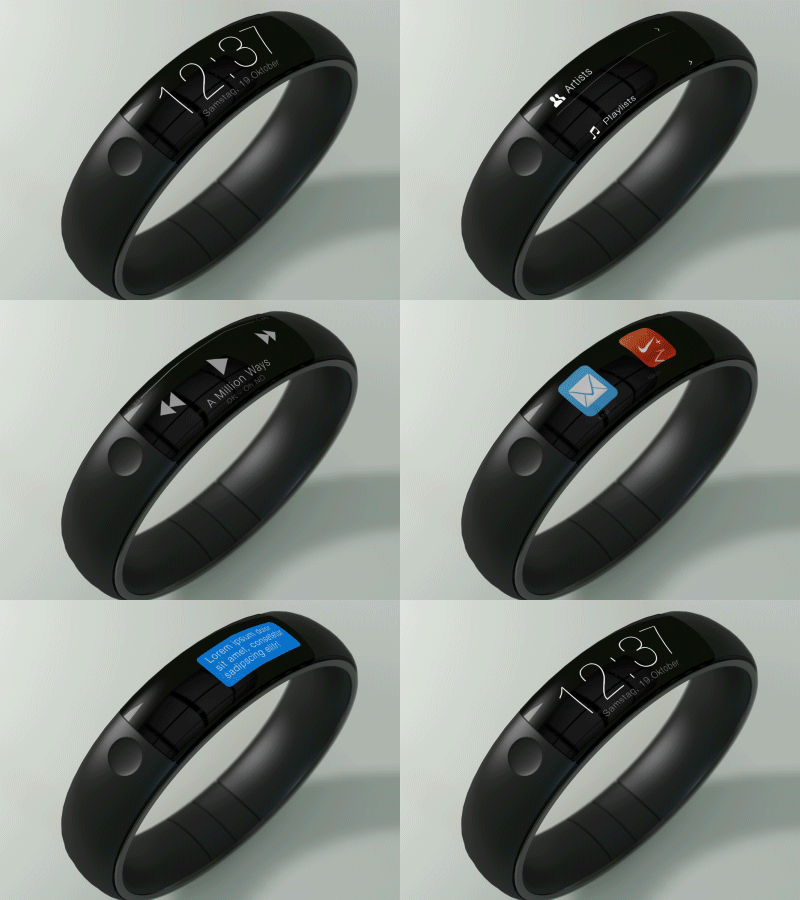
Over the past couple of months we’ve seen tons of concept designers dream up ideas of what Apple’s smartwatch might look like, but this concept iWatch GIF by Thomas Bogner is one of the best ideas we’ve seen yet.