Mobile menu toggle

Search results for: Apple One

Get ready to run: The first of Wahoo’s next-gen Bluetooth heart-rate sensors is here

By

wahoo-tickr-run

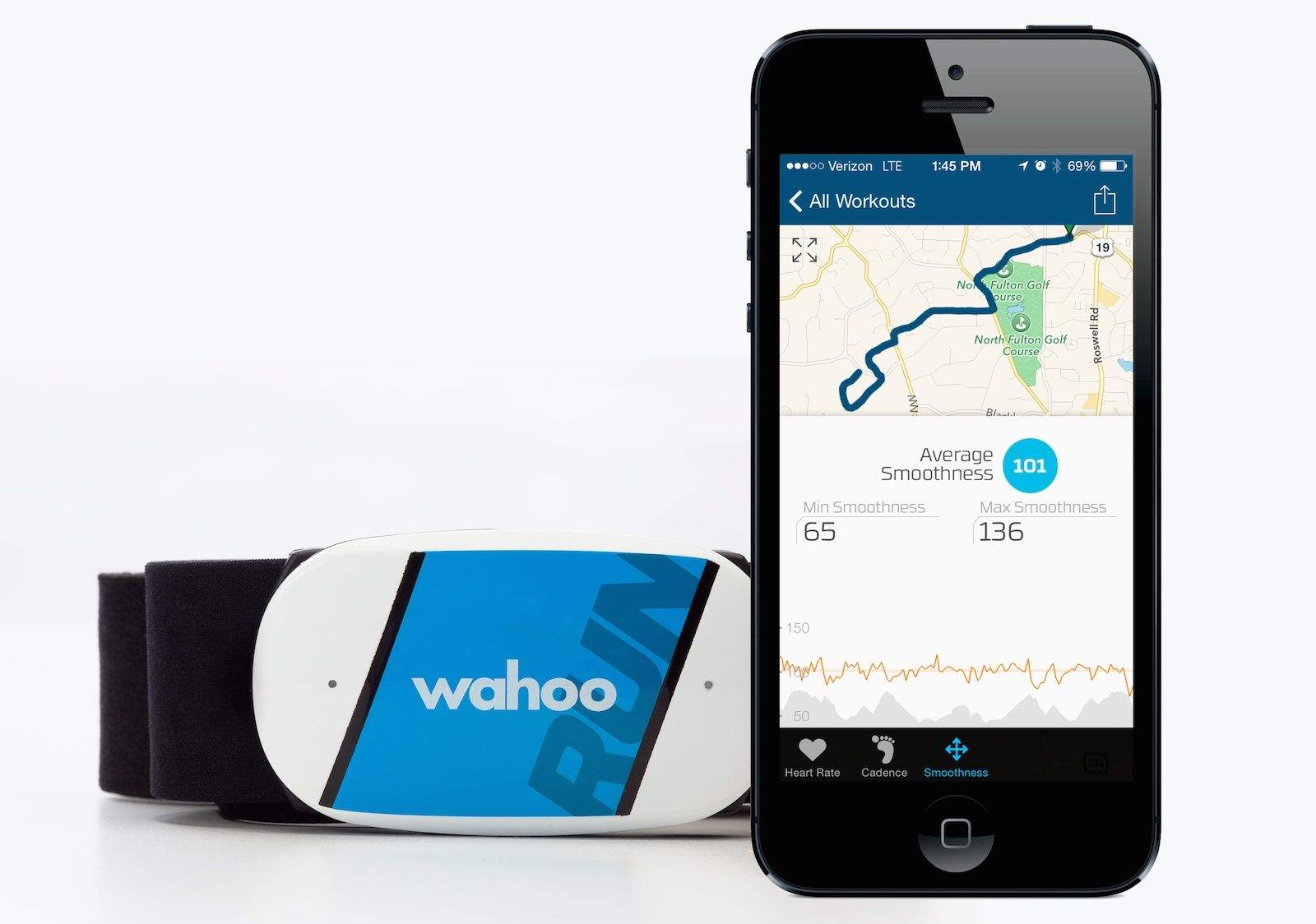
Wahoo’s first heart-rate sensor was of the pedestrian ANT+ variety, and connected to the iPhone through a 30-pin ANT+ dongle. Around a year later, the Atlanta-based outfit introduced the first heart-rate sensor that connected to a smartphone through Bluetooth; specifically and only to the iPhone 4s, since that was the only phone at the time with Bluetooth 4.0 under the hood.

Wahoo upped the ante again in January at CES, when they revealed a radical departure from traditional heart-rate based fitness tracking: Their new highly sophisticated, three-model TICKR sensor squad, combined with an all-new app that turns conventional fitness-tracking on its head. Now the first of the TICKR trio, the TICKR Run, is hitting the street.

Marvel superheroes arrive on Disney’s Infinity Toy Box. Is Star Wars next?

By

disney-infinity-thor
We want to see Thor fight Captain Barbossa.

Ever since Disney revealed its grand Infinity gaming universe, we’ve been wondering when Marvel-themed playsets would arrive — or even if they would. Disney bought Marvel in 2009, and it made sense the characters would show up: Infinity would be the perfect setting to flaunt the newly subsumed superheroes. Problem was, nary a whiff of Marvel could be found at Infinity’s January 2013 launch.

Nevertheless, Thor, Iron Man, Black Widow and the gang are coming to Disney Infinity — and boy do they look awesome.

Top iOS apps of the week

By

SinkFoot

Browsing the App Store can be a bit overwhelming. Which apps are new? Which ones are good? Are the paid ones worth paying for, or do they have a free, lite version that will work well enough?

Well, if you stop interrogating me for a second, hypothetical App Store shopper, I can tell you about this thing we do here.

Every week, we highlight some of the most interesting new apps and collect them here for your consideration. This time, our picks include a place to keep your timers, some flirty pics, and the most extensive color app we’ve ever seen.

Here you go:

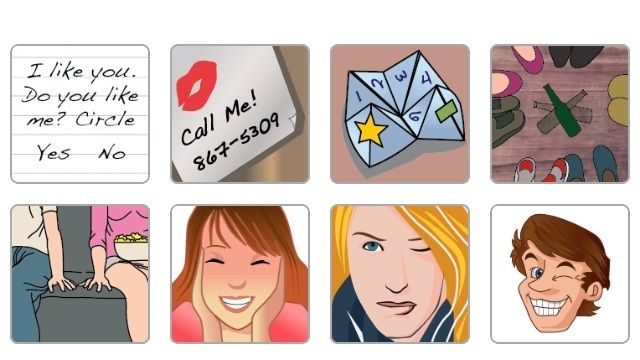
Emoji are versatile and cute, but if you want to get a little … direct with your significant other, you have to get pretty creative. SinkFoot wants to help with its small fleet of increasingly specific pictures that you can send via text or e-mail directly from the app. No nudity in here, but if you have a thing for cheerleaders, nurses, doctors, or members of SWAT, SinkFoot will help you communicate that.

Yep. SWAT. I guess that’s a thing.

Anyway, it has some other options, too. Although I’m not sure what this one means. I don’t really see what someone would do with an–Ooooooh. Alright, I get it.

Huh.

SinkFoot – $0.99 | SinkFoot LLC
Alarm Clock Reboot

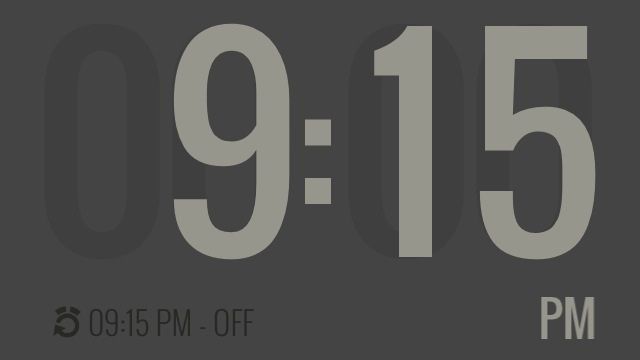
Snoozing is great, but oversleeping isn’t. That’s why Alarm Clock Reboot approaches rousing you from your slumber in a different way. Instead of waking you up when you tell it to, it starts the process with a series of smaller alarms spread out before your wake time. You tell it when you want to wake up, and it starts the process before that with a series of snooze alarms that build in intensity until they reach your desired alarm time.

It’s a cool idea. The lens flares may be a bit much, but they are pretty sweet.

Alarm Clock Reboot – $0.99 | Every Penny Apps
Scantily

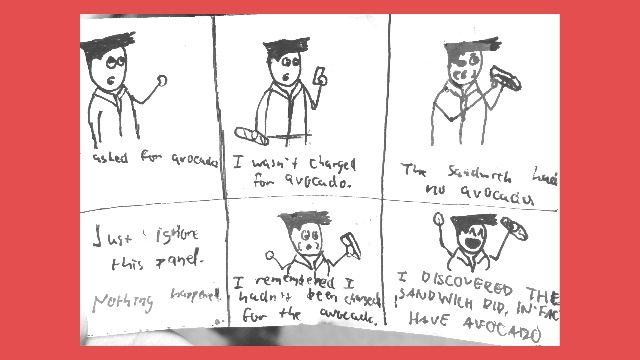
A lot of apps will let you turn your iPhone into a scanner, but Scantilly lets you turn your snapshots into PDFs quickly and easily. All you do is take a picture of the thing you want to preserve, crop it down using a very simple tool, and then you can e-mail it to whomever you want. You can even add extra pages with a single tap, which is pretty handy if you have things to scan other than crudely drawn cartoons of dubious quality.

Not that I know anything about that.

Scantily – Free | Ashe Avenue
Scooby

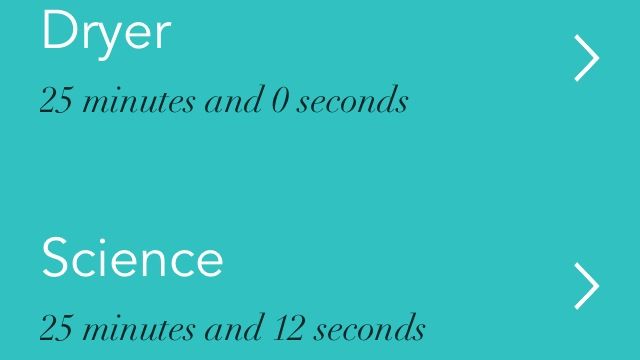
This timer app might not be super useful for everyone, but if you have certain things that you time regularly, you might want to check it out. Scooby lets you build up a list of items and timers that you can easily access anytime you want to save yourself the slight inconvenience of setting the one on your iPhone.

I’m going to use it for the shared washer and dryer in my apartment building because neighbors appreciate it when people don’t leave their clothes in there forever, Steve.

Scooby – Free | Stephen Walsh
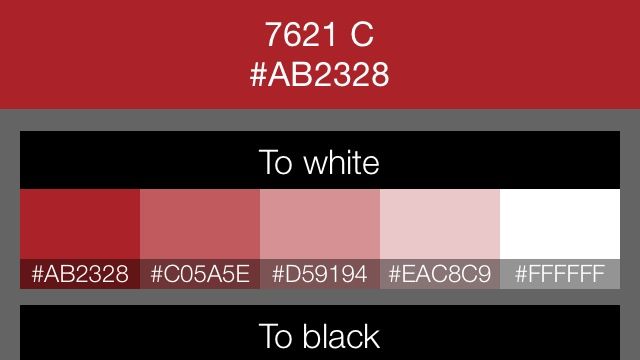
Color Suite

Color Suite is a ridiculously comprehensive color-identification app with an easy sampling tool and a wealth of information. Just point the little dot at the color you want to identify, and it’ll tell you pretty much everything about it, including its complementary color, how it appears to eight different kinds of color-blindness, and even which Crayola is most similar.

It actually has an insanely long list of products you can match, like several brands of house paints, colored pencils, and make-up.

So basically, if you see a color, you can use that color for everything. This app really, really wants you to do that.

Color Suite – Free | Chocodev
Fiasco turns spelling into an action-packed race against time

By

Fiasco

I like words. I like writing them, I like spelling them, and I like picking the perfect one for the sentence I’m creating. And I like playing with them, too, if you couldn’t tell from all the word games I choose for reviews.

Fiasco by Blinking Pixels
Category: iOS Games
Works With: iPhone, iPad
Price: $0.99 (promotional price; free version available)

But even if you aren’t a Word Nerd like I am, you’ll probably enjoy Fiasco. It’s a moderately paced competitive spelling game in which you create as many words of three or more letters as you can by dropping tiles, Tetris-style, onto a board.

You can get time and point bonuses for longer words, which is basically the only way to win. Because this game is pretty challenging.

We tried the apps your mother warned you about (and survived)

By

Photo: Jim Merithew/Cult of Mac

Thanks to your iPhone you can couch surf, catch a ride downtown, find a date or maybe even source a freebie for dinner.

The sharing economy has gone mainstream, filling our smartphones with apps that run counter to your mother’s admonitions. You know, those common sense “Stranger Danger” rules we’ve all had drilled into our heads about talking to strangers, letting them in our houses or accepting stuff from them.

But it’s one thing to talk about these apps and another to actually use them.

So we did. Cult of Mac staffers jumped into cars with strangers, let them stay in our houses, took random jobs and put out free treats for the taking. The results were, uh, mixed.

Let us know in the comments what your experience has been!

Hot-rod Hackintoshes perform like the latest Mac Pro

By

Photo: Jim Merithew/Cult of Mac
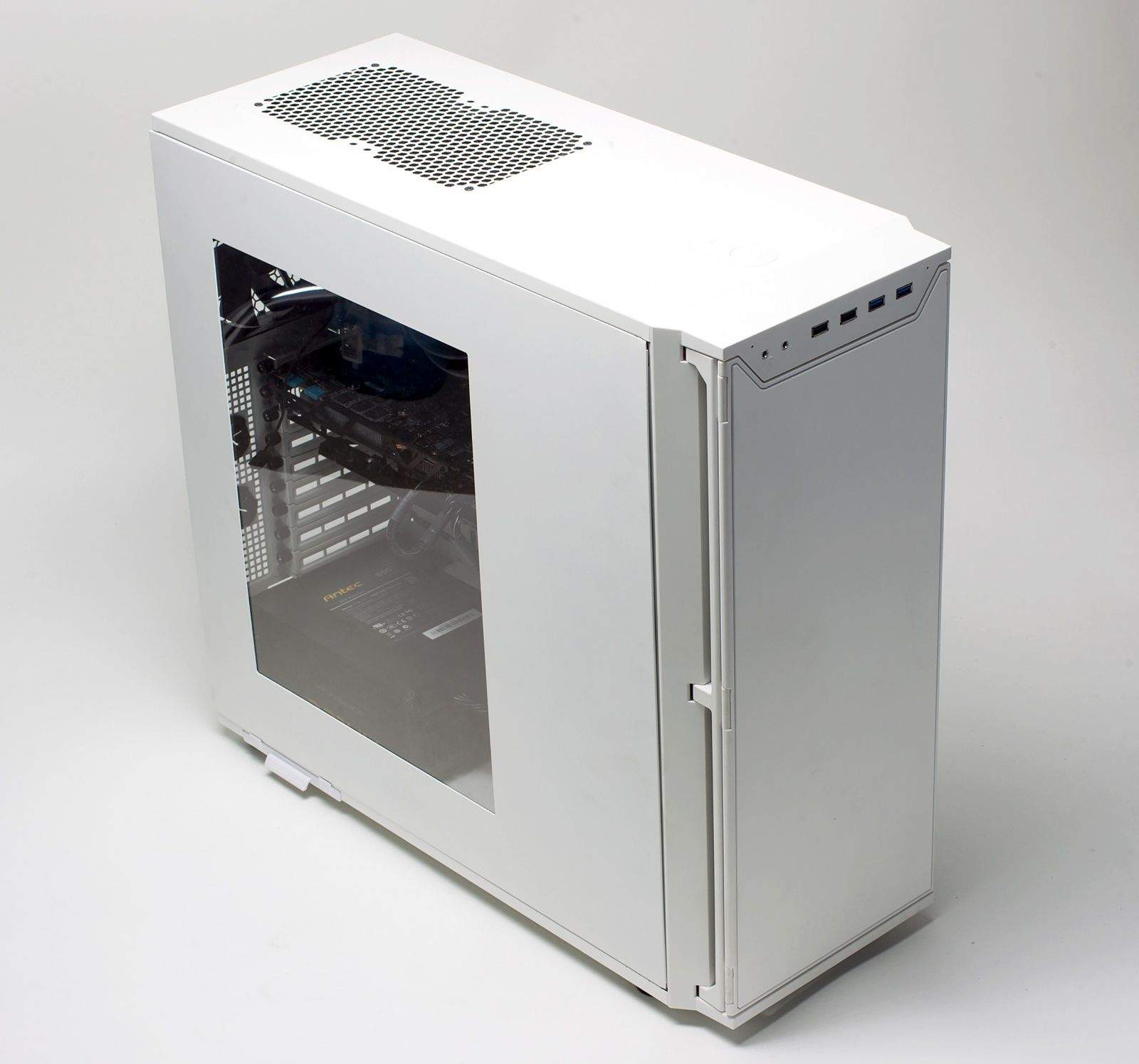
This P280 Hackintosh screams like a Mac Pro. Photo: Jim Merithew/Cult of Mac

Although it looks like a vanilla PC in a boxy case, the machine pictured above is a high-performance, custom-built Hackintosh.

This thing is hot! Known as the P280, after its Antec case, this Hackintosh is equivalent in performance to Apple’s latest Mac Pro workstation, but costs significantly less.

Roughly comparable to a Mac Pro costing $3,500, the P280 was assembled from off-the-shelf PC parts costing just over $2,000, including a water-cooling system to chill its chips. The Hackintosh runs Apple’s OS X Mavericks and, according to its builder, bests a similarly configured Pro on many benchmarks.

It has none of Jony Ive’s industrial design magic, of course, but that’s not the point. This is a DIY rig that’s as badass as it gets.

Snapchat adds instant messaging and video calls

By

Screen_Shot_2014-05-01_at_12

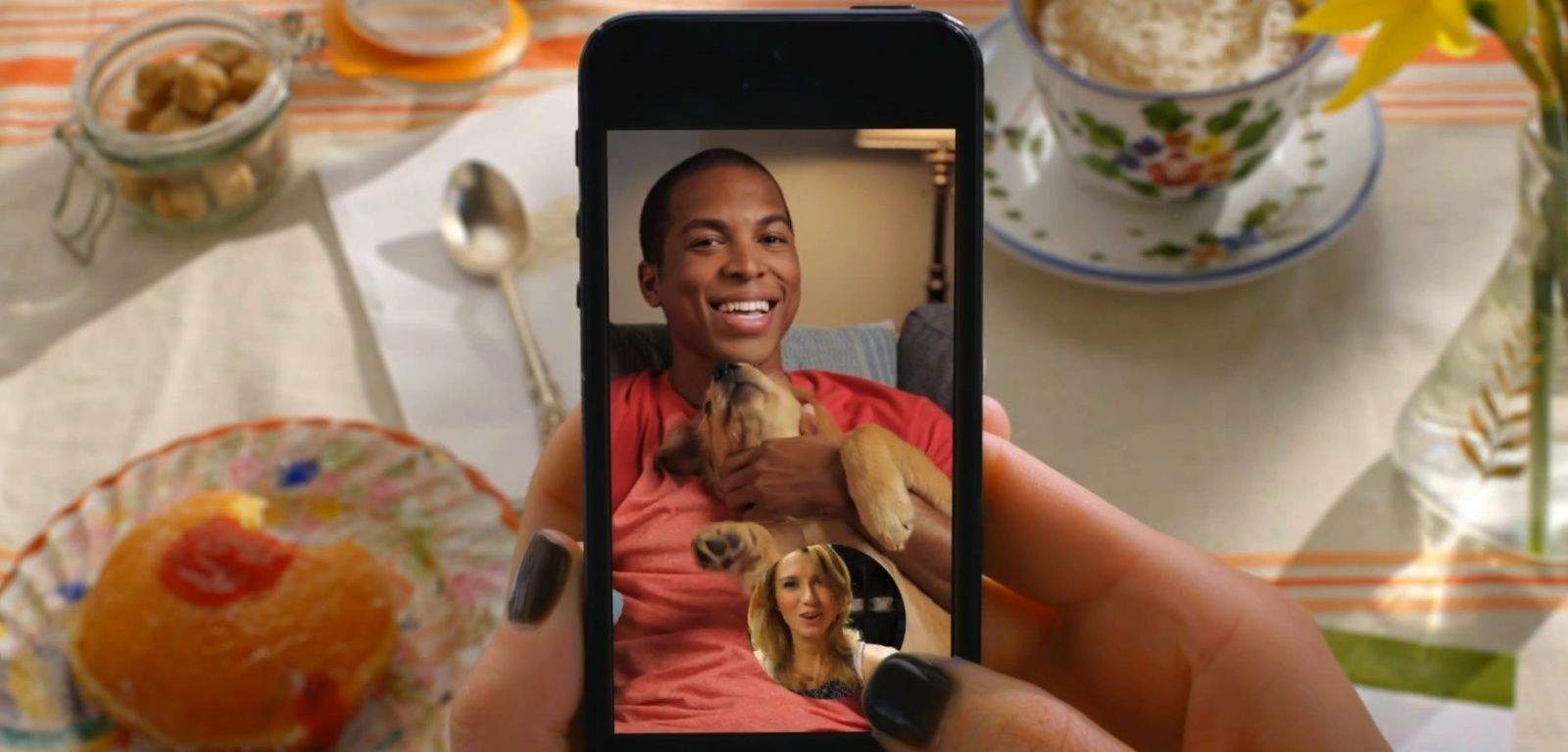
Apple’s FaceTime service is getting another rival — courtesy of an update from disappearing messages service Snachat.

The update will introduce instant messaging and video call functions — opening up more possibilities for users wanting to have private conversations.

As with existing Snapchat messages, conversations won’t be stored on users’ phones by default. Since some conversations are worth saving, however, the update will allow users to manually save them.

Star Wars Pinball: These are the tables you’re looking for

By

post-276980-image-3cc9a8aa52391718d47cf50056a07089-jpg

Okay, so pinball maybe isn’t the first thing you think of when hear the two words Star Wars, but this actually looks pretty great.

Developers Zen Studios are veritable Jedi masters at bringing out both the video game quality you need in a digital pinball table, and also at utilizing licenses in a way that doesn’t feel money-grubbing and superficial.

Virgin Atlantic to trial iBeacons at the airport

By

Was a joke by Richard Branson responsible for helping turn around Apple's fortunes? (Credit: Virgin)
Virgin Atlantic founder Richard Branson (Credit: Virgin)

Could iBeacons help improve the air travel experience? Sir Richard Branson thinks they could.

Branson’s majority-owned Virgin Atlantic is the latest company to hop aboard the iBeacon bandwagon — announcing plans to use the technology to send customized messages to passenger’s iPhones in London’s Heathrow airport in the UK.

The program, which is being created in conjunction with beacon startup Estimote, will use Apple’s iBeacons technology in conjunction with the Passbook iOS app.

Google bets on productivity with slick new iOS apps

By

Screen Shot 2014-04-30 at 8.47.58 PM

Until today, you had to use the Dropbox-like Google Drive app or web interface to access Google Docs on iOS. But now Google has official apps to work on documents and spreadsheets, called Google Docs and Google Sheets. An app for presentations called Slides is coming soon.

You can view, edit, and share any documents or spreadsheets stored in your Google account through the apps. And unlike Office for iPad, everything is free.