Mobile menu toggle

Search results for: Apple One

Untethered iOS 7.1.1 ‘Pangu’ jailbreak released

By

post-284864-image-a498a0d2a47af4280e601646b3f03a18-jpg

There have been a few jailbreaks for iOS 7.1.1, but until now no one other than their creators have been able to use them.

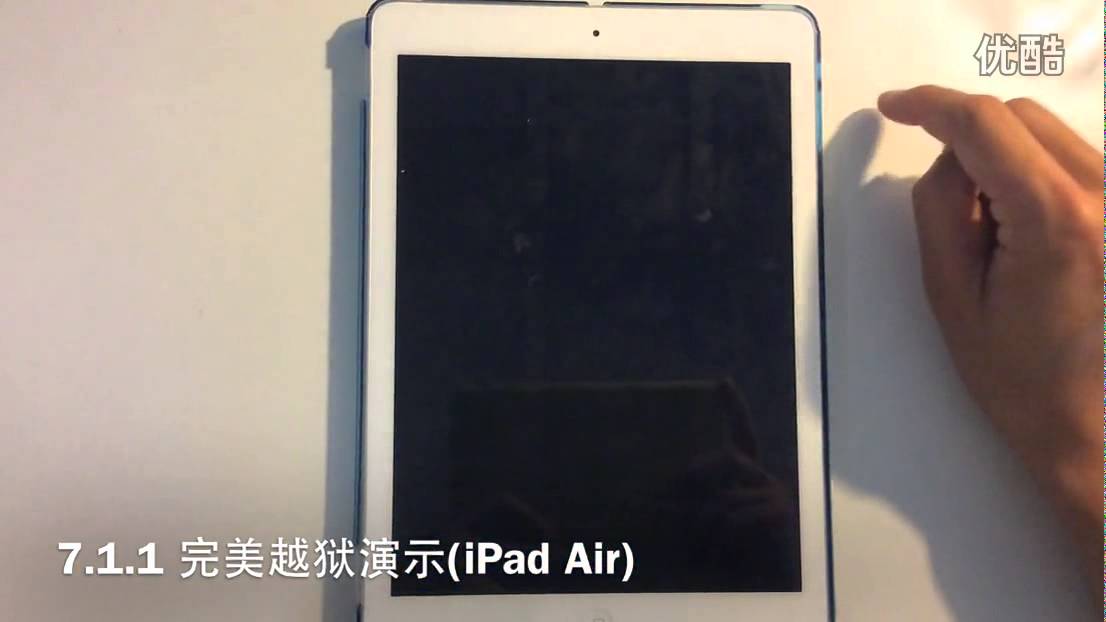
Dubbed “Pangu,” a new untethered iOS 7.1.1 jailbreak has been released by Chinese developers, said to be working on the latest iOS 7.1.1 firmware and supporting all the latest Apple devices, including the iPhone 5 and iPad Air. The people behind it apparently took training from noted jailbreaker i0n1c, and are likely using one of the techniques shown off by i0n1c using an iPhone 5c.

Whyd’s song bookmarking app is Pinterest for music lovers

By

wyd

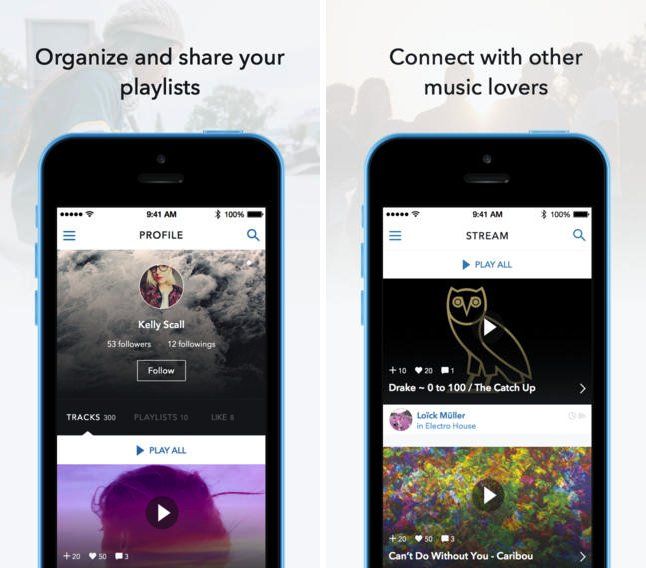
Are you running short of inspiration when it comes to new music to listen to? Whyd may be able to help.

The popular music bookmarking tool has just made the leap from desktop to mobile, with the launch of its official iOS app. Giving you the key to a community of music curators interested in sharing and discovering the best music around, Whyd lets users collect the songs they like from virtually any music service (YouTube, Soundcloud, Vimeo, and Deezer, to name a few), organize it into playlists, and then connect with thousands of other music lovers with similar (and complementary) tastes.

Microsoft will pay you $650 to ditch your MacBook Air for a Surface

By

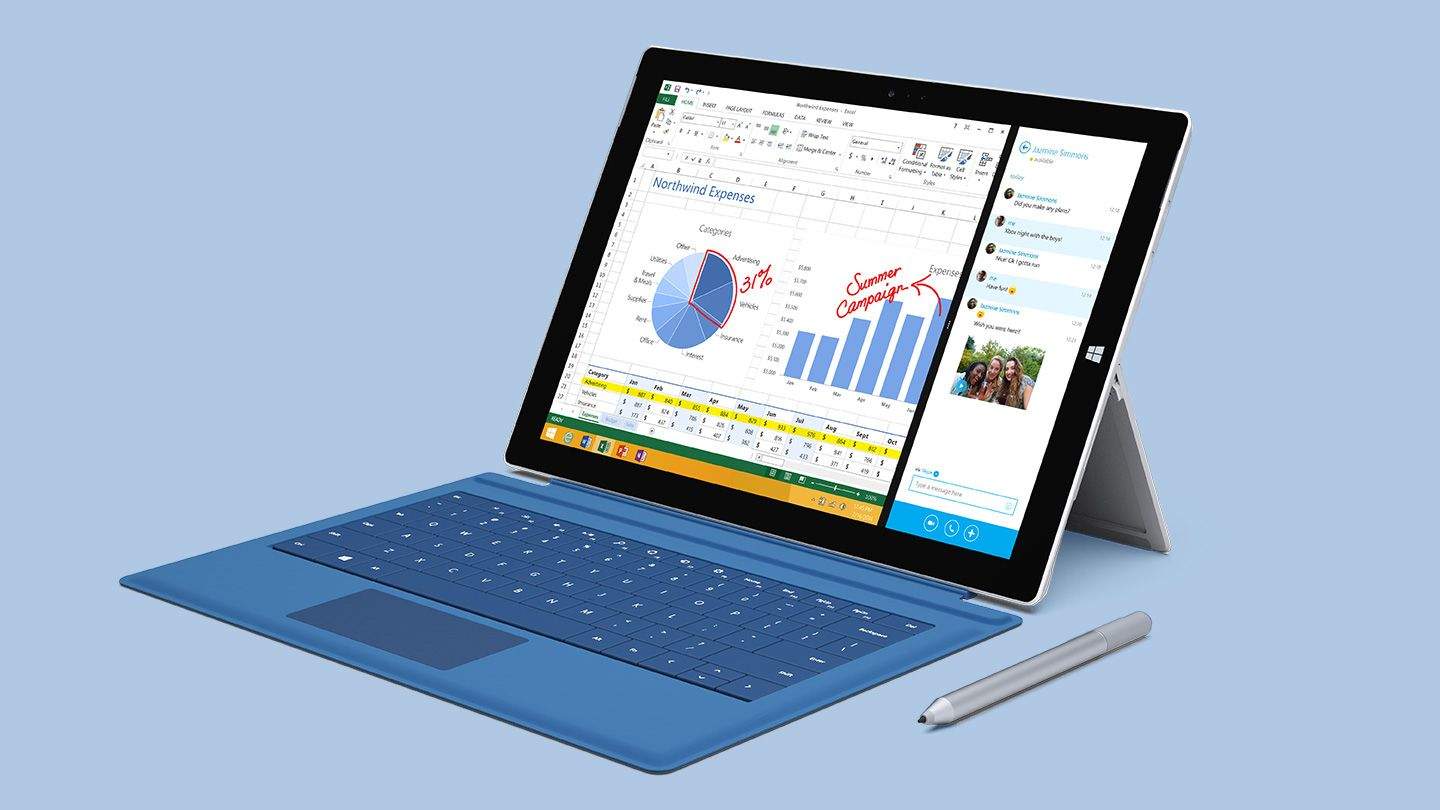
surface-03

No matter how many updates Microsoft makes to its Surface tablets, it just hasn’t been able to live up to its promise of killing the iPad and MacBook Air in one swoop, but now Redmond is ready to try another tactic — buying you out.

Microsoft announced that starting today, MacBook Air owners can walk into any Microsoft retail store and trade-in their Apple machine for $650 of store credit toward the purchase a Surface Pro 3, which Microsoft swears can replace your laptop, because you know, it’s got Office.

Get a crazy discount on The CrazyTalk PRO Super Bundle [Deals]

By

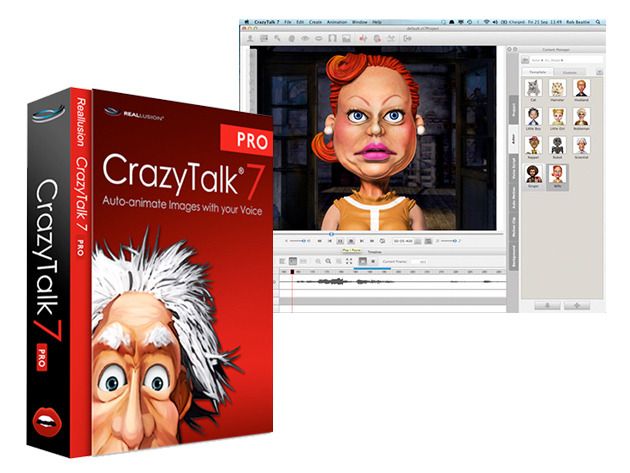
redesign_CrazyTalkPro

If you’ve been itching to create hilarious facial animations (and more) with your Mac, then this Cult of Mac Deals offer is going to scratch that itch.

The CrazyTalk PRO Super Bundle packages CrazyTalk PRO 7 along with the Bouncy Buddies Character Pack, the Auto Animation Library, Organic Auto Motion Samples, and a CrazyTalk7 Training Video for 57% off the regular price. You’ll have everything you need to start creating amazing animations with this bundle – but the low price of $99.99 is only going to be available for a very limited time.

This simple app is the best way to hide your iOS Camera Roll porn from your mom

By

Screen Shot 2014-06-23 at 8.34.57 AM

Let’s face it: We all have some photos on our iPhones or iPads we don’t exactly want other people seeing. When I hand my mother my iPhone to show her photos of my honeymoon in Turkey, there are some photos taken on that trip I don’t want her swiping to.

In iOS 8, you have the option to hide the photos you don’t want other people seeing in the Camera Roll, but it’s clunky and the photos still show up in other albums. A much better solution is Don’t Swipe.

Amazon Instant Video lets you watch the first episode of hit shows for free

By

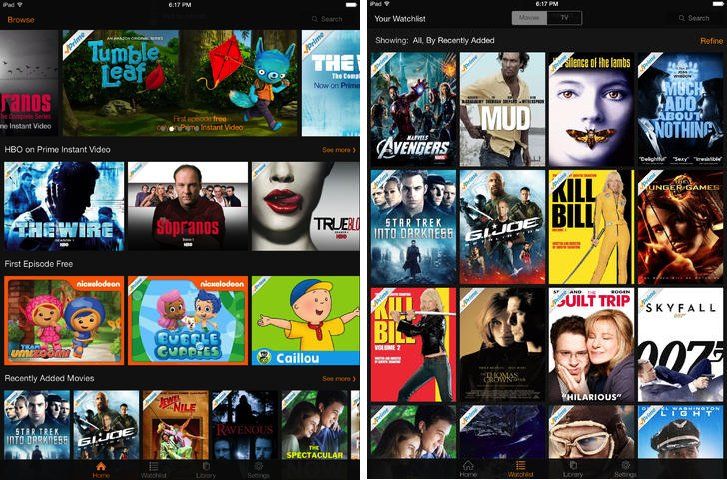
screen480x480(2)

Amazon Instant Video — the official iOS app of the e-commerce giant’s Prime video streaming service — has just added a great new update.

The app will now attempt to lure you in by letting users stream the first episode of selected TV shows for free, with added ad breaks before and during playback.

In addition to this, the app features new video playback controls, including one-touch play/pause and 10-second skip forward/backward buttons, alongside a handy “Next Episode” button to make your binge watching sessions even easier and more tempting. It also promises faster playback start time after hitting play.

Why Steve Jobs replaced the Mac’s  key with ⌘

By

Screen Shot 2014-06-23 at 7.42.40 AM

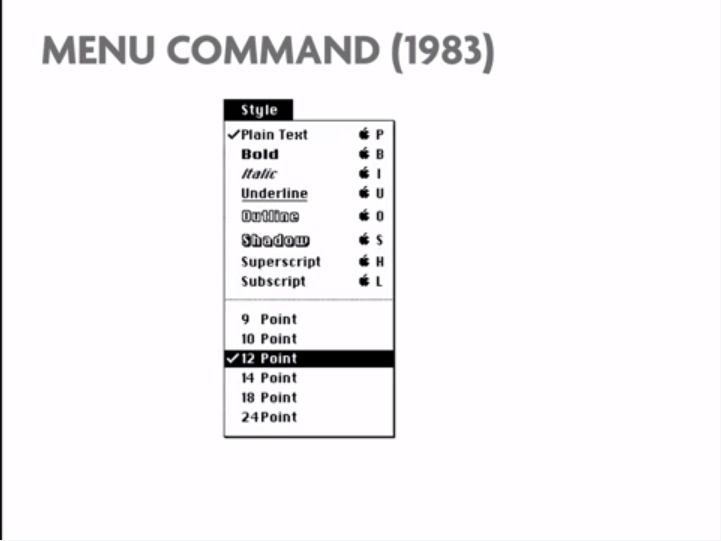
Graphic designer Susan Kare is iconic — literally. The mastermind behind the friendly 32 x 32 and 16 x 16 icons used in the original Mac operating system, Kare’s work has reached more people than almost any other graphic designer on Earth.

Yet the way she stumbled into designing the icons for the Mac operating system was pretty much a lark, and in a recent presentation at the EG conference in California, Kare spoke a little bit about how she stumbled into the job.

It’s a fascinating talk, not just for the details she shares about early Mac operating system development, but also because Kare finally reveals why Apple switched from the Apple symbol to the Command key.

These free-to-play mobile games are surprisingly great

By

Photo: Rob LeFebvre/Cult of Mac
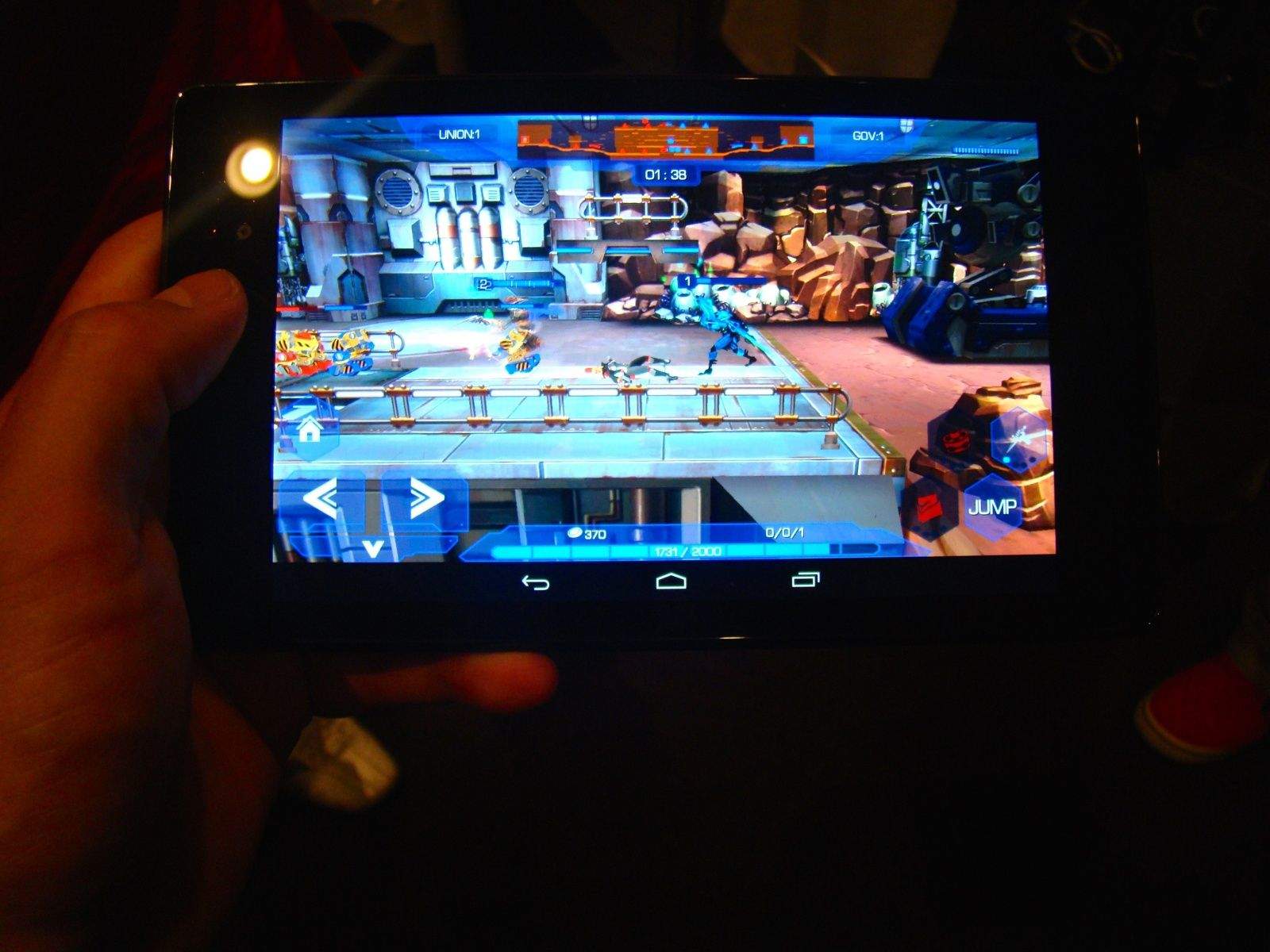
A pair of games by DeNA prove you don't have to pay to play something great. Photo: Rob LeFebvre/Cult of Mac

LOS ANGELES — Free-to-play games don’t enjoy the same cache as games that cost money right out of the gate. Sure, they’re at the top of the “making money” charts, as gamers download freebies by the bucketful (and apparently purchase loads of virtual stuff from them), but ask any gamer what they think of them and they’ll typically give you a blank, slightly annoyed stare.

So I honestly didn’t hold out much hope that I’d see anything super-interesting at an Electronic Entertainment Expo luncheon sponsored by free-to-play mobile game maker DeNA last week.

However, the developer showed off a couple of pretty damn good games at the event. We saw the recently released Transformers tie-in game and several others, including Peter Molyneux’s latest effort, Godus. But what really stuck out for me were Royal Defenders and WARP.

iOS 8’s third-party keyboards work like a charm

By

touchpaliOS8keyboard

Custom keyboards are landing on iPhones and iPads this fall after Apple finally decided to give users more options than Jony Ive’s horrible shift key.

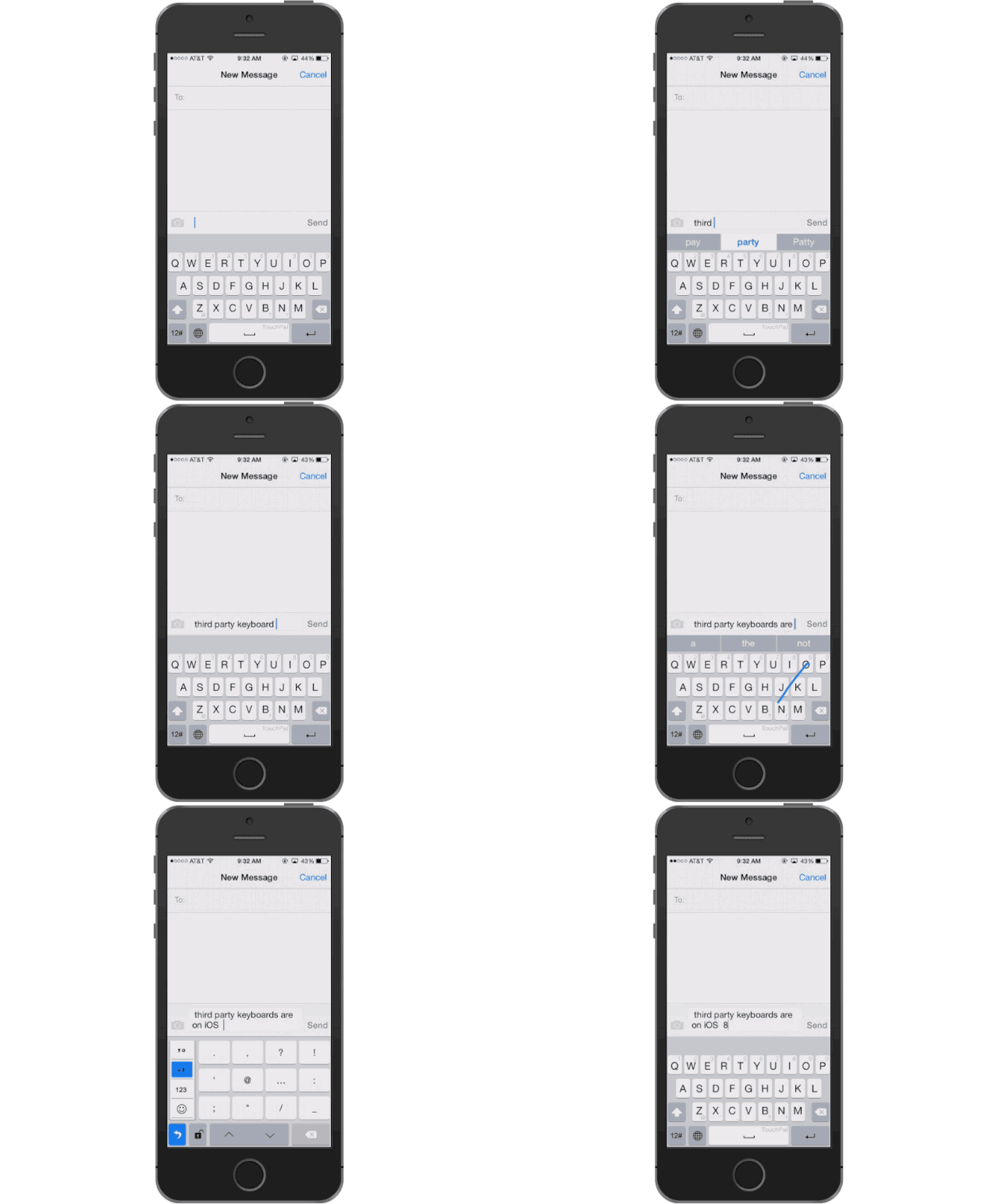
We’re still a few months away from finished keyboards being ready for the public, but this morning we got our first taste of using a custom keyboard on iOS 8 thanks to the guys at TouchPal. My fingers still need a lot of training before I’m able to sweep words together faster than an Android user, but the future of iOS keyboards promises to be swift, swipeable and super-simple.

Here’s what it’s like to install and use iOS 8 custom keyboards: