Mobile menu toggle

Search results for: Apple One

If God and Steve Jobs had a podcast this would be today’s episode

By

Steve Jobs wants Bill Gates to burn in hell in this parody.
Photo: Funny or Die

Ever wonder what it would be like if God had a podcast and invited Steve Jobs to be a guest in anticipation of the big iPhone 6s reveal? The folks at Funny or Die have created a hilarious animated short with that exact premise, where His Steveness plays devil’s advocate and asks God how many iPhones it would take to send Bill Gates to hell.

In ‘Good God! with God,’ God tries to talk Steve about what Apple has in store for fans at its September 9th keynote, but things get off track when the Apple co-founder tries to put the Microsoft co-founder in hell forever, then God takes a shot at Tim Cook and the Apple Watch and things get really weird.

Check it out:

Fancy new smart lock can see who’s at your door

By

nucli smart lock by westinghouse
The Nucli smart lock by Westinghouse.
Photo: Westinghouse

Electrics giant Westinghouse is getting into the connected-home game, and its first offering is a smart lock that looks like it should be seeing if it can’t lock down a stabilizer in a Star Wars X-Wing.

The Nucli (which is pronounced “new-klee” and not “nuck-lee,” regardless of how your brain sees it) will offer a wealth of features to help you secure your domain.

Why the iPad desperately needs a stylus

By

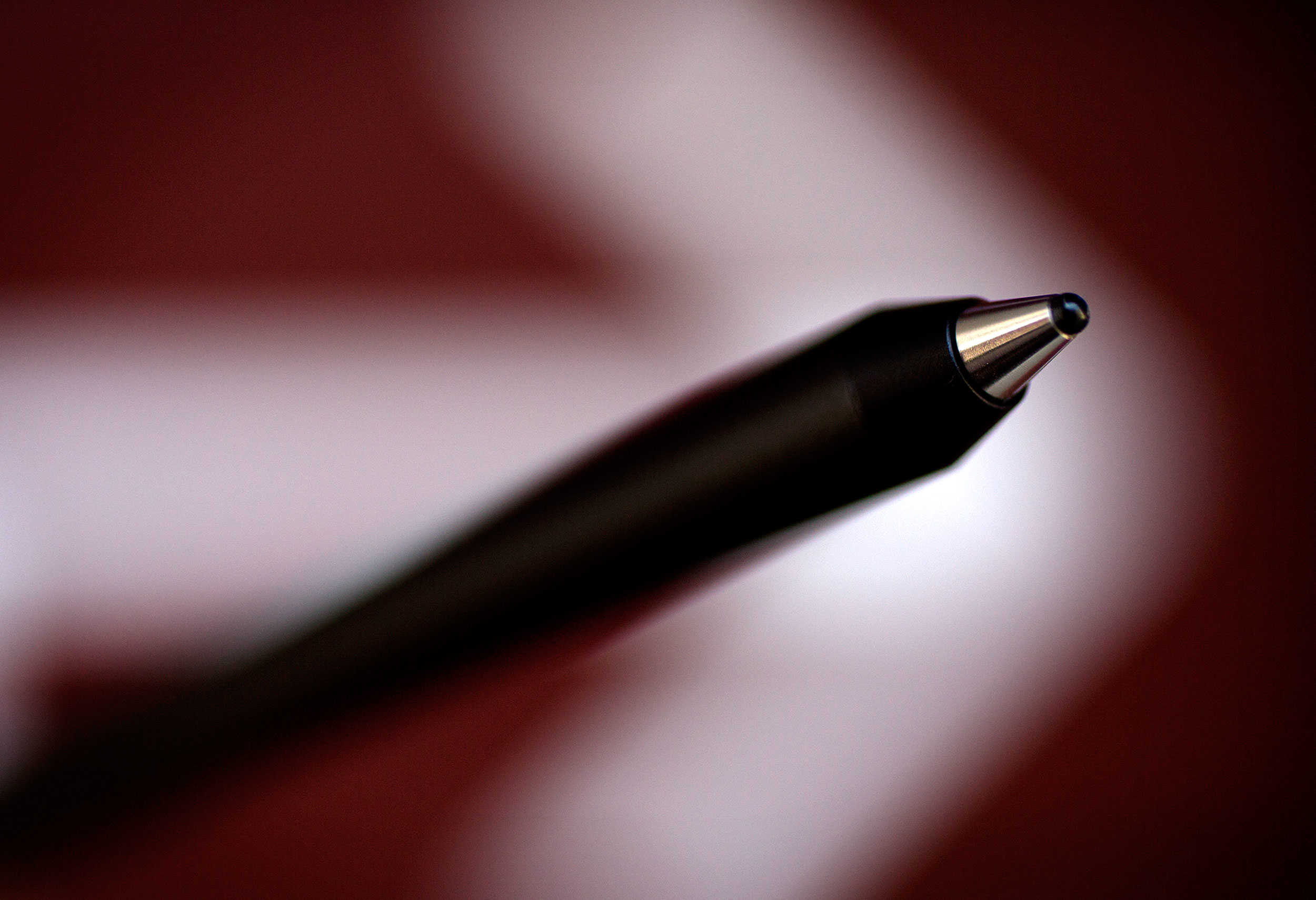
The iPad needs a boost when it comes to content creation. An Apple stylus is just the tool to help.
Photo: Jim Merithew/Cult of Mac

The case has clearly been made that a stylus should never be a device’s main method of input. Fingers prevail for everyday uses, especially revolving around content consumption. But isn’t it possible that in some cases an iPad stylus might enhance the experience?

Watch Tim Cook take on Yoda in this ridiculous animated news video

By

Use the Force (touch) Tim.
Photo: Tomo News

It’s time to throw away your old smartphone and get ready for the iPhone 6s and iPhone 6s Plus that Apple is expected to announce tomorrow. To celebrate Apple’s new gadget, the crazy folks at TomoNews have created a new animated video that shows all of the new features coming to the iPhone 6s, but not in the way you’d expect.

The ridiculous/racist/low-brow video reveals new features like the iPhone 6s’ extra-strong casing that could be used as protection if you ever get into a shoot out with police. They’ve also got details on the powerful camera with x-ray technology coming down the line, and even created a scene where Yoda and Tim Cook face off in a lightsaber duel for the rights to use the Force.

Watch the animated news show below:

Canon just dropped a nuke in the megapixel war

By

Canon has developed 250-MP CMOS camera sensor.
Photo: Canon

Canon has developed a CMOS camera sensor that records a 250-megapixel image. Not that this should kill your excitement about the 12 megapixels you’re going to get with the camera on the new iPhone 6s, but take a moment to consider the number.

How do we even fathom 250 megapixels? Canon, in its press release boasting of the pixel count (19,580 x 12,600), said engineers zoomed in on a photo taken of an airplane from 11 miles away and could distinguish the lettering on the side of the plane.

Developers, here are 5 ways to get your skills up to snuff ahead before iOS 9 drops [Deals]

By

8 coding courses will teach you how to use iOS 9's tools to create compelling mobile games.
Photo: Cult of Mac Deals

iOS 9 is almost here, and like its predecessors it’s shaping up to be a game changer. For those of you who don’t want to be left in other developers’ dust, these five courses are packed with priceless insight into the inner workings of the latest build of Apple’s ubiquitous mobile operating system. With savings of up to 94%, these are lessons you can’t afford not to get.

This photo-sharing app adds voices to your photos

By

everyStory allows you to curate digital photos albums and add audio to each photo.
Photo: everyStory

Dave Keene had colon cancer and wouldn’t be sure until after surgery whether it would kill him. What he did know for sure was if it did, his young son would eventually forget the sound of his voice.

Keene, a veteran engineer in the gaming industry, used his time before surgery to develop an iOS app that would change that. He created everyStory, a kind of digital photo album that includes audio attached to each photo.

Michael Fassbender could be the best Steve Jobs actor yet

By

Michael Fassbender as Steve Jobs.
Reviewers are already throwing around Oscar talk.
Photo: Universal Pictures

After a rocky pre-production period which saw it switch directors, lose actor after actor, and even be ditched by its original studio, screenwriter Aaron Sorkin and director Danny Boyle’s Steve Jobs biopic finally made its debut at Colorado’s Telluride Film Festival this weekend — and, boy, does it sound like it was worth the wait!

Reviews so far are all good-to-excellent, but the real surprise is the unanimous support for Michael Fassbender as Jobs. We’d noted before how little Fassbender physically resembles Steve although, as has been proven time and again, that doesn’t stop good actors from inhabiting a role — which is exactly what it sounds like Fassbender has done.

Here’s what people are saying about the movie:

I Am Bread, Clashem, and other awesome apps of the week

By

appsoftheweek_1024
Saturday? More like App-aday, amirite? (I'm sorry about this.)
Photo: Ste Smith/Cult of Mac

The weekend is short enough as it is, and Cult of Mac knows you don’t want to spend it searching through the App Store for the best apps you might have missed over the past week.

Whether you’re after wacky bread-related games for your iPhone, video chatting tools for your iPad, or or a nifty travel-related messaging service for your Apple Watch, we’ve dutifully combed through the best offerings of the past 7 days to find something for everyone.

Check below to see our picks:

Multitask like a boss on your iPad with iOS 9’s Slide Over

By

Checking out Maps while browsing the web.
Screen: Leander Kahney/Cult of Mac

Our digital lives are busy. We send iMessages while we’re browsing the web, type in phone numbers and addresses while FaceTiming, and bounce between apps on our Macs constantly.

Now, with iOS 9 and a modern iPad, you can quickly browse the web, respond to a text message, or jot something down in a note, then slide that app away so you can focus on your original app.

This feature, called Slide Over, is going to make using your iPad a lot more fun and useful.

Here’s how to make it happen, assuming you have an iPad Air, iPad Air 2, iPad mini 2, or iPad mini 3.