Mobile menu toggle

Search results for: Apple One

iOS 9 ad blockers could ruin your online shopping experience

By

unnamed-2
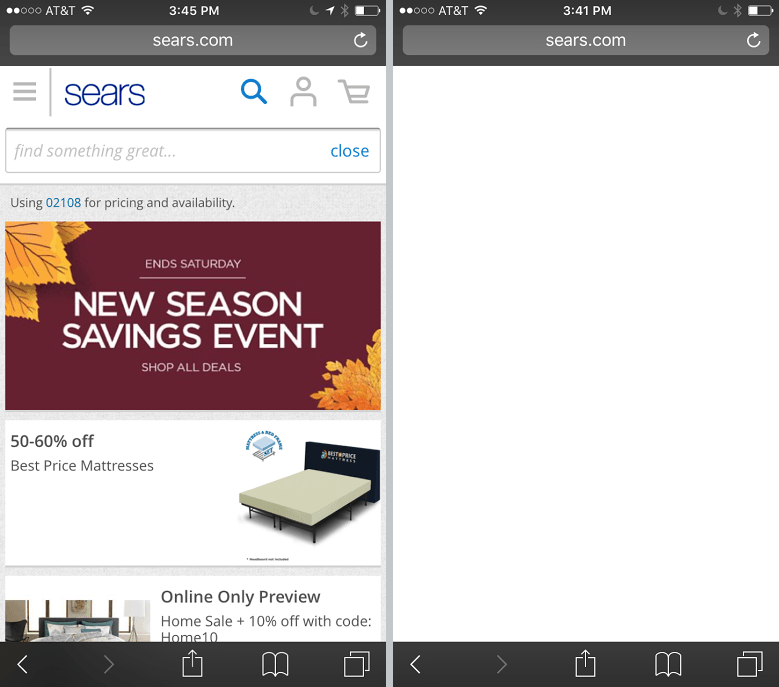
Before and after adblockers. Notice any difference?
Photo: Sears

One of the big innovations of iOS 9 was the ability for Safari users to download and take advantage of content blockers.

According to a new report, however, ads may not be the only content that is blocked by apps like Crystal. Online retailers such as Walmart, Sears and Lululemon are also seeing their e-commerce sites negatively affected by adblockers — with some crucial features failing to work as before.

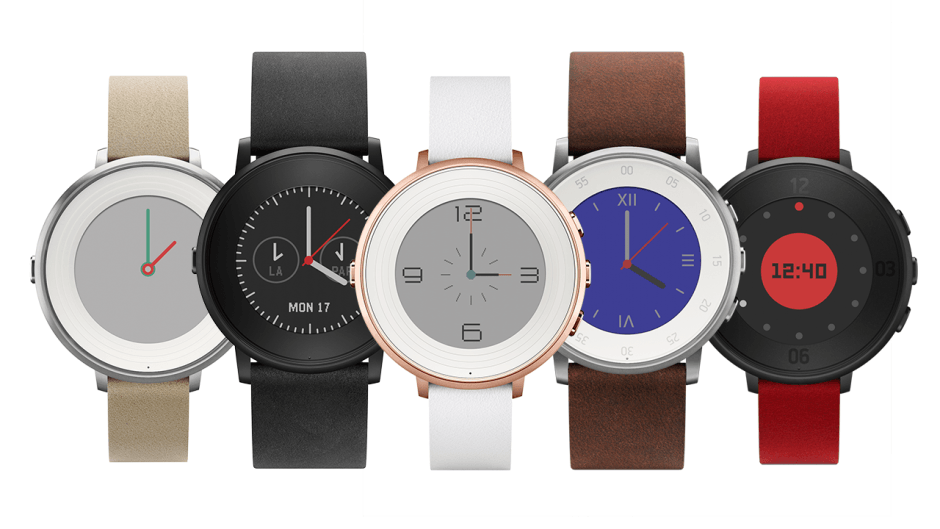
Pebble’s new smartwatch is Round and super-slim

By

pebbles-new-smartwatch-is-round-and-super-slim-image-cultofandroidcomwp-contentuploads201509D4qaIa3-png
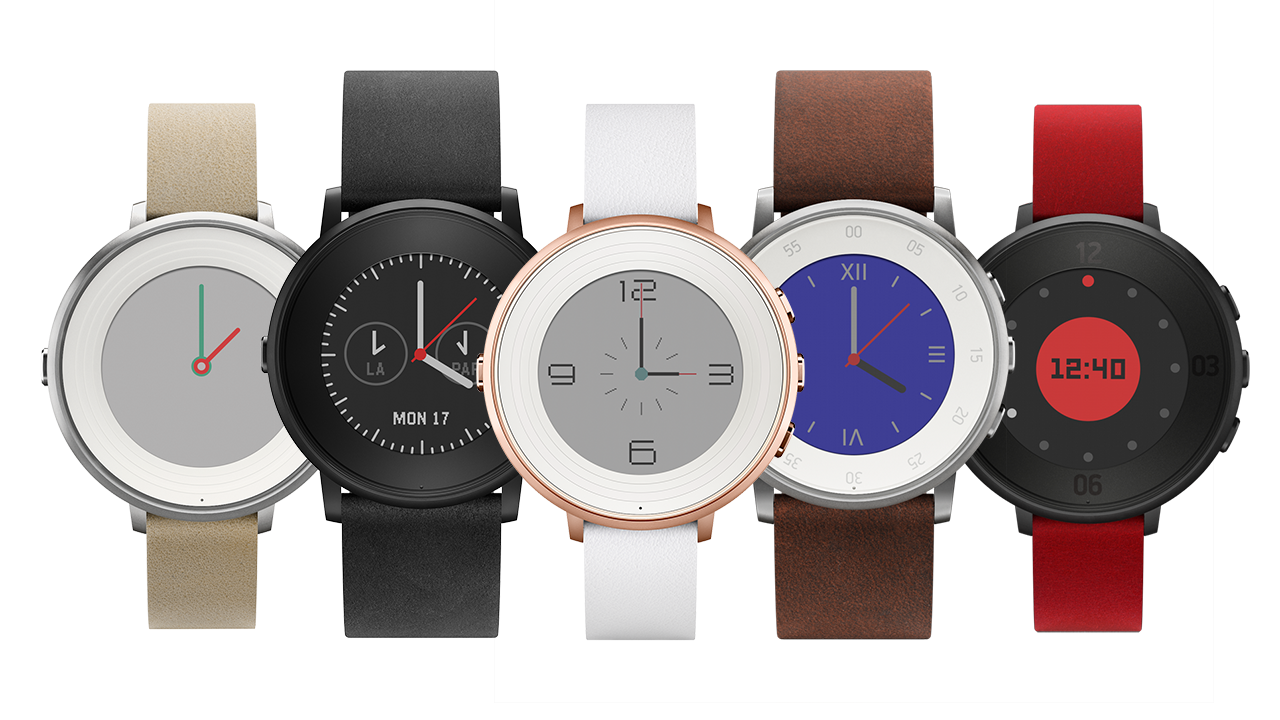
Pebble Time Round is the thinnest smartwatch so far. Photo: Pebble

Pebble’s latest smartwatch forgot it’s hip to be square.

The Pebble Time Round has a circular display that hopes to appeal to traditional watch wearers, and compete round rivals like the Moto 360 and Samsung’s upcoming Gear S2. Its all-metal design is also the thinnest and lightest Pebble has crafted to date.

iOS 9.1 beta 2 brings new fixes to developers (and the public)

By

iOS 9.3 beta 6 is here!
Photo: Apple

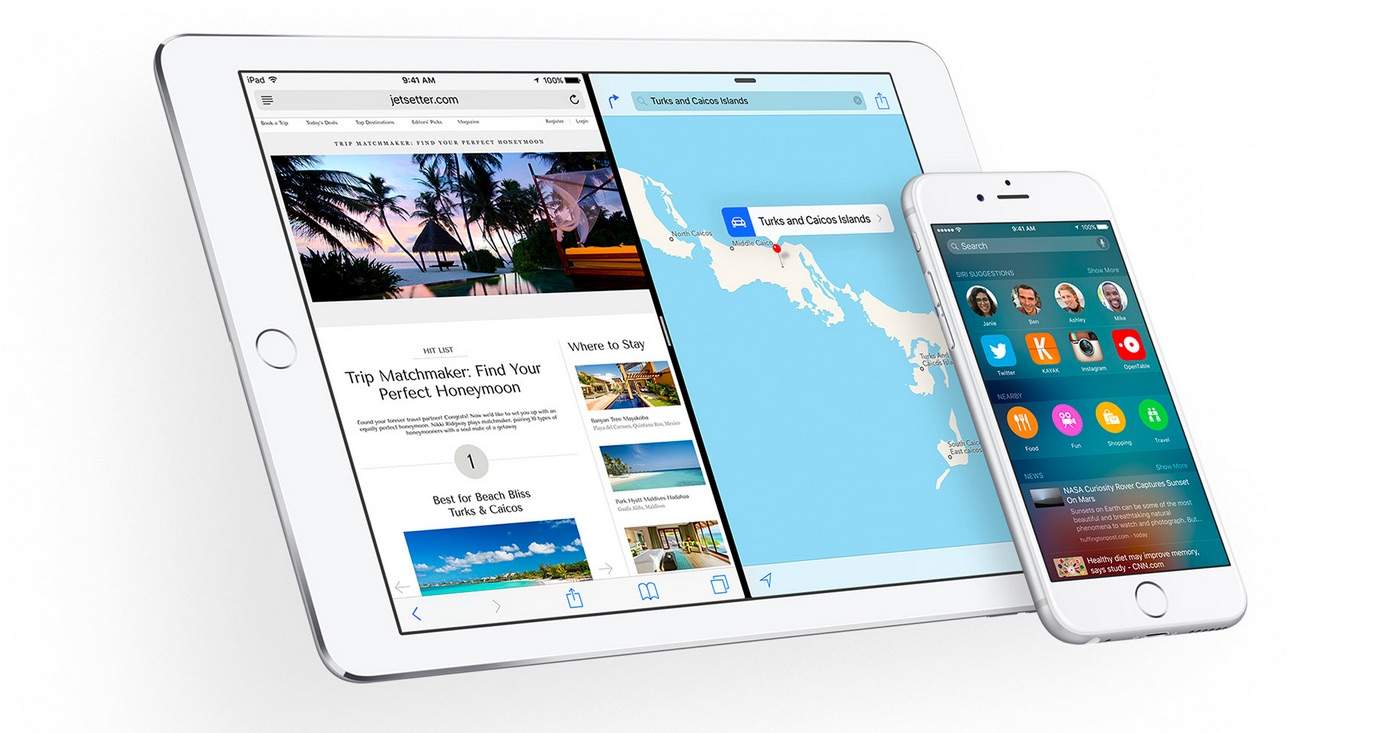
Developers can add the latest iOS 9.1 beta to their iPhones, iPads and iPod Touches starting today.

Exactly two weeks after releasing the first beta, Apple has started seeding iOS 9.1 beta 2, build 13B5119e, to developers via an over-the-air update and in the Apple Dev Center.

Update: As of Thursday this week, public beta users can also update to the latest iOS 9.1 public beta 2, as well.

Meet the messaging app that will save your ass

By

meet-the-messaging-app-that-will-save-your-ass-image-cultofandroidcomwp-contentuploads201508retxt-3-jpg
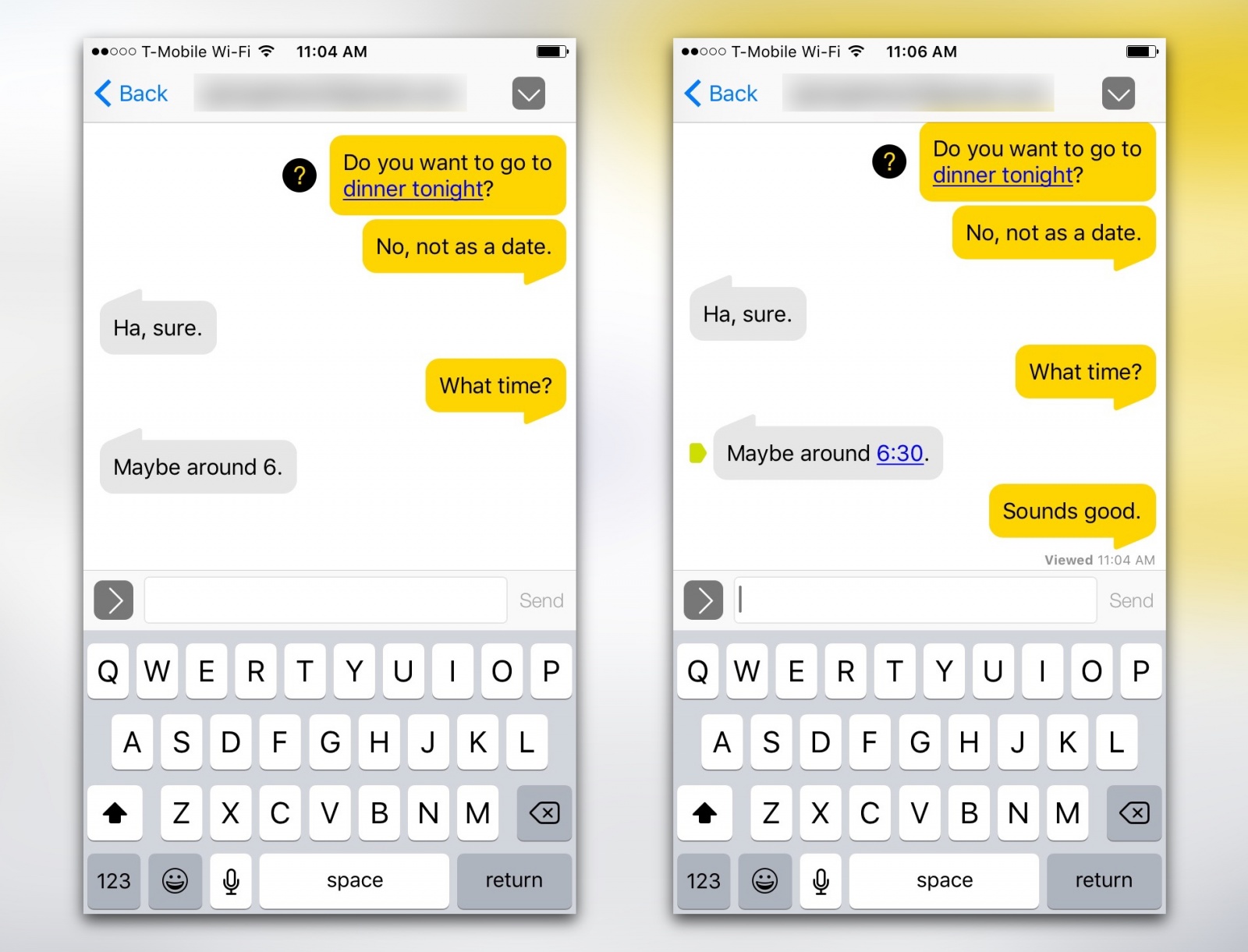
reTXT lets you edit messages or photos after you've already sent them.
Photo: reTXT
reTXT lets you edit messages or photos after you've already sent them.
reTXT lets you edit messages or photos after you’ve already sent them. Photo: reTXT

reTXT is a radical new messaging app that wants to fix everything wrong with online communication as it exists now. It landed back in April and includes a number of unique features — like being able to edit a message you already sent — all of which are currently patent pending. The app just updated today for iOS and Android with support for voice calling with end-to-end encryption as well.

Sticking out from the crowd of third-party messaging apps, I decided to take a closer look.

Awesome infographic connects the dots of Steve Jobs’ life

By

How-Steve-Jobs-Started
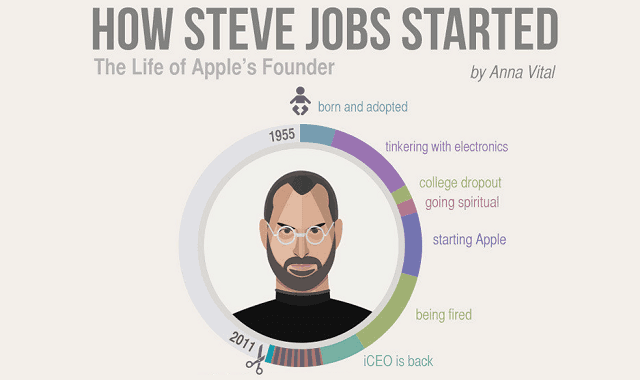
Jobs' life gets graphical.
Photo: Visualistan

Steve Jobs’ life has been immortalized in the form of numerous biographies, three movies, multiple documentaries, several operas, and a handful of graphic novels — but now it’s been turned into an infographic, too.

Created by the folks at Visualistan, this neat creation takes you through Steve’s most significant moments in one easy-to-read pictogram, based on the same Walter Isaacson biography that forms the basis for the forthcoming Steve Jobs movie.

Check it out:

Psychologist: Giving your kid an iPad is ‘child abuse’

By

baby-with-ipad
Surely it would be worse to give your kid an Android tablet?
Photo: The Bump

Steve Jobs didn’t let his kids use an iPad at home for fear that they would become technology addicts.

According to a leading child psychologist it’s a whole lot more serious than that, however — giving very young children an iPad to play with may be “tantamount to child abuse.”

Forecast Bar is the next best thing to having Dark Sky on your Mac

By

forecast-bar-featured
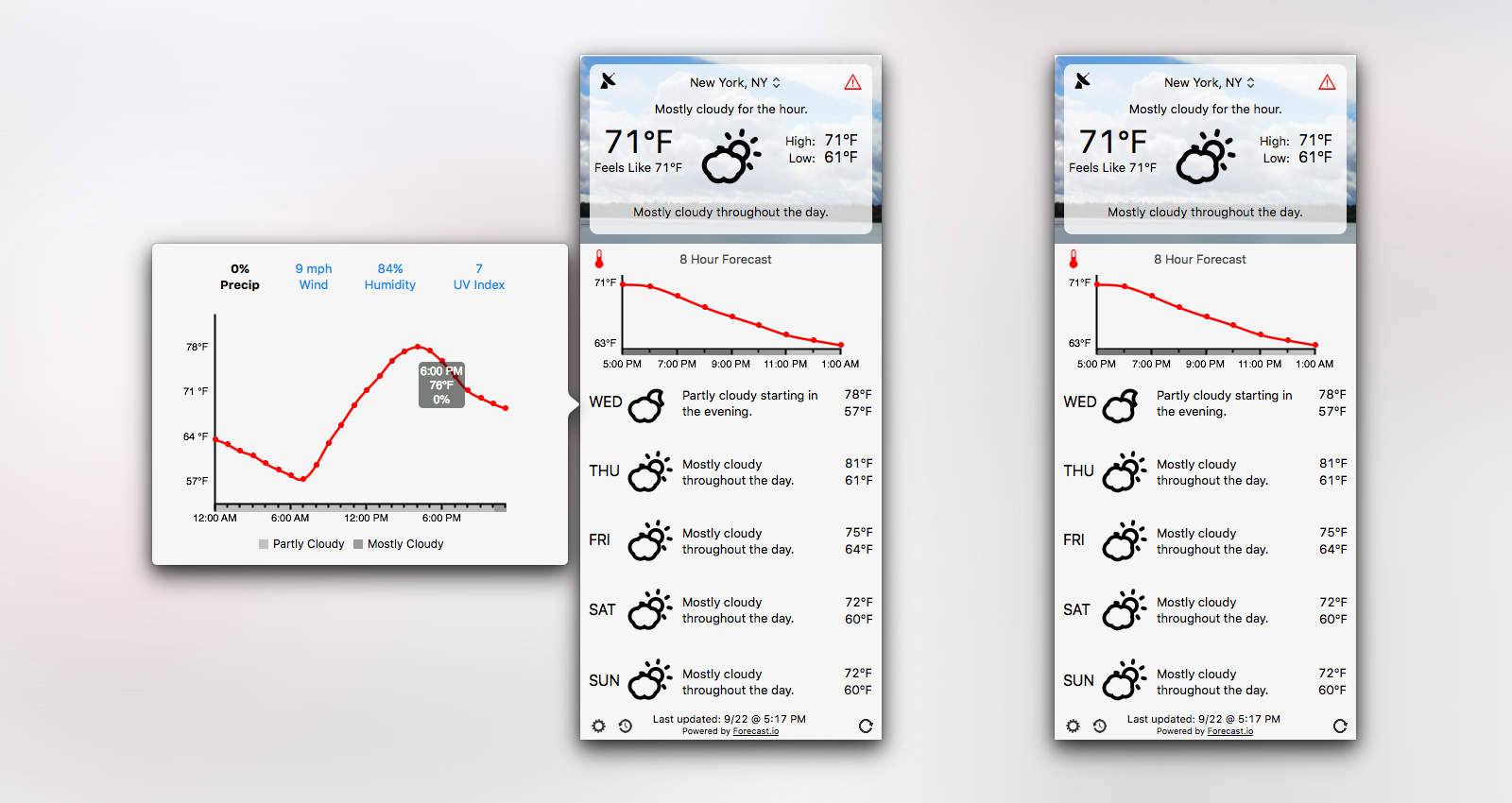
Forecast Bar brings loads of weather data your Mac's menu bar.
Photo: Forecast Bar

Forecast Bar brings all the features you love about awesome weather app Dark Sky to a Mac app. Not only does it look similar to Dark Sky, but it’s powered by the same Forecast API, which means you’re getting the same accurate weather predictions.

Forecast Bar also works the way you want it to. Keep it in the menu bar or let it sit in your Dock. Enable certain notifications and display a three-day, five-day or seven-day forecast — up to you. With its detailed weather and range of customization options, it should very quickly take your Mac by storm.

Photo app lets you send the party snaps when you’re sober

By

Flashgap lets you take pictures at the party, but then makes you wait a day before you can share them.
Photo: Flashgap

There is a growing category of apps that fall under the heading, Apps to save us from ourselves. There are messaging apps that delay the sending of text messages and apps and hardware that measure the amount of alcohol on your breath.

Flashgap enters this category – probably in time for some – to stop embarrassing party photos from making the rounds before you’ve had a chance to sober up and consider who will get to see your fun and foolishness.

How to set up third-party complications in watchOS 2

By

watchOS 2 third party complications
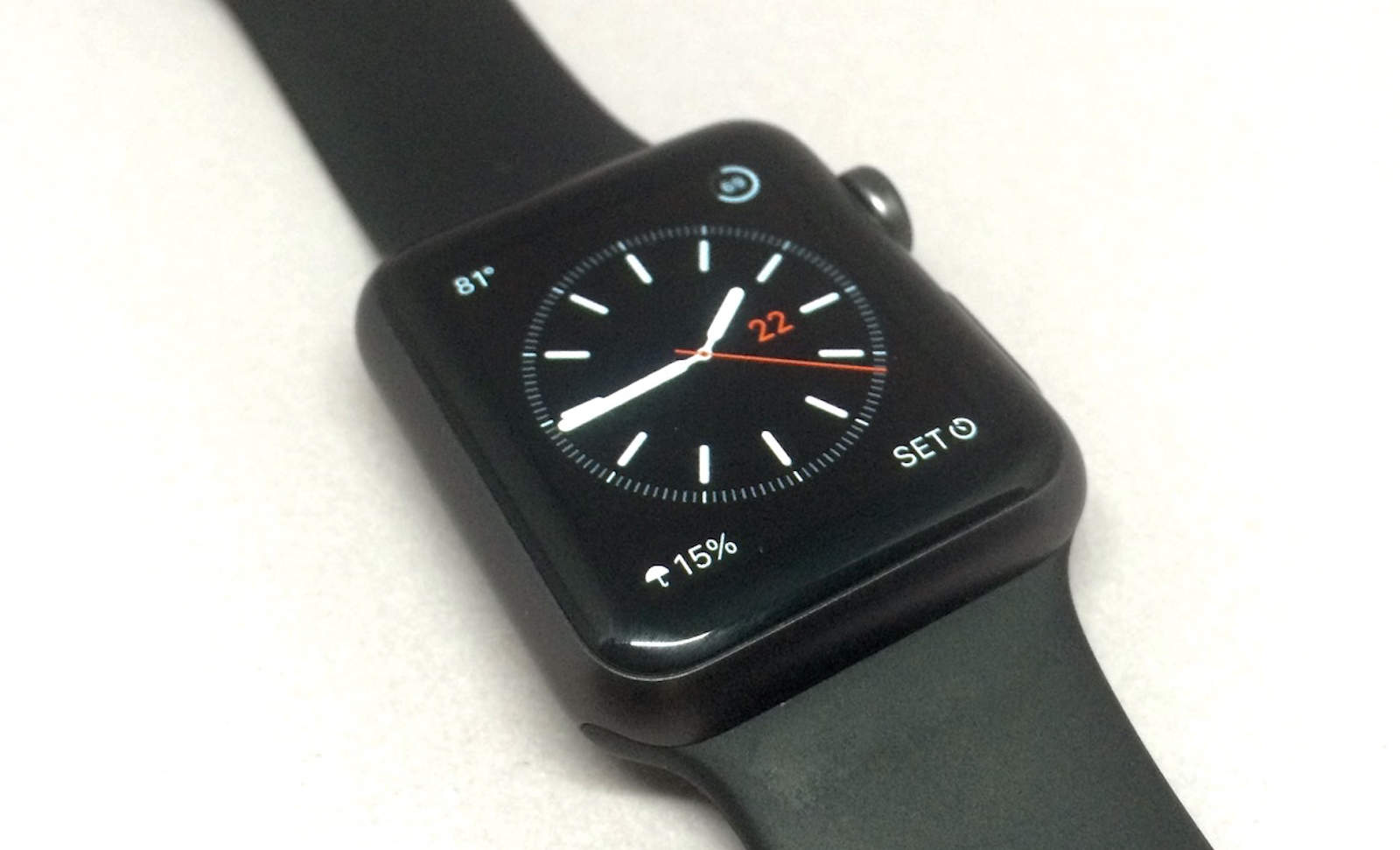
Third-party complications are here in watchOS 2.
Photo: Evan Killham/Cult of Mac

Third-party complications have arrived to the Apple Watch in watchOS 2, and setting them up is far from complicated.

The new operating system for Apple’s wearable dropped this week, and this is one of the features the company has talked up the most. And rightly so, because it adds a ton of new functionality to the device.

Here’s how to put a wealth of new information on your watch face.

How to tell if you’re using a counterfeit version of Xcode

By

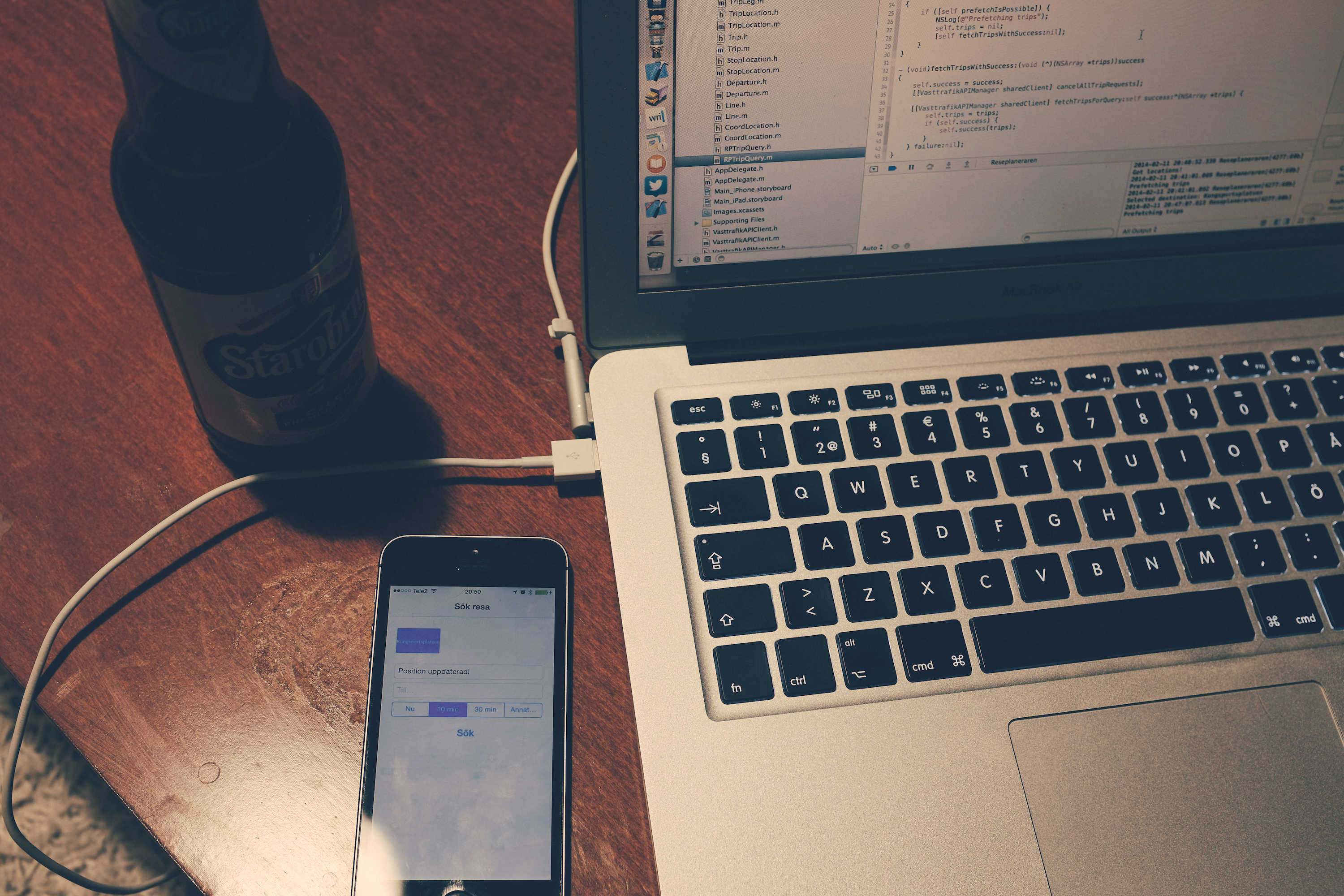
Double-check that you're using the right version of Xcode to build apps.
Photo: Johan Larrson/Flickr

Developers who have downloaded Xcode from an non-Apple source now have a way to tell if the version their using is an official Apple version, or if it might be infected by XcodeGhost, which wreaked havoc on the App Store on Sunday.

Apple has outlined how to verify if you’re using a counterfeit version of Xcode in a new support document. Developers should always download Xcode directly from the Mac App Store or Developer Website, but if you haven’t, follow these steps to make sure your copy is legit: