Mobile menu toggle

Search results for: Apple One

Wearable with flexible display set to blow your mind next year

By

wearable-with-flexible-display-set-to-blow-your-mind-next-year-image-cultofandroidcomwp-contentuploads201510Wove-smart-wearable-jpeg
Wove smart wearable
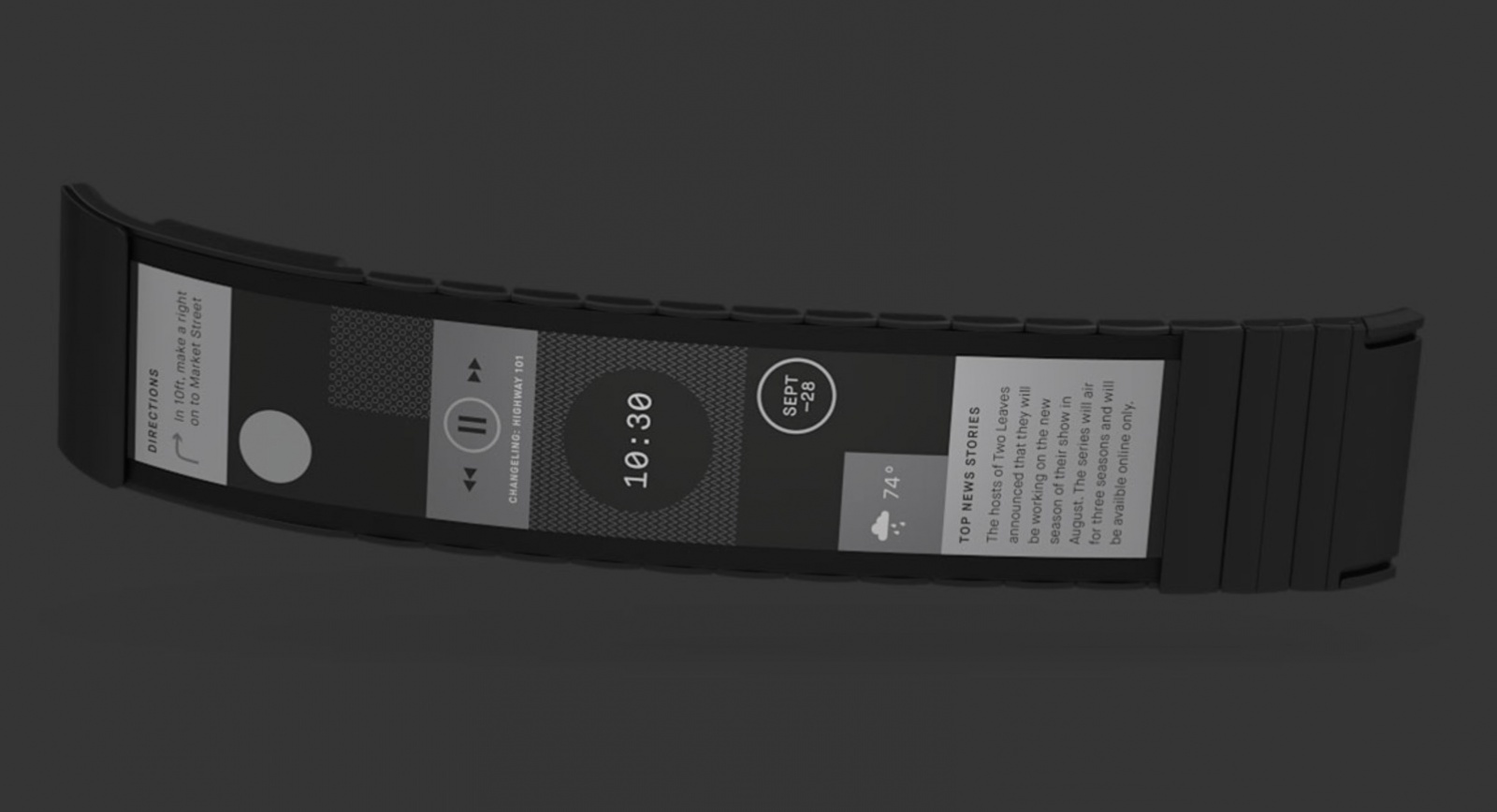
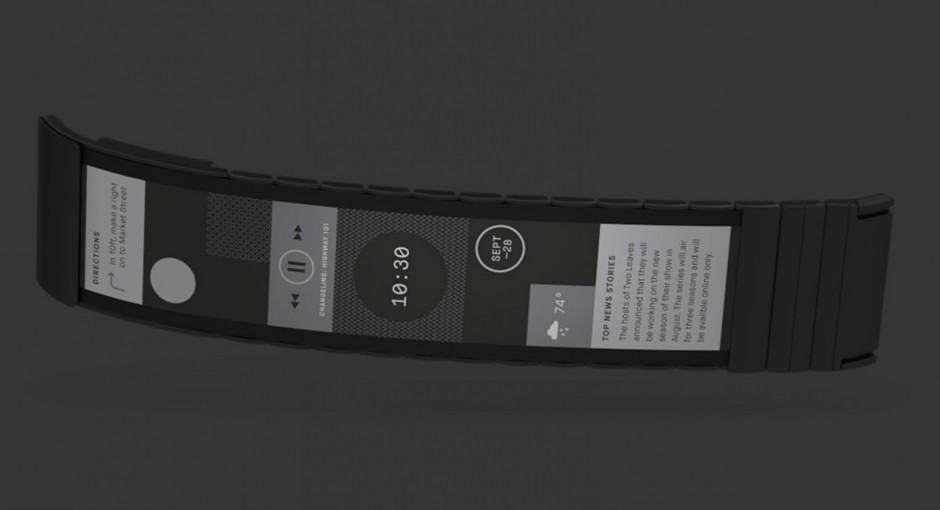
The Wove, Polyera’s upcoming smart wearable, looks like the future.

A new wearable is set to make devices like the Apple Watch and the LG Urbane look like old-fashioned junk.

Wove might cause a twinge of nostalgia among children of the ’90s who grew up with slap bracelets on everyone’s wrists, but it’s way more impressive than those (which, let’s face it, most things are). It’s a wonder of technology that wraps a full-featured, customizable, multi-touch screen completely around your arm on a flexible display.

Android Authority got its first look at the upcoming gizmo, and you can see it in action in their video below.


How to beam YouTube to the big screen using El Capitan

By

Get YouTube up on the big screen.
Photo: Rego Korosi/Flickr

Ever wish you could watch all those great Key & Peele or Inside Amy Schumer clips from YouTube on the big television in the living room?

Sometimes the small screen on your MacBook just isn’t large enough to contain all that hilarity. It’s times like these that you’ll want to send video to that massive HDTV, and El Capitan makes it even easier with a new AirPlay feature.

Here’s how to beam your favorite clips to your favorite screen.

Surprise! $80 iPad lacks key features (like, all of them)

By

Photo: Apple
This is what happens when you pay $80 for an iPad in a parking lot.
Photo: Apple

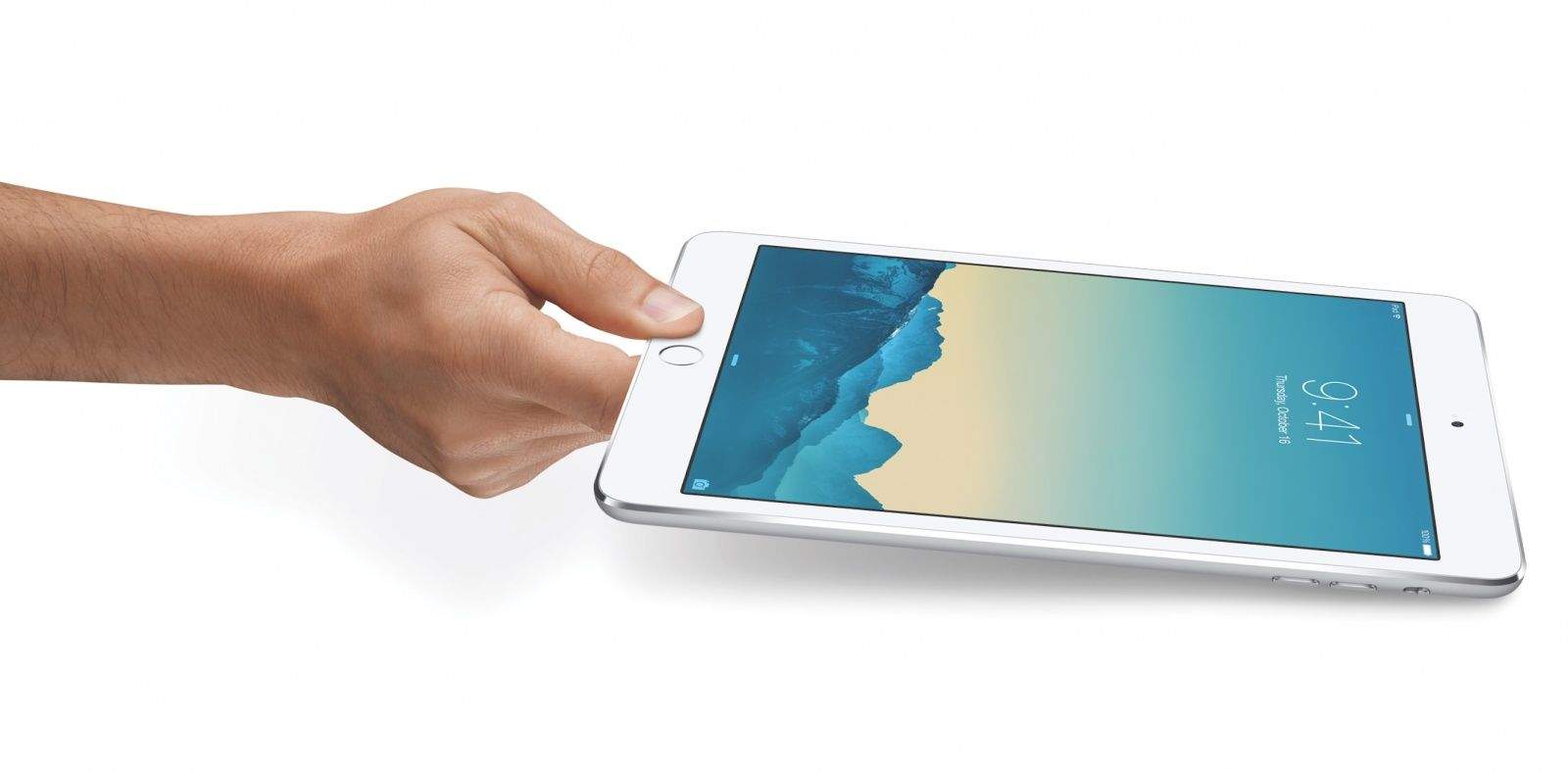
Do you know the difference between a tablet and a tile? If so, then there’s a good chance that you wouldn’t be the target of a scammer in Victorville, California, who this week duped an unsuspecting woman out of $80 by selling her what she thought to be an iPad mini 3.

In the worst plot twist this side of a modern M. Night Shyamalan movie, the “iPad” turned out not to be an iPad at all, but rather a piece of tile in an iPad box.

You can’t help but be attracted to this magnetic Lightning cable

By

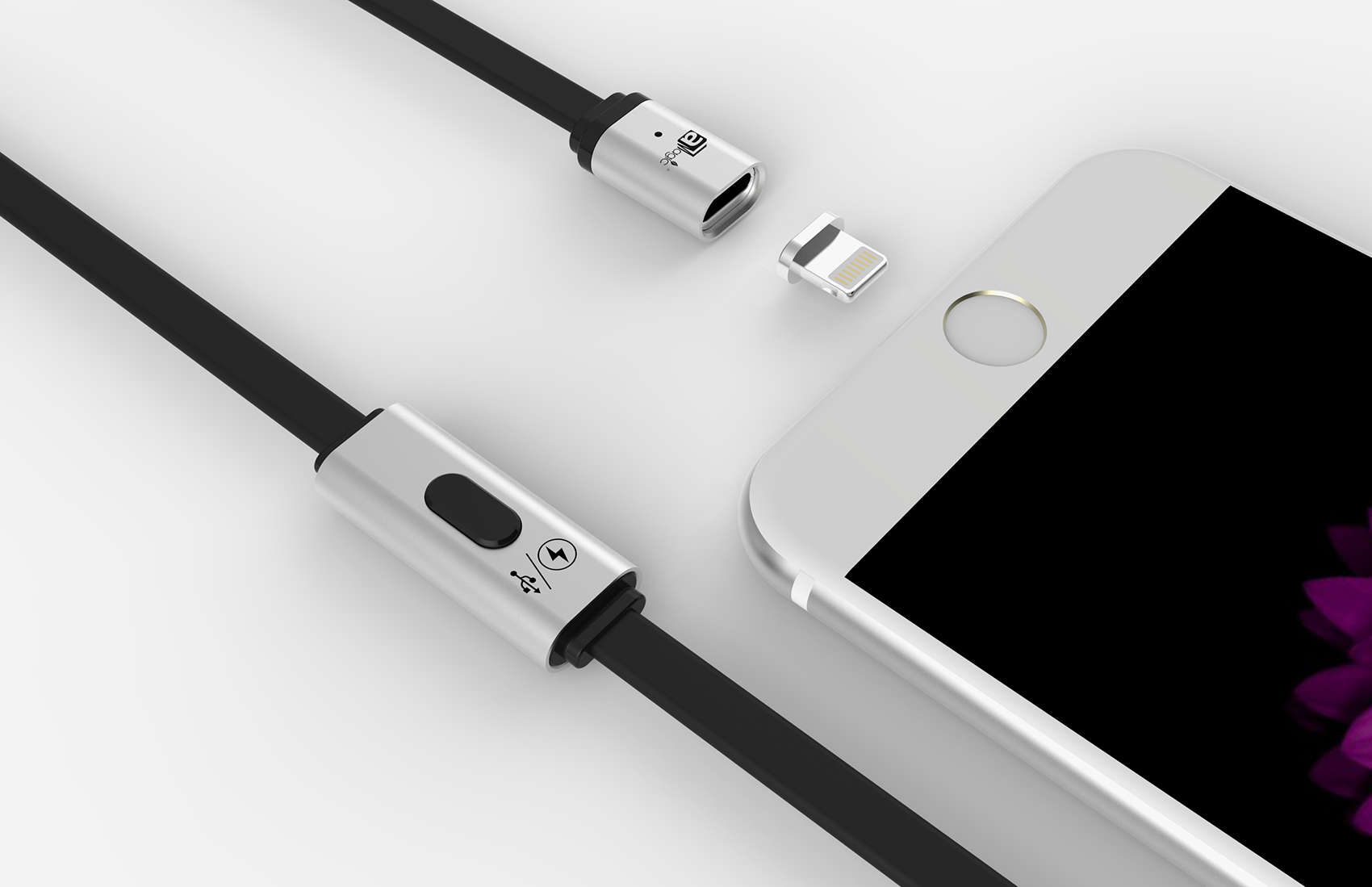
The MagCable works with an adapter tip and magnetic cable.
Photo: aMagic

From the 1st century to today, you could say the magnet is one component of technology that has stuck around.

With that bad pun out of the way (two if you count the headline), a Hong Kong company is using the simple magnet to make the charging of our smartphones easier and faster. The MagCable is a USB cable with a magnetic end that snaps into place thanks to an adapter tip that plugs into your charging port.

There is even a Lightning magnet adapter for iPhone and charging can be sped up by a button on the cable that shuts off data sync.

Pistol grip helps get your photography on target

By

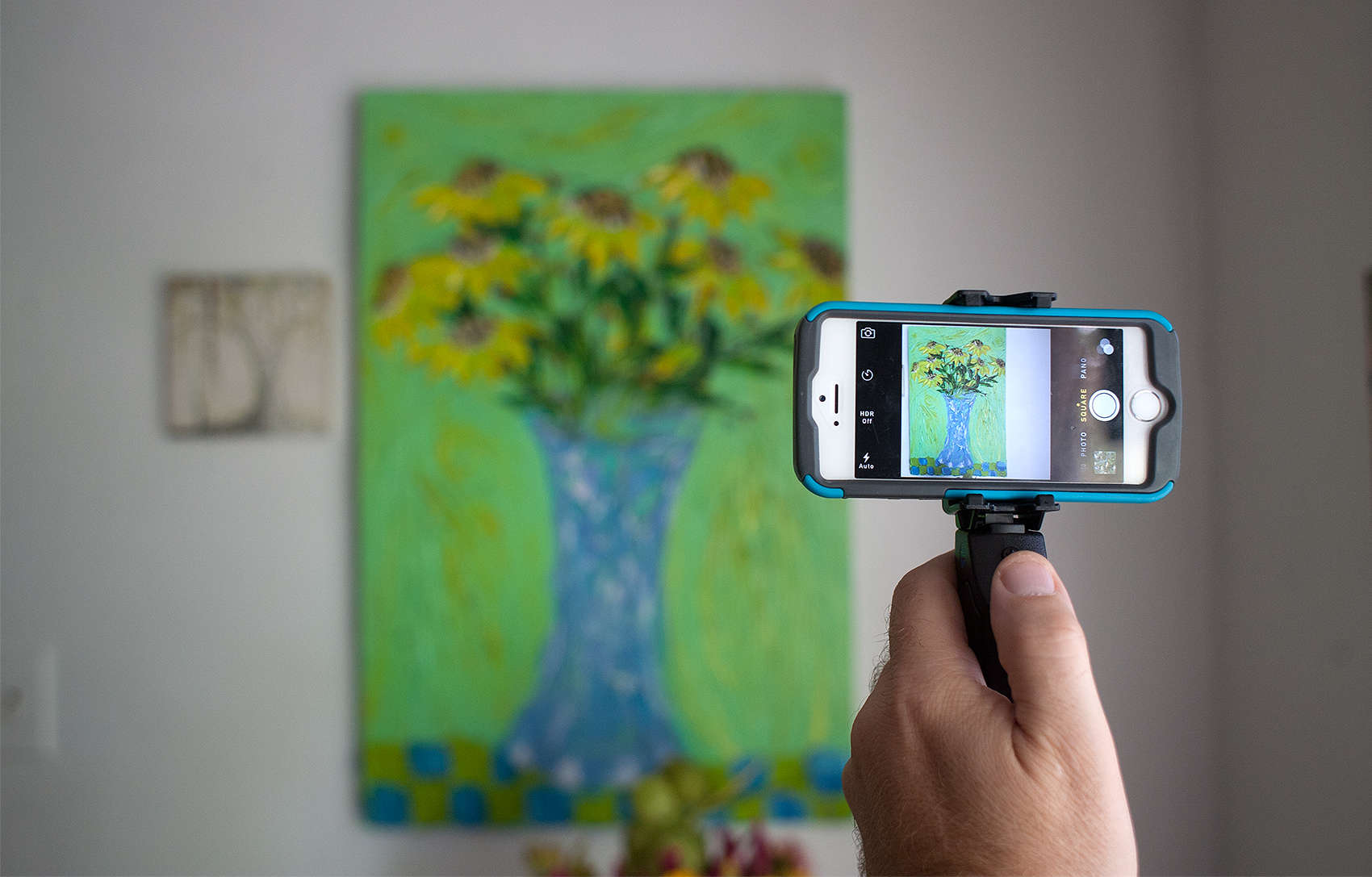
The Grip&Shoot steadies a smartphone photographer's shaky hand.
Photo: David Pierini/Cult of Mac

Best List: Grip&Shoot Bluetooth smart grip for photographers

Nobody likes a blurry picture. And while smartphone snappers might think they don’t miss a viewfinder, holding an old-school camera close to the face allowed photographers to use their arms against their torsos to steady things.

With a smartphone, which is held out in front of our bodies, there’s far more risk of shake and blur. Luckily, the Grip&Shoot is a simple solution that will steady the hand.

Sorkin’s secret to writing Steve Jobs movie? Panic

By

Michael Fassbender as Steve Jobs.
Photo: Universal Pictures

By taking place as a series of backstage vignettes at different product launches, the upcoming Steve Jobs movie is sure to be different to any other Jobs movie we’ve seen before.

In a new interview, screenwriter Aaron Sorkin laid out his reasons for writing the movie in the way he did. The secret? A whole lot of panic, apparently.

13 awesome tricks your Mac just learned with El Capitan

By

El Capitan beta is here to change your Mac.
Photo: Apple

OS X El Capitan promises to redefine the Mac experience with a host of new improvements that make working (and playing) smoother than ever.

There’s a lot to learn about all the new goodies in El Capitan, which finally became available to the public for free today. Everything from Notes to Safari, from AirPlay to Spotlight, has seen gains both big and little.

After spending a lot of time with the new OS, which has been in beta for months, we’ve found 13 killer features every Mac owner needs to know to get the most out of El Capitan. Here they are!

iOS 9.1 beta 3 fine-tunes new emoji and bug fixes for devs

By

iOS 9.3 beta 6 is here!
Photo: Apple

Apple’s batch of new emoji characters just took one step closer to their public release today with the third beta of iOS 9.1.

The new iOS 9.1 beta 3 build was seeded to developers this morning, exactly one week after the last beta was made available, bringing with it a ton of bug fixes to go with new emoji like taco, burrito, a middle finger, unicorn, and more.

Beware this ‘fix’ for nasty iOS 9 Game Center bug

By

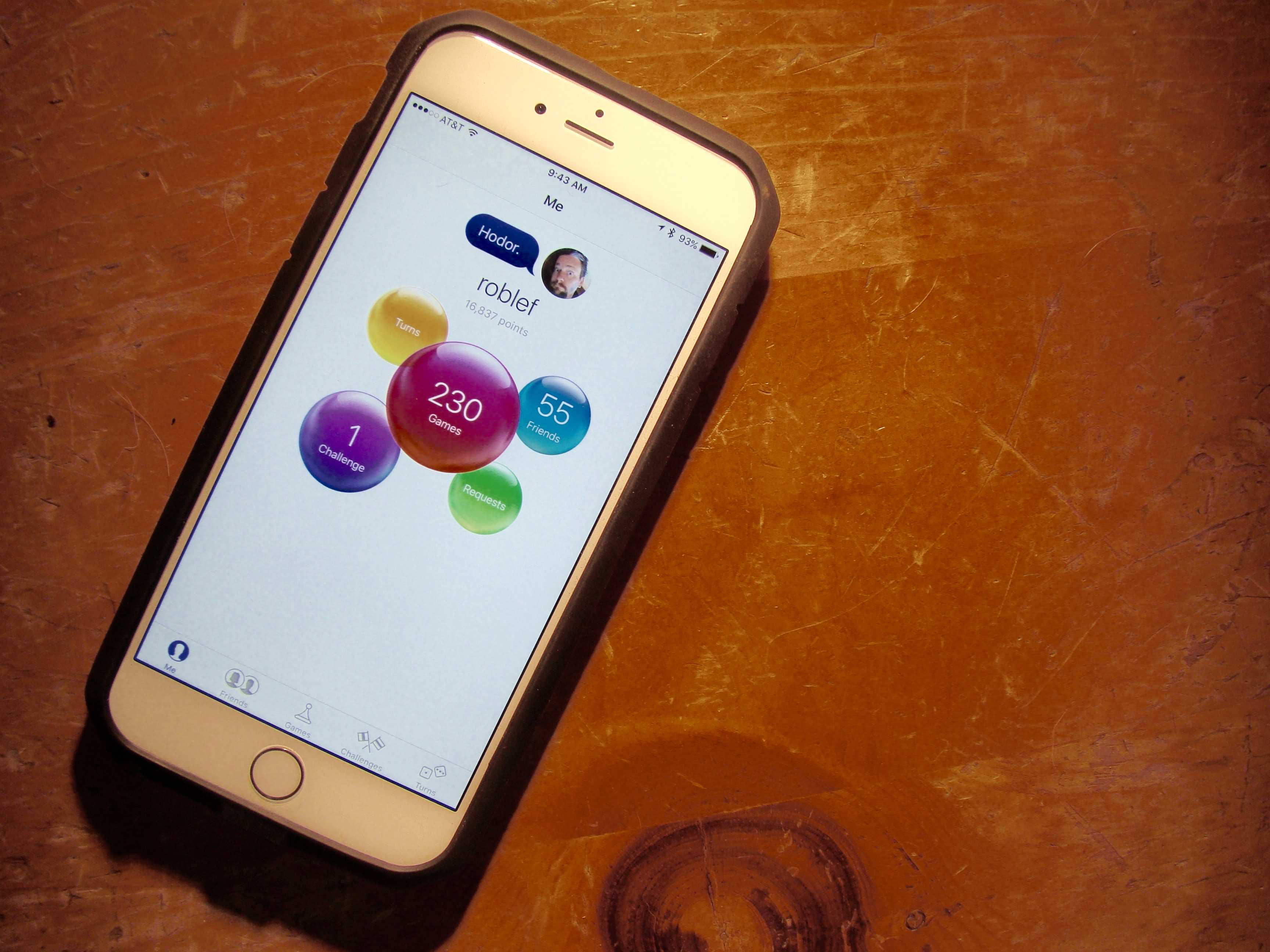
Game Center is causing some problems for iOS 9 updaters.
Photo: Rob LeFebvre/Cult of Mac

If you’ve been having trouble with Apple’s Game Center after upgrading to iOS 9, you’re not alone.

Read Apple’s discussion forums and you’ll find 14 pages of comments from disgruntled gamers complaining about — and trying to solve — this rather massive issue.

Free El Capitan upgrade is ready to streamline your Mac experience

By

el-capitan-beta
New El Capitan beta is here.
Photo: Apple

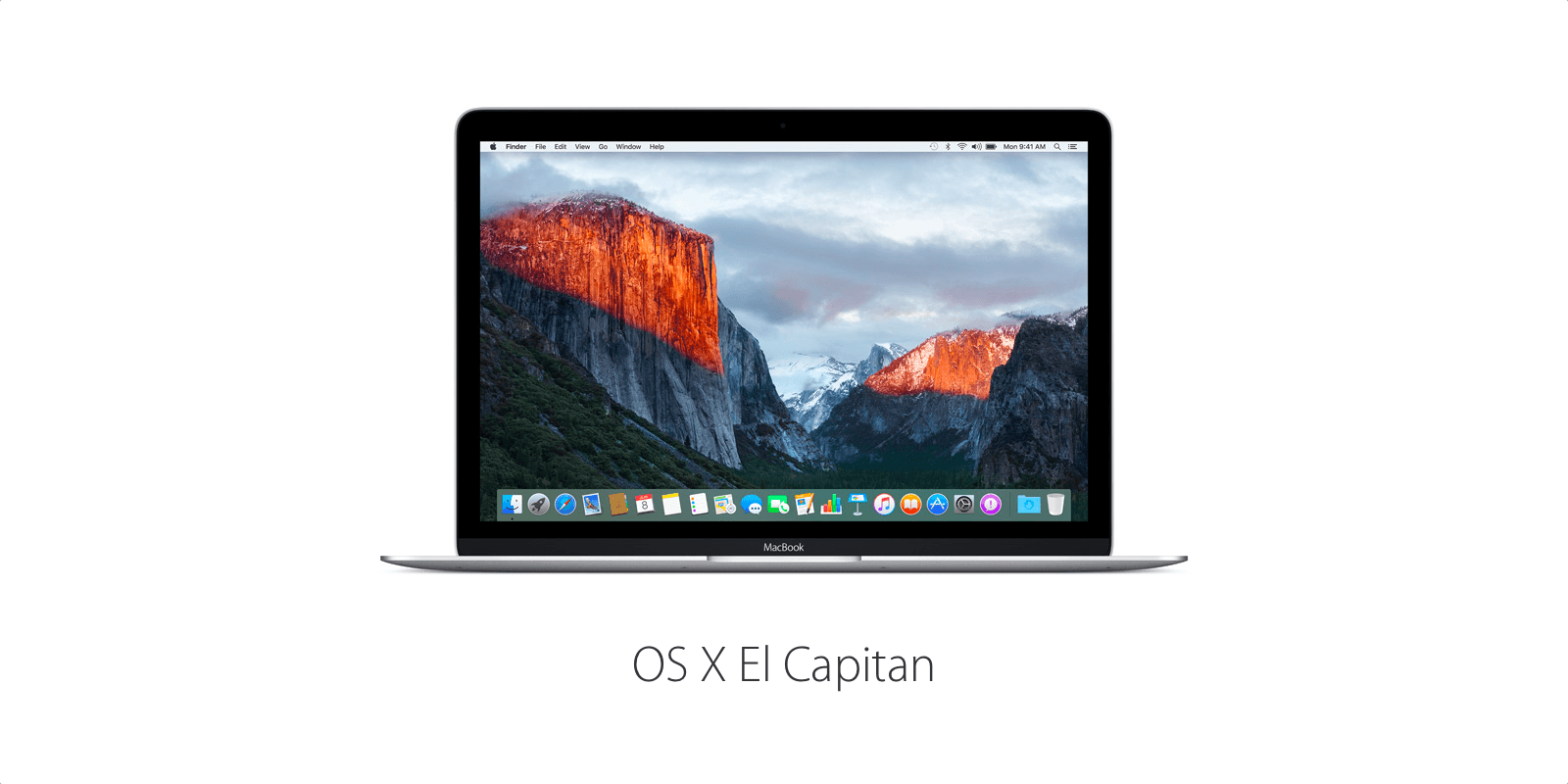
Apple’s latest and greatest operating system for Macs — OS X El Capitan — is now available for free to users around the globe.

OS X El Capitan brings with it a number of new features like Split View and Spotlight search, along with tons of under-the-hood performance improvements that aim to make the Mac more rock-solid than ever. Best of all, it’s absolutely free for all Mac owners.