Mobile menu toggle

Search results for: Apple One

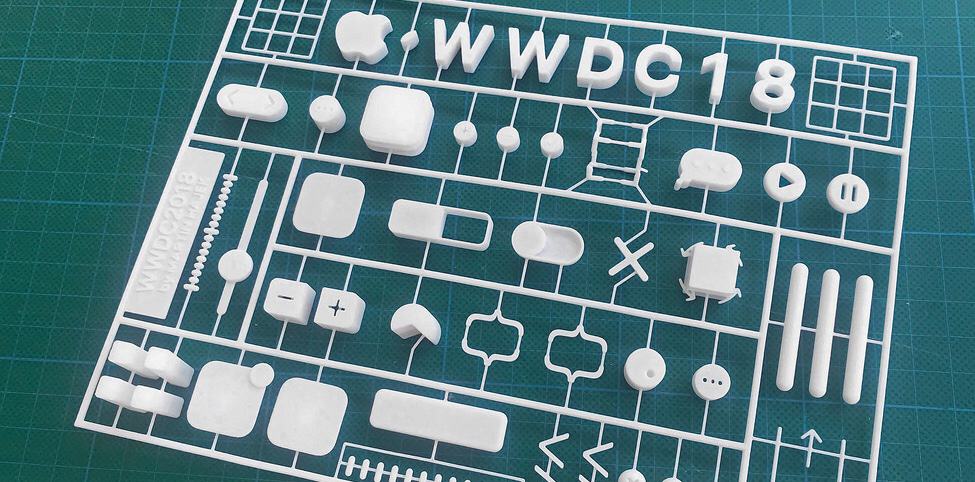
Make your own WWDC 2018 3D model

By

Buy a 3D printed version of the WWDC2018 logo
The WWDC2018 logo looks 3D. How about a 3D model of it?
Photo: Martin Hajek

Martin Hajek is best known for producing beautiful renders of rumored iPhones, but he came up with something different today: a 3D model of the logo for Apple’s upcoming developer conference. Not a render — an actual model that can be held in your hands.

How to get $1,000 for free this month by downloading a savings app

By

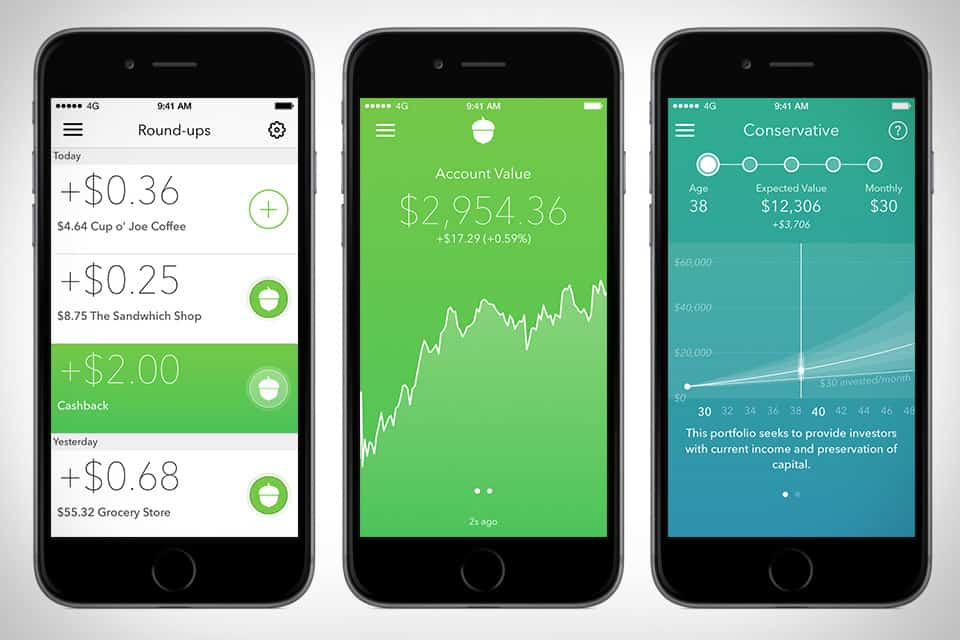
The Acorns savings app automatically invests your spare change for you.
Image: Acorns

The Acorns app is a great way to build up small savings. It automatically rounds up every purchase you make to the nearest dollar and invests that spare change for you.

And, if you download the app this month and refer 12 friends, Acorns will give you $1,000. No joke.

Signal for Mac messages set to disappear don’t always go away

By

macOS Notification Center is a security flaw for Signal for Mac
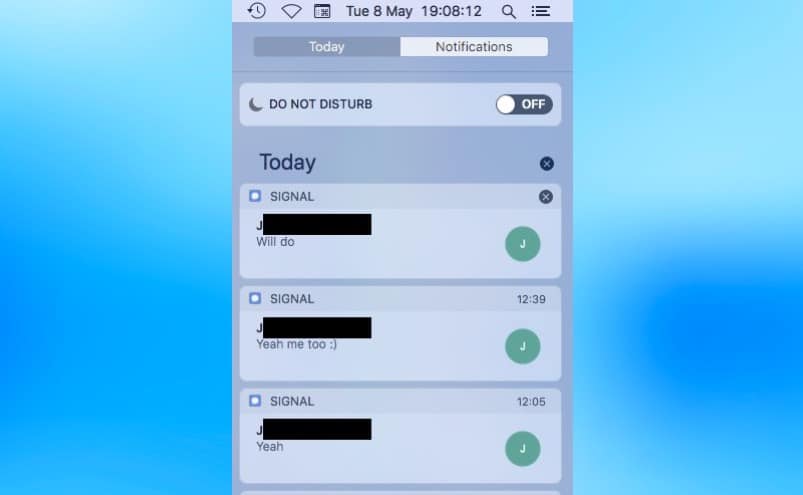
The Notification Center copies and stores messages from Signal for Mac, even if the text is set to disappear.
Screenshot: Patrick Wardle

One of the most appreciated features of Signal for Mac is that messages sent by this communication app can be set to automatically erase themselves. However, security researchers have found a flaw in the system.

The problem comes from the notifications macOS provides for incoming Signal messages.

Astro app makes managing email easy and almost fun [50 Essential iOS Apps #11]

By

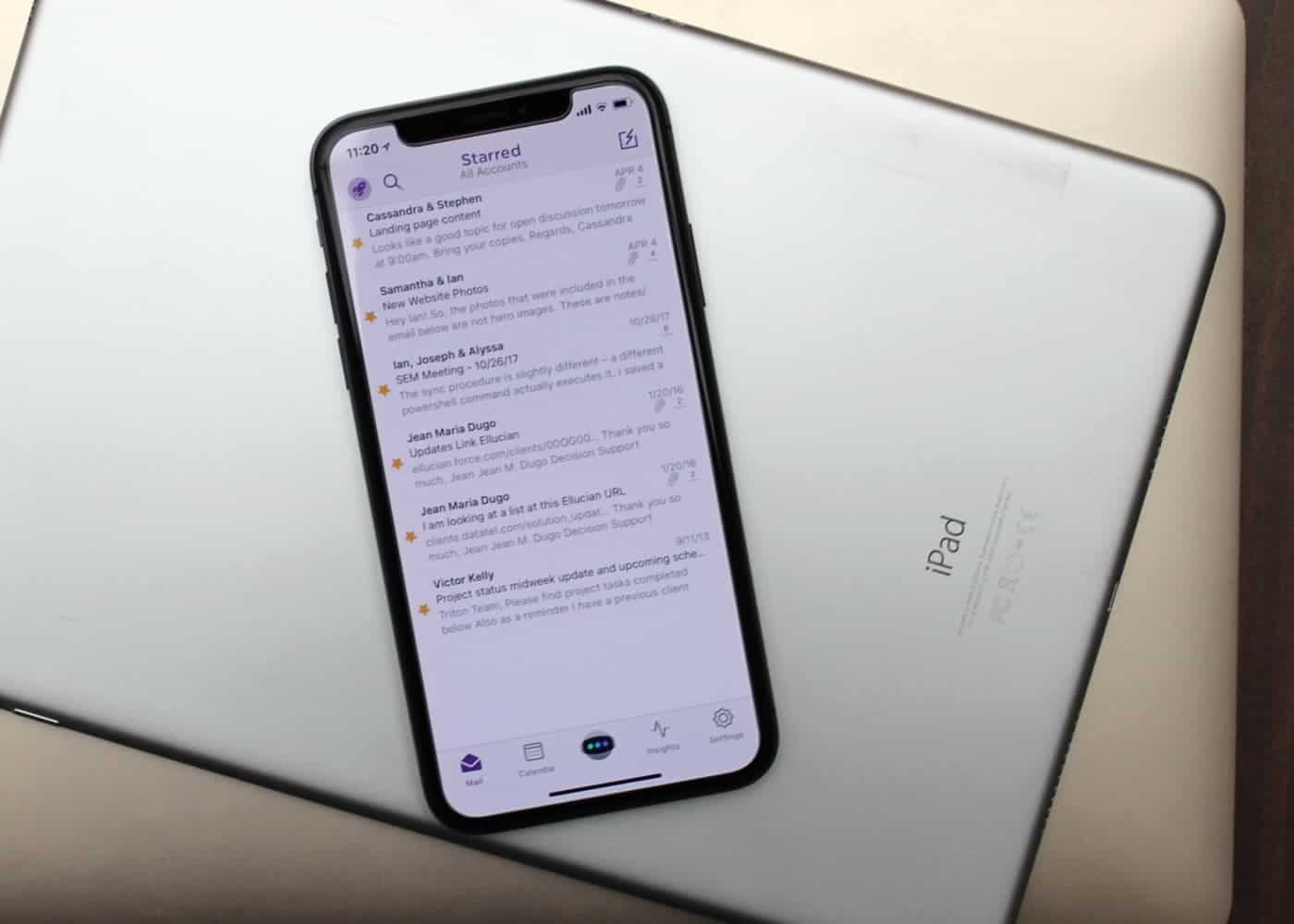
Astro is these best email app for both iOS and Mac.
Mail isn't always best for email.
Photo: Ian Fuchs/Cult of Mac

50 Essential iOS Apps: Astro email app Email is a necessary evil. Whether it’s personal communications, work-related updates or the latest sale at your favorite store, email is something we deal with nearly every day.

After trying dozens of email apps over the past eight years, Astro is the best email app I’ve come across, and the first that I both recommend and enjoy using.

‘Black dot of death’ Unicode bug crashes iOS Messages app

By

Black dot of death
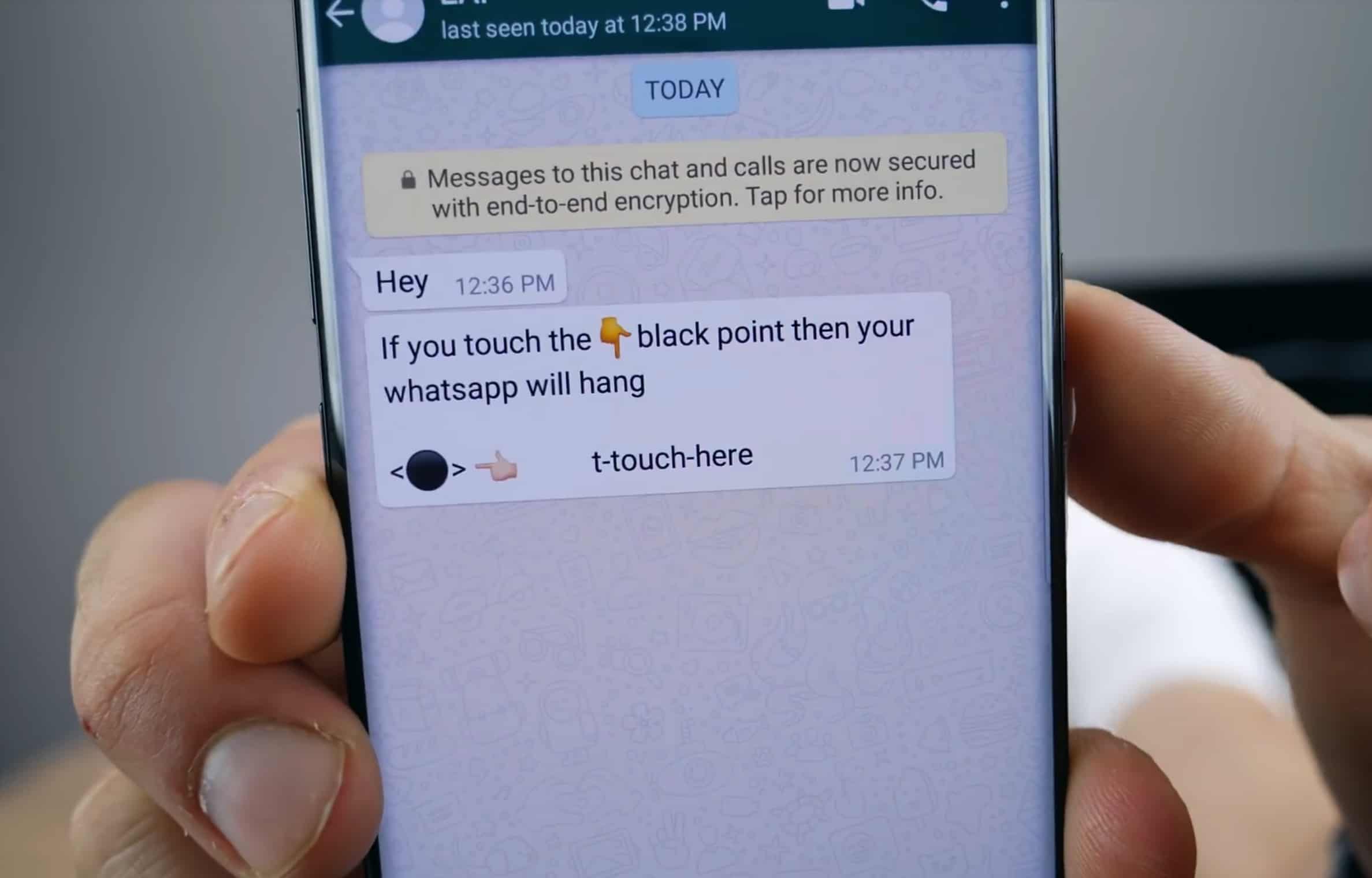
This text message will crash your iPhone.
Photo: EverythingApplePro

Another Unicode text bug has been discovered in iOS, which will repeatedly crash Apple’s Messages app by overloading its memory.

The “black dot” message contains an emoji like ⚫, although it’s not actually the emoji which causes the message to crash the app. The bug affects iOS 11.3 and the current iOS 11.4 beta seeds. A similar message recently did the rounds on Android. As of yet, Apple has yet to release a fix.

All the important stuff revealed at Google I/O

By

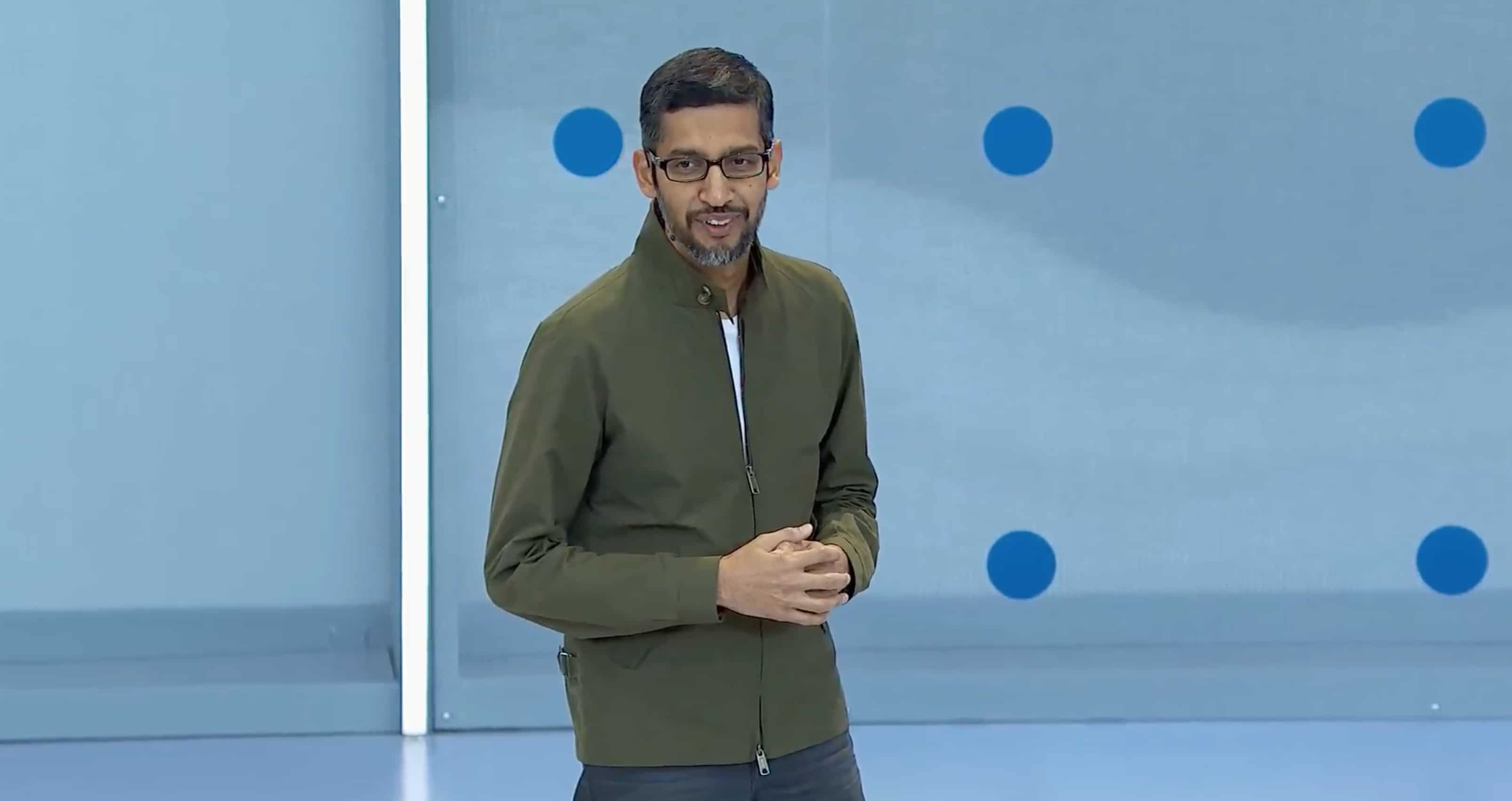
Google I/O 2018 was full of AI surprises.
Photo: Google

Google just took the wraps off its big software lineup for 2018. If Apple executives were watching, there’s a lot they should be worried about.

Artificial intelligence has always been one of Google’s strengths over Apple. But in 2018, the search company is going all out, putting AI in everything. Pretty much every app the company has is getting some new machine-learning tricks in the next few weeks that make certain iOS features look ancient.

Check out the biggest announcements from this morning’s Google I/O keynote.

Google smart displays will takeover homes in July

By

Google smart displays
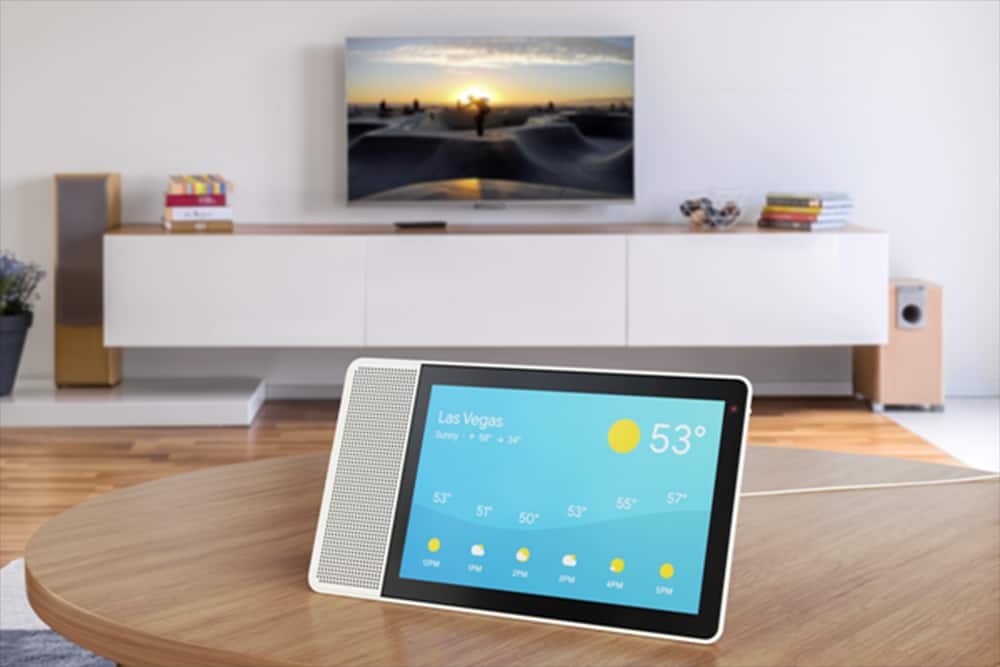
Google Assistant can bring show and tell with smart displays, like this one from Lenovo.
Photo: Lenovo

Smart speakers are about to get upstaged at home by an arguably smarter device – smart displays.

During its I/O developers conference Tuesday, Google announced smart displays with Google Assistant would hit store shelves in July, adding yet another screen to vie for our already fractured attention.

Philips Hue update makes colorful lighting even easier

By

Philips Lights
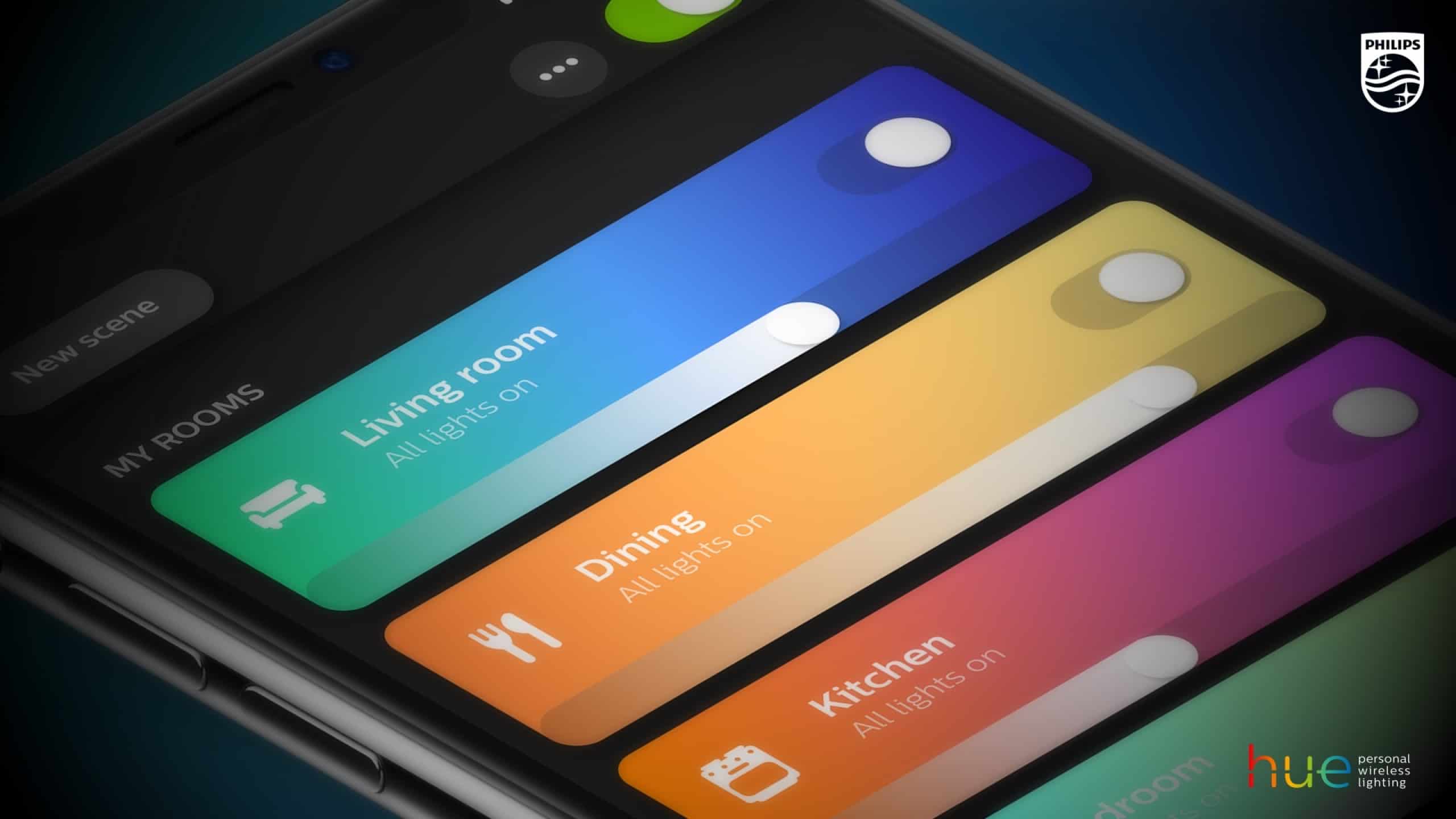
Controlling your lighting just got easier.
Photo: Philips

If you’ve got Philips Hue lighting in your home then you’ll want to make sure to upgrade to the latest version of the associated iOS app.

Making the company’s smart home lighting even smarter — both figuratively and literally — the app has received a visual overhaul, along with a number of nifty new features. And the gratefully received return of an old favorite.

Strength is the missing Activity Ring. Here’s how you can close it.

By

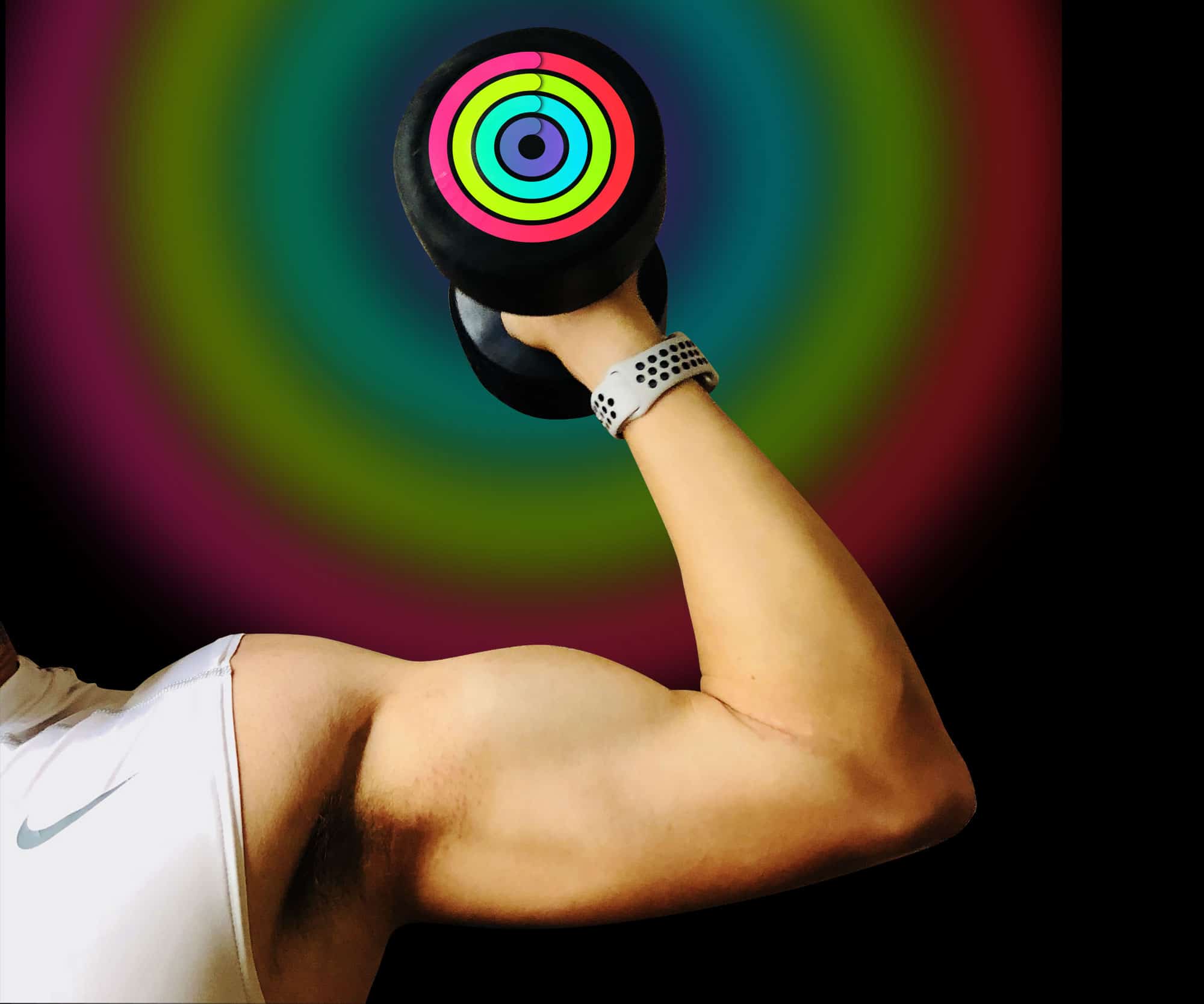
Strength training is currently Apple’s weakness
Photo: Graham Bower/Cult of Mac

The Activity Rings on your Apple Watch don’t provide a complete picture of your fitness. There is one important ring missing: Strength. The Rock didn’t get ripped just by standing up once an hour. And both the Exercise and Move rings essentially measure the same thing: cardio.

As any fitness expert will tell you, an effective workout program should combine cardio with strength training. Here’s why strength is currently Apple Watch’s weakness, and how you can use third-party apps to make sure it isn’t yours as well.

Gmail gets Snooze and Google Pay support on iOS

By

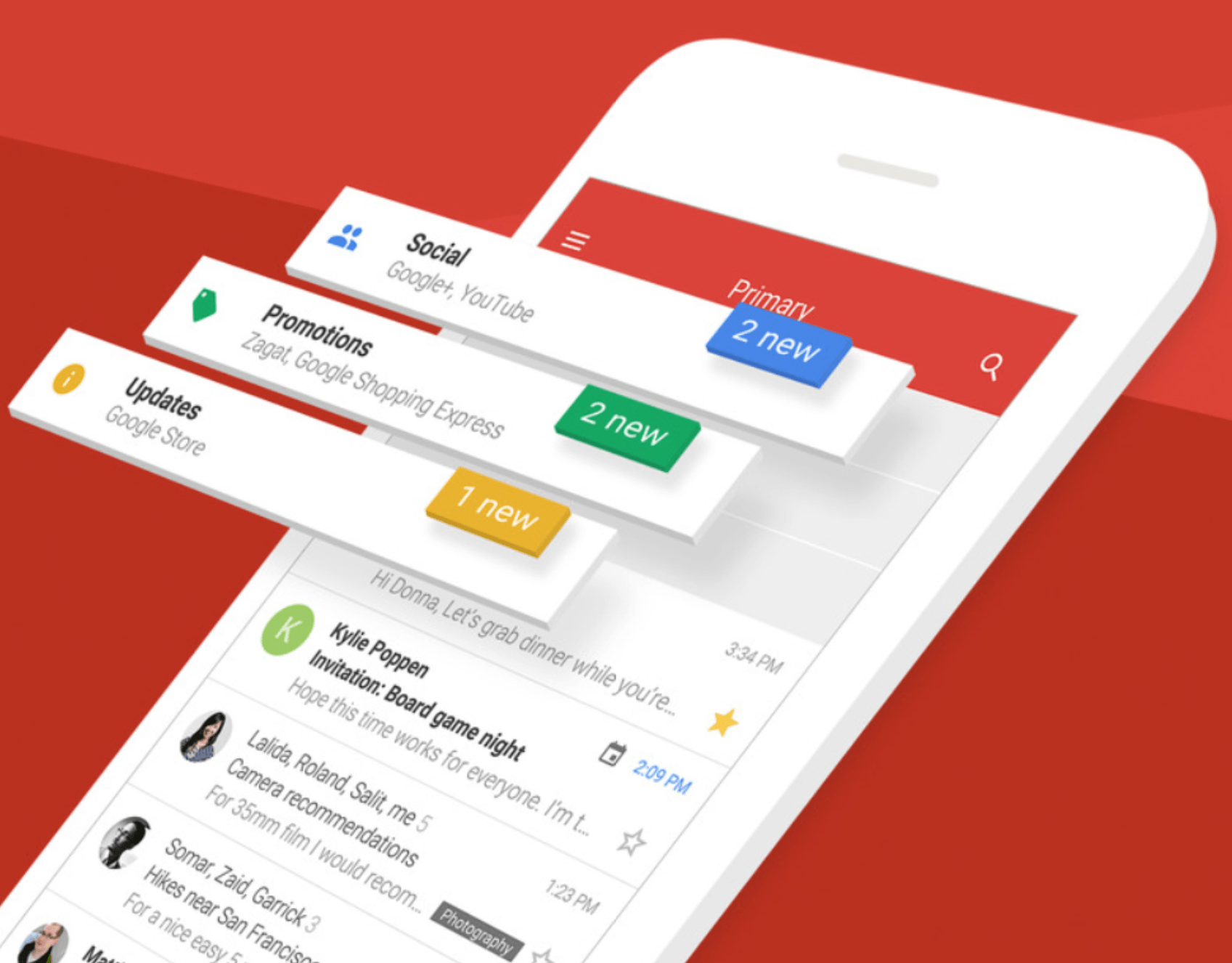
gmail
Get your hands on the latest Gmail update now.
Photo: Google

Google has begun rolling out a big Gmail update for iPhone and iPad, adding the ability to snooze emails and send money via Google Pay.

The release comes less than a week after Google confirmed it is bringing Google Pay to Mac and iOS through Chrome, Firefox, and Safari.