Mobile menu toggle

Search results for: Apple One

How to delete all your tweets

By

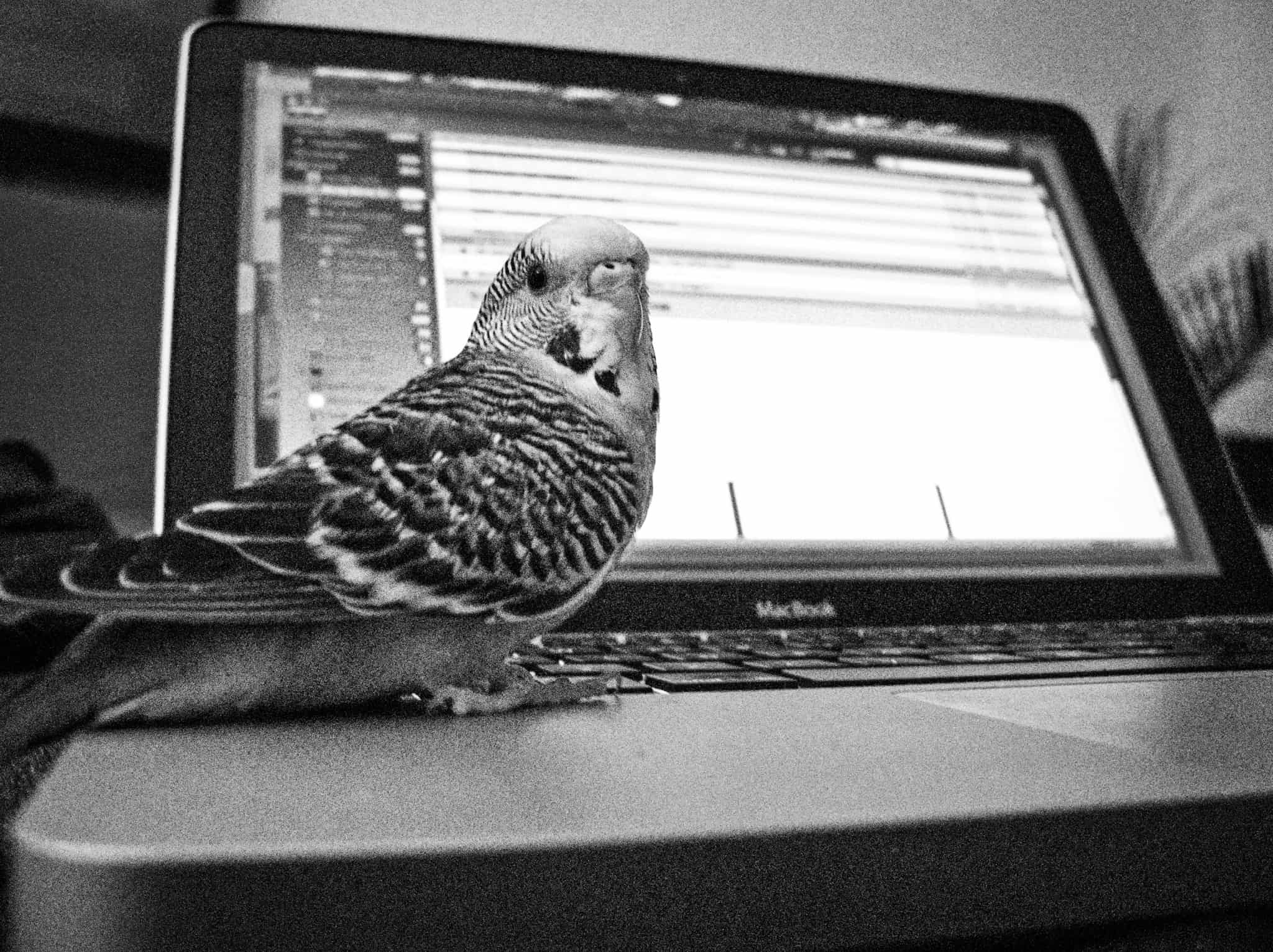
Even this little birdy is deleting his tweets.
Photo: Charlie Sorrel/Cult of Mac

Twitter is like that part of town where City Hall just lets anyone open up a bar or a restaurant. It’s lively, and it’s where everyone hangs out, but you certainly don’t want to take the wrong side street late at night. Maybe you’re ready to leave Twitter, thanks to its continued censorship of unknown individuals and simultaneous encouragement of hate speech and lies by more famous people and organizations.

If you’re serious about ditching Twitter, then you probably want to delete your tweets. Twitter feeds off “engagement.” If you delete your tweets, you leave nothing to engage with (although their “content” has probably been mined clean already). If you delete your tweets, and change your Twitter bio to say you’ve quit, this sends a stronger message than just slipping out the side door. It also helps stop someone else from pretending to be you.

Showdown! iOS 12 vs. Android 9 Pie

By

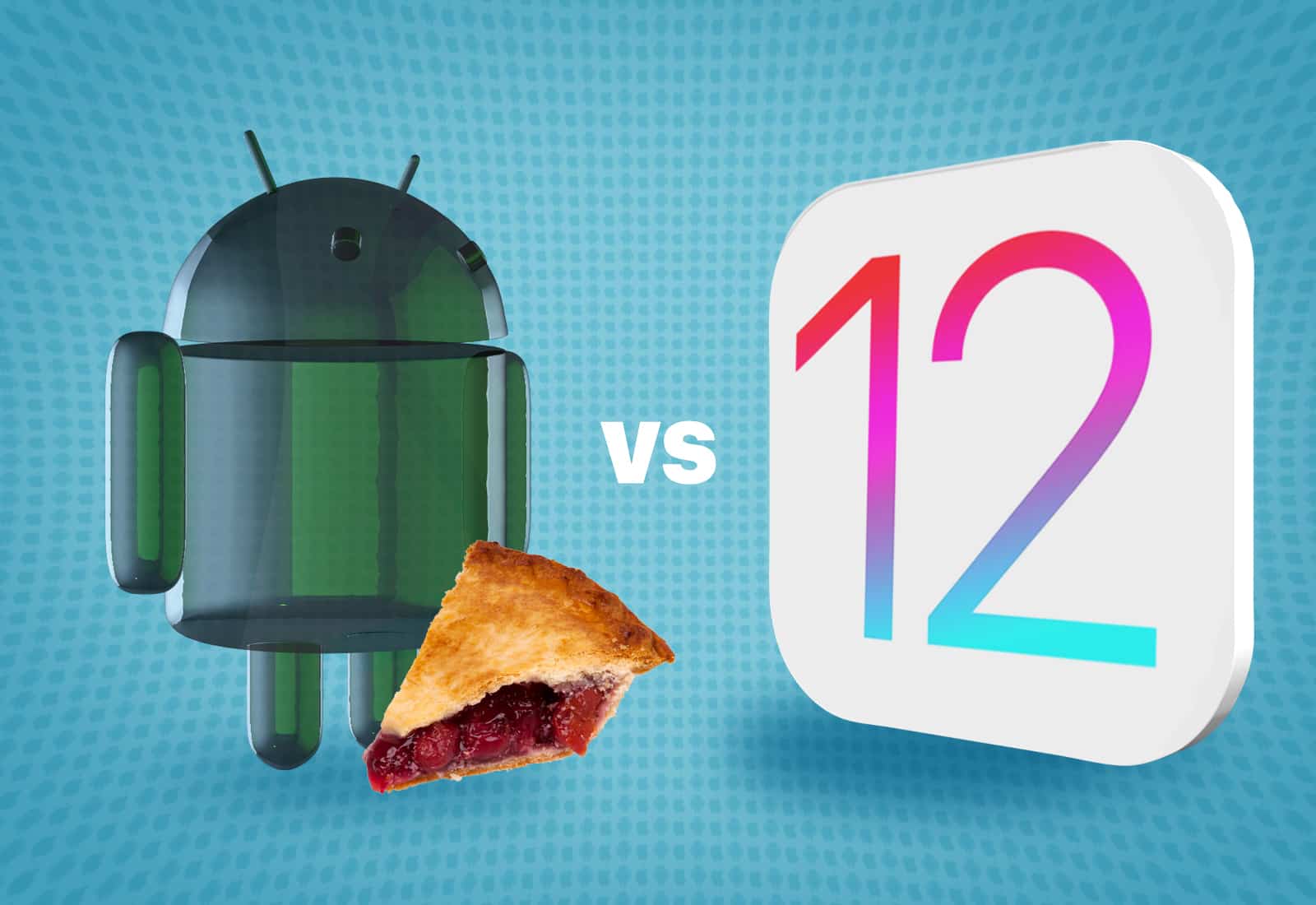
Which wins the features arms race, Android 9 Pie vs. iOS 12? Here's how they compare.
Which wins the features arms race, Android 9 Pie or iOS 12? Here's how they compare.
Illustration: Ste Smith/Cult of Mac

Android 9 Pie has landed on Google Pixel devices just a month before Apple rolls out iOS 12. Both come with a long list of new features and improvements, but is one better than the other?

Here’s how Android 9 and iOS 12 compare.

Paper app turns your iPad into a sketch book [50 Essential iOS Apps #47]

By

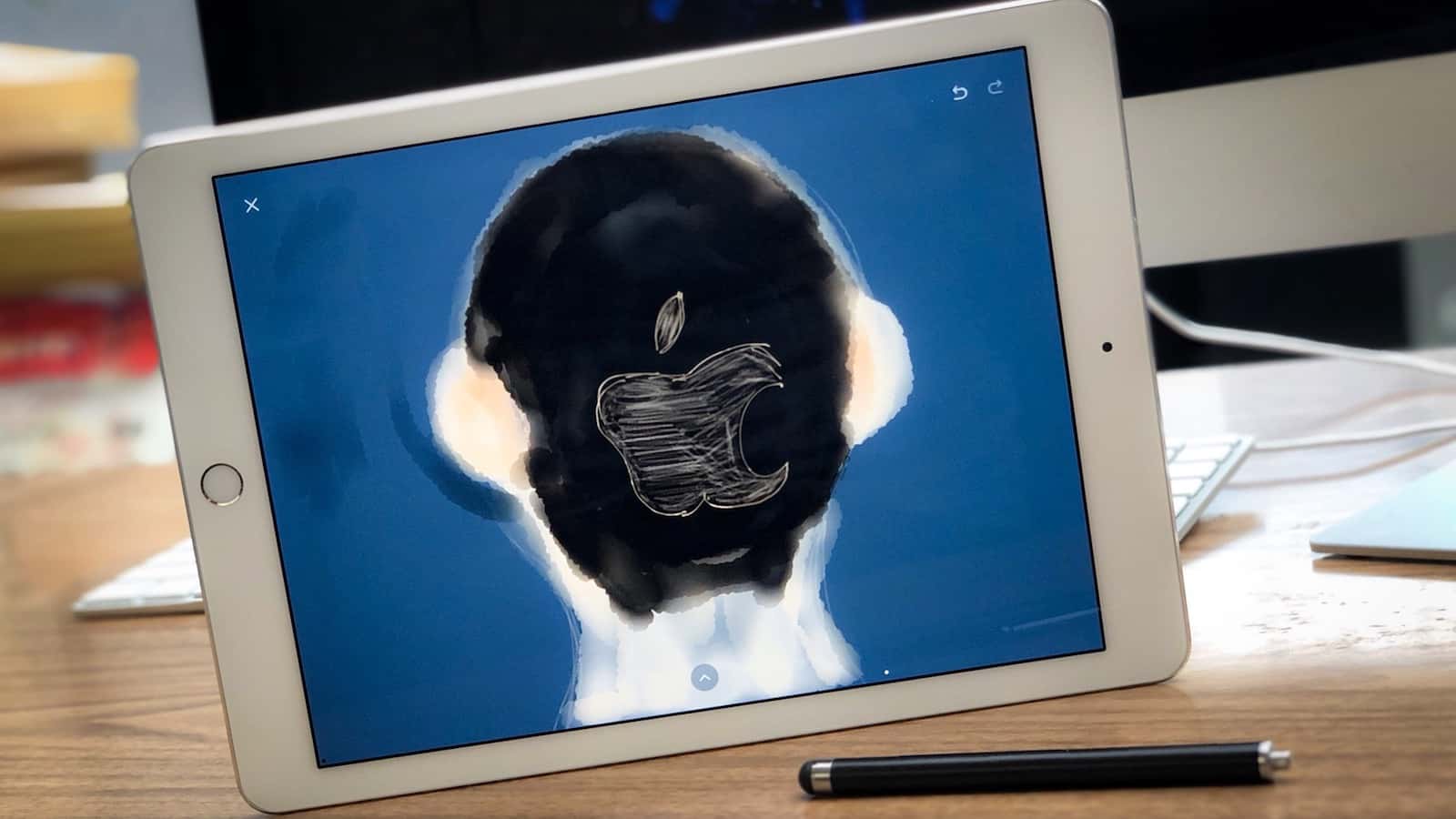
Cult of Mac logo poorly painted with Paper app
Paper by FiftyThree might not make you a good artist, but it does make it fun and easy.
Photo: Ian Fuchs/Cult of Mac

50 Essential iOS Apps: Paper app For the past several years, the iPad has served as a tool to digitize the analog world. Board games are now virtual, books are electronic, and with the art app Paper by FiftyThree, your sketches and artwork are turned digital. Thanks to the incredible touch interface of the iPad and Apple Pencil, the app makes your device feel like its analog counterpart.

Spotify’s free users will soon be able to skip ads

By

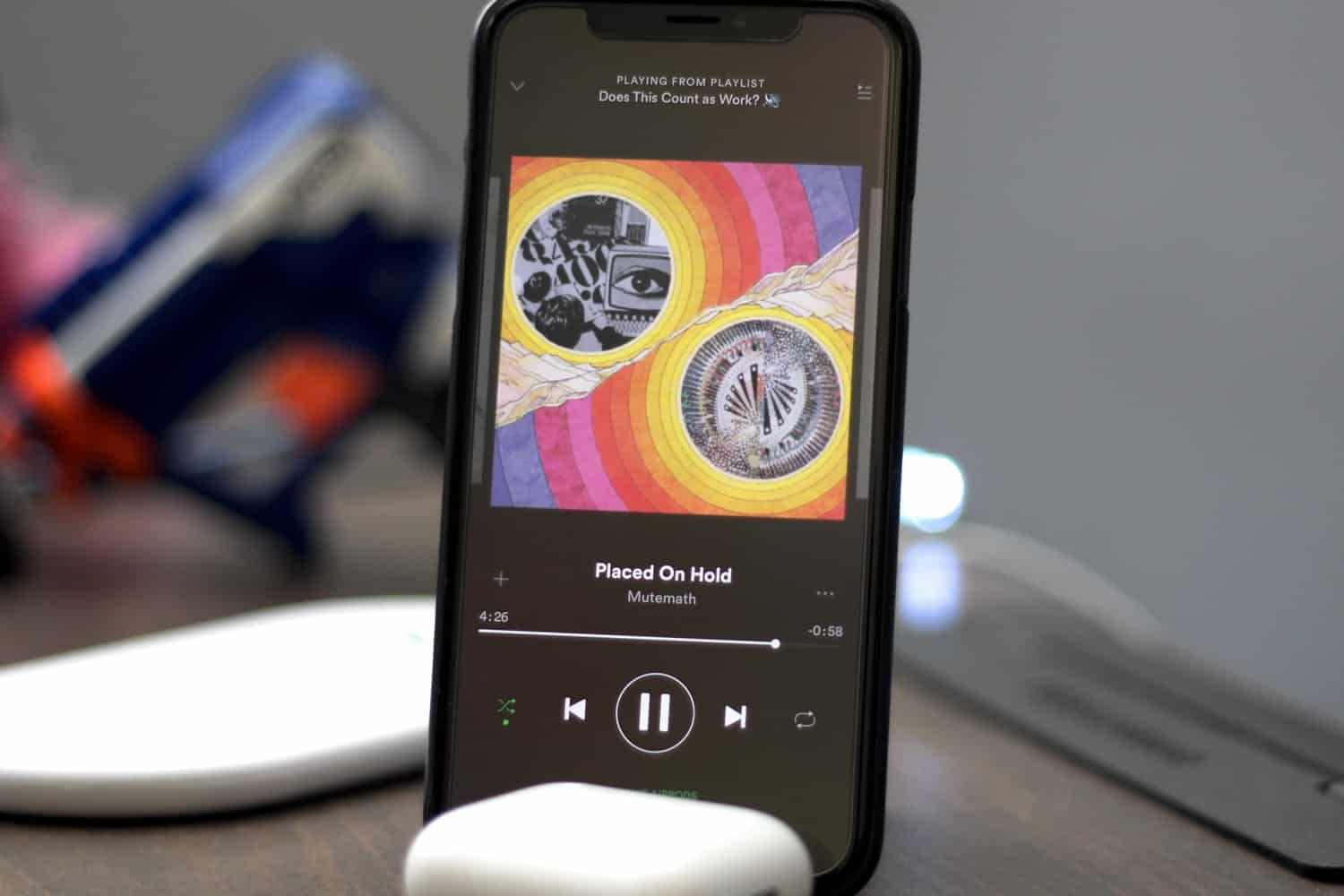
Spotify app now playing screen
Spotify has a new plan for getting more information on customers.
Photo: Ian Fuchs/Cult of Mac

Spotify is exploring new ways to let users on its free tier skip audio and video ads whenever they want.

The feature gives listeners the chance to get back to their music more quickly by skipping ads they’re not interested in. The company is currently user-testing the feature in Australia, with plans to later roll it out elsewhere.

Fortnite challenge guide for season 5, week 5

By

Fortnite Fly Explosives game mode
It’s your turn to make the rules.
Photo: Epic Games

Just days after rolling out its latest Fortnite update, Epic Games has issued its complete list of challenges for season five, week five.

There are seven to complete altogether for a total of 50 Battle Stars. Three of them are available to all, while the other four require a Battle Pass.

Here’s our guide to finishing each one!

Taiwan lets Qualcomm off majority of big $773 million fine

By

Qualcomm patents
Qualcomm just scored a lucky break in feud with regulators.
Photo: Qualcomm

Qualcomm just saved itself the best part of $700 million , due a settlement with Taiwan’s antitrust regulators.

Taiwan’s Fair Trade Commission had accused Qualcomm of abusing its position in the marketplace by refusing to provide products to clients who would not agree to its terms and conditions. Qualcomm was issued a record $773 million fine last year, but most of that has now been reversed.

Face ID can’t stop boom in fingerprint-scanning displays

By

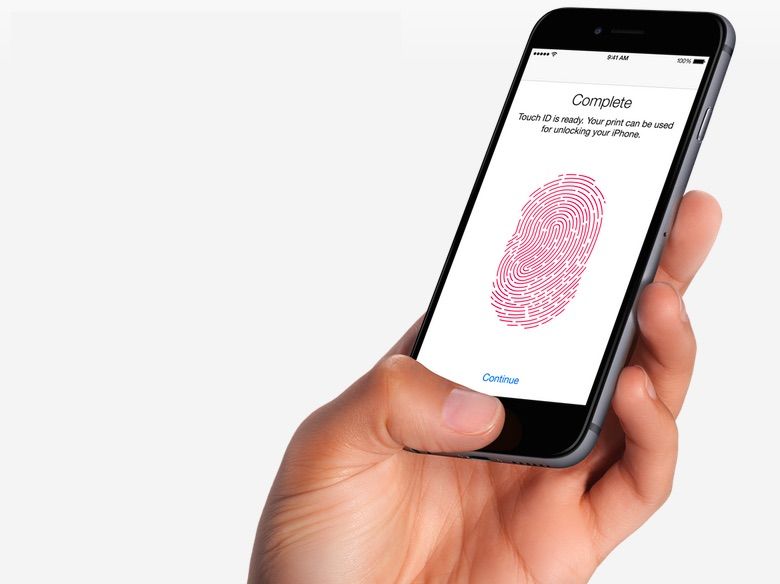
iPhone Touch ID
And you thought the days of fingerprint sensors were coming to an end!
Photo: Apple

Apple may have opted for Face ID over in-display Touch ID for the iPhone X, but plenty of lower cost handset makers aren’t in a position to use facial recognition in their handsets — and they’re embracing in-display fingerprint sensors as a result.

According to a new report, global shipments of in-display fingerprint sensors are expected to top 42 million units in 2018. And that number will more than double in 2019.

Magnetic connector gives new MacBooks that old MagSafe feel

By

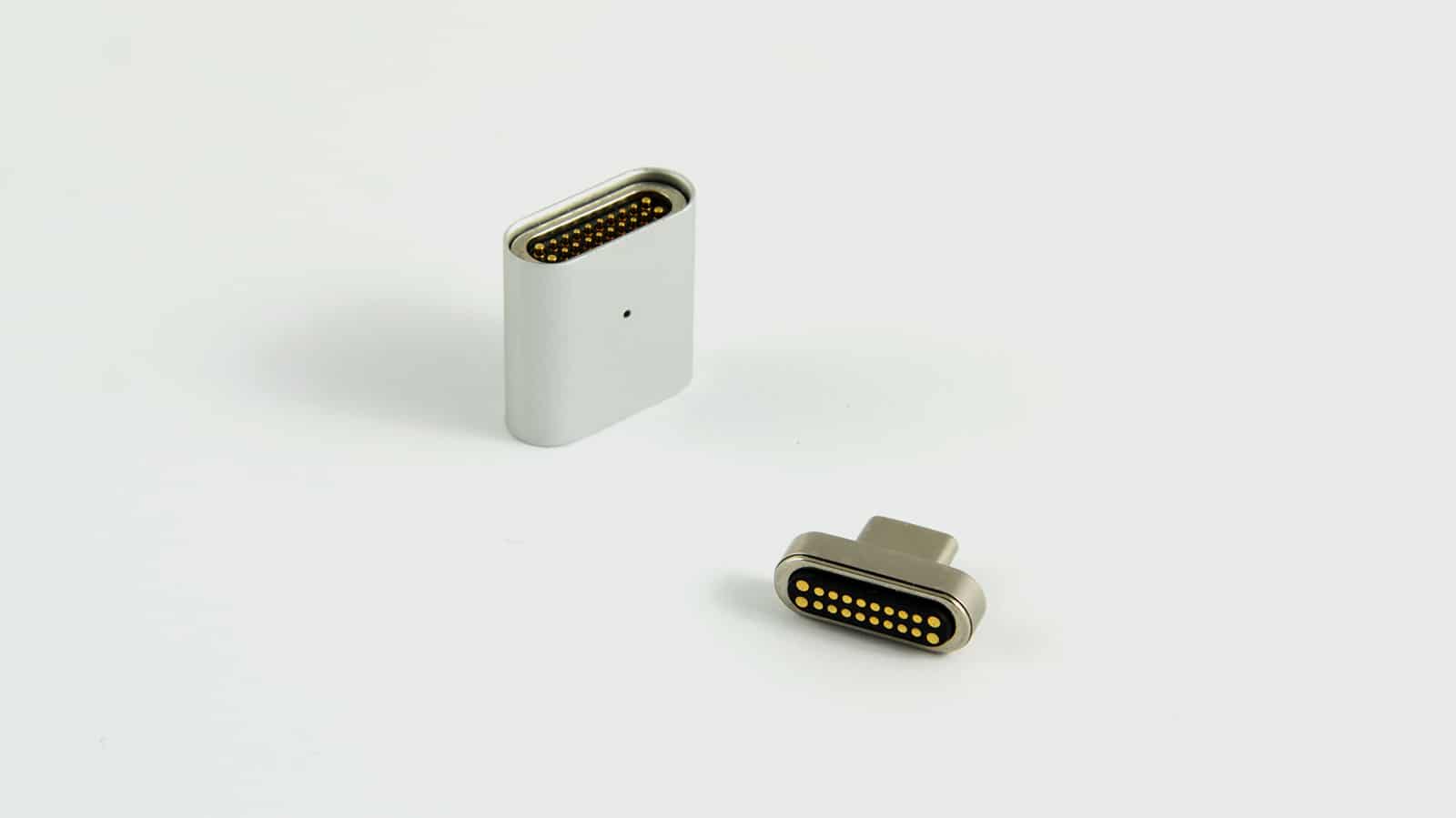
Magtop Pro
Your USB-C connector is now safe from a sudden yank on the cord.
Photo: Magtop

MagSafe connection is no more, but Magtop Pro brings back that feature on new MacBook Pros with Type-C charging.

Magtop maybe the tiniest of Mac accessories, but there’s nothing small about its place between the end of your power cord and the Type-C socket.

A device called Palm brings back a once-promising name

By

Palm
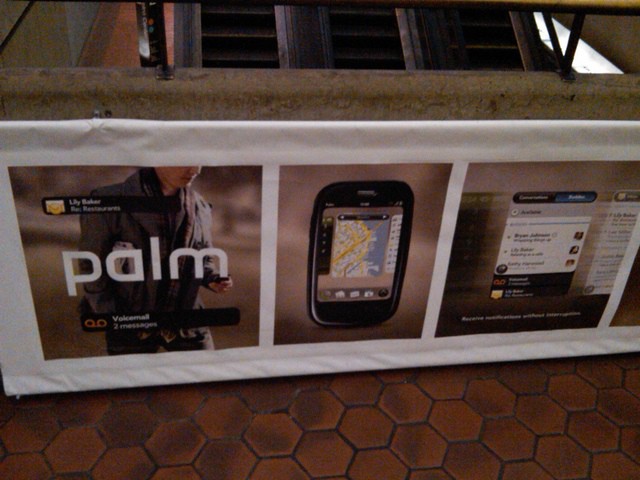
The Palm name will return to the smartphone market, according to federal documents.
Photo: desmorider - http://flic.kr/p/7KY6dt

Palm, once considered a darling of innovation, disappeared from hands thanks to a series of ill-fated mergers and game-changing smartphones, including the iPhone.

Now Palm, or least the name, is poised for a comeback with an Android smartphone later this year.

2018 MacBook Pro owners complain of crackling speakers

By

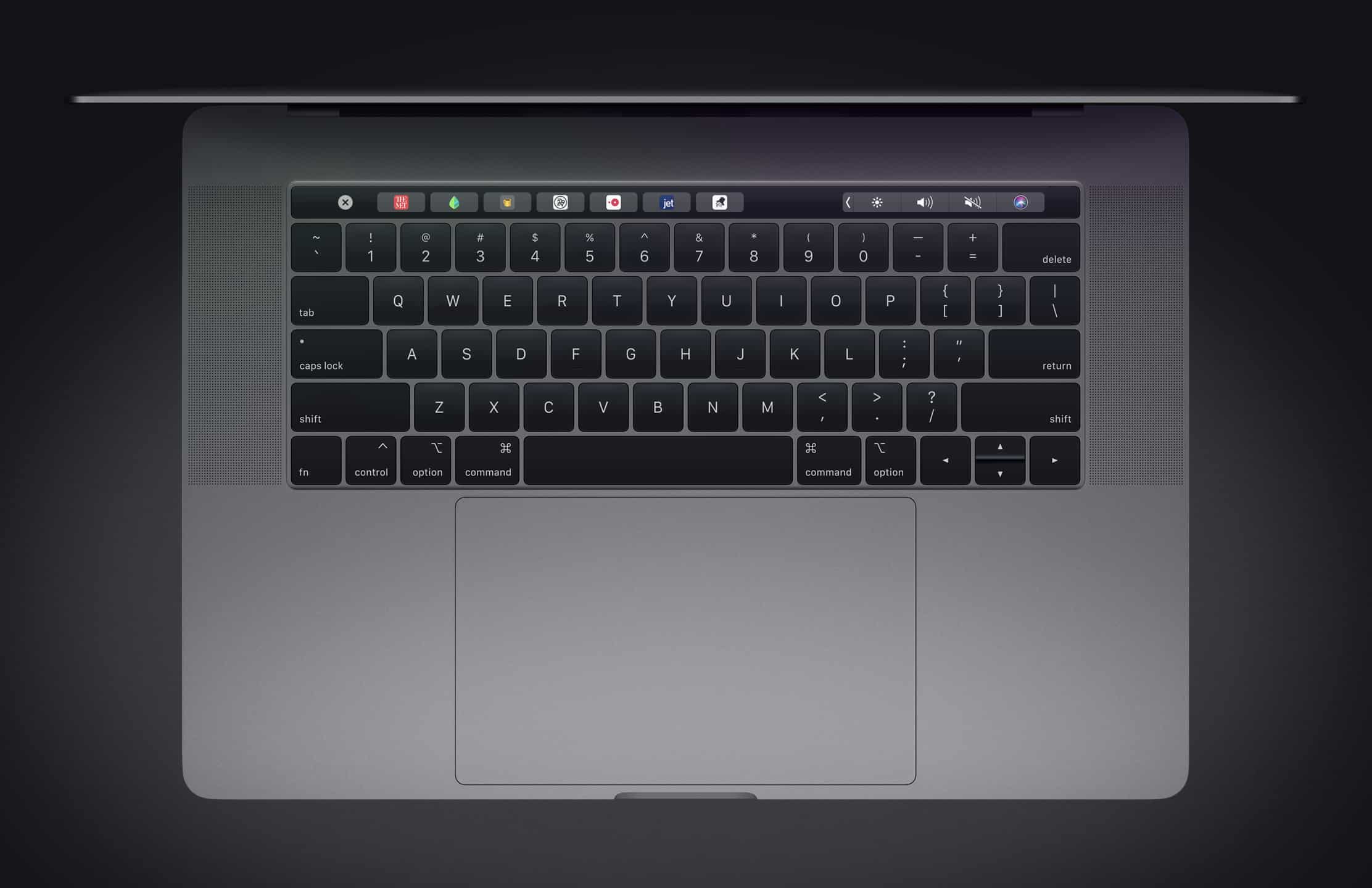
Apple MacBook Pro keyboard
How’s the sound on your 2018 MacBook Pro?
Photo: Apple

Apple’s latest MacBook Pro lineup has bigger and better speakers than previous machines, but some users haven’t been enjoying improved sound.

Instead, they hear crackling when they play music or watch videos. The issue appears to be affecting both 13- and 15-inch devices, and it’s not yet clear what’s causing it.