Mobile menu toggle

Search results for: Apple One

How to use the amazing new iOS 12 Voice Memos app

By

iOS 12 Voice Memos redesign is way more than just a lick of paint.
Voice Memos' iOS 12 redesign is way more than just a lick of paint.
Photo: Charlie Sorrel/Cult of Mac

Even if you never make a voice memo, you might be interested in Apple’s updated Voice Memos app. Powerful new features in iOS 12 make it much more than just a way to record voice snippets.

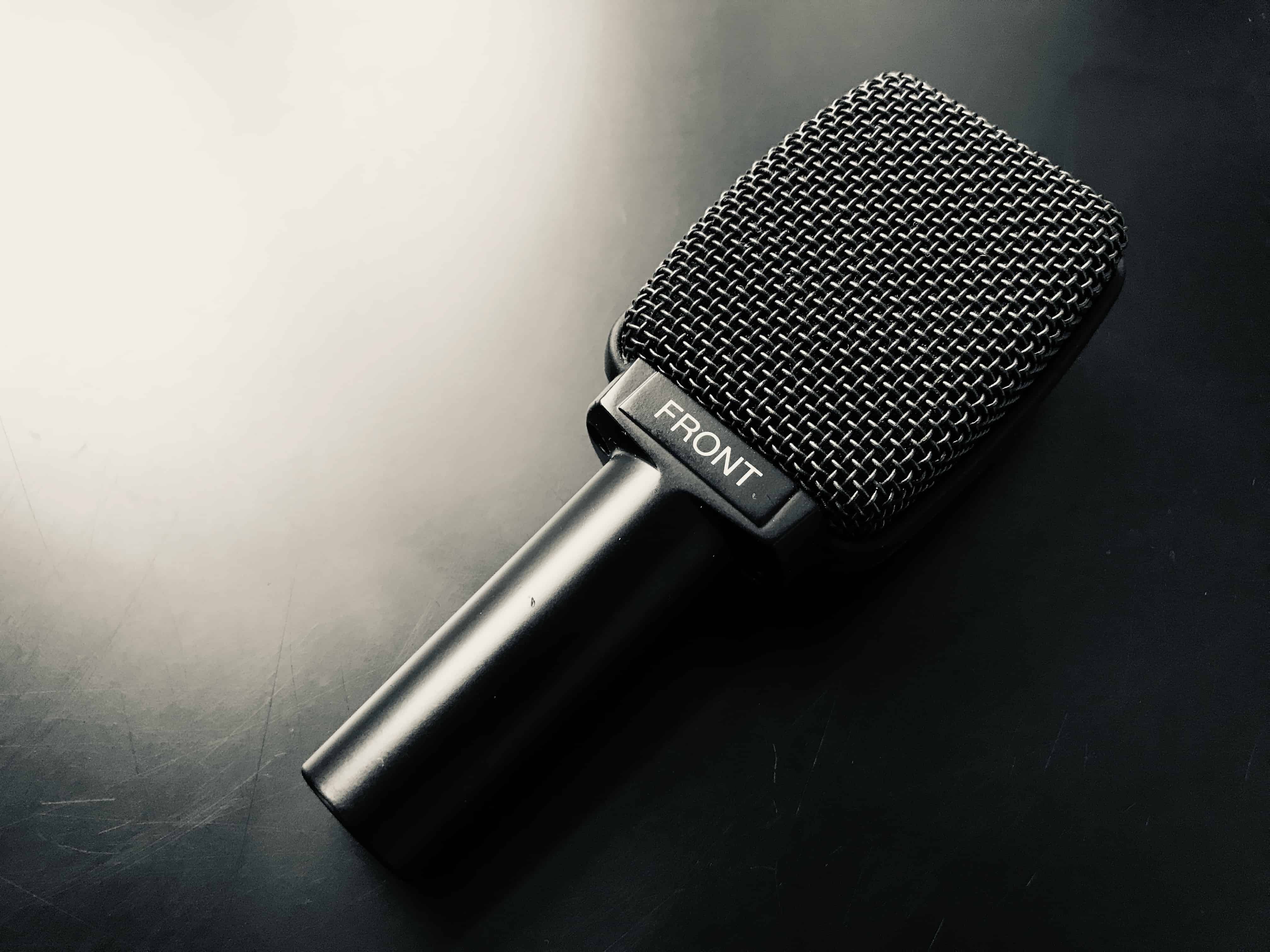
In fact, in iOS 12, Voice Memos morphs into a full-fledged audio recorder and audio editing app. As such, it’s useful for people recording interviews, and for musicians working on ideas. Let’s take a look around.

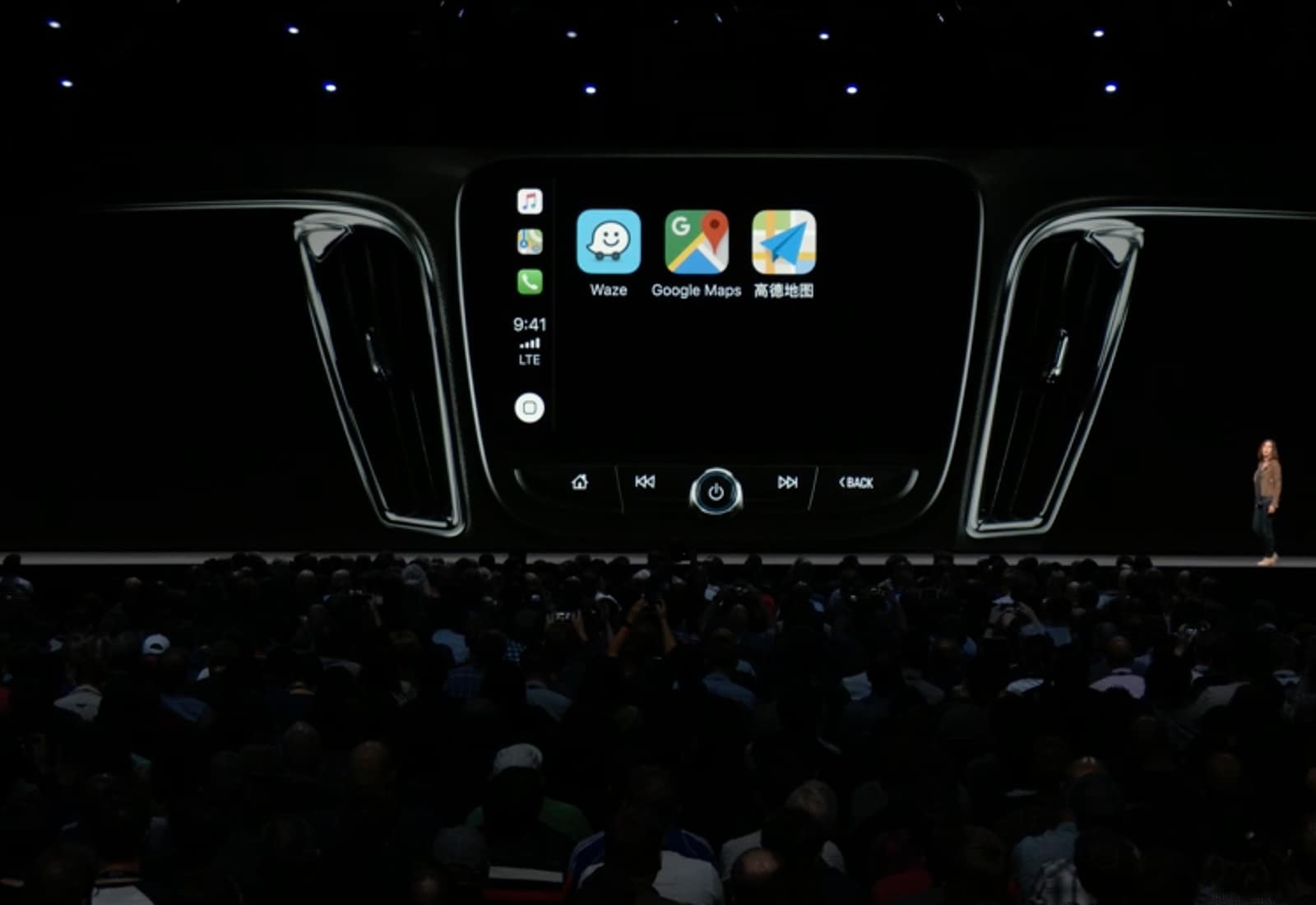
Google Maps finally works with CarPlay

By

CarPlay Google Maps
CarPlay allows Google Maps navigation with iOS 12.
Photo: Apple

Apple Maps is no longer the only option for navigation through Apple’s CarPlay system now that iOS 12 is out.

With an update released today for Google Maps, CarPlay users can now choose between Google Maps and Apple Maps. And more third-party apps are on the way.

iOS 12 photo imports are way, way better

By

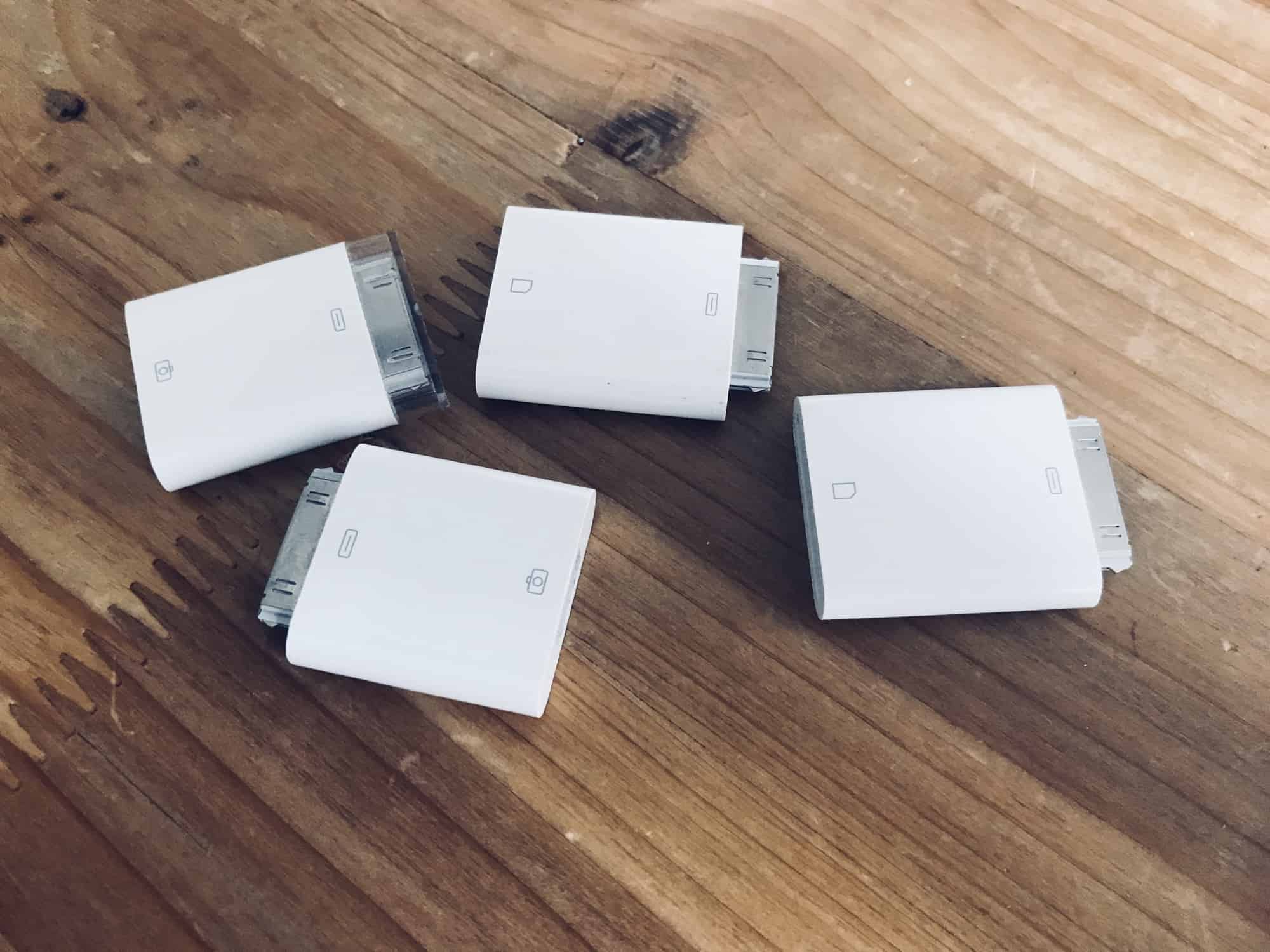
Somehow this happened…
Photo: Charlie Sorrel/Cult of Mac

In iOS 11 and earlier, importing photos from a camera to your iPad photo library was always a bit clunky. You plugged the SD card in using the Lightning SD card reader, or hooked up the camera to a USB adapter, and then the Photos import took over your entire screen.

Also, all the images you imported wound up dumped right into your main photo library, leaving you to manually select them later if you wanted to add them to albums.

In iOS 12, Apple improved all of this. Let’s take a look at the great new photo import features in iOS 12.

Tame your notifications with iOS 12’s Instant Tuning

By

Instant Tuning lets you tweak alert settings as you get them.
Photo: Charlie Sorrel/Cult of Mac

“Instant Tuning” is the rather odd name that Apple gave an excellent new iOS 12 feature. You know how some apps on your iPhone keep popping up notifications you never want or need? And you keep telling yourself that you will dig into the Settings app and switch them off? Only you never, ever get around to this annoying busywork? Instant Tuning is for you.

Now, when a notification comes in, you can access the notifications settings for that app right there in the notification itself. This is huge, and makes culling your notifications way easier. Which in turn makes your most important notifications, like text messages or that sweet eBay auction you’re following, stand out more.

5 essential apps that work beautifully with iOS 12

By

Halide can now add custom background blurs in iOS 12.
Photo: Halide

iOS 12 gives your favorite apps access to some amazing new abilities. One is integration with the brand-new Siri Shortcuts, which lets you automate your apps, or to interact with them by talking to Siri. But that’s not all. Camera apps now have access to the the depth information from Portrait Mode, so they can do some pretty special effects.

Safari’s password autofill has also been opened up, so apps like Dashlane and 1Password are now available with a single tap. Let’s take a look at the best new iOS 12-ready apps already available.

The first iOS 12.1 beta is already here

By

iOS 12
iOS 12 just got a new beta.
Photo: Apple

Apple is not wasting any time making improvements to the huge iOS 12 update that was just released to the public yesterday.

Developers received the first beta for iOS 12.1 this morning along with new betas for watchOS 5 and tvOS 12, bring a host of changes to the software update that already made iOS devices faster and more efficient.

How to understand the amazing new battery info in iOS 12

By

Slice and dice the battery info however you like.
Photo: Charlie Sorrel/Cult of Mac

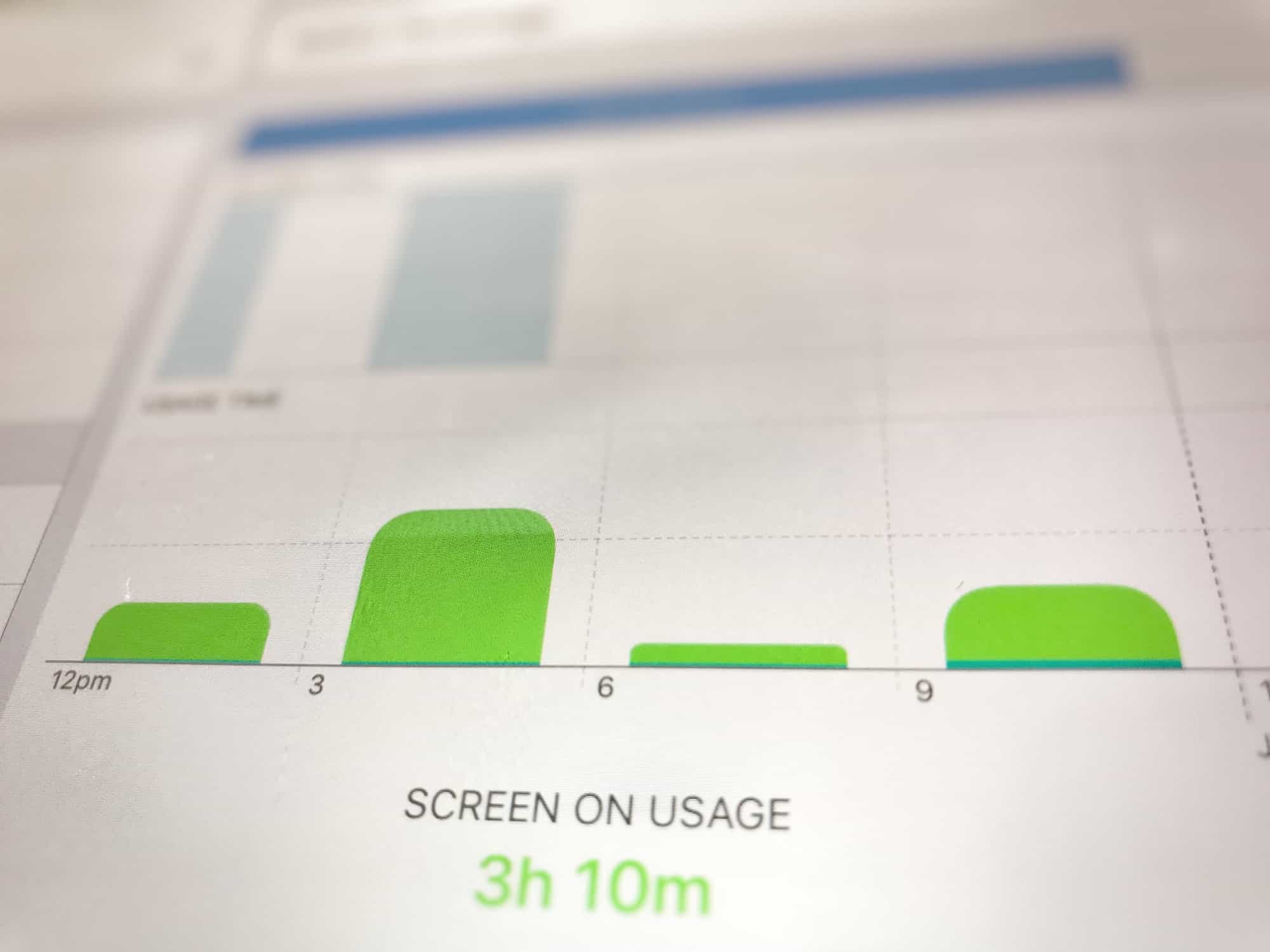
The new iOS 12 Battery information section brings a massive improvement over the previous version. Whereas before you could see which apps used how much battery, and for how long, now you can see the charts that look like the Tim Cook section of an Apple Keynote. You can see your battery use in incredible detail, broken down by such categories as Screen On Usage and Screen Off Usage.

But that’s not all. You can see how fast the battery ran down, how the levels were at any time during the last 24 hours, and also a longer-term overview that shows your usage over time.

It’s so detailed that it can be a bit intimidating, so today we’ll take a look at how to read those charts, and how to get the best out of them.

How to use the new iPad gestures in iOS 12

By

Is this Apple's secret iOS gesture-making machine?
Photo: Charlie Sorrel/Cult of Mac

iOS 12 was clearly designed for an iPad where Face ID replaces the Home button. Apple has revamped the tablet’s gestures for iOS 12, bringing us an easy way to return to the Home screen, and an iPhone X-style gesture to access the Control Center.

If you’re a long-time iPad users, these changes will seem a little jarring at first. You’ll soon get used to them, though, and even learn to love them. The new Control Center gesture, in fact, is a lot better than the old one.

How to use Photos’ amazing new search in iOS 12

By

iOS 12 Photos thinks that cabbages are melons.
Photo: Charlie Sorrel/Cult of Mac

Photos already has a pretty decent search function on iOS 11. Thanks to Apple’s machine-learning tech, and AI categorization, you can search for thousands of “scenes.” These include the places you took the photo, but also anything from abacus to zucchini, people in the images, and times the images were taken.

This has gotten even better in iOS 12. You can still search on many thousands of categories and keywords, but now you can combine searches. For instance, you could search for several different people, and see photos only containing them all. OR you can combine search terms like Christmas, Food, and 2015, for instance. Let’s take a look.

These apps just got an iOS 12 and Siri Shortcuts overhaul

By

Not every shortcut is worth taking.
Photo: Charlie Sorrel/Cult of Mac

iOS 12 launches today, and there are a whole bunch of updates to apps that take advantage of the new features available in iOS 12. If you visit the App Store’s updates page, you’ll see that many apps are adding support for Siri Shortcuts. Shortcuts in iOS 12 can refer to several related new things, but in this case, Siri Shortcuts lets you interact with, and control apps just by talking.

For instance, say “Hey Siri, check my commute” to get a report of the disruptions, departures, and your ETA at work from Citymapper, or say “Show today,” and see a list of today’s tasks in Things app.