The Keychron K1 is a thing of beauty. Photo: Keychron
Mac lovers looking for relief from Apple’s new butterfly keyboards may have found a new hero in the Keychron K1, which is supposedly the world’s slimmest mechanical keyboard ever.
The Keychron K1 looks like a hybrid of Apple’s Magic Keyboard crossed with a modern mechanical keyboard. It’s so small you can carry it anywhere and it looks so good you won’t be embarrassed to be hauling around your beloved keyboard.
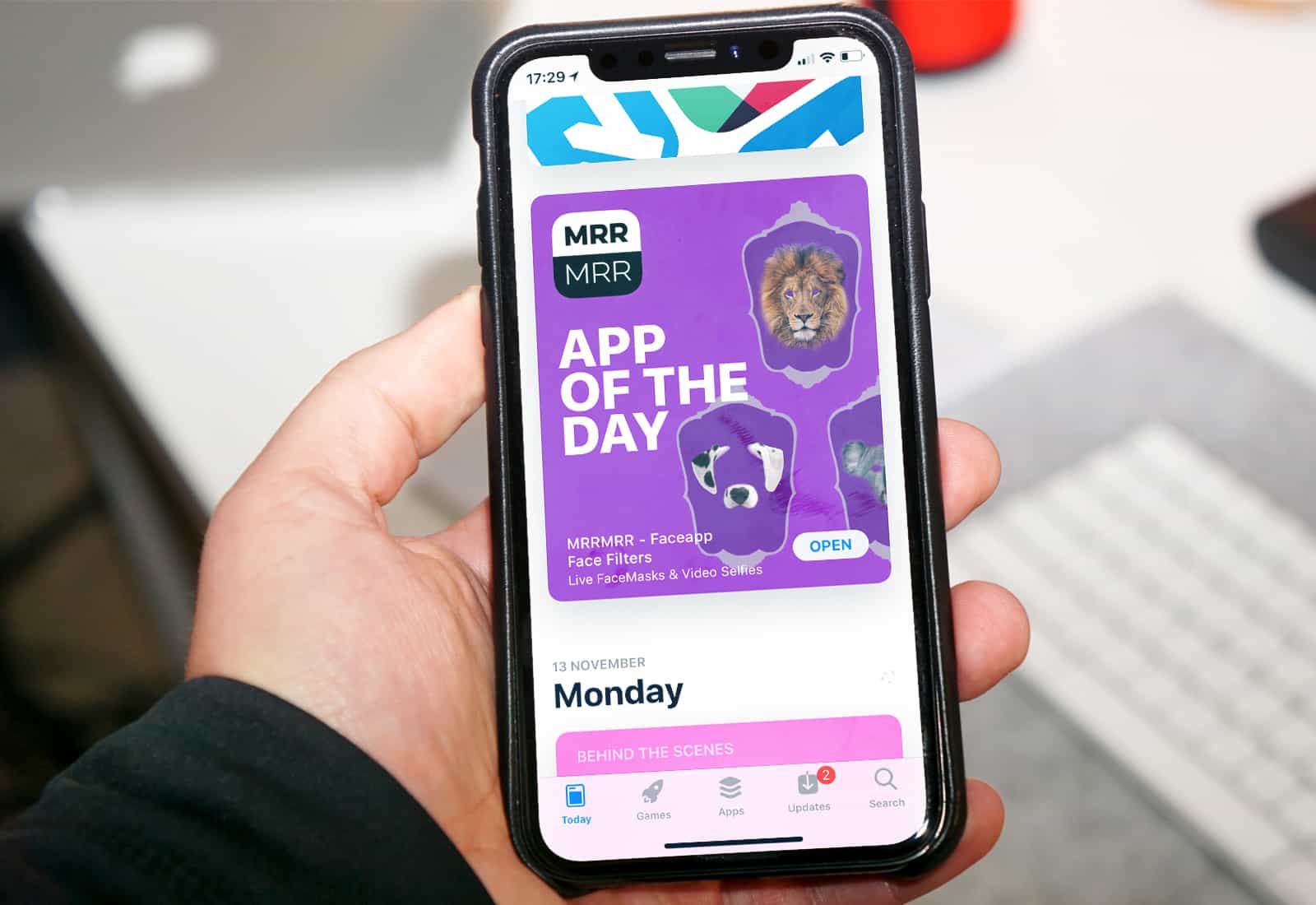
Apple apps no longer dominate App Store search results. Photo: Ste Smith/Cult of Mac
The App Store raked in almost twice as much revenue as Google Play in 2018, despite significantly fewer downloads.
Google’s marketplace did enjoy a 27.3 percent rise in gross app revenue year-over-year — a larger rise than Apple’s — but iOS remains the most lucrative platform for developers by far.
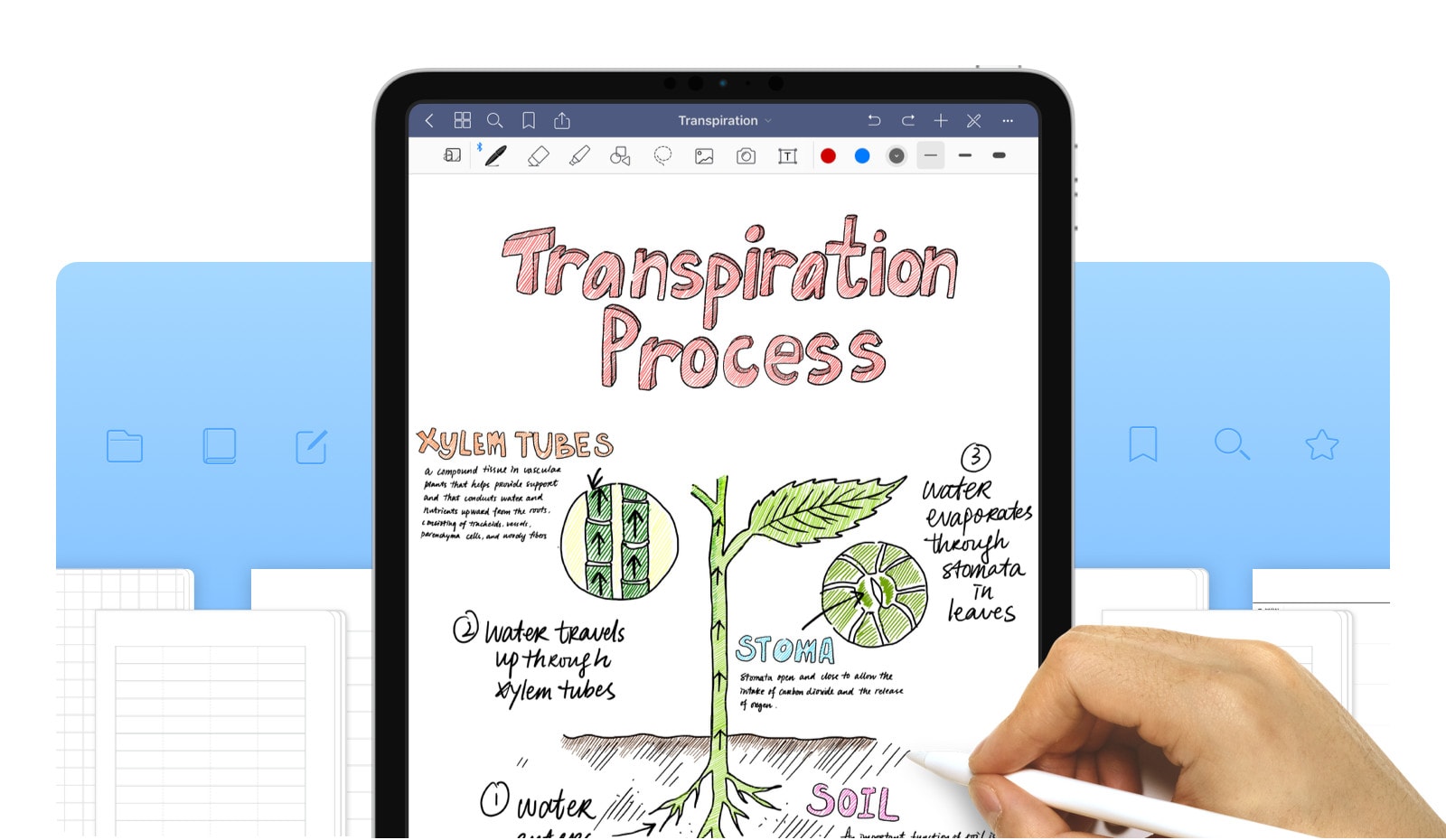
GoodNotes is one of the most popular notes app on iOS, and the Mac. and with good reason. It combines a great PDF viewer with a free form notes app, and mixes the two together. This week, GoodNotes 5 launched, an entirely new app (with upgrade pricing for users of the old app) that blows out the dust, and the olde-timey app UI in favor of a clean and organized view.
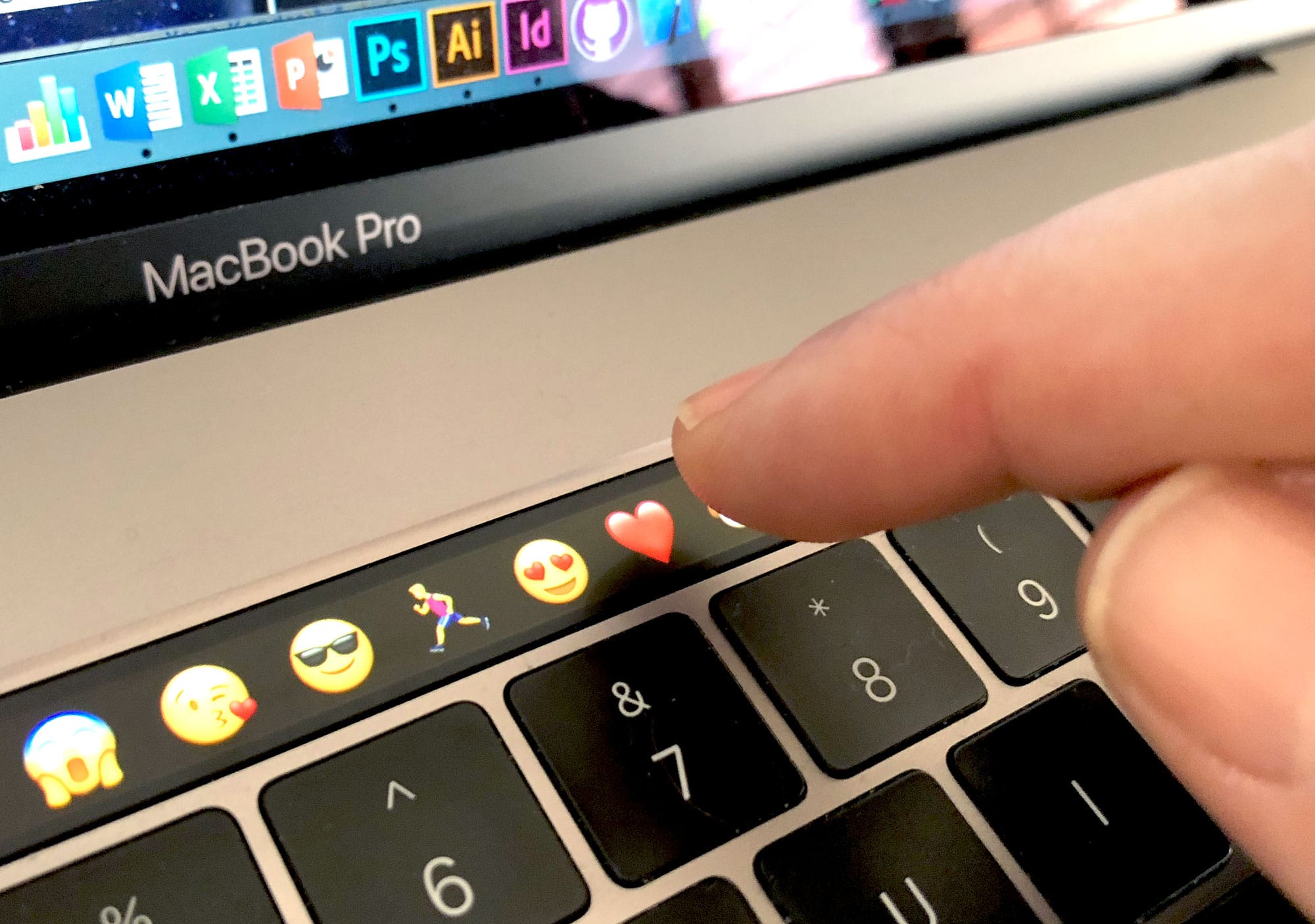
You got the touch. Here's how to master your MacBook Pro’s Touch Bar. Photo: Graham Bower/Cult of Mac
The Touch Bar is one of Apple’s most controversial innovations of recent years. Located inconspicuously at the top of the MacBook Pro keyboard, where the function keys used to sit, some users ignore it altogether. Others actively hate it.
For pro users, like software developers, the lack of a physical escape key and function keys can be a real pain. And the Touch Bar’s touch-sensitivity makes it all too easy to trigger Siri by accident when you aim for the delete key.
But love it or loathe it, we’re stuck with the Touch Bar. Apple includes it on all its high-end laptops, without even offering function keys as a built-to-order option. So we might as well learn how to get the most out of it.
The good news is that once you get in touch with your Touch Bar, it turns out to have some genuinely useful time-saving features. Especially if you use apps that support it, like Adobe Photoshop and Microsoft Office. Here are my top 40 Touch Bar tips.
Apple has been a big advocate of user privacy. Screenshot: Apple
Tim Cook has called for “comprehensive federal privacy legislation” in the U.S. that would fight the “shadow economy” of data brokers. Cook’s comments were made in an op-ed for Time Magazine, published today.
This is just the latest example of Cook calling out companies which make their money trading in user data, often gathered without the full understanding of users of a particular service.
No matter whether your data is backed up in iCloud, in iTunes or not at all, this app can get it back. Image: Tenorshare
This post is presented by Tenorshare.
The more we use our iOS devices, the more likely we are to lose data that’s important to us. Whether because of theft, damage or neglect, plenty of us know how valuable it can be to quickly get back the data we’ve lost. Even better if you can target just the files you want, like certain photo albums or text exchanges.
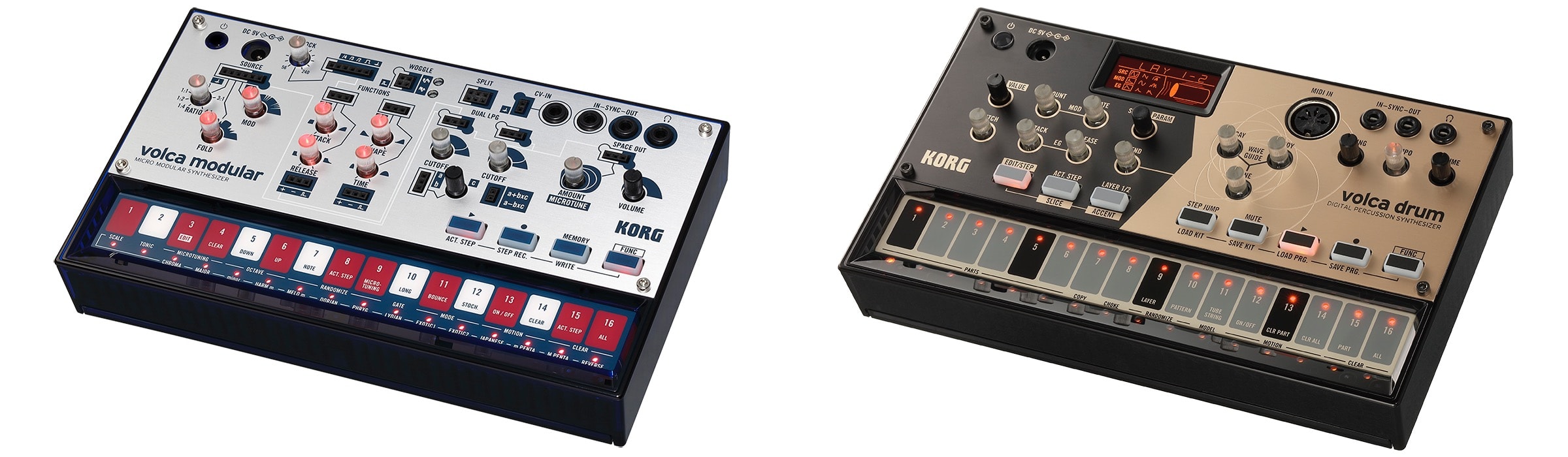
Who wouldn’t want to play with one of these little tykes? Photo: Korg
Hey, iOS musicians. Not just you, in fact: Hey anyone who likes fun! Meet Korg’s new music-making boxes, the Volca Drum and the Volca Modular. They’re new additions to the Volca family of paperback-size music machines that hook up together or work alone. And they work great with your iPad or Mac, if you like.
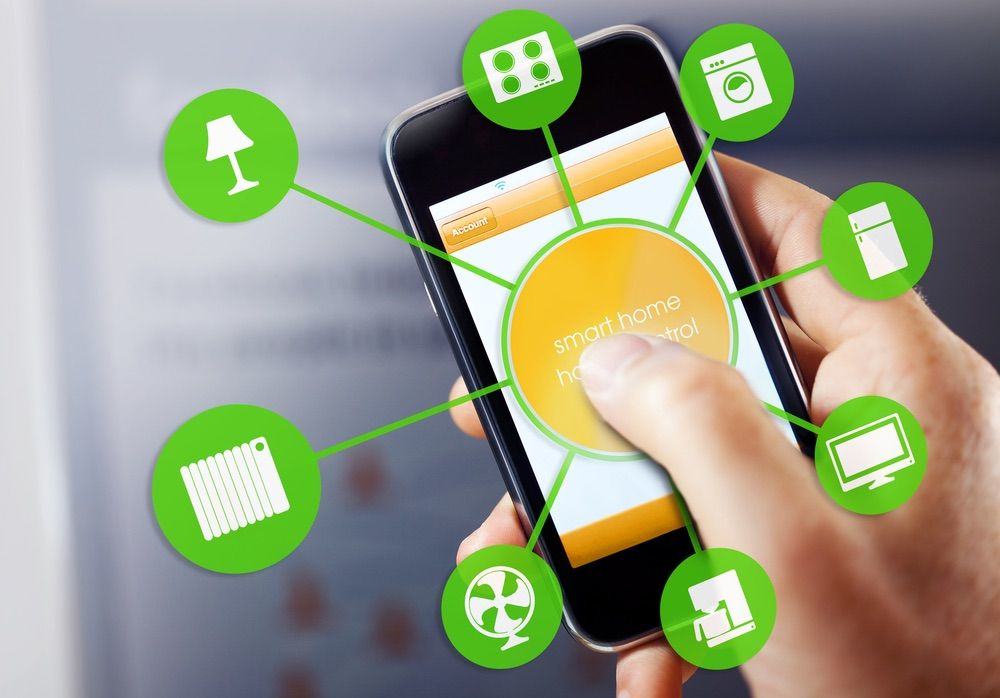
A slew of new HomeKit-compatible devices are headed our way. From locks and TVs to blinds and video doorbells, they promise to make smart homes more exciting in the very near future.
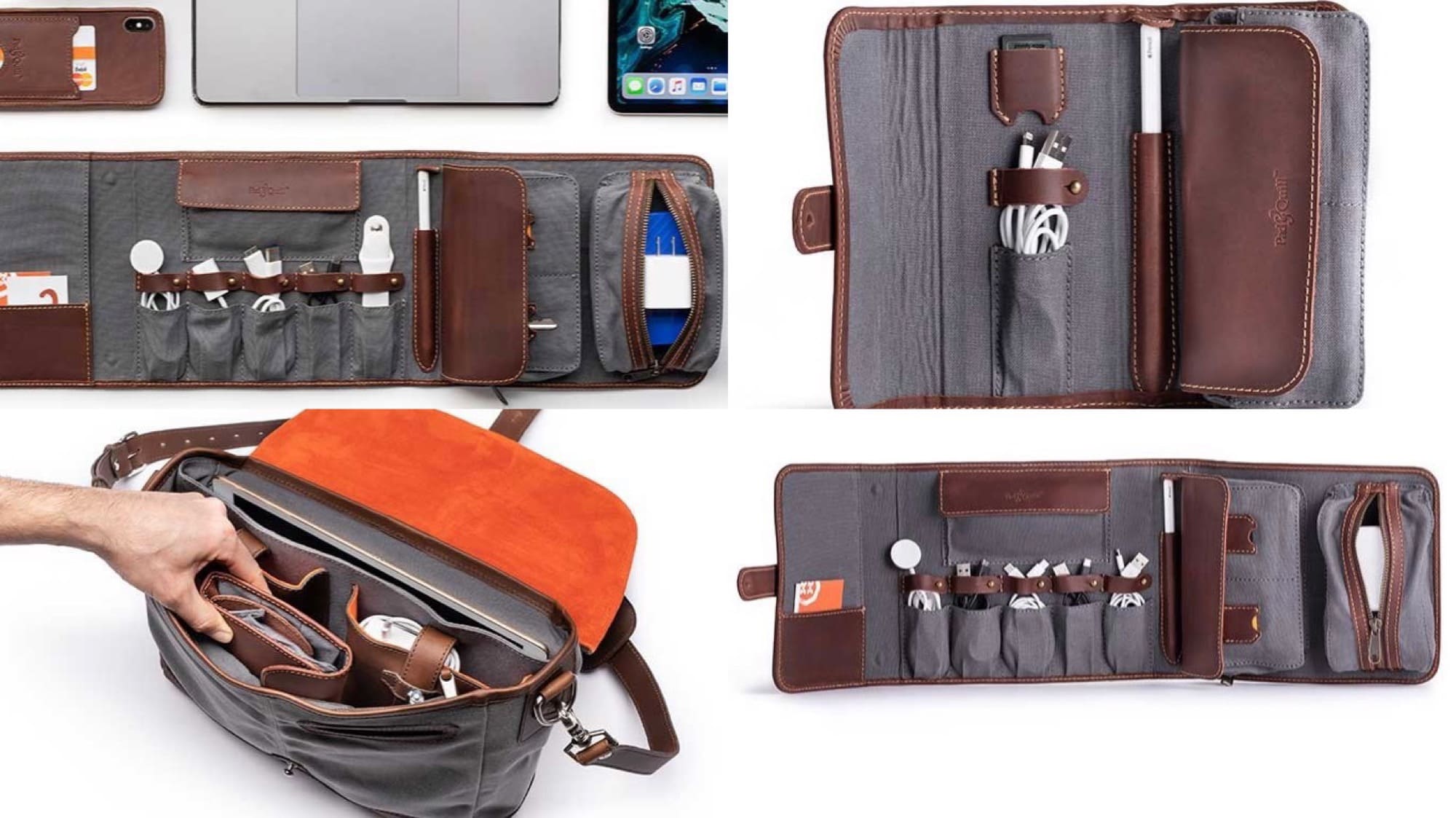
Don’t let dongle’s dangle — wrangle the tangle. Photo: Pad & Quill
Check out Pad & Quill’s latest trio of gadget organizers. The Tech Folio, Tech Folio Mini, and Tech Folio Pro are variously-sized pouches with pockets, clips, and stretchy bands with which to wrangle and organize your cables and gadgets. Let’s take a look.
Charlie Sloth is joining Apple from the BBC. Screenshot: Beats 1/YouTube
Former BBC Radio 1 and 1Xtra DJ Charlie Sloth has officially joined Apple. The Charlie Sloth Rap Show on Beats 1 starts 12pm PT/3pm ET on Saturday January 19.
“I feel that U.K. music is in a place that it’s never been in my whole time supporting the culture in the way that I have,” Sloth told Beats presenter Zane Lowe in an interview. “I feel that it’s desired in a way it’s never been before globally — and with Apple Music and Beats 1 I feel that I offer something to these artists in the UK that no other platform can offer at the moment.”