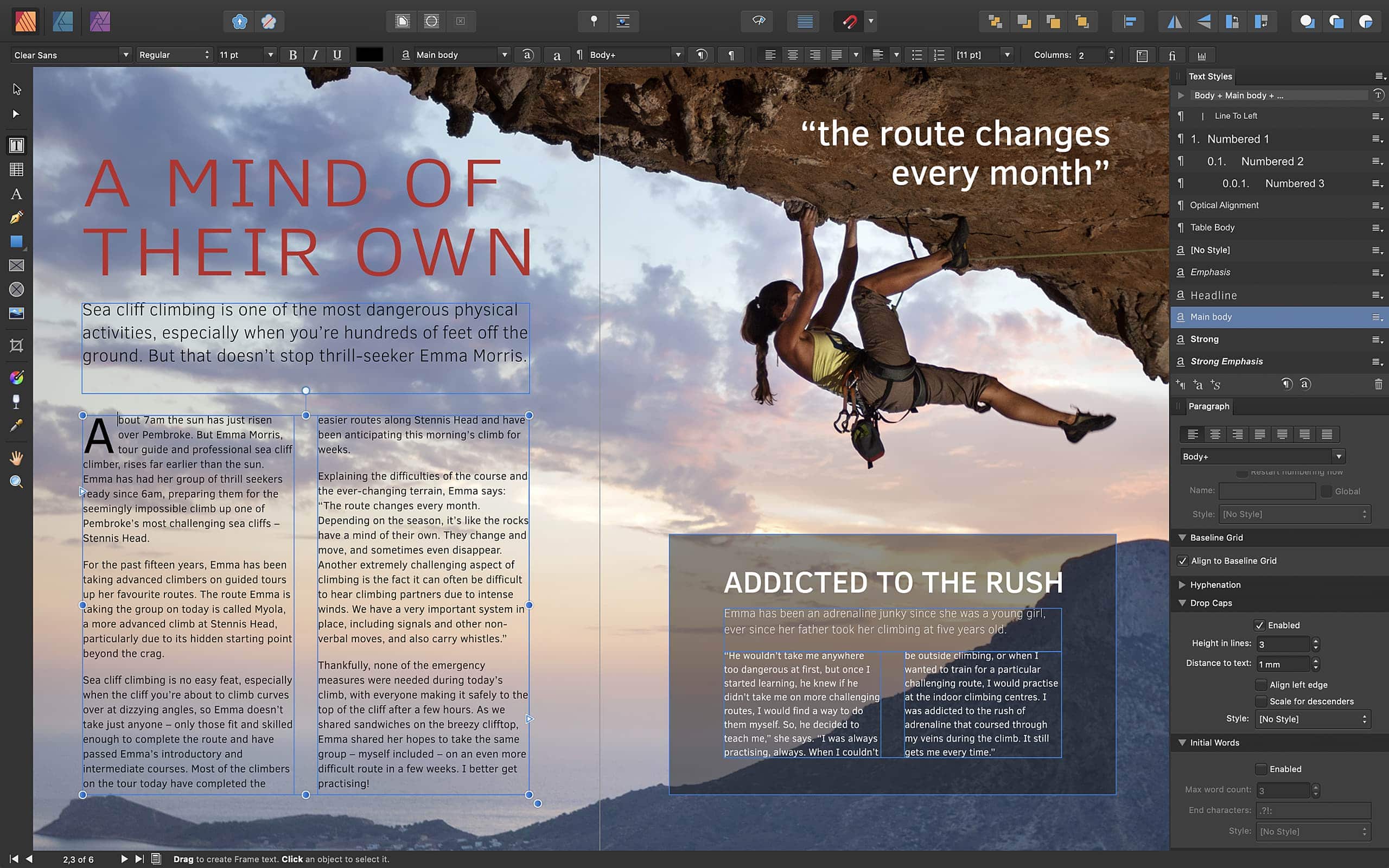
Affinity Publisher does it all — and plays nicely with other Affinity apps. Photo: Serif
Serif just delivered its latest Affinity app for Mac and PC — and it looks like an essential purchase for publishers.
Affinity Publisher is a professional desktop publishing client that has Affinity Designer and Affinity Photo baked-in for seamless vector design and image editing. It’s packed full of other useful features, too, and it won’t break the bank.
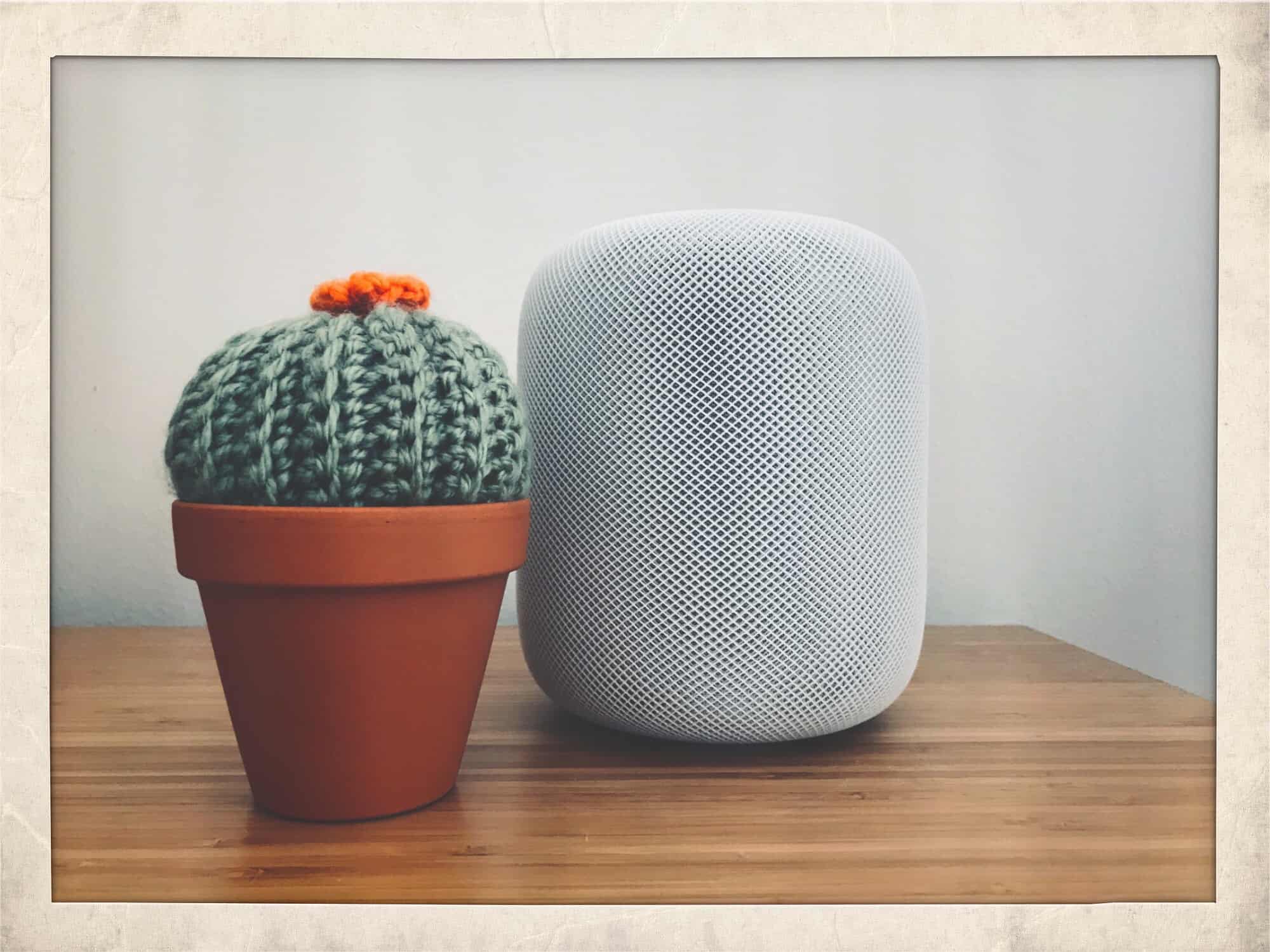
Would you ask Siri about your medication? Photo: Charlie Sorrel/Cult of Mac
If you have a query about your prescription drugs, you’re better off asking Google Assistant than Siri or Amazon’s Alexa. That’s the conclusion of a new piece of research, published in the journal Nature Digital Medicine.
While you’re best off asking a human doctor, of course, the research was intended to see how accurate Google, Amazon and Apple’s AI assistants are at explaining the 50 most commonly prescribed medicines.
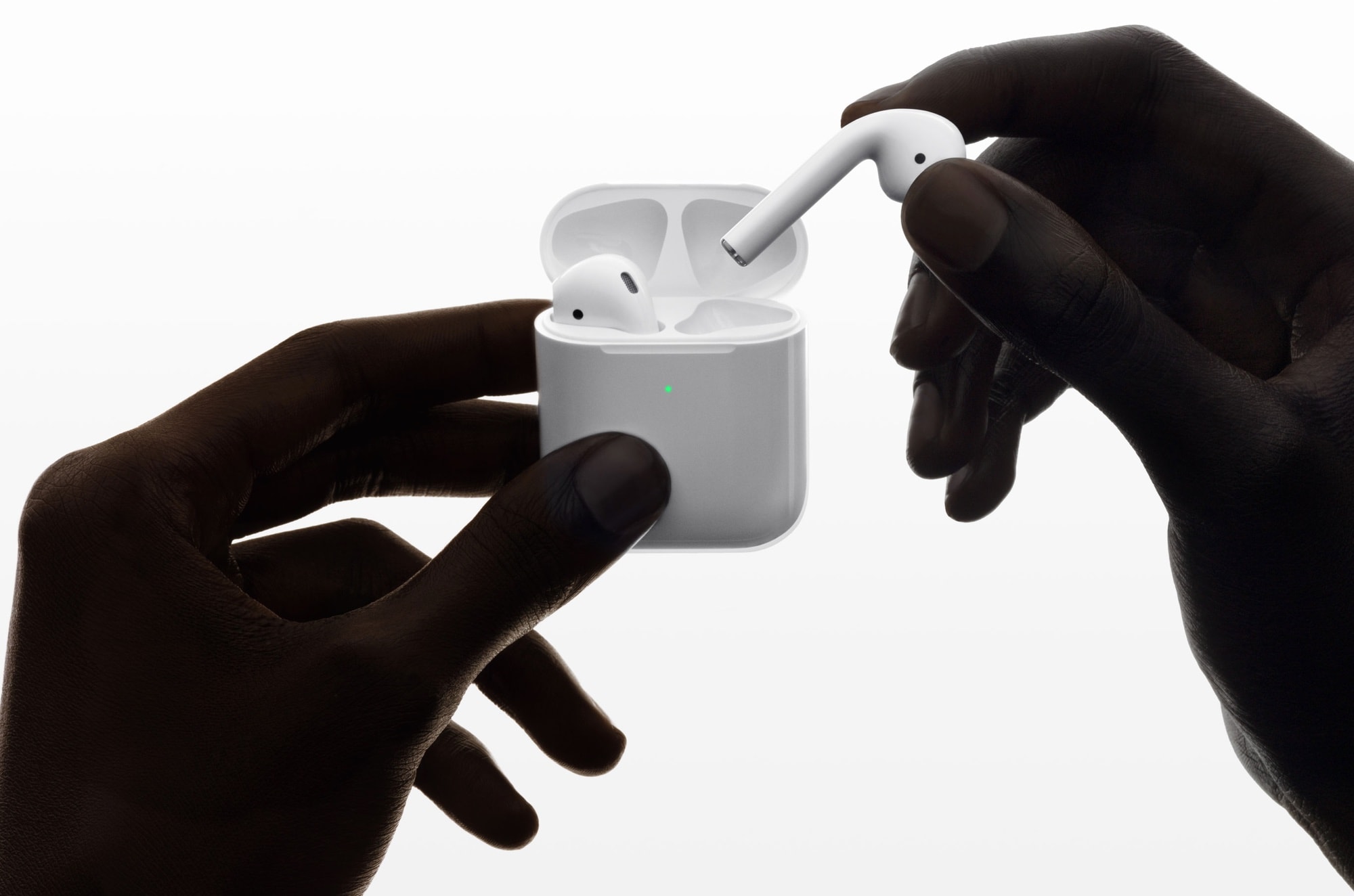
Get yours before the discount disappears. Photo: Apple
Can’t agree on the music to get you and your partner in the mood? That’s what AirPods are for.
A survey exploring the intersection of sex and music turned up this fun little finding. Out of 1,010 people surveyed, 17 percent said they wore AirPods during sex.
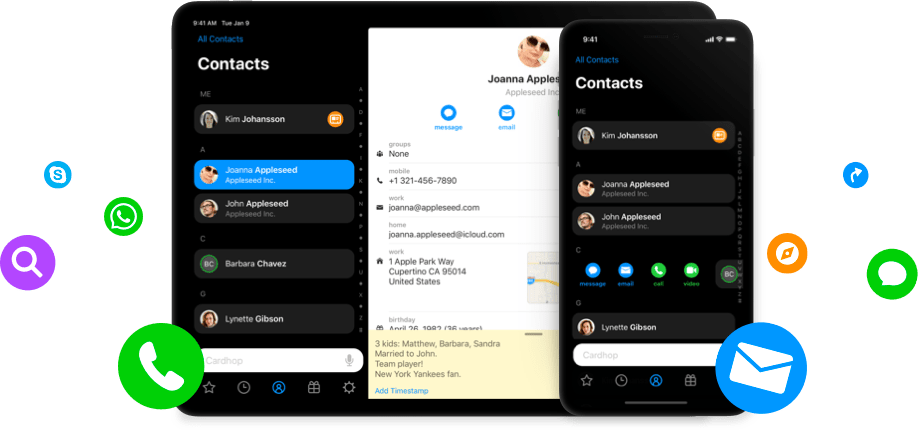
The latest releases bring a whole bunch of handy new features and improvements — including new templates and template settings, iMessage stickers, and support for multiple business cards.
A partial visual pun for a firewall. Photo: Charlie Sorrel/Cult of Mac
Guardian Firewall claims to be the first proper firewall app for iOS. It works by routing all the network connections from your iPhone or iPad through a VPN, and then filtering out privacy-invading trackers on Guardian’s own servers.
The idea is that all the heavy lifting is done on those servers, so you don’t have to worry about battery drain, or on the iOS security features that prevent an app from futzing with your internet connection.
Sounds good, but should you trust Guardian Firewall?
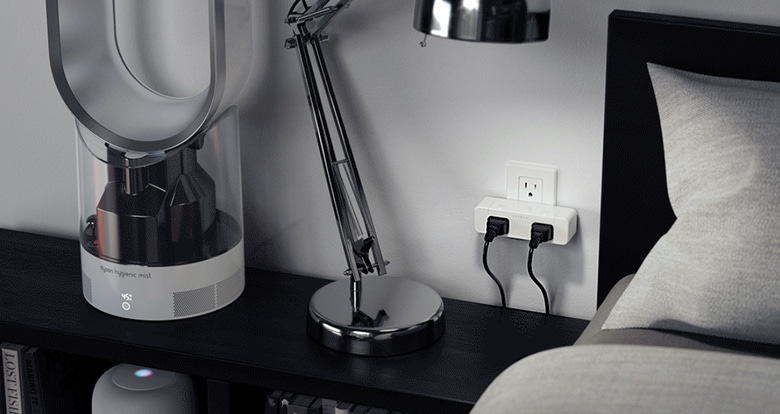
The Satechi Dual Smart Outlet gives you control of two devices at once. Photo: Satechi
There’s new home automation option from Satechi. The Dual Smart Outlet allows two devices to be controlled independently. And it supports Apple’s HomeKit so it can be accessed from an iPhone or Mac.
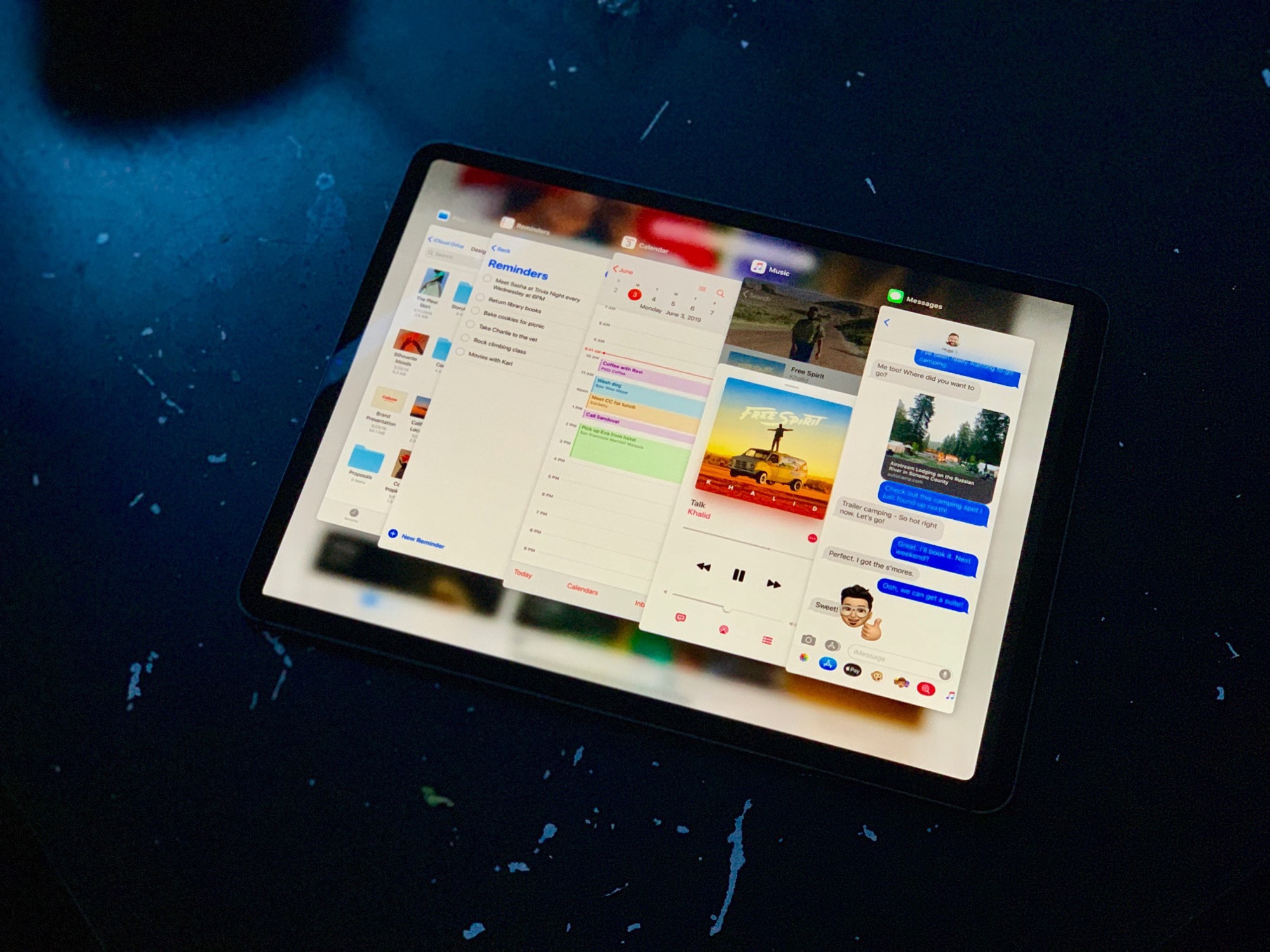
iOS 13 has almost too many features to cover -- but that won't stop us trying. Photo: Charlie Sorrel/Cult of Mac
The second iOS 13 and iPadOS betas bring both good news and bad. Unless you’re a total “thrill-seeker,” it’s still not a good idea to install these betas on your main iOS device. In fact, there will be far more spills than thrills: The code remains raw and buggy as hell.
I have iPadOS running on an old iPad. While this latest version seems much less ragged around the edges, many apps still crash. And I still can’t make the Slide Over apps hide themselves at the side of the screen. Nor do all my favorites appear in the Files app.
The good news is that, despite this, the latest betas offer several new features — and lots of stuff has been fixed. Let’s take a look at the highlights of what’s new in iOS 13 beta 2.
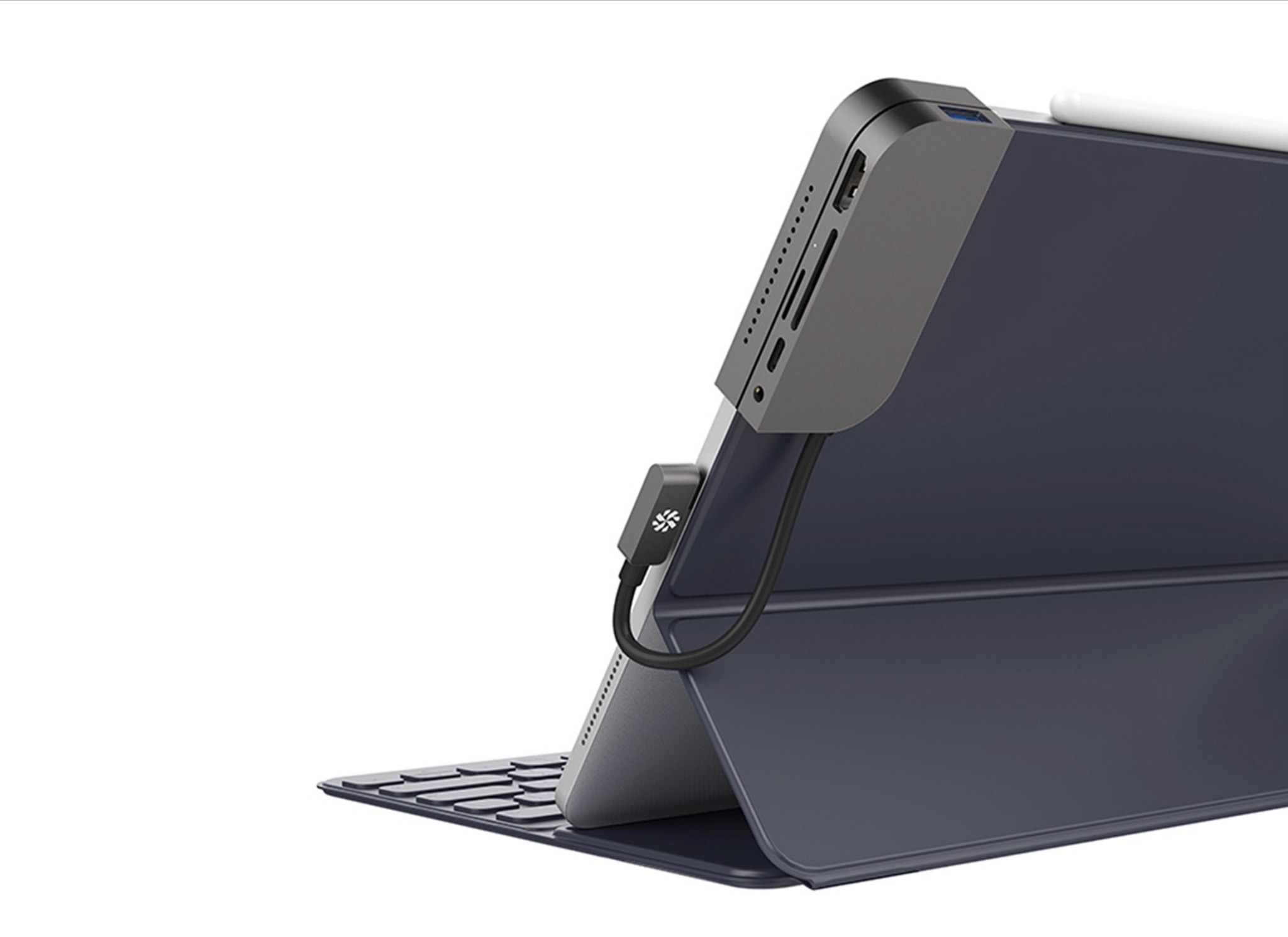
Kanex is the latest to deliver a USB-C hub for the 2018 iPad Pro. The iAdapt looks like one of the better options for adding must-have ports to your tablet, and it neatly clips onto the side of your device to keep everything tidy.
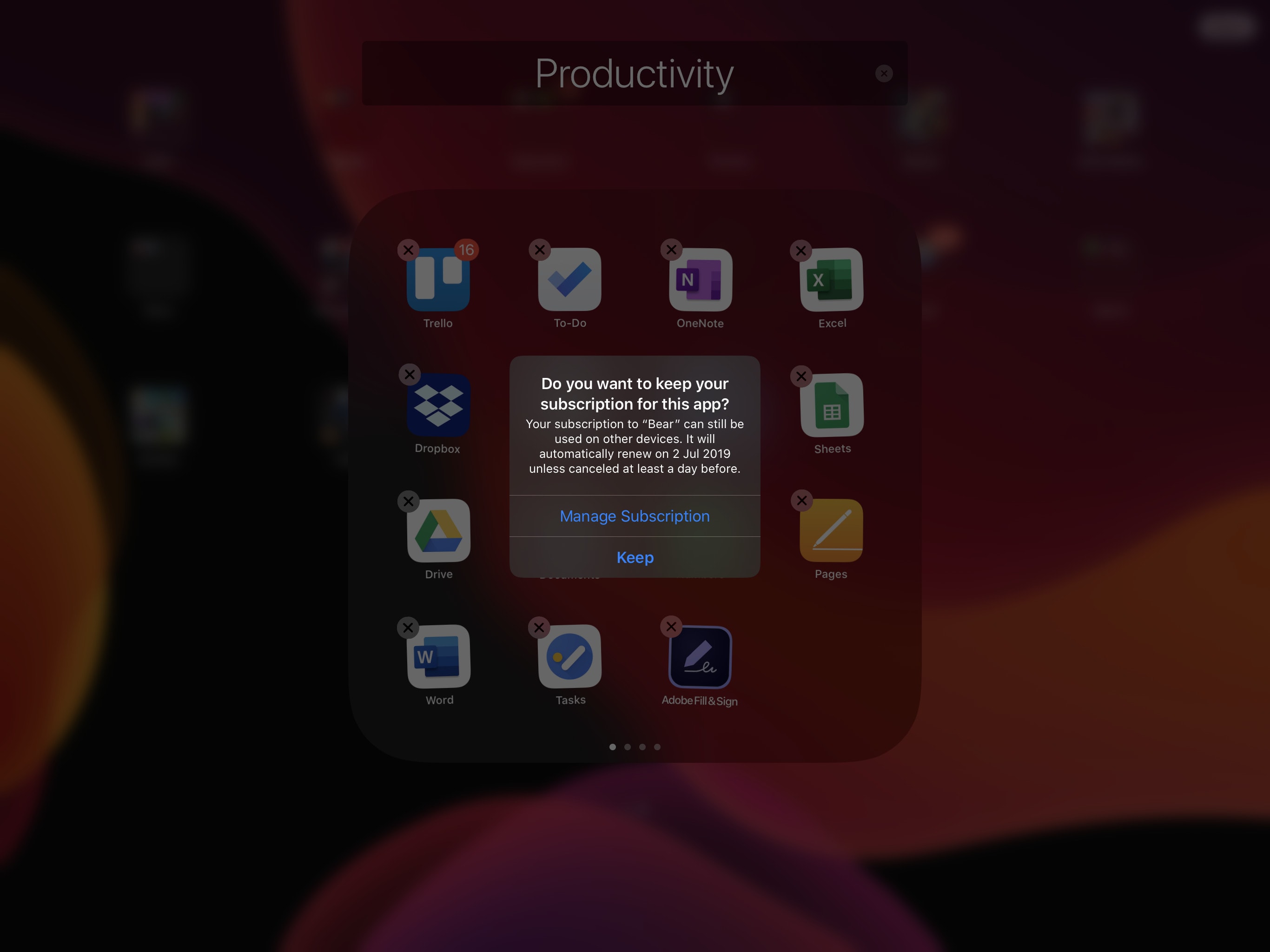
Don’t forget about unused subscriptions. Screenshot: Killian Bell/Cult of Mac
iOS 13 and iPadOS now warn you if you attempt to delete apps with active subscriptions.
The new popup, which was introduced in Apple’s second beta builds on Monday, also includes a “Manage Subscription” button that makes it easier to cancel subs you no longer need.
Dr. Mario, the classic 1990s puzzle game which originally launched for the NES and Game Boy, is coming to the App Store.
According to Nintendo, the game will arrive on July 10. It will be free to download but, as with recent Nintendo mobile games, will contain in-app purchases.