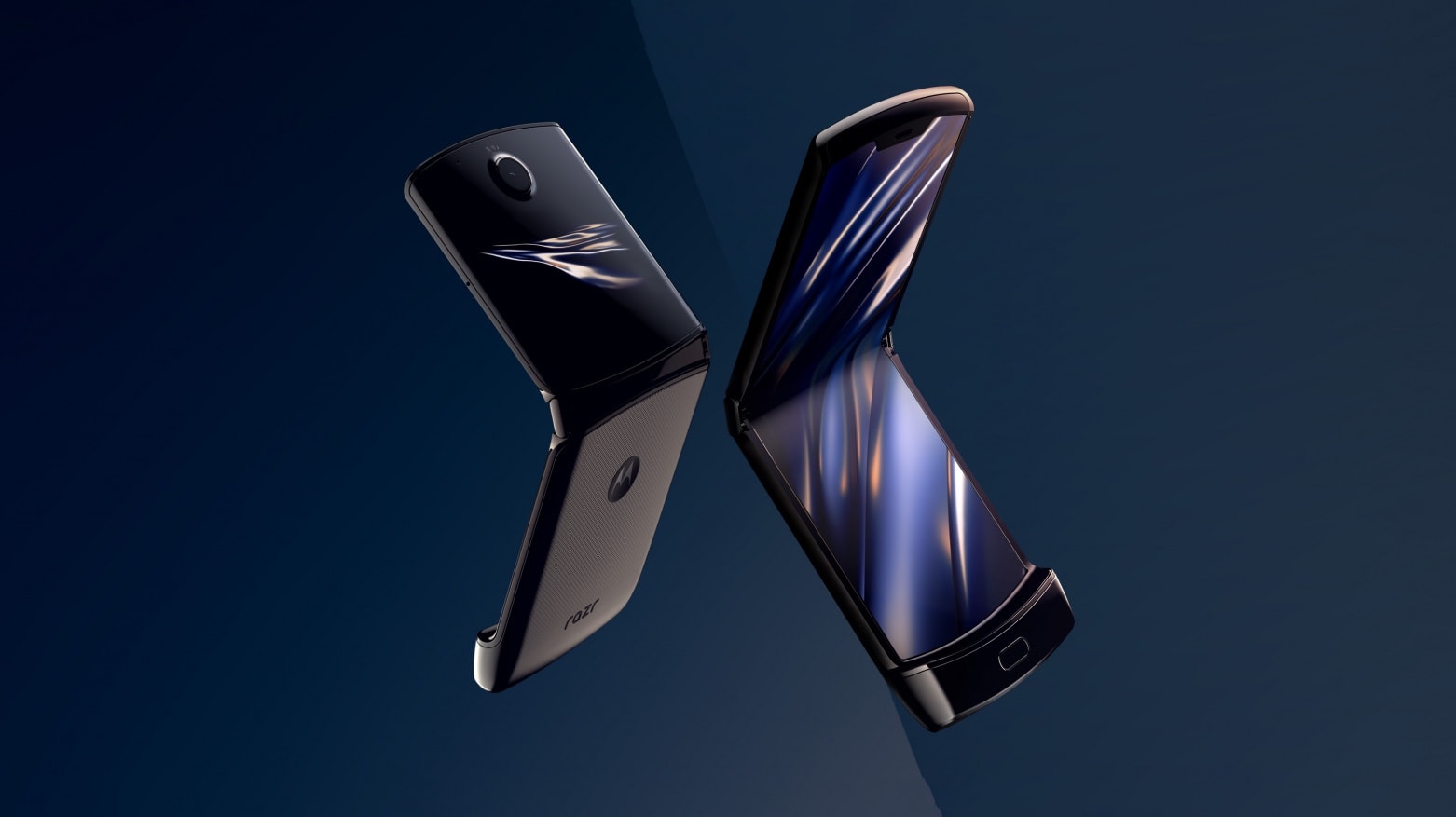
The 2020 Motorola Razr joins the other phones with flexible displays that were delayed. Photo: Motorola
Today was supposed to be the debut of an expensive new version of the Motorola Razr with a folding screen. But it didn’t happen.
Earlier this year, handsets from Samsung and Huawei with flexible displays were delayed because of design problems. Motorola, by contrast, says it pushed back the launch of the redesigned Razr to give it more time to meet high demand.
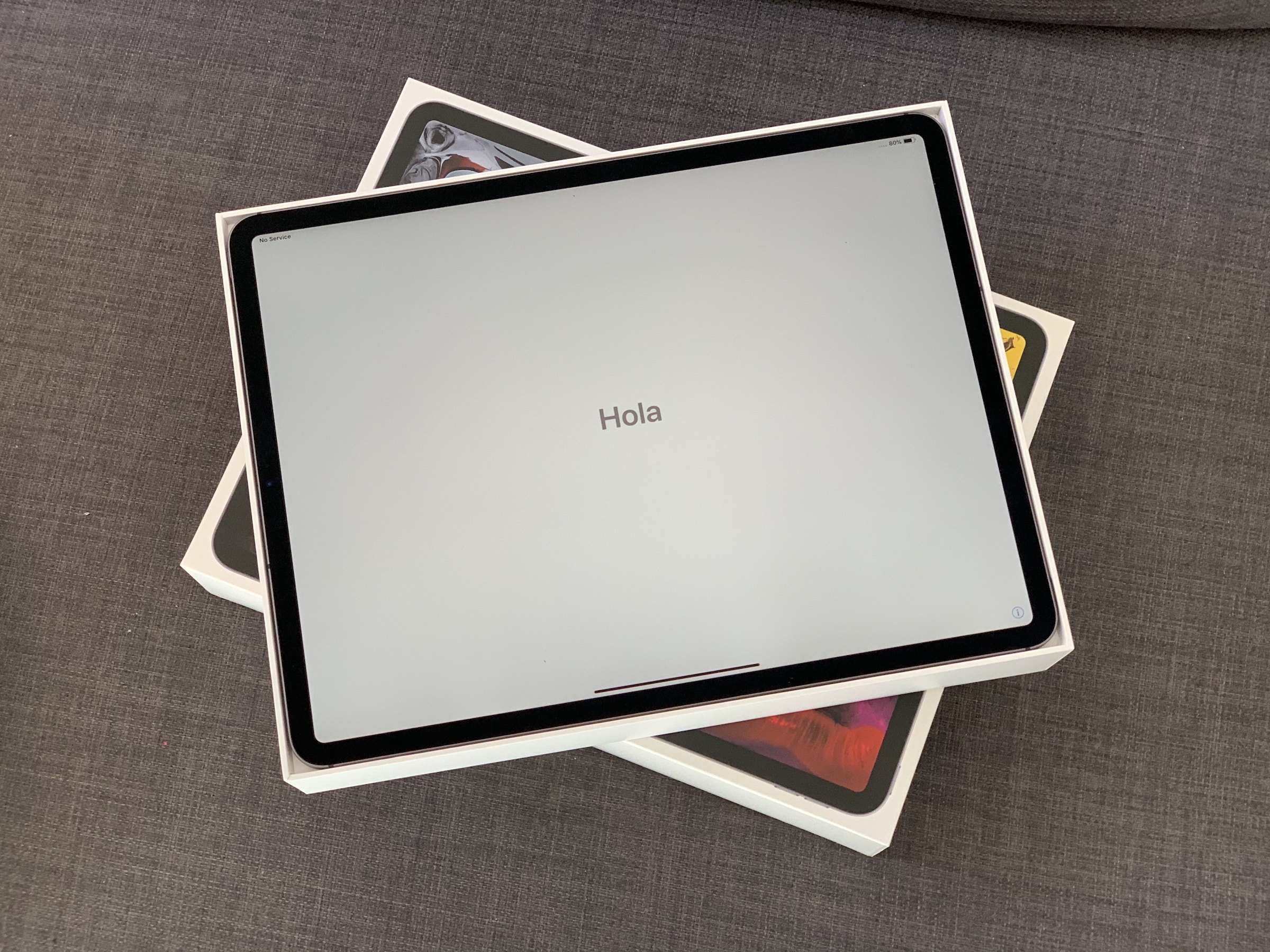
Have you got yours yet? Photo: Charlie Sorrel/Cult of Mac
Oh man! You just got your amazing new iPad Pro, tore it out of the box, and wondered how you tricked somebody into dropping $130 on that tiny white Apple Pencil. Now it’s time to get things set up. Thankfully, this is an easy process, especially if you already use an iPhone or iPad with iCloud.
So easy, in fact, that there are just a few things you need to do to move from your old iPad to a new one, or to migrate from an iPhone. And setting up a new iPad Pro from scratch isn’t much harder — gone are the days of manually copying passwords just to get to the home screen.
Still, following these iPad Pro setup and customization tips will make sure you get the most out of your new machine. Let’s get started.
This keyboard is quite the attention-getter. Photo: KnewKey
A retro-style mechanical keyboard with built-in speaker is the definition of a niche product. But, as far as niches go, I dug it. Even if I’m not entirely ready to ditch my iMac’s Magic Keyboard just yet.
Here’s what I made of my time typing on KnewKey’s Rocksete.
This weekend, you’re “enjoying” some extended time with your family. After you’ve fixed their devices, and taught them that the battery of their iPhone lasts way longer if they don’t leave the damn screen on the whole time, you might decide to swap some photos. You may grab the your old childhood snaps off your mother’s iPad, or photos of the family recipe book off your father’s iPhone. There are a few ways to do this — slow, fast and faster, wired or wireless. Let’s see how to transfer photos between iPhones and iPads, and how to share the best holiday photos with everyone.
Don't let this be your Christmas. Photo: Charlie Sorrel/Cult of Mac
Christmas time means packing up your daily troubles, forgetting work for a week, and heading home to… troubleshoot your parents’ broken computers and gadgets? Oh man, is it that time of year again already? That’s the problem with being the family’s only geek – you get handed all the geek jobs. However, you can turn this to your advantage, and make it a lot easier, by going in prepared. Check out our Holiday Troubleshooting Guide right here.
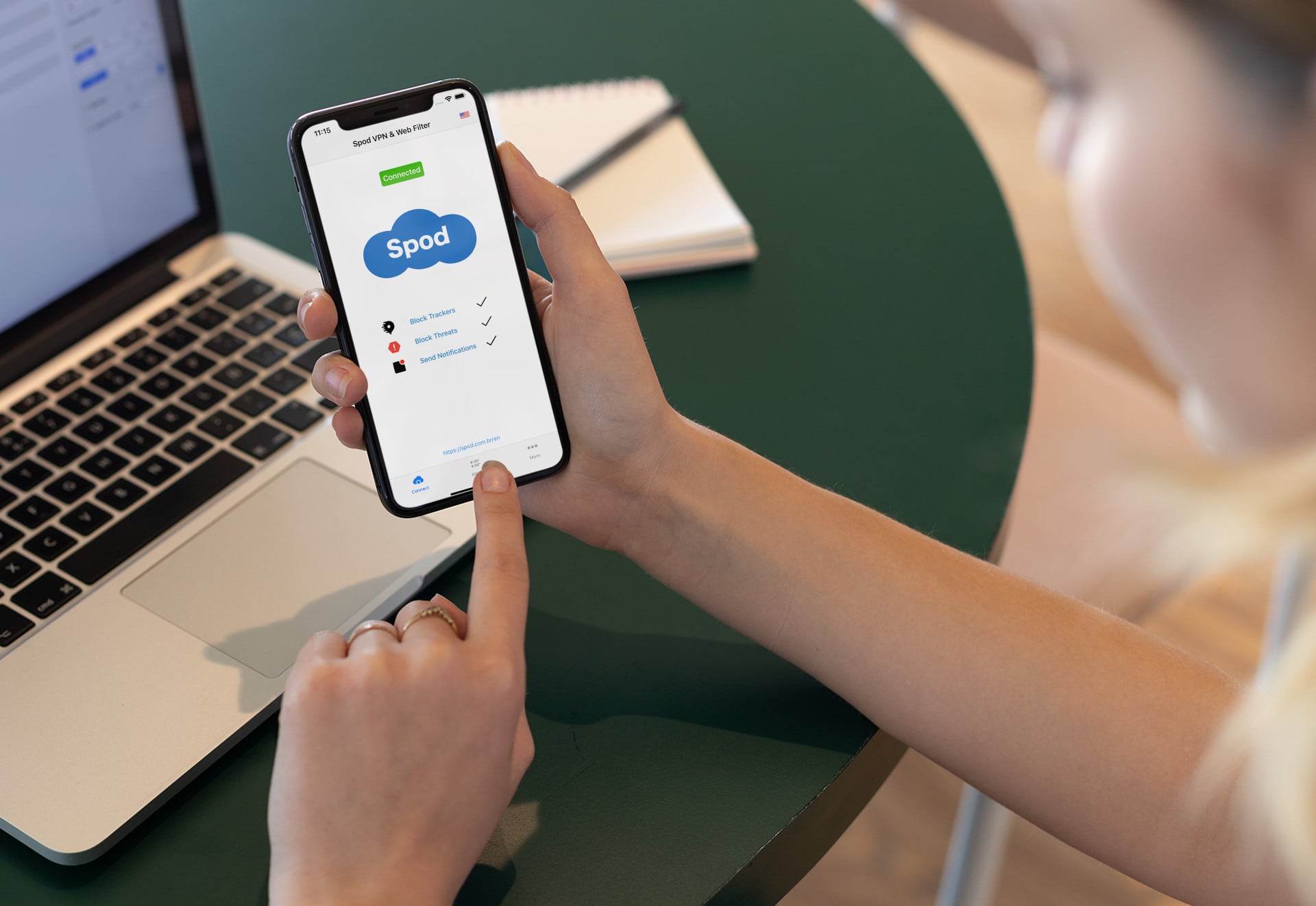
Spod VPN & Web Filter is your first step toward online security and true anonymity. Photo: Spod
This online security post is presented by Spod.
With the recent release of a macOS version, the online security and anonymity that Spod VPN & Web Filter provides for iPhone users is now available to Mac owners for the first time. And the anonymity in this case is for real. The app does not even require registration, so users remain truly anonymous while using it.
Visit the App Store every day for a new one. Photo: Apple
Apple is giving App Store customers free digital treats over the holidays.
Users in Australia, where it is now Christmas Eve, are waking up to a new App Store story that promises “a new surprise every day” from December 24 to December 29.
“Come back daily to discover which treat we have waiting for you,” Apple says.
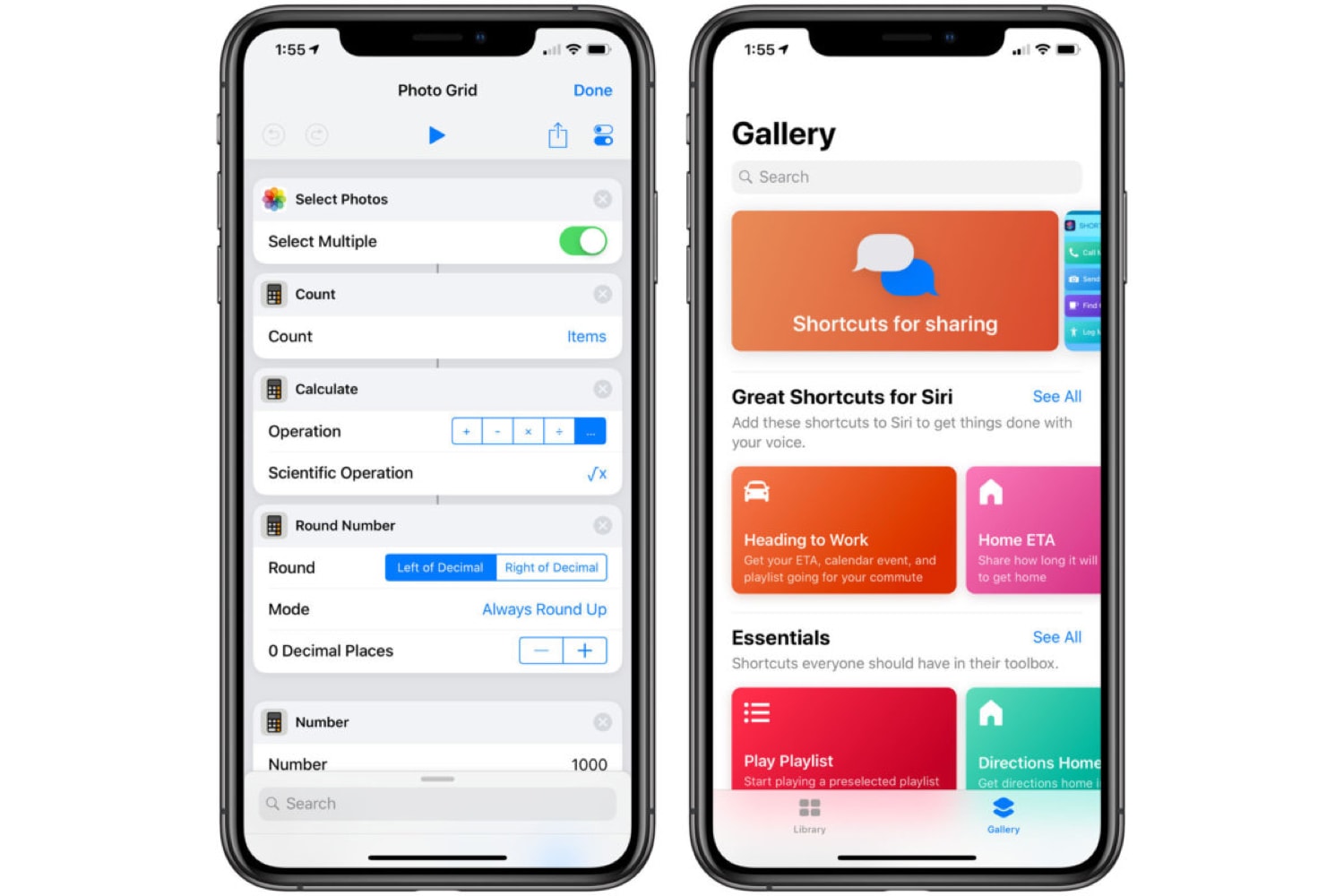
A new Take Control book explains Apple Shortcuts step-by-step. Photo: Apple
Apple Shortcuts are an easy and powerful tool to automate actions on iOS devices. A new ‘how-to’ from the people at Take Control Books walks users through setting up and building customized shortcuts with step-by-step ‘recipes’.